


 Menu
MenuMenu


Get Sales Advice from Mon - Fri 9am - 5:00pm:
020 3337 8950LAST UPDATED: March 30, 2026
How to Improve Airflow in Corsair PC Cases for Better Cooling & Performance
For years, Corsair has designed cases for PC enthusiasts that balance performance, aesthetics, and practicality. As components grow more powerful and case designs embrace glass and RGB lights, proper airflow is now just as critical as the hardware inside.
Proper Corsair case airflow directly affects temperatures, noise levels, and long-term reliability. If you are wondering how important airflow in a PC case is, it plays a critical role in keeping components cool, maintaining stable performance, and extending hardware lifespan. Even a well-built system can struggle if fans are poorly placed, airflow paths are blocked, or cooling choices are mismatched to the case design. This is especially true in modern computer cases, where visual design and cooling performance need to work together rather than compete.
In this PC case airflow guide, we will break down how airflow works inside Corsair cases, highlight common mistakes, and explain how to optimise fan placement, cooling choices, and case layout. If you are wondering how to improve PC case airflow, this walkthrough will help you enhance Corsair case cooling for better performance and quieter operation. Whether you are fine-tuning an existing setup or planning a new PC build, the same airflow principles apply.
How Airflow Works Inside a Corsair PC Case
Understanding the basics of airflow makes it much easier to optimise cooling without adding unnecessary fans or noise. Whether you are working with your current setup or choosing the best PC case for airflow, understanding how airflow paths function is essential for maintaining stable temperatures and efficient cooling. AllCorsair computer cases are designed around a simple airflow path that, when used correctly, delivers consistent airflow and maintains stable temperatures.
Intake, Exhaust, and Airflow Direction Explained Simply
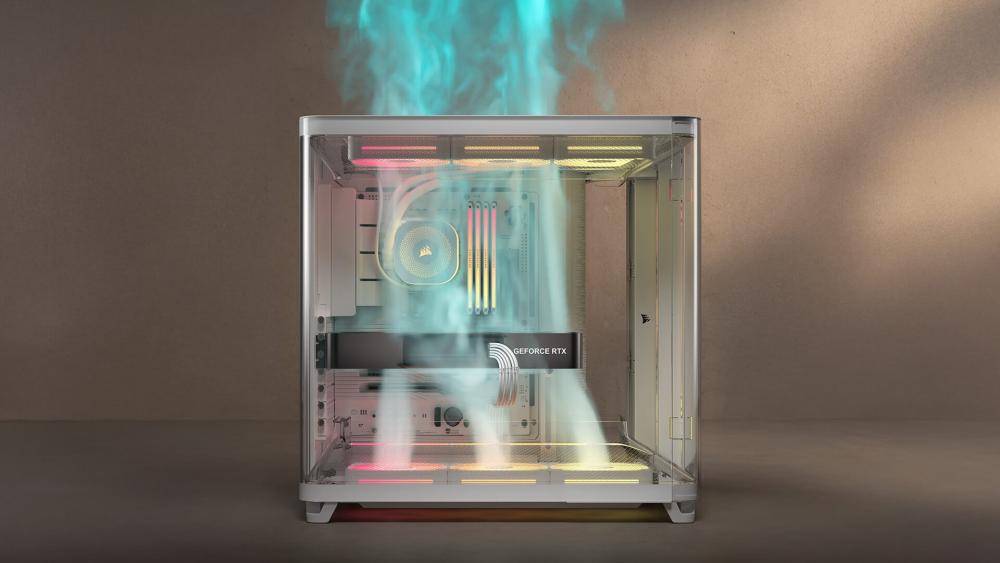
When understanding intake vs exhaust fan setup in a PC, the most important thing you should keep in mind is that the intake fans bring in fresh air, usually from the front or bottom, while exhaust fans expel hot air from the rear or top. Maintaining a clear airflow direction helps cool key components like theCPU and GPU efficiently, which is essential for reliable cooling in a gaming PC.
Positive Vs Negative Air Pressure in PC Cases
Positive air pressure occurs when more air is pushed into the case than expelled, helping reduce dust buildup when paired with dust filters. Negative air pressure happens when exhaust outweighs intake, which can improve short-term cooling but often increases dust.
Common Airflow Problems in Corsair Cases
Even well-designed cases can struggle if airflow fundamentals are overlooked. Most cooling issues are caused by setup choices rather than the case itself.
Too Many Fans, Wrong Placement
Adding more fans does not automatically improve PC case airflow. Poor PC fan placement can create turbulence, cancel airflow paths, and increase noise without lowering temperatures. Effective cooling in gaming PCs relies on balance and not fan count.
Obstructed Airflow from Cables, Radiators, or Panels
Loose cables, poorly planned radiator placement, or tight panel clearances can block airflow paths and trap heat. These issues can also lead to Corsair case panel fit issues, but most of them can be fixed if you analyse the issue and deal with it systematically.
Choosing Looks Over Airflow
Glass-heavy designs and RGB-focused builds often prioritise aesthetics over ventilation, which can negatively impact airflow, cooling efficiency, and overall thermal performance. This clearly shows how PC case design affects airflow and temperatures, especially when intake space and ventilation are limited. However, when it comes to Corsair, it offers many cases that help builders maintain a perfect balance between practicality and looks. You can learn more about different PC cases in ourCorsair PC Case Series Guide.
Optimal Fan Placement for Corsair Cases
Fan placement has a direct impact on temperatures, noise, and overall stability. Rather than adding PC case fans at random, the goal is to guide cool air through the case in a controlled path, ensuring heat from the CPU and GPU is removed efficiently without creating turbulence. Achieving the best PC fan configuration for airflow means balancing intake and exhaust while maintaining a clear and consistent airflow path throughout the case.
Front Intake and Rear Exhaust Fundamentals
The front-to-back airflow layout is the foundation of most Corsair designs. Front intake fans pull cool air across storage drives, the GPU, and towards the CPU area, while the rear exhaust fan removes warm air before it can circulate back into the case.
This setup works well because it keeps the airflow in the PC case predictable and consistent. It also reduces temperature spikes during sustained loads, helping maintain stable CPU cooling and improving overall system reliability. For most builds, this configuration alone is enough to achieve solid thermal performance.
Top-Mounted Fans — When to Use Them and When Not To
Top-mounted fans are most effective when used as exhaust, allowing rising heat to exit the case naturally. They are especially useful in systems with high CPU output or when a radiator is installed at the top of the case.
However, adding top intake fans can sometimes work against the main airflow path. If cool air is pulled in from the top, it may disrupt airflow direction, reducing the effectiveness of front intake fans and increasing internal turbulence. In many setups, leaving unused top mounts empty delivers better results than filling every fan slot.
120mm Vs 140mm Fans — What Works Best
Fan size influences both airflow volume and noise. 140mm fans generally move more air at lower RPMs, making them a better choice for quieter builds where case compatibility allows. They are ideal for front intake positions where sustained airflow is needed.
120mm fans, on the other hand, offer wider compatibility and finer placement control, which is useful in tighter layouts or for exhaust positions. Both sizes can deliver effective results when chosen based on placement rather than preference alone, making them equally viable case fans for enhancing airflow when used correctly.
Don't know which is the right fan for your PC case? Read our guide on choosing the right case fan for your build and make a well-informed decision.
Airflow Setups for Different Corsair Case Sizes
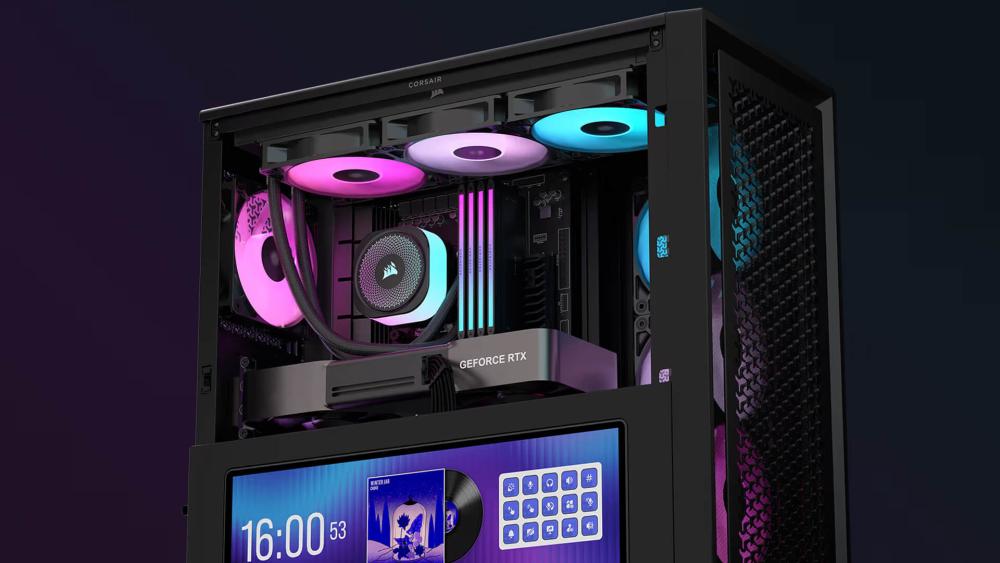
Case size plays a big role in how easily air can move through a system. While good airflow is possible in almost any build, the approach needs to match the available space and layout.
Improving Airflow in Mid-Tower Corsair Cases
Most builds use mid-tower PC cases, where space is more limited and airflow paths need to be deliberate. Prioritising front intake and rear or top exhaust helps maintain steady airflow in Corsair cases without overcrowding the interior. Keeping cables tidy and avoiding unnecessary fans is especially important in these tighter layouts. If you are looking for mid-tower cases, Corsair offers the 3500 series, which has been rated as an excellent case by many PC enthusiasts and builders.
Airflow Advantages of Full-Tower Corsair Cases
Full-tower PC cases offer more room for air to circulate, making it easier to separate intake and exhaust zones. This extra space helps reduce heat buildup around high-power components and improves overall thermal performance, particularly in multi-fan or liquid-cooled systems.
When Your Case Size Limits Airflow Improvements
If temperatures remain high despite correct fan placement and clear airflow paths, the case itself may be the limiting factor. At that point, you may need to check out the different computer case options with better ventilation and rebuild your PC rather than experimenting with the current setup. If you are taking this route, make sure you check compatibility with all the parts, especially the GPU and the case.
Cooling Choices That Affect Corsair Case Airflow
Cooling hardware does not work in isolation. The type of cooler you choose and where it is installed can significantly change how air moves through the case. Understanding how to improve PC airflow and cooling together is key, as both elements directly influence temperatures, performance, and system stability.
Air Coolers Vs Liquid Coolers and Airflow Interaction
Air coolers rely heavily on consistent airflow inside a PC case to move heat away from the CPU, making fan placement especially important. Liquid coolers shift heat to a radiator, which changes airflow demands inside the case and can affect overall CPU cooling efficiency if not planned properly.
Radiator Placement and Airflow Balance
Poor radiator placement can disrupt intake and exhaust balance. Front-mounted radiators prioritise CPU temperatures but can raise GPU temps, while top-mounted radiators usually work better as exhaust to maintain smooth airflow direction.
Managing GPU Heat in Airflow-Focused Builds
Most modern gaming setups generate significant GPU heat, especially under load. Ensuring a strong front or bottom intake and a clear exhaust path helps prevent heat from pooling around the graphics card, improving both cooling in gaming PCs and long-term stability.
Reducing Noise While Improving Corsair Case Airflow
Optimising Corsair case airflow is not just about lowering temperatures. When airflow is planned properly, it can also reduce fan noise and create a quieter, more balanced system overall.
Fan Curves and RPM Planning
Custom fan curves allow fans to respond gradually to temperature changes rather than running at full speed constantly. This approach helps maintain steady airflow in a Corsair case during load while keeping noise levels low during everyday use.
Fewer, Larger Fans Vs Many Small Fans
Using fewer, larger fans often delivers smoother airflow at lower RPMs. This setup improves airflow efficiency while avoiding the higher noise levels that come from running multiple small fans at high speeds.
Dust Control and Long-Term Airflow Performance
Clean dust filters play a key role in sustaining airflow over time. Dust buildup restricts air movement, forcing fans to spin faster, which increases both heat and noise if left unmanaged. If the dust filters are not cleaned regularly, case fans might stop spinning altogether, and it may damage the internal components.
When Airflow Issues Mean It's Time for a Different Case
In some situations, no amount of tuning will fully resolve cooling problems. If Corsair case airflow remains poor despite correct fan placement and clean airflow paths, the limitation may be the case itself rather than the setup.
Signs Your Corsair Case is Restricting Airflow
Consistently high temperatures, loud fans under light loads, or hot air lingering inside the case are common signs that airflow in your Corsair case is being restricted. These issues often appear in designs with limited ventilation or heavy reliance on glass panels without adequate intake space.
Choosing Airflow-Focused Corsair Case Designs
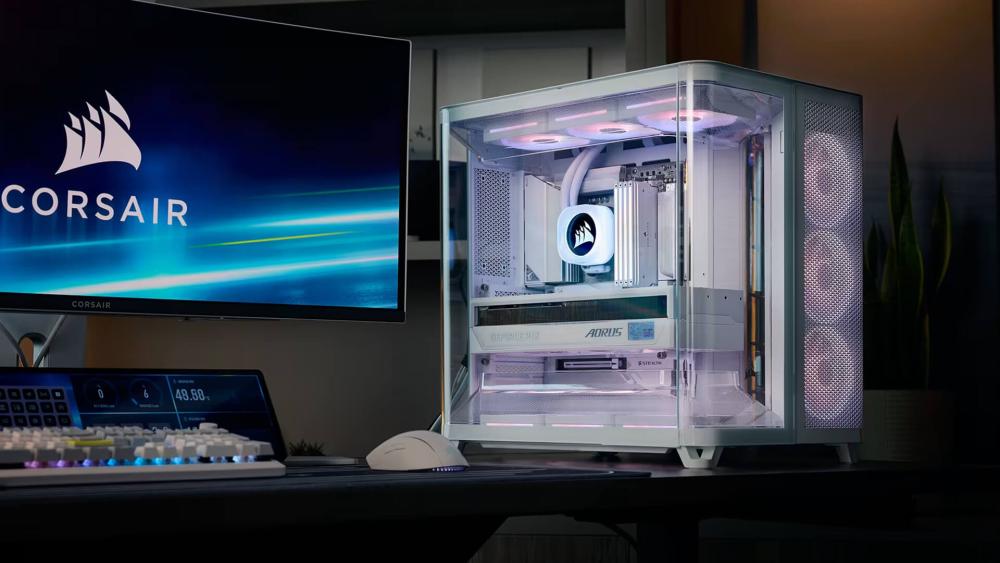
If airflow remains a bottleneck, switching to a design built around ventilation can make a noticeable difference. If you're looking for the best PC cases in 2026 with an optimal airflow, Corsair offers several models with mesh panels and improved intake layouts that prioritise airflow, making them better suited for high-performance or long-duration workloads.
Conclusion
Good cooling starts with proper planning, and improving airflow is often the most effective way to lower temperatures, reduce noise, and protect your components over time. Fan placement, airflow direction, and cooling choices all work together to determine how well heat is managed inside the case.
By understanding how airflow behaves and making small, deliberate adjustments, you can significantly improve airflow in a Corsair PC case without overcomplicating your build. Whether you are optimising an existing system or choosing a new case, airflow-focused decisions will always pay off in performance and reliability.
Frequently Asked Questions
What Corsair case has the best airflow?
Cases with mesh front panels and open intake designs generally offer the best airflow, especially for high-performance gaming and workstation builds.
Does a PC case affect airflow?
Yes, the layout, ventilation, and internal spacing of a case directly influence how efficiently air moves through a system.
Does the Corsair 5000X have good airflow?
The 5000X can deliver solid cooling when configured correctly, but its glass panels mean fan placement and airflow planning are especially important.
Is a bigger case better for airflow?
Larger cases usually allow air to circulate more freely, but good airflow is still achievable in smaller cases with proper planning.
What is an optimal airflow for a PC?
A balanced setup with clear intake and exhaust paths, minimal obstruction, and controlled fan speeds provides the most effective airflow for most systems.
You can pay with:
*PayPal Credit Representative Example: Assumed credit limit £1,200, Representative 23.9% APR (variable). Purchase rate 23.9% p.a (variable).Terms & Conditions apply.


PayPal Credit and PayPal Pay in 3 are trading names of PayPal UK Ltd, 5 Fleet Place, London, United Kingdom, EC4M 7RD. Terms and conditions apply. Credit subject to status, UK residents only, Five Tech LTD acts as a broker and offers finance from a restricted range of finance providers. PayPal Pay in 3 is not regulated by the Financial Conduct Authority. Pay in 3 eligibility is subject to status and approval. 18+. UK residents only. Pay in 3 is a form of credit. Check if affordable and how you will repay. May make other borrowing more difficult or expensive. See product terms for more details.
Copyright © 1996-2026 Fivetech LTD | Terms and Conditions
box.co.uk & Box are trading names of Five Tech Limited. Registered office: Box LTD, Unit 10 Woodford Trading Estate, Woodford Green IG8 8HF