


 Menu
MenuMenu


Get Sales Advice from Mon - Fri 9am - 5:00pm:
020 3337 8950LAST UPDATED: January 27, 2026
Corsair Case Panel Fit Issues Explained: Why Panels Don’t Align & How to Fix Them
Clean panel alignment is something most builders only think about once something goes wrong. A side panel that will not sit flush, a front panel that feels loose, or a glass panel that suddenly feels difficult to refit can quickly turn a smooth build into a frustrating one. These problems are especially noticeable on modern PC cases that rely on tool-less designs and large glass surfaces.
If you are using a Corsair case and encounter that its panel will not sit flush, slide into place, or reattach cleanly, the issue is often simpler than it appears. In many situations, Corsair case panel fit issues are caused by small installation details rather than defective parts.
This guide explains why alignment problems happen, how modern Corsair case designs influence panel fit, and what you can do to fix or prevent them, particularly when working with a tempered glass PC case or an airflow-focused build.
Why Corsair Case Panel Fit Issues Happen in the First Place
Panel alignment problems usually come down to a combination of tight build tolerances and how the case is assembled. Modern Corsair desktop cases are designed to fit components precisely, which leaves little margin for error if something inside the case is slightly out of position.
Larger panels, tool-less mounting systems, and the increased use of tempered glass also mean panels are less forgiving than older steel designs. In many cases, what looks like a serious alignment fault is simply the result of internal pressure, cable routing, or panel mounting points not engaging as intended.
Manufacturing Tolerances Vs User Installation Issues
All desktop computer cases are built within defined tolerances, meaning minor variations are normal. Most Corsair case panel fit issues occur when internal components, cables, or brackets push against the panel, rather than from manufacturing defects.
How Modern Case Designs Affect Panel Fit
Features such as tool-less case design, snap-fit clips, and panel mounting rails make panels easier to remove, but they also require accurate alignment. With tempered glass PC case designs in particular, even small misalignments can prevent panels from seating correctly.
Which Corsair Cases Are More Prone to Alignment Issues
Corsair PC cases, especially mid-tower PC cases with glass panels, are more likely to highlight fit issues than larger full-tower PC cases. This is largely due to tighter internal spacing and reduced flexibility in panel movement.
Planning to buy a New Corsair PC Case? Read our Corsair PC Case Series Comparison Guide and make a well-informed purchase decision.
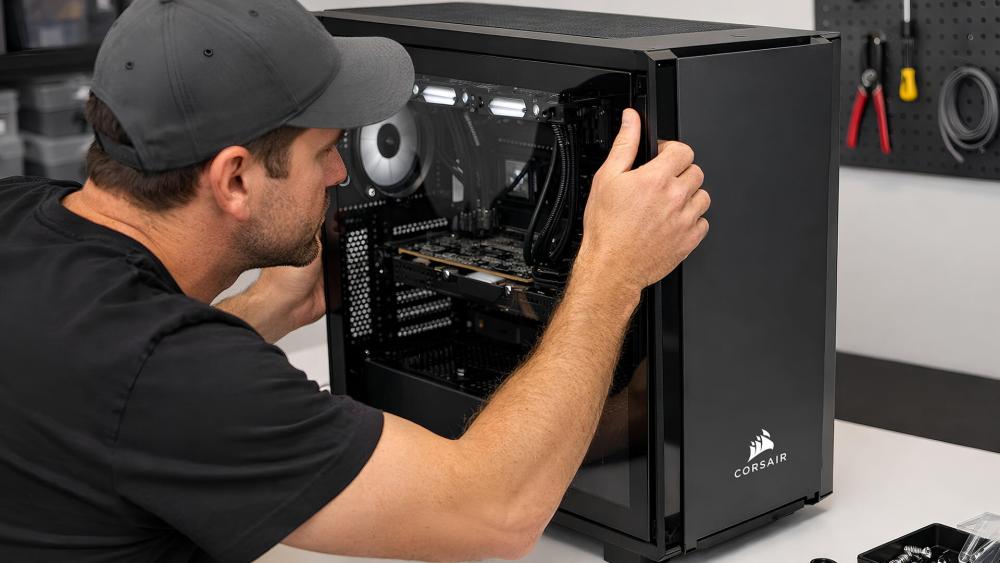
Common Corsair Case Panel Fit Problems Explained
Most panel issues fall into a few repeatable patterns. Understanding what each problem usually points to can help you fix it quickly without forcing parts into place or risking damage.
Side Panels That Won't Slide, Snap, or Sit Flush
Side panel alignment issues are usually caused by a small cable management clearance, uneven panel mounting rails, or slight PSU shroud interference. With a PC case with a glass side panel, even minor pressure can stop the panel from seating properly.
Front Panels That Feel Loose or Won't Reattach
Front panels that refuse to clip back in are commonly caused by misaligned or weakened front panel clips. On a glass PC case, repeated removal or uneven pressure can reduce how securely these clips engage.
Top Panels and Dust Filters That Don't Sit Correctly
Top panel issues are usually related to dust filter placement or fan and radiator hardware sitting slightly too high. In airflow-focused designs, even a few millimetres of obstruction can prevent the panel from sitting flat. If you are running a high-performance rig, you will need to improve airflow in Corsair cases to ensure that the key components don't heat up.
Step-By-Step Checks Before Forcing a Panel into Place
Before applying any pressure, it is important to confirm that nothing inside the case is pushing against the panel. A majority of Corsair case panel fit issues can be resolved by checking a few key areas first.
Checking Cable Routing and Internal Obstructions
Poor cable routing is one of the most common causes of panel problems. Excess cables behind the motherboard tray or near the PSU can reduce cable management clearance, preventing the side panel PC case designs from closing fully.
Confirming Fan, Radiator, and Bracket Placement
Fans, radiators, or mounting brackets that sit slightly out of position can interfere with panel alignment. This is especially common in an airflow PC case where multiple cooling components are installed close to the panel edge.
Verifying Panel Orientation and Mounting Points
Always check that the panel is aligned with the correct rails and mounting points. Misaligned thumbscrews, reversed panels, or partially engaged clips can make even a perfectly fitted panel appear incompatible.
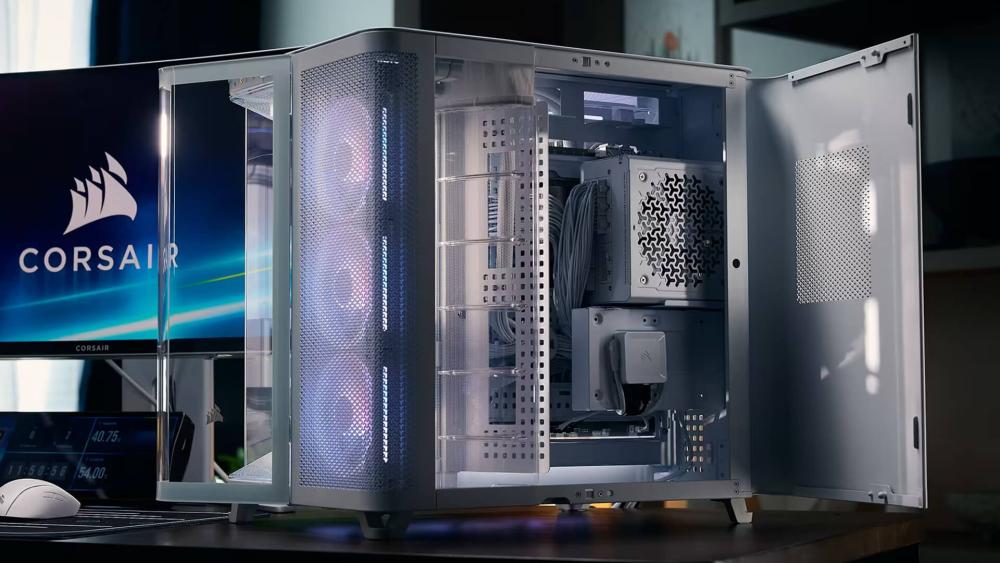
How To Fix Corsair Case Panel Fit Issues Safely
Once you have identified what is causing the misalignment, you can resolve Corsair case panel fit issues with small, deliberate adjustments. The key is to remove internal pressure points and ensure the panel engages with its mounting system exactly as intended, rather than trying to force it into position.
Adjusting Internal Components to Relieve Pressure
Internal pressure is one of the most common reasons panels refuse to sit correctly. Start by checking cable bundles behind the motherboard tray, especially thicker GPU power cables and PSU leads. These can reduce cable clearance and push outward against the panel, even if they look neatly routed at first glance.
Storage brackets, fan hubs, or controller units mounted close to the side panel can also create subtle pressure points. Repositioning these slightly or flattening cable runs often restores proper Corsair case panel fit, which is particularly important when dealing with a tempered glass side panel that has very little flexibility.
Reseating Clips, Rails, and Thumbscrews Correctly
If pressure is not the issue, remove the panel completely and inspect the mounting system. Snap-fit clips and panel mounting rails must engage evenly from top to bottom. If one clip catches before the others, the panel can appear misaligned even when it is not damaged.
When reinstalling, guide the panel into the rails first, then apply even pressure across the length of the panel. If thumbscrews are used, tighten them gradually and alternately rather than fully tightening one side first. This helps prevent twisting, which is a common cause of uneven panel seating.
When (And When Not) To Apply Gentle Pressure
Some resistance is normal with tool-less designs, but pressure should always feel controlled and predictable. Gentle, even pressure can help clips engage, especially on larger panels, but it should never require force.
If a PC case with a glass side panel refuses to seat with light pressure, stop immediately. Excess force increases the risk of cracked glass, damaged clips, or warped rails. At that point, recheck alignment, internal clearance, and mounting points rather than trying to push through resistance.
Preventing Panel Fit Issues During Your Next PC Build
Most Corsair case panel fit issues can be avoided with a little planning during the build process. Taking time to think about clearance and layout before closing the panels makes a noticeable difference.
Planning Cable Management Before Closing Panels
Route and flatten cables early, especially behind the motherboard tray, to maintain enough cable clearance for side panels to sit flush.
Choosing The Right Case Size for Your Components
Larger components fit more comfortably in appropriately sized cases. Tight builds in a mid-tower PC case are more likely to expose alignment issues than roomier layouts. Many people report GPU-fitting problems. If you are also facing such issues, refer to our GPU fit guide and ensure a smooth placement.
Airflow Planning That Doesn't Interfere with Panels
Ensure fans, radiators, and dust filters are positioned without overhanging panel edges, particularly in an airflow PC case setup.
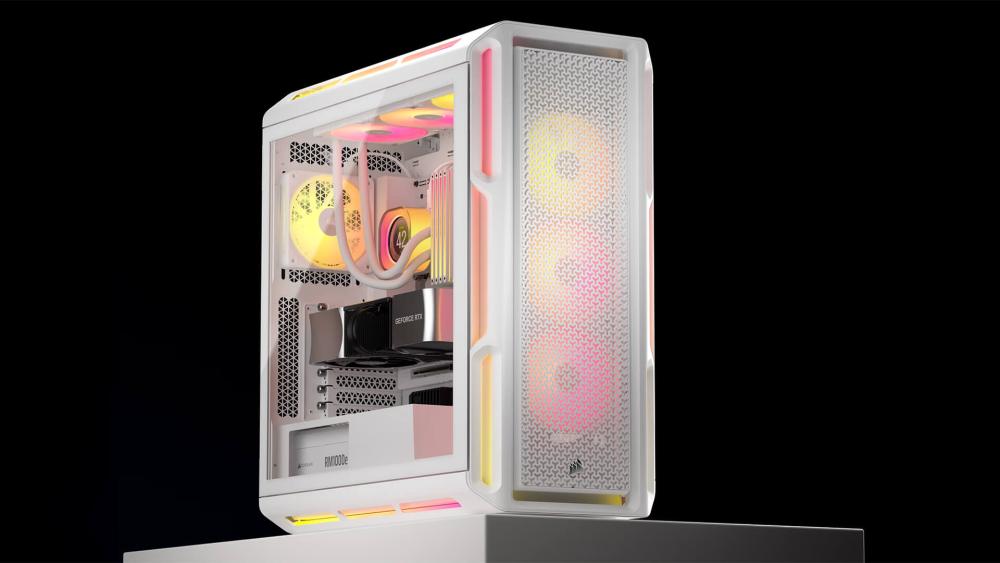
When A Panel Fit Issue May Indicate a Fault
Most alignment problems can be traced back to installation or internal pressure, but there are situations where the issue points to a genuine fault. Recognising the difference early helps prevent unnecessary stress on panels or mounting points.
Signs Of Warped Panels or Damaged Fixings
Clear warning signs include visible warping, uneven gaps that remain no matter how the panel is seated, or fixings that no longer engage securely. If the panel feels misaligned even when the interior is completely clear, the issue is unlikely to be caused by the build.
What To Check Before Requesting a Replacement
Before assuming a fault, remove and refit the panel carefully, double-check internal clearance, and confirm the issue is repeatable. If the problem persists across multiple attempts, it may indicate a manufacturing defect rather than an installation error.
Conclusion
Panel alignment issues can be frustrating, but they are rarely a sign of poor quality or a faulty case. In most situations, Corsair case panel fit issues come down to installation details such as cable routing, internal clearance, or how panels are seated.
By understanding how modern case designs work and taking a methodical approach during your build, you can avoid unnecessary stress on panels and achieve a clean, secure finish that looks and performs as intended.
Frequently Asked Questions
How do I remove the front glass panel on a Corsair case?
Most Corsair cases use snap-fit clips for the front panel. Gently pull from the bottom or designated grip area and apply even pressure to release the clips without twisting the panel.
Are tempered glass panels harder to align than steel panels?
Yes, tempered glass panels are less flexible than steel, which means even small alignment or clearance issues can prevent them from seating properly.
Can cable management cause Corsair case panel fit issues?
Poor cable routing is one of the most common causes. Excess cables behind the motherboard tray can push panels outward and stop them from sitting flush.
Should I force a Corsair case panel if it doesn't fit?
No. If a panel does not seat easily, forcing it can damage clips or crack glass. Always recheck alignment and internal clearance first.
You can pay with:
*PayPal Credit Representative Example: Assumed credit limit £1,200, Representative 23.9% APR (variable). Purchase rate 23.9% p.a (variable).Terms & Conditions apply.


PayPal Credit and PayPal Pay in 3 are trading names of PayPal UK Ltd, 5 Fleet Place, London, United Kingdom, EC4M 7RD. Terms and conditions apply. Credit subject to status, UK residents only, Five Tech LTD acts as a broker and offers finance from a restricted range of finance providers. PayPal Pay in 3 is not regulated by the Financial Conduct Authority. Pay in 3 eligibility is subject to status and approval. 18+. UK residents only. Pay in 3 is a form of credit. Check if affordable and how you will repay. May make other borrowing more difficult or expensive. See product terms for more details.
Copyright © 1996-2026 Fivetech LTD | Terms and Conditions
box.co.uk & Box are trading names of Five Tech Limited. Registered office: Box LTD, Unit 10 Woodford Trading Estate, Woodford Green IG8 8HF