


 Menu
MenuMenu


Get Sales Advice from Mon - Fri 9am - 5:00pm:
020 3337 8950LAST UPDATED: January 08, 2026
Choosing the Right Case Fan: A Practical Guide to Airflow, Pressure and Noise
Choosing the right PC case fans is one of the most overlooked parts of building or upgrading a system, yet it plays a major role in cooling performance, noise, and long-term reliability. A well-planned airflow setup helps your PC cooler work more efficiently, keeps internal temperatures stable, and prevents unnecessary strain on components. This case fan buying guide is designed to simplify the process by breaking down what actually matters when selecting case fans, without relying on confusing specs or marketing claims.
Instead of relying on spec sheets alone, this guide looks at how fan design, case layout, and airflow balance work together in real builds. By understanding these basics early, you can avoid common problems such as poor cooling, unnecessary noise, and wasted upgrades, while building a system that runs cooler, quieter, and more consistently over time.
How to Choose the Right Case Fan for Effective PC Cooling
Effective cooling begins with understanding how air should travel through your PC, rather than focusing on individual parts in isolation. Each case fan contributes to how efficiently heat is removed from the system, supporting everything from core components to your PC cooler. Our case fan buying guide helps you prioritise airflow planning before narrowing down specific fan options.
Instead of selecting PC fans based on raw speed or brand reputation alone, it is far more important to consider how your case layout and internal spacing affect airflow. Even high-quality PC case fans can underperform if they are poorly positioned or working against each other. Balanced airflow ensures cooler components and more predictable thermal behaviour.
The physical design of your case also plays a major role in fan selection. Open-front designs generally suit airflow-focused fans, while cases with solid panels or dense dust filters often perform better with a high-pressure fan that can overcome airflow resistance. Matching the fan type to the case helps PC cooling fans run efficiently, keeping temperatures under control without adding unnecessary noise.
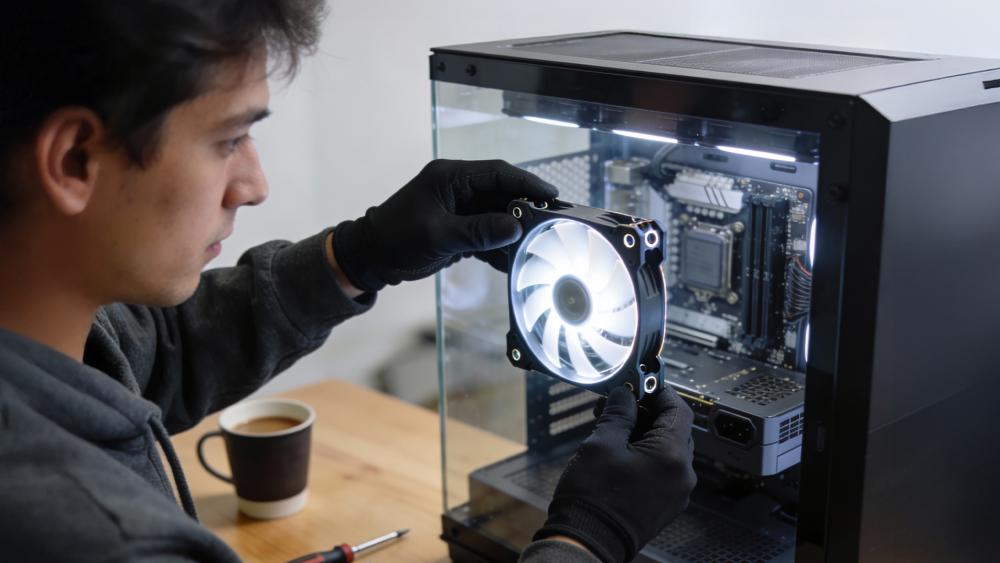
The Key Performance Metrics That Define Case Fans
When comparing different PC case fans, specifications can quickly become confusing if you are not sure what actually matters. Marketing often highlights extreme numbers, but real-world cooling depends on how those figures translate into usable airflow, manageable noise, and stable operation. Our case fan buying guide breaks down the core metrics that genuinely affect performance, helping you choose PC cooling fans that suit your case and workload rather than just looking impressive on paper.
Airflow (CFM): How Fans Move Heat Out of Your Case
Airflow refers to how much air a fan can move, usually measured in cubic feet per minute. In simple terms, higher airflow helps remove warm air from inside the case more quickly. However, CFM figures alone do not tell the full story. The CFM vs RPM debate also matters a lot, as higher speeds can increase airflow but also produce more noise and turbulence due to a higher fan speed. For open cases with minimal obstruction, airflow-focused PC fans tend to deliver the best balance.
Static Pressure: When a High-Pressure Fan Makes Sense
Static pressure measures how well a fan can push air through resistance, such as tight front panels, radiators, or dust filters. In these situations, a high-pressure fan often outperforms standard airflow designs, even if its CFM rating looks lower. Understanding airflow vs static pressure is essential when choosing case fans for restrictive cases, where brute airflow alone cannot maintain consistent cooling.
Buying a new PC Case as well? Read our PC Case Buying Guide to ensure that all components fit perfectly.
Noise Levels and Acoustics: What Makes Case Fans Loud or Quiet
Noise levels are typically measured in dBA, but real-world sound perception depends on more than a single number. Bearing quality, blade design, and how smoothly a computer fan ramps up and down all affect how noticeable it is during daily use. The top case fans for PC cooling focus on reducing vibration and tonal noise, allowing effective cooling without becoming distracting, especially in systems that run for long hours.
Why Your PC Case Design Plays a Bigger Role Than You Think
Even the best PC case fans cannot perform properly if the case itself restricts airflow. Case layout, panel design, and internal obstructions all influence how efficiently air moves through the system. Choosing PC cooling fans without accounting for the case often leads to disappointing results.
Mesh vs Solid Front Panels and Their Impact on Cooling
Cases with mesh front panels allow air to flow freely into the system, making them well-suited to airflow-focused case fans. In contrast, solid or glass front panels restrict intake air, forcing fans to work harder to maintain cooling. In these setups, relying on standard PC fans can increase noise without improving temperatures, which is why best PC cases for airflow tend to favour open, ventilated designs that allow fans to operate efficiently.
Dust Filters, Obstructions and Restricted Airflow
Dust filters are essential for keeping systems clean, but they also introduce resistance. Fine mesh filters, tightly packed drive cages, and cramped cable routing can all reduce effective airflow. In such conditions, a high-pressure fan is often more effective than a high-airflow design, as it can push air through obstacles more consistently. Understanding how these restrictions affect PC case fans helps avoid uneven cooling, excessive fan speed, and the gradual increase in noise over time.

Matching Case Fans to Your PC Build and Usage
No two PC builds have identical cooling needs, which is why fan selection should always match how the system is used. Gaming rigs, workstations, and everyday systems place very different demands on airflow and acoustics. This case fan buying guide takes usage into account, helping you choose case fans that support performance without unnecessary noise or cost.
Intake vs Exhaust: Creating Balanced Airflow
A balanced airflow setup relies on the correct mix of intake and exhaust PC case fans. Intake fans draw cool air into the case, while exhaust fans remove warm air generated by the CPU, GPU, and other components. Poor balance can trap heat or cause turbulent airflow, reducing cooling efficiency. Thoughtful placement of fans ensures air moves smoothly through the system instead of circulating aimlessly.
Fan Sizes Explained: 120mm vs 140mm Fans.
Fan size plays a direct role in cooling and noise behaviour. 120mm fans are the most widely supported and offer a strong balance between airflow and compatibility. 140mm fans can move more air at lower rotational speeds, often resulting in quieter operation. However, case compatibility matters, as not all cases support larger fans in every mounting position. Choosing the right size helps fans work efficiently within the available space.
How Many Case Fans Are Enough for Your Setup
More fans do not always equal better cooling. For many systems, two to three well-placed case fans provide better results than filling every available mount. Adding too many PC fans can increase noise without improving temperatures, particularly in smaller cases. The goal is steady, directed airflow that supports the PC cooler, not sheer fan count.
Power, Control and Fan Behaviour Explained
How your fans are powered and controlled has a direct impact on cooling efficiency, noise levels, and long-term reliability. Even high-quality PC case fans can behave poorly if they are not matched correctly with your motherboard or control method. This part of our case fan buying guide focuses on how power delivery and control affect real-world fan performance.
3-Pin DC Fans vs 4-Pin PWM Fans
The difference between DC fans and a PWM fan comes down to how speed is regulated. 3-pin fans rely on voltage control, which can limit how smoothly they scale up or down. In contrast, 4-pin PWM fans use a dedicated control signal, allowing finer speed adjustments at lower noise levels. Systems paired with the best motherboards for PWM fan support benefit from more accurate control, helping case fans stay quieter during light use while still ramping up effectively under load.
Motherboard Fan Headers, Splitters and Power Limits
Each motherboard fan header is designed to handle a limited electrical load. Connecting too many PC fans through splitters can lead to unstable fan speed, inconsistent detection, or fans failing to spin at all. Stable power delivery across the system also matters here, as voltage fluctuations can affect how fans behave. Using high-quality PSUs helps maintain consistent power, reducing the risk of erratic fan behaviour and improving the reliability of PC case fans over time.
Fan Curves, Speed Control and Real-World Cooling
Fan curves allow you to control how quickly PC cooling fans respond to temperature changes. A well-tuned curve keeps fans quiet during light use while providing stronger airflow under load. Poorly configured curves can cause sudden speed jumps, increasing noise and wear. Taking time to tune fan behaviour improves thermal stability and ensures case fans perform efficiently across different workloads.
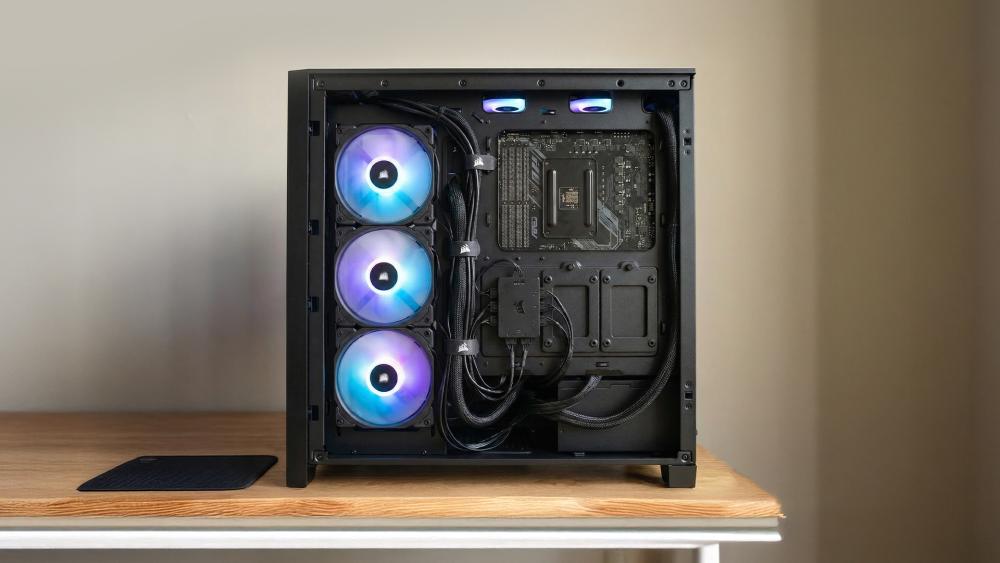
Extra Features Worth Considering Before You Buy
Beyond basic cooling performance, some features can influence how well PC case fans fit into your build over time. While these extras are not essential for everyone, they can improve usability, appearance, and long-term satisfaction when chosen carefully. You will also find some additional features in this case fan buying guide that add genuine value rather than unnecessary complexity.
ARGB and Lighting: When Visuals Matter
ARGB fans and RGB fans are popular in modern builds, offering customisable lighting that syncs with other components. While lighting does not improve cooling, well-designed illuminated case fans can maintain strong airflow without adding excessive noise. It is important to consider cable management and software compatibility, as poorly implemented lighting setups can complicate installation and control.
Build Quality, Bearings and Longevity
The internal construction of a fan plays a major role in how it performs over time. Higher-quality bearings reduce vibration, maintain stable fan speed, and help PC cooling fans run quietly for longer periods. Cheaper fans may work initially, but often develop noise issues as bearings wear. Prioritising build quality ensures PC fans remain reliable, especially in systems that run for extended hours.
Common Case Fan Buying Mistakes to Avoid
Many cooling issues stem from simple oversights made during the buying stage. Our case fan buying guide also highlights practical errors that often reduce cooling efficiency or increase noise, even when using capable PC case fans.
- Chasing High RPM Instead of Real Airflow: One of the most common case fan buying mistakes is choosing fans purely based on maximum RPM figures. High fan speed often increases noise without improving temperatures if airflow is restricted by the case design.
- Ignoring How Fans Work Together: Installing mismatched case fans or adding too many PC cooling fans can create airflow turbulence. This disrupts smooth air movement and can place an unnecessary load on the PC cooler, especially in smaller cases.
- Overlooking Case Restrictions: Fans that perform well in open environments may struggle behind solid panels or dense filters. Choosing unsuitable PC fans for restrictive cases often leads to louder operation with little thermal benefit. This is also one of the reasons why some case fans become noisy in the long run.
- Prioritising Short-Term Cost Over Quality: Low-quality bearings and poor construction can cause noise and vibration over time. Investing in reliable PC case fans early helps avoid future troubleshooting and maintains consistent cooling performance.
What to Check After Installing New Case Fans
Once your new PC case fans are installed, a few simple checks can help ensure they are working as intended.
Start by confirming airflow direction. Each case fan should align with your planned intake and exhaust layout, allowing air to move smoothly through the case. Incorrect orientation is a common cause of poor cooling, even when using high-quality PC cooling fans.
Next, check fan behaviour in the BIOS or control software. Make sure all PC fans are detected, spinning consistently, and responding to temperature changes. If a case fan isn't spinning, it may indicate a loose connection, header limitation, or control mismatch that needs addressing early.
Finally, monitor temperatures and noise during normal use. Listen for unusual sounds and observe how fan speed changes under load. Stable operation and predictable noise levels indicate your PC case fans are correctly installed and well-matched to your system.
Conclusion: Making the Right Case Fan Choice for Your PC
Choosing the right PC case fans is less about chasing specifications and more about understanding how airflow, case design, and control work together. A thoughtful approach helps your system run cooler, quieter, and more reliably over time. If you follow this case fan buying guide, you will be able to select the right case fans and install them correctly.
By matching case fans to your case layout, usage needs, and cooling goals, you avoid common pitfalls such as excess noise, uneven temperatures, and wasted upgrades. Whether you are building a new system or refining an existing one, well-chosen PC cooling fans provide consistent performance and reduce the need for future troubleshooting.
Frequently Asked Questions
Are 3-pin or 4-pin fans better?
4-pin fans are generally better for modern systems because they allow more precise speed control through PWM. This helps balance cooling and noise more effectively than voltage-controlled 3-pin fans.
Is 2000 RPM good for a CPU fan?
2000 RPM can be useful under heavy load, but it is not ideal for constant use. Most systems benefit more from adaptive fan control that increases speed only when temperatures rise.
Is it okay to plug a 3-pin fan into a 4-pin header?
Yes, a 3-pin fan will work on a 4-pin header. The fan will run in voltage control mode, but you will not get full PWM speed control.
Is a 140mm or a 120mm case fan better?
Neither is universally better. 140mm fans usually move more air at lower speeds and can be quieter, while 120mm fans offer wider compatibility and easier placement.
How many fans can a motherboard fan header handle?
Most motherboard headers safely support one fan, sometimes two with a splitter if the total power draw stays within limits. For multiple fans, a powered hub is the safer option.
You can pay with:
*PayPal Credit Representative Example: Assumed credit limit £1,200, Representative 23.9% APR (variable). Purchase rate 23.9% p.a (variable).Terms & Conditions apply.


PayPal Credit and PayPal Pay in 3 are trading names of PayPal UK Ltd, 5 Fleet Place, London, United Kingdom, EC4M 7RD. Terms and conditions apply. Credit subject to status, UK residents only, Five Tech LTD acts as a broker and offers finance from a restricted range of finance providers. PayPal Pay in 3 is not regulated by the Financial Conduct Authority. Pay in 3 eligibility is subject to status and approval. 18+. UK residents only. Pay in 3 is a form of credit. Check if affordable and how you will repay. May make other borrowing more difficult or expensive. See product terms for more details.
Copyright © 1996-2026 Fivetech LTD | Terms and Conditions
box.co.uk & Box are trading names of Five Tech Limited. Registered office: Box LTD, Unit 10 Woodford Trading Estate, Woodford Green IG8 8HF