


 Menu
MenuMenu


Get Sales Advice from Mon - Fri 9am - 5:00pm:
020 3337 8950LAST UPDATED: March 06, 2026
Which QNAP NAS Do You Actually Need in 2026? A Practical Guide for Home Offices, Creators & Small Businesses
Choosing a NAS in 2026 is about finding the right balance between storage, performance, and future flexibility. QNAP offers a wide range of systems designed for home offices, creators, and small businesses, making it easier than ever to build a setup that fits how you work.
This QNAP NAS guide aims to help you understand which features matter most, so you can choose a solution that supports your workflow with confidence. It looks at how QNAP NAS systems are commonly used across the UK for file sharing, backups, and growing data needs, helping you match the right NAS to your setup today while keeping an eye on future expansion. The goal is simple: to help you make a well-informed choice that continues to add value over time.
Not Sure Which QNAP NAS You Need? Start Here
A NAS is something you don't buy often, which is why choosing the best one from the start matters. The right system should meet your needs today while still making sense a few years down the line, without forcing an early upgrade. This QNAP NAS guide is designed to help you focus on how you actually use storage, so you can explore the right NAS options and choose a setup that fits your workflow rather than just your budget.
Home Offices Needing Reliable Shared Storage
For home offices, a NAS is often about convenience and peace of mind. Using a NAS for a home office gives you a single place to store documents, manage shared folders, and run automatic NAS backup jobs, so important files aren't scattered across laptops, USB drives, or cloud accounts.
Creators Working with Large Photo and Video Files
Creative work brings very different demands. Large photo libraries and video timelines need storage that can keep up without constant copying or slowdowns. In this case, a NAS for video editing helps keep active projects accessible while freeing up local storage on your main machine. A well-chosen QNAP NAS for creators also makes it easier to organise finished work separately from current projects, which becomes increasingly important as your archive grows.
Small Businesses Managing Daily File Access
For small teams, the focus is usually on shared access and reliability. A NAS for small businesses often includes shared folders, basic access controls, and dependable uptime during working hours. A QNAP NAS for SMEs supports this by providing centralised storage that multiple users can access without complicated setup or ongoing maintenance.
Power Users Planning Long-Term Expansion
If you already know your storage needs won't stand still, planning ahead pays off. Choosing the best QNAP NAS early gives you flexibility to expand capacity and performance over time, helping your setup stay useful well into the future.
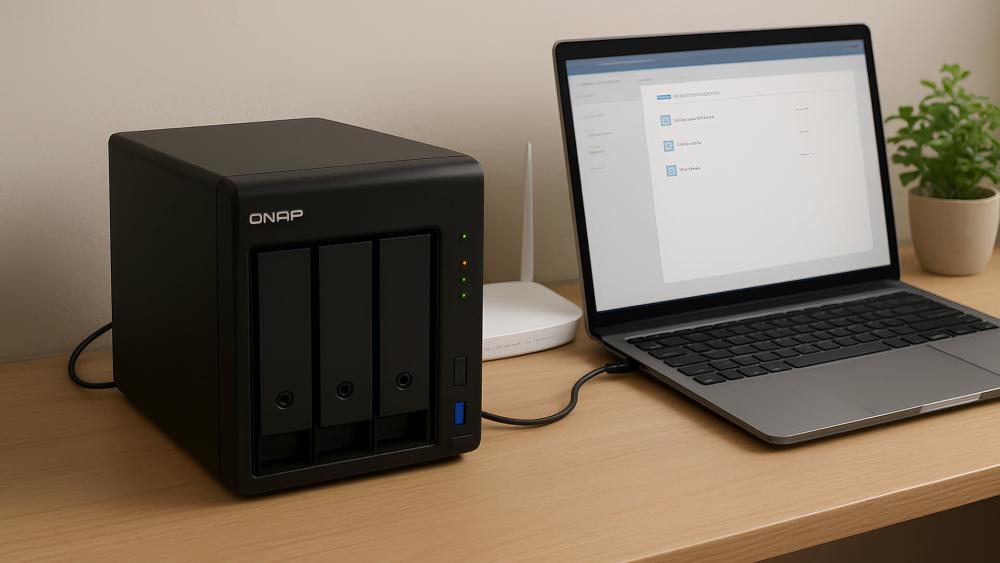
How to Choose the Right QNAP NAS in 5 Simple Steps
Once you're clear on how you'll use your NAS, the next step is breaking the decision down into a few practical choices. Our QNAP NAS guide focuses on real-world considerations that make a noticeable difference to day-to-day use, rather than chasing specs you may never need.
Number of Users and Simultaneous Access
Start by thinking about how many people will access the system at the same time. A solo user backing up one or two devices places very different demands on a NAS compared to a small team sharing files throughout the day. For multi-user setups, smooth access and basic controls such as user permissions help keep files organised and secure.
Type of Data You Work with Every Day
The kind of data you store matters more than total capacity. Documents and spreadsheets place minimal strain on NAS storage, while media libraries and project files behave very differently. Understanding whether your network attached storage will mainly hold office files, photos, or video helps narrow down the right hardware tier.
Performance Needs for Editing and Sharing
Not every workflow needs high performance, but some do. If you regularly work with large files or collaborate across multiple devices, a NAS that can keep data moving smoothly becomes more important. This is especially true for creative work, where a slow system can interrupt your workflow.
Storage Capacity Now vs Future Growth
It's easy to size a NAS for today and forget about tomorrow. Most setups grow faster than expected, whether that's through larger projects or longer retention of old files. Planning your home NAS setup with future expansion in mind avoids having to replace the system sooner than planned.
Data Protection Expectations
Finally, think about how much protection you expect for your data. Some users only need simple file recovery, while others rely on features like NAS snapshots or a structured NAS RAID setup to protect against drive failure or accidental deletion. Matching protection to how critical your data is will help you choose with confidence.

Choosing the Right Bay Count for Your QNAP NAS
The number of drive bays you choose has a direct impact on how your NAS storage works day to day. It influences capacity, flexibility, and how easily your setup can grow. Thinking about bay count early is one of the simplest ways to avoid replacing your NAS sooner than expected.
When a 2-Bay NAS Makes Sense
A 2-bay NAS suits lighter workloads where storage growth is predictable. It's commonly used for basic file storage and as a backup target, especially in home setups or small offices with limited data. With two bays, you can run a simple RAID configuration to protect against drive failure while keeping the setup straightforward.
Why Most Buyers Should Start With 4-Bay
For most people, a 4-bay NAS offers far more breathing room. The extra bays make it easier to balance usable space with protection using a more flexible NAS RAID setup, without sacrificing too much capacity. This approach works particularly well for growing home offices and creative workflows where data expands steadily over time.
When 6-Bay and Above Is the Smarter Choice
Larger systems are better suited to users who already know their storage needs will increase quickly. More drive bays allow you to expand gradually, maintain performance as data grows, and support multiple workloads at once. This is often the most practical route for businesses or advanced users relying heavily on NAS storage for day-to-day operations.
Storage Performance Explained: HDD, SSD, or Hybrid
The type of drives you use inside a NAS has a bigger impact on day-to-day experience than raw capacity alone. Whether your focus is long-term storage, active projects, or a mix of both, understanding how different drive types behave helps you choose a setup that actually matches your workload.
HDD-Based Setups for Affordable Capacity
Traditional hard drives remain the most practical option when capacity matters more than speed. For many users, especially those building NAS storage for documents, backups, and archives, hard drives provide a cost-effective way to store large amounts of data reliably. This approach is commonly used when the NAS acts as a central backup target rather than a performance-critical workspace.
SSD Performance for Active Projects
Solid-state storage comes into play when responsiveness matters. Workflows that involve frequent file access, previews, or large project files benefit from faster read and write speeds, particularly in creative environments. In these cases, SSDs can significantly reduce waiting times compared to hard drives, making them a good fit for active work rather than long-term storage.
Hybrid Configurations for Balanced Workloads
Many modern setups combine both drive types to get the best of each. A hybrid approach allows high-capacity drives to handle bulk storage, while faster storage is reserved for frequently accessed data. This is where features such as SSD caching or dedicated M.2 SSD slots can improve everyday performance without dramatically increasing overall cost.
Networking Choices That Actually Impact NAS Performance
Even the fastest storage won't feel quick if your network becomes the bottleneck. How your NAS connects to the rest of your setup plays a major role in real-world speed, especially when multiple devices access data at the same time.
Standard Gigabit vs Faster Ethernet Options
Many setups still rely on standard 1GbE/2.5GbE/10GbE Ethernet, but the difference between them becomes obvious as file sizes grow. For basic file access and backups, a gigabit is often sufficient. If you regularly move large files or work with shared media, stepping up to faster Ethernet can noticeably reduce transfer times. In these cases, using a capable network switch helps ensure your NAS and connected devices can communicate at full speed.
Improving Access Across Multiple Devices
As more laptops, desktops, and mobile devices connect at once, network quality matters more than raw bandwidth. A stable wired backbone combined with a well-placed router/mesh Wi-Fi setup helps maintain consistent access across the office or home. This is especially useful when you want to boost whole-office Wi-Fi coverage without sacrificing NAS performance.
Remote Access Without Slowing Down Workflows
Accessing files from outside the local network is increasingly common, but it needs to be done properly. Setting up secure remote access allows you to reach your data without compromising performance or security. In some cases, it's worth reviewing how to improve secure remote access alongside your NAS setup so off-site work feels just as smooth as local access. If your current setup feels sluggish, it may also be time to upgrade your network for NAS speeds or add faster wired connections to remove hidden bottlenecks.
QNAP NAS Setups Buyers Commonly Choose
Choosing a NAS becomes much easier when you see how different models are commonly used in real setups. Let's explore the typical QNAP NAS configurations that buyers pick based on how and where they plan to use their storage.
Home and Home Office NAS Use
For home users and home offices, the focus is usually on simplicity, reliable storage, and straightforward backups. These setups are designed to keep files organised and accessible without adding unnecessary complexity.
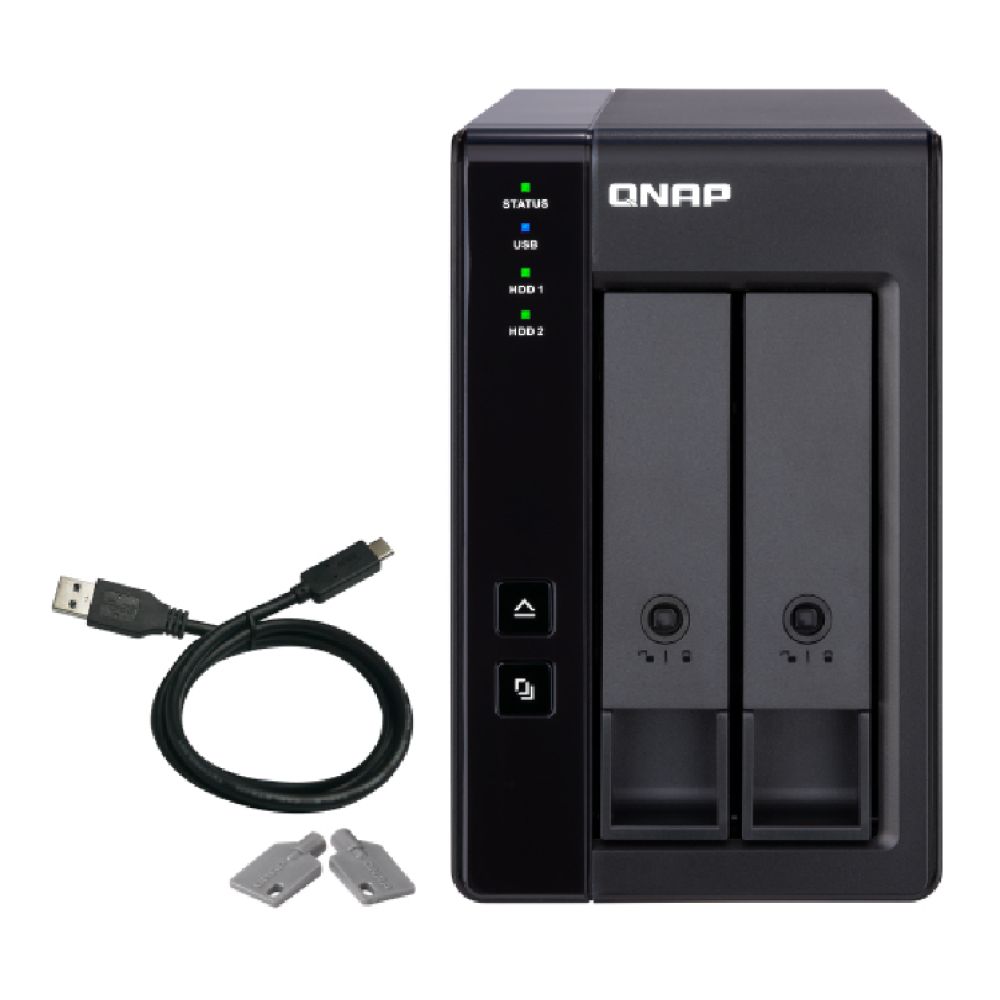
QNAP TR-002 2 Bay NAS Enclosure
The TR-002 is a straightforward storage expansion option for home users and small businesses who need extra capacity and flexible RAID support. With two drive bays and support for JBOD, Single, RAID 0, and RAID 1, it's great for expanding storage, creating mirrored backups, and improving data protection.
QNAP TS-433 4-Bay NAS Enclosure (4GB RAM)
The TS-433 is a strong step up for users who want room to grow. With four bays and broader RAID support, it fits home offices that expect storage needs to increase over time while maintaining better data protection and performance headroom.

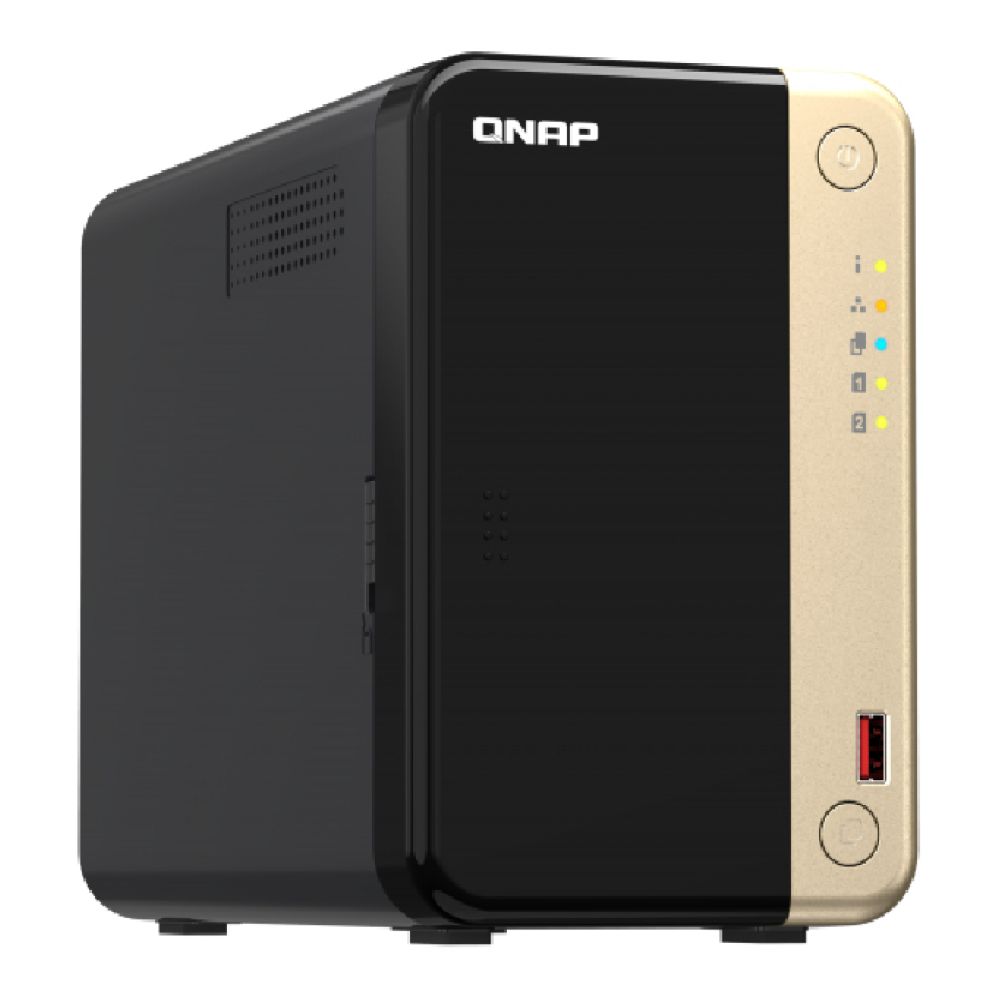
QNAP TS-264-8G 2-Bay NAS Server (8GB RAM)
The TS-264-8G is a high-performance 2-bay NAS powered by an Intel Celeron N5095 processor with 8GB DDR4 RAM, supporting up to 48TB of storage. With RAID support including JBOD, RAID 0, and RAID 1, it offers reliable and flexible data management for professionals working from home. It supports 3.5" HDDs, 2.5" SSDs, and dual M.2 NVMe drives, alongside dual 2.5GbE ports, USB 3.2, HDMI, and PCIe expansion, making it ideal for fast backups and media storage.
Creator-Focused NAS Workflows
Creative workloads place very different storage demands, especially when working with large photo libraries, video timelines, or shared project folders. These setups prioritise performance, multitasking headroom, and the ability to separate active projects from archives.
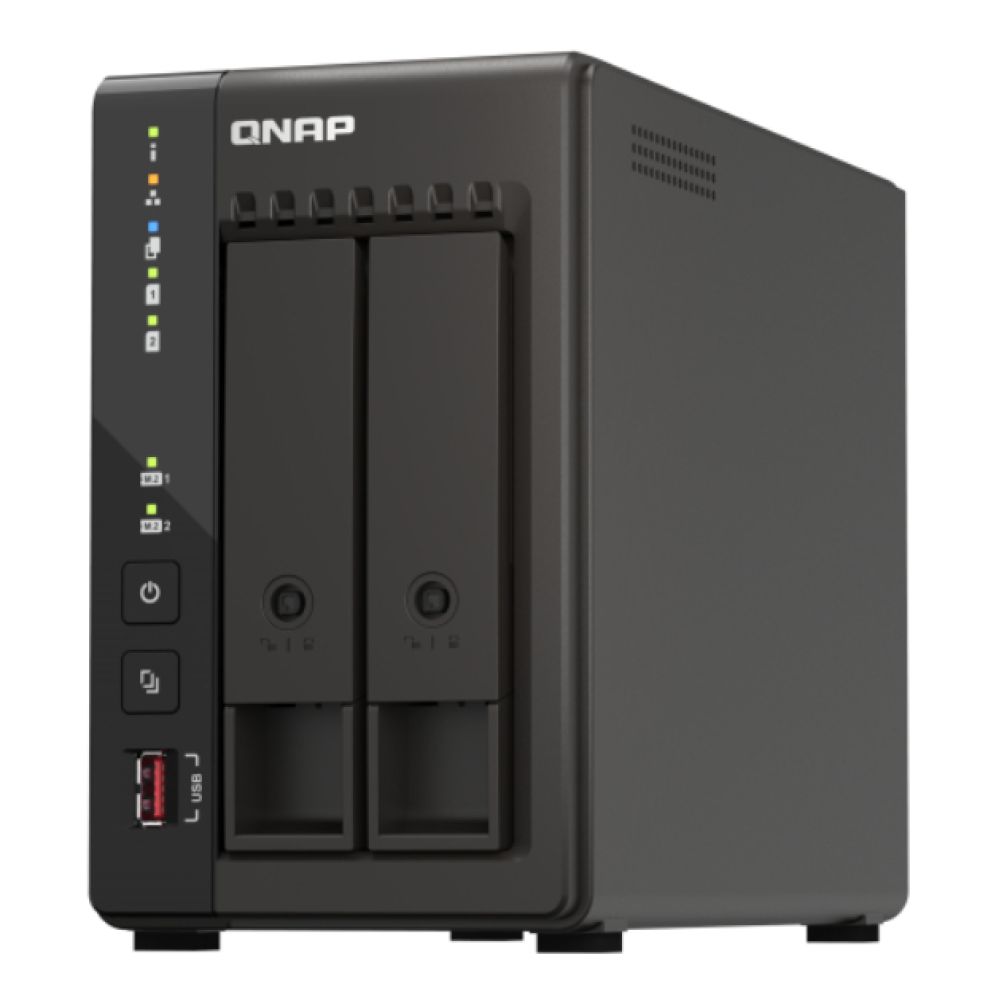
QNAP TS-253E 2-Bay NAS Enclosure (8GB RAM)
The TS-253E is a reliable 2-bay NAS built for creators, businesses and advanced home users who need secure, high-speed storage. Powered by an Intel J6412 processor with 8GB DDR4 RAM, it supports up to 40TB and RAID options, including JBOD, RAID 0, and RAID 1 for flexible data protection. This NAS comes with 3.5" HDDs, 2.5" SSDs, and dual M.2 NVMe slots, plus dual 2.5GbE ports and dual HDMI outputs, making it ideal for fast backups, virtualisation, and multimedia applications.
Small Business File Sharing and Backup Needs
For small businesses, a NAS needs to handle multiple users, shared folders, and regular backups without becoming difficult to manage. These setups focus on reliability, performance headroom, and the ability to grow as data and users increase.
QNAP TS-453E-8G 4-Bay NAS Server (Intel Celeron, 8GB RAM)
The TS-453E-8G is a solid fit for small teams that need dependable file sharing and structured backups. With four drive bays, broad RAID support, and 8GB of memory, it handles daily workloads comfortably while keeping storage management straightforward for growing offices.
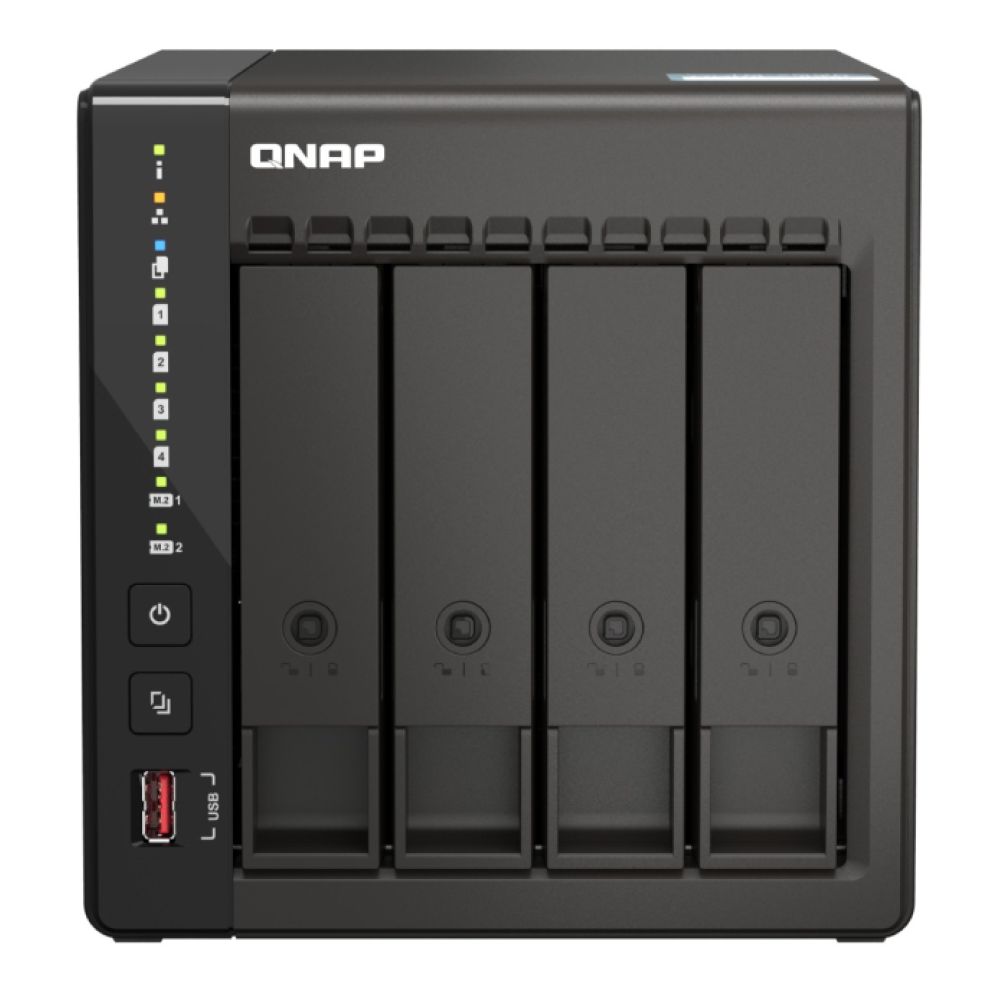
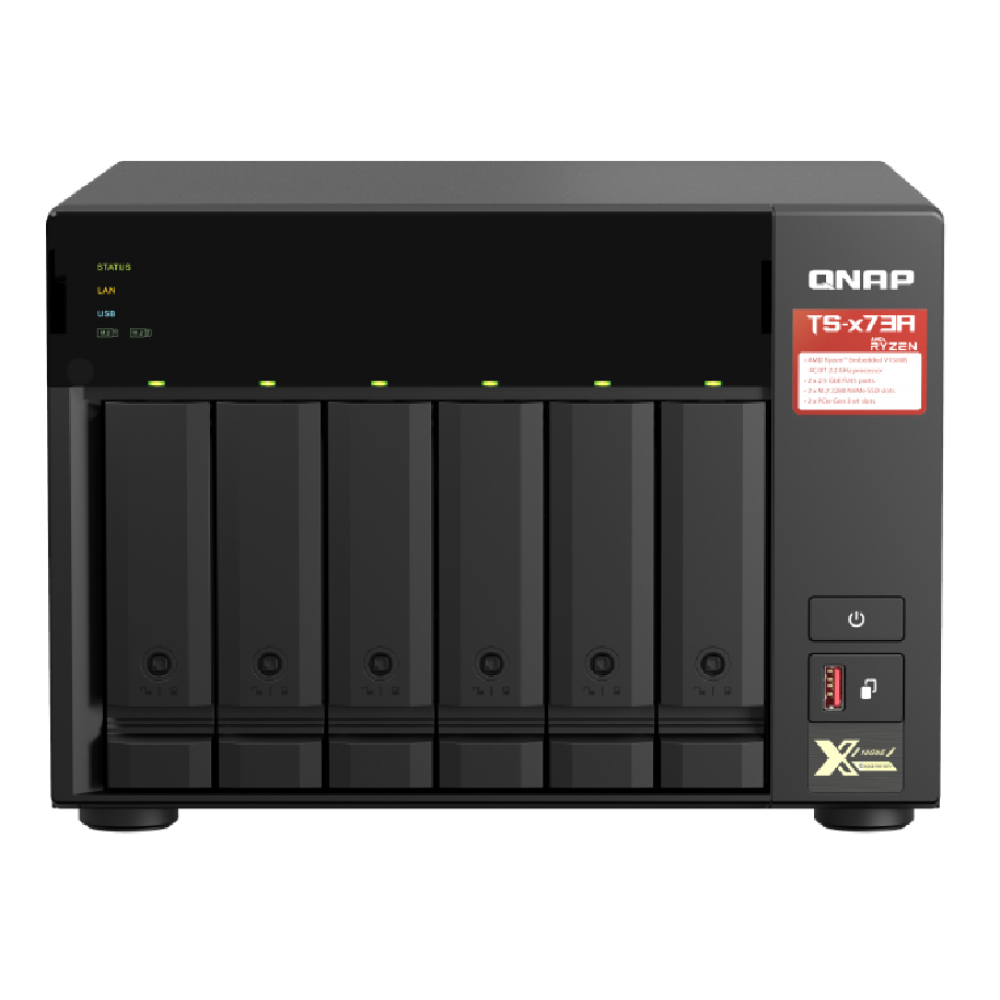
QNAP TS-673A-8G 6-Bay NAS Enclosure (AMD Ryzen, 8GB RAM)
Designed for heavier business workloads, the TS-673A-8G offers six bays and a more powerful AMD Ryzen processor. It's well-suited for environments with larger data sets, multiple simultaneous users, and more demanding backup or virtualisation tasks, while still allowing room for future expansion.
Looking for a different NAS setup? Explore all models at the QNAP Store to find the perfect fit for your setup.
Advanced Workloads and Expansion Planning
Some environments need more than just shared storage and backups. Larger teams, heavier workloads, and long-term growth plans benefit from NAS systems designed to scale, handle higher drive counts, and fit into more structured IT setups.
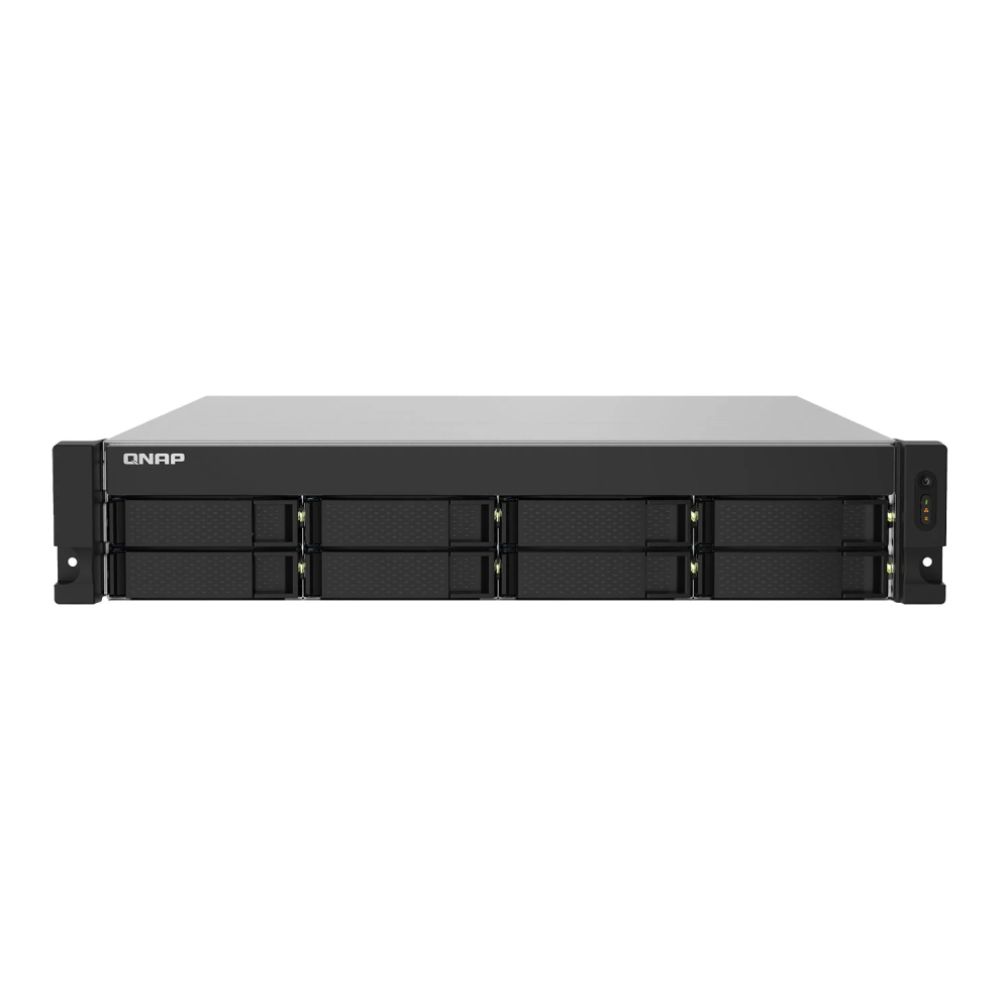
QNAP TS-832PXU-RP 8-Bay Rackmount NAS Enclosure (4GB RAM)
The TS-832PXU-RP is built for advanced use cases where capacity, resilience, and expansion matter most. With eight drive bays and support for advanced RAID levels, it's perfect for growing businesses or IT environments that need to manage large data volumes reliably, while the rackmount design makes it easy to integrate into existing server or network infrastructure.
What to Check Before Buying Your QNAP NAS
Before you buy, a quick check of these practical details can help avoid limitations later and ensure your NAS fits your setup properly.
- Expansion and future growth: Consider bay count, memory options, and upgrade paths so scaling your QNAP storage setup later doesn't require replacing the system.
- Drive compatibility and capacity: Using drives suitable for NAS workloads improves reliability, especially for systems running continuously. Decide early how you want to balance capacity and flexibility.
- Backup planning: A NAS should be part of a wider backup plan. Pairing it with an external backup drive helps protect against accidental loss or hardware failure.
- Security and remote access: If you'll access files remotely, make sure secure options are in place and always ensure safe remote access.
Facing Problems with your NAS Setup? Click here to learn about common NAS problems and how to fix them.
Final Words
Choosing the right QNAP NAS comes down to understanding how you use your data today and how those needs might grow over time. By matching storage capacity, performance, and expansion options to your workflow, you can build a setup that stays reliable and useful well into the future. A well-chosen NAS isn't just about storage; it becomes a central part of how you manage, protect, and access your files every day.
FAQs
What is a QNAP NAS used for?
A QNAP NAS is commonly used for centralised file storage, backups, media libraries, and sharing data across multiple devices in one place.
Is a 2-bay or 4-bay NAS better for long-term use?
A 4-bay NAS usually offers more flexibility for growth and data protection, while a 2-bay model suits simpler setups with predictable storage needs.
Do I plug my NAS into my router?
Yes, most NAS systems connect directly to your router or network switch using an Ethernet cable to provide access across your network.
Is QNAP NAS good for home use?
Yes, QNAP offers models designed for home users that are easy to manage and well-suited for personal storage, backups, and media use.
Can a NAS work without an internet connection?
Yes, a NAS works on a local network without internet access, though some features like remote access or cloud services may require it.
How much storage do I need for a QNAP NAS?
It depends on your workload. Home users may only need a few terabytes for documents and backups, while creators and small businesses working with large media files often require much more. Always plan for future growth, not just your current storage needs.
Which RAID level should I use on a QNAP NAS?
The right RAID level depends on your priorities. RAID 1 offers simple drive redundancy for 2-bay systems, while RAID 5 balances capacity and protection in 4-bay or larger setups. For higher fault tolerance in business environments, RAID 6 provides extra protection against multiple drive failures.
You can pay with:
*PayPal Credit Representative Example: Assumed credit limit £1,200, Representative 23.9% APR (variable). Purchase rate 23.9% p.a (variable).Terms & Conditions apply.


PayPal Credit and PayPal Pay in 3 are trading names of PayPal UK Ltd, 5 Fleet Place, London, United Kingdom, EC4M 7RD. Terms and conditions apply. Credit subject to status, UK residents only, Five Tech LTD acts as a broker and offers finance from a restricted range of finance providers. PayPal Pay in 3 is not regulated by the Financial Conduct Authority. Pay in 3 eligibility is subject to status and approval. 18+. UK residents only. Pay in 3 is a form of credit. Check if affordable and how you will repay. May make other borrowing more difficult or expensive. See product terms for more details.
Copyright © 1996-2026 Fivetech LTD | Terms and Conditions
box.co.uk & Box are trading names of Five Tech Limited. Registered office: Box LTD, Unit 10 Woodford Trading Estate, Woodford Green IG8 8HF