


 Menu
MenuMenu


Get Sales Advice from Mon - Fri 9am - 5:00pm:
020 3337 8950LAST UPDATED: March 30, 2026
Why Gaming Mouse Shape Matters More Than DPI: A Guide to Grip Styles & Hand Fit
Most gamers think higher DPI (Dots Per Inch) means better performance. It sounds logical on paper, but it rarely fixes poor aim, inconsistency, or discomfort. The real factor behind control and precision is something far more basic and often overlooked: gaming mouse shape.
If your mouse feels awkward after an hour, your aim isn't consistent, or your hand starts to strain during longer sessions, the issue usually isn't the sensor. It's how the mouse fits your hand. A well-designed ergonomic mouse supports natural movement, while the wrong shape can force your hand into positions that reduce control and increase fatigue.
This is where the mouse shape vs DPI comparison becomes important. DPI can be adjusted in seconds through software, but the physical design of a mouse stays the same. That means your grip, comfort, and long-term performance are all tied to how well the shape matches your hand and playstyle.
In this guide, we'll break down how mouse grip styles, hand size, and overall fit affect performance, and how to choose a gaming mouse that improves your control instead of just chasing specs.
Why Mouse Shape Matters More Than DPI (Quick Answer)
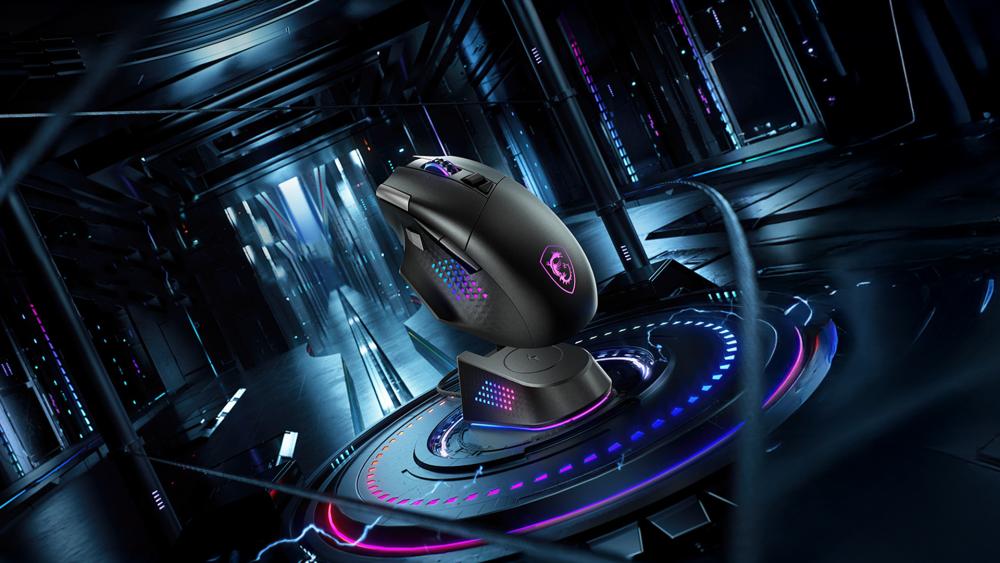
If you're looking for a simple answer, here it is: the shape of a gaming mouse has a bigger impact on your performance than DPI because it directly affects how you hold, move, and control the mouse. Even with a high-end sensor, poor shape can lead to inconsistent movement, especially when dealing with tracking and lift-off issues.
- Comfort and endurance: A well-fitted ergonomic gaming mouse reduces strain, allowing longer sessions without fatigue
- Aim stability: Better hand support leads to smoother tracking and more consistent micro-adjustments
- Natural control: The right-hand fit mouse lets your grip feel instinctive rather than forced
- DPI is adjustable: Sensitivity can be changed anytime, but shape is fixed
You can increase DPI, lower it, or fine-tune it for different games, but none of that will fix poor gaming mouse control if the shape doesn't match your hand and grip.
What Are the Different Effects of Mouse Shape
Choosing the right gaming mouse shape isn't just about comfort. It directly influences how your hand moves, how stable your aim feels, and how long you can play without fatigue.
Comfort and Long Gaming Sessions
A poorly fitted mouse often feels fine at first, but discomfort builds over time. Pressure points develop in your palm, fingers, or wrist, especially during longer sessions. A proper ergonomic mouse supports your hand naturally, reducing strain and making extended gameplay or work much easier. This is a key part of overall gaming mouse comfort, especially if you play daily or for long hours.
Aim Stability and Muscle Memory
Your aim depends heavily on consistency. When your hand sits naturally on the mouse, movements become more predictable and easier to repeat. This helps build muscle memory over time.
If the shape doesn't match your grip, small adjustments can feel inconsistent. That's why choosing the right FPS gaming mouse shape can improve tracking and a more reliable aim in competitive games.
Control, Precision, and Reaction Time
Control is not just about sensor quality. It comes from how securely you can hold and move the mouse. A good hand fit mouse allows you to make quick movements without losing stability, which improves both precision and reaction time.
This becomes especially important in fast-paced scenarios, where even slight instability can affect performance. A well-matched shape gives you more confidence and better overall gaming mouse control without needing to rely on higher DPI settings.
Mouse Shape vs DPI: What Really Matters for Performance
DPI is often treated as the most important spec, but it's one of the easiest things to adjust and one of the least impactful when it comes to real control. The difference between mouse shape and DPI becomes obvious once you look at how each one affects your gameplay.
DPI simply controls how fast your cursor moves across the screen. It does not improve accuracy, stability, or comfort on its own. You can increase or decrease it depending on your preference, but it won't fix issues caused by a poor grip or awkward positioning.
Gaming mouse shape, on the other hand, determines how your hand interacts with the device. It affects how stable your aim feels, how easily you can make micro-adjustments, and how much effort your hand needs to maintain control.
Here's a quick comparison:
| Factors | Mouse Shape | DPI |
| Comfort | High impact | No impact |
| Aim consistency | Very high | Moderate |
| Adjustability | Fixed | Fully adjustable |
| Long-term use | Affects fatigue | No effect |
A high-end sensor with extreme DPI won't help if the mouse feels unstable in your hand. This is why many players using a competitive gaming mouse focus on shape first, then fine-tune sensitivity later.
Grip Styles Explained: Palm, Claw, and Fingertip
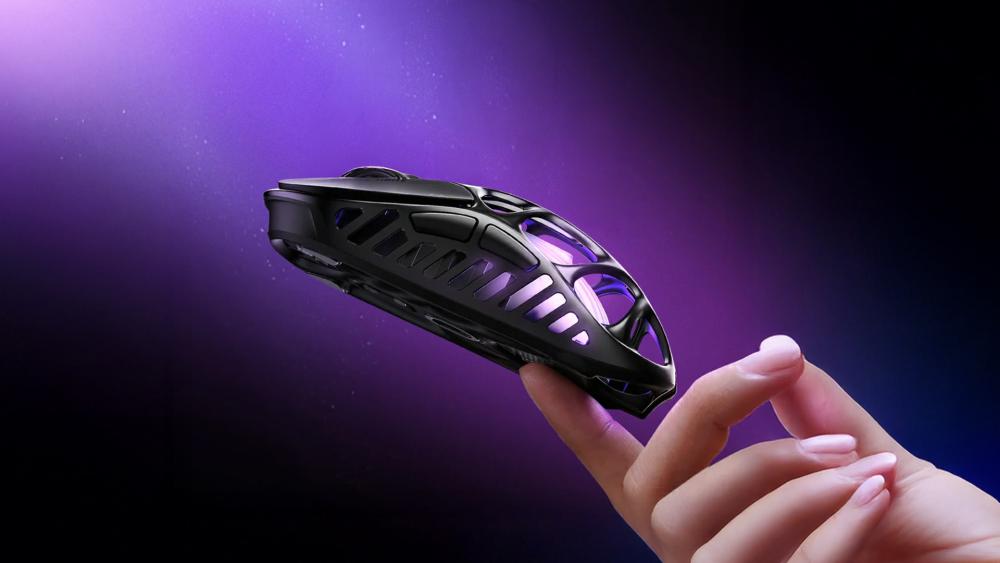
Once you stop focusing on specs, the next thing that matters is how your hand sits on the mouse. Your mouse grip changes the way you move, click, and aim, which is why the same mouse can feel perfect for one player and awkward for another.
What Is a Mouse Grip Style?
Your mouse grip style describes how much of your hand touches the shell and where the movement mainly comes from. A quick way to check is simple: place your hand on the mouse as you normally would and look at the contact points. If your full palm rests on it, that is a palm grip. If your fingers arch up, that is a claw grip. If only your fingertips make contact, that is fingertip grip.
Palm Grip
A palm grip mouse works best when the shell gives your hand full support from the back through to the fingers. This grip usually feels the most relaxed, which is why many players prefer it for longer sessions and slower, more controlled movements.
It tends to suit larger mice with a fuller rear hump. If the mouse is too short or too flat, your hand can feel unsupported, which affects both comfort and stability.
Claw Grip
A claw grip mouse is all about balance. Your palm makes lighter contact while your fingers stay arched, giving you quicker clicks and sharper movement without losing too much control. This style is popular because it combines speed with precision better than most other grips.
For this grip, shape matters a lot around the midsection and rear hump. If the back of the mouse collapses under your hand or feels too low, the grip can become tense and inconsistent.
Fingertip Grip
A fingertip grip mouse keeps the palm mostly off the shell, with most control coming from the fingers. That makes the mouse feel faster and more agile, especially for quick adjustments and sudden directional changes.
Smaller, lighter shapes often work better here because they are easier to lift and reposition. The trade-off is that fingertip users usually get less built-in stability, so the wrong shape can make aiming feel twitchy rather than precise.
If you are still unsure which style feels most natural, it often helps to compare a few competitive gaming mice and pair them with control-focused mouse mats to get a clearer feel for how shape affects movement.
How Hand Size Affects Mouse Shape
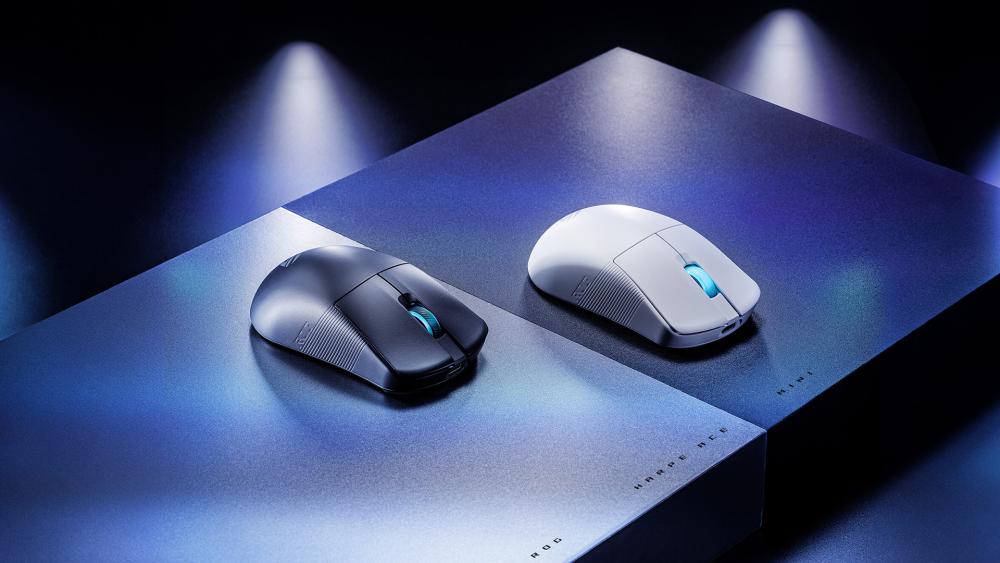
Grip style is only part of the equation. Even the best gaming mouse shape can feel completely wrong if the size doesn't match your hand. This is one of the biggest reasons people struggle with control, even when using a high-end mouse.
How to Measure Your Hand Size
To get a reliable measurement, use a ruler or measuring tape and measure from the base of your palm (where it meets your wrist) to the tip of your middle finger.
- Under 17 cm → Small hands
- 17–19 cm → Medium hands
- Over 19 cm → Large hands
This simple step helps avoid guesswork and makes it easier to choose a proper mouse instead of relying on reviews alone.
Best Mouse Size for Small, Medium, and Large Hands
Different hand sizes require different shapes and dimensions for proper control. The key factors are mouse length, width, and hump placement.
| Hand Size | Recommended Mouse Length | Shape Type | Best Grip Compatibility |
| Small (<17 cm) | <120 mm | Compact, low-profile | Fingertip, Claw |
| Medium (17–19 cm) | 120–130 mm | Balanced, mid-size | Palm, Claw, Fingertip |
| Large (>19 cm) | >130 mm | Full-size, higher hump | Palm, Claw |
Smaller hands benefit from shorter mice that are easier to lift and reposition. Larger hands need more surface area to avoid finger curling and wrist tension, especially during longer sessions.
This is where the hand size of the gaming mouse becomes critical. A mismatch here can make even the best design feel awkward and harder to control.
Why Size Directly Affects Aim and Control
When the size is correct, your hand sits naturally, and movements feel smooth and predictable. This improves tracking, flicks, and overall consistency.
When the size is wrong:
- Too small → fingers curl too much, reducing stability
- Too large → slower movements and less precise micro-adjustments
- Poor fit → inconsistent aim and less reliable cursor control during fast movements
This is why proper gaming mouse ergonomics matter just as much as grip style. A good fit reduces unnecessary tension and allows your hand to move the way it naturally wants to.
How to Choose the Right Mouse Shape for Your Setup
By now, it should be clear that picking the right gaming mouse shape is less about specs and more about how well it matches your hand and playstyle. The goal is to find something that feels natural from the moment you start using it.
Match Shape to Your Grip Style
Start with your grip. If you use a palm grip, look for a fuller shape that supports your entire hand. Claw grip works better with a more balanced design that gives your fingers room to move. Fingertip users usually benefit from smaller, lighter shapes that are easy to control with minimal contact. Getting this right improves both comfort and consistency, especially when switching between games or tasks.
Match Size to Your Hand
The next step is making sure the mouse fits your hand size. A proper hand fit mouse should let your fingers rest comfortably without stretching or cramping. If you constantly adjust your grip mid-game, it's usually a sign that the size or shape isn't right. It is also one of the most common reasons why your gaming mouse feels off, even if the specs look good.
Shape Before Specs
It's easy to get distracted by features like DPI, polling rate, or weight, but those should come later. The foundation of a good setup is always shape and fit.
Once you find a shape that works, then you can fine-tune performance with things like sensitivity or polling rate. Our guide on how the polling rate affects aim is a good starting point if you want to learn more about this topic.
If you're unsure where to start, focus on how your hand naturally rests and build from there. That approach will always lead to better results than chasing numbers.
Why Pro Gamers Prioritise Shape Over Specs
If you look at professional players across games like CS2, Valorant, or Apex Legends, one pattern shows up consistently. They care far more about how a mouse feels in the hand than how high the specs go.
That's because consistency matters more than raw numbers. An ergonomic gaming mouse shape allows players to build muscle memory over time, which is essential for precise aim and repeatable performance. Once that feeling is locked in, switching to a different shape can immediately affect control, even if the new mouse has better specs.
Many pros stick with the same shape for years, even when newer models offer higher DPI or updated sensors. The reason is simple: comfort and control don't need constant upgrading. What matters is how reliably the mouse responds to your movement.
This is also why copying a pro's setup doesn't always work. Their choice is based on their own grip, hand size, and preferences. Instead of chasing what others use, it's better to focus on what improves your own gaming mouse control and fits your natural movement.
In competitive environments, even small inconsistencies can make a difference. That's why shape comes first, and everything else is adjusted around it.
Common Mistakes When Choosing a Gaming Mouse
Most performance issues don't come from bad hardware, but from poor choices during setup. Here are a few common mistakes to avoid:
- Focusing only on DPI: High DPI doesn't fix control issues. Shape and fit matter far more in real use
- Ignoring hand size: A mismatch here leads to discomfort and inconsistent aim
- Copying pro players blindly: Their setup may not suit your grip or hand
- Chasing trends like ultra-light mice: Without the right shape, lighter weight can actually reduce stability
Avoiding these mistakes will make it much easier to find a gaming mouse shape that actually improves your performance instead of holding it back.
When Specs Actually Matter (After Shape)
Once you have the right gaming mouse shape, specs start to play a supporting role in improving performance.
Sensor Quality
A good sensor ensures accurate tracking without jitter, smoothing, or unexpected acceleration. This is especially important in fast-paced games where small movements need to translate precisely on screen. However, even the best sensor won't feel reliable if the mouse shape doesn't give you proper control.
Weight
Mouse weight affects how quickly and smoothly you can move. Lighter mice feel faster and easier to flick, while slightly heavier ones can offer more stability for controlled movements. The right balance depends on your preference, but it only works well when the shape already feels natural in your hand.
Polling Rate
Polling rate determines how often the mouse reports its position to your PC. Higher rates can make you feel more responsive, particularly in competitive scenarios. The effect of a high polling rate is subtle compared to having the right shape and grip.
Final Verdict: Shape First, Specs Second
If there's one thing to take away, it's this: gaming mouse shape has a bigger impact on your performance than any spec on the box.
DPI, polling rate, and weight can all be adjusted or fine-tuned, but the way a mouse fits your hand cannot be changed. A good shape improves comfort, control, and consistency without extra effort.
Start with fit, match it to your grip and hand size, and only then look at specs. That approach will always give you better results than chasing numbers. Whether you opt for precision PC mice, low-latency wired mice, or lag-free wireless mice, analyse the specs and shape clearly before making the final call.
Frequently Asked Questions
Does gaming mouse shape matter more than DPI?
Yes, because shape directly affects how you hold and control the mouse. DPI only changes sensitivity, while shape influences comfort, stability, and long-term performance.
What mouse shape is best for FPS games?
There isn't a single best shape. The ideal mouse shape for FPS games depends on your grip and hand size. A shape that feels stable and natural will always perform better than one chosen just for specs.
How do I know if a mouse fits my hand?
If your hand rests naturally without stretching or cramping, the fit is likely correct. If you constantly adjust your grip or feel discomfort, the shape or size is probably wrong.
Is a palm, claw, or fingertip grip better?
Each gaming mouse grip has its own strengths. Palm offers comfort and stability, claw balances speed and control, and fingertip allows quick movements. The best option is the one that feels most natural to you.
Does mouse size affect aim?
Yes, size plays a big role in control. A mouse that matches your gaming mouse hand size allows smoother movement and better precision, while the wrong size can reduce stability.
Can high DPI improve accuracy?
Not really. Higher DPI increases sensitivity but doesn't improve precision on its own. Accuracy depends more on control, which comes from the right shape and grip.
Should I copy pro gamers' mouse choices?
Not blindly. Pros choose mice based on their own preferences, hand size, and grip. It's better to focus on what improves your own gaming mouse control rather than copying someone else's setup.
You can pay with:
*PayPal Credit Representative Example: Assumed credit limit £1,200, Representative 23.9% APR (variable). Purchase rate 23.9% p.a (variable).Terms & Conditions apply.


PayPal Credit and PayPal Pay in 3 are trading names of PayPal UK Ltd, 5 Fleet Place, London, United Kingdom, EC4M 7RD. Terms and conditions apply. Credit subject to status, UK residents only, Five Tech LTD acts as a broker and offers finance from a restricted range of finance providers. PayPal Pay in 3 is not regulated by the Financial Conduct Authority. Pay in 3 eligibility is subject to status and approval. 18+. UK residents only. Pay in 3 is a form of credit. Check if affordable and how you will repay. May make other borrowing more difficult or expensive. See product terms for more details.
Copyright © 1996-2026 Fivetech LTD | Terms and Conditions
box.co.uk & Box are trading names of Five Tech Limited. Registered office: Box LTD, Unit 10 Woodford Trading Estate, Woodford Green IG8 8HF