


 Menu
MenuMenu


Get Sales Advice from Mon - Fri 9am - 5:00pm:
020 3337 8950LAST UPDATED: January 27, 2026
Can a 10-Inch Tablet Replace Your Laptop for Gaming and Streaming?
Gaming and streaming no longer belong exclusively to bulky laptops and consoles. With faster Wi-Fi, powerful processors, and high-quality displays, many people now wonder whether 10 inch tablet gaming streaming setups can genuinely replace a laptop at home.
The short answer is: sometimes. A 10-inch tablet can deliver an excellent experience for cloud gaming, media streaming, and casual play, but there are limits you should understand before ditching your laptop entirely.
This guide breaks down what a 10-inch tablet can and cannot do for gaming and streaming, and how to get the best results from the right setup.
Cloud Gaming vs Local Gaming on a 10-inch Tablet
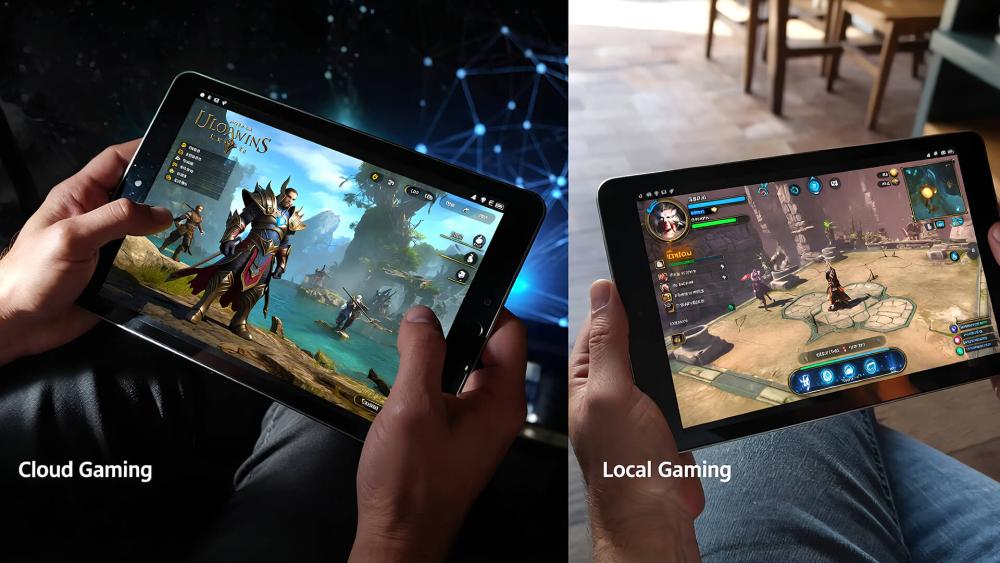
Cloud Gaming Requirements and Stability
Cloud gaming is where a 10-inch tablet is at its strongest. Services such as Xbox Cloud Gaming, GeForce NOW, and PlayStation Remote Play run games on remote servers and stream the video feed to your tablet in real time. Because the heavy processing happens elsewhere, tablet gaming performance depends far more on WiFi stability, latency, and bandwidth than on the tablet's internal hardware.
For a smooth experience, you'll typically need a stable 5GHz Wi-Fi or Wi-Fi 6 connection, consistent speeds above 25 Mbps, and low input latency. When these conditions are met, a cloud gaming tablet can deliver visuals comparable to a console or PC without heat build-up, fan noise, or large downloads.
Pros
- No need for powerful hardware
- Access to high-end PC and console games
- Minimal storage usage
- Cooler, quieter operation
Cons
- Requires strong, stable internet
- Input latency depends on network quality
- Image quality can drop during congestion
Best for
- Home gaming with reliable Wi-Fi
- Playing AAA games without owning a gaming PC
- Casual to mid-core gamers prioritising convenience
Local Gaming Performance Expectations
Local gaming runs entirely on the tablet's processor and GPU. Mobile games, emulation, and well-optimised titles perform smoothly, but demanding PC or console games are not realistic without cloud support. Frame rates, physics complexity, and graphical fidelity are naturally lower than on a gaming laptop.
For many users, local gaming still works well for casual titles, indie games, and touch-friendly experiences. However, modern AAA games rely on cloud streaming rather than local processing on a tablet.
Pros
- Works offline
- No latency from streaming
- Consistent performance once installed
Cons
- Limited to mobile-optimised games
- Lower graphical fidelity
- Hardware limits can cap performance
Best for
- Casual gaming
- Travel or offline play
- Mobile-first game libraries
Storage Impact for Installed Games
Installed games can quickly consume internal storage. Many popular mobile titles exceed 5–10GB, and frequent updates add to that footprint. Limited storage can slow updates and restrict app performance, especially on entry-level tablets. Managing game installs carefully becomes essential if you rely on local gaming.
Cloud Gaming vs Local Gaming on a 10-inch Tablet: Key Differences
| Feature | Cloud Gaming | Local Gaming |
| Processing location | Remote servers | Table hardware |
| Hardware demand | Low | Moderate to high |
| Internet required | Yes (always) | No (after install) |
| Input latency | Network-dependent | Minimal |
| Storage usage | Very low | High |
| Game library | PC & console titles | Mobile & optimised games |
| Heat & noise | Minimal | can increase under load |
| Best use case | AAA gaming at home | Casual or offline play |
Streaming Quality for Films, TV and Live Sports
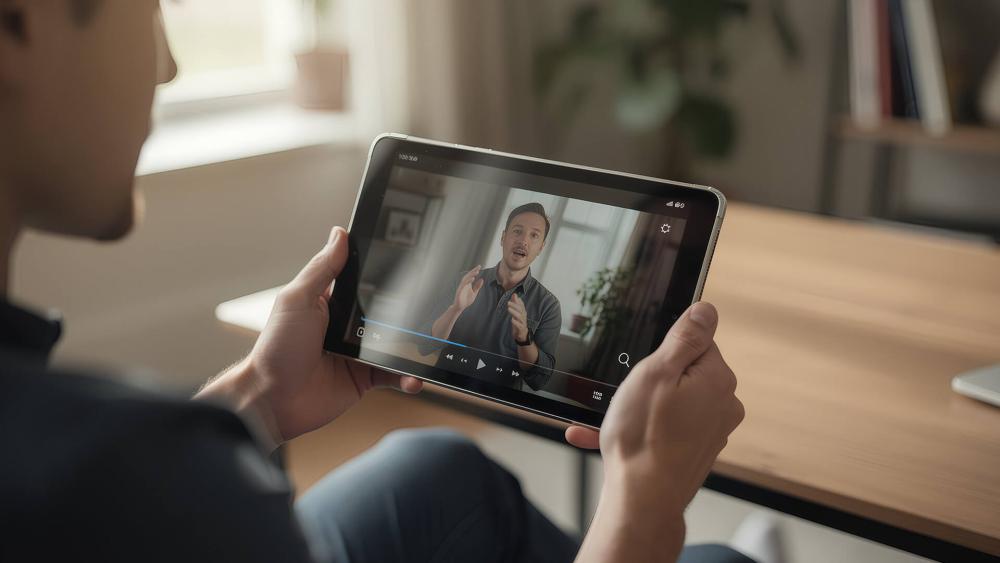
Resolution, HDR and bitrate basics
Streaming performance on a 10-inch tablet is primarily influenced by three factors: resolution, HDR support, and bitrate. Most modern tablets stream comfortably at Full HD (1080p), which already looks sharp on a 10-inch screen due to the high pixel density. Some higher-end models also support Quad HD or even 4K playback, though the visible improvement is subtle at this screen size.
HDR support plays a bigger role than raw resolution. Tablets that support HDR10 or Dolby Vision can display a wider colour range, brighter highlights, and deeper contrast, which is especially noticeable in films and live sports broadcasts. However, HDR streams use higher bitrates, meaning they require more consistent bandwidth to avoid quality drops.
Bitrate is the amount of data streamed per second. Higher bitrates produce cleaner images with less compression, particularly in fast-moving scenes like football or action films. Most major platforms automatically adjust bitrate based on your connection, which is why streaming quality can fluctuate even when resolution settings remain the same. When paired with a capable display, a 10-inch tablet works extremely well as a tablet for Netflix and other on-demand services.
| If you care about visuals, understanding display quality for films and games helps ensure sharper images, better contrast, and smoother motion when streaming or playing. |
Home Wi-Fi and Buffering Control
Buffering issues are rarely caused by the tablet itself. Instead, they usually come down to network conditions. Wi-Fi signal strength, router quality, and household congestion all affect how smoothly content streams.
Using a 5GHz Wi-Fi band instead of 2.4GHz significantly improves tablet streaming quality by reducing interference and increasing available bandwidth. Wi-Fi 6 routers further help by handling multiple connected devices more efficiently, which is particularly useful in busy households.
Distance from the router also matters. Walls, floors, and other electronics can weaken signal strength, increasing packet loss and buffering. Simple adjustments, such as moving closer to the router or switching to a less congested channel, can noticeably improve playback stability, especially during live sports streams where delays are more obvious.
Audio Options for Better Viewing
Audio quality is often overlooked but plays a major role in immersion. Most tablets have downward- or side-firing speakers, which are adequate for casual viewing but lack depth and clarity, especially at higher volumes.
Pairing Bluetooth headphones or wired earphones improves clarity, dialogue separation, and spatial awareness. Low-latency Bluetooth codecs also help keep audio in sync with video, which is important for live broadcasts. For films and sport, good headset audio makes commentary clearer and crowd noise more realistic, making a tablet far more enjoyable as a tablet for live sports.
Controller Support and Accessories
Most modern tablets support Bluetooth controllers from Xbox, PlayStation, and third-party manufacturers. Once paired, the controller connects automatically and offers much lower input latency than touchscreen controls, which is crucial for cloud gaming.
Strong tablet controller support is one of the main reasons tablets work so well for gaming at home. Cloud gaming platforms are designed around controller input, and using physical buttons improves accuracy, comfort, and reaction time compared to touch overlays.
Headsets, Stands and Comfort Add-ons
Accessories play a key role in long gaming or streaming sessions. A tablet stand improves viewing angles and posture, reducing wrist and neck strain. Combined with a controller and headset, the setup feels closer to a compact console than a handheld device.
These gaming accessories tablet users rely on don't increase raw performance, but they significantly improve comfort, control, and consistency during extended use.
| Pairing your tablet with the right gaming accessories for tablets can significantly improve control, comfort, and overall immersion during longer gaming sessions. |
Network Accessories for Smoother Play
For users with unstable Wi-Fi, USB-C hubs with Ethernet adapters provide a direct wired connection. This reduces packet loss, jitter, and latency spikes, which are especially noticeable in cloud gaming and high-bitrate streaming.
While not essential for everyone, wired networking can stabilise sessions during peak usage times and minimise buffering or sudden quality drops.
Performance Expectations vs a Gaming Laptop
In cloud gaming and media streaming, tablets can come very close to a gaming laptop experience. Since processing happens remotely, tablets stay cool, silent, and power-efficient. For casual gaming, controller-based play, and streaming, many users comfortably use your tablet for gaming and streaming without feeling limited.
Where laptops still win
Gaming laptops retain a clear advantage in local gaming. Dedicated GPUs allow higher frame rates, better visual fidelity, mod support, and lower input latency. They also handle multitasking more effectively, such as gaming while streaming or running background applications.
This is where the tablet vs gaming laptop comparison still favours laptops, particularly for competitive or performance-focused players.
Choosing the right setup for home use
If gaming and streaming are secondary to convenience, portability, and ease of use, a 10-inch tablet is a strong choice. If gaming is your primary activity and you rely on local installs, high frame rates, or keyboard-and-mouse control, a laptop remains the better option. For a more detailed breakdown, see tablet vs laptop for gaming.
Recommended Tablets for Gaming and Streaming
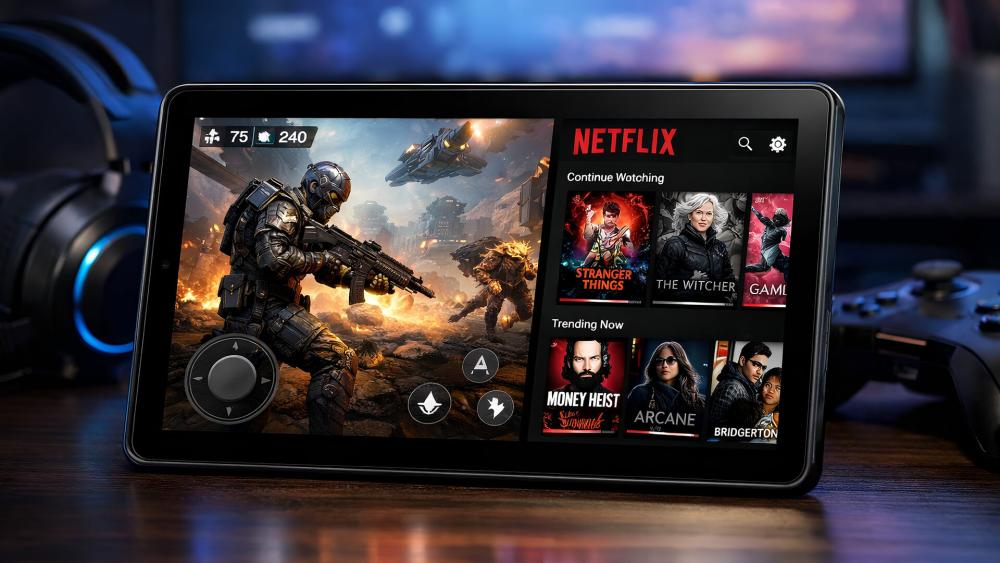
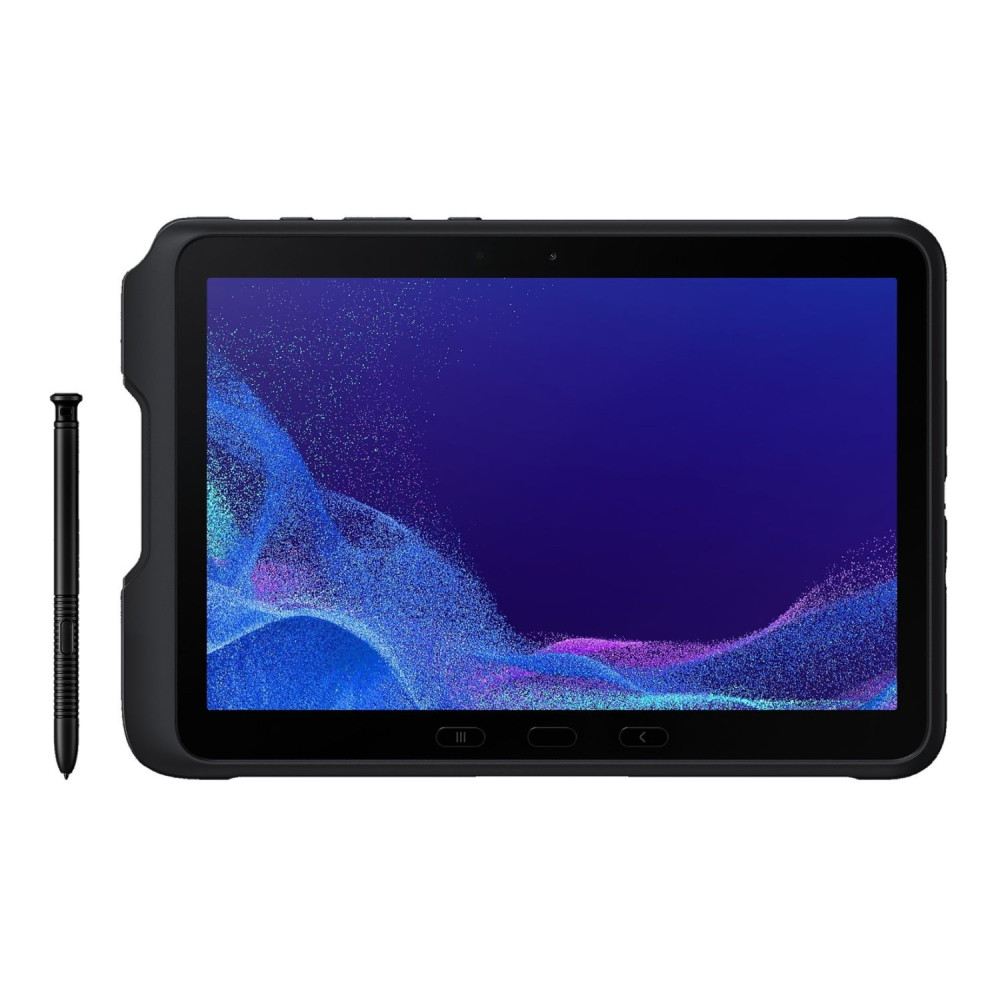
Samsung Galaxy Tab Active4 Pro (SM-T636BZKEEEA)
The Samsung Galaxy Tab Active4 Pro is the most powerful option here for both gaming and streaming. Its Qualcomm Snapdragon processor and 6GB of RAM deliver smoother cloud gaming performance, faster app switching, and more stable streaming at higher bitrates. The rugged design also makes it suitable for long sessions and everyday use, while the 10.1-inch display handles films and live sports comfortably.
Best for: Cloud gaming, high-quality streaming, multitasking, and users who want the most reliable performance
Gaming & streaming verdict: Best overall choice
TCL Tab 10L (8492A-2ALCGB11)
The TCL Tab 10L is an entry-level tablet designed primarily for basic entertainment. It performs well for standard-definition streaming and light app use but is limited for gaming due to lower RAM and processing power. Cloud gaming is possible but works best at lower settings and requires very stable Wi-Fi.
Best for: Light streaming, browsing, and occasional casual games
Gaming & streaming verdict: Better for streaming than gaming

Shop TCL Tab 10L Mediatek MT8766
Lenovo Tab (ZAEL0024GB)
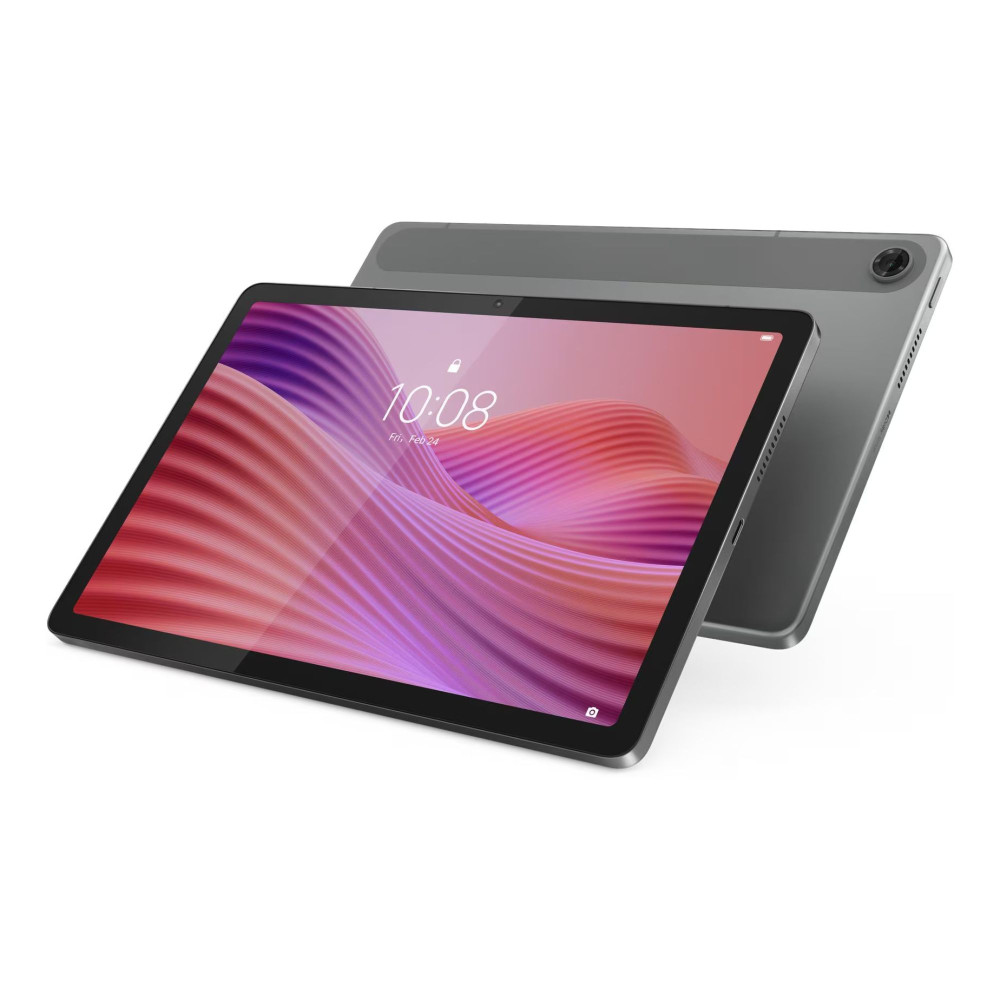
The Lenovo Tab with MediaTek Helio G85 offers a solid balance between performance and value. It handles streaming apps smoothly and supports casual gaming well, particularly for mobile titles and cloud gaming services. The WUXGA display provides sharper visuals than basic HD panels, which improves film and TV viewing without demanding excessive hardware power.
Best for: Streaming, casual gaming, and everyday home use
Gaming & streaming verdict: Good mid-range option
Shop Lenovo Tab Mediatek Helio G85
Final Thoughts
A 10 inch tab can absolutely replace a laptop for 10 inch tablet gaming streaming in the right setup. For cloud gaming, on-demand films, and live sports, tablets offer a smooth, quiet, and surprisingly capable experience when paired with stable Wi-Fi and the right accessories. Add a controller, a headset, and a simple stand, and the setup feels closer to a compact console than a compromise.
That said, tablets are not designed to replace gaming laptops for everyone. Local AAA gaming, high frame-rate competitive play, and multitasking-heavy workflows still favour laptops with dedicated GPUs. The key is understanding how you actually use your device, whether that's streaming content, casual gaming, or accessing cloud-based titles at home.
If you're weighing up whether a tablet fits your setup, or deciding between accessories, displays, and connectivity options, you can explore a wide range of 10-inch tablets, gaming accessories, and home-use setups at Box.co.uk. With carefully selected models and compatible add-ons in one place, it's easier to build a gaming and streaming setup that suits your needs without overspending.
Frequently Asked Questions
Can a 10-inch tablet handle cloud gaming smoothly at home?
Yes, provided your Wi-Fi is stable, fast, and low-latency, cloud gaming works very well on a 10-inch tablet.
Is local gaming on a 10-inch tablet comparable to a laptop?
No. Local gaming performance is limited to mobile-optimised titles, while laptops handle demanding games far better.
What accessories improve gaming on a 10-inch tablet?
Bluetooth controllers, headsets, tablet stands, and network adapters make the biggest difference.
Which settings improve streaming quality on a tablet?
Using high-quality Wi-Fi, enabling HDR where supported, and managing bitrate settings improves streaming clarity and reduces buffering.
When does a gaming laptop make more sense than a 10-inch tablet?
If you want local AAA gaming, high frame rates, or keyboard-and-mouse precision, a gaming laptop is the better option.
You can pay with:
*PayPal Credit Representative Example: Assumed credit limit £1,200, Representative 23.9% APR (variable). Purchase rate 23.9% p.a (variable).Terms & Conditions apply.


PayPal Credit and PayPal Pay in 3 are trading names of PayPal UK Ltd, 5 Fleet Place, London, United Kingdom, EC4M 7RD. Terms and conditions apply. Credit subject to status, UK residents only, Five Tech LTD acts as a broker and offers finance from a restricted range of finance providers. PayPal Pay in 3 is not regulated by the Financial Conduct Authority. Pay in 3 eligibility is subject to status and approval. 18+. UK residents only. Pay in 3 is a form of credit. Check if affordable and how you will repay. May make other borrowing more difficult or expensive. See product terms for more details.
Copyright © 1996-2026 Fivetech LTD | Terms and Conditions
box.co.uk & Box are trading names of Five Tech Limited. Registered office: Box LTD, Unit 10 Woodford Trading Estate, Woodford Green IG8 8HF