


 Menu
MenuMenu


Get Sales Advice from Mon - Fri 9am - 5:00pm:
020 3337 8950LAST UPDATED: January 27, 2026
10-Inch Tablet vs Laptop: Which One Should You Really Buy?
Choosing between a 10 inch tablet vs laptop is no longer a simple decision. Modern tablets are far more capable than they used to be, while laptops continue to evolve with better battery life and slimmer designs. For many buyers, the question is not which device is better overall, but which one actually fits their daily routine.
This guide breaks down the real-world differences between a 10 inch tablet or laptop, covering performance, multitasking, accessories, and everyday use cases. If you are trying to decide whether a tablet can replace a laptop or simply complement one, this comparison will help you make the right call.
How 10-Inch Tablets and Laptops Compare in Everyday Use
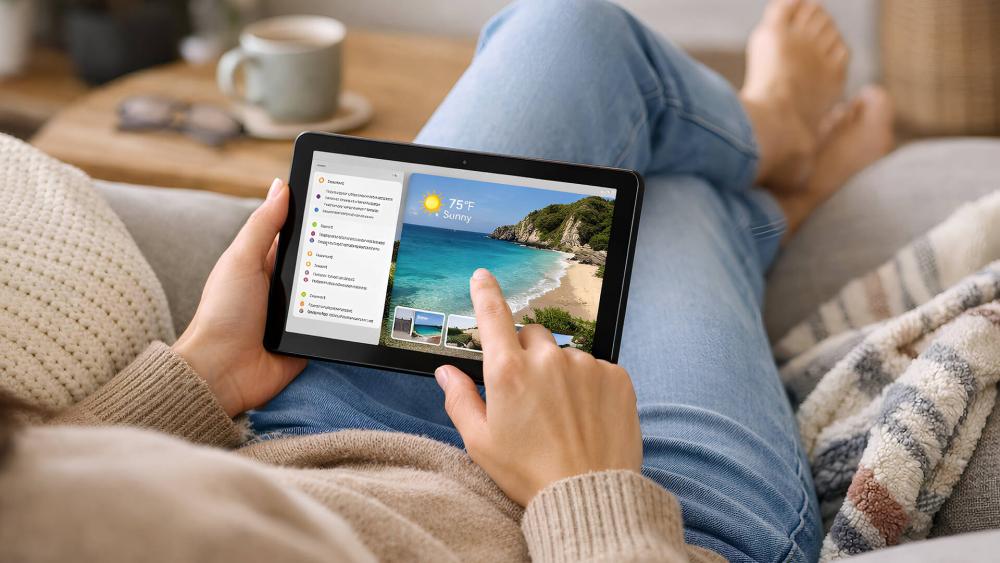
When comparing a 10 inch tablet vs laptop, the real differences show up in how each device fits into daily life rather than on a spec sheet. Tablets and laptops are designed with different priorities, and those priorities affect comfort, flexibility, and how naturally they fit into common routines. Looking at these areas side by side helps clarify which device actually suits your usage.
Portability and Carry-Anywhere Convenience
A 10-inch tablet is significantly lighter and easier to carry than most laptops. It slips into smaller bags, can be used comfortably while standing, and works well in tight spaces like sofas or public transport. This portability is one of the strongest advantages in the 10 inch tablet vs laptop comparison.
Laptops are still portable, but they usually require a dedicated bag and a flat surface, which limits spontaneous use.
Ease of Pick-Up-and-Use
Tablets excel at instant access. Unlocking a tablet and jumping straight into an app feels faster and more natural than opening a laptop and waiting for it to wake fully. For quick tasks, browsing, or checking messages, a tablet feels less like a commitment.
Laptops are better suited to planned sessions rather than quick interactions.
Comfort for Longer Sessions
Laptops are generally more comfortable for extended use due to their built-in keyboards, trackpads, and stable screen angles. For hours of typing or focused work, this makes a noticeable difference.
Tablets can still be comfortable, but usually require accessories like stands or keyboard cases to match laptop ergonomics.
Screen Size and Viewing Distance
A laptop’s larger display provides more space for multitasking and long-form work. Tablets rely on closer viewing distances, which works well for casual use but can feel limiting for complex workflows.
That said, a 10-inch tablet screen is ideal for reading, streaming, and app-based tasks without feeling overwhelming.
Battery Endurance in Real Use
Tablets often outperform laptops in battery endurance thanks to mobile-optimised hardware. A 10-inch tablet can easily last a full day of mixed use without charging.
Laptops have improved, but heavier workloads drain batteries more quickly, especially when multitasking or using external displays.
App Experience vs Desktop Software
Tablets prioritise streamlined apps designed for touch, while laptops rely on full desktop software. This affects workflow depth, file management, and multitasking complexity.
In the 10 inch tablet vs laptop debate, this is often the deciding factor for users with specific software needs.
Flexibility Around the Home
Tablets move easily from room to room and adapt to different environments, from kitchens to sofas. Laptops feel more anchored to desks or tables.
For users who value flexibility over raw power, this often tips the decision towards a tablet-first setup.
Performance, Storage and Multitasking Differences
Performance is often where buyers hesitate most when comparing a 10 inch tablet vs laptop. While tablets have improved significantly, they still operate within different limits.
Everyday Performance and Workload Limits
For everyday tasks such as email, video calling, document editing, and web browsing, tablets perform extremely well. Many people now use a 10 inch tablet for work that involves light productivity and communication.
However, laptops still handle heavier workloads better. Large spreadsheets, complex software, and sustained multitasking remain laptop-friendly tasks due to more powerful processors and broader app compatibility.
Storage Capacity and File Handling
Tablet storage tends to be more limited, with a stronger reliance on cloud storage. File management is simpler but less flexible than on a laptop. This is a key difference in tablet storage vs laptop storage, especially for users who handle large files locally.
Laptops offer larger internal storage options and more traditional file systems, which makes them better suited to complex file handling.
Multitasking and Workflow Flexibility
Tablets support split screen and app switching, but tablet multitasking limits become noticeable with more demanding workflows. Laptops allow multiple windows, external monitors, and deeper multitasking without friction.
This difference matters most for users who regularly juggle multiple apps at once.
Keyboard, Ports and Accessory Trade-Offs
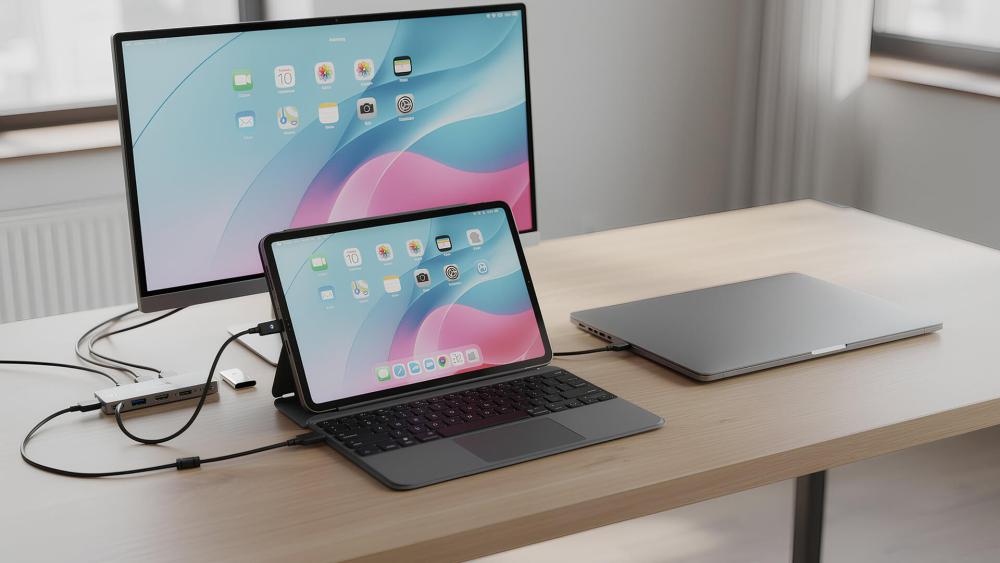
Accessories can dramatically change how a device feels to use, especially in the tablet vs laptop comparison.
Typing Experience and Desk Setups
Laptops provide a consistent typing experience out of the box. Tablets require external keyboards or keyboard cases, which vary in quality. A good tablet keyboard setup can make a tablet feel laptop-like, but it is still an extra purchase to consider.
Ports, Adapters and External Display Support
Laptops offer built-in ports for displays, storage, and peripherals. Tablets usually rely on USB-C hubs, making tablet ports adapters essential for desk-based setups or external monitor use.
If you plan to connect multiple devices, laptops are generally more convenient.
Accessories That Change the Experience
Accessories are where tablets shine. Keyboard cases, styluses, and controllers expand what a tablet can do. With the right setup, a tablet can feel like a laptop replacement tablet for many users.
If productivity is your goal, it is worth exploring a 10-inch tablet for productivity using the right accessories.
Best Choice by Use Case
Rather than choosing based on specs alone, it helps to compare devices based on how you actually plan to use them.
Work and Productivity
For light work, note-taking, and remote communication, tablets perform well. Many professionals now rely on 10-inch tablets for work, especially when paired with keyboards and cloud tools.
For demanding workloads, laptops still offer better consistency and flexibility.
Study and Learning
Students often benefit from tablets due to portability and battery life. A 10 inch tablet for students works well for reading, research, and note-taking, particularly in shared or mobile environments.
For coursework-heavy subjects, laptops may still be necessary.
Travel and Commuting
This is where tablets clearly win. A 10-inch tablet is easier to use on trains, planes, and sofas. Battery endurance and compact size make tablets ideal for travel-focused users deciding between a 10 inch tablet vs laptop.
Home Use and Media
For streaming, casual browsing, and shared family use, tablets feel more relaxed and flexible. When performance is a key consideration, comparing gaming and streaming on a 10-inch tablet against laptop use highlights just how capable modern tablets have become.
Tablet vs Laptop: Price, Value and Hidden Costs
Price is often the deciding factor when choosing between a tablet vs laptop, but the upfront cost does not always tell the full story. While tablets can appear cheaper initially, accessories and long-term use play a big role in overall value.
In many cases, tablets offer a lower entry price than laptops, especially for casual users. This makes 10-inch tablets for students an excellent starting position. However, laptops often include features as standard that tablets require add-ons for.
When comparing value, it helps to consider:
- Entry-level tablets usually cost less than budget laptops
- Accessories like keyboard cases, styluses, and USB-C hubs add to tablet cost
- Laptops include keyboards, trackpads, and ports by default
For users who only need browsing, streaming, and light productivity, a tablet often delivers better value. For those needing sustained work or complex setups, a laptop’s higher upfront cost can be justified by fewer extra purchases.
Operating Systems: Tablet Apps vs Laptop Software
Operating systems are a major difference in the tablet vs laptop debate and often determine how flexible a device feels over time. Tablets and laptops are built around very different software ecosystems.
Tablets rely on mobile operating systems designed for touch, simplicity, and efficiency. Apps are streamlined and easy to use, but sometimes limited compared to full desktop software.
Laptops run traditional desktop operating systems that support:
- Full versions of productivity and creative software
- Advanced file management and multitasking
- Broader compatibility with professional tools
When choosing between a 10 inch tablet vs laptop, app compatibility becomes critical. If your workflow depends on specific desktop-only software, a laptop is usually the safer choice. If your tasks are app-based and cloud-focused, a tablet often feels faster and more intuitive.
Which Lasts Longer: Tablets or Laptops?
Longevity is another important consideration when weighing up a tablet vs laptop purchase. Both devices can last several years, but they age in different ways.
Tablets tend to have excellent battery endurance early on, but limited upgrade options. Storage, memory, and components are fixed, meaning performance stays consistent but cannot be expanded later.
Laptops often last longer in demanding roles because they offer:
- Larger storage options from the start
- Better thermal handling for long sessions
- Greater repair and replacement flexibility
For casual users, tablets can remain perfectly usable for many years. For users with growing demands, laptops generally offer more long-term adaptability.
When a 10-Inch Tablet Is Enough and When a Laptop Still Wins
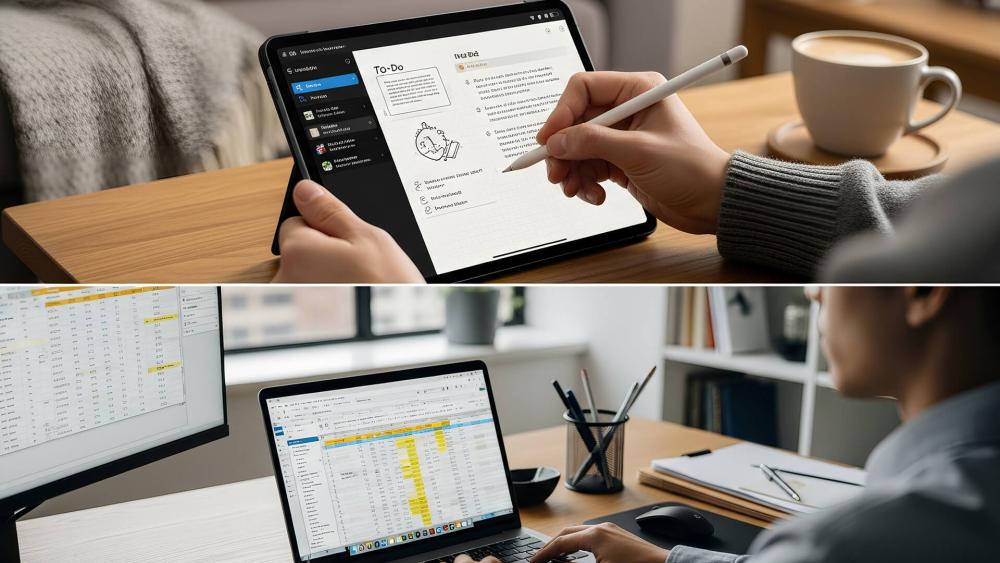
After comparing features, performance, and accessories, the decision between a 10 inch tablet vs laptop often comes down to how you actually use your device day to day. Many users overestimate their needs, assuming they require a laptop when a tablet would handle most tasks just fine. Others underestimate how demanding their workflows are until a tablet starts to feel restrictive.
Understanding where each device genuinely excels helps avoid buying something that feels underused or frustrating after a few weeks.
Tablet-First Scenarios
A 10-inch tablet is often enough if your daily use revolves around lighter, more flexible tasks. These activities suit a tablet’s touch-first design and quick access.
A 10 inch tablet vs laptop comparison tends to favour a tablet when you mainly use your device for:
- Web browsing, emails, and video calls
- Streaming films, TV, and live sports
- Note-taking, reading, and casual research
- Light document work and cloud-based apps
Portability is another key advantage. A tablet feels less intrusive in everyday settings and works well if you:
- Move between rooms frequently
- Travel or commute regularly
- Work casually from the sofa or kitchen table
With the right accessories, a tablet becomes even more capable. Adding a keyboard case or stylus allows many users to handle light productivity without reaching for a laptop. If this sounds like your routine, it may make sense to buy a 10-inch tablet as your primary device for everyday use.
Laptop-First Scenarios
A laptop is still the better option when your work demands structure, power, and long-form input. Some tasks simply benefit from a traditional desktop-style setup.
In a 10 inch tablet vs laptop decision, a laptop usually wins if you regularly do:
- Long typing sessions or detailed written work
- Advanced spreadsheets, coding, or design tasks
- File-heavy workflows that rely on local storage
Laptops are also better suited to setups that require multiple peripherals, such as:
- External monitors for multitasking
- USB storage drives and professional accessories
- Reliable keyboard and trackpad input without add-ons
If your day involves extended desk-based work, constant window switching, or software that is not optimised for touch, a laptop will feel more comfortable and efficient over time.
Conclusion
The decision between a 10 inch tablet vs laptop depends far more on how you use your device than on raw specifications. Tablets excel at portability, quick access, and everyday convenience, making them a strong choice for browsing, streaming, light work, and on-the-go use. With the right accessories, many users find a tablet covers most of their daily needs.
Laptops still hold the advantage for intensive workloads, long typing sessions, and complex multitasking. If your routine relies on desktop-style software or extended desk work, a laptop remains the more practical option.
For many users, the best choice is not about replacing one device with the other, but choosing the tool that fits their habits. Understanding where a tablet shines and where a laptop still wins makes the 10 inch tablet vs laptop decision far easier and more confident.
FAQs
Is a 10-inch tablet powerful enough to replace a laptop for everyday tasks?
Yes, for browsing, emails, video calls, and light document work, a 10-inch tablet is powerful enough for everyday use.
What are the main performance differences between a 10-inch tablet and a laptop?
Laptops handle heavier workloads better, while tablets excel at efficiency and battery endurance.
Can a 10-inch tablet handle multitasking as well as a laptop?
Tablets support split screen, but laptops offer more flexible multitasking and window management.
Is a 10-inch tablet better than a laptop for travel and commuting?
Yes, tablets are lighter, easier to use on the move, and typically last longer on a single charge.
When does a laptop still make more sense than a 10-inch tablet?
A laptop is better for demanding software, extended typing, and complex file management.
You can pay with:
*PayPal Credit Representative Example: Assumed credit limit £1,200, Representative 23.9% APR (variable). Purchase rate 23.9% p.a (variable).Terms & Conditions apply.


PayPal Credit and PayPal Pay in 3 are trading names of PayPal UK Ltd, 5 Fleet Place, London, United Kingdom, EC4M 7RD. Terms and conditions apply. Credit subject to status, UK residents only, Five Tech LTD acts as a broker and offers finance from a restricted range of finance providers. PayPal Pay in 3 is not regulated by the Financial Conduct Authority. Pay in 3 eligibility is subject to status and approval. 18+. UK residents only. Pay in 3 is a form of credit. Check if affordable and how you will repay. May make other borrowing more difficult or expensive. See product terms for more details.
Copyright © 1996-2026 Fivetech LTD | Terms and Conditions
box.co.uk & Box are trading names of Five Tech Limited. Registered office: Box LTD, Unit 10 Woodford Trading Estate, Woodford Green IG8 8HF