


 Menu
MenuMenu


Get Sales Advice from Mon - Fri 9am - 5:00pm:
020 3337 8950LAST UPDATED: September 16, 2025
NAS vs Cloud Storage: Which is Right for You in 2025?
As digital content grows in both personal and professional spaces, the question of NAS vs Cloud storage has become more relevant than ever. Whether you are a student with countless projects, a content creator managing terabytes of video, or a small business needing reliable data access and backup, choosing between NAS storage vs cloud solutions is no longer a luxury-it is a necessity.
Both network storage vs cloud storage options offer unique benefits, yet each comes with its own limitations. The right choice depends on your budget, accessibility needs, security requirements, and long-term data management strategy. In this guide, we’ll explore local storage vs cloud storage, break down cloud backup vs NAS, and provide a clear framework to help you decide which one works best for you in 2025.
What is NAS?
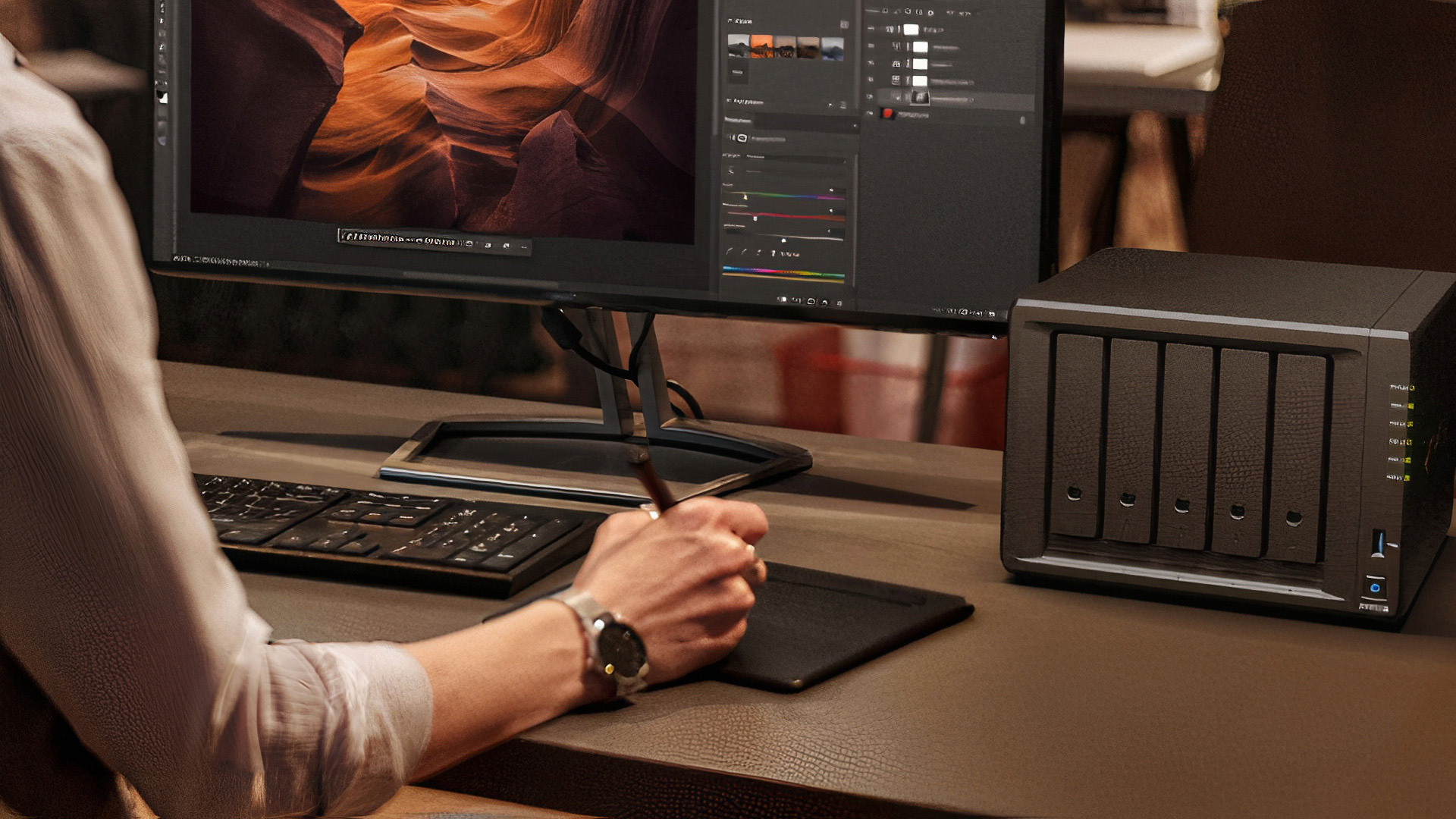
Before diving deeper into comparisons, let’s clarify what NAS actually is.
NAS (Network Attached Storage) is a dedicated storage device that connects to your home or office network, allowing multiple users to access and share files from anywhere on that network-and, in many cases, remotely over the internet.
For a more detailed breakdown, you can read our full What is NAS guide, which covers the fundamentals, use cases, and why NAS has become increasingly popular for households and businesses alike.
What is Cloud Storage?
Cloud storage is an online service where your data is stored on remote servers managed by third-party providers. Think of Google Drive, OneDrive, iCloud, or Dropbox. These services allow you to upload, access, and share files anywhere with an internet connection.
Unlike NAS, you do not own the physical hardware-the provider manages storage capacity, redundancy, and maintenance. This makes cloud storage convenient, scalable, and relatively hassle-free.
NAS vs Cloud Storage: A Head-to-Head Comparison
To make the decision clearer, let’s compare NAS storage vs cloud across the most important dimensions:
1. Ownership and Control
- NAS: You fully own the hardware and decide how it operates. You control the drives, backup schedules, and security measures.
- Cloud: Your provider controls the infrastructure, while you rent storage space. You depend on their policies, uptime, and pricing changes.
2. Initial vs Ongoing Costs
- NAS: Higher upfront investment (device + drives), but lower recurring costs in the long run. You can upgrade drives as needed.
- Cloud: Low or no upfront costs, but subscription fees build up over time. For large volumes of data, costs can surpass a NAS setup within a few years.
3. Accessibility
- NAS: Accessible locally over your home/office network, and remotely if configured. Access speed is usually much faster on your local network.
- Cloud: Accessible anywhere with internet, with seamless synchronisation across devices.
4. Security
- NAS: Data security is in your hands. Strong passwords, firewalls, and encryption can make it very secure, but vulnerabilities depend on your management.
- Cloud: Providers offer professional-grade security, including multi-factor authentication, encryption, and redundancy. But your data resides on their servers, raising privacy concerns.
5. Scalability
- NAS: Storage expansion requires buying and installing new drives. This can be cost-effective but requires planning.
- Cloud: Instantly scalable-simply upgrade your plan to increase storage space.
6. Data Backup & Redundancy
- NAS: Redundancy can be built in through RAID setups. However, if the device fails, data recovery may be difficult unless off-site backups exist.
- Cloud: Redundant copies are maintained across multiple servers and locations, minimising the risk of permanent data loss.
7. Use Cases
- NAS: Ideal for media streaming, home offices, small businesses, photographers, and anyone who wants full control of their data.
- Cloud: Best for individuals needing convenience, frequent collaboration, or businesses that prioritise scalability without managing hardware.
Cloud Backup vs NAS: Can You Use Both?
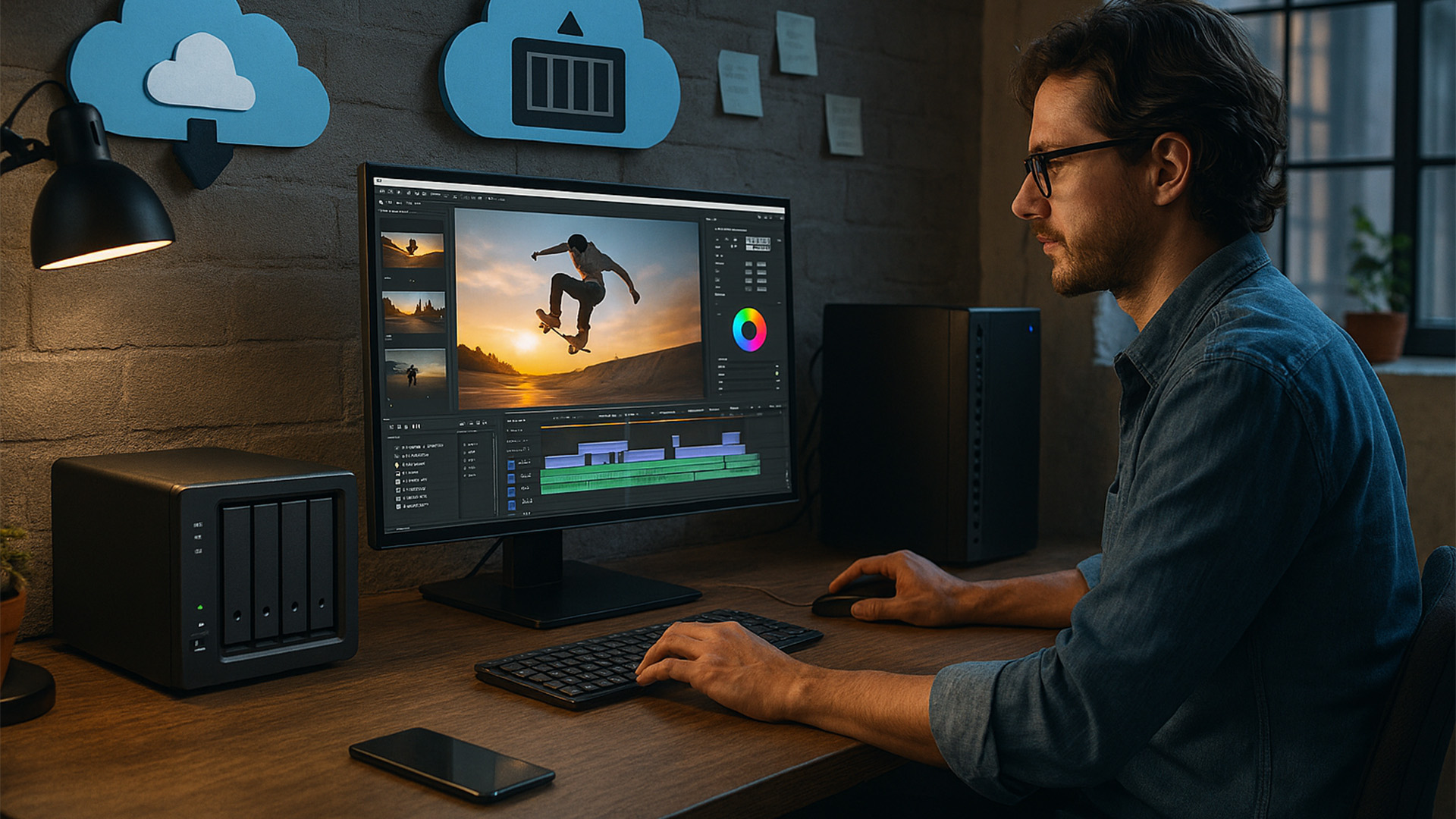
One of the smartest approaches in 2025 is not to view cloud backup vs NAS as a binary choice, but to use both in combination. This hybrid method gives you the best of each system.
- NAS for speed and control: Your NAS serves as the primary hub for data, offering fast local access, high transfer speeds for large files, and the reassurance that your data sits on hardware you own.
- Cloud for resilience and mobility: The cloud acts as an off-site safeguard, protecting you if your NAS is damaged, stolen, or compromised. It also ensures you can access key files on the go, without relying on your home or office network.
This “belt-and-braces” strategy is increasingly popular among professionals, small businesses, and even households. By combining local storage vs cloud storage, you get both immediate performance and long-term redundancy balance that single solutions cannot guarantee.
NAS in 2025: Why It’s Still Relevant
When cloud storage became the trend a few years ago, many assumed that NAS would slowly disappear. But if anything, the opposite has happened. In 2025, NAS has evolved into something far more personal and practical, giving everyday users real reasons to keep it at the heart of their digital lives.
- Smarter organisation: Imagine uploading thousands of holiday photos and having your NAS automatically tag faces, locations, and events. AI-powered indexing makes it effortless to find that one picture without scrolling endlessly.
- Your own streaming service: For film buffs or music lovers, a NAS can feel like Netflix or Spotify-except it is all your own content, streamed instantly to your TV, console, or phone.
- Cloud when you need it: Many NAS systems now sync with services like Dropbox or Google Drive, so you get the convenience of the cloud without giving up ownership of your files.
Put simply, NAS today is not just storage-it is an extension of how you work, play, and create. If you are curious about the technical side, our NAS setup guide will walk you through just how easy it is to get started.
Cloud Storage in 2025: Where It Shines
Cloud storage has come a long way from being just a place to dump files online. In 2025, it has grown into a daily companion for both work and personal life, making digital collaboration and organisation feel almost effortless.
- Built for teamwork: Whether you are editing a presentation in Microsoft 365 or co-authoring a report in Google Docs, today’s cloud platforms are designed with collaboration in mind. Multiple people can work together in real time, no matter where they are.
- Security that travels with you: With zero-trust frameworks now standard, your files are protected even when you’re working from coffee shops, airports, or home offices. The cloud adjusts to remote lifestyles without compromising safety.
- Smarter than ever: From suggesting the document you’ll need before a meeting to helping you search with everyday language, AI-powered tools make finding and using your data seamless.
For people and businesses spread across different locations, cloud storage still offers something NAS cannot match: instant accessibility, collaboration, and scalability at the tap of a screen.
Local Storage vs Cloud Storage: Which is Right for You?
Deciding between local storage vs cloud storage is easier when you think about how you actually use your data day to day. Here’s a breakdown by scenario:
For Individuals
- Everyday users: If you mainly store photos, school or work documents, and personal media, cloud storage is usually more than enough. It gives you easy access from your phone, laptop, or tablet, without worrying about setting up hardware.
- Creative professionals: Photographers, video editors, or designers often deal with massive files that are slow to upload and download from the cloud. In these cases, NAS is a better fit, providing faster local transfer speeds and total control over your work library.
For Small Businesses
- Collaboration-focused teams: If your team works across different offices-or even different time zones-cloud storage keeps everyone connected. Real-time editing, file sharing, and productivity tool integration make it ideal for remote or hybrid teams.
- Cost-conscious firms: Small businesses that need reliable, secure storage but want to avoid long-term subscription fees may find NAS more cost-effective. Once set up, it offers private storage and greater data sovereignty without ongoing monthly costs.
For Hybrid Users
The best of both worlds: Many people and businesses now use a mix of both systems. NAS handles active projects and large media files locally, while the cloud acts as an off-site backup, ensuring important data is safe even in the event of hardware failure, theft, or natural disasters.
This way, you are not forced into a one-size-fits-all solution-you can match your storage to your actual needs.
Practical Use Cases
- Media Enthusiasts: With NAS, you can store entire 4K video libraries and stream them across devices at home. See our NAS for backups guide for more on protecting your digital collections.
- Remote Teams: Cloud ensures seamless collaboration, with real-time editing and access from anywhere.
- Home Security Systems: NAS devices can act as central hubs for IP camera footage, giving you local control without relying on external servers.
- SMBs: Many small businesses use NAS as a private cloud, combining speed with data sovereignty.
NAS Troubleshooting: Common Issues and Fixes
One of the main concerns people have about NAS is complexity. While setup is easier than ever, problems still occur. Some common issues include:
- Slow performance: Often due to outdated drives or network bottlenecks.
- Drive failures: Solved with RAID setups and timely replacements.
- Remote access issues: Typically, a configuration error with router port forwarding or firewalls.
We have created a full NAS troubleshooting guide to help you resolve these quickly and efficiently.
Cost Comparison: NAS vs Cloud Over 5 Year
| Storage Type | Initial Cost | Recurring Cost | 5-Year Estimate (2TB) | Scalability |
|---|---|---|---|---|
| NAS | £500–£700 (device + drives) | £0–£50/year (electricity, optional software) | ~£800 total | Buy larger drives |
| Cloud | £0 upfront | £8–£10/month for 2TB plan | ~£600–£700 total | Upgrade subscription instantly |
For smaller storage needs, cloud is often cheaper. But for larger libraries (5TB+), NAS quickly becomes more cost-effective.
The Future of Storage: Where Things Are Headed
Looking ahead, the landscape of digital storage is set to become more integrated than ever. NAS devices are expected to evolve with smarter, AI-driven features, stronger remote access capabilities, and seamless cloud integration, making them far more than just local storage boxes. At the same time, cloud storage will continue to grow beyond simple file hosting, with deeper collaboration tools, AI-powered personal assistants, and enterprise-grade security becoming standard. In fact, the traditional debate of NAS vs Cloud Storage may soon lose relevance, as hybrid solutions emerge as the new norm-giving users the speed and control of local storage while also delivering the flexibility and reliability of the cloud.
Conclusion: Making Your Choice in 2025
In the end, there is no single winner in the NAS vs Cloud storage debate. The right storage solution depends entirely on your circumstances and priorities. For users who value full control, faster performance, and long-term cost savings, NAS storage continues to be a strong choice. For those who prefer convenience, seamless collaboration, and access from anywhere, cloud storage remains the more natural fit. Increasingly, however, many individuals and businesses are finding that the most effective option is not one or the other, but a combination of both-using NAS for active projects and local storage while relying on cloud backup for redundancy and disaster recovery. By carefully weighing the benefits of network storage vs cloud storage, and considering how your needs may evolve in the years ahead, you can make an informed decision that keeps your data secure, scalable, and ready for whatever 2025 brings. For readers interested in diving deeper, there are guides from box.co.uk on topics such as what is NAS, step-by-step NAS setup, best practices for NAS backups, and solutions for common NAS troubleshooting scenarios.
You can pay with:
*PayPal Credit Representative Example: Assumed credit limit £1,200, Representative 23.9% APR (variable). Purchase rate 23.9% p.a (variable).Terms & Conditions apply.


PayPal Credit and PayPal Pay in 3 are trading names of PayPal UK Ltd, 5 Fleet Place, London, United Kingdom, EC4M 7RD. Terms and conditions apply. Credit subject to status, UK residents only, Five Tech LTD acts as a broker and offers finance from a restricted range of finance providers. PayPal Pay in 3 is not regulated by the Financial Conduct Authority. Pay in 3 eligibility is subject to status and approval. 18+. UK residents only. Pay in 3 is a form of credit. Check if affordable and how you will repay. May make other borrowing more difficult or expensive. See product terms for more details.
Copyright © 1996-2026 Fivetech LTD | Terms and Conditions
box.co.uk & Box are trading names of Five Tech Limited. Registered office: Box LTD, Unit 10 Woodford Trading Estate, Woodford Green IG8 8HF