


 Menu
MenuMenu


Get Sales Advice from Mon - Fri 9am - 5:00pm:
020 3337 8950LAST UPDATED: May 26, 2026
Intel Core i5 vs i7: Which CPU Should You Choose in 2026?
Choosing between i5 vs i7 in 2026 is not just about picking the bigger number. Both processor tiers can be excellent, but they suit different users. An Intel Core i5 is often the smarter choice for gamers, everyday users, and budget-conscious PC builders, while an Intel Core i7 gives you more headroom for heavy multitasking, content creation, streaming, and higher-end laptop or desktop builds.
The key thing to remember is that modern Intel processors vary by generation, core layout, power limit, and laptop or desktop design. Intel’s current product stack includes newer Core naming alongside older Intel i5 and Intel i7 chips, and Intel’s own product listings show big differences in total cores, turbo frequencies, and cache across recent models. So, instead of asking whether i7 is always better, the better question is: what do you actually need your CPU to do?
For most people, i5 vs i7 comes down to value versus headroom. A good core i5 can be brilliant for gaming, schoolwork, office use and general content consumption. A stronger i7 processor makes more sense if you edit video, stream, run lots of apps at once, use creative software or want a system that feels faster for longer.
i5 vs i7: Key Differences
The difference between i5 vs i7 is usually found in core count, thread count, clock speed, cache, and power behaviour. In simple terms, an Intel i5 is the mainstream performance option, while an Intel i7 is the step-up chip for people who need more muscle.
- Core and Thread Count: Modern Core i5 processors can already offer plenty of cores for gaming and everyday work, but i7 CPUs usually add more performance cores, efficient cores or threads depending on the generation. Intel’s 14th Gen desktop i7-14700K, for example, moved to 20 cores and 28 threads, with Intel specifically highlighting extra Efficient-cores for demanding multitasking workloads.
- Clock Speeds: A higher-end Intel i7 processor often boosts higher than an equivalent i5 processor, but clock speed alone is not the whole story. Cooling, power limits and architecture matter just as much.
- Cache and Architecture: An Intel Core i7 typically has more cache than an Intel Core i5, which can help in workloads that reuse lots of data quickly. Hybrid architecture differences also matter, as recent Intel desktop processors combine Performance-cores and Efficient-cores to split heavy and background tasks more intelligently. Intel describes this hybrid design as combining P-cores and E-cores on the same processor die, first introduced on 12th Gen Intel Core processors.
- Generation Matters: Do not compare an old i7 against a new i5 by name alone. Intel CPU generations can change core layouts, power efficiency, memory support and performance scaling. A newer i5 can beat an older i7 in many real-world tasks.
For shoppers building their own system, our Intel CPU range is a great starting point where you can narrow the choice by workload. If you are building a gaming PC, start with value. If you are building a workhorse, think about long-term multitasking performance.
Gaming Performance: i5 vs i7
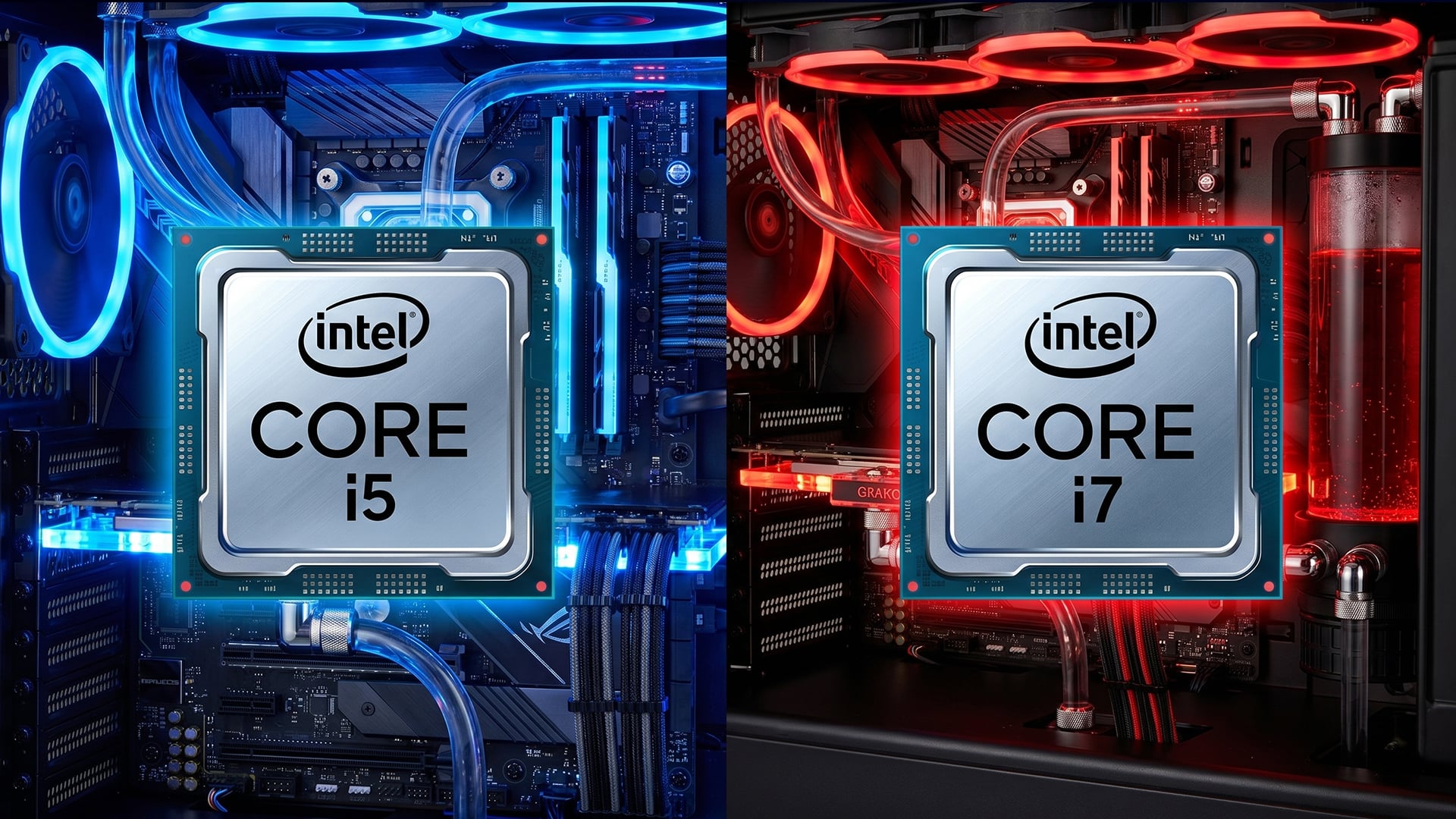
For gaming, i5 vs i7 is closer than many people expect. In loads of games, especially at 1440p or 4K, the graphics card does more of the heavy lifting than the CPU. That means a strong Intel i5 paired with a good GPU can beat an Intel i7 CPU paired with a weaker graphics card.
- FPS Differences in Games: At 1080p with a powerful GPU, an i7 processor may deliver slightly higher minimum FPS or smoother results in CPU-heavy games. However, many players will see only small differences if they are using a mid-range GPU or playing at higher resolutions.
- High Refresh Gaming: If you are chasing 144Hz, 240Hz or higher in competitive games, the CPU matters more. A stronger CPU i7 can help keep frame rates steadier, especially in titles with big maps, lots of players or heavy simulation.
- GPU Dependency: For AAA games, your GPU still matters more than the jump from Intel Core i5 to Intel Core i7. If the budget is fixed, many gamers are better off buying a core i5 and spending more on the graphics card.
This is why i5 vs i7 for gaming is not a clean win for i7. A modern Intel i5 can be a cracking choice for most gaming PCs, especially when paired with 16GB or 32GB RAM and a strong GPU. If you want to dig deeper into mid-range chips, our dedicated i5 14600k performance breakdown can help you understand why higher-end i5 chips still perform well for gaming and multitasking.
Productivity and Multitasking
This is where i5 vs i7 becomes more interesting. An Intel i7 is usually easier to justify if your PC is for more than gaming. When you start editing video, streaming, rendering, running virtual machines or keeping loads of apps open, the extra cores and threads can make a real difference.
- Content Creation: An Intel Core i7 is usually the better fit for video editing, photo editing, 3D work, coding, music production and other creative tasks. The extra CPU headroom helps when software can use multiple cores.
- Streaming and Multitasking: If you game, stream, run Discord, keep browser tabs open and record gameplay at the same time, an Intel i7 processor gives you more breathing room. A strong i5 processor can still do it, but the i7 is less likely to feel pushed.
- Heavy Workloads: For repeated exports, large spreadsheets, code compilation or workstation-style use, i7 CPUs are worth considering. The performance gain is less about one app opening faster and more about the system staying responsive under pressure.
For everyday work, though, i5 vs i7 is not always worth paying extra for. If your day is mostly browsing, documents, Teams calls, streaming and light editing, an Intel Core i5 already feels quick. The i7 only becomes the obvious choice once your workload genuinely uses the extra performance.
Power Consumption and Thermals
Power and heat are easy to overlook, but they matter a lot. The faster CPU is not always the better CPU if your case, cooler or laptop chassis cannot handle it properly. This is especially true with laptops, where the same Intel i7 CPU can behave differently depending on cooling design.
- Efficiency Differences: An Intel i5 often gives better value and can be easier to cool, especially in compact desktops and thinner laptops. It may use less power under load, which can mean quieter fans and better battery life.
- Cooling Requirements: A desktop i7 processor can need a better cooler to maintain boost speeds. In gaming laptops, a high-performance Intel Core i7 may run hotter than an i5 if the chassis is slim or the cooling system is limited.
- Real-World Usage Differences: If you are only gaming for a few hours or doing light productivity, both i5 and i7 can feel smooth. If you run heavy workloads for long sessions, thermal output differences become more noticeable.
For laptops, do not just buy based on the CPU name. A well-cooled i5 processor laptop can feel better than a thin i7 laptop that constantly throttles. If you want portable value, compare Core i5 laptop computers. If you need more premium performance, look at high end i7 laptops.
Price vs Performance
This is the biggest reason i5 vs i7 remains a popular comparison. The i7 is usually faster, but the intel i5 is often better value. That matters for gamers, PC builders and laptop buyers who want the best overall system, not just the best CPU badge.
- Value for money: A modern core i5 is the sweet spot for many users. It keeps the system fast without eating too much of the budget. For gaming builds, the saved money can go towards a stronger GPU, better monitor, larger SSD or more RAM.
- When i7 is worth it: An intel core i7 is worth it when your tasks scale with more cores and threads. That includes video editing, streaming, creative workloads, heavy multitasking and high-refresh gaming with a powerful GPU.
- When i5 is enough: An i5 processor is enough for everyday computing, schoolwork, office tasks, browsing, casual editing and most gaming setups. If you are not pushing your PC hard, the extra cost of an i7 may not feel worthwhile.
A useful rule for i5 vs i7 is this: buy i5 for balance, buy i7 for headroom. If your budget is tight, start with core i5 processors. If you already have a strong GPU or need more multitasking power, compare i7 CPUs.
Who Should Choose i5?
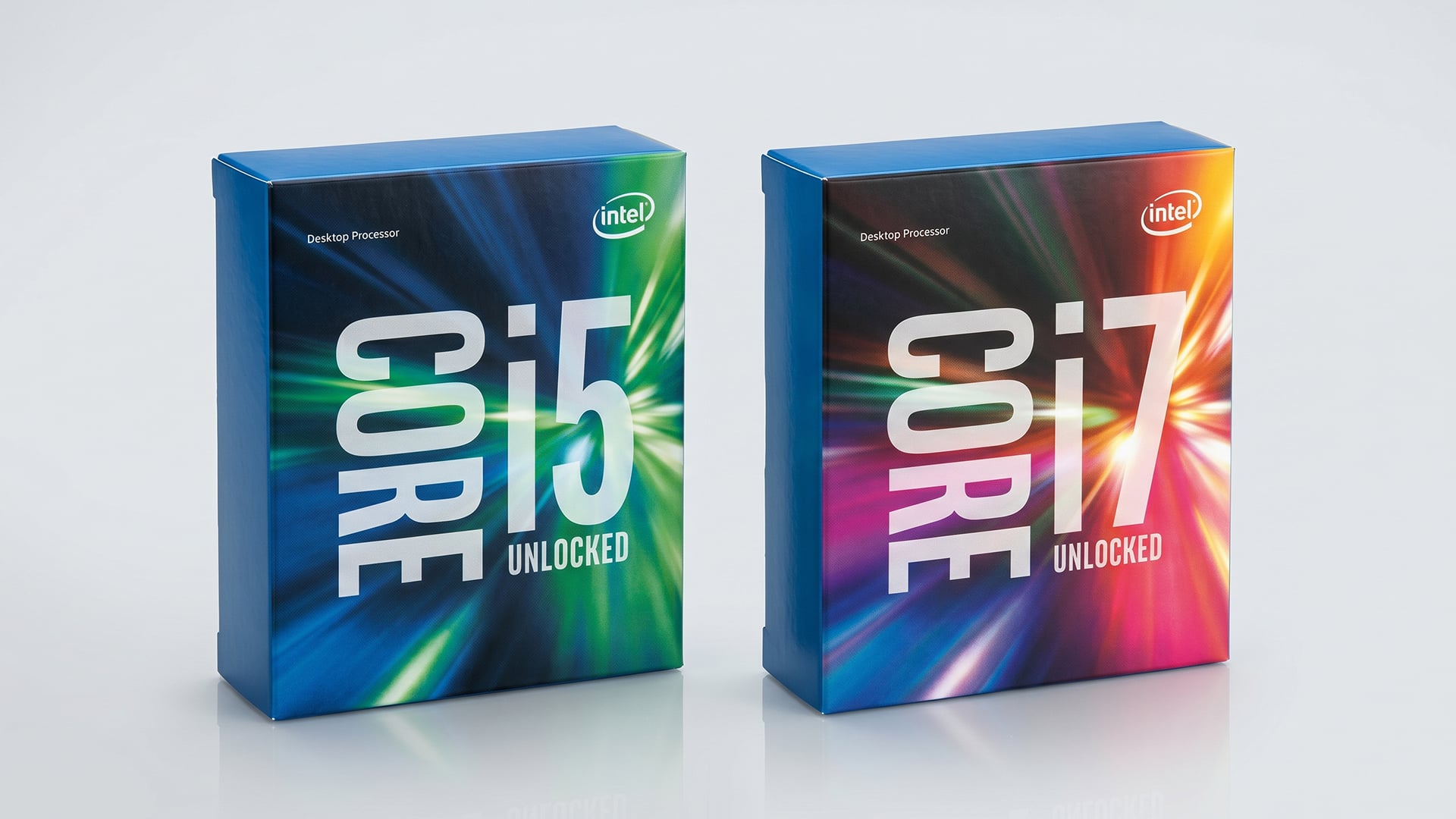
An Intel Core i5 is the right choice for more people than you might think. The i5 range has become strong enough that it is no longer just a budget option. It is now the mainstream performance tier for people who want speed without overspending.
Choose Intel i5 if you are:
- A Gamer: Most gaming PCs do not need an i7 unless you are chasing very high FPS, using a top-tier GPU or streaming at the same time. For 1080p and 1440p gaming, a good Core i5 is usually plenty.
- A Budget Builder: If the choice is i5 plus a better GPU versus i7 plus a weaker GPU, gamers should often choose the i5 route.
- An Everyday User: Browsing, schoolwork, office tasks, streaming, shopping, light editing and general Windows use all run well on a modern Intel Core i5.
- A Laptop Buyer: A good i5 processor laptop can be ideal for students, families and hybrid workers who want fast performance without paying for power they will not use.
The best part of choosing i5 is balance. In the i5 vs i7 debate, i5 wins when the goal is value vs performance. It gives you strong single-core speed, enough multi-core performance for normal use and better budget flexibility.
Who Should Choose i7?
An Intel Core i7 is the better choice if your PC is a serious work machine, a high-end gaming rig or a laptop you plan to keep for years. The extra performance is not always obvious in simple tasks, but it becomes useful when the workload gets heavier.
Choose Intel i7 if you are:
- A Creator: Video editing, photo editing, 3D rendering and music production can benefit from the extra threads and stronger multitasking performance of an i7 processor.
- A Heavy Multitasker: If you keep games, Discord, browser tabs, editing software and recording tools running together, an Intel i7 processor gives the system more room to breathe.
- A Power User: Developers, streamers, engineers and users running heavier apps will usually get more long-term value from an Intel i7 CPU.
- A High-Refresh Gamer: If you are targeting very high FPS with a powerful graphics card, i7 can help reduce CPU limits in demanding games.
The i7 is not just about today. In i5 vs i7, the i7 also has an argument for longer-term usability. As apps and games become more demanding, the extra CPU headroom can help your system stay relevant for longer.
Intel Core i5 vs i7 for Laptops
Laptop buying needs a slightly different approach. A desktop CPU has more room for cooling and power, but a laptop CPU depends heavily on the design of the machine. That means an Intel Core i7 laptop is not automatically better than an Intel Core i5 laptop in every situation.
For slim laptops, an i5 may offer better battery life and quieter everyday use. For performance laptops, an i7 makes sense if the laptop has strong cooling and enough RAM. For gaming laptops, the GPU still matters massively, so do not overspend on the CPU while settling for a weak graphics chip.
The best i5 vs i7 laptop choice looks like this:
- Choose an Intel i5 laptop for school, work, browsing, light gaming and general productivity.
- Choose an Intel i7 laptop for editing, heavier multitasking, higher-end gaming and creative workloads.
- Avoid judging by CPU alone. Check RAM, SSD, screen, cooling and graphics as well.
Intel vs AMD Consideration
It is also worth thinking beyond i5 vs i7. AMD Ryzen chips compete strongly in similar price bands, especially Ryzen 5 against Core i5 and Ryzen 7 against Core i7. For gamers, the best choice can change depending on pricing, motherboard costs, platform features and whether a specific game prefers one architecture.
If you are comparing Ryzen 5 vs i5 performance, focus on the full platform, not just the CPU. Look at motherboard price, RAM support, upgrade path, gaming benchmarks and power draw. Intel often has a strong case for single-core performance and broad compatibility, while Ryzen can be very competitive for efficiency and gaming value depending on the chip. You can read more about this in our broader Ryzen vs Intel comparison to choose the right brand for your build.
Wrapping Up
The final answer to i5 vs i7 in 2026 is simple: choose i5 for value, choose i7 for headroom. A modern Intel Core i5 is enough for most gamers, students, home users and budget PC builders. It gives excellent everyday speed, strong gaming performance and a better price to performance ratio.
Choose an Intel Core i7 if you create content, stream, multitask heavily, use demanding software or want a premium system that feels more capable for longer. An i7 is usually better, but it is not always better value.
For most users, the best choice is:
- Pick i5 for gaming, everyday use, school, office work and balanced PC builds.
- Pick i7 for content creation, streaming, workstation-style tasks and high-end gaming setups.
- Spend wisely by balancing CPU, GPU, RAM, SSD and cooling rather than chasing the highest CPU tier alone.
So, is the Intel i7 better than the Intel i5? Technically, often yes. But is it always the smarter buy? No. In the real i5 vs i7 decision, the winner is the CPU that fits your workload and budget.
FAQs
-
Is the i7 better than the i5?
Yes, an i7 is usually faster than an i5 from the same generation and product class, especially for multitasking, creative workloads and heavy software. However, in gaming and everyday use, a modern i5 can still be the better value choice.
-
Is an i5 with 16GB RAM good?
Yes, an i5 with 16GB RAM is good for gaming, work, study, browsing, streaming and general multitasking. For most users in 2026, this is a strong baseline setup. Gamers and creators may want 32GB RAM for heavier workloads.
-
Can Intel Core i5 run Windows 11?
Yes, many Intel Core i5 processors can run Windows 11, but compatibility depends on the exact generation and system requirements. Always check the specific processor and device support before upgrading.
-
Does i7 give more FPS than i5?
An i7 can give more FPS than an i5 in CPU-heavy games, high-refresh esports and systems with powerful GPUs. In many AAA games, especially at 1440p or 4K, the graphics card has a bigger impact than the CPU difference.
-
Is i5 enough for gaming in 2026?
Yes, a modern i5 is enough for most gaming in 2026, especially when paired with a good graphics card. It is one of the best choices for value-focused gaming PCs.
-
Should I buy i5 or i7 for a laptop?
Choose i5 if you want better value, solid battery life and smooth everyday performance. Choose i7 if you edit video, multitask heavily, game seriously or want more long-term performance.
-
Is i7 worth it for students?
An i7 is worth it for students doing creative work, coding, engineering, media production or gaming. For essays, browsing, video calls and normal study tasks, an i5 laptop is usually enough.
You can pay with:
*PayPal Credit Representative Example: Assumed credit limit £1,200, Representative 23.9% APR (variable). Purchase rate 23.9% p.a (variable).Terms & Conditions apply.


PayPal Credit and PayPal Pay in 3 are trading names of PayPal UK Ltd, 5 Fleet Place, London, United Kingdom, EC4M 7RD. Terms and conditions apply. Credit subject to status, UK residents only, Five Tech LTD acts as a broker and offers finance from a restricted range of finance providers. PayPal Pay in 3 is not regulated by the Financial Conduct Authority. Pay in 3 eligibility is subject to status and approval. 18+. UK residents only. Pay in 3 is a form of credit. Check if affordable and how you will repay. May make other borrowing more difficult or expensive. See product terms for more details.
Copyright © 1996-2026 Fivetech LTD | Terms and Conditions
box.co.uk & Box are trading names of Five Tech Limited. Registered office: Box LTD, Unit 10 Woodford Trading Estate, Woodford Green IG8 8HF