


 Menu
MenuMenu


Get Sales Advice from Mon - Fri 9am - 5:00pm:
020 3337 8950POSTED: 26 May, 2026
AMD Ryzen 5 vs Intel Core i5: Which Should You Choose?
The i5 vs Ryzen 5 comparison is less about picking one “best” brand and more about matching the processor to how you use your PC or laptop. Both AMD Ryzen 5 and Intel Core i5 chips sit in the mainstream performance range, which means they are popular choices for gaming, work, study, multitasking and everyday use.
The real difference comes down to the exact generation, power limits, cooling, platform cost and whether you care more about gaming performance, productivity, efficiency or future upgrades. A modern Intel i5 can be excellent for high-FPS gaming and balanced workloads, while a Ryzen 5 processor can make a lot of sense for users who want strong value, good efficiency and a flexible upgrade path.
In this guide, we’ll compare Ryzen 5 and Core i5 across gaming, productivity, thermals, laptops, platform support and overall value, so you can decide which CPU route makes more sense for your next build or upgrade.
i5 vs Ryzen 5: Key Differences
The i5 vs Ryzen 5 comparison starts with how each CPU family is designed, not just the name on the box. Both can be strong mainstream choices, but they approach gaming, multitasking, power use and platform support in different ways.
For most buyers, the best pick depends on the exact generation, whether it is a desktop or laptop chip, and how much you care about future upgrades.
| Area | Intel Core i5 | AMD Ryzen 5 |
| CPU design | Newer desktop i5 chips often use a hybrid mix of Performance cores and Efficient cores | Newer Ryzen 5 desktop chips usually use a more straightforward high-performance core layout |
| Representative desktop example | Core i5-14600K: 14 cores and 20 threads | Ryzen 5 9600X: 6 cores and 12 threads |
| Gaming behaviour | Strong for high-FPS gaming, especially where clock speed and single-core performance matter | Strong for gaming consistency, efficiency and balanced performance |
| Multitasking | Extra E-cores can help with background apps, streaming and mixed workloads | Good multi-threaded performance for everyday productivity and light creative work |
| Platform support | Recent desktop i5 chips vary by socket, so motherboard compatibility must be checked carefully | AM5 supports Ryzen 7000, 8000 and 9000 Series CPUs across supported 600 and 800 Series chipsets |
| Laptop performance | Depends heavily on power limits, cooling and laptop design | Also depends on power limits and cooling, often with strong efficiency-focused options |
| Best fit | Gamers, mixed workload users and buyers wanting strong speed overall | Value-focused builders, efficiency-focused users and those wanting a flexible upgrade path |
Architecture Differences
Modern Intel Core i5 desktop chips often use a hybrid design, with Performance cores handling heavier tasks and Efficient cores helping with background workloads. Many AMD Ryzen 5 processors use a more traditional high-performance core layout, which can make performance feel consistent across gaming and everyday use.
For buyers comparing Intel CPU chips with the latest AMD chips, the practical difference is simple: Intel often suits mixed workloads well, while AMD Ryzen 5 often appeals to users who want strong efficiency, gaming value and a flexible platform.
Core and Thread Count
A fair core and thread comparison depends on the exact CPU. For example, the Intel Core i5-14600K uses 14 cores and 20 threads, while the Ryzen 5 9600X uses 6 cores and 12 threads. That does not make one automatically better, because games often care more about per-core speed, cache and latency than total core count.
More cores and threads can help with streaming, background apps, editing and heavier multitasking. For gaming alone, a well-matched i5 or Ryzen 5 processor can both perform well when paired with the right GPU.
Platform and Chipset Support
Platform support is a major part of the i5 vs Ryzen 5 decision. AMD’s AM5 platform supports Ryzen 7000, 8000 and 9000 Series processors across 600 and 800 Series chipsets, although some boards may need a BIOS update.
Intel buyers need to check the exact socket and generation before choosing a motherboard. Recent Core i5 desktop chips, such as 12th, 13th and 14th Gen, use LGA1700, while newer Intel desktop platforms have moved beyond that. So, before buying a Core i5 CPU or Ryzen 5 chip, always check motherboard compatibility, BIOS support, RAM type and the upgrade path you want.
Intel Core i5 vs AMD Ryzen 5: Gaming Performance Comparison
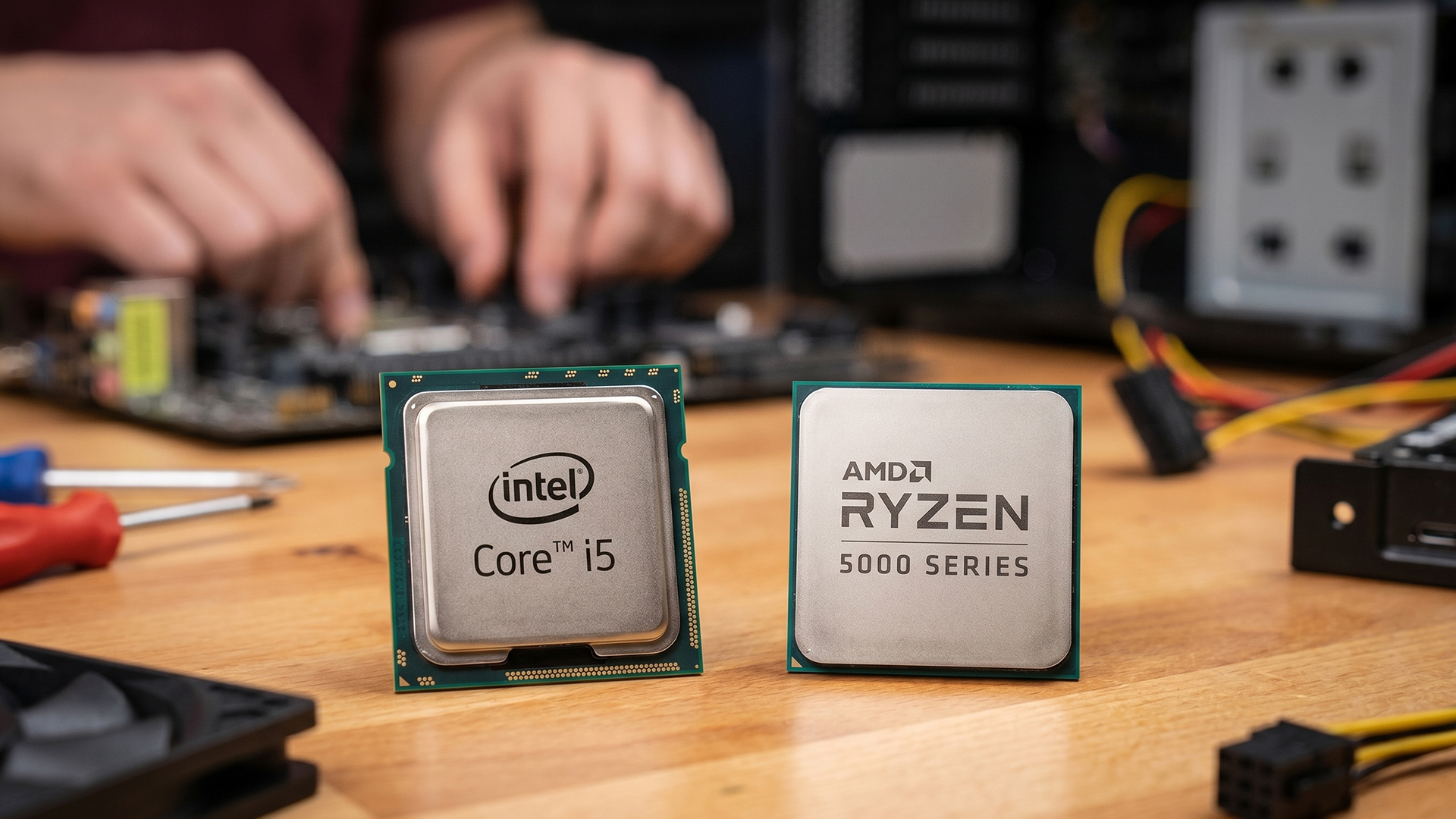
For gaming, the decision depends more on the exact CPU, GPU pairing and resolution than the brand name alone. Both can deliver strong gaming performance, but the gap changes depending on whether the game is CPU-limited or GPU-limited.
At lower resolutions and higher refresh rates, the CPU has more influence. At higher resolutions, the graphics card usually takes over more of the workload because visual detail and fill rate place heavier demand on the GPU.
FPS Differences
An Intel i5 and an AMD Ryzen 5 can feel very close in many games, especially at 1440p or 4K, where the GPU does most of the work. At 1080p, the difference can be easier to notice because the CPU has to feed frames to the GPU faster.
For most players, the better gaming CPU is not simply the one with more cores. Smooth FPS depends on clock behaviour, cache, latency, game optimisation and how well the processor works with the graphics card.
High Refresh Gaming
High-refresh gaming puts more pressure on the CPU because the system has to produce frames quickly and consistently. This matters in esports titles, competitive shooters and fast-paced games where stable frame delivery can feel just as important as average FPS.
When looking for Ryzen 5 or Intel i5 CPUs for gaming builds, keep in mind that the graphics card and monitor also play a vital role in providing a smooth gaming experience.
GPU Pairing Impact
The graphics card can change the result completely. Pair either CPU with a mid-range GPU, and the difference may be small. Pair it with a powerful GPU at 1080p, and CPU limits become easier to see.
| Gaming setup | What matters most | i5 vs Ryzen 5 impact |
| 1080p esports | CPU speed and frame consistency | More noticeable |
| 1080p AAA gaming | CPU and GPU balance | Depends on the game |
| 1440p gaming | GPU performance | Usually smaller |
| 4K gaming | Graphics card power | Often minimal |
| Streaming while gaming | CPU threads and GPU encoder | Depends on full setup |
For gaming alone, both Intel Core i5 and AMD Ryzen 5 are strong mainstream options. The smarter choice is the one that leaves enough budget for the right graphics card, memory and cooling, because those parts can affect gaming performance just as much as the CPU badge.
Productivity and Multitasking
For productivity, the i5 vs Ryzen 5 debate is more focused on the specific type of work you do. Light office tasks feel fast on both, but heavier workloads such as editing, compiling, streaming and running several apps at once can show clearer differences. When it comes to specific tasks, the exact model matters more than the family name.
Multi-Core Performance
Multi-core performance helps when your PC is handling several demanding tasks at the same time. A modern Intel Core i5 can work well for mixed workloads because newer desktop models combine fast foreground performance with extra background-task support. AMD Ryzen 5 chips are also strong for everyday productivity, especially when you want reliable performance without pushing power and heat too far.
Content Creation
For light content creation, both CPU families are capable. Photo editing, short video edits, school projects, office work and coding do not always need a high-end processor. The better choice depends on the app, memory, SSD speed and whether the workload uses the CPU heavily or leans on graphics acceleration.
If your work includes frequent exports, larger timelines or heavier creative software, look beyond the processor name. Cooling, RAM capacity and storage speed can make a mid-range chip feel much smoother in real use.
Streaming Performance
Streaming performance depends on more than the CPU alone. The processor helps with game performance and background apps, but the graphics card or built-in media engine can also handle encoding.
For most users, both Intel i5 and AMD Ryzen 5 are strong enough for gaming, calls, browsing, recording and light streaming. For heavier streaming while gaming, prioritise the full setup rather than just the CPU: processor, GPU, RAM, cooling and internet stability all matter.
Power Efficiency and Thermals
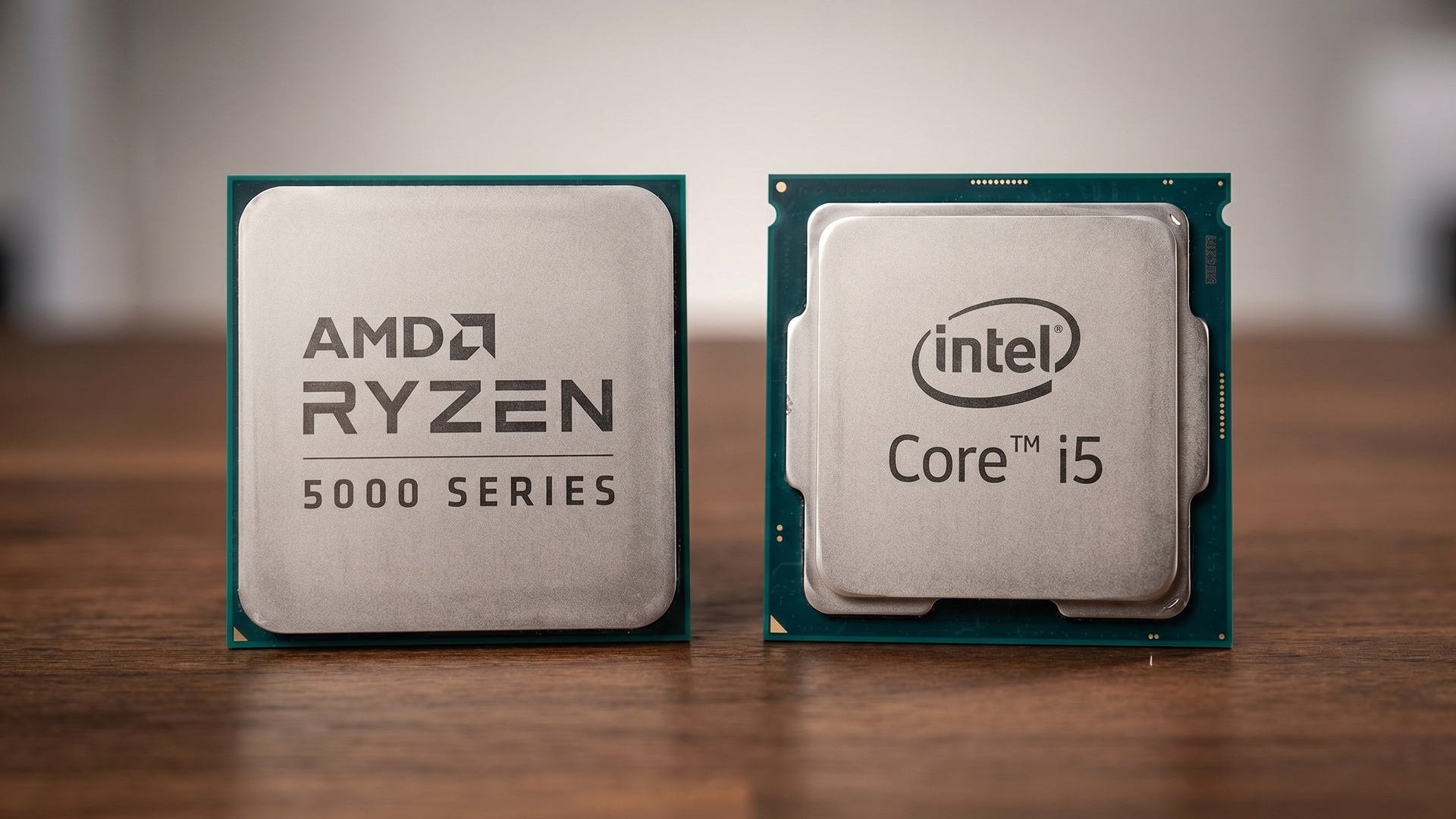
Power and heat are important because they affect noise, cooling cost and long-term comfort. In the i5 vs Ryzen 5 comparison, this is one area where the exact model matters a lot, especially when comparing unlocked desktop chips or slim laptops.
A cooler-running CPU can help keep a system quieter, while a higher-power chip may need a stronger cooler and better case airflow to maintain its best boost speeds.
Power Consumption
Many AMD Ryzen 5 chips are attractive for users who want strong performance without excessive power draw. For example, the Ryzen 5 9600X has a 65W default TDP, which makes it easier to cool than many higher-power desktop CPUs. AMD also recommends a premium air cooler for optimal performance, so cooling still matters.
An Intel Core i5 can also be efficient in lighter tasks, but unlocked desktop models can draw more power when boosting under heavy loads. That is not automatically a bad thing, but it does mean the cooler, motherboard settings and case airflow have a bigger impact.
Heat Output
Heat output follows power use. A CPU working harder for longer will usually run warmer, especially during rendering, compiling, streaming or heavy multitasking. For everyday browsing, office work and light gaming, both Ryzen 5 and Core i5 systems can stay comfortable with sensible cooling.
For laptops, the chassis matters even more. A slim AMD Ryzen 5 laptop or Core i5 laptop may reduce boost speeds sooner than a thicker model with better cooling, even if the CPU name looks similar.
Cooling Requirements
For a modest desktop build, a good air cooler is usually enough for many Ryzen 5 and Core i5 options. Higher-power unlocked chips, compact cases and sustained workloads need more attention because weak cooling can lead to more fan noise and lower sustained performance.
The simple rule is: do not judge thermal performance by the processor name alone. Check the CPU power rating, cooler quality, case airflow and the workload you plan to run.
Platform and Upgrade Path
The Core i5 vs Ryzen 5 decision becomes more practical when it comes to support and upgradability. Platform choice matters because the CPU is only one part of the total build. Motherboard socket, chipset support, BIOS updates, RAM type and future processor options can all affect how easy and affordable your next upgrade will be.
Intel Platform
With Intel Core i5, platform compatibility depends heavily on the generation. Many recent 12th, 13th and 14th Gen desktop chips use LGA1700, while newer Core Ultra desktop processors move to LGA1851. That means an upgrade from one Intel generation to another may require a different motherboard, so it is important to check the socket before buying.
This does not make Intel a poor upgrade choice. It simply means the platform needs more careful planning, especially if you want to reuse an existing motherboard, memory and cooler.
AMD Platform
The AM5 platform is one of the main reasons many buyers consider AMD Ryzen 5 desktop processors. AMD lists Ryzen 7000, 8000 and 9000 Series support across 600 and 800 Series AM5 chipsets, although some motherboards may need a BIOS update before supporting newer CPUs. That broader platform support can make Ryzen 5 appealing if you want to buy a motherboard now and still have a useful upgrade path later.
Future Upgrades
Future upgrades are not just about whether a faster CPU exists. You also need to think about motherboard quality, BIOS support, RAM compatibility, cooler mounting and power delivery.
| Upgrade factor | Why it matters |
| Socket | Decides which CPUs the motherboard can physically support |
| Chipset | Affects features such as PCIe support, USB, storage and tuning options |
| BIOS support | May be needed before installing a newer processor |
| RAM type | Can affect whether existing memory can be reused |
| Motherboard quality | Better VRMs and cooling can help with stronger future CPUs |
| Cooler compatibility | Some upgrades may need different mounting hardware or stronger cooling |
In simple terms, Intel can be a strong route if the processor and motherboard match your upgrade plan. Ryzen 5 on AM5 can be more flexible for users who want a longer platform life, especially when motherboard compatibility is checked properly before buying.
Ryzen 5 vs Core i5 in Laptops
For laptop buyers, the i5 vs Ryzen 5 decision should focus on real use: study, office work, travel, battery life, light gaming or heavier multitasking.
- Performance depends on the laptop design: A thin Ryzen 5 or Core i5 laptop with these processors may prioritise battery life and low noise, while a thicker laptop with better cooling may hold higher performance for longer.
- Battery life and efficiency matter: Ryzen 5 machines can be a strong option for buyers who care about power efficiency differences, especially for everyday work, browsing and study. Core i5 laptops can also be efficient, but the final result depends on the display, battery capacity, cooling profile and manufacturer settings.
- Choose based on the full laptop, not just the chip: For most users, RAM, SSD size, screen quality, weight and keyboard comfort matter just as much as the processor. When comparing i5 Intel laptops and Ryzen 5 laptops, check the full specification rather than assuming one CPU brand automatically wins.
- Best fit by buyer type: Choose Ryzen 5 if you want a balanced everyday laptop with strong efficiency and good value. Choose Core i5 if you want broad model choice, quick everyday performance and a familiar Intel laptop ecosystem. Both are mainstream options in the CPU ecosystem comparison, but the better laptop is the one with the stronger overall configuration.
Price to Performance Comparison
Price-to-performance analysis is not just about which CPU is cheaper. In the i5 vs Ryzen 5 debate, the better value depends on the full platform: CPU price, motherboard cost, RAM, cooler, power needs and future upgrade options.
- Value for gaming: If gaming is the main goal, the smartest choice is often the CPU that leaves more budget for the graphics card. A well-priced i5 processor or AMD Ryzen 5 chip can both work well, but overspending on the CPU can hurt overall FPS if it forces you to buy a weaker GPU.
- Value for productivity: For work, study, editing, coding and multitasking, value depends on how well the processor handles your actual apps. An i5 may suit mixed everyday workloads, while a Ryzen 5 processor can be strong if you want efficient performance and good long-term platform value.
- Overall platform cost: Motherboard support can change the final cost. AMD’s AM5 platform supports Ryzen 7000, 8000 and 9000 Series CPUs across 600 and 800 Series chipsets, although BIOS updates may be needed. Intel buyers should check the exact processor generation and socket through Intel’s product specifications before choosing a motherboard.
- Long-term value: The best-value CPU is not always the cheapest one today. Ryzen 5 offers platform flexibility, while Core i5 brings strong performance and broad availability. The key is to weigh the upfront cost against cooling needs, motherboard choice and possible upgrade path differences.
Who Should Choose Intel Core i5?
- It is a good fit for gamers who want high-FPS performance without moving straight to a higher-tier chip. A well-matched i5 processor can work especially well in balanced gaming builds with a capable graphics card and proper cooling.
- Intel also makes sense if you prefer broad desktop and laptop availability. There are plenty of Intel i5 systems across different budgets, from office PCs to gaming desktops and portable machines.
Among recent Intel Core i5 desktop CPUs, the 14600K model stands out. Our i5 14600K performance overview shows that it has moved beyond basic mid-range use. If you are planning to move into the i7 territory, our i5 vs i7 comparison provides deeper insight into the performance differences between the two tiers.
Who Should Choose Ryzen 5?
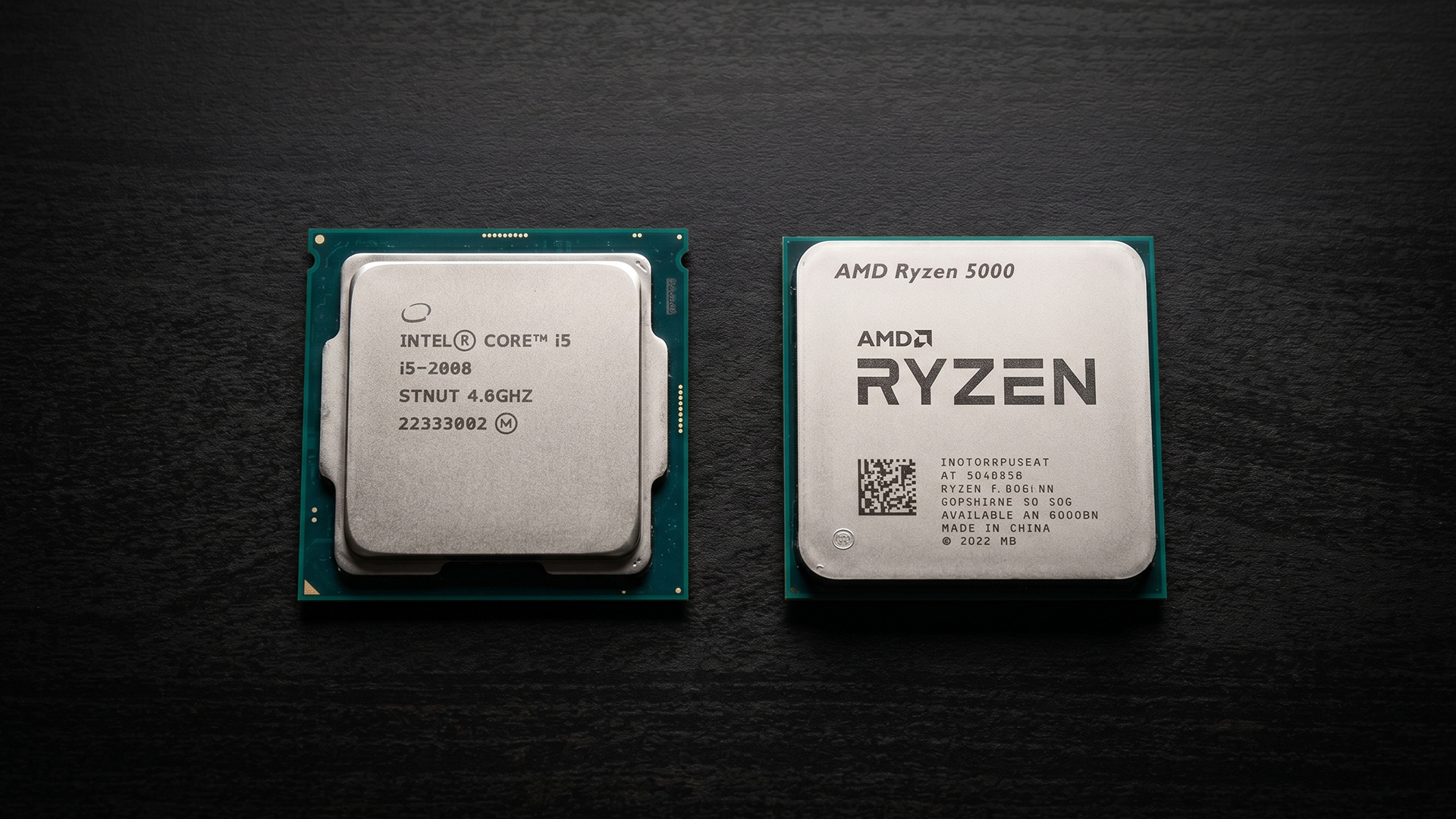
- It is a strong fit for users who want good value without moving into higher-end CPU tiers. A well-matched Ryzen 5 processor can comfortably handle gaming, browsing, office work, light editing, and general multitasking.
- Ryzen 5 also makes sense if you care about platform flexibility. For many desktop builders, AMD offers a clear upgrade path, efficiency and overall platform value.
- It is a good option for users who want a cooler, quieter and more efficient system, depending on the exact chip, cooler and case airflow.
If you want a mainstream CPU that feels strong without overspending, AMD Ryzen 5 is a sensible choice. Buyers looking for more power and high-end specs can consider Ryzen 7 or Ryzen 9 CPUs.
Final Verdict: i5 or Ryzen 5?
The right pick depends more on your specific requirements than the brand name. Both CPU families can perform very well when paired with compatible components.
- Choose Intel Core i5 if you want strong all-round speed, high-FPS gaming potential and wide desktop or laptop availability.
- Choose AMD Ryzen 5 if you want strong value, good efficiency and a flexible desktop upgrade path.
Frequently Asked Questions
Is Ryzen 5 better than i5?
Not always. Ryzen 5 is often strong for value, efficiency and upgrade flexibility, while Intel Core i5 can be excellent for gaming, everyday speed and mixed workloads. The better choice depends on the exact CPU, laptop or desktop setup.
Is i5 or Ryzen 5 better for gaming?
Both are good for gaming. If you are building a gaming PC, the graphics card, resolution, cooling and memory can affect FPS as much as the CPU choice. For many gamers, both i5 and Ryzen 5 offer strong mainstream performance.
Is Ryzen 5 good for everyday use?
Yes, AMD Ryzen 5 is good for everyday use, including browsing, office work, video calls, streaming, light editing and gaming. It is a solid choice for users who want balanced performance without moving into higher-end CPU tiers.
Which is better for laptops, Ryzen 5 or i5?
It depends on the laptop design. A Ryzen 5 laptop can be strong for efficiency and balanced daily use, while an i5 laptop can offer quick everyday performance and wide model availability. Always compare RAM, SSD, display, battery and cooling too.
Is Ryzen 5 better than i5 for productivity?
It depends on the workload. Ryzen 5 is strong for efficient everyday productivity, while some Core i5 chips can perform well in mixed workloads. For heavier editing, coding or multitasking, compare the exact processor model rather than only the CPU name.
You can pay with:
*PayPal Credit Representative Example: Assumed credit limit £1,200, Representative 23.9% APR (variable). Purchase rate 23.9% p.a (variable).Terms & Conditions apply.


PayPal Credit and PayPal Pay in 3 are trading names of PayPal UK Ltd, 5 Fleet Place, London, United Kingdom, EC4M 7RD. Terms and conditions apply. Credit subject to status, UK residents only, Five Tech LTD acts as a broker and offers finance from a restricted range of finance providers. PayPal Pay in 3 is not regulated by the Financial Conduct Authority. Pay in 3 eligibility is subject to status and approval. 18+. UK residents only. Pay in 3 is a form of credit. Check if affordable and how you will repay. May make other borrowing more difficult or expensive. See product terms for more details.
Copyright © 1996-2026 Fivetech LTD | Terms and Conditions
box.co.uk & Box are trading names of Five Tech Limited. Registered office: Box LTD, Unit 10 Woodford Trading Estate, Woodford Green IG8 8HF