


 Menu
MenuMenu


Get Sales Advice from Mon - Fri 9am - 5:00pm:
020 3337 8950LAST UPDATED: April 24, 2026
Best LG Monitor in the UK: How to Choose the Right Model for Work and Home Use
Choosing the best LG monitor can make a big difference to how comfortable, productive and enjoyable your setup feels. Whether you're working from home, gaming in the evenings or simply browsing and streaming, the right screen helps improve both performance and experience.
LG is one of the most trusted brands in the display market, offering a wide LG monitor range that covers everything from everyday office screens to high-end gaming and creative displays. But with so many options available, it can be difficult to know which one is right for you.
In this guide, we'll break down the different types of LG monitors available, and which models suit work, gaming, and home use.
If you're exploring options, you can browse the full range of LG monitors to compare models and find the best fit for your needs.
Understanding the LG Monitor Range
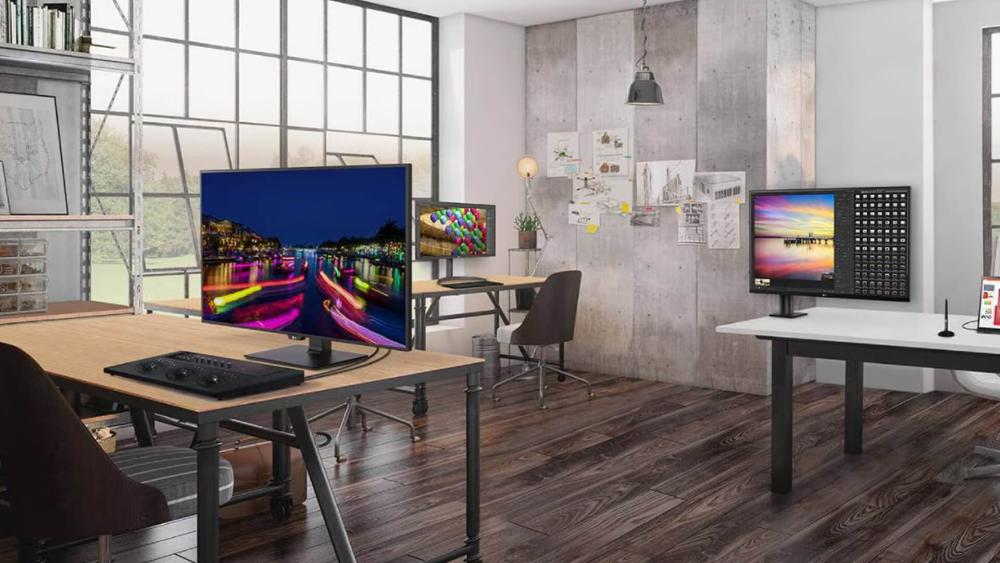
Before choosing the best LG monitor, it helps to understand how the LG display range is structured. LG offers monitors designed for different types of users, from simple home setups to high-performance gaming and productivity use.
- LG Monitor for Everyday Use
For basic tasks like browsing, streaming or document work, entry-level LG monitors are a practical choice. They focus on simplicity, comfort and affordability, making them ideal for general home use.
- LG Monitor for Office Work and Productivity
For work setups, LG monitors are designed to improve efficiency and comfort. Features like larger screens, adjustable stands and eye-care technology help reduce strain and make multitasking easier during long sessions.
- LG Monitor for Entertainment and Gaming
For gaming and media use, LG offers monitors with higher refresh rates, faster response times and better visual quality. These are designed to deliver smoother performance and a more immersive experience.
Key Features to Look for in an LG Monitor
When choosing the best LG monitor, it's easy to focus on specs alone. However, the right choice depends on how those features actually improve your day-to-day experience. Instead of looking at numbers in isolation, it's better to understand what each feature means and how it affects your setup.
1.Screen Size and Resolution
Screen size and resolution are two of the most important factors when choosing a monitor. They directly affect how comfortable your setup feels and how clearly you can see content.
Smaller screens, typically between 24 and 27 inches, are ideal for everyday use and office work. They provide enough space for most tasks without taking up too much room on your desk. Larger screens, such as 27 to 32 inches, give you more space for multitasking, making them useful if you regularly work with multiple windows or applications.
For users who want an even more immersive or productive setup, LG UltraWide monitors offer extended screen space. These are particularly useful for managing multiple tasks side by side without needing a second monitor.
Resolution also plays a key role. Higher resolutions like QHD or 4K provide sharper images and more detail, which is especially helpful for design work, content creation or watching high-quality media.
2.Panel Type and Colour Quality
Another important factor is the type of panel used in the monitor. This affects how colours look and how consistent the image appears from different angles.
LG commonly uses IPS panels, which are known for accurate colours and wide viewing angles. This makes them a great choice for work, creative tasks and general use where image quality matters.
Some models use VA panels, which offer stronger contrast. These are often better suited for watching content or entertainment, where deeper blacks and higher contrast improve the viewing experience.
Choosing the right panel depends on how you use your monitor, but for most users, IPS offers the best balance.
3.Refresh Rate and Response Time
If you're using your monitor for gaming or fast-moving visuals, refresh rate and response time become more important.
A standard 60Hz refresh rate is enough for everyday tasks like browsing or office work. However, higher refresh rates such as 120Hz or above provide smoother motion, which is noticeable in games and fast-paced content.
Response time also matters, as it determines how quickly pixels change. Lower response times help reduce motion blur, making visuals appear clearer during movement.
For users interested in performance, exploring best LG gaming monitors can help you find models with higher refresh rates and better responsiveness.
4.Connectivity and Ports
Finally, it's important to consider how your monitor connects to your devices.
Most LG monitors include common ports like HDMI and DisplayPort, which work with a wide range of devices. Many modern models also include USB-C, which allows you to connect and charge compatible laptops with a single cable.
Having multiple input options is useful if you plan to connect more than one device, such as a laptop, desktop or console. This flexibility makes it easier to switch between devices without constantly changing cables.
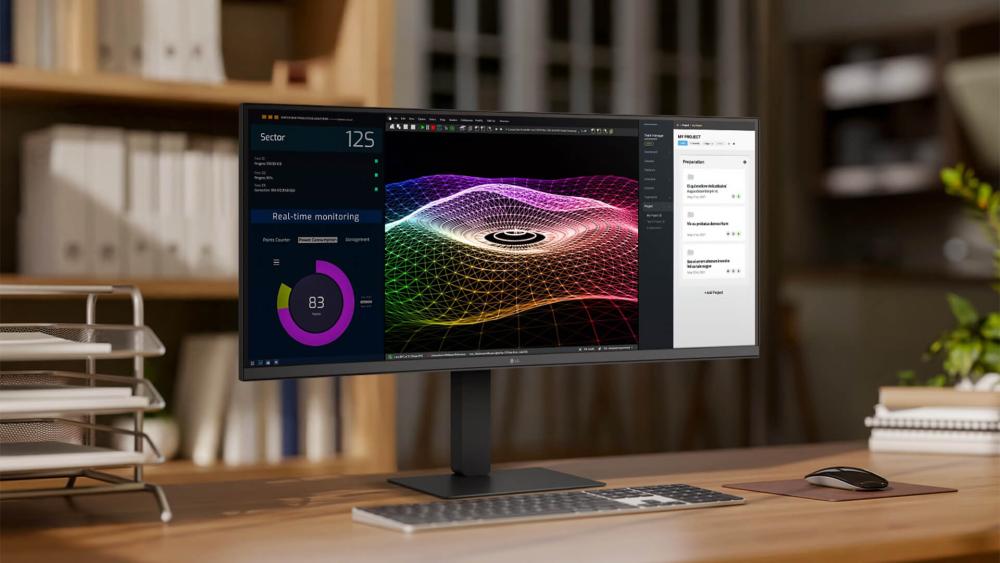
LG Monitor Comparison: Choosing Based on Use
Choosing the best LG monitor depends largely on how you plan to use it. LG offers a wide range of displays designed for different needs, from productivity and home use to gaming and mixed usage setups.Below is a simple way to understand which type of LG monitor works best for you, along with recommended models.
Best LG Monitor for Work and Productivity
If you use your monitor for work, your main priorities should be screen space, clarity, and comfort. A larger display or UltraWide screen can make multitasking much easier, especially if you regularly work with multiple windows or applications.
For productivity setups, features like adjustable stands, high resolution, and USB-C connectivity also improve usability.
Recommended Product
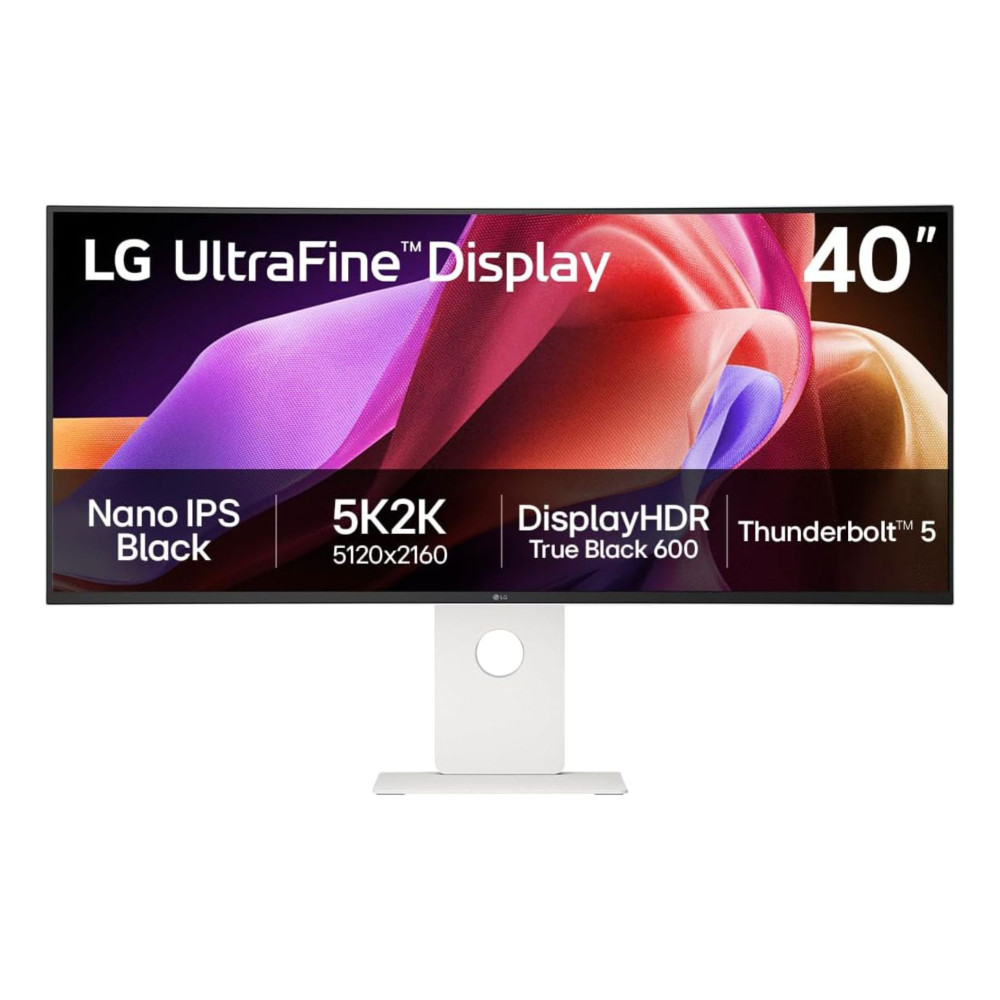
A great example is the LG 40U990A-W 40" 5K2K UltraWide Monitor. Its large screen and high resolution make it ideal for professionals who need maximum workspace for multitasking, editing, or detailed work.
Another strong option is the LG 27UP850K-W 27" 4K IPS Monitor, which offers sharp visuals and USB-C connectivity. This makes it perfect for office setups, especially when connecting laptops with a single cable.
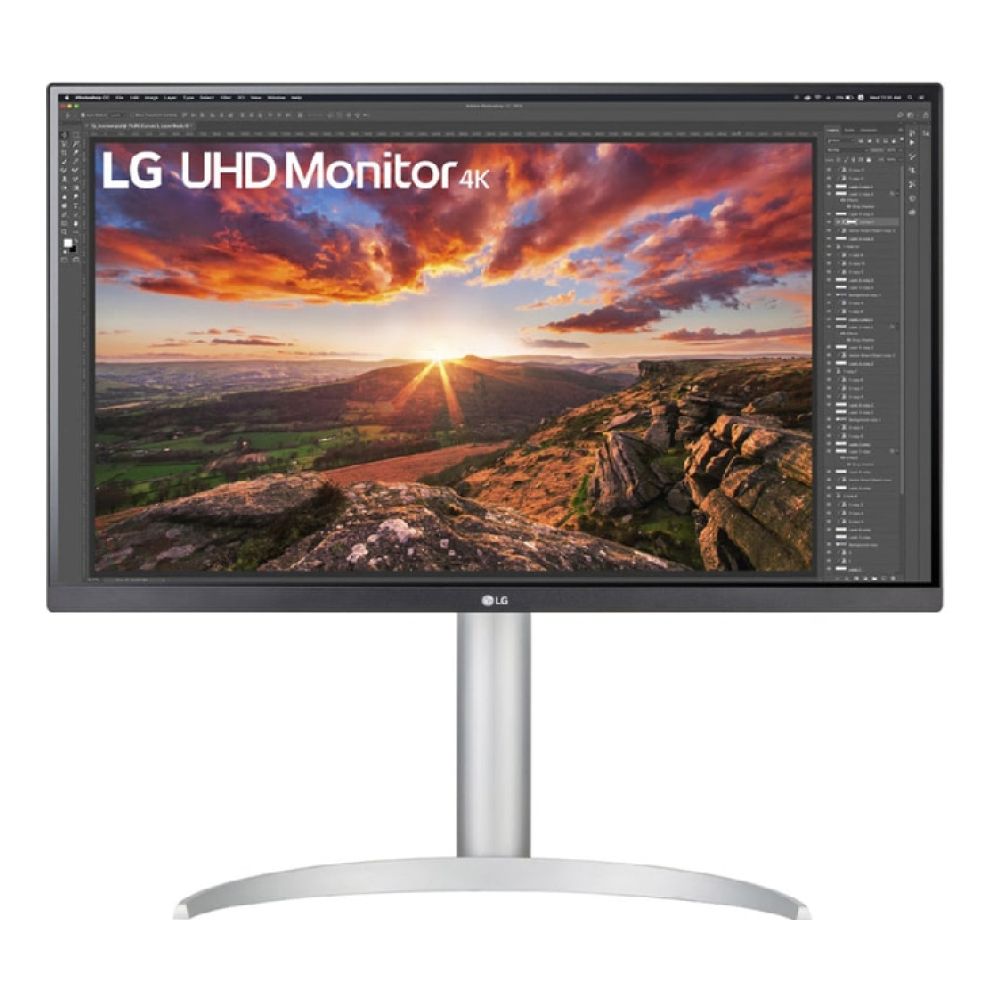
Shop LG 27UP850K-W 27 Inch 4K"
If you want a clean, efficient setup, LG UltraWide monitors are often the best choice for productivity.
Best LG Monitor for Home and Everyday Use
For general home use, you don't always need advanced features. Instead, focus on simplicity, comfort, and value.
A good everyday monitor should provide:
- Clear visuals for browsing and streaming
- Comfortable viewing for long sessions
- Reliable performance for daily tasks
Recommended Product
The LG 32MR50C-B 32" Full HD Curved Monitor is a great example of this. Its larger curved screen makes it more immersive for everyday use, while still being simple and affordable.
This type of monitor works well for users who want a dependable LG screen for home use without overcomplicating their setup.

Shop LG 32MR50C-B 32" Full HD"
Best LG Monitor for Gaming and Entertainment
If gaming or entertainment is your priority, performance becomes more important. You'll want features like high refresh rates, low response times, and smooth visuals.
Recommended Product
The LG UltraGear 34" UltraWide 160Hz Gaming Monitor (34G600A-B) is a strong option for immersive gaming. Its curved UltraWide design and high refresh rate provide smoother gameplay and a wider field of view.
For a more premium experience, the LG UltraGear 45" OLED 240Hz Gaming Monitor (45GX90SA-B) delivers exceptional performance. With ultra-fast response times and OLED technology, it offers high contrast, vibrant colours and extremely smooth visuals.
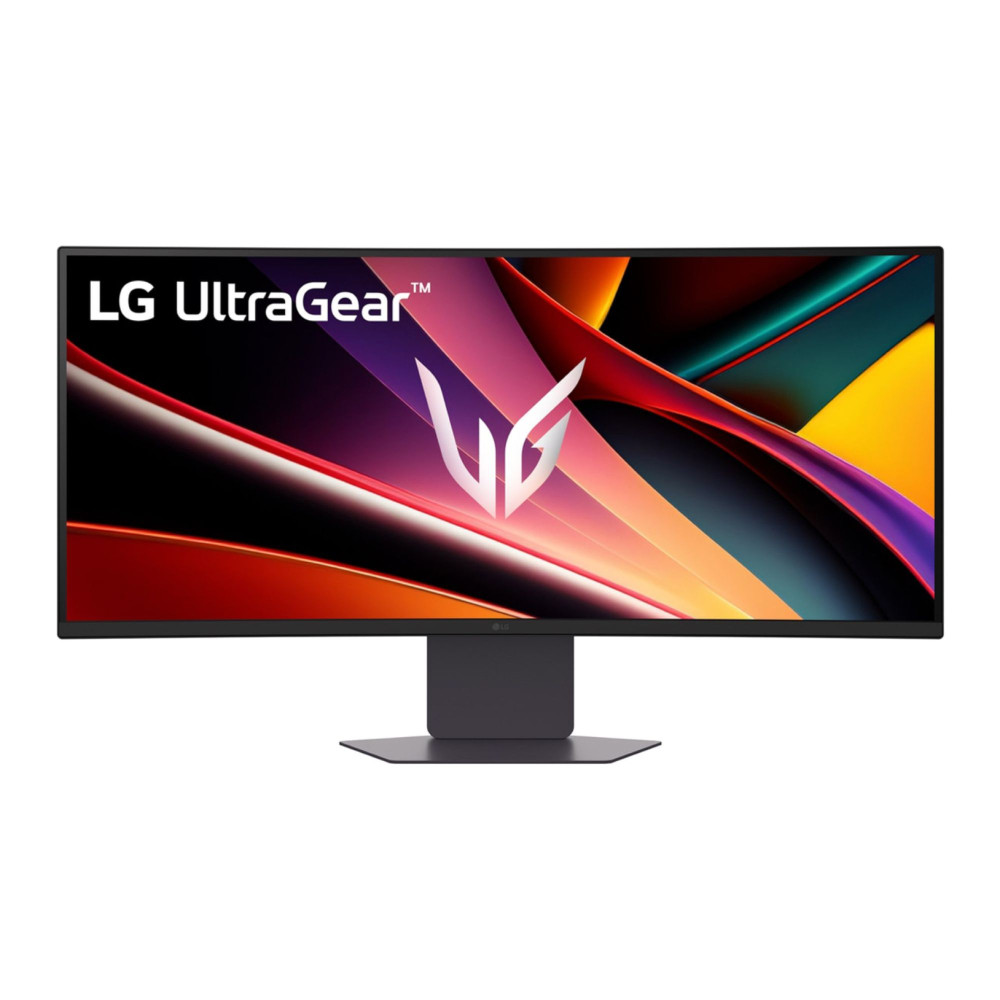
These types of displays are ideal if you're looking for the best LG gaming monitors for performance and immersion.
Best LG Monitor for Mixed Usage (Work + Entertainment)
If you need one monitor for everything; work, entertainment and general use, then a balanced, all-in-one display is the best choice.
For mixed usage, look for:
- Good resolution for clarity
- Decent refresh rate for smooth visuals
- Comfortable screen size for multitasking
Recommended Product
The LG 27UP850K-W 4K Monitor is a strong all-rounder, offering a balance between productivity and media use.
For users who want a more advanced setup, the LG UltraGear 34" UltraWide also works well for both work and gaming, thanks to its wide screen and smooth performance.
Best LG Smart Monitor for Versatility
If you want more than just a display, LG also offers smart monitors that combine productivity and entertainment features.
Recommended Product
The LG UltraGear 45GX90SA-B OLED Monitor with webOS stands out here. It not only delivers high-end gaming performance but also includes smart features, allowing you to stream content directly without needing a separate device.
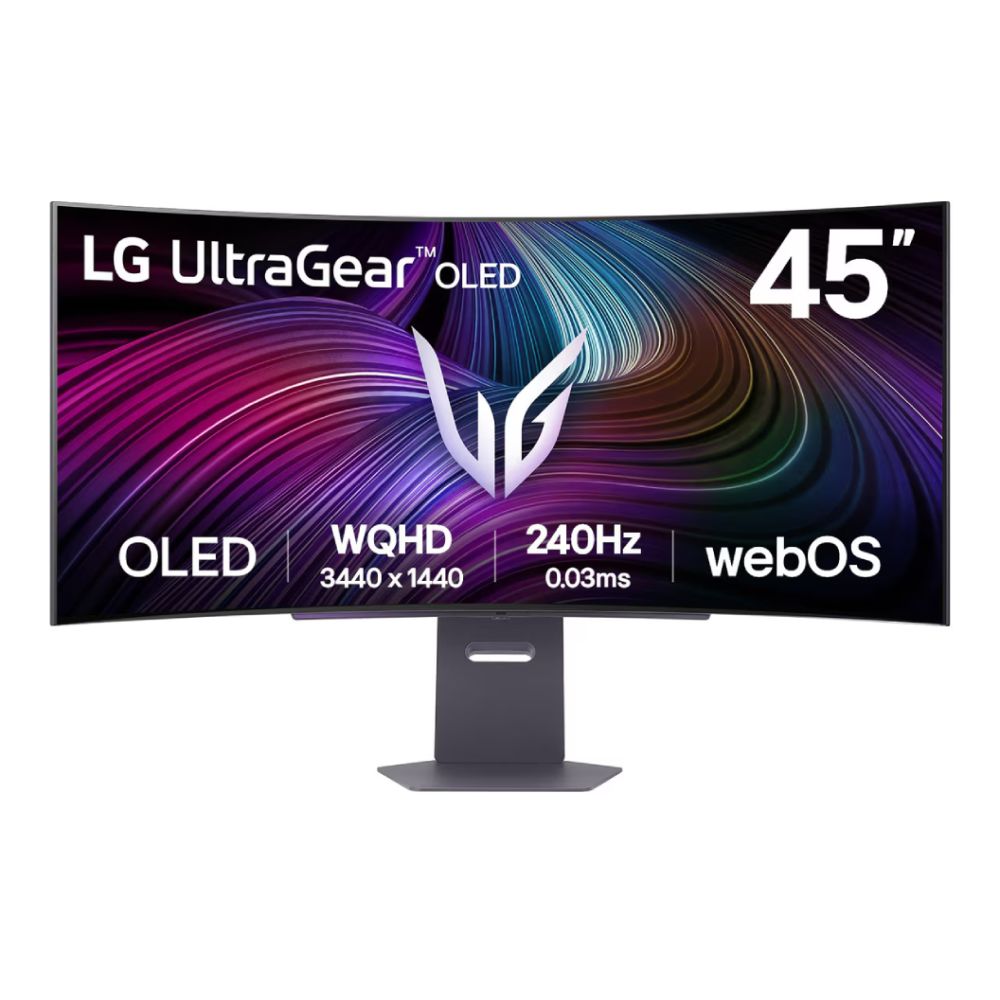
This makes it a great option if you're looking for a best smart monitor that supports both work and entertainment in one setup.
LG UltraWide Monitors: A Better Way to Work and Play
If you're looking to upgrade your setup, LG UltraWide monitors are one of the most practical options available. They are designed to replace dual-monitor setups by giving you a wider screen in a single display.
Instead of switching between tabs or screens, you can keep everything in front of you. This makes everyday tasks feel smoother and more organised.
Why LG UltraWide Monitors Stand Out
UltraWide monitors offer more horizontal space than standard displays. This means you can:
- Work with multiple windows side by side
- Edit timelines more comfortably (great for video and design work)
- Reduce clutter by avoiding multiple monitors
When UltraWide Is the Right Choice
UltraWide monitors are best suited for users who:
- Multitask frequently
- Work with large documents, spreadsheets or timelines
- Want a cleaner, more efficient desk setup
However, if your usage is limited to simple tasks like browsing or emails, a standard monitor may still be enough.
Best LG 4K Monitors for Sharp Visuals and Detail
If your focus is clarity and image quality, then best LG 4K monitors are worth considering.
4K resolution provides a much sharper image compared to Full HD, which makes a noticeable difference in both work and entertainment.
Why 4K Matters in Everyday Use
A 4K monitor improves your experience by:
- Making text clearer and easier to read
- Showing more detail in images and videos
- Allowing more content to fit on screen
This is especially useful for professionals who work with visuals, such as designers or editors.
Recommended LG 4K Option
The LG 27UP850K-W 27" 4K IPS Monitor is a strong example of a well-balanced 4K display. It offers sharp visuals, accurate colours and USB-C connectivity, making it suitable for both productivity and entertainment.
Shop LG 27UP850K-W 27 inch 4K"
It's a great choice if you want a monitor that performs well across multiple use cases.
LG Monitor Buying Guide: How to Choose the Right Model
With so many options available, choosing the best LG monitor can feel confusing. The key is to focus on how you actually use your setup.
Step 1: Identify Your Main Use
Start by deciding what you'll use the monitor for most:
- Work and productivity
- Gaming and entertainment
- Everyday home use
- A mix of everything
This helps narrow down your options quickly.
Step 2: Choose the Right Size
Screen size affects both comfort and usability.
- Smaller desks → 24–27 inch monitors
- Larger setups → 27–40 inch or UltraWide
If you multitask often, a larger or wider screen will make a big difference.
Step 3: Pick the Right Resolution
Resolution affects how sharp the image looks.
- Full HD → good for basic use
- QHD → better clarity for work
- 4K → best for detail and content
Choose higher resolution if you work with detailed visuals or spend long hours on screen.
Step 4: Consider Performance Features
If you use your monitor for gaming or media, look at:
- Refresh rate for smooth visuals
- Response time for reduced blur
- Panel type for colour accuracy
These features improve both performance and viewing experience.
Step 5: Check Connectivity
Make sure your monitor supports your devices.
Modern monitors with USB-C are especially useful for laptops, as they allow charging and display through a single cable.
Final Verdict: Which Is the Best LG Monitor for You?
The best LG monitor depends on how you use your setup, rather than just the specifications.
If your focus is productivity, UltraWide and 4K monitors offer the best experience by providing more space and better clarity. For gaming, LG's UltraGear range delivers smooth performance and fast response times. For everyday use, simpler models provide reliable performance without unnecessary features.
Ultimately, LG offers a wide and flexible monitor range, making it easier to find a display that fits your needs whether for work, home or gaming.
You can explore the full range of LG monitors, including best LG gaming monitors, LG UltraWide monitors and best LG 4K monitors, at Box.co.uk to find the right model for your setup.
FAQs
What is the best LG monitor to buy in the UK?
The best LG monitor depends on your needs. UltraWide and 4K models are great for productivity, while UltraGear monitors are ideal for gaming.
Which LG monitor is best for working from home?
A 27" 4K monitor or UltraWide display is ideal for home offices, as it provides more space and better clarity.
What is the best LG monitor for gaming and everyday use?
A balanced option like the LG UltraGear 34" UltraWide works well for both gaming and daily tasks.
Are LG monitors good for office work?
Yes, LG monitors are well-suited for office work, especially models with larger screens and ergonomic features.
How do I choose the best LG monitor for my setup?
Focus on your main use, then match screen size, resolution and features to your needs.
You can pay with:
*PayPal Credit Representative Example: Assumed credit limit £1,200, Representative 23.9% APR (variable). Purchase rate 23.9% p.a (variable).Terms & Conditions apply.


PayPal Credit and PayPal Pay in 3 are trading names of PayPal UK Ltd, 5 Fleet Place, London, United Kingdom, EC4M 7RD. Terms and conditions apply. Credit subject to status, UK residents only, Five Tech LTD acts as a broker and offers finance from a restricted range of finance providers. PayPal Pay in 3 is not regulated by the Financial Conduct Authority. Pay in 3 eligibility is subject to status and approval. 18+. UK residents only. Pay in 3 is a form of credit. Check if affordable and how you will repay. May make other borrowing more difficult or expensive. See product terms for more details.
Copyright © 1996-2026 Fivetech LTD | Terms and Conditions
box.co.uk & Box are trading names of Five Tech Limited. Registered office: Box LTD, Unit 10 Woodford Trading Estate, Woodford Green IG8 8HF