


 Menu
MenuMenu


Get Sales Advice from Mon - Fri 9am - 5:00pm:
020 3337 8950LAST UPDATED: April 29, 2026
Best LG Gaming Monitors in the UK: UltraGear Models Explained
Finding the right LG gaming monitor is not as simple as picking the fastest spec on the page. The UltraGear range covers everything from compact competitive screens to large 4K and ultrawide models, so the best choice depends on how and where you play.
That is exactly why LG UltraGear has become such a popular name among gamers in the UK. Whether you want a sharper gaming display for PS5 and Xbox Series X, a faster gaming screen for competitive PC titles, or a more immersive setup for racing and open-world games, there is an LG gaming monitor aimed at that style of play.
This LG monitor guide breaks down the strongest UltraGear options by use case, so it is easier to compare the range and choose the one that suits your gaming setup, budget, and preferred genres.
What Makes the LG UltraGear Series So Good for Gamers?
The LG UltraGear series stands out for covering several gaming styles well. It is not built around one type of player. The range includes budget screens, 4K panels, OLED options, and ultrawide models. That is a big reason LG gaming monitors appeal to such a wide audience.
Speed and responsiveness come first
Speed is one of the biggest reasons gamers choose UltraGear. A high-refresh-rate monitor makes motion look smoother and feel more controlled. That matters most in shooters, racing games, and competitive online titles. The range includes everything from a 144Hz monitor to a 240Hz monitor and beyond. Many models also offer 1ms response time, which helps reduce blur during fast action.
There is a panel type for every gaming style
UltraGear is not limited to one panel type. Some players want the balanced look of IPS for everyday gaming. Others prefer a curved gaming monitor with a VA panel for stronger contrast and a more immersive feel. Buyers who want richer blacks and cleaner motion may prefer an OLED gaming monitor. That variety helps the range suit more than one kind of setup.
Sync support keeps gameplay smoother
Adaptive sync is another strength across the range. It helps reduce tearing and keeps gameplay looking more stable when frame rates move around. That is why AMD FreeSync monitors and NVIDIA G-SYNC compatible displays can feel smoother on supported systems. For both PC and console play, a VRR gaming monitor can make a noticeable difference.
The range also works well for PS5 and Xbox Series X
UltraGear is not just aimed at desktop PC users. Many models also work very well with PS5 and Xbox Series X. Features like HDMI 2.1, 4K support, and fast refresh rates are especially useful here. A good HDR gaming monitor also helps games look more vivid and detailed. That makes the range a strong fit for both PC and console players.
Best LG UltraGear Monitors for Competitive PC Gaming
For competitive gaming, speed and clarity matter more than extra features. The best picks focus on refresh rate, response time, and a screen size that suits reaction-based play. This part of the UltraGear range includes some of the strongest options for fast shooters, esports titles, and ranked multiplayer games.
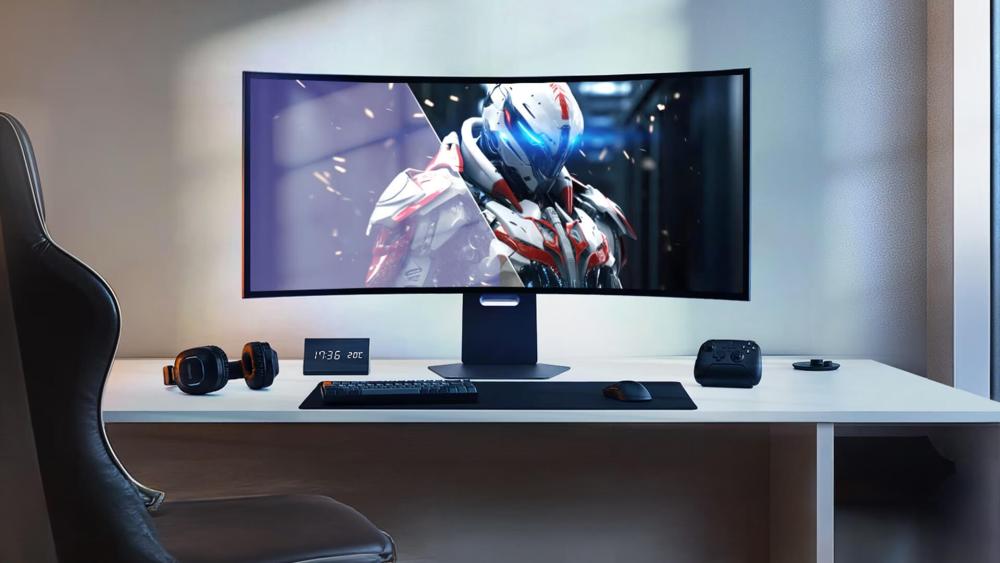
LG ltraGear 24GS60F-B 24" IPS Full HD 180Hz 1ms Gaming Monitor
MPN: 24GS60F-B.AEK
Key Specs
- 24" Full HD IPS display
- 180Hz refresh rate
- 1ms response time
- HDR10
- AMD FreeSync | NVIDIA G-SYNC
A compact pick that keeps competitive play simple
This is a smart choice for players who want a focused, competitive setup without spending too much. The 24-inch size suits desk-based gaming very well, especially if you sit close to the screen and want everything within easy view.
It also gives you the kind of speed many players now expect from a modern gaming screen. With a 180Hz refresh rate and 1ms response time, it is great for fast multiplayer titles where smooth motion matters more than visual extras.
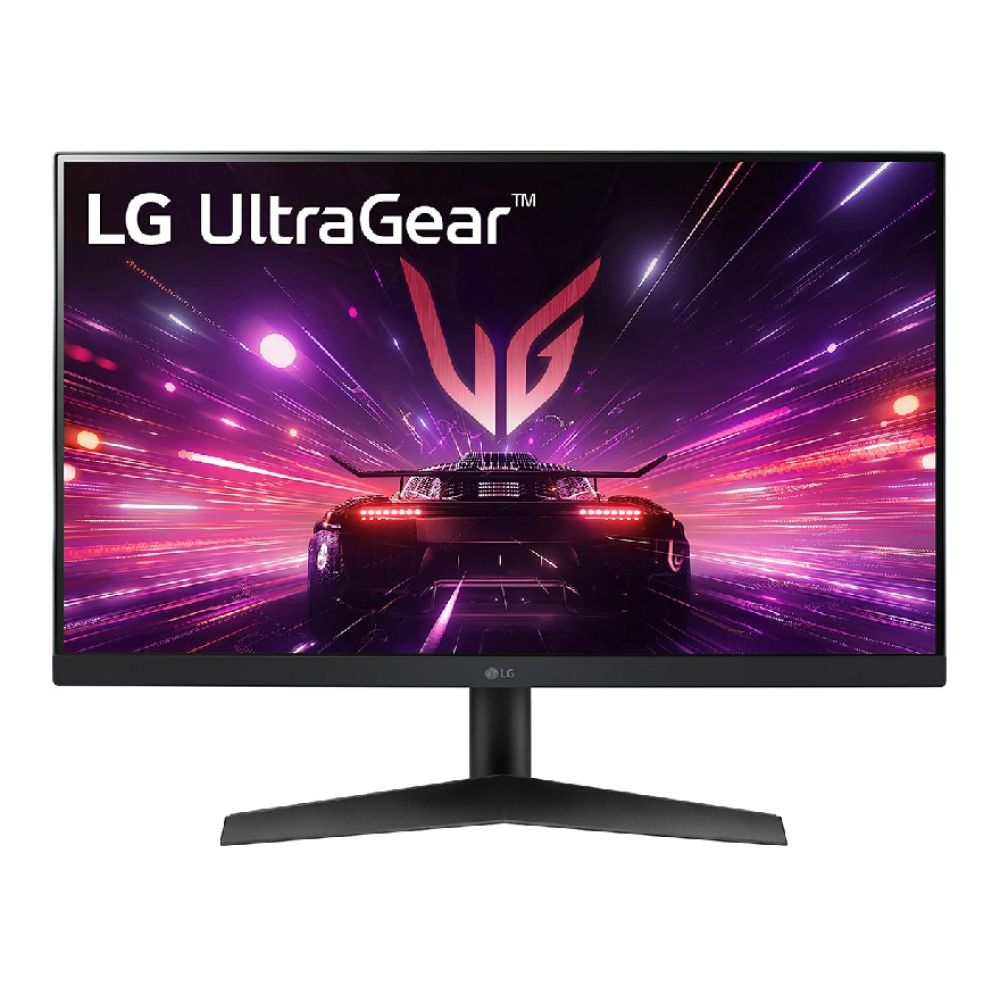
LG UltraGear 27GX790A-B 27" OLED Quad HD 480Hz Gaming Monitor
MPN: 27GX790A-B.AEK
Key Specs
- 27" QHD OLED display
- 480Hz refresh rate
- 0.03ms response time
- G-SYNC Compatible
- DisplayHDR400
Built for players who want outright speed
This is the strongest pick for pure competitive pace. If you want a true high refresh rate monitor, this is exactly that. The 480Hz panel gives it a clear edge for fast shooters and reaction-heavy games.
The OLED panel also helps motion look cleaner than it does on many standard LCD screens. That makes this OLED gaming monitor feel especially sharp in fast movement. It is a serious option for players who want premium speed without moving to a larger screen.
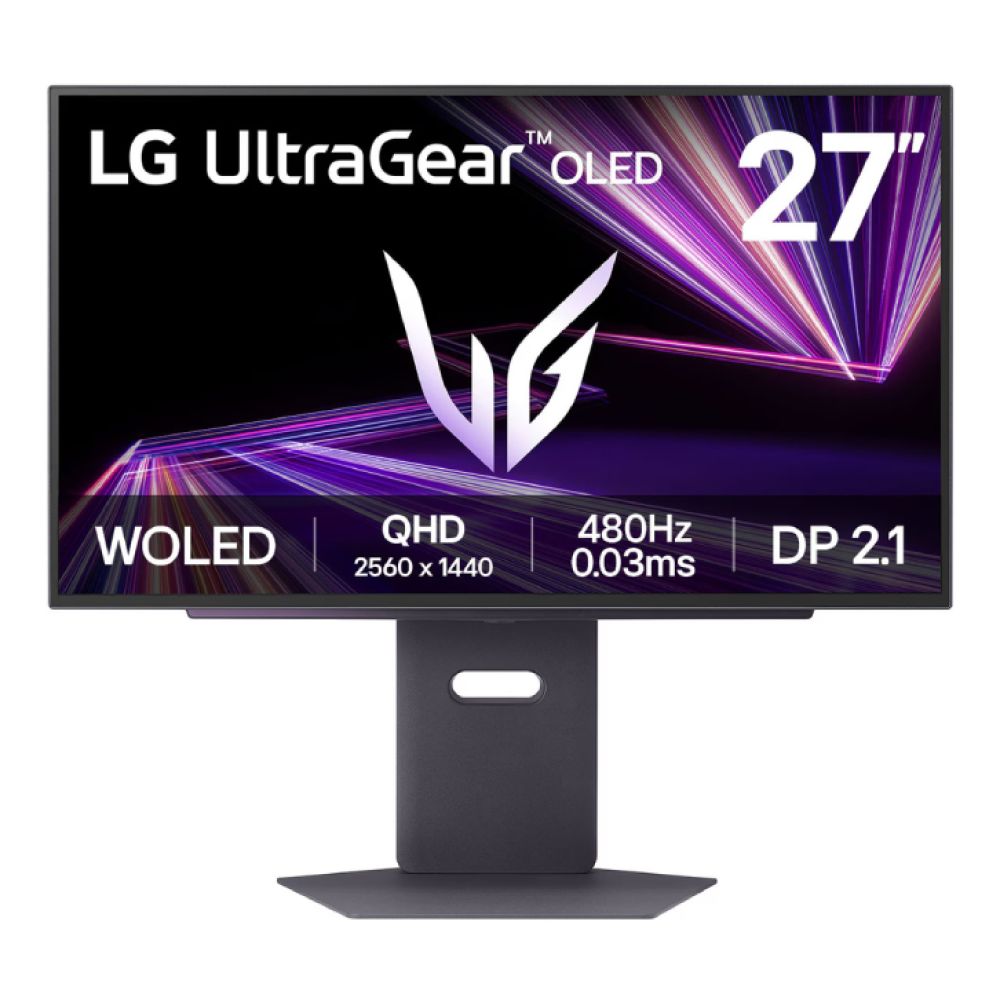
Shop LG UltraGear 27 Inch OLED
LG UltraGear 32GX850A-B 32" OLED Dual Refresh 4K 165Hz / Full HD 330Hz Gaming Monitor
MPN: 32GX850A-B.AEK
Key Specs
- 31.5" 4K Ultra HD OLED display
- 165Hz at 4K / 330Hz at Full HD
- 0.03ms response time
- DisplayHDR400
- Height-adjustable stand
A bigger screen with flexible competitive options
This model suits players who want more flexibility from one monitor. You can enjoy 4K detail in slower games, then switch to faster Full HD play when speed matters more. That makes it a very practical choice for mixed gaming habits.
It is also a strong fit if you want a larger LG gaming monitor without losing competitive performance. The dual-refresh setup gives it more range than a standard 240Hz monitor, while the OLED panel keeps motion crisp and responsive.
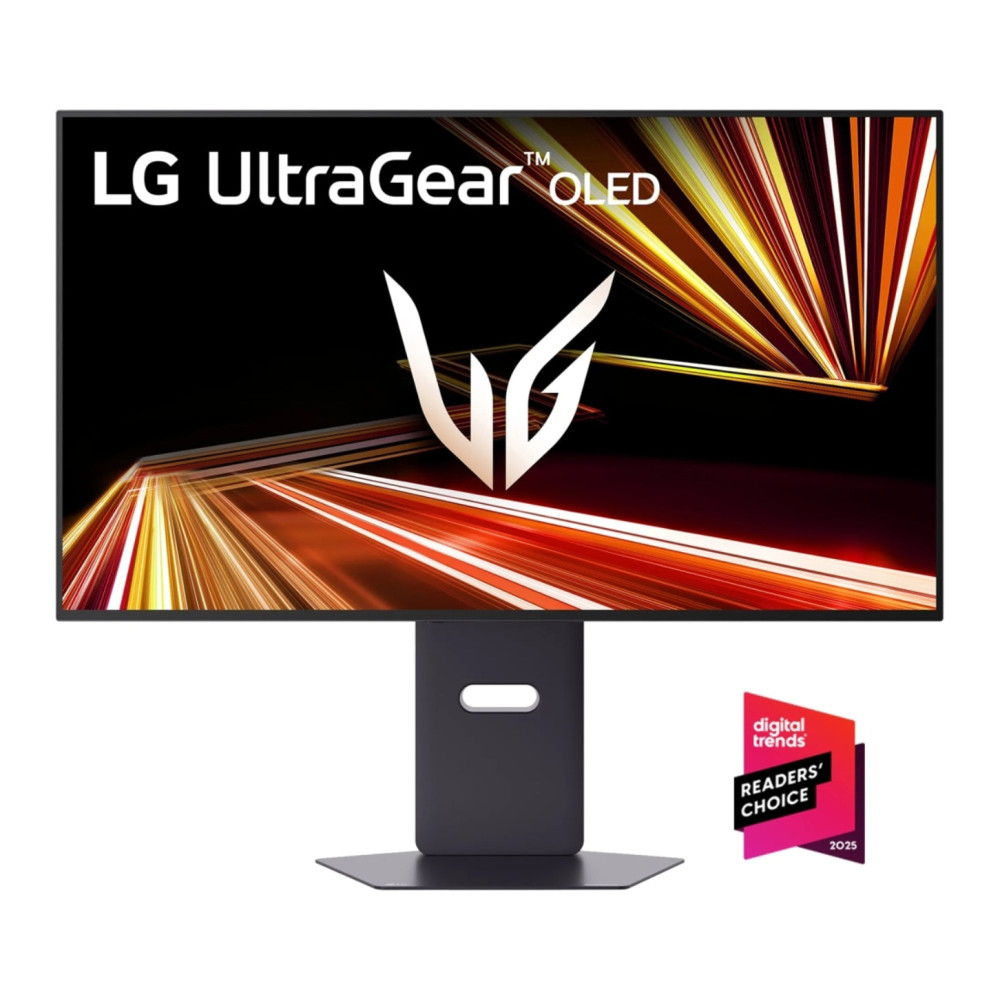
Best LG UltraGear Monitors for PS5 and Xbox Series X
Console gaming needs a slightly different kind of monitor. Sharp 4K visuals, HDMI 2.1 support, and smooth refresh handling matter more here. This is where some of the strongest LG 4K monitors in the UltraGear range stand out. They suit PS5 and Xbox Series X very well.
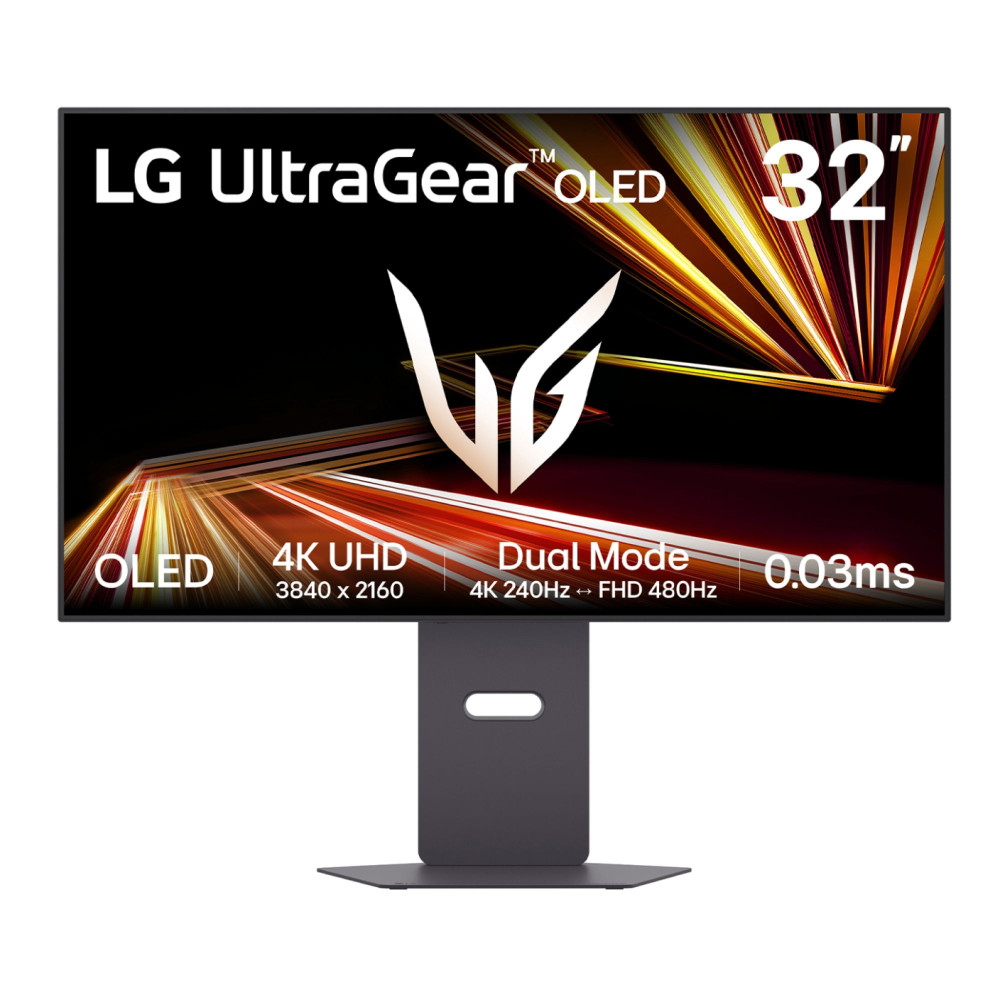
LG UltraGear 32GX870A-B 32" OLED Dual Refresh UHD 4K 240Hz / Full HD 480Hz Gaming Monitor
MPN: 32GX870A-B.AEK
Key Specs
- 31.5" 4K Ultra HD OLED display
- 240Hz refresh rate
- 0.03ms response time
- USB-C with 90W Power Delivery
- 2 x 7W built-in speakers
A premium console screen with serious visual impact
This is the high-end pick for console players who want image quality first. The OLED panel helps games look richer, darker scenes look deeper, and bright highlights stand out more clearly.
It also gives you the kind of speed expected from a premium HDR gaming monitor. For PS5 and Xbox players who want a flagship-style setup, this is a very strong option.
Shop LG UltraGear 32" OLED Dual Refresh
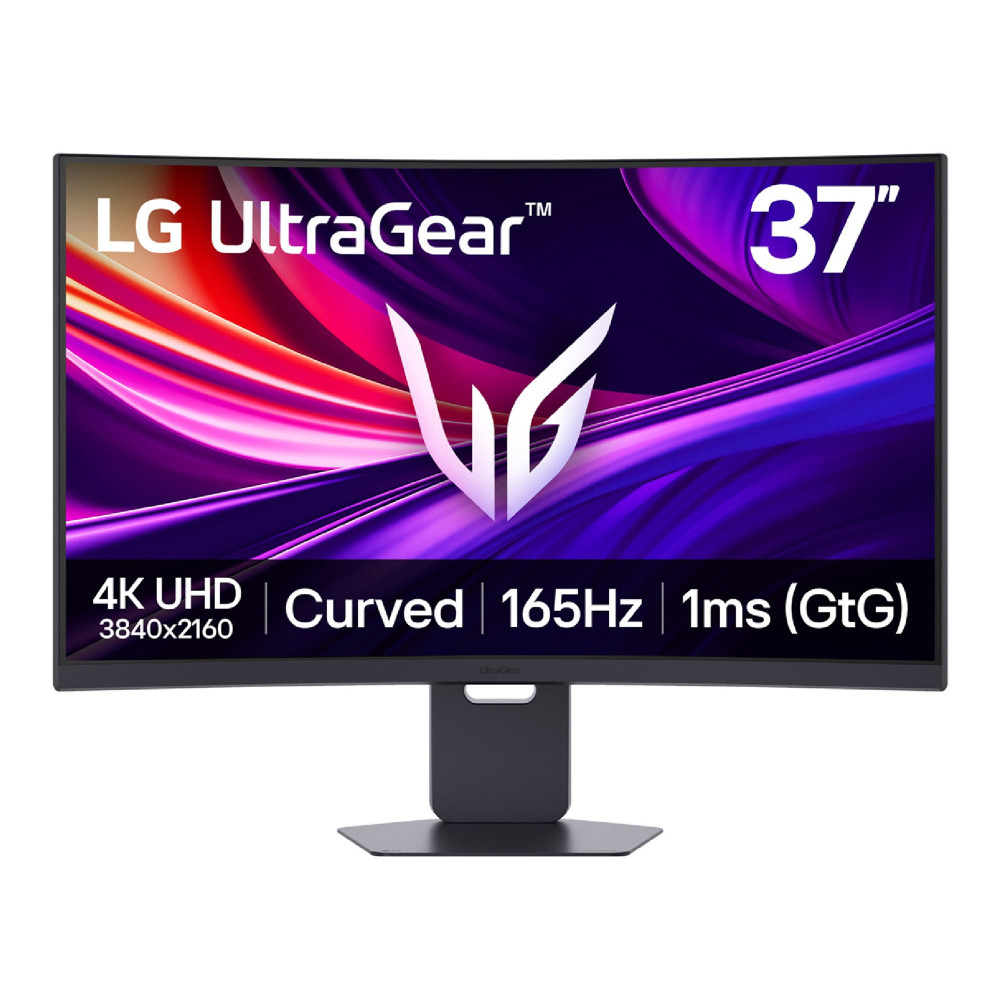
LG UltraGear 37G800A-B 37" UHD 4K 165Hz Curved Gaming Monitor
MPN: 37G800A-B.AEKQ
Key Specs
- 36.5" 4K Ultra HD VA curved display
- 165Hz refresh rate
- 1ms response time
- 2 x HDMI 2.1
- USB-C with 65W Power Delivery
A bigger console choice with a more immersive feel
This model makes a lot of sense for players who want a larger display without stepping into TV territory. The 37-inch panel gives PS5 and Xbox games more presence, while the curve adds a more immersive feel.
It is also a practical curved gaming monitor for console use because it combines 4K detail with HDMI 2.1 support. If you want a bigger LG gaming display for story-driven games, racing titles, or sports games, this is a strong fit.
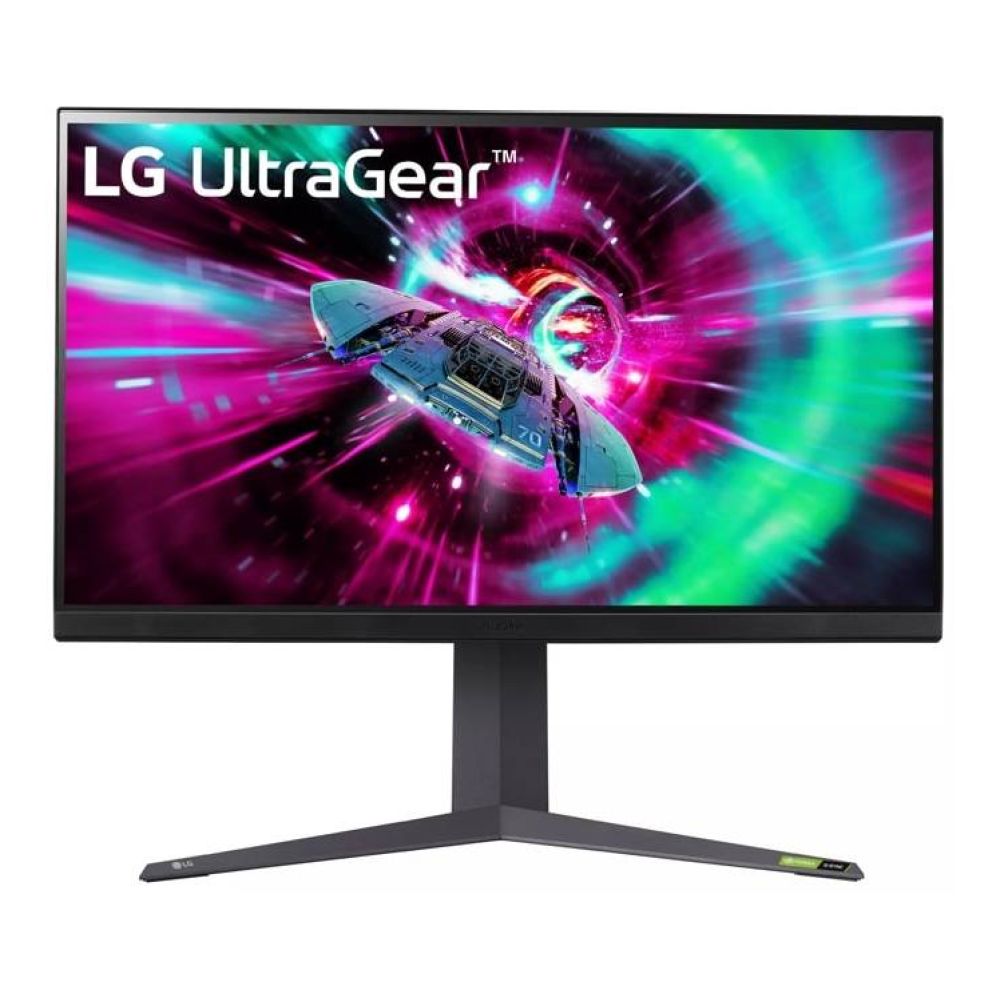
LG UltraGear 32GR93U-B 31.5" IPS 4K Ultra HD 144Hz Gaming Monitor
MPN: 32GR93U-B.AEK
Key Specs
- 31.5" IPS 4K Ultra HD display
- 144Hz refresh rate
- 1ms response time
- DisplayHDR600
- AMD FreeSync | NVIDIA G-SYNC
The balanced 4K option for serious console play
This is the sensible choice for buyers who want strong console performance without paying OLED prices. The 31.5-inch 4K IPS panel gives you sharp detail, clean colour, and a size that suits desk gaming well.
It also works nicely as a VRR gaming monitor for smoother play on supported hardware. For buyers who want a balanced LG gaming monitor for PS5, Xbox Series X, and even some PC use, this is one of the safest picks in the range.
Shop LG UltraGear 31.5" IPS 4K
Best LG UltraGear Monitors for Value and Everyday Gaming
Not every gamer needs OLED, 4K, or a huge ultrawide panel. Many buyers want a dependable screen with good speed and sensible pricing. The LG UltraGear monitors reviewed below suit those needs well. These models balance refresh rate, image quality, and value for everyday gaming.

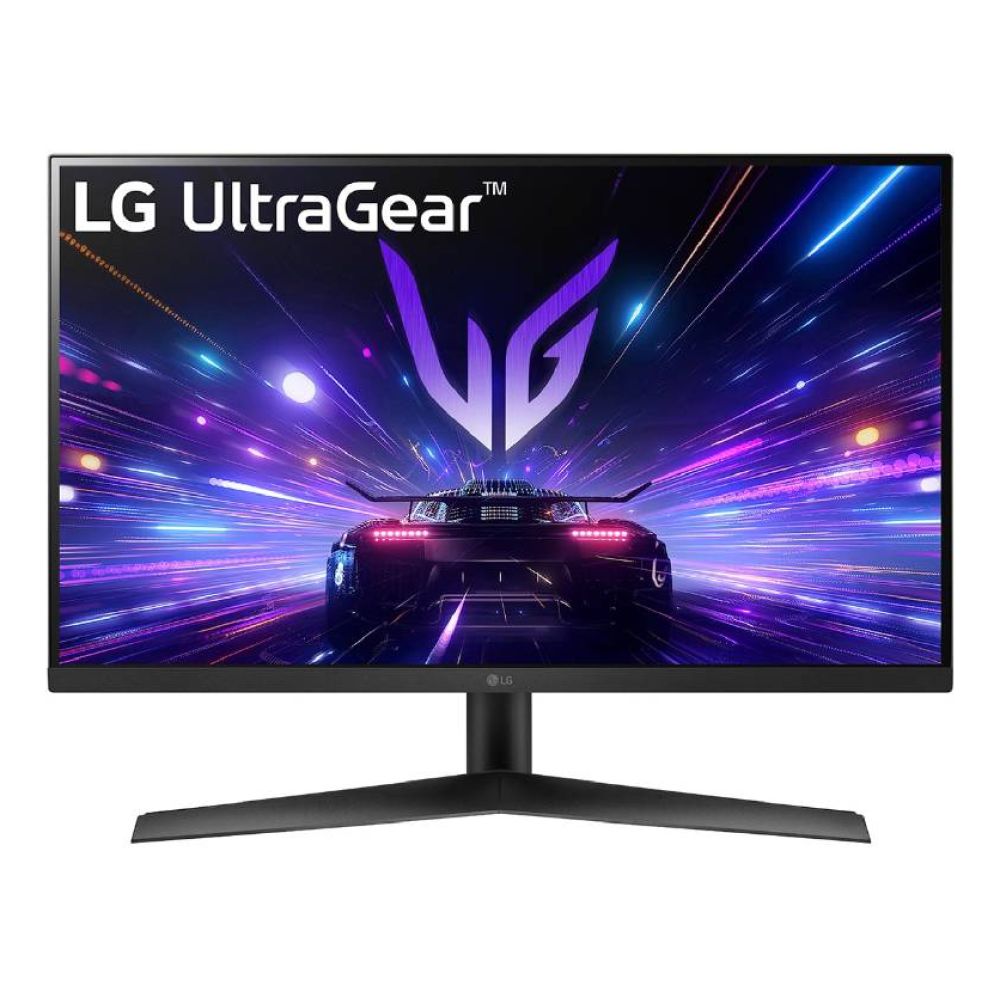
LG UltraGear 27GS60F-B 27" IPS Full HD 180Hz 1ms Gaming Monitor
MPN: 27GS60F-B.AEK
Key Specs
- 27" Full HD IPS display
- 180Hz refresh rate
- 1ms response time
- HDR10
- AMD FreeSync | NVIDIA G-SYNC
A straightforward pick for daily multiplayer gaming
This is one of the best monitors for everyday play. It gives you a larger 27-inch screen without pushing the price too high.
It is also a sensible 180Hz monitor for players who mainly enjoy shooters, sports games, and casual online matches. The IPS panel helps keep the picture balanced and clean.
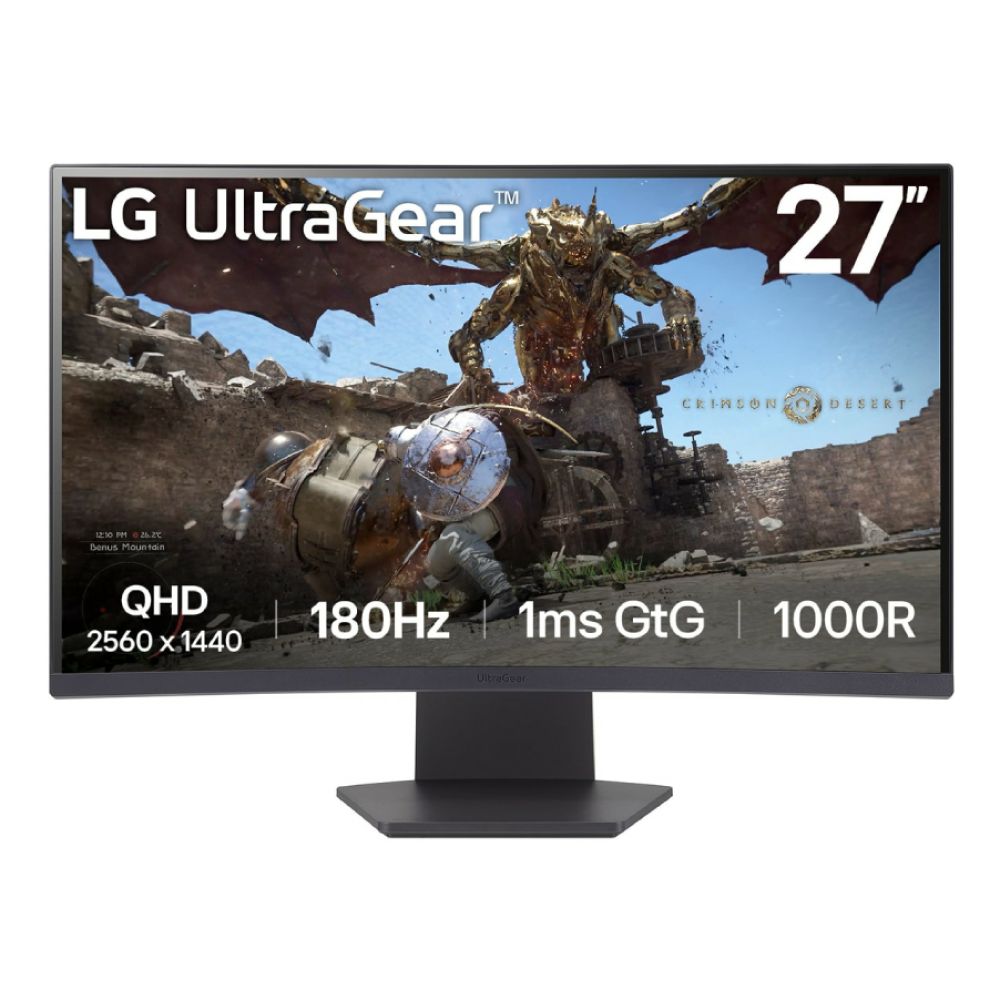
LG UltraGear 27GS60QC-B 27" Curved Quad HD 180Hz Gaming Monitor
MPN: 27GS60QC-B.AEKQ
Key Specs
- 27" QHD VA curved display
- 180Hz refresh rate
- 1ms response time
- HDR10
- AMD FreeSync
A sharper option with more visual impact
This model suits buyers who want more detail than Full HD can offer. The QHD resolution helps games look sharper, while the curved panel adds more depth.
It is also a good AMD FreeSync monitor for players who want smoother gameplay without spending premium money. For mixed single-player and multiplayer gaming, it feels perfect.
Shop LG UltraGear 27" Curved Quad HD
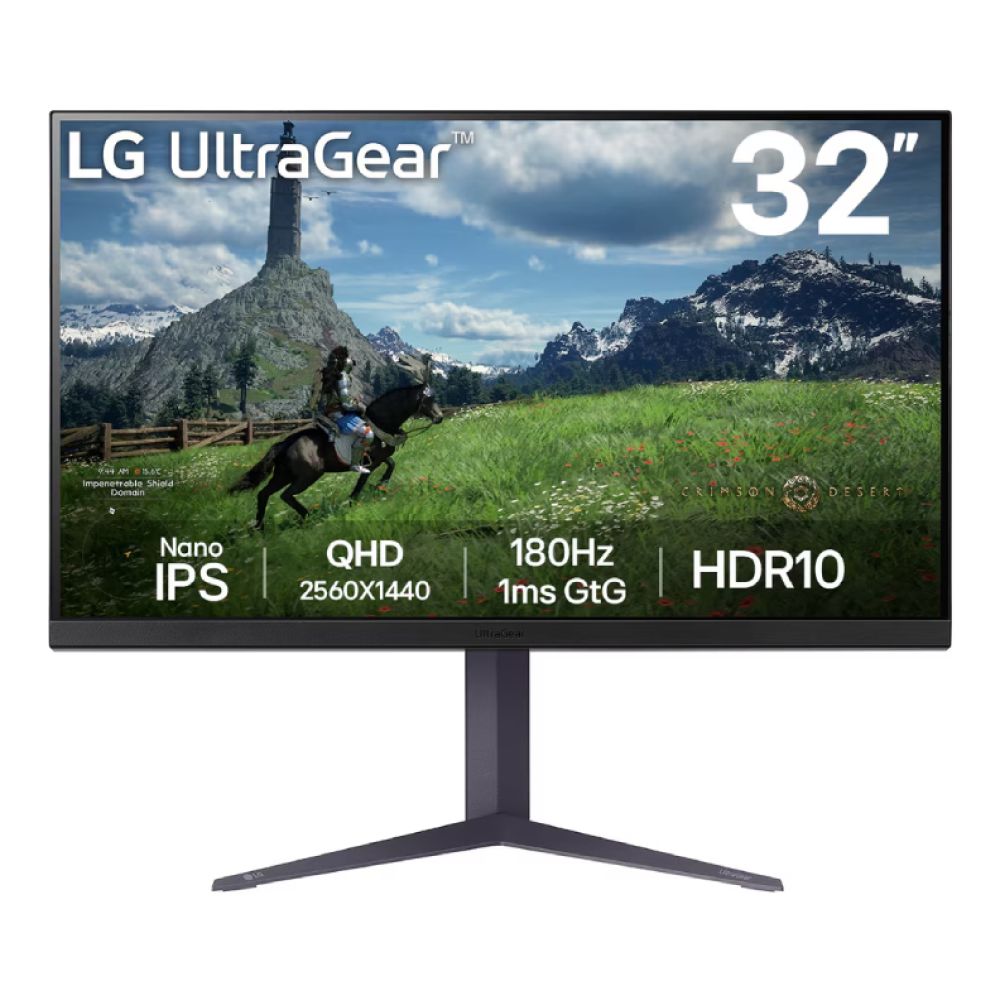
LG UltraGear 32GS85Q-B 32" Nano IPS Quad HD 180Hz Gaming Monitor
MPN: 32GS85Q-B.AEK
Key Specs
- 32" QHD Nano IPS display
- 180Hz refresh rate
- 1ms response time
- Height-adjustable stand
- AMD FreeSync
More room for players who want a bigger desk setup
This is the value pick for buyers who want a larger LG gaming monitor without moving into 4K pricing. The 32-inch screen gives games more presence and makes general use feel roomier.
It is also a strong LG gaming display for players who want QHD sharpness and fast response in one package. For the money, it covers a lot of ground well.
Shop LG UltraGear 32" Nano IPS
Tips for Choosing the Right LG Gaming Monitor
The right monitor depends on the games you play most, your platform, desk space, and budget. Here are some tips to help you select the best monitor for your needs.
- Choose 24-inch to 27-inch screens for competitive desk gaming. These sizes feel quicker and easier to track in fast matches.
- Choose 32-inch or larger if you want more immersion for console gaming, story-driven games, or mixed use.
- Pick Full HD if your budget matters most and you mainly want speed.
- Pick QHD if you want the best balance between sharpness and performance.
- Pick 4K if you want to get more from PS5 or Xbox Series X.
- Choose an OLED gaming monitor if contrast, motion clarity, and premium image quality matter most.
- Choose IPS if you want a more balanced all-round option for everyday play.
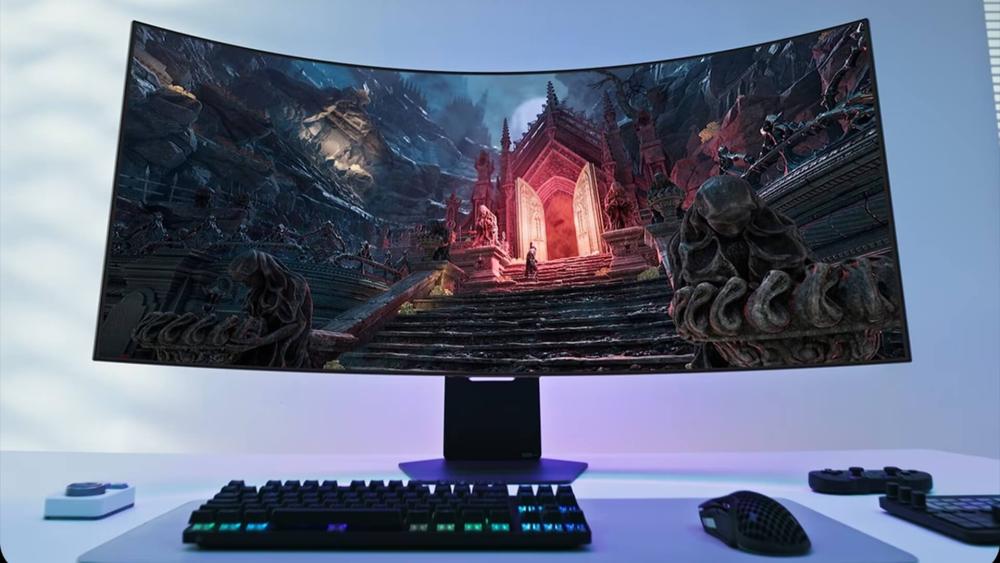
- Go for LG UltraWide monitors for gaming if you mainly play racing, sim, or open-world titles.
- Match the refresh rate to your real use. A faster number is not always the better choice.
- If you are still unsure how to choose the right LG monitor, start with your main platform first, then your budget.
- In the end, the best LG monitor is the one that fits your actual gaming habits, not just the biggest spec sheet.
Final Words
The best LG gaming monitor depends on the kind of gaming you do most. Some players need outright speed, while others want stronger visuals, bigger screens, or better console support.
That is why the LG UltraGear range works so well. It covers competitive PC setups, 4K console gaming, immersive ultrawide play, and strong value options without forcing every buyer into the same type of screen.
If you know what matters most to you, the choice becomes much easier. Focus on speed, size, resolution, and panel type, then choose the model that matches your setup properly.
Frequently Asked Questions
What is the best LG gaming monitor?
The best option depends on your use case. For pure competitive speed, the LG UltraGear 27GX790A-B stands out. For balanced 4K gaming, the LG UltraGear 32GR93U-B is a strong choice.
Are LG gaming monitors good for PS5?
Yes, many LG gaming monitors work very well with PS5, especially models with 4K resolution, HDMI 2.1, and high refresh rate support.
Which LG UltraGear monitor is best for competitive gaming?
The LG UltraGear 27GX790A-B is one of the strongest choices for competitive gaming thanks to its 480Hz OLED panel and extremely fast response.
What refresh rate should I choose for an LG gaming monitor?
For general gaming, 144Hz or 180Hz is a strong place to start. For competitive play, 240Hz or higher makes more sense.
Are LG gaming monitors good for Xbox Series X?
Yes, LG gaming monitors can be very good for Xbox Series X, especially 4K models with VRR support and the right HDMI connectivity.
You can pay with:
*PayPal Credit Representative Example: Assumed credit limit £1,200, Representative 23.9% APR (variable). Purchase rate 23.9% p.a (variable).Terms & Conditions apply.


PayPal Credit and PayPal Pay in 3 are trading names of PayPal UK Ltd, 5 Fleet Place, London, United Kingdom, EC4M 7RD. Terms and conditions apply. Credit subject to status, UK residents only, Five Tech LTD acts as a broker and offers finance from a restricted range of finance providers. PayPal Pay in 3 is not regulated by the Financial Conduct Authority. Pay in 3 eligibility is subject to status and approval. 18+. UK residents only. Pay in 3 is a form of credit. Check if affordable and how you will repay. May make other borrowing more difficult or expensive. See product terms for more details.
Copyright © 1996-2026 Fivetech LTD | Terms and Conditions
box.co.uk & Box are trading names of Five Tech Limited. Registered office: Box LTD, Unit 10 Woodford Trading Estate, Woodford Green IG8 8HF