


 Menu
MenuMenu


Get Sales Advice from Mon - Fri 9am - 5:00pm:
020 3337 8950LAST UPDATED: April 24, 2026
Best LG 4K Monitors for Work, Streaming and Everyday Use
Finding the right LG 4K monitor is not just about choosing the sharpest screen. The best option depends on how you plan to use it, whether that is office work, streaming, or general everyday tasks.
LG has a strong range of 4K displays, from simple productivity-focused models to more premium screens with USB-C, HDR support, and higher refresh rates. That variety is one reason so many buyers looking for the best LG 4K monitor end up comparing several models before choosing.
This guide breaks down the strongest options for different use cases, including office work, streaming and everyday work. It also aims to make it easier to compare LG 4K monitors in the UK and pick the one that fits your desk, your routine, and your budget.
Best LG 4K Monitors for Office Work
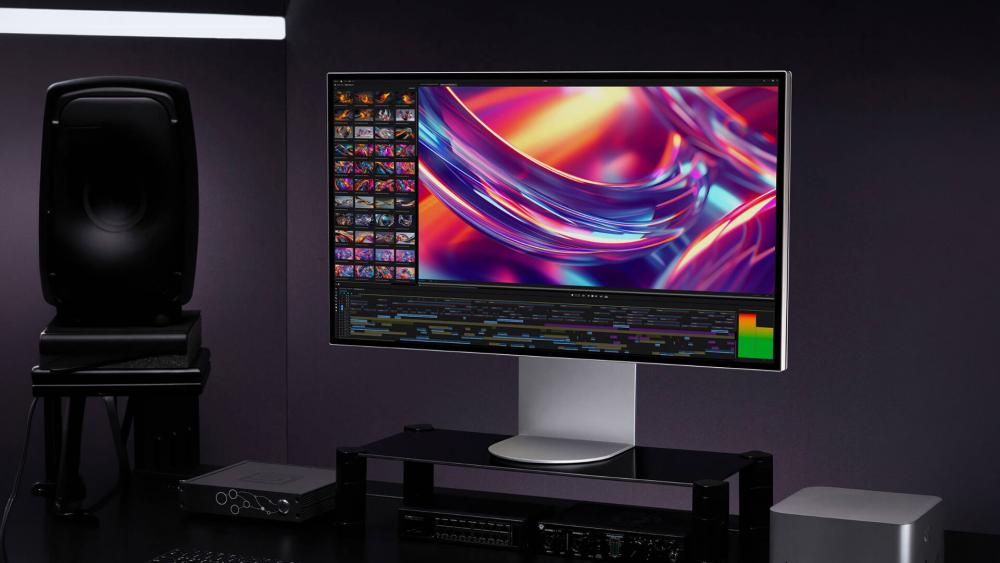
For office use, the right monitor is not just about resolution. A good LG 4k monitor for work should also make everyday tasks easier, whether that means clearer text, better ergonomics, or simpler laptop connectivity.
This is where some of the strongest LG 4K monitors stand out. The best models for office setups combine sharp visuals with practical features that suit long working days.
LG 27U730A-B 27" UHD 4K USB-C Height Adjustable Monitor
MPN: 27U730A-B.AEK
Key Specs
- 27" 4K UHD VA display
- 3840 x 2160 resolution
- USB-C with 90W Power Delivery
- Height adjustable stand to 150mm
- 2 x 5W built-in speakers
Why does it suit modern desk setups so well?
This is a very practical LG monitor for office work because it combines a sharp 4K panel with the kind of connectivity that makes daily use easier. The 90W USB-C connection is especially useful for laptop users, as it can handle display output and charging through a single cable.
The 27-inch size also works well for typical desks, giving you crisp text and enough room for side-by-side windows without feeling oversized. If you want an LG UHD monitor that feels clean, straightforward, and genuinely useful for productivity, this is a strong place to start.
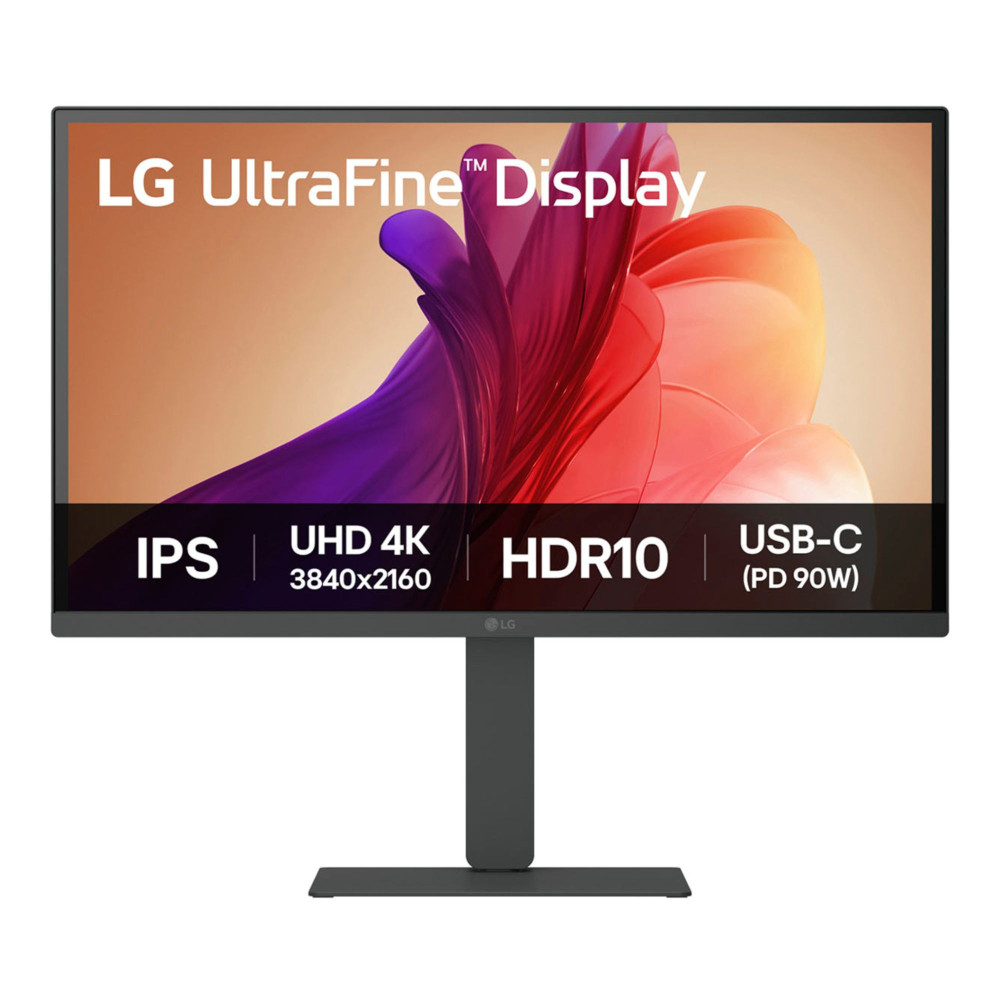
LG 32U720A-B 32" UHD 4K USB-C Height Adjustable Monitor
MPN: 32U720A-B.AEK
Key Specs
- 32" 4K UHD VA display
- 3840 x 2160 resolution
- USB-C with 90W Power Delivery
- Height adjustable stand to 130mm
- HDR10
A better fit for bigger spreadsheets and side-by-side work
If your workflow involves large spreadsheets, multiple documents, or several windows open at once, this LG monitor for office work gives you more breathing room than a 27-inch panel. The 32-inch screen makes text and layout easier to manage, while the 4K resolution keeps everything looking sharp rather than stretched.
The 90W USB-C connection also makes it a strong option for cleaner desk setups, especially if you use a laptop as your main machine. Among the best LG monitors for productivity, this one stands out for users who want more space without moving into specialist display categories.

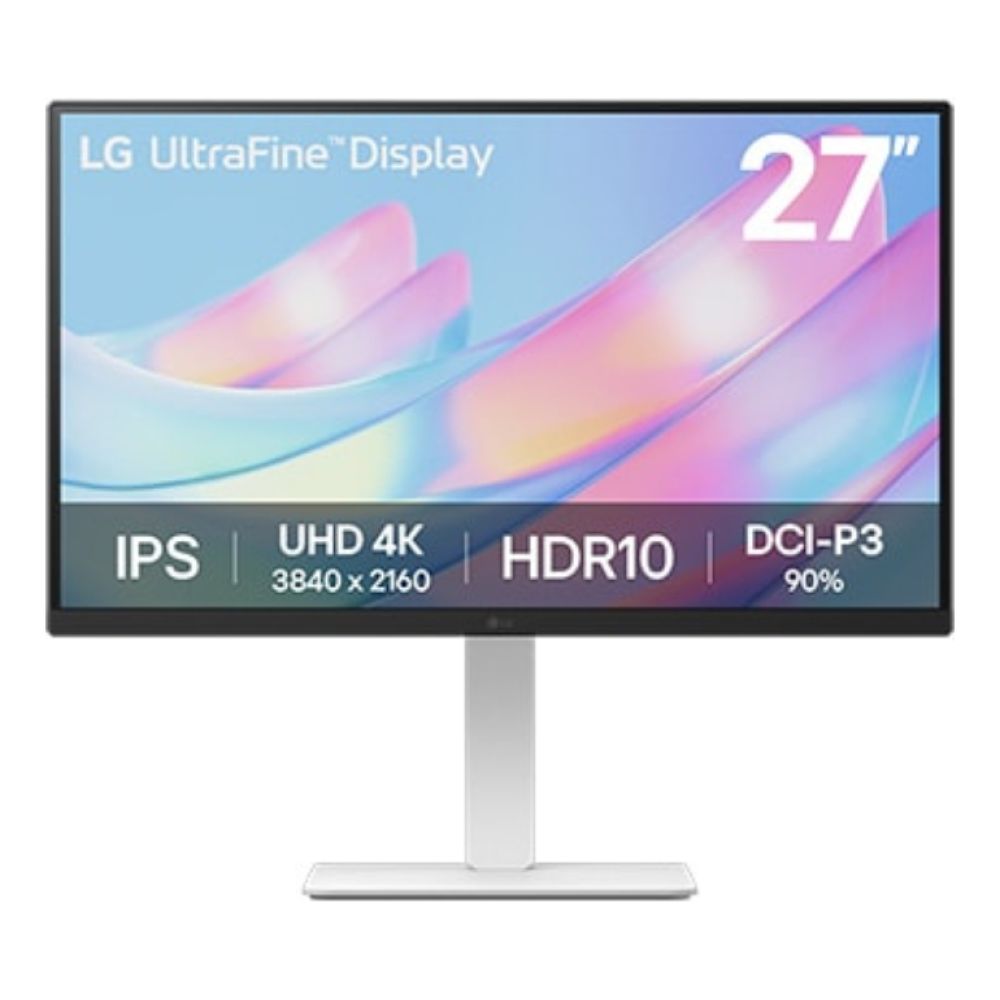
LG UltraFine 27US550-W 27" IPS LCD 4K Ultra HD Height Adjustable Monitor
MPN: 27US550-W.AEK
Key Specs
- 27" IPS 4K Ultra HD display
- 3840 x 2160 resolution
- 60Hz refresh rate
- Height adjustable stand to 110mm
- HDR10
A simple 4K choice that keeps productivity front and centre
The UltraFine 27US550-W is a good choice if you want a clean, dependable LG high-resolution monitor for office tasks without paying extra for features aimed at entertainment or gaming. Its IPS panel helps with colour consistency and viewing angles, which is useful if you spend long hours working across documents, browser tabs, and creative tools.
It is a straightforward 4K option for users who want clear image quality, a comfortable adjustable stand, and a monitor that stays focused on everyday productivity.
Best LG 4K Monitors for Streaming and Entertainment
For streaming and entertainment, picture quality matters just as much as resolution. A strong LG 4K monitor for streaming and entertainment should offer a more immersive screen, better contrast or HDR support, and enough screen presence to make films, shows, and everyday media look more engaging.
This is also where some of LG's more premium displays stand out. Monitors in this category are also rated as some of the best LG gaming monitors. These screens also work brilliantly for buyers who want a sharper, smoother, and more cinematic viewing experience.
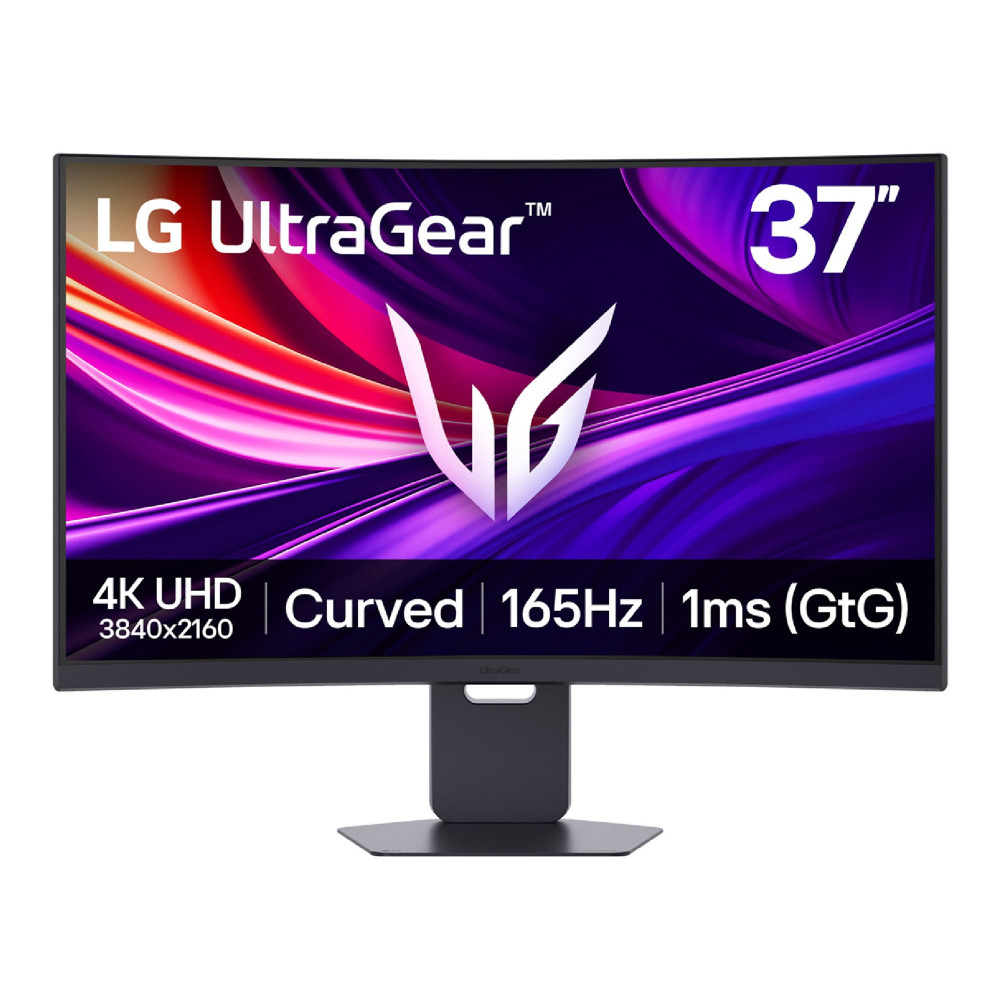
LG UltraGear 37G800A-B 37" UHD 4K 165Hz Curved Monitor
MPN: 37G800A-B.AEKQ
Key Specs
- 36.5" 4K Ultra HD VA curved display
- 3840 x 2160 resolution
- 165Hz refresh rate
- USB-C with 65W Power Delivery
- 2 x 5W built-in speakers
A more immersive choice for film nights and mixed media
This is a strong LG monitor for streaming if you want a larger screen that feels more immersive than a standard flat 27-inch or 32-inch display. The curved 36.5-inch panel gives films, sports, and YouTube content a more wraparound feel, while the 4K resolution keeps detail looking crisp.
It also works well for users who want one screen for both entertainment and general desk use. The USB-C connectivity adds flexibility, and the built-in speakers make it more convenient for casual viewing without needing extra audio gear straight away.
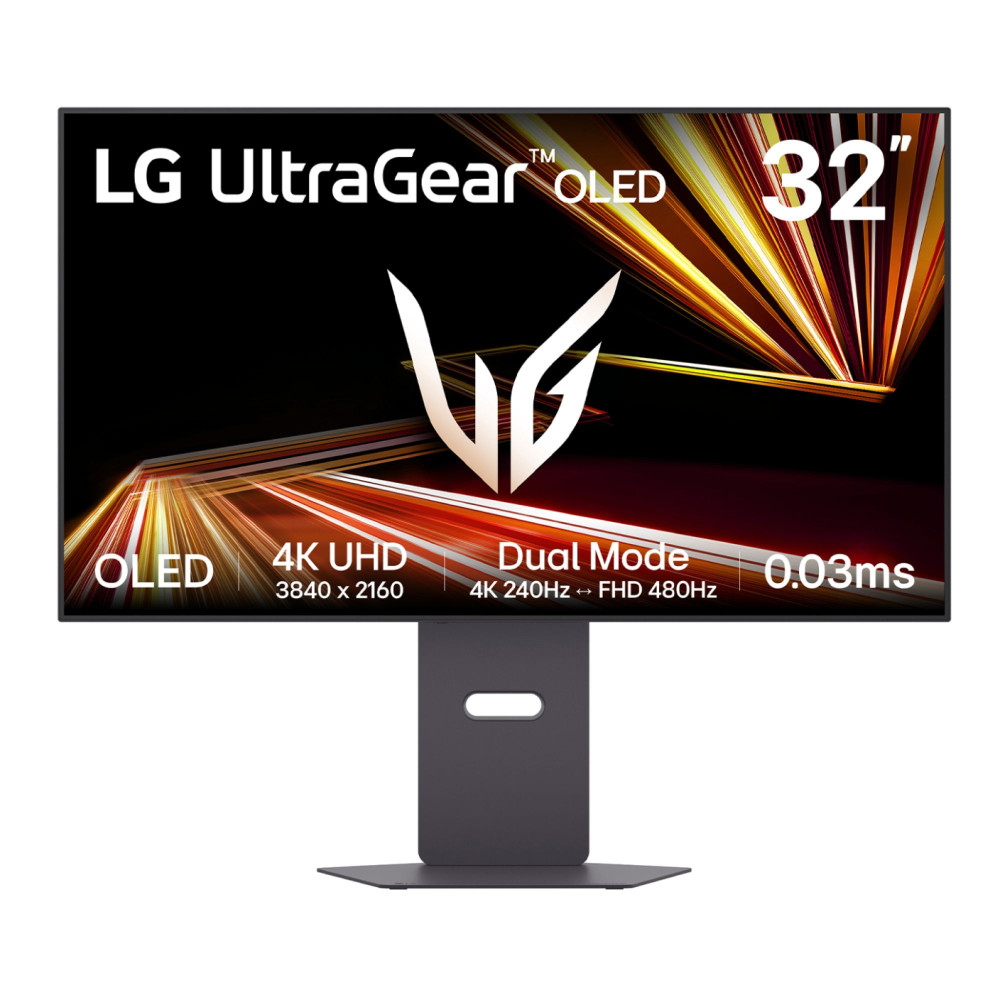
LG UltraGear 32GX870A-B 32" OLED Dual Refresh UHD 4K 240Hz / Full HD 480Hz Monitor
MPN: 32GX870A-B.AEK
Key Specs
- 31.5" 4K Ultra HD OLED display
- 3840 x 2160 resolution
- 240Hz refresh rate
- USB-C with 90W Power Delivery
- 2 x 7W built-in speakers
Premium OLED quality for richer everyday viewing
If picture quality is your main priority, this is one of the best LG 4K monitors in the entertainment category. The OLED panel gives it deeper contrast and a more vibrant overall image, which makes streaming platforms, films, and darker scenes look far more striking than they do on more basic panels.
It is also a very flexible screen. The USB-C connectivity and built-in speakers help it fit neatly into a modern setup, while the 32-inch size gives you a premium viewing experience without feeling oversized for a desk.
Shop LG UltraGear 32" OLED Dual Refresh
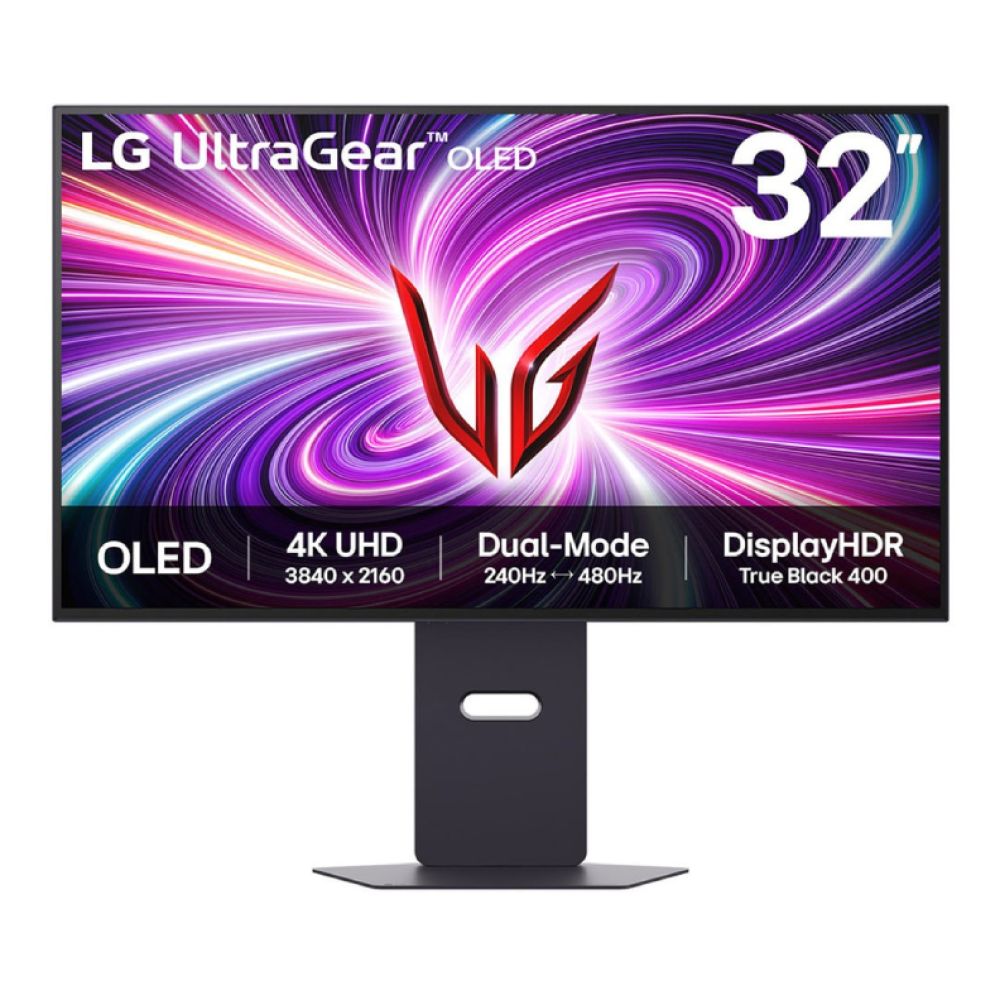
LG UltraGear 32GS95UV-B 32" Flat 4K Ultra HD 240Hz OLED Monitor
MPN: 32GS95UV-B.AEK
Key Specs
- 32" 4K Ultra HD OLED display
- 3840 x 2160 resolution
- 240Hz refresh rate
- 0.03ms response time
- 2 x 7W built-in speakers
A high-end screen that still feels easy to enjoy daily
This model is ideal if you want an LG high-resolution monitor that feels premium the moment you switch it on. The OLED panel helps deliver stronger contrast and a cleaner, more vivid image, which makes it especially well-suited to streaming, general media use, and visually rich content.
Even though it is clearly a high-spec display, it still works well as an entertainment-first monitor because the 32-inch size is practical for a desk, and the built-in speakers add convenience. It is the kind of screen that suits buyers who want a premium experience without needing a more specialised setup.
Best LG 4K Monitors for Everyday Use
For everyday use, the best choice is usually the one that feels balanced. A good LG 4K monitor in this category should deliver sharp visuals, comfortable sizing, and enough versatility to handle browsing, light work, streaming, and general home use without unnecessary complexity.
This is where some of the most practical LG 4K monitors in the UK stand out. They offer 4K clarity and useful features at price points that make more sense for all-around daily use.
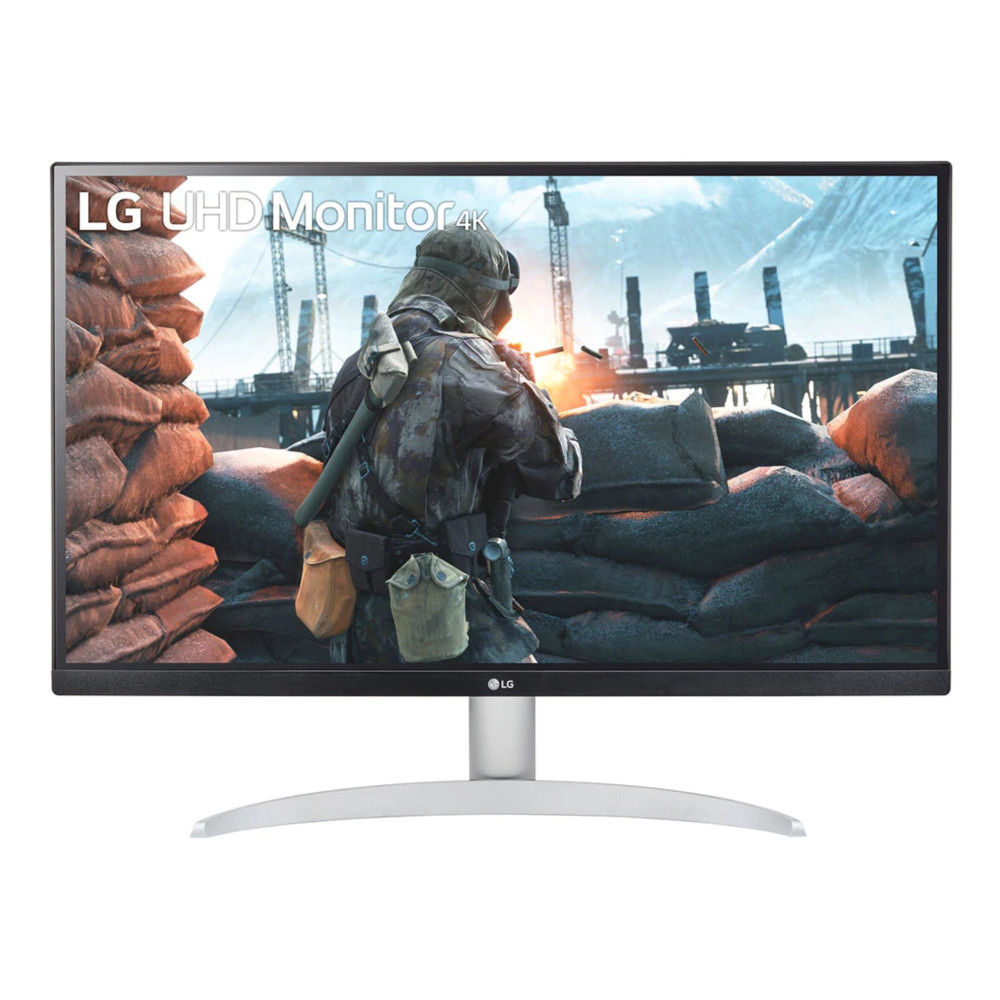
LG 27UP650K-W 27" IPS 4K UHD Height Adjustable Monitor
MPN: 27UP650K-W.AEK
Key Specs
- 27" IPS 4K UHD display
- 3840 x 2160 resolution
- 60Hz refresh rate
- DisplayHDR400
- Height adjustable stand to 110mm
A smart everyday 4K choice without overspending
This is one of the easiest monitors in the range to recommend for general use because it keeps things simple and useful. The 27-inch screen is a comfortable size for most desks, while the IPS panel helps with consistent colour and clear viewing angles for browsing, office tasks, and casual streaming.
It is a very sensible pick if you want the best LG 4K monitor for mixed daily use without moving into pricier, more specialised models. For buyers who mainly want a dependable LG UHD monitor, this strikes a strong balance between quality and value.
LG 32UN650K-W 32" Flat 4K Ultra HD 60Hz Monitor
MPN: 32UN650K-W.AEK
Key Specs
- 32" IPS 4K Ultra HD display
- 3840 x 2160 resolution
- 60Hz refresh rate
- HDR10
- 2 x 5W built-in speakers
More screen space for home use and casual multitasking
If you prefer a larger display for everyday use, this model makes a lot of sense. The 32-inch panel gives you more room for split-screen work, web browsing, and streaming, while still keeping the image sharp thanks to the 4K resolution.
It is perfect for home users who want one display for a bit of everything. The built-in speakers help keep the setup simple, and the larger size makes it a strong LG high-resolution monitor for mixed entertainment and general day-to-day use.

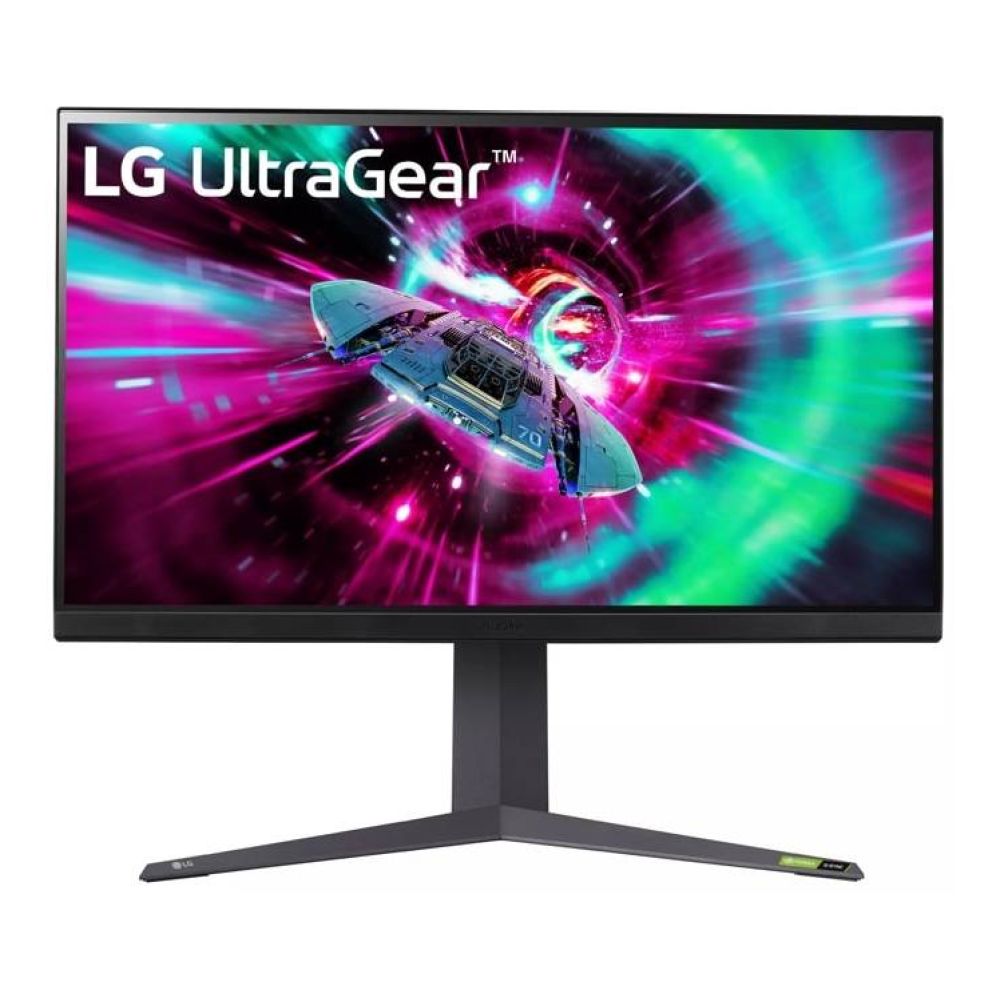
LG UltraGear 32GR93U-B 31.5" IPS 4K Ultra HD 144Hz Monitor
MPN: 32GR93U-B.AEK
Key Specs
- 31.5" IPS 4K Ultra HD display
- 3840 x 2160 resolution
- 144Hz refresh rate
- 1ms response time
- DisplayHDR600
A premium all-rounder for buyers who want more than a basic 4K
This is the everyday-use pick for buyers who want something more premium without stepping all the way into OLED pricing. The 31.5-inch 4K IPS panel gives you the sharpness expected from a strong LG UHD monitor, but the higher refresh rate also makes general movement feel smoother across the desktop.
That extra smoothness is not just for gaming. It makes scrolling, navigation, and general use feel more polished, which is why this model works well for buyers who want a more versatile premium display rather than a basic everyday screen.
Shop LG UltraGear 31.5" IPS 4K
How to Choose the Best LG Monitor for Your Use Case
Choosing between different LG 4K monitors becomes much easier when you start with how the screen will actually be used. Our LG monitor buying guide explains how to select the right screen size, panel type, connectivity, and explains whether you need a simple everyday display or something more specialised.
- Choose 27 inches for tighter desks and general productivity.
A 27-inch screen is usually the safest size for office work, browsing, and mixed daily use. It gives you 4K sharpness without taking over the desk.
- Move to 32 inches or above if you want more immersion or multitasking space.
Larger screens work better for streaming, split-screen work, and buyers who like a roomier desktop experience.
- Look for USB-C if you use a laptop every day.
A monitor with USB-C power delivery makes desk setups much cleaner, especially if you switch between a work laptop and a personal device.
- Think about panel type, not just resolution.
IPS panels are usually the best fit for balanced everyday use, VA panels can offer stronger contrast, and OLED suits buyers who want a more premium visual experience.
- Higher refresh rates are useful if you want smoother motion as well as sharp detail.
For office work and casual use, 60Hz is usually enough.
- Only look beyond 4K if you have a very specific reason.
An LG 5k monitor can make sense for more specialised creative work, but for most people, a good 4K screen is the better-value option.
- Go for UltraWide monitors only if your workflow really needs it.
For some buyers, LG UltraWide monitors make more sense for multitasking, but for everyday work, streaming, and general home use, a standard 4K layout is often the more practical choice.
Final Words
The right LG 4K monitor depends on how you plan to use it. Some models are better suited to office work and cleaner laptop setups, while others make more sense for streaming, bigger screens, or a more premium everyday experience.
If you want the safest all-around option, a 27-inch or 32-inch 4K model will suit most users well. If your priority is entertainment or a more immersive viewing experience, stepping up to one of LG's larger or OLED displays can make a noticeable difference.
The key is to match the monitor to your routine rather than just the spec sheet. That way, you end up with a screen that feels right for your desk, your budget, and your daily use.
Frequently Asked Questions
What is the best LG 4K monitor?
That depends on your use case. For balanced everyday value, the LG 27UP650K-W is a strong option, while premium buyers may prefer models like the LG UltraGear 32GX870A-B.
Is an LG 4K monitor good for work?
Yes, an LG 4K monitor is a very good choice for work, especially if you want sharp text, better multitasking space, and useful features like height adjustment or USB-C.
Are LG 4K monitors good for gaming?
Yes, many LG 4K monitors are also excellent for gaming, especially the UltraGear range with higher refresh rates, faster response times, and stronger HDR support.
What size LG 4K monitor should I buy?
A 27-inch model suits most desks and general use. A 32-inch or larger screen is better if you want more screen space for multitasking, streaming, or a more immersive experience.
Is an LG 4K monitor worth it for everyday use?
Yes, if you want a sharper screen for browsing, work, and media, an LG 4K monitor is well worth considering for everyday use.
You can pay with:
*PayPal Credit Representative Example: Assumed credit limit £1,200, Representative 23.9% APR (variable). Purchase rate 23.9% p.a (variable).Terms & Conditions apply.


PayPal Credit and PayPal Pay in 3 are trading names of PayPal UK Ltd, 5 Fleet Place, London, United Kingdom, EC4M 7RD. Terms and conditions apply. Credit subject to status, UK residents only, Five Tech LTD acts as a broker and offers finance from a restricted range of finance providers. PayPal Pay in 3 is not regulated by the Financial Conduct Authority. Pay in 3 eligibility is subject to status and approval. 18+. UK residents only. Pay in 3 is a form of credit. Check if affordable and how you will repay. May make other borrowing more difficult or expensive. See product terms for more details.
Copyright © 1996-2026 Fivetech LTD | Terms and Conditions
box.co.uk & Box are trading names of Five Tech Limited. Registered office: Box LTD, Unit 10 Woodford Trading Estate, Woodford Green IG8 8HF