


 Menu
MenuMenu


Get Sales Advice from Mon - Fri 9am - 5:00pm:
020 3337 8950LAST UPDATED: July 13, 2026
Top-Rated Colour Laser Printer All in One Options for Home & Office Use
A colour laser printer all in one is a smart choice if you want one device that can print, scan, copy and sometimes fax. Instead of buying separate machines for documents, scanning and copying, an all-in-one laser printer gives you a more organised setup for home offices, small businesses, and shared workspaces.
The biggest reason to choose a colour laser printer is consistency. Laser printers are known for sharp text, fast document printing, and smudge-resistant output. When you add scanning and copying, the result is a practical multifunction printer that can handle everyday admin, business reports, school documents, invoices, presentations, and colour handouts.
If you are searching for the best color laser printer all in one, the right model depends on your space, print volume, running costs, and the features you actually use. A home user may want something compact and wireless, while a small business may need faster print speeds, a larger paper tray, an automatic document feeder and lower cost per page.
This guide explains what to look for in a multifunction color laser printer, which features matter most and how to choose the best option for home, office or small business use.
To compare current models, shop home and office printers or browse fast laser printing options at Box.co.uk.
What Is a Colour Laser Printer All in One?
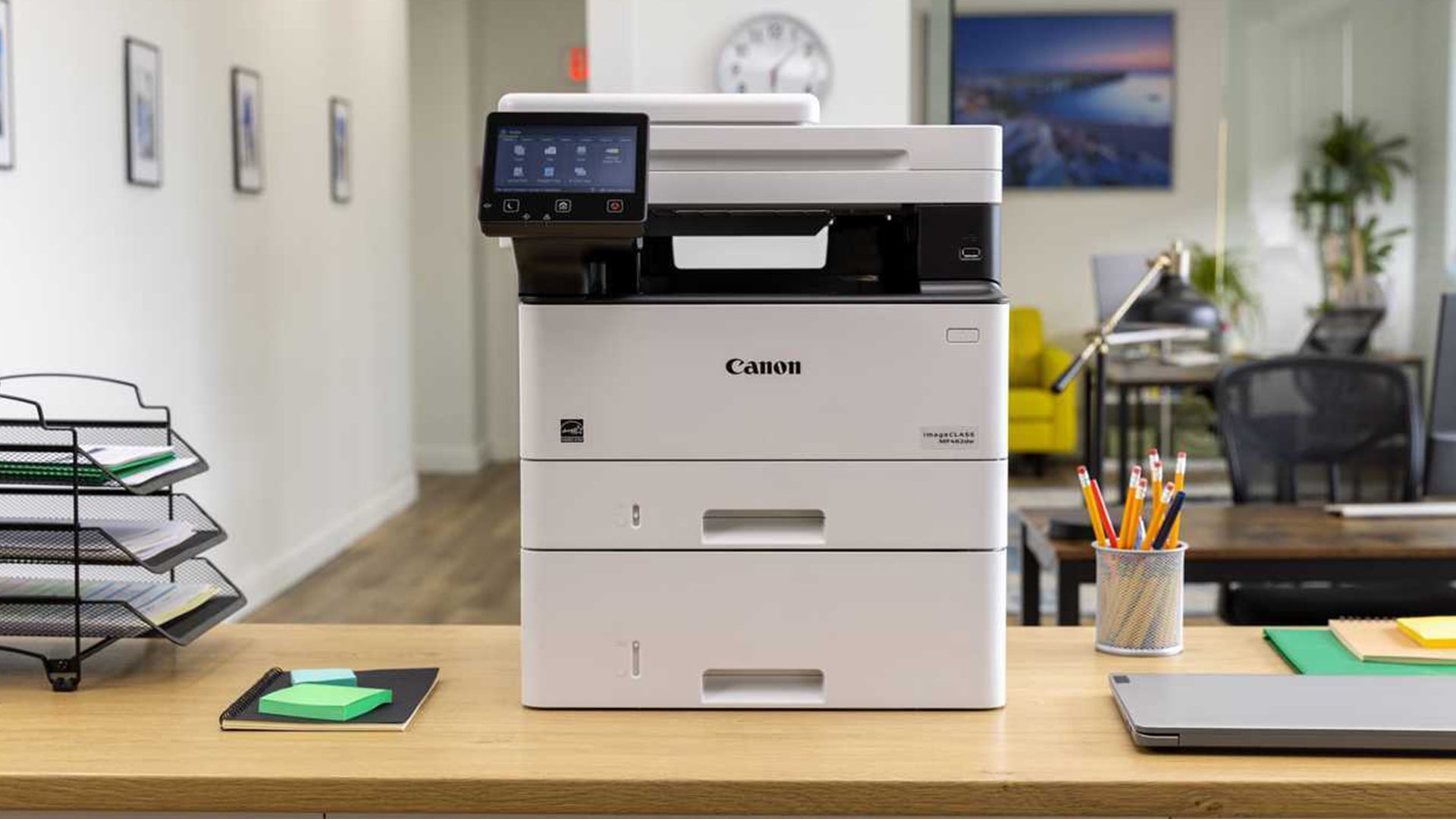
A colour laser printer all in one is a multifunction printer that uses toner instead of liquid ink and combines several office functions in one device. Most models can print, scan and copy, while some also include fax support.
This type of printer is often called an MFP printer, multifunction printer or printer scanner copier. It is designed to save space, reduce clutter and make everyday document tasks easier.
How It Combines Printing, Scanning, Copying and Faxing
The main benefit of an all-in-one printer is convenience. You can print a document, scan signed paperwork, copy ID pages or archive forms without needing separate devices. For small offices, this can make daily workflows faster and more organised.
Some models also include an automatic document feeder, often called an ADF. This lets you scan or copy several pages without placing each page on the scanner glass one by one. For invoices, contracts, forms and business records, this can save a lot of time.
Who Should Choose a Multifunction Colour Laser Printer?
A multifunction colour laser printer is ideal for users who print more documents than photos. It works well for home offices, small businesses, schools, admin teams and households that need a reliable printer for regular paperwork.
Choose this type of printer if you want sharp text, fast print speed, colour document printing, reliable scanning and lower maintenance than many inkjet models. If your main priority is high-quality photo printing, an inkjet may still be better. But for everyday documents, colour reports and office use, a laser all-in-one is usually more practical.
For help choosing between device types, read our guide to compare printers, scanners and all-in-ones.
Best Colour Laser Printer All in One: Quick Picks by Need
The best colour laser printer all in one is not the same for every buyer. A compact home office may need wireless setup and easy scanning, while a busy workspace may need speed, Ethernet connectivity and high-yield toner support.
| Need | Best Type of Colour Laser AIO |
|---|---|
| Best for small business printing | A fast multifunction printer with strong paper handling, ADF and business connectivity |
| Best for home office use | A compact wireless colour laser printer with scanner and copier |
| Best value colour laser printer | A model with sensible toner costs, good page yield and the features you will actually use |
| Best wireless colour laser printer all in one | A Wi-Fi model with mobile printing, Apple AirPrint and Mopria support |
| Best for scanning and copying | A colour laser printer with scanner, copier and automatic document feeder |
| Best for heavier document workflows | A model with duplex printing, larger paper capacity and reliable monthly duty cycle |
For many buyers, the best option is not the cheapest printer. It is the printer that balances purchase price, toner replacement cost, print speed, scanner features and long-term reliability.
Why Choose a Colour Laser Printer Over an Inkjet?
A colour laser printer is usually better if you print lots of documents, business paperwork and text-heavy pages. Laser printers use toner cartridges rather than liquid ink, which helps them produce clean, sharp documents quickly.
Print Speed and Sharp Text Quality
Laser printers are especially strong for sharp text printing. If you print reports, invoices, contracts, letters, forms or training documents, a laser printer usually delivers a cleaner and more professional result than a basic inkjet.
Print speed is another benefit. Many laser printers are designed for regular office use, so they can produce multiple pages quickly. This matters if several people share the printer or if you often print multi-page documents.
Toner Yield and Long-Term Running Costs
Toner cartridges can cost more upfront than ink cartridges, but they often offer a higher page yield. That means they may print more pages before needing replacement. For regular document printing, this can help with long-term value.
The key is to compare cost per page, not just the printer price. A cheaper printer with expensive toner may cost more over time than a slightly more expensive printer with better toner yield.
When an Inkjet Printer May Still Be Better
An inkjet printer may still be better if you mainly print photos, craft projects or colour-rich creative materials. Inkjet printers are often stronger for photo quality and specialist paper types.
If you are unsure which type is right, read our guide to compare inkjet and laser printing.
Key Features to Compare Before Buying
A colour laser printer all in one can look impressive on paper, but the best model is the one that fits your daily routine. Before buying, compare the features that affect real use, not just the headline price.
Print, Copy, Scan and Fax Functions
Most all-in-one colour laser printers can print, scan and copy. Some also include fax, which can still be useful for certain office, legal, healthcare or admin tasks.
If you only need basic printing and occasional scanning, a simple model may be enough. If you handle paperwork every day, a stronger MFP printer with ADF and duplex features will feel more efficient.
Automatic Document Feeder for Multi-Page Scanning
An automatic document feeder is one of the most useful features for office users. It lets you scan or copy several pages in one go. Without an ADF, you usually need to place each page manually on the scanner glass.
For home users, an ADF is convenient. For small businesses, it can be essential.
Duplex Printing and Duplex Scanning
Duplex printing means the printer can print on both sides of the page. This saves paper and makes reports look more professional. Duplex scanning means the scanner can scan both sides of a document, either automatically or with fewer manual steps.
If you need an all in one color laser printer with duplex scanning, check the exact specification carefully. Some printers offer duplex printing but not duplex scanning.
Wireless, USB and Ethernet Connectivity
A good all-in-one wireless laser printer should support easy printing from laptops, desktops, phones and tablets. Wi-Fi is useful for home offices, while Ethernet is useful for stable office networks. USB printing can still be helpful when you want a direct wired connection.
Look for support such as wireless printing, Wi-Fi Direct, mobile printing, Apple AirPrint, Mopria and cloud printing if you want flexible access from different devices.
Paper Tray Capacity and Monthly Duty Cycle
Paper tray capacity matters more than many buyers realise. A small tray is fine for occasional home use, but an office printer should hold enough paper to avoid constant refilling.
Monthly duty cycle also matters for business users. It gives an idea of how much printing the device is designed to handle. If you print often, choose a model built for your workload.
Toner Cost, Page Yield and Cost Per Page
Running costs are one of the most important parts of choosing the best value color laser printer. Always compare toner cartridge prices, page yield and whether high-yield toner is available.
A low purchase price can look attractive, but the better long-term deal is usually the printer that offers the right balance of toner yield, reliability and features.
Best Colour Laser Printer All in One for Small Business
The best all in one color laser printer for small business should be fast, reliable and easy to share. Small businesses often need more than basic printing. They need a device that can support everyday document workflows without slowing the team down.
Why Small Businesses Need Speed, Security and Reliability
A business printer is not just for occasional pages. It may be used for invoices, proposals, delivery notes, client documents, internal reports, training materials and scanned records. That means reliability matters.
Small businesses should look for quick print speeds, good paper handling, secure printing options, network connectivity and toner that offers a reasonable cost per page. A printer that saves a few pounds upfront may not be the best choice if it becomes slow or expensive to run.
Recommended Features for Shared Office Use
For shared office use, look for a colour laser printer all in one with an ADF, duplex printing, Ethernet or strong Wi-Fi, a sensible paper tray capacity and easy toner replacement. If several people will use the printer, simple setup and stable connectivity are just as important as print speed.
You can explore printers for business use to compare office-ready options.
Best Colour Laser Printer All in One for Home Use
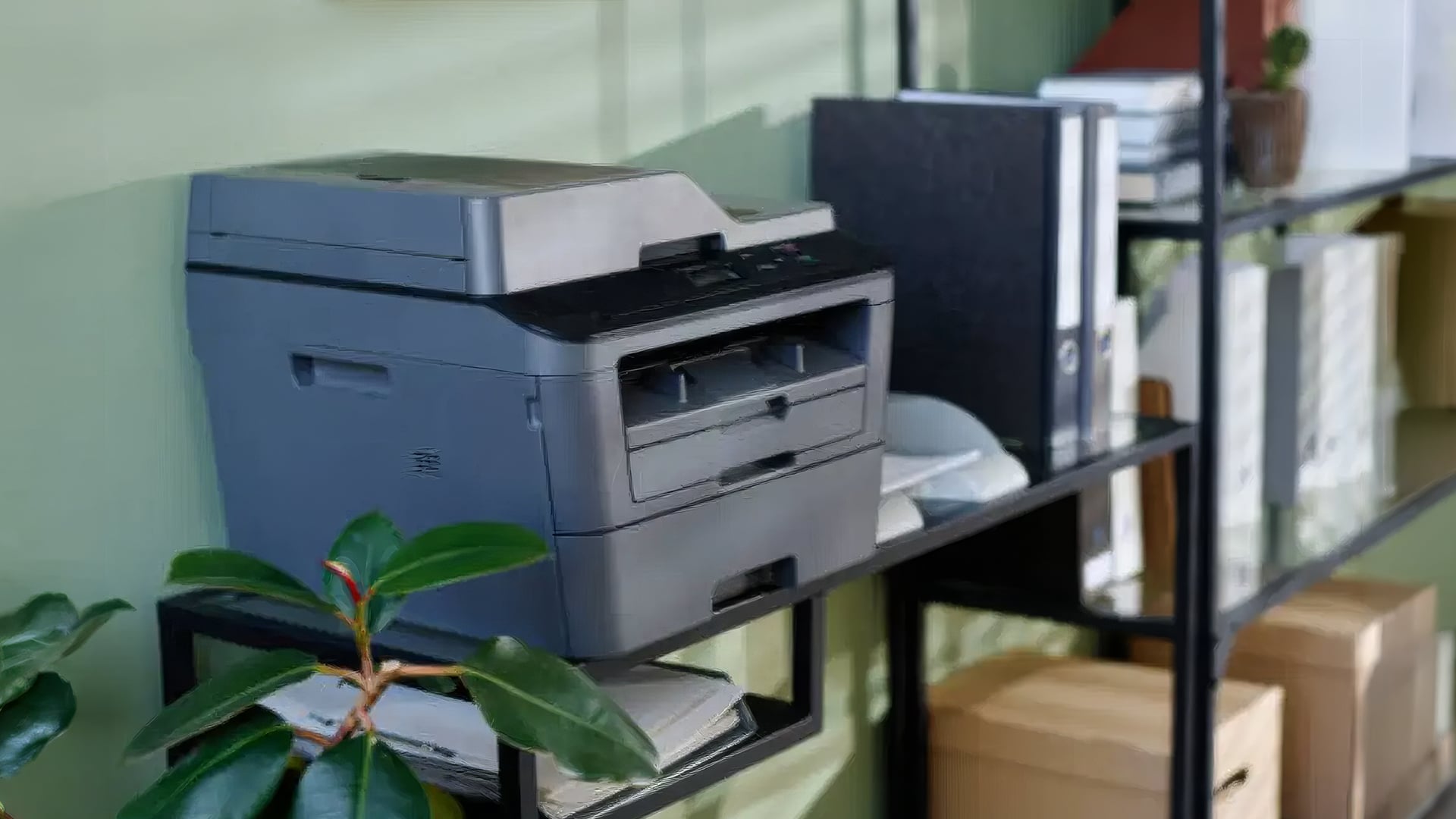
The best all in one color laser printer for home use should be compact, easy to set up and reliable for everyday documents. Home users usually do not need the largest paper trays or fastest speeds, but they do need convenience.
What Home Users Should Prioritise
For home use, focus on size, wireless printing, scanner quality and running costs. A small color laser printer all in one is useful if you work from a spare room, shared desk or compact home office.
A home printer should be easy for different family members to use. Mobile printing, Apple AirPrint and simple Wi-Fi setup can make everyday printing easier from laptops, phones and tablets.
Compact Size, Wireless Printing and Easy Setup
A wireless color laser printer all in one is especially useful at home because it does not need to sit next to one computer. You can place it where it fits best and print from different rooms.
If you print school documents, work forms, returns labels, travel documents and occasional colour pages, a compact all-in-one laser printer can be a tidy, low-maintenance choice.
Is a Colour Laser Printer Worth It for Occasional Home Printing?
A colour laser printer can be worth it for occasional home printing if you want toner-based printing and do not need specialist photo quality. Toner does not dry out in the same way as liquid ink, which can be helpful if you only print now and then.
However, if your main use is photo printing, an inkjet may still be better. For cheaper home options, you can also browse affordable home printer options.
Brand Comparison: HP vs Brother vs Canon vs Xerox
Several brands make colour laser all-in-one printers, but each tends to appeal to slightly different users. HP, Brother, Xerox and Canon all offer options depending on your budget, features and preferred workflow.
| Brand | Best For | Why It May Suit You |
|---|---|---|
| HP | Home office and business users | Strong LaserJet range, practical office features and good all-in-one options |
| Brother | Reliable business printing | Good for document-heavy users, wireless printing and office workflows |
| Xerox | Compact office printing | Strong business heritage and practical office-focused MFP options |
| Canon | Mixed home and office use | Better known for inkjet and photo printing, with selected laser options depending on range |
HP Colour Laser Printer All in One
An HP color laser printer all in one is a strong choice if you want a familiar office printer brand with practical business features. HP LaserJet models are popular for work documents, sharp text and office productivity.
If you want a LaserJet color printer all in one, HP is usually one of the first brands to compare. You can browse HP printing options or consider an HP LaserJet AIO printer.
Brother All in One Colour Laser Printer
A Brother all in one color laser printer is worth considering if you want reliable document handling, wireless printing and practical office features. Brother printers are often popular with small businesses and home offices because they focus on dependable everyday output.
If you need a Brother multifunction color laser printer, you can shop Brother print solutions or view Brother wireless laser printing.
Xerox Colour Laser Printer All in One
A Xerox color laser printer all in one can be a good fit for compact office spaces and document-heavy users. Xerox has a long history in office printing, and its compact colour MFP models can suit small teams that need print, scan and copy features without taking over the workspace.
You can view Xerox office printer deals or buy a compact Xerox colour MFP.
Canon Colour Laser Printer All in One
A Canon color laser printer all in one may suit users who already prefer Canon’s printer ecosystem, although Canon is often more strongly associated with PIXMA inkjet and photo-friendly printing. If you need photo printing, Canon inkjet may be worth considering. If you need office documents, compare Canon laser options against HP, Brother and Xerox.
Recommended Colour Laser Printer All in One Options at Box
Here are some colour laser all-in-one options to consider based on different needs.
| Product | Best For | Why It Makes Sense |
|---|---|---|
| Buy a compact Xerox colour MFP | Compact office spaces | A practical Xerox colour laser MFP for small offices that need print, scan and copy features. |
| Shop an HP colour office printer | Home office and business documents | A useful HP colour LaserJet Pro MFP option for users who want colour laser printing and office-friendly features. |
| View Brother wireless laser printing | Wireless office printing | A Brother colour laser option for users who want reliable wireless printing for shared document workflows. |
| HP LaserJet AIO printer | Higher office productivity | A strong HP LaserJet MFP option for users who need a more business-focused colour laser all-in-one. |
When comparing these models, check the latest availability, toner requirements, scanner features, and connectivity options before buying.
How to Choose the Best Value Colour Laser Printer
The best value color laser printer is not always the cheapest model. Value comes from the full ownership experience, including toner cost, page yield, maintenance, speed and how well the printer fits your workload.
Compare Purchase Price vs Toner Replacement Cost
The purchase price is only the first cost. Over time, replacement toner can become the bigger expense. Before buying, check whether the printer supports high-yield toner and how many pages the toner is expected to print.
If two printers have similar prices, the one with better toner yield or lower replacement toner cost may offer better long-term value.
Check Scanner, ADF and Duplex Features
Do not assume every colour laser printer with scanner has the same scan features. Some models offer a flatbed scanner only, while others include an ADF for multi-page scanning. Some support duplex printing, but not duplex scanning.
If your work involves contracts, invoices, forms or double-sided documents, these features can save time every week.
Match the Printer to Your Monthly Print Volume
A home user who prints a few pages a week does not need the same printer as a small business printing daily. Choose a printer that matches your print volume. If you buy a model that is too basic, it may feel slow or expensive to run. If you buy a model that is too advanced, you may pay for features you rarely use.
For more help choosing a printer for a compact workspace, explore our guide to the best printer options for small offices, where we compare practical models for small teams, home offices and everyday business printing.
Common Mistakes to Avoid When Buying a Colour Laser AIO
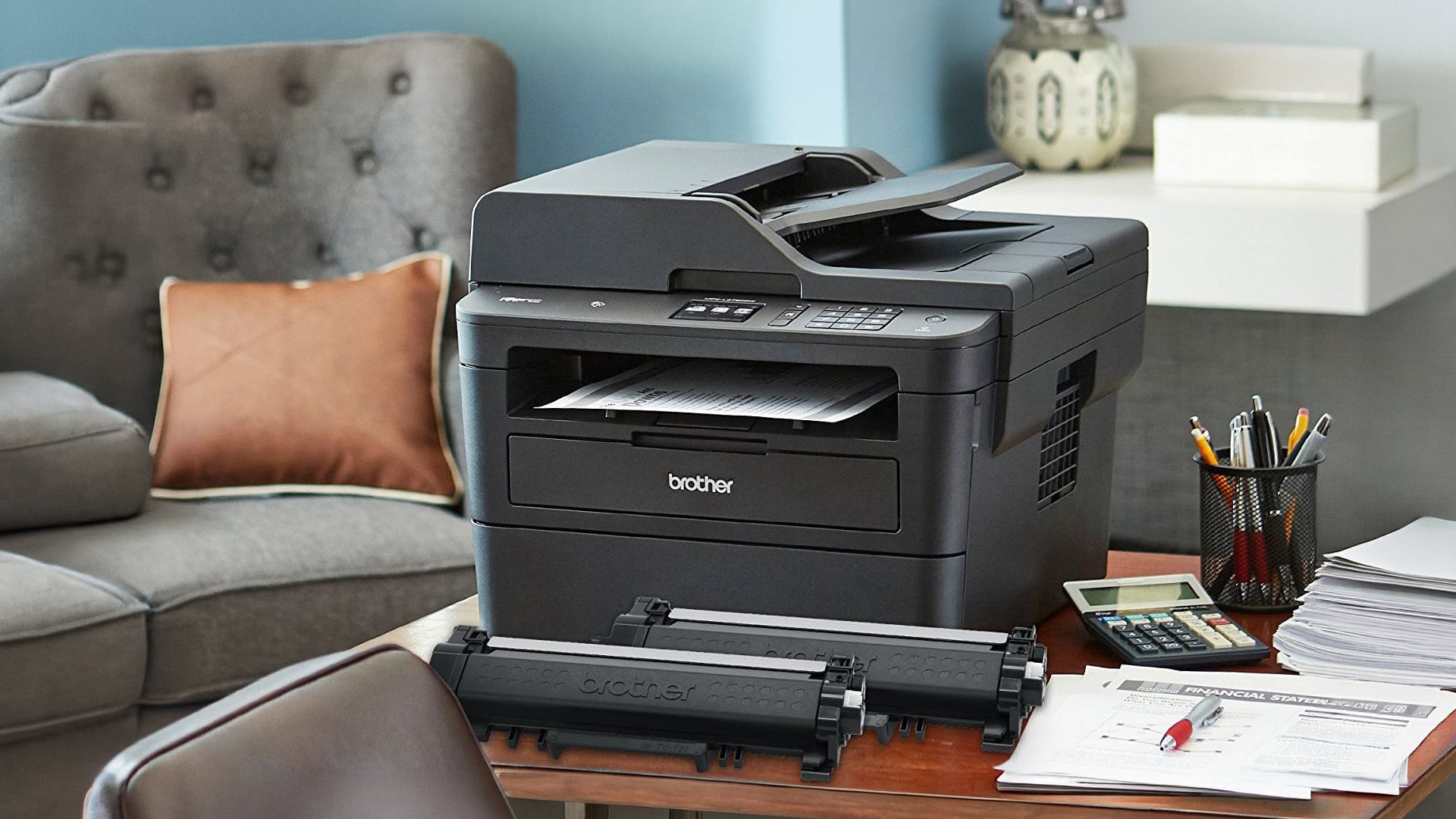
A colour laser AIO can be a great investment, but only if you choose carefully.
Ignoring Toner Costs
One of the biggest mistakes is focusing only on the printer price. Always check toner cartridge cost, page yield and whether replacement toner is easy to buy.
Buying Without Checking Duplex Scanning
Many buyers assume duplex scanning is included because duplex printing is listed. These are different features. If you scan double-sided documents regularly, check this before buying.
Choosing a Printer That Is Too Large for Your Space
Colour laser printers can be larger than inkjets. Measure your desk, shelf or printer stand before ordering, especially if you are buying for a home office.
Overlooking Wireless and Mobile Printing Support
A printer that only works easily with one device can become frustrating in a shared home or office. If several users need access, look for wireless printing, Ethernet, mobile printing and app support.
Final Verdict!
The best colour laser printer all in one depends on how much you print and what features you need. For home users, a compact wireless model with scan and copy functions is usually the most practical choice. For small businesses, look for faster print speeds, an automatic document feeder, duplex printing, good paper capacity and sensible toner costs.
For the best long-term value, compare toner yield, cost per page, scanner features and wireless support before buying. To find the right model, shop multifunction printer deals or compare HP, Brother and Xerox models at Box.co.uk.
FAQs
What is the best color LaserJet all-in-one?
The best color LaserJet all-in-one depends on your print volume, scan needs and budget. For office use, look for an HP LaserJet AIO printer with strong print speed, colour output, scanner support, duplex features and sensible toner costs.
What is the best color laser printer all-in-one?
The best color laser printer all-in-one is the model that matches your workload. Home users should prioritise compact size, wireless printing and easy scanning. Small businesses should prioritise print speed, ADF support, paper capacity and lower running costs.
Are color laser printers worth it?
Yes, colour laser printers are worth it if you print lots of documents, reports, charts, invoices or colour business pages. They are fast, sharp and reliable for document printing. If you mainly print photos, an inkjet printer may still be better.
Which color laser printer is best for home use?
The best color laser printer for home use is usually a compact wireless all-in-one model with print, scan and copy functions. It should be easy to set up, not too large for your space and affordable to run based on your print volume.
What is the best economical color laser printer for home use?
The best economical option is usually not just the cheapest printer. Look for a model with reasonable toner costs, good page yield, duplex printing and the right features for your needs. A printer with a cheaper replacement toner can save more money over time.
Which is better, HP or Canon color laser printers?
HP is often stronger for colour laser office printing, especially through its LaserJet range. Canon can be a good choice for home and photo-friendly printing, but many Canon buyers also consider inkjet models. The better choice depends on whether you need office documents or photo-focused output.
What color laser printer is the cheapest to run?
The cheapest colour laser printer to run is usually the model with the best balance of toner yield, replacement toner price and realistic monthly use. Always compare cost per page and high-yield toner availability before buying.
You can pay with:
*PayPal Credit Representative Example: Assumed credit limit £1,200, Representative 23.9% APR (variable). Purchase rate 23.9% p.a (variable).Terms & Conditions apply.


PayPal Credit and PayPal Pay in 3 are trading names of PayPal UK Ltd, 5 Fleet Place, London, United Kingdom, EC4M 7RD. Terms and conditions apply. Credit subject to status, UK residents only, Five Tech LTD acts as a broker and offers finance from a restricted range of finance providers. PayPal Pay in 3 is not regulated by the Financial Conduct Authority. Pay in 3 eligibility is subject to status and approval. 18+. UK residents only. Pay in 3 is a form of credit. Check if affordable and how you will repay. May make other borrowing more difficult or expensive. See product terms for more details.
Copyright © 1996-2026 Fivetech LTD | Terms and Conditions
box.co.uk & Box are trading names of Five Tech Limited. Registered office: Box LTD, Unit 10 Woodford Trading Estate, Woodford Green IG8 8HF