


 Menu
MenuMenu


Get Sales Advice from Mon - Fri 9am - 5:00pm:
020 3337 8950LAST UPDATED: June 30, 2026
Printer, Scanner or All-In-One: Which Setup Is Best?
Choosing between a printer, scanner or printer scanner all in one setup sounds simple until you start comparing features. Some people only need to print the odd return label. Others need regular document scanning, photo scanning, copying documents or a full home office setup.
The best choice depends on how often you print, how often you scan, how much desk space you have and whether convenience matters more than specialist scan quality.
This guide will walk you through whether you should go for a separate printer and scanner setup or choose an all-in-one. So let’s get to it.
Quick Answer: Which Setup Should You Choose?
| Setup | Best For | Main Benefit | Main Limitation |
|---|---|---|---|
| Printer only | Sirf documents print karne wale | Simple aur compact | No scanning/copying |
| Scanner only | Digitising paperwork/photos | Better scan quality | Cannot print |
| Separate devices | Regular scanning/flexible printing | Behtar scan performance | Zada desk space chahiye |
| All-in-one printer | Zyadatar home offices | Print, scan, copy in one | Scan quality compromise ho sakti hai |
For most homes, a multifunction printer is the easiest option. If you want one machine that can print schoolwork, scan ID documents, copy forms, and handle return labels, it makes sense to browse all-in-one printers before looking at separate devices.
What Is an All-In-One Printer?
An all-in-one printer combines multiple functions in one device. Most models include:
- printing
- scanning
- copying
- wireless printing
- mobile printing
- sometimes fax
- sometimes automatic document feeding
A wireless all in one printer is especially useful if more than one person needs to print from a laptop, phone or tablet. It keeps the setup tidy and reduces the need for multiple devices on one desk.
An all-in-one does not always have the same scanner resolution or scan quality as a dedicated scanner, but it is usually good enough for everyday documents, forms, receipts, schoolwork and home office tasks.
If you want a broader view before choosing, our detailed printer buying guide is useful for comparing printer types, features, and running costs.
Printer Only: When Does It Make Sense?
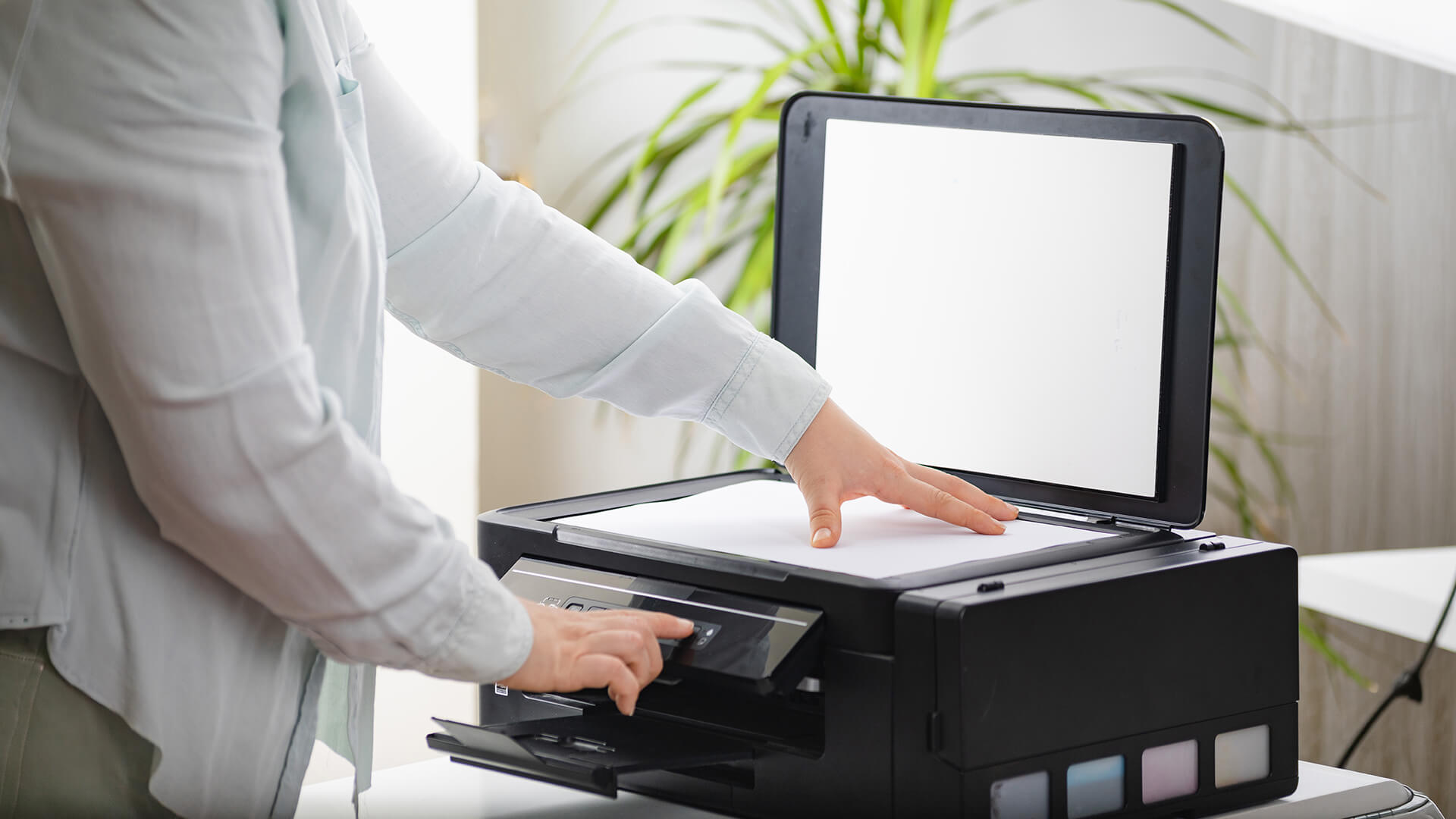
A printer-only setup makes sense if you rarely scan or copy anything.
It is best for users who mainly print:
- return labels
- forms
- boarding passes
- homework
- essays
- invoices
- recipes
- basic work documents
Printer-only models can be simple, compact, and cost-effective. You also avoid paying for scan features you may never use.
Printer Only Is Best If You:
- do not need document scanning
- already use your phone for quick scans
- want a low-cost home printer setup
- have limited space
- mostly print text documents
- want fewer features to manage
If your priority is basic printing, you can compare printers across inkjet, laser, and all-in-one models to find the right match.
Inkjet or Laser?
A printer-only setup still needs the right print technology.
Choose from the inkjet printer range if you print:
- colour documents
- school projects
- occasional photos
- creative work
- mixed text and image pages
Choose from the laser printer range if you print:
- black-and-white documents
- invoices
- forms
- regular office paperwork
- larger document batches
Separate Printer and Scanner: When Is It Better?
A separate printer and scanner setup is better when scanning is more important than casual convenience.
This setup is not for everyone. It costs more, takes more space and adds another cable or power supply. But it can be the right choice if scan quality, scan speed or scan volume matters.
Better for Regular Scanning
A dedicated scanner makes sense if you scan lots of paperwork, such as:
- contracts
- forms
- invoices
- receipts
- work records
- school documents
- archived files
- signed paperwork
Dedicated scanners can be better for regular document scanning because they are built specifically for the task. Some models offer automatic document feeders, faster scan speeds and stronger paper handling than basic all-in-one printer scanners.
If scanning is your main need, you may want to shop scanners separately rather than relying only on a printer scanner.
Better for Photo Scanning
A dedicated scanner can also make sense for photo scanning.
Choose a separate scanner if you want to digitise:
- old family photos
- printed artwork
- photo albums
- detailed image prints
- documents where image quality matters
Photo scanning often benefits from higher scanner resolution and better colour capture. An all-in-one printer can scan photos, but a dedicated flatbed scanner may be better if the quality of the scan matters more than convenience.
All-In-One Printer: Why It Suits Most Homes
For most people, an all-in-one printer is the practical middle ground.
It gives you one machine for the most common printing and scanning jobs without needing a separate printer and scanner. That is why it works so well for families, students, hybrid workers, and small home offices.
Saves Space
Desk space matters. A separate printer and scanner can quickly make a small office feel cluttered.
An all-in-one printer helps because it combines:
- printer
- scanner
- copier
- sometimes fax
- wireless connection
- mobile printing support
That makes it easier to fit into a bedroom, study corner, shared desk or home office setup.
If space is tight, home printer options are worth checking because they focus more on practical everyday use than heavy office volume.
Handles Everyday Admin
An all-in-one printer is handy for the small tasks that come up during the week.
Use it for:
- printing homework
- scanning ID documents
- copying forms
- printing return labels
- scanning signed paperwork
- printing travel documents
- copying school letters
- scanning receipts
- handling home office admin
For most households, this is exactly what a printer and scanner setup needs to do.
Keeps Setup Simple
One device usually means:
- fewer cables
- fewer drivers
- one app or control panel
- one power socket
- less desk clutter
- simpler day-to-day use
If you want a more detailed breakdown of scan, copy, fax, duplex and ADF features, our guide to all-in-one printer features explains what each one does.
Key Factors Before You Choose

Before buying, think about how you will use the setup in real life. The cheapest option is not always the best if it makes daily tasks slower.
1. How Often Do You Scan?
If you only scan a few forms a month, an all-in-one printer is usually enough.
If you scan every day, a separate scanner may be better.
Choose based on scan volume:
- Rare Scanning: printer only or all-in-one
- Occasional Scanning: all-in-one printer
- Regular Scanning: all-in-one with ADF or separate scanner
- High-Volume Scanning: dedicated document scanner
- Photo Scanning: dedicated flatbed scanner may be better
2. How Much Desk Space Do You Have?
A separate printer and scanner setup gives more flexibility, but it takes up more room.
Think about:
- desk size
- shelf space
- access to power sockets
- cable routing
- Wi-Fi strength
- whether the printer is shared
- how often you need the scanner lid or paper tray
If you have a small workspace, one all-in-one printer is usually easier to manage.
3. What Are Your Running Costs?
Running costs include more than the printer price.
Check:
- printer ink
- toner
- paper
- scanner accessories
- replacement cartridges
- maintenance items
- warranty
- energy use
It is worth checking printer ink and toner supplies before choosing a printer, especially if you expect regular printing.
You may also want printer accessories and upgrades, such as spare paper, USB cables, ink, toner or cleaning supplies.
4. Do You Need Office Features?
A home printer setup and an office printer setup are not always the same.
For office use, look for:
- automatic document feeder
- duplex printing
- faster print speed
- larger paper tray
- network printing
- scan-to-email support
- better paper handling
- lower cost per page
If you print and scan regularly for work, office printer solutions are usually better suited to regular workloads.
For more help, our home office printer buying guide goes deeper into what matters for remote work and small office setups.
Printer, Scanner or All-In-One by User Type
For Families
Best choice: All-in-one printer
Why:
- one device for schoolwork, forms, and copies
- easy for parents and students
- useful for occasional scanning
- compact enough for home use
- good balance of convenience and cost
For Students
Best choice: All-in-one printer or printer only
Why:
- prints coursework and notes
- scans ID or admin forms
- useful for shared accommodation
- wireless printing is handy
- avoids separate devices
For Home Offices
Best choice: All-in-one printer
A home office needs flexibility. You may need to print a contract, scan a signed form, copy paperwork or handle everyday admin without leaving the desk.
If you are specifically comparing an all-in-one printer for a home office, focus on wireless printing, scan quality, ADF, duplex printing and running costs.
For Scan-Heavy Users
Best choice: Separate scanner and printer
Why:
- better for document scanning
- more suitable for archiving
- stronger scan quality options
- less wear on one all-in-one device
- better if photo scanning matters
For Offices and Small Businesses
Best choice: Office all-in-one or separate devices
Why:
- depends on scan volume
- depends on print volume
- some teams need a dedicated scanner
- others need one shared multifunction printer
- running costs matter more over time
Common Mistakes to Avoid
Avoid these mistakes before choosing your setup.
- Buying a printer-only model when you regularly need scanning
- Choosing a scanner-only device when you also need to print
- Forgetting about desk space
- Ignoring ink and toner costs
- Buying based only on upfront price
- Choosing a slow scanner for regular paperwork
- Overpaying for a dedicated scanner you barely use
- Forgetting wireless printing
- Not checking paper tray size
- Ignoring copy features for home admin
If paper feed issues become a regular problem later, our printer paper jam fix guide is a useful troubleshooting resource.
Final Verdict: Printer, Scanner or All-In-One?
The best setup depends on your actual printing needs.
Choose a printer only if you rarely scan and mainly print documents, labels, homework or forms. It is simple, compact, and often cost-effective.
Choose a separate printer and scanner if scan quality, photo scanning or regular document scanning matters most. It takes more space, but it gives you more scanning flexibility.
Choose an all-in-one printer if you want one practical machine for everyday home use, study, home office admin, and occasional scanning. For most people, this is the easiest and most useful setup.
Simple Buyer Summary
- Best for most homes: all-in-one printer
- Best for basic printing only: printer-only model
- Best for scan quality: dedicated scanner
- Best for document archiving: separate scanner
- Best for home offices: wireless all-in-one printer
- Best for small offices: office all-in-one or separate devices, depending on workload
- Best for tight desk space: compact all-in-one printer
The right choice is the one that fits your space, workload and running costs. Do not buy two devices if one will do the job. But do not rely on a basic all-in-one if scanning quality or scan volume is the main priority.
FAQs
-
Is an all-in-one printer better than buying a separate printer and scanner?
An all-in-one printer is better for most homes and home offices because it saves space and handles printing, scanning, and copying in one device. A separate printer and scanner is better if scan quality or high-volume document scanning matters more.
-
Do I need a scanner if I have an all-in-one printer?
Usually, no. An all-in-one printer already includes a scanner, which is enough for everyday documents, ID scans, receipts and forms. You may still want a dedicated scanner if you scan lots of paperwork or need higher-quality photo scans.
-
Are standalone scanners better than all-in-one printers?
Standalone scanners can be better for regular document scanning, archiving, and photo scanning. They may offer better scan quality, higher scanner resolution, faster scanning or stronger paper handling. For casual home use, an all-in-one printer is usually more convenient.
-
Is an all-in-one printer good for home use?
Yes, an all-in-one printer is a good choice for home use because it can print, scan and copy in one device. It is useful for schoolwork, return labels, forms, receipts, home admin, and occasional work documents.
-
Is it cheaper to buy an all-in-one printer or separate devices?
An all-in-one printer is often cheaper than buying a separate printer and scanner, especially for basic home use. Separate devices can cost more upfront but may be better value if you scan frequently or need higher scan quality.
-
What is the main downside of an all-in-one printer?
The main downside is that scan quality and scan speed may not match a dedicated scanner. Also, if the all-in-one printer breaks, you may lose printing and scanning in one go until it is repaired or replaced.
-
What is the best printer scanner setup for a home office?
For most home offices, a wireless all-in-one printer is the best setup. Look for print, scan, and copy functions, duplex printing, good running costs, mobile printing and an automatic document feeder if you scan multi-page documents.
You can pay with:
*PayPal Credit Representative Example: Assumed credit limit £1,200, Representative 23.9% APR (variable). Purchase rate 23.9% p.a (variable).Terms & Conditions apply.


PayPal Credit and PayPal Pay in 3 are trading names of PayPal UK Ltd, 5 Fleet Place, London, United Kingdom, EC4M 7RD. Terms and conditions apply. Credit subject to status, UK residents only, Five Tech LTD acts as a broker and offers finance from a restricted range of finance providers. PayPal Pay in 3 is not regulated by the Financial Conduct Authority. Pay in 3 eligibility is subject to status and approval. 18+. UK residents only. Pay in 3 is a form of credit. Check if affordable and how you will repay. May make other borrowing more difficult or expensive. See product terms for more details.
Copyright © 1996-2026 Fivetech LTD | Terms and Conditions
box.co.uk & Box are trading names of Five Tech Limited. Registered office: Box LTD, Unit 10 Woodford Trading Estate, Woodford Green IG8 8HF