


 Menu
MenuMenu


Get Sales Advice from Mon - Fri 9am - 5:00pm:
020 3337 8950LAST UPDATED: June 30, 2026
Best Budget Home Printers 2026: Smart Picks for Everyday Use
A good home printer should be affordable, easy to use and practical for the jobs you actually print most often. That might be homework, return labels, forms, family documents, occasional photos or home office paperwork.
When comparing the best budget home printers, the upfront price is only part of the decision. Ink or toner costs, wireless features, scanning, copying, paper handling and print speed can all affect how useful the printer feels over time.
Some households will get better value from a compact inkjet, especially if colour pages and photos matter. Others may be better suited to a laser model for regular black-and-white documents, or an ink tank printer if they print often and want fewer refills.
This guide looks at smart budget-friendly printer options for everyday home use in 2026, with clear advice on which type suits different homes, students, families and home office setups.
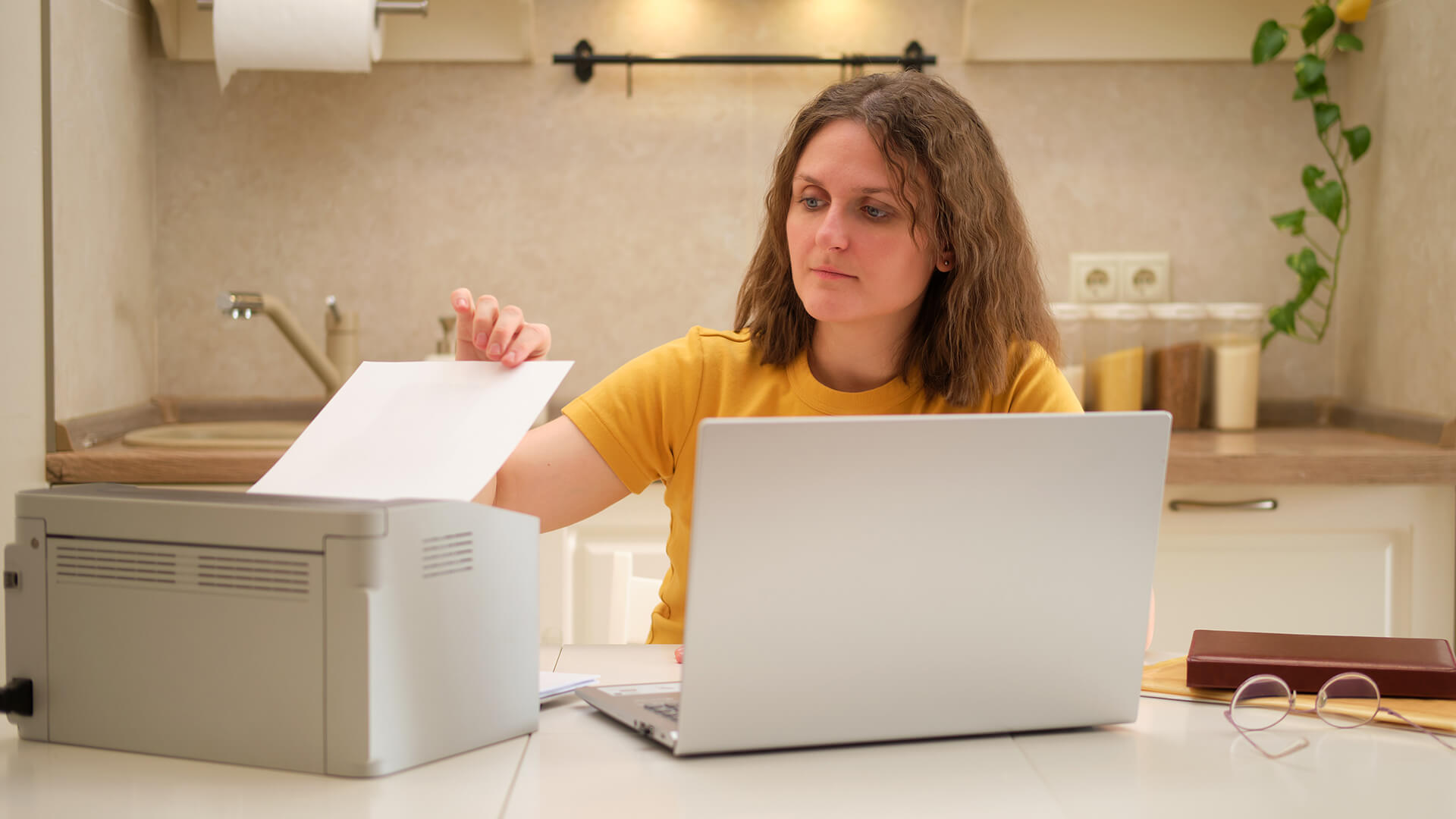
What Makes a Home Printer Good Value in 2026?
A good-value printer is not always the cheapest model on the shelf. The better choice is usually the one that balances purchase price, features and long-term use.
For most homes, value comes down to these points:
| What to check | Why it matters |
|---|---|
| Upfront price | Helps you stay within budget. |
| Running costs | Ink, toner and paper can affect long-term value. |
| Cost per page | Useful for comparing printers if you print regularly. |
| Printer type | Inkjet, laser and ink tank models suit different homes. |
| Wireless features | Makes shared household printing easier. |
| All-in-one functions | Useful if you need to print, scan and copy. |
| Paper handling | Tray size and duplex printing affect daily convenience. |
- A budget home printer should fit how often you print. For occasional printing, a lower-priced inkjet may be enough. For regular schoolwork, forms or home office documents, a slightly higher upfront cost can be worth it if the printer has better ink or toner efficiency.
- The best affordable home printer should also be easy to live with. Features such as Wi-Fi, mobile printing, duplex printing and simple paper loading can make a big difference in a busy household.
- For users comparing affordable printers for home, the key is to look beyond the box price. A model with cheaper ink cartridges, larger paper capacity or a refillable ink tank may work out better over time.
Quick rule:
- Choose a low-priced inkjet if you print occasionally and need colour.
- Choose a laser printer if most jobs are black-and-white documents.
- Choose an ink tank printer if you print colour pages often.
- Choose an all-in-one if you need scanning and copying.
- Choose a compact model if desk space is limited.
The best option is the printer that fits your workload, not just the one with the lowest price tag. That is why choosing the right printer for your needs matters more than chasing the cheapest deal.
Inkjet, Laser or Ink Tank: Which Budget Printer Type Fits Home Use?
The right printer type depends on what your household prints most. A printer for family photos, schoolwork and colour pages does not need the same strengths as one used mainly for invoices, forms and work documents.
| Printer type | Best for | Budget note |
|---|---|---|
| Inkjet printer | Colour pages, homework, photos and mixed home use | Affordable upfront, but check ink costs |
| Laser printer | Text documents, forms and home office paperwork | Better for regular black-and-white printing |
| Ink tank printer | Frequent colour printing | Higher upfront, but cheaper refills |
| All-in-one printer | Printing, scanning and copying | Better value for multiple functions |
| Refurbished printer | Lower upfront cost | Check warranty and condition |
Choose an Inkjet Printer If You Need Colour
An inkjet model is usually the better fit if you print school projects, colourful documents, occasional photos or mixed pages. For many homes, the best budget inkjet printer is one that balances print quality, cartridge cost and wireless convenience.
This type suits:
- Families
- Students
- Creative home users
- Occasional photo printing
- Colour documents
For users comparing low-cost inkjet printers for home use, the main thing to check is how often replacement ink is needed.
Choose a Laser Printer If You Mostly Print Documents
A laser printer makes more sense if your home printing is mainly black-and-white text. A mono laser printer is usually faster for forms, letters, labels and home office paperwork.
This type suits:
- Home office users
- People printing regular documents
- Households that rarely need colour
- Users who want sharp text output
For document-heavy needs, fast laser printers for home can be better value than a low-cost inkjet that needs frequent ink replacements. If text output matters most, a compact model may also work well as the best home laser printer for everyday admin.
Choose an Ink Tank Printer If You Print Often
An ink tank printer or refillable ink tank model can be useful if you print regularly and want fewer refill interruptions. These models often cost more to buy, but they can be more practical for frequent colour printing.
This type suits:
- Families with regular schoolwork
- Home offices with colour documents
- Users who dislike frequent cartridge changes
- Households focused on longer-term value
If you need a cheap ink printer, do not look only at the price of the printer. Check ink bottle or cartridge costs, expected page yield, and overall running costs.
Choose an All-in-One If You Scan and Copy
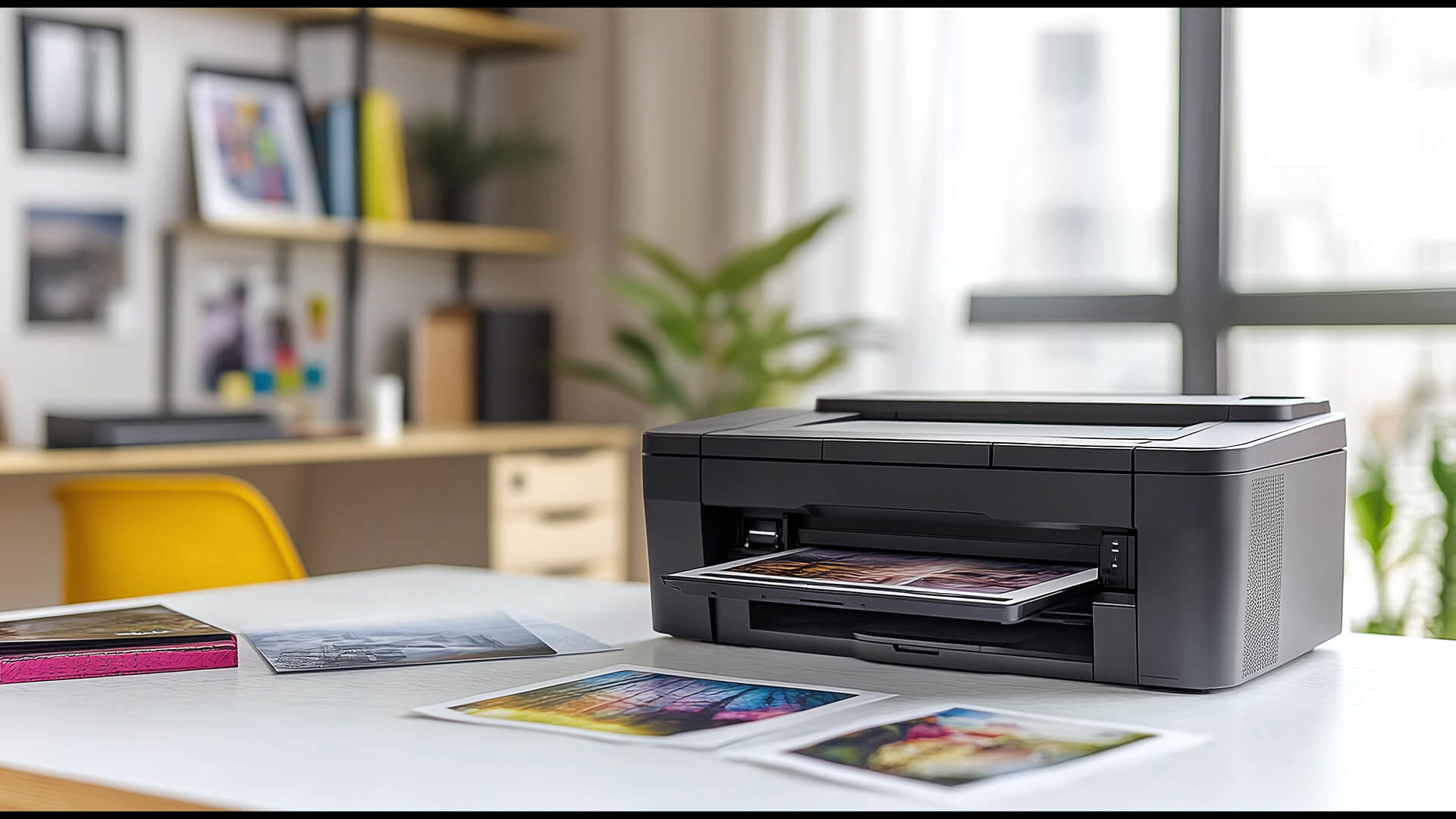
An all-in-one printer is often the safest choice for general home use because it can print, scan and copy from one device. This is useful for forms, ID copies, school documents and home admin.
This type suits:
- Families
- Students
- Home workers
- Shared household use
- Users who need to scan and copy
For buyers comparing best AIO printer models, the key checks are scanning quality, paper handling, wireless features and whether the extra functions are actually needed.
Consider Refurbished Only with Care
A refurbished printer can reduce the upfront cost, but it needs a little more checking before purchase. Look at the condition, warranty, included cables and whether ink cartridges or toner cartridges are supplied.
This type suits:
- Very tight budgets
- Occasional printing
- Users who want better specs for less
A refurbished model can be good value, but only if the warranty and consumable costs are clear. Refurbished printers are a great option for families looking for the best budget home printers under £100.
Best Budget Home Printers for Everyday Use in 2026
When choosing the best budget home printer, the right option depends on what you print most often. Some users need sharp text documents, while others prioritise colour printing, photo quality, scanning capabilities, or lower ink-refill frequency.
To help you decide, we've rounded up our top five reliable everyday home printers that offer excellent value for everyday use. The table below provides a quick overview before we take a closer look at each model.
| Printer | Type | Best fit | Key reason to consider |
|---|---|---|---|
| Epson Expression Photo XP-8700 | AIO Colour Inkjet | Photo-friendly printing | 6-colour photo output |
| Canon MAXIFY GX3050 | Refillable Ink Tank | Regular home office | Refillable tanks, high capacity |
| Epson Expression Premium XP-6100 | Compact AIO Inkjet | Family and student use | Compact, duplex printing |
| Brother DCP-J18000DW | AIO Colour Inkjet | Mixed home/office | Print, copy, scan, auto-cut |
| HP LaserJet M234sdn | Mono Laser AIO | Doc-heavy office use | Fast speed, multifunction |
Epson Expression Photo XP-8700
MPN: C11CK46401
Key features
- All-in-one inkjet printer
- 5760 x 1440 dpi print resolution
- 6-colour Claria Photo HD ink system
- Automatic duplex printing
- Mobile printing support
- Supports A4, A5, A6, photo paper sizes, envelopes, CD/DVD printing and rear speciality media feed
- Up to 100-sheet input capacity
If photos are just as important as everyday documents in your home, the Epson XP-8700 deserves a closer look. As the best budget inkjet printer for creative users, it combines excellent photo printing quality with the convenience of scanning, copying and wireless printing for day-to-day tasks.
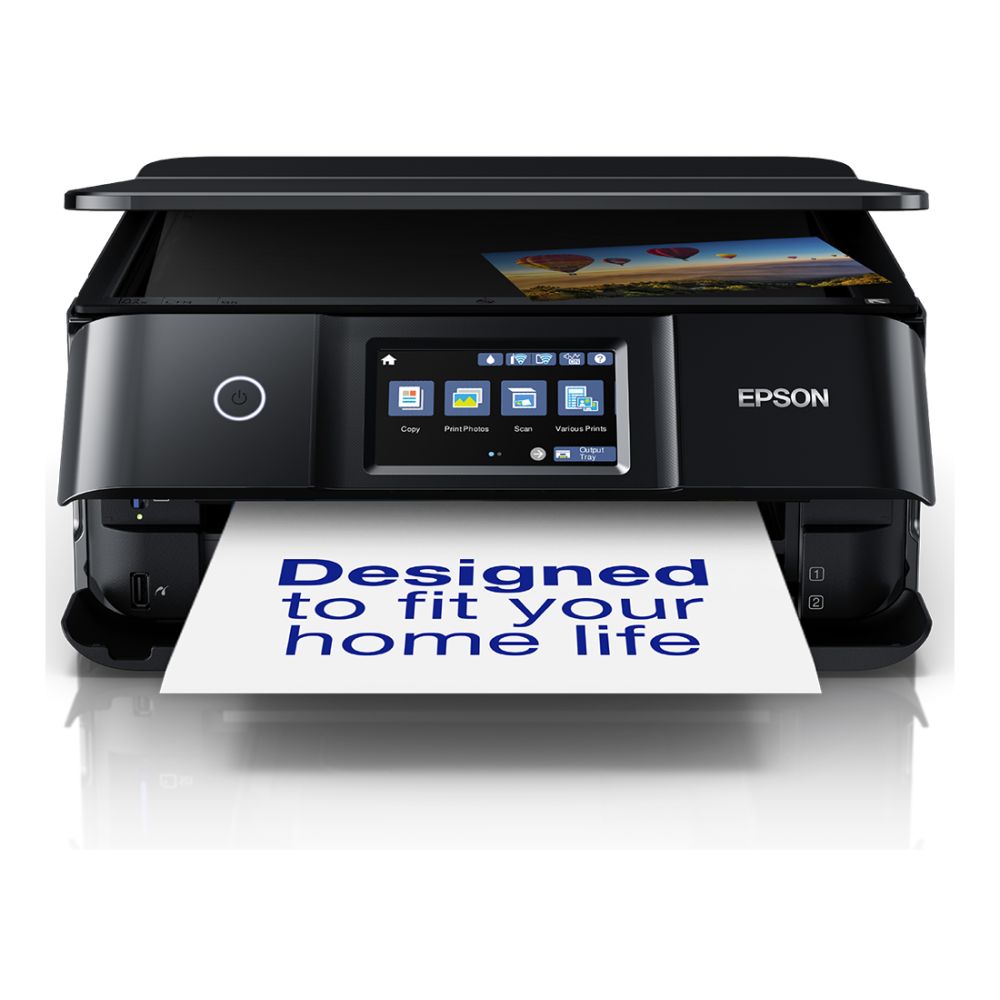
Canon MAXIFY GX3050
MPN: 5777C008
Key features
- All-in-one colour inkjet printer
- Refillable ink tank design
- Print, copy and scan
- 18.0 ipm black print speed
- 13.0 ipm colour print speed
- Automatic duplex printing
- USB and Wi-Fi connectivity
- 350-sheet plain paper capacity
For households that print regularly, the Canon MAXIFY GX3050 focuses on keeping things practical over the long term. Its refillable ink tank system helps reduce interruptions, making it one of the best low-cost home printers for users paying close attention to ongoing running costs.
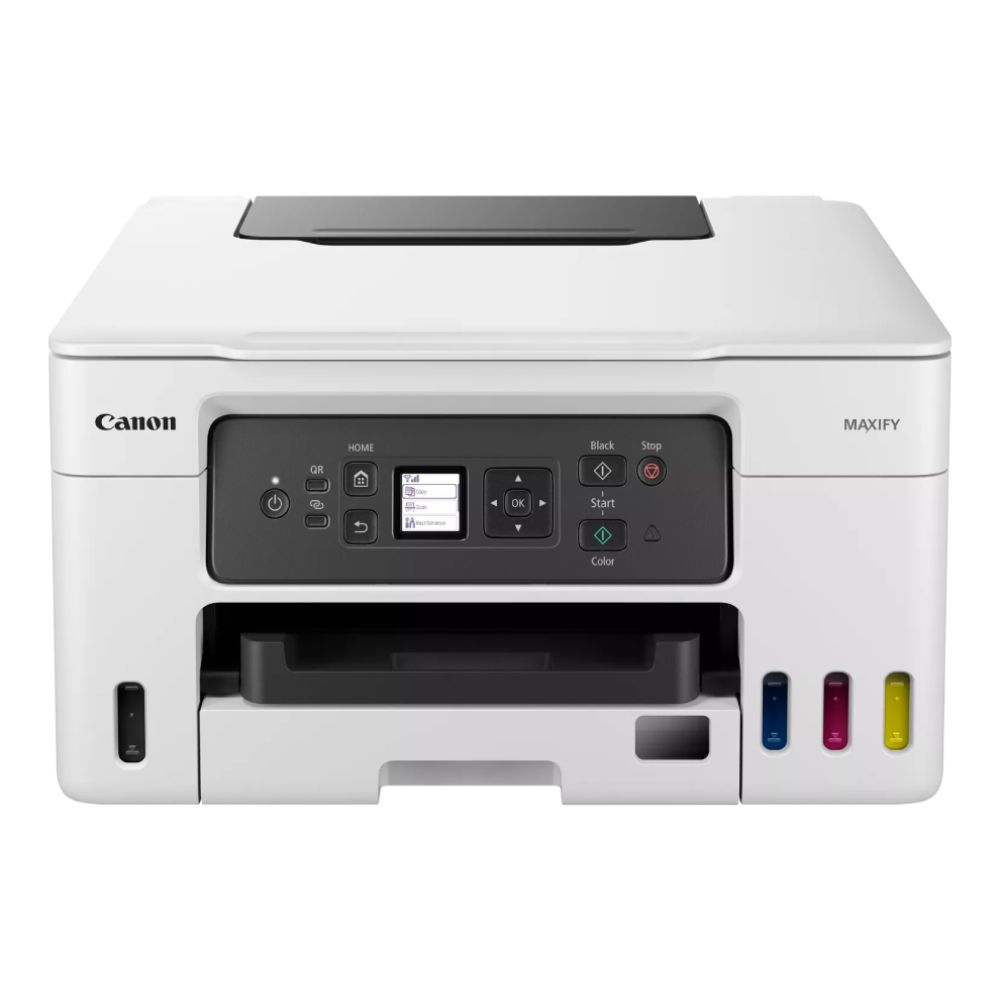
Epson Expression Premium XP-6100
MPN: C11CG97401
Key features
- All-in-one inkjet printer
- 5760 x 1440 dpi print resolution
- Five-colour Claria Premium ink system
- Automatic duplex printing
- USB, Wi-Fi, Wi-Fi Direct, USB host and SD card support
- Mobile printing support
- A4, A5 and A6 paper support
Not everyone needs a large printer packed with office-focused features. The Epson XP-6100 is a decent home printer that balances size, print quality and everyday usability, making it particularly appealing to families, students and anyone looking at compact home printers.
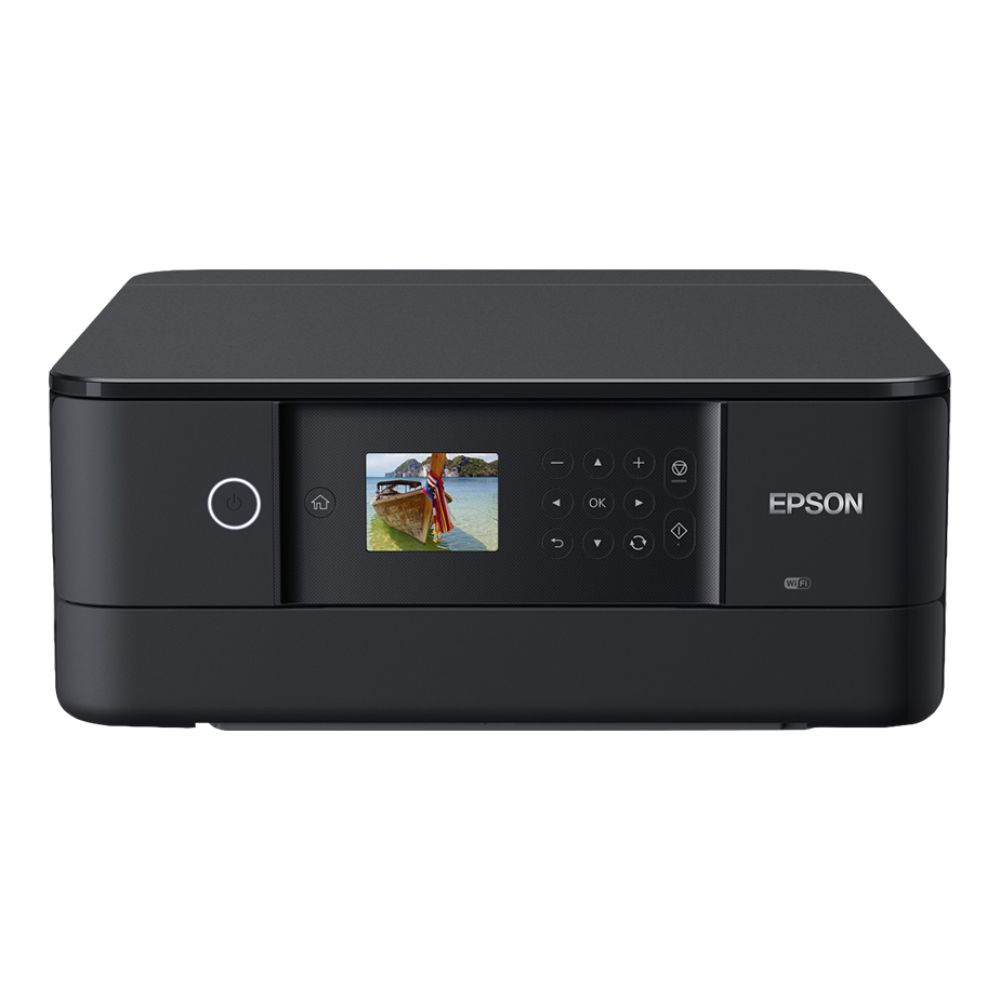
Brother DCP-J18000DW
MPN: DCPJ1800DWZU1
Key features
- All-in-one colour inkjet printer
- 1200 x 6000 dpi print resolution
- Automatic duplex printing
- USB and Ethernet connectivity
- Mobile printing support
- A4, A5 and A6 paper support
- 101 to 250-sheet input capacity
- Automatic paper cutting
Need one machine that can handle a bit of everything? The Brother DCP-J18000DW is one of the best budget all-in-one printers that covers printing, scanning and copying while offering useful extras such as automatic paper cutting. For users comparing Brother printers for mixed home and office jobs, this model is worth considering because it adds print, scan, copy and automatic paper cutting in one compact machine.
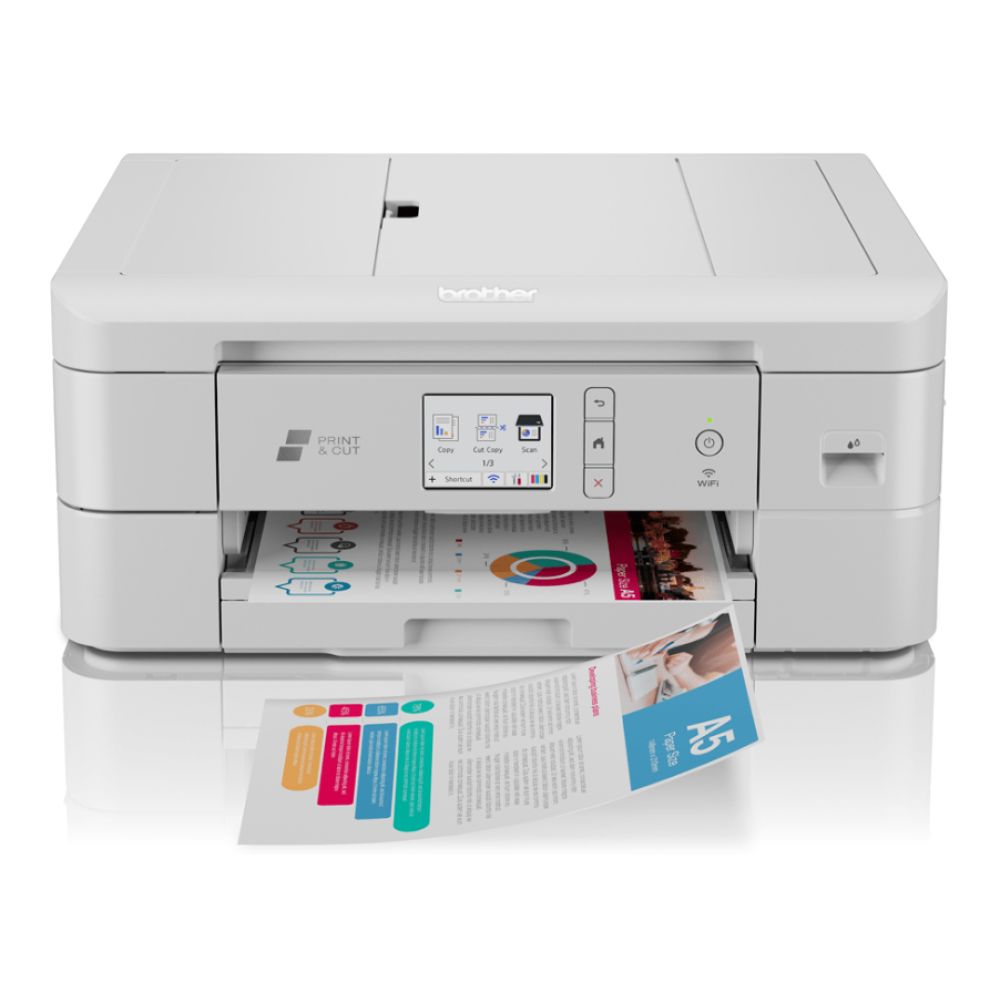
HP LaserJet M234sdn
MPN: 6GX00F#B19
Key features
- Laser multifunction printer
- Up to 29 ppm black print speed
- 600 x 600 dpi print resolution
- Automatic duplex printing
- USB and Fast Ethernet connectivity
Mobile printing via Apple AirPrint, Mopria and the HP app (no built-in Wi-Fi)
- A4, A5, A6 and B5 paper support
- 150-sheet input tray
- 100-sheet output tray
When colour printing is not a priority, the HP LaserJet M234sdn stands out for its speed and simplicity. If you are looking for one of the best budget laser printers, this model is a great option for users who mainly print text documents. As a practical HP printer for everyday document printing, it focuses on speed, sharp text output and simple multifunction use.

How to Choose a Budget Printer Without Overspending
A low price is useful, but it should not be the only reason to buy. The right budget home printer should match your print habits, space, device setup and long-term running costs.
Start with What You Print Most
Use your everyday print jobs as the starting point:
- Documents and forms: choose a simple laser model
- Colour pages and schoolwork: choose an inkjet
- Regular colour printing: consider an ink tank model
- Forms, IDs and admin: choose an all-in-one
- Occasional use only: avoid paying for features you will not use
This helps you find the best budget printer for your actual routine, not just the cheapest model available.
Check Ink or Toner Before Buying
A printer that looks cheap upfront can cost more later if replacement supplies are expensive.
Before choosing, check:
- The price of ink cartridges
- The price of toner cartridges
- Whether high-yield ink is available
- How many pages are the supplies expected to print
- Whether the printer uses individual colours or combined cartridges
Good value is not always about finding the lowest price. Some good printers cost a little more at first but make more sense over time.
Only Pay for Features You Will Use
Extra features are useful only when they fit your needs.
| Feature | Worth paying for if... |
|---|---|
| Wireless printing | Several people print from different devices. |
| Duplex printing | You print longer documents often. |
| Scan and copy | You handle forms, IDs or home admin. |
| Large paper tray | You print regularly. |
| Photo features | You print pictures or creative projects. |
| Compact design | Desk or shelf space is limited. |
Think About Long-Term Value
The best budget-friendly printer should stay affordable after the first month. This is where checking out home office printer buying tips can be useful before making the final call.
Also think about:
- Power use
- Duplex printing
- Paper waste
- Refill frequency
- Cartridge or toner availability
For homes trying to reduce waste and ongoing spend, eco-friendly printers with lower running costs may be worth considering.
Wireless, Mobile and Everyday Features Worth Checking
Once the printer type is clear, the final check is everyday convenience. These features do not always make a printer better, but they can make it easier to use in a busy home.
| Feature | Check this before buying |
|---|---|
| Wi-Fi printing | Useful if several people will share the printer. |
| Mobile printing | Helpful if you often print from phone or tablet apps. |
| Wireless setup | Check whether the setup is simple through an app or a control panel. |
| Duplex printing | Worth having if you print schoolwork, forms or longer documents. |
| Paper capacity | Larger trays reduce how often you need to reload paper. |
| Scan and copy | Useful for IDs, returns, forms and home admin. |
| Touchscreen | Makes setup and basic controls easier. |
For most homes, the most useful extras are simple: reliable wireless setup, easy phone printing and automatic double-sided printing.
Budget Printer Mistakes to Avoid
A cheap printer can still be a poor buy if it does not match how you print. Before choosing one of the best budget home printers, watch out for these common mistakes:
- Only looking at the upfront price: A low price is attractive, but check the running costs before buying. Ink, toner and paper can make a printer more expensive over time.
- Ignoring cartridge or toner prices: Always check the cost and availability of replacement ink cartridges or toner cartridges. This matters more if you print every week.
- Buying a high-end printer for occasional use: If you only print forms, labels or tickets now and then, you may not need advanced photo features, a large paper tray or business-focused extras.
- Choosing colour when you only print documents: Colour is useful for schoolwork, photos and creative pages, but a simple mono model can be better if your printing is mostly black-and-white.
- Skipping wireless setup checks: A printer may support wireless features, but setup should also be simple. This matters if several people need to print from laptops, phones or tablets.
- Assuming you need an all-in-one printer: If you never scan or copy, a single-function printer may be enough. If you handle forms, IDs or home admin, an all-in-one is usually more useful.
- Buying refurbished without checking details: A refurbished printer can save money, but check the warranty, condition, return policy and whether ink or toner is included.
- Forgetting about space: Measure the desk, shelf or cabinet first. A printer that looks compact online may still need extra room for paper loading and output trays.
Final Thoughts: Finding the Best Budget Home Printer for Your Needs
The right home printer should match your everyday printing habits, not just your budget. A compact inkjet can work well for colour pages and photos, while a laser printer is usually better for regular black-and-white documents.
When comparing the best budget home printers, look at the total cost of ownership, including ink, toner, paper use and the features you will actually use. A printer that costs slightly more upfront may still offer better value if it saves time, space or refills later.
For most homes, the smartest choice is simple: choose the printer type first (inkjet or laser), then compare the features that matter most to your routine.
Frequently Asked Questions
Which is the best printer for home use?
The best printer for home use depends on what you print most often. An inkjet printer is usually better for colour pages, schoolwork and occasional photos, while a laser printer is often better for regular black-and-white documents. An all-in-one model is the safer choice if you also need to scan and copy.
Which is the best printer brand for home use?
There is no single best printer brand for every home. Epson, Canon, Brother and HP all offer strong home printer options, but the right choice depends on your budget, print volume, colour needs, running costs and whether you need features such as wireless printing, scanning or copying.
What is better for home use: an inkjet or a laser printer?
An inkjet printer is usually better for home users who print colour documents, images or occasional photos. A laser printer is usually better if most of your printing is black-and-white text, such as forms, letters, reports or home office paperwork.
How much should I spend on a home printer?
Occasional users can often spend less, especially if they only print a few pages now and then. If you print regularly, it may be worth spending more upfront on a printer with better ink or toner efficiency, because the long-term running costs can matter more than the initial price.
Do you need a single-function printer or an all-in-one?
A single-function printer is enough if you only need to print. An all-in-one printer is better if you regularly scan documents, copy forms, handle ID paperwork or want one device for general home admin.
Should you buy a refurbished printer?
A refurbished printer can be good value if the condition, warranty and return policy are clear. Before buying, check whether ink or toner is included, whether replacement supplies are easy to find, and whether the printer still supports the software and drivers you need.
You can pay with:
*PayPal Credit Representative Example: Assumed credit limit £1,200, Representative 23.9% APR (variable). Purchase rate 23.9% p.a (variable).Terms & Conditions apply.


PayPal Credit and PayPal Pay in 3 are trading names of PayPal UK Ltd, 5 Fleet Place, London, United Kingdom, EC4M 7RD. Terms and conditions apply. Credit subject to status, UK residents only, Five Tech LTD acts as a broker and offers finance from a restricted range of finance providers. PayPal Pay in 3 is not regulated by the Financial Conduct Authority. Pay in 3 eligibility is subject to status and approval. 18+. UK residents only. Pay in 3 is a form of credit. Check if affordable and how you will repay. May make other borrowing more difficult or expensive. See product terms for more details.
Copyright © 1996-2026 Fivetech LTD | Terms and Conditions
box.co.uk & Box are trading names of Five Tech Limited. Registered office: Box LTD, Unit 10 Woodford Trading Estate, Woodford Green IG8 8HF