


 Menu
MenuMenu


Get Sales Advice from Mon - Fri 9am - 5:00pm:
020 3337 8950LAST UPDATED: July 01, 2026
Inkjet vs Laser Printer: Which Is Better for Home and Office Use?
Choosing between inkjet vs laser is one of the biggest decisions when buying a printer for home, schoolwork, hybrid working, or office use. Both printer types can handle everyday documents, but they differ in speed, running costs, photo quality, maintenance, and long-term value.
An inkjet printer is usually better for colour pages, photo printing, stickers, school projects, and mixed home use. A laser printer is usually better for sharp text, fast document printing, higher print volume, and lower maintenance, especially if you mostly print black-and-white pages.
The right choice depends on what you print most often. This guide compares the laser printer vs inkjet printer decision across home use, office workloads, photos, stickers, infrequent printing, running costs, and ink tank alternatives, so you can choose from the right printers for home and office use.
Ink vs Laser Printer: Quick Answer
For most buyers, the ink vs laser printer choice comes down to colour flexibility versus document efficiency. If you are asking which is better, inkjet or laser printer, the answer depends on whether you print more colour pages or more text documents.
Choose an inkjet printer if you print photos, colour homework, stickers, creative projects, or a mix of text and images. Choose a laser printer if you mostly print documents, forms, labels, invoices, or reports. Choose an ink tank printer if you print colour often and want lower running costs over time.
The simple answer to which is better, inkjet or laser printer, is this: inkjet is better for colour and photos, while laser is better for speed, text, and regular document printing.
Best Printer Type by Use Case
| Printer Type | Best For | Main Benefit |
|---|---|---|
| Inkjet printer | Photos, schoolwork, colour pages, creative projects | Better colour and photo output |
| Laser printer | Documents, forms, invoices, homework, office files | Faster text printing and lower maintenance |
| All-in-one printer | Print, scan and copy tasks | More useful for home and office admin |
| Mono laser printer | Black-and-white documents only | Simple, fast, and efficient |
| Colour laser printer | Charts, reports and colour office documents | Good for business colour, less ideal for glossy photos |
| Ink Tank Printer | Frequent colour printing | Lower running costs over time |
If you already know you need colour and photo flexibility, start with colour inkjet printers for everyday tasks. They are usually the more natural fit for households and offices that print a bit of everything.
Inkjet vs Laser Printer: What Is the Difference?
The main difference between inkjet and laser printer technology is how each printer puts text and images onto paper.
An inkjet printer uses liquid ink. A laser printer uses toner powder. This is why inkjet printing vs laser printing feels different in daily use, especially when you compare photos, print speed, document sharpness and running costs.
That difference affects:
- Print quality
- Print speed
- Running costs
- Maintenance
- Photo performance
- Occasional printing
- Printer size
- Long-term value
How an Inkjet Printer Works
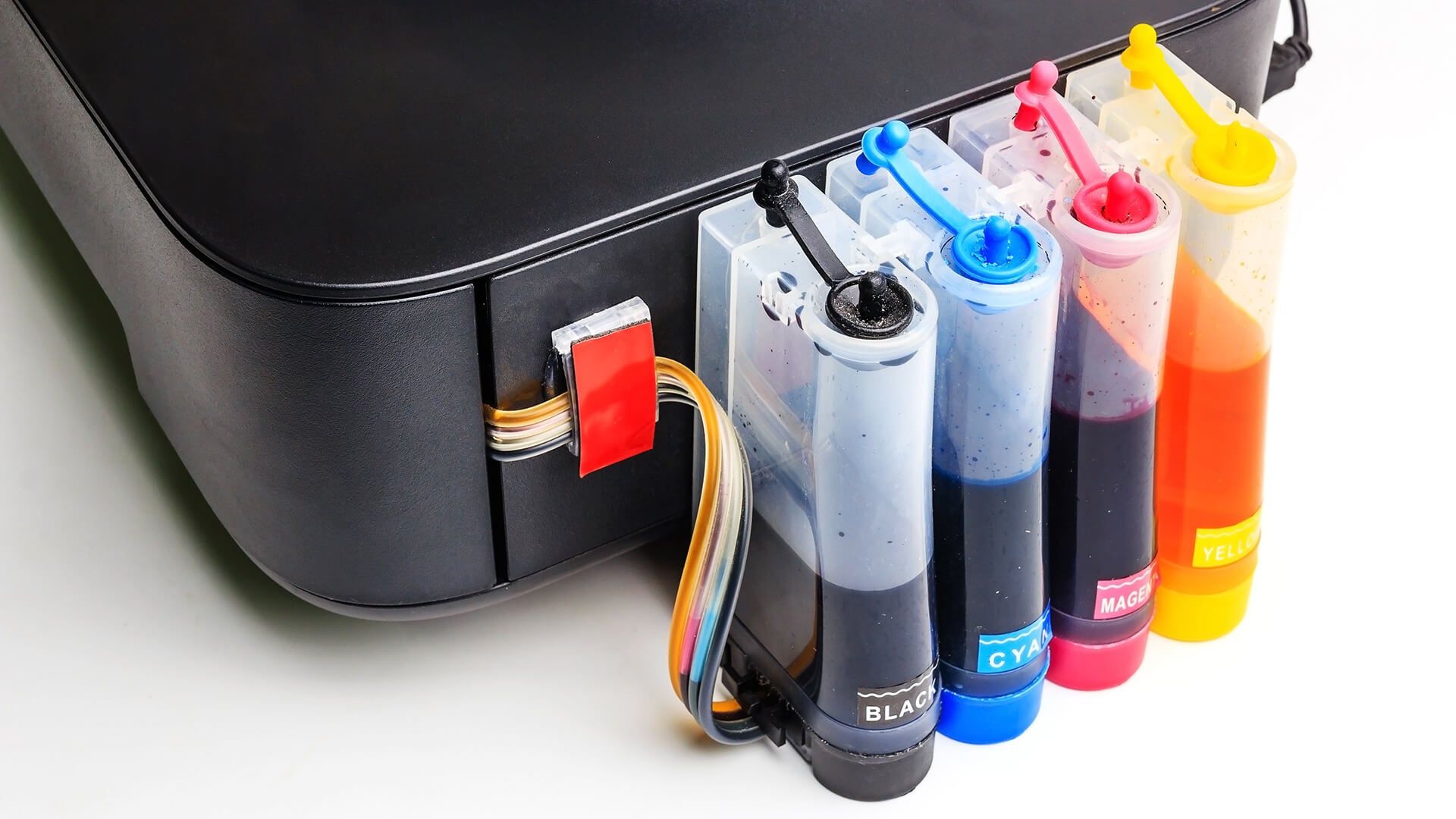
An inkjet printer sprays tiny droplets of liquid ink onto paper. This makes it strong for colour detail, gradients, and photo-style output.
Inkjet printers are often a good choice for:
- Family photos
- School projects
- Colour worksheets
- Creative prints
- Occasional home admin
- Mixed text and image documents
Many inkjet printers use ink cartridges, while some use refillable ink tanks. Cartridge models can be cheaper to buy upfront, while tank printers may offer better long-term value for frequent colour printing.
How a Laser Printer Works
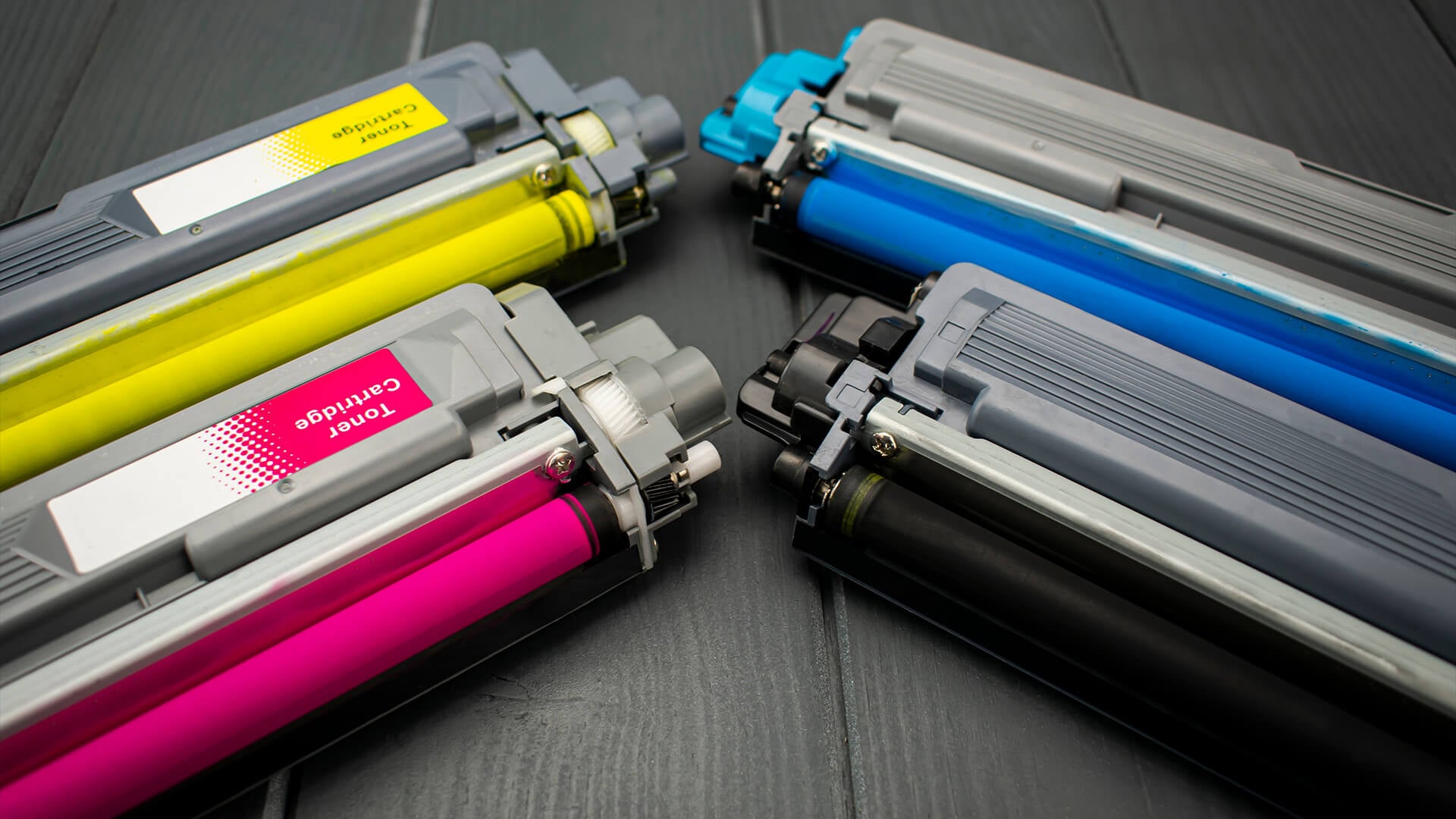
A laser printer uses toner powder and heat to bond the print onto paper. This makes it excellent for sharp text, quick documents, and higher-volume printing.
Laser printers are usually best for:
- Text documents
- Forms
- Invoices
- Boarding passes
- Postage labels
- Home office printing
- Business reports
- Regular black-and-white pages
If speed and low-maintenance document printing matter most, fast laser printers for document printing are usually the stronger option.
Inkjet vs Laser Printer for Everyday Home Use
An inkjet vs laser printer for home use should be judged by what your household actually prints. A family that prints photos, homework and colour pages will usually need a different printer from someone who only prints return labels, forms and work documents.
Do you print weekly homework sheets? Occasional return labels? Family photos? Work documents? A mix of everything? That is where the inkjet or laser printer decision becomes much clearer.
Documents, Forms and Homework
For plain text, laser printers usually win.
They produce crisp text, print quickly, and are better suited to repeated document printing. If you print homework sheets, forms, recipes, tickets, return labels, or work files, a laser printer for home is a practical choice.
Inkjet printers can still print documents well, but they are usually slower and may cost more per page if you print lots of text.
Document Printing Comparison
| Feature | Inkjet Printer | Laser Printer |
|---|---|---|
| Text sharpness | Good | Excellent |
| Print speed | Moderate | Fast |
| High-volume documents | Less ideal | Better |
| Occasional forms | Good | Excellent |
| Duplex printing | Model-dependent | Common on many models |
| Best for home admin | Good | Very good |
If your home printing is mostly work-related, it is also worth comparing printers for offices, especially if you need faster speeds or higher paper capacity.
Photos, Colour Pages and Creative Projects
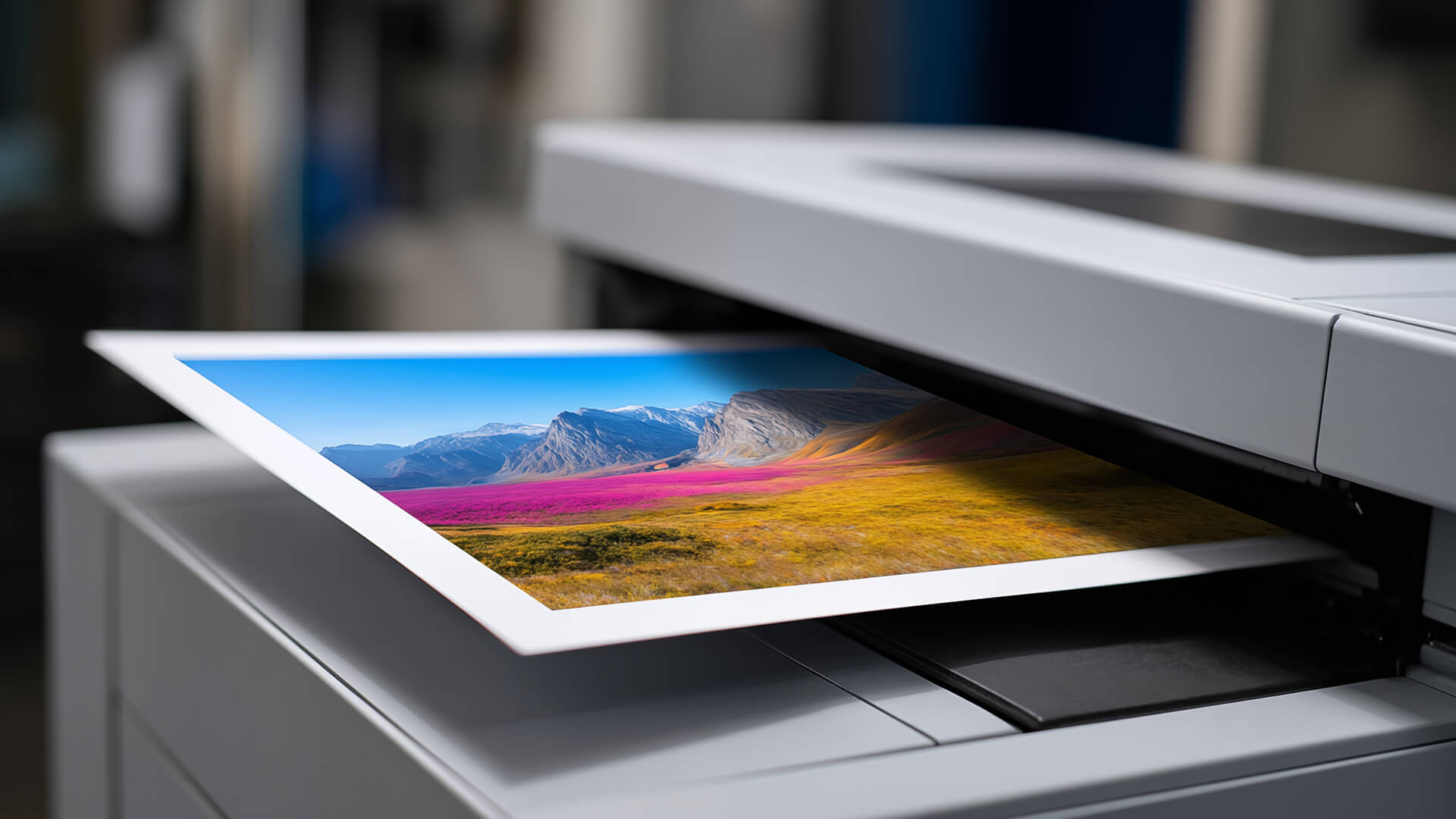
For inkjet vs laser printer for photos, inkjet is usually the better choice. Liquid ink handles colour gradients, image detail, photo paper and coated media more effectively, making inkjet printers stronger for family photos, school posters, craft projects and colourful schoolwork.
A colour laser printer can still produce colour documents, charts, and simple graphics, but it is not usually the best option for glossy photo printing or detailed creative work. Always check that your chosen printer supports the sticker paper or label media you plan to use, as laser printers require laser-safe materials due to the heat used during printing.
For a photo-friendly setup, a photo-friendly Canon inkjet printer is a better fit than a standard laser model. If you only need shipping labels or basic black text labels, a laser printer can still be a practical choice.
Colour Printing Comparison
| Print Type | Better Choice | Why |
|---|---|---|
| Family photos | Inkjet | Better colour blending and photo detail |
| School projects | Inkjet | Strong for mixed colour and images |
| Business charts | Colour laser | Sharp and fast for documents |
| Posters | Inkjet | Better for creative colour output |
| Text with small colour logos | Laser | Clean and efficient |
| Glossy photos | Inkjet | More natural photo finish |
For households that need printing, scanning, and copying in one machine, multifunction printers with scan and copy are often more useful than a print-only model.
Inkjet vs Laser Printer for Stickers
For inkjet vs laser printer for stickers, the best option depends on the sticker paper you use. Inkjet printers are usually better for colourful sticker designs, craft labels, and creative projects because liquid ink handles colour detail well.
Laser printers can work for basic text labels and some sticker sheets, but you must use laser-safe sticker paper. Laser printers use heat, so the wrong media can curl, melt, or cause problems inside the printer.
Choose inkjet for:
- colourful sticker designs
- craft projects
- school labels
- photo-style stickers
- coated inkjet sticker paper
Choose laser for:
- basic black text labels
- office labels
- shipping labels
- high-volume label printing
- laser-safe sticker media
Occasional Printing
This is where many buyers get caught out. For laser vs inkjet printer for infrequent use, laser is usually easier to live with if you mostly print documents.
Toner cartridges do not dry out in the same way liquid ink can, so a toner printer is often better for very occasional black-and-white printing. Inkjet printers can still work well for occasional colour use, but dried ink nozzles can cause streaks, gaps, or cleaning cycles if the printer sits unused for too long.
Inkjet printers can still work well for occasional use, but they need a bit more care. If left unused for long periods, ink can dry around the printhead and cause streaks or blocked nozzles.
Occasional Printing Guide
| Printing Habit | Better Choice |
|---|---|
| Weekly colour printing | Inkjet |
| Monthly black-and-white documents | Laser |
| Rare emergency printing | Laser |
| Photos every few weeks | Inkjet |
| School term printing | Inkjet or laser, depending on colour needs |
| Home office documents | Laser or all-in-one laser |
If your inkjet output starts looking streaky, our guide to inkjet printer maintenance is a useful next read.
Running Costs: Ink, Toner and Cost Per Page
Inkjet vs laser cost is one of the biggest deciding factors for home and office buyers.
Inkjet printers are often cheaper to buy upfront, but replacement ink cartridges can be expensive depending on the model and page yield. Laser printers usually cost more upfront, but toner cartridges often last longer and can offer a lower cost per page for regular document printing.
Ink vs Toner
| Feature | Ink Cartridge | Toner Cartridge |
|---|---|---|
| Used by | Inkjet printer | Laser printer |
| Material | Liquid ink | Powder toner |
| Best for | Colour and photos | Documents and text |
| Drying risk | Can dry if unused | Does not dry like ink |
| Page yield | Often lower | Often higher |
| Upfront printer cost | Usually lower | Usually higher |
| Long-term document cost | Can be higher | Often lower |
The cheapest printer is not always the cheapest printer to own. Always check replacement ink or toner prices before buying.
What Affects Cost Per Page?
Cost per page depends on:
- Cartridge price
- Cartridge page yield
- Colour vs mono printing
- Draft vs high-quality mode
- Paper type
- Duplex printing
- How often cleaning cycles run
- Whether the printer uses cartridges or ink tanks
For basic home use, do not overthink the maths. Just match the printer to your print volume.
Simple Cost Advice
| User Type | Best Cost Choice |
|---|---|
| Prints mostly black text | Mono laser printer |
| Prints lots of photos | Inkjet or ink tank printer |
| Prints schoolwork and colour pages | Inkjet all-in-one |
| Prints many work documents | Laser printer |
| Rarely prints | Laser printer |
| Needs scan/copy too | All-in-one printer |
For a wider overview, our guide to choosing the right printer for your needs can help you compare running costs, features and printer types before choosing.
Which Printer Type Should You Choose?
There is no single winner for every home. The right choice depends on what you print most often.
Choose an Inkjet Printer If
An inkjet printer is the better fit if you:
- Print photos at home
- Need colour pages often
- Print school projects
- Want a lower upfront cost
- Print a mix of text and images
- Need compact home printing
- Want creative print flexibility
- Prefer a printer with ink for occasional colour work
Inkjet printers are especially useful for families, students, and creative home users.
If you prefer a specific brand, reliable Epson printers are worth considering for home and colour printing setups.
Choose a Laser Printer If
A laser printer is the better fit if you:
- Mostly print documents
- Want fast print speed
- Print lots of black-and-white pages
- Need low-maintenance occasional printing
- Want sharp text
- Print forms, labels, and invoices
- Prefer toner over ink
- Need better cost per page for documents
Laser printers are often better for home offices, small businesses, and users who do not print photos.
For brand-led choices, Brother printers are often popular for practical home office and document-focused printing. For document-heavy use, a mono laser printer for high-volume documents can be a practical choice for sharp text, higher page yield and regular office-style workloads.
Choose an All-in-One Printer If
An all-in-one printer is the better choice if you need more than printing.
It usually includes:
- Printing
- Scanning
- Copying
- Sometimes fax
- Mobile printing
- Wi-Fi printing
- Duplex printing on selected models
This is useful for:
- Home admin
- Schoolwork
- Hybrid working
- Scanning forms
- Copying documents
- Occasional office tasks
If your setup is for remote work, our home office printer buying guide can help narrow the choice.
Buying Tips Before You Decide
Before choosing an inkjet or laser printer for home or office, check the features that affect daily use.
A printer can look like a bargain but become annoying if it lacks the features you actually need.
Features to Check
| Feature | Why It Matters |
|---|---|
| Wi-Fi printing | Easier printing from laptops and phones |
| Duplex printing | Saves paper with double-sided printing |
| Scanner | Useful for forms, IDs and documents |
| Mobile app support | Helps with phone printing |
| Paper tray size | Reduces refilling |
| Replacement ink or toner cost | Affects long-term value |
| Printer footprint | Important for desks and shelves |
| Colour or mono | Do not pay for colour if you never use it |
| Print speed | Matters for regular document printing |
| ADF | Helps scan or copy multi-page documents |
For family setups, affordable home printers are a good starting point because they focus on everyday use rather than heavy office volume. If you want to reduce upfront spend, refurbished printers for lower-cost setups can also be worth considering, especially for light home printing or occasional office use.
Wi-Fi, USB and Mobile Printing
Modern home printers often support several connection methods.
Look for:
- Wi-Fi
- USB
- Ethernet on some office models
- AirPrint
- Mopria
- Manufacturer apps
- Cloud printing features
- Wi-Fi Direct
If you print from phones or tablets, mobile printing support is important. If you only print from one desktop PC, USB may be enough.
Do You Really Need Colour?
This is a simple but important question.
Choose colour if you print:
- Photos
- School projects
- Posters
- Charts
- Creative documents
- Colour-coded worksheets
Choose mono if you print:
- Forms
- Essays
- Invoices
- Labels
- Receipts
- Work documents
- Black-and-white homework
A mono laser printer is often one of the best choices for people who only need clean, fast documents.
Inkjet vs Laser Printer for Home Office Use
Home office and small business printers need to be more dependable than casual home printers. If you print work documents every week, running costs, print speed, paper handling, wireless printing and reliability matter more.
For regular workloads, office printers for regular workloads are worth comparing because they are usually better suited to higher print volume than basic home models.
Best for Home Office Printing
| Need | Better Choice |
|---|---|
| Mostly documents | Laser printer |
| Documents plus scanning | Laser all-in-one |
| Colour presentations | Colour laser or inkjet |
| Photos and creative work | Inkjet |
| Low maintenance | Laser |
| Lower upfront cost | Inkjet |
| Higher print volume | Laser |
A laser printer with scanner can be a very strong home office option because it handles everyday documents and basic admin in one device. A wireless mono laser printer for home offices is especially useful if you mainly print black-and-white documents and want easy network printing.
If you run a small business from home, our guide to office inkjet printers for small businesses is useful if colour printing and office flexibility matter more than pure document speed.
Printer Brands: Epson, Canon, HP and Brother
Brand choice matters, but printer type should come first.
Do not choose a brand before deciding whether you need inkjet, laser, colour, mono or all-in-one functionality.
Simple Brand Direction
| Brand | Often Strong For |
|---|---|
| Epson | Inkjet, photo printing, refillable ink models |
| Canon | Home colour printing and photo-friendly options |
| HP | Home, office and all-in-one printers |
| Brother | Laser, office and document-focused printing |
If photo output and colour documents matter, Canon printing solutions are worth comparing alongside other inkjet options.
If you want a broad mix of home and office models, HP printers also cover a wide range of inkjet, laser, and all-in-one setups.
Printer Accessories and Maintenance
The printer is only part of the setup. The right supplies and accessories help avoid frustration later.
Useful Printer Accessories
| Accessory | Why It Helps |
|---|---|
| Spare ink or toner | Avoids running out mid-job |
| Printer paper | Better results than poor-quality paper |
| Photo paper | Better for inkjet photo printing |
| USB cable | Useful backup connection |
| Cleaning sheets | Helps maintenance on some models |
| Paper tray accessories | Useful for heavier use |
| Printer stand | Keeps the setup tidy |
You can find printer accessories to support both inkjet and laser setups.
Common Maintenance Tips
For inkjet printers:
- Print regularly to reduce ink drying
- Run cleaning cycles when needed
- Use suitable paper for photos
- Keep cartridges sealed until use
- Avoid leaving the printer unused for months
For laser printers:
- Replace toner when quality drops
- Keep paper dry
- Use the correct paper type
- Remove dust from paper paths
- Let the printer cool before handling internal parts
Paper jams can happen with either type. If that becomes a regular issue, our printer paper jam fix guide is a useful troubleshooting resource. If lower waste is part of your buying decision, it is also worth looking at sustainable printer options for lower waste, especially if you are comparing cartridge use, refillable ink tanks and long-term running costs.
Wrapping Up
The best choice in the inkjet vs laser debate depends on your household, office setup, and monthly print volume. There is no single winner for everyone.
Choose an inkjet printer if you want better photo printing, colour documents, creative projects, and a lower upfront cost. It is usually the best option for families, students, and casual home users who print a mix of content.
Choose a laser printer if you mostly print documents, want faster speeds, prefer lower maintenance, and need better long-term value for text-heavy printing. It is usually the better option for home offices and users who print forms, reports, labels, and invoices.
Choose an all-in-one printer if you also need scanning and copying. For many homes, this is the most useful setup because it covers schoolwork, admin, work documents, and everyday printing in one machine.
The practical answer is simple:
- Best for photos: Inkjet printer
- Best for documents: Laser printer
- Best for occasional black-and-white printing: Laser printer
- Best for mixed family use: Inkjet all-in-one
- Best for regular office workloads: Laser all-in-one
- Best for lower colour running costs: Ink tank printer
- Best for scanning and copying: All-in-one printer
If you are still unsure, start by listing what you print most often. The printer should match that list, not just the lowest price on the shelf.
FAQs
-
Is inkjet or laser better for home use?
Inkjet is better for home users who print photos, colour pages, school projects, and mixed documents. Laser is better for home users who mostly print text, forms, labels, invoices, or work documents. For many households, an all-in-one inkjet or laser printer is the most practical choice.
-
Which is cheaper to run, inkjet or laser?
Laser printers are usually cheaper to run for black-and-white documents because toner cartridges often last longer and offer a lower cost per page. Inkjet printers can be more affordable upfront, but ink costs can be higher depending on how often you print.
-
Do inkjet printers print better photos?
Yes, inkjet printers usually print better photos than laser printers. Liquid ink is better at producing smooth colour gradients, detail, and photo-style output, especially on photo paper.
-
Which printer is faster, inkjet or laser?
Laser printers are usually faster than inkjet printers, especially for text documents and multi-page jobs. Inkjet printers can be quick enough for home use, but laser printers are generally better for higher print volume.
-
Is ink more expensive than toner?
Ink cartridges often cost less individually than toner cartridges, but they usually print fewer pages. Toner cartridges cost more upfront but often last longer, which can make them better value for frequent document printing.
-
Is a laser printer good for occasional home use?
Yes, a laser printer can be excellent for occasional home use, especially if you mostly print documents. Toner does not dry out like liquid ink, so laser printers can be easier to live with if you only print now and then.
-
Should I buy a colour laser printer for home?
A colour laser printer can make sense if you print colour charts, work reports, or school documents, but it is not the best choice for photo printing. For photos and creative colour work, an inkjet printer is usually better.
-
What is the best printer for a home office?
For a home office, a laser all-in-one printer is often the best choice if you mainly print documents and need scanning or copying. If you need colour, photos, or creative work, an inkjet all-in-one may be a better fit.
You can pay with:
*PayPal Credit Representative Example: Assumed credit limit £1,200, Representative 23.9% APR (variable). Purchase rate 23.9% p.a (variable).Terms & Conditions apply.


PayPal Credit and PayPal Pay in 3 are trading names of PayPal UK Ltd, 5 Fleet Place, London, United Kingdom, EC4M 7RD. Terms and conditions apply. Credit subject to status, UK residents only, Five Tech LTD acts as a broker and offers finance from a restricted range of finance providers. PayPal Pay in 3 is not regulated by the Financial Conduct Authority. Pay in 3 eligibility is subject to status and approval. 18+. UK residents only. Pay in 3 is a form of credit. Check if affordable and how you will repay. May make other borrowing more difficult or expensive. See product terms for more details.
Copyright © 1996-2026 Fivetech LTD | Terms and Conditions
box.co.uk & Box are trading names of Five Tech Limited. Registered office: Box LTD, Unit 10 Woodford Trading Estate, Woodford Green IG8 8HF