


 Menu
MenuMenu


Get Sales Advice from Mon - Fri 9am - 5:00pm:
020 3337 8950LAST UPDATED: May 22, 2026
What is MSI Rapid IPS and Does It Improve Gaming Performance?
MSI Rapid IPS is MSI’s faster version of IPS panel technology, designed to give gamers the colour consistency of IPS with quicker response times for smoother motion. It does not increase your PC’s FPS, but it can improve how responsive and clear games look on screen, especially in fast shooters, racing games, esports titles and high refresh rate setups. This guide will walk you through what MSI Rapid IPS is, how it works, and how it can make your gaming experience better. So, let’s get to it.
What is MSI Rapid IPS?
MSI Rapid IPS is a gaming monitor panel type that keeps the usual IPS strengths, such as wide viewing angles and good colour performance, while reducing response time compared with older IPS displays. MSI says Rapid IPS delivers up to 4x faster response time than a normal IPS panel by reducing the thickness of the liquid crystal layer, allowing pixels to transition faster.
If you are comparing MSI rapid IPS gaming monitors, the main appeal is simple: better motion clarity than standard IPS while keeping stronger colour consistency than older speed-focused panel types.
How Rapid IPS Technology Works
Rapid IPS works by speeding up pixel transitions. In gaming terms, this helps reduce blur and ghosting when objects move quickly across the screen. That matters in games where enemies, vehicles, crosshairs and camera movement change rapidly.
A normal IPS monitor may look sharp in still scenes but can show more blur during fast motion. A fast IPS panel aims to keep motion cleaner, especially when paired with a higher refresh rate.
Difference Between Rapid IPS and Standard IPS
The main difference in rapid IPS vs IPS is response speed. Standard IPS panels are known for colour accuracy and viewing angles, but they have not always been the fastest choice for competitive gaming. Rapid IPS improves that weakness.
In practice:
- Standard IPS is good for colour and general use.
- Rapid IPS is better for gaming motion clarity.
- Rapid IPS keeps IPS-style viewing angles.
- Rapid IPS is usually better for esports than older IPS panels.
Why MSI Uses Rapid IPS Panels
MSI uses Rapid IPS because it fits modern gaming monitor needs. Gamers want speed, but they also want good visuals. Older TN panels were fast but weaker for colour and viewing angles. VA panels often offer stronger contrast but can show more dark-level smearing. Rapid IPS gives MSI a balanced option for players who want speed without poor image quality.
Rapid IPS vs Other Panel Types
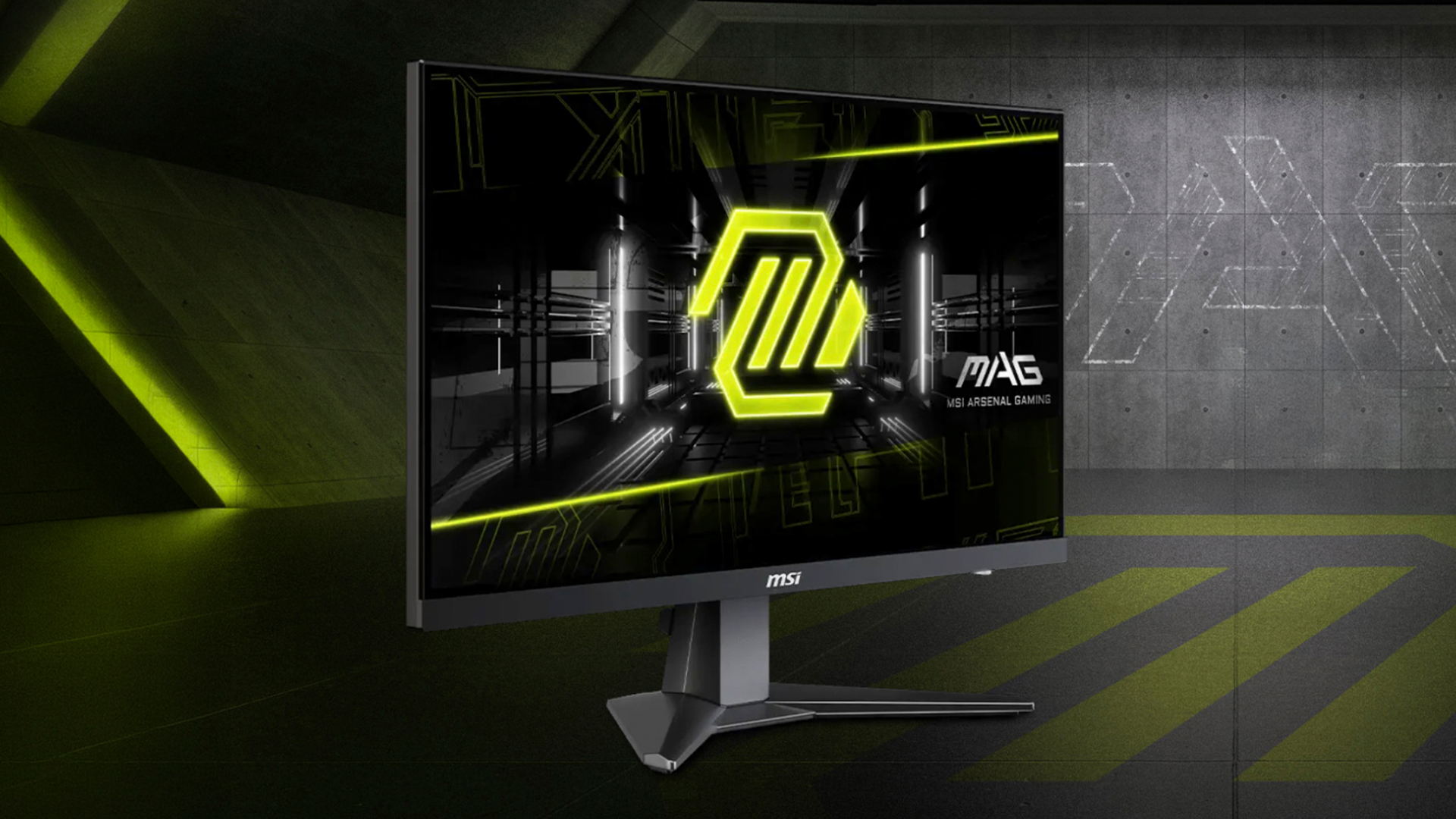
Rapid IPS is not the only gaming monitor technology. It sits between standard IPS, VA and QD-OLED in terms of speed, image quality and price. Choosing the right panel depends on the games you play, your budget and whether you care more about motion clarity, contrast or premium HDR performance.
Rapid IPS vs Standard IPS
Rapid IPS is generally better than standard IPS for gaming because it is tuned for lower response times. MSI’s own Rapid IPS monitor pages often pair the technology with 1ms GtG response times and high refresh rates, such as a 180Hz WQHD Rapid IPS panel on the MAG 274QRFW.
For everyday work, browsing and content viewing, standard IPS can still be good. For gaming, Rapid IPS is usually the stronger option.
Rapid IPS vs VA Panels
VA panels usually offer better contrast than IPS, which can make dark scenes look deeper. That is useful for cinematic games, story games and media watching.
Rapid IPS is usually better for motion clarity. In fast games, VA panels can sometimes show visible smearing, especially in darker transitions. Rapid IPS is a better fit if you play competitive FPS games, racing games or anything where motion response matters more than deep blacks.
Rapid IPS vs QD-OLED
QD-OLED is the premium option. It offers excellent contrast, very fast pixel response and strong HDR performance. MSI QD-OLED models can reach extremely fast 0.03ms GtG response times, with examples such as the MAG 271QP QD-OLED X24 offering WQHD resolution, 240Hz refresh rate and 0.03ms response time.
Rapid IPS is usually the more practical value choice. MSI QD OLED panels are better for premium visuals and near-instant response, but Rapid IPS remains a strong option for gamers who want speed, colour consistency and a lower price than OLED.
Gaming Performance with MSI Rapid IPS
MSI Rapid IPS improves display performance, not your game engine performance. That means it will not make your graphics card produce more frames per second. What it can do is make those frames look clearer and more responsive on screen.
For players shopping for fast IPS gaming monitors, this is the main difference: the monitor cannot create extra FPS, but it can make high FPS gameplay look cleaner.
Faster Response Times
Response time measures how quickly pixels change from one colour or shade to another. A lower response time helps reduce ghosting and trailing.
A 1ms response time monitor is designed to keep up with quick movement. This is useful in games where enemies move across the screen quickly or where camera movement is constant.
Motion Clarity in Fast Games
Rapid IPS helps most in games where fast reactions matter. This includes:
- Counter-Strike 2
- Valorant
- Call of Duty
- Apex Legends
- Fortnite
- Overwatch 2
- Rocket League
- Racing sims
The benefit is not extra FPS. The benefit is clearer motion, less blur and a more readable image during fast movement.
High Refresh Rate Gaming
A high refresh rate monitor updates the image more often each second. When paired with a fast response panel, gameplay can feel smoother and more connected.
NVIDIA explains that G-SYNC matches monitor refresh rate to GPU frame rate to reduce tearing, stutter and input lag, which shows why refresh behaviour and panel response both matter for smooth gaming.
Why Gamers Choose Rapid IPS
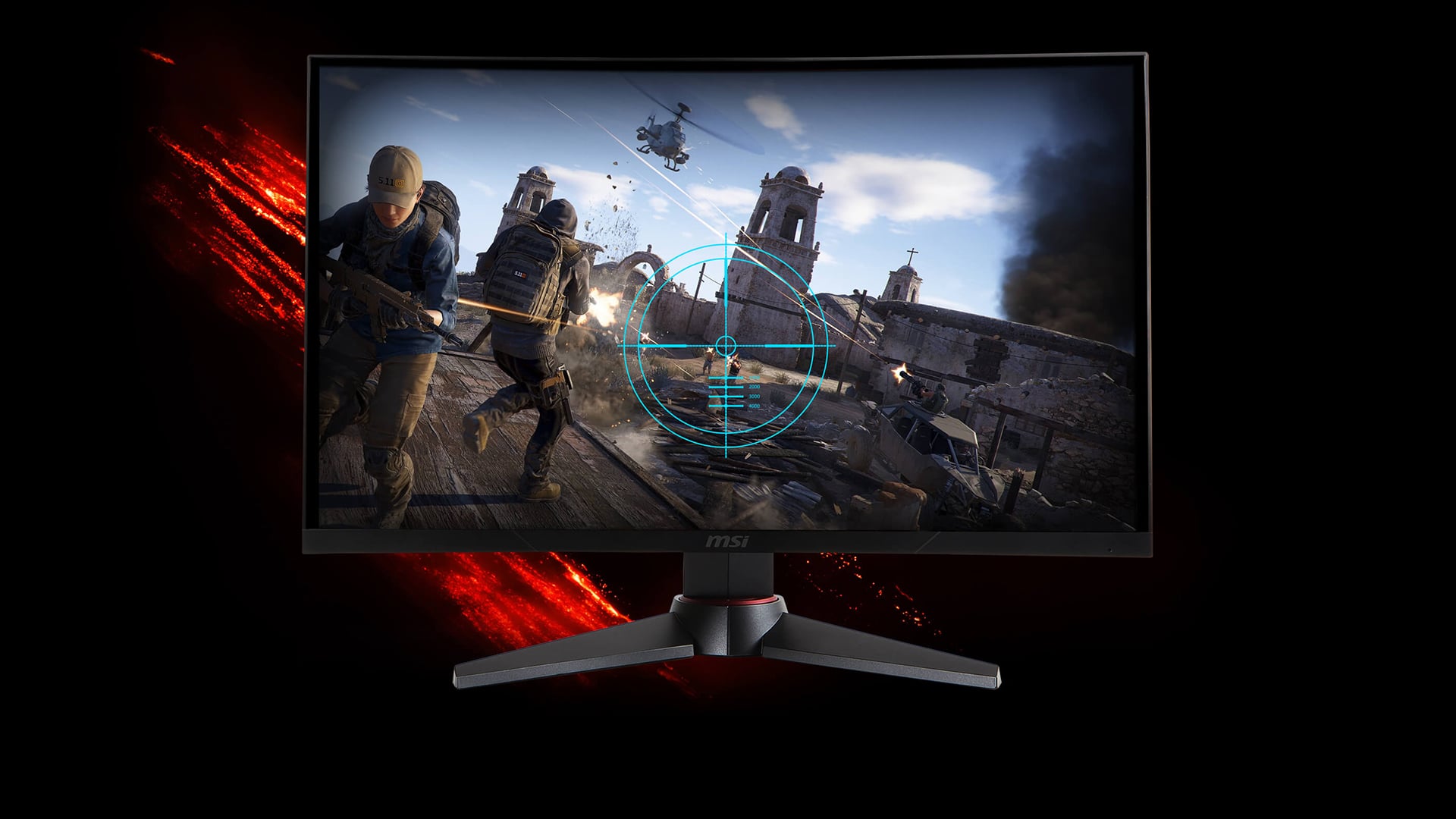
Gamers choose Rapid IPS because it offers a strong middle ground. It is fast enough for competitive play, better-looking than older TN-style gaming displays and usually more affordable than OLED.
Balanced Visual Quality and Speed
Rapid IPS is popular because it does not force a harsh trade-off. You get responsive motion, good colour performance and wide viewing angles in one panel type.
This makes it a good choice for gamers who play a mix of esports, open-world games, RPGs and daily PC use.
Consistent Colours and Viewing Angles
IPS panels are known for consistent colours and wide viewing angles. Rapid IPS keeps that benefit while improving response speed.
This matters if you also use your monitor for:
- Streaming
- Content editing
- Browsing
- School or office work
- Watching films
- Console gaming
A monitor that looks good outside of gaming is easier to live with every day.
Reliable Performance for Competitive Gaming
Competitive gamers care about motion clarity, input feel and consistency. Rapid IPS helps by reducing the blur that can make targets harder to track.
It is not a replacement for skill, a good mouse, stable FPS or low system latency, but it does support a cleaner gaming experience.
Where MSI Rapid IPS Fits Best
Rapid IPS fits best for gamers who want speed and clean image quality without jumping to premium OLED prices. It is especially useful for 1080p and 1440p gaming setups where high refresh rates are common.
If you want fast IPS displays, look for the right mix of resolution, refresh rate, response time and adaptive sync support.
Competitive FPS Gaming
Rapid IPS is a strong fit for FPS players. In shooters, clean motion helps with tracking enemies, reading movement and reacting quickly. A high refresh rate paired with low response time can make aiming feel more direct.
For competitive play, also check the monitor’s overdrive settings. The fastest mode is not always the best. Sometimes a balanced overdrive mode gives less overshoot and cleaner motion.
Everyday Gaming Setups
For most gaming setups, Rapid IPS is a sensible choice. It works well for multiplayer games, single-player games, racing, sports titles and general entertainment.
You do not need QD-OLED for every setup. Rapid IPS gives a good blend of speed, picture quality and value.
Mixed Use: Gaming and Work
Rapid IPS is also useful if your monitor doubles as a work screen. Text clarity, viewing angles and colour consistency make it better for mixed use than older speed-first panel types.
This makes an MSI Rapid IPS monitor a good pick for players who use the same desk for gaming, study, emails, spreadsheets and content viewing.
Best MSI Monitor Settings for Gaming
The best MSI monitor settings for gaming depend on the exact model, but the same basic approach works for most Rapid IPS displays.
Start with these settings:
- Set Windows to the monitor’s maximum refresh rate.
- Use DisplayPort or HDMI version supported by the monitor’s full refresh rate.
- Enable adaptive sync if your GPU supports it.
- Use a balanced response time or overdrive mode first.
- Avoid the most aggressive overdrive setting if it causes inverse ghosting.
- Set brightness to a comfortable level, not maximum by default.
- Use an FPS or gaming mode only if it does not crush colours or dark detail.
- Turn on HDR only when the monitor and game handle it well.
Do not chase the fastest-looking setting blindly. The best setting is the one that gives smooth motion without ugly trails, overshoot or washed-out image quality.
Does MSI Rapid IPS Improve Gaming Performance?
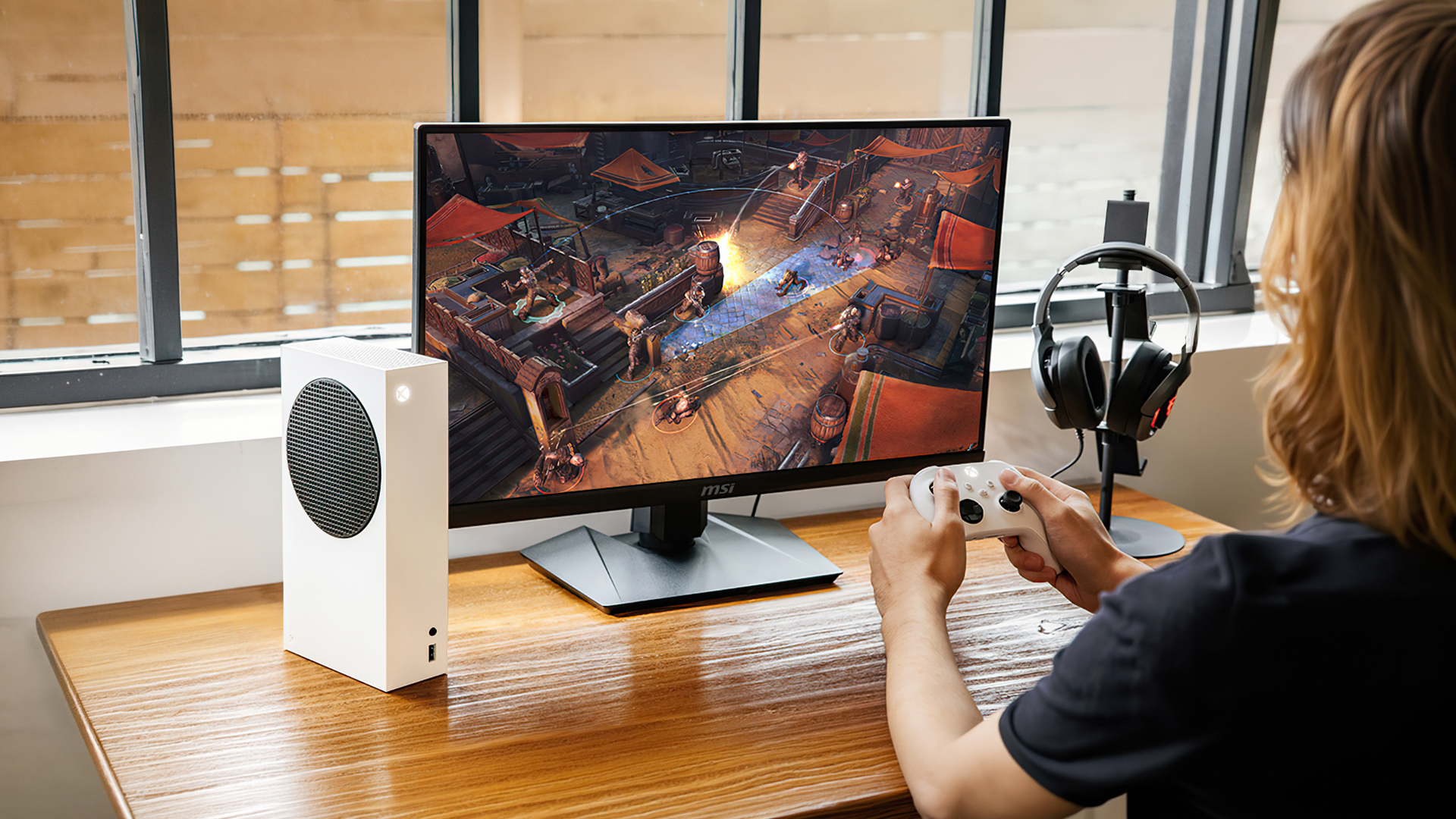
Yes, but in a specific way. MSI Rapid IPS improves gaming display performance, not PC performance. It can make games look smoother and clearer by improving response time and motion clarity, but it does not increase FPS.
What It Improves
Rapid IPS can improve:
- Motion clarity
- Ghosting control
- Fast camera movement
- Target tracking
- Visual responsiveness
- High refresh rate smoothness
- General gaming display performance
What It Does Not Improve
Rapid IPS does not improve:
- GPU performance
- CPU performance
- Game FPS
- Ping or network latency
- Game loading times
- Graphics settings capability
If your PC only outputs 60 FPS, a Rapid IPS monitor can still look good, but you will not get the full benefit of a 144Hz, 180Hz or 240Hz panel unless your system can produce enough frames.
Wrapping Up
MSI Rapid IPS is worth considering if you want a gaming monitor that feels fast without sacrificing the strengths of IPS. It improves motion clarity, response behaviour and the overall feel of fast gameplay, especially when paired with a high refresh rate.
It does not boost FPS, so your graphics card and CPU still decide how many frames your PC produces. However, Rapid IPS can make those frames look cleaner and easier to follow.
Choose MSI Rapid IPS if you want:
- Fast IPS panel technology
- Low response time displays
- Strong motion clarity improvement
- Good colours and viewing angles
- Competitive gaming performance
- A practical alternative to OLED
For most gamers, Rapid IPS is one of the best panel choices for balanced speed, image quality and value.
FAQs
-
What is MSI Rapid IPS?
MSI Rapid IPS is a faster version of IPS panel technology used in MSI gaming monitors. It is designed to improve response time and motion clarity while keeping IPS-style colour consistency and wide viewing angles.
-
Is Rapid IPS the same as IPS?
Rapid IPS is still part of the IPS family, but it is tuned for faster pixel response. Compared with standard IPS, Rapid IPS is usually better for gaming motion clarity.
-
Is Rapid IPS good for gaming?
Yes, Rapid IPS is good for gaming. It is especially useful for esports, shooters, racing games and high refresh rate monitors because it helps reduce blur and ghosting.
-
Does Rapid IPS improve FPS?
No. Rapid IPS does not increase FPS. Your GPU and CPU decide FPS. Rapid IPS improves how clear and responsive the frames look on the monitor.
-
Who should buy MSI Rapid IPS monitors?
MSI Rapid IPS monitors suit gamers who want fast response times, good colour quality, wide viewing angles and smoother motion without paying for premium QD-OLED displays.
-
Is Rapid IPS better than VA for gaming?
Rapid IPS is usually better for fast competitive gaming because it handles motion more cleanly. VA can be better for contrast and darker scenes, but may show more smearing in fast motion.
-
Is Rapid IPS better than QD-OLED?
No, QD-OLED is usually faster and better for contrast and HDR. Rapid IPS is better for buyers who want strong gaming performance at a more practical price.
You can pay with:
*PayPal Credit Representative Example: Assumed credit limit £1,200, Representative 23.9% APR (variable). Purchase rate 23.9% p.a (variable).Terms & Conditions apply.


PayPal Credit and PayPal Pay in 3 are trading names of PayPal UK Ltd, 5 Fleet Place, London, United Kingdom, EC4M 7RD. Terms and conditions apply. Credit subject to status, UK residents only, Five Tech LTD acts as a broker and offers finance from a restricted range of finance providers. PayPal Pay in 3 is not regulated by the Financial Conduct Authority. Pay in 3 eligibility is subject to status and approval. 18+. UK residents only. Pay in 3 is a form of credit. Check if affordable and how you will repay. May make other borrowing more difficult or expensive. See product terms for more details.
Copyright © 1996-2026 Fivetech LTD | Terms and Conditions
box.co.uk & Box are trading names of Five Tech Limited. Registered office: Box LTD, Unit 10 Woodford Trading Estate, Woodford Green IG8 8HF