


 Menu
MenuMenu


Get Sales Advice from Mon - Fri 9am - 5:00pm:
020 3337 8950LAST UPDATED: April 22, 2026
RTX 5080 Power Requirements Explained: What PSU Do You Really Need?
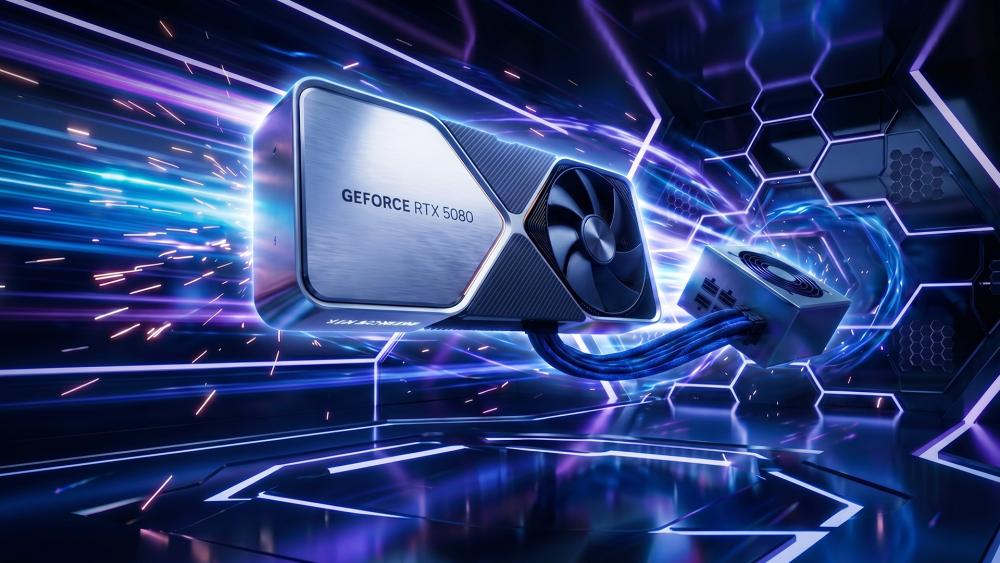
Choosing the right power supply for an RTX 5080 build is one of those decisions that looks simple until you start digging into the details. On paper, it sounds like a basic wattage question. In reality, it is about total system load, transient spikes, connector standards, PSU quality, and whether the unit you choose will still feel sensible once the rest of the build is under full load.
That matters because the RTX 5080 PSU requirements are firmly in high-end territory. NVIDIA lists the GeForce RTX 5080 with a 360W total graphics power and recommends an 850W system power supply based on a PC using a Ryzen 9 9950X. NVIDIA also specifies either the included adapter or a 450W or greater PCIe Gen 5 cable from a compatible PSU.
So this guide is not just about answering whether a 750 watt power supply can work. It is about what PSU actually makes sense for an RTX 5080 system in 2026, how much headroom you should leave, what connectors you need, and why the cheapest high-wattage unit is rarely the smartest answer. We will help you build around the card properly rather than guessing. So without further ado, let's get started.
How Much Power Does the RTX 5080 Actually Use?
The first thing to separate is rated power from what your full system really draws at the wall.
-
Typical Power Consumption
NVIDIA's official specification for the GeForce RTX 5080 lists a 360W total graphics power. That is the clearest baseline for RTX 5080 power consumption and the figure you should build around when planning the rest of the system.
That does not mean your PC will constantly sit at that number in every game. In normal use, actual RTX 5080 power draw will move around depending on:
- The game
- Resolution
- Frame cap
- Ray tracing load
- DLSS or frame generation use
- Your CPU and background workload
But for planning purposes, 360W is the right starting point.
-
Peak Power and Transient Spikes
This is where PSU choice gets more serious. Modern high-end GPUs do not just have a steady load. They can also produce short-duration power spikes. ATX 3.1 and PCIe 5.1-focused PSU designs are built with that behaviour in mind, and manufacturers like MSI explicitly promote support for large total power excursions and GPU power excursions as part of the standard's benefit. MSI's ATX 3.1 PSU materials describe support for up to 235% total power excursion and 3x GPU power excursion on suitable units.
That is exactly why a PSU that looks "just enough" on a simple calculator can still be the wrong choice for a card like this.
-
Real-World Usage vs Rated TDP
In practice, your full RTX 5080 build power will almost always be higher than the GPU number alone. The card might be rated at 360W, but the rest of the system still adds:
- CPU load
- Motherboard and chipset draw
- RAM
- NVMe SSDs
- RGB and fans
- USB devices
- AIO pump or extra cooling hardware
So when people ask how much power the RTX 5080 uses, the most useful answer is this: the GPU itself is a 360W-class part, but the PSU needs to be chosen for the whole system, not the graphics card in isolation.
Recommended PSU Wattage for RTX 5080 Builds
Wattage is the obvious headline, but the best answer changes depending on what kind of system you are building around the card.
-
Minimum PSU Requirements
NVIDIA recommends an 850W PSU for an RTX 5080 system, and that is the safest starting point for most builds. Since the card sits firmly in high-end territory, it makes sense to pair it with a power supply that leaves enough room for the rest of the system, especially if you are using a powerful CPU, multiple drives, and a modern cooling setup.
So, from a practical point of view:
- 850W is the real minimum target for most builders
- Anything lower only starts to make sense in very controlled, lower-power builds, and even then, it leaves less margin than most people should be comfortable with
That is why a 750 watt power supply is not the recommendation for a normal RTX 5080 build. It is simply too tight for the class of system this GPU from the NVIDIA GPUs range usually belongs in.
-
Recommended PSU for Most Builds
For most users, 850W remains the sweet spot. It aligns with NVIDIA's guidance, gives the system sensible headroom, and works well if the rest of the build is balanced rather than excessive. An 850W unit also makes more sense if you are buying a modern ATX 3.0 or ATX 3.1 PSU with native support for current GPU power standards. MSI's 850W PCIe 5.1 power supplies, for example, include a native 12V-2x6 connector and are clearly marketed around modern RTX-class graphics cards.
For a typical RTX 5080 gaming system with:
- a strong but not extreme CPU
- 32GB DDR5
- one or two NVMe drives
- normal cooling and fans
an 850W PSU is the right answer more often than not.
-
High-End and Overclocked Systems
Move beyond that and 1000W becomes easier to justify.
A 1000W PSU makes sense if:
- you are pairing the RTX 5080 with a flagship CPU
- you want more overhead for boosting and transient spikes
- you plan heavier overclocking
- you are building a creator or workstation-leaning system with more drives, cooling hardware, or expansion
- you simply want more long-term headroom
This is where PSU choice becomes less about "what will boot" and more about what feels comfortable, efficient, and stable over time.
Understanding PSU Connectors for RTX 5080
Wattage is not the only requirement. Connector type matters too.
-
12VHPWR and New Power Standards
Modern high-end NVIDIA cards have pushed builders towards the newer 16-pin connector standard. Current PSU makers now commonly reference 12V-2x6 as the updated connector design under PCIe 5.1 / ATX 3.1-focused units. MSI describes its current PSU lineup as using a native 12V-2x6 connector designed around the PCIe CEM 5.1 standard, while Corsair also promotes a native 12V-2x6 GPU power cable on its ATX 3.1 units for RTX 50 Series cards.
In simple terms, if you are buying a new PSU specifically for an RTX 5080 build, it makes sense to buy one that already supports the newer standard natively.
-
Compatibility with Older PSUs
NVIDIA does allow the use of the included adapter or a suitable PCIe Gen 5 cable, so older high-quality PSUs are not automatically excluded. But this is exactly where older units start to become less attractive:
- more adapters
- more cable clutter
- less direct support for modern excursion behaviour
- less clean fit for a high-end 2026 build
So while an older PSU may still work, a fresh RTX 5080 PSU choice is usually better when it comes with native support built in.
-
Cable Safety and Setup
Cable setup matters more than people think. Modern PSU makers now explicitly highlight cable visibility and seating as part of the user experience. MSI's current power supplies use a dual-colour 12V-2x6 cable to make it easier to see when the connector is properly inserted, while Corsair describes its native cable as designed for "secure GPU-side connection".
The practical advice is simple:
- use the native cable when possible
- seat it fully
- avoid excessive cable bending right at the connector
- keep the run clean and tension-free
That matters far more than just counting plugs and assuming the job is done.
Choosing the Right PSU for Your Full System
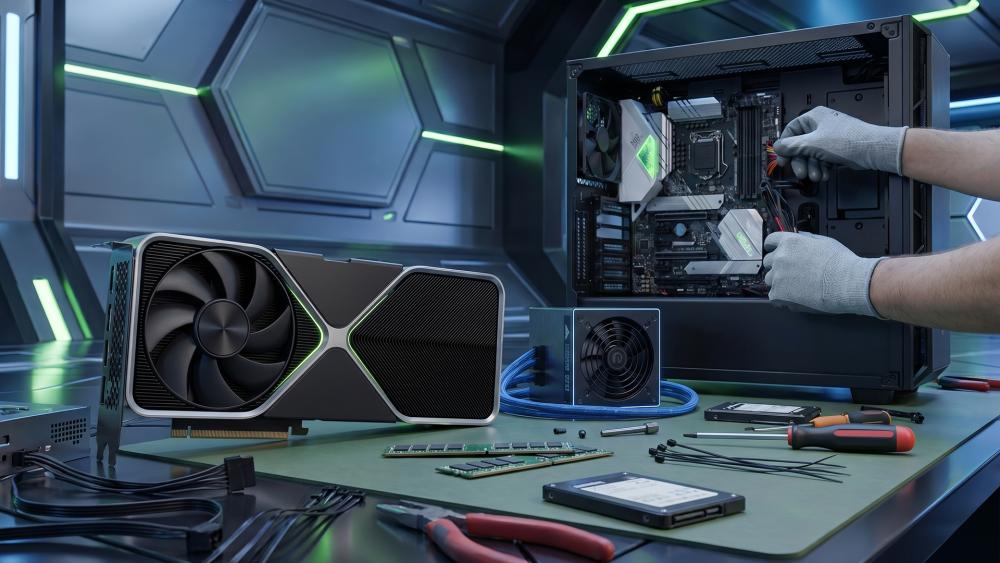
It is easy to focus only on the graphics card, but the power supply needs to support the entire system properly. That is where a lot of PSU mistakes happen, especially when builders choose a unit based on GPU wattage alone and forget to account for the CPU, cooling, storage, and the extra headroom a high-end build really needs.
-
CPU + GPU Combined Power Needs
Your power supply must cover the GPU and CPU together, not one or the other. NVIDIA's own 850W recommendation is based on an RTX 5080 paired with a Ryzen 9 9950X, which already tells you the PSU guidance is intended for serious, high-end desktop builds rather than stripped-back systems.
That means if you are using:
- a high-end Intel or Ryzen chip
- an RTX 5080
- fast DDR5
- NVMe storage
- a decent cooler and a handful of fans
you should be treating the system as a premium power plan, not a borderline wattage exercise.
-
RAM, Storage and Accessories
These do not dominate the power budget individually, but they still add up:
- DDR5 kits
- two or three SSDs
- multiple case fans
- RGB hubs
- USB accessories
- capture cards
- external devices charging from the board
If you are running a busy gaming or streaming PC, these loads are small on their own but meaningful together.
-
Why Headroom Matters
Headroom is what separates a PSU that technically works from one that feels right for the system. It helps with:
- transient spikes
- quieter operation
- lower thermal stress
- cleaner long-term reliability
- future upgrades
That is why PSU headroom recommendation matters so much for a GPU like this. An RTX 5080 build is not the place to aim for the narrowest possible safety margin.
PSU Efficiency, Quality and Long-Term Reliability
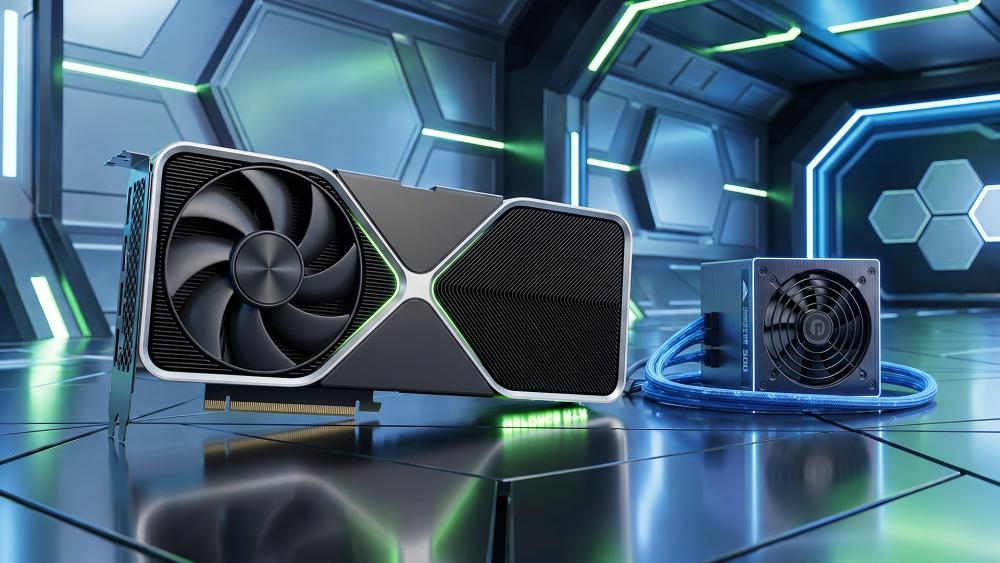
Two 850W PSUs are not automatically equal. Here's what to consider:
-
80+ Ratings Explained
The easiest shorthand for efficiency is the 80 Plus rating:
- Bronze
- Silver
- Gold
- Platinum
- Titanium
For an RTX 5080 system, 80 Plus Gold is the practical baseline. MSI's current PCIe 5.1 and ATX 3.1 units prominently position 80 Plus Gold and 80 Plus Platinum efficiency as part of their appeal, which reflects how this class of PSU is now expected to balance strong output with better efficiency and thermals.
-
Why PSU Quality Matters More Than Wattage
A poor-quality high-wattage PSU is still a poor-quality PSU. What actually matters is:
- stable power delivery
- good internal components
- proper protection circuits
- modern connector support
- warranty confidence
- sensible thermal behaviour
This is why a well-made 850W unit is usually a better choice than a weaker-quality 1000W one. So make sure when you choose high-wattage PSUs, look for options that actually provide the right balance.
-
Future-Proofing Your Build
If you want your PSU to survive more than one upgrade cycle, buy for the platform you are actually building now:
- ATX 3.0 or ATX 3.1
- native 12V-2x6 support
- good efficiency
- fully modular or at least sensible cable management
- enough overhead for your next upgrade
That makes the PSU less of a forgotten box and more of a long-term foundation. If you are also thinking about full system resilience, adding a UPS backup for gaming PC protection can make sense too, especially for expensive systems with creator workloads or unstable mains power.
Wrapping Up
The clean answer is this:
- 850W is the right PSU target for most RTX 5080 builds
- 1000W makes sense for higher-end CPUs, heavier overclocking, or extra-long-term headroom
- 750W is not the recommendation for a normal RTX 5080 gaming PC in 2026
Just as important, the PSU should not only meet the wattage target. It should also be:
- a good-quality unit
- ATX 3.0 or ATX 3.1 ready
- equipped with native 12V-2x6 support where possible
- efficient enough to suit a premium system
- chosen with the full PC in mind, not just the GPU
So, if you are asking what PSU you really need for RTX 5080 graphics cards, the expert answer is not "buy the biggest number you can afford". It is "buy a high-quality modern 850W unit for a standard high-end build, or step to 1000W if the rest of the system justifies it".
If you are planning the wider setup, it also makes sense to compare PC cooling solutions. You might also look into our how to build a PC with RTX 5080 guide to know more about the other essential components you need if you are going for a custom build. Also, if you are still looking at earlier options, we have an RTX 5080 vs RTX 4080 comparison to help you decide whether the upgrade is worth the rest of the system spend.
FAQs
-
What PSU is required for RTX 5080?
NVIDIA recommends an 850W system power supply for the RTX 5080, based on a build using a high-end CPU.
-
Is 750W enough for RTX 5080?
For most full RTX 5080 builds, 750W is too tight. It leaves less headroom than is sensible for a high-end GPU and modern system power behaviour. An 850W unit is the more realistic minimum target.
-
How much power does the RTX 5080 draw?
NVIDIA lists the RTX 5080 at 360W total graphics power. That is the GPU figure alone and does not include the rest of the PC.
-
How to power an RTX 5080?
NVIDIA specifies either the included adapter or a 450W or greater PCIe Gen 5 cable from a compatible PSU. A modern ATX 3.0 or ATX 3.1 unit with native 12V-2x6 support is the cleanest setup.
-
How many PCIe cables for RTX 5080?
The cleanest answer is to use the PSU's native 12V-2x6 cable if supported. If you are relying on an adapter, follow the GPU and PSU manufacturer guidance exactly rather than improvising cable combinations.
You can pay with:
*PayPal Credit Representative Example: Assumed credit limit £1,200, Representative 23.9% APR (variable). Purchase rate 23.9% p.a (variable).Terms & Conditions apply.


PayPal Credit and PayPal Pay in 3 are trading names of PayPal UK Ltd, 5 Fleet Place, London, United Kingdom, EC4M 7RD. Terms and conditions apply. Credit subject to status, UK residents only, Five Tech LTD acts as a broker and offers finance from a restricted range of finance providers. PayPal Pay in 3 is not regulated by the Financial Conduct Authority. Pay in 3 eligibility is subject to status and approval. 18+. UK residents only. Pay in 3 is a form of credit. Check if affordable and how you will repay. May make other borrowing more difficult or expensive. See product terms for more details.
Copyright © 1996-2026 Fivetech LTD | Terms and Conditions
box.co.uk & Box are trading names of Five Tech Limited. Registered office: Box LTD, Unit 10 Woodford Trading Estate, Woodford Green IG8 8HF