


 Menu
MenuMenu


Get Sales Advice from Mon - Fri 9am - 5:00pm:
020 3337 8950LAST UPDATED: April 22, 2026
Building a PC with RTX 5080: Best CPU, RAM, PSU & Setup Guide
An RTX 5080 PC build should feel balanced, not lopsided. It is easy to spend heavily on the GPU and then weaken the whole system with the wrong processor, too little memory, a middling power supply, or a cramped case that struggles with airflow. That matters more with a card like the GeForce RTX 5080, because NVIDIA positions it as a true high-end option with 16GB of GDDR7, 10,752 CUDA cores, DLSS 4, and a 360W total graphics power target. NVIDIA also recommends an 850W system power supply for a typical RTX 5080 system.
That means building around the card properly is just as important as choosing the card itself. The best PC build with RTX 5080 is not simply the most expensive collection of parts. It is the setup that lets the GPU stretch its legs without wasting money where it does not help, while still giving you enough headroom for 4K gaming, creator workloads, streaming, and long-term use.
This guide breaks that down step by step. It covers the best CPU pairings, how much RAM makes sense, the right PSU class, storage and motherboard priorities, case and cooling choices, and sensible example builds so you can shape an RTX 5080 configuration around your budget and goals rather than guessing. So, explore the available RTX 5080 GPUs at Box.co.uk and let's get to building.
What You Need to Build a PC with RTX 5080
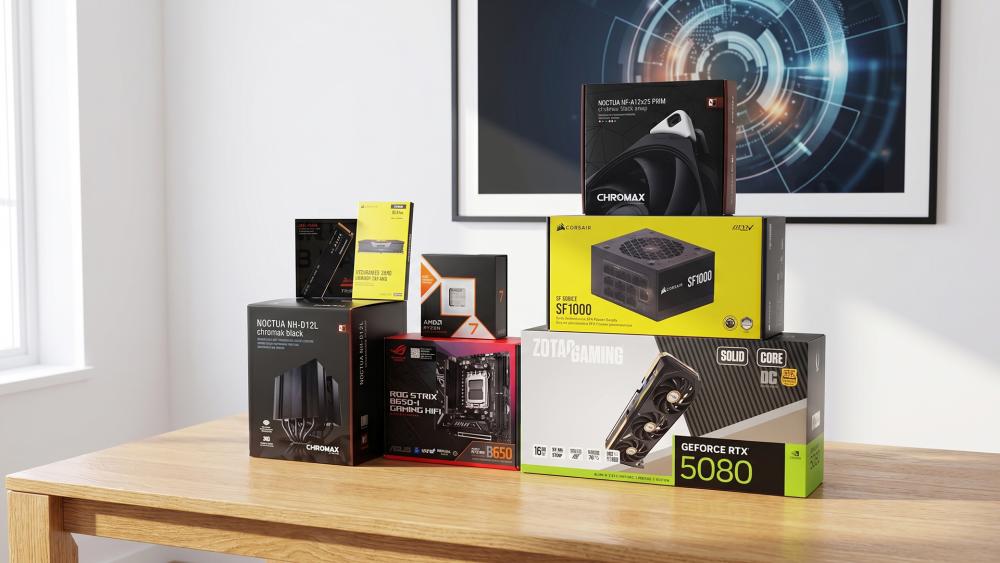
A strong RTX 5080 PC build is about much more than dropping a powerful GPU into a random parts list. To get the most from the card, the rest of the system needs to support it properly, from the processor and memory to the power supply, storage, cooling, and case airflow. Getting those pieces right is what turns a high-end graphics card into a genuinely balanced build rather than an expensive bottleneck waiting to happen.
Core Components Overview
Every RTX 5080 gaming PC still comes down to the same core parts:
- GPU
- CPU
- Motherboard
- RAM
- Storage
- PSU
- Case
- Cooling
- Monitor and Peripherals
What changes with a GPU in this class is the performance ceiling. The RTX 5080 is a high-end card, so weak supporting parts become more noticeable. A cheap PSU, slow memory, or a processor that cannot keep up in high-refresh gaming can all drag down the result.
Balancing Performance Across Components
A strong build is about balance. That means pairing the RTX 5080 with a CPU that is powerful enough for high-end gaming, enough high-speed DDR5 RAM to keep workloads comfortable, and storage fast enough to suit the rest of the system. It also means using a case and cooling setup that can actually support a 360W-class graphics card without turning the build into a hot box. NVIDIA's official guidance for the card confirms the 360W power rating and the 850W recommended system power, which immediately tells you this is not an entry-level GPU that can be dropped into any existing build without thought.
Avoiding Bottlenecks
The good news is that avoiding bottlenecks is not especially complicated. In 2026, an RTX 5080 build should usually revolve around:
- A modern enthusiast or upper-mid desktop CPU
- 2GB DDR5 as the practical gaming sweet spot
- PCIe Gen 4 or Gen 5 NVMe storage
- A genuine ATX 3.0 or ATX 3.1-ready PSU
- A case with proper GPU clearance and airflow
That is the foundation for a clean 5080 setup that feels like a complete high-end PC rather than just a powerful GPU bolted into the wrong system.
Best CPU for RTX 5080 Builds
Choosing the right processor is one of the most important parts of an RTX 5080 PC build, because the GPU can only perform at its best if the CPU is strong enough to keep up. A weak pairing can hold back frame rates, especially in high-refresh gaming, while an overly expensive CPU can push the build out of balance without adding much real-world value. The goal is to find high-performance processors that match the RTX 5080 properly, whether you are building for 4K gaming, mixed productivity, or a more all-round high-end setup.
-
High-End CPUs for Maximum Performance
If you are building a premium system and want to get the most from the RTX 5080 at high refresh rates, your CPU should sit in the enthusiast tier too.
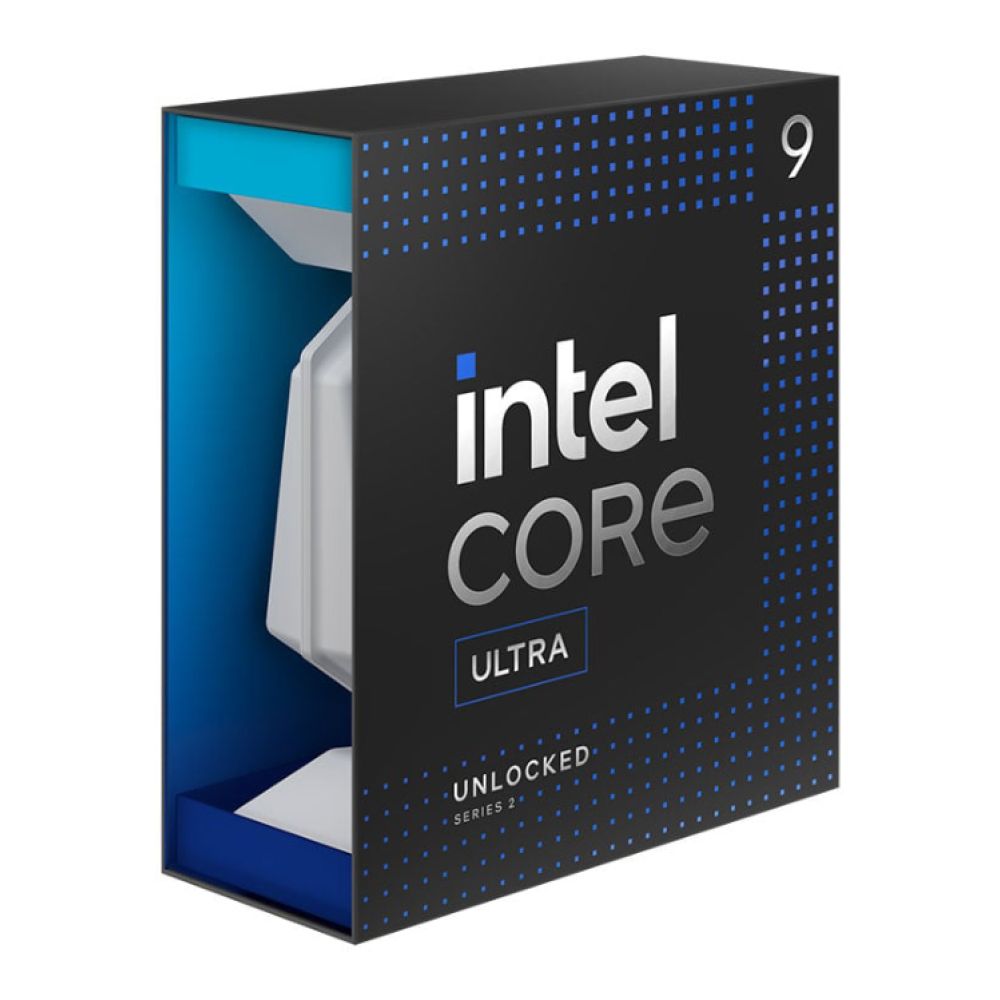
On the Intel side, the Core Ultra 9 285K is the flagship desktop option in Intel's Series 2 lineup. It comes with 24 total cores, 5.7GHz max turbo, support for DDR5-6400, and 24 PCIe lanes split across Gen 5 and Gen 4. That makes it a strong fit for a top-end RTX 5080 system, especially if the PC will also handle streaming, creator workloads, or more than just gaming.
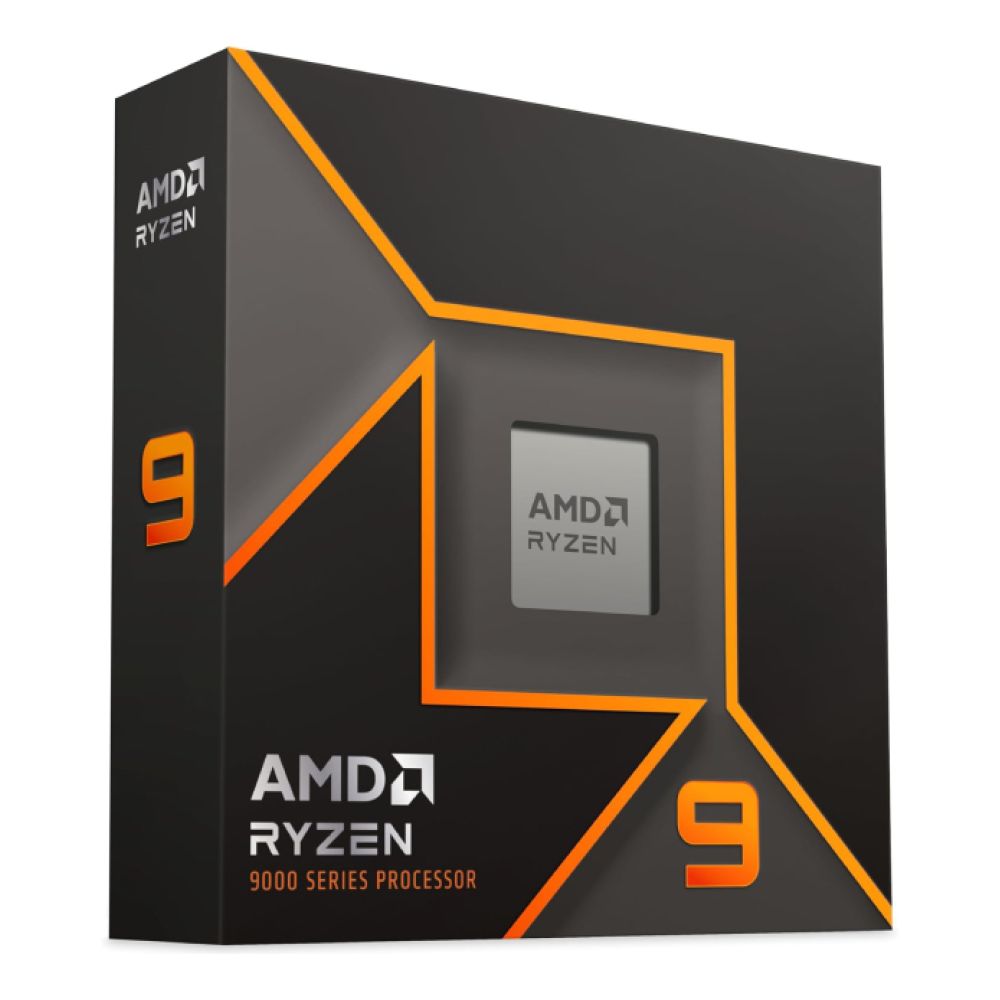
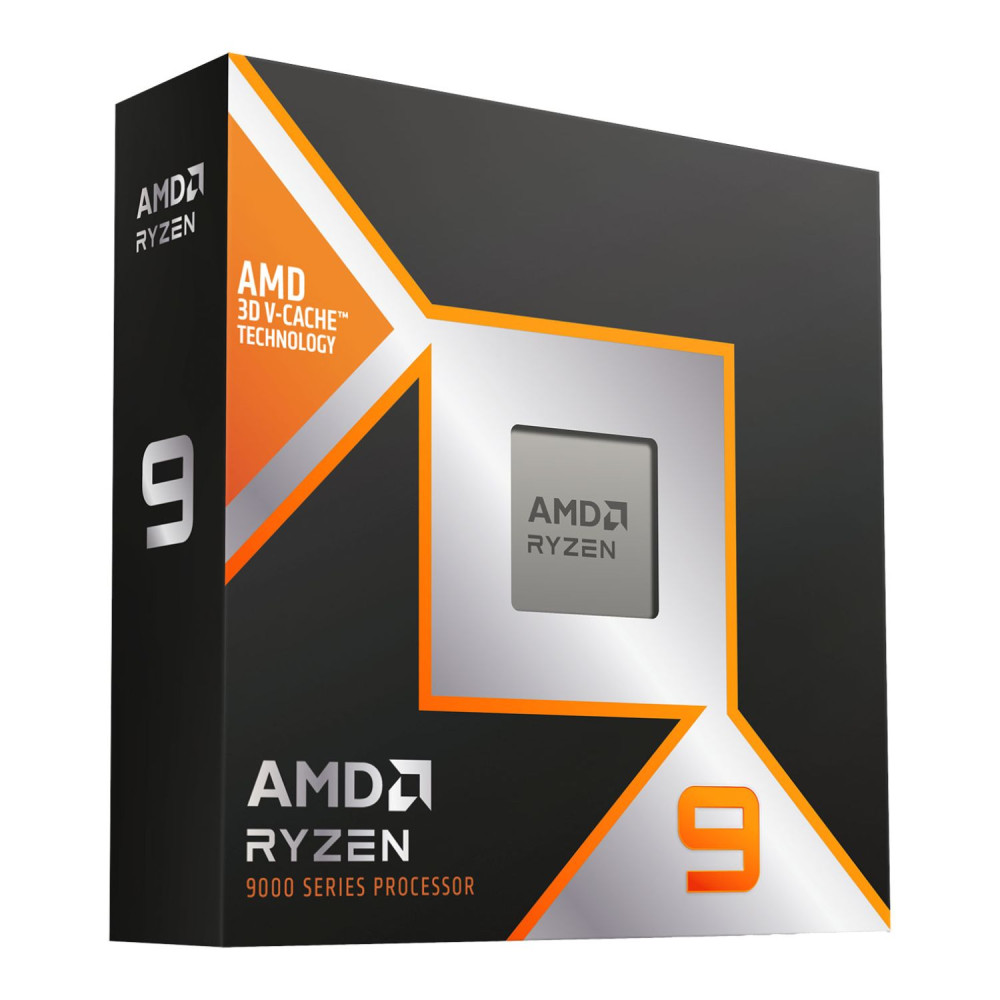
On the AMD side, the Ryzen 9 9950X and Ryzen 9 9950X3D are the obvious upper-tier options. The 9950X offers 16 cores / 32 threads, up to 5.7GHz boost, 170W TDP, and PCIe 5.0 on AM5. The 9950X3D adds 3D V-Cache and a total 128MB of L3 cache, making it especially attractive if you want one of AMD's strongest all-round gaming-and-creator chips. Both support DDR5 and the AM5 platform.
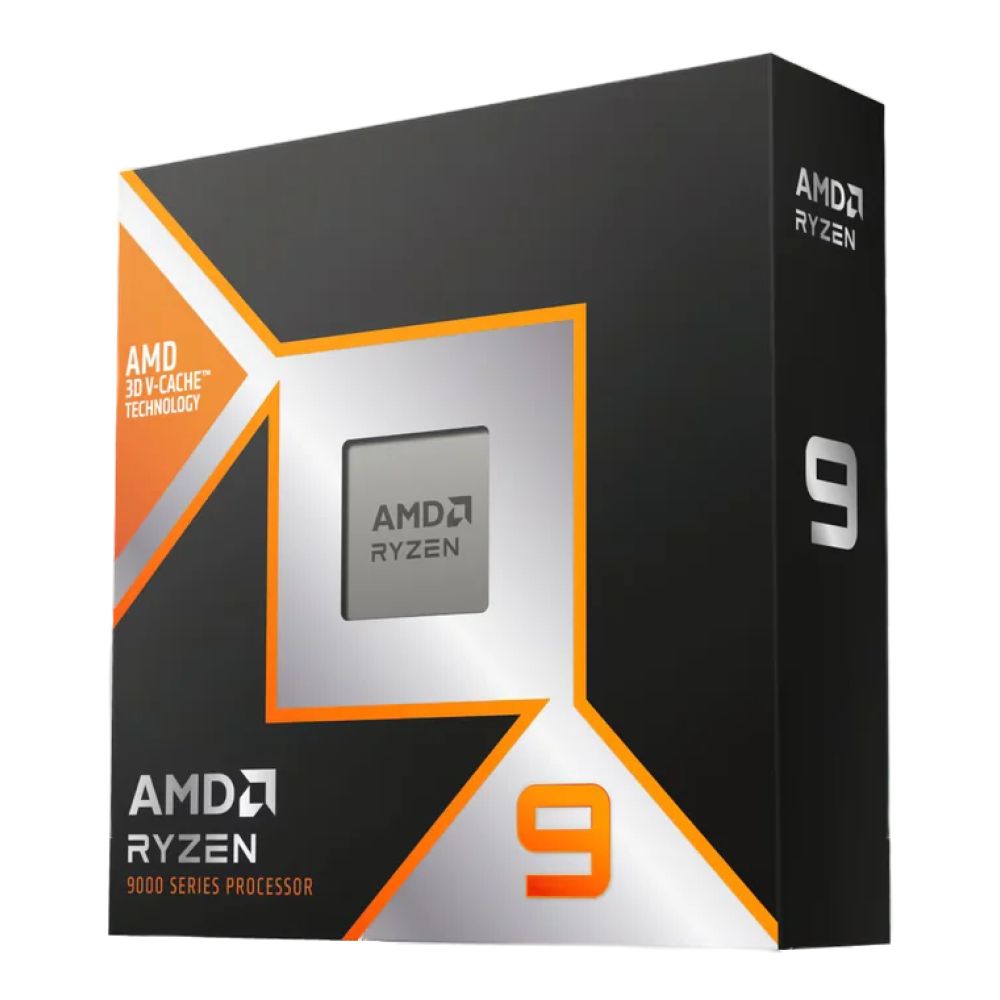
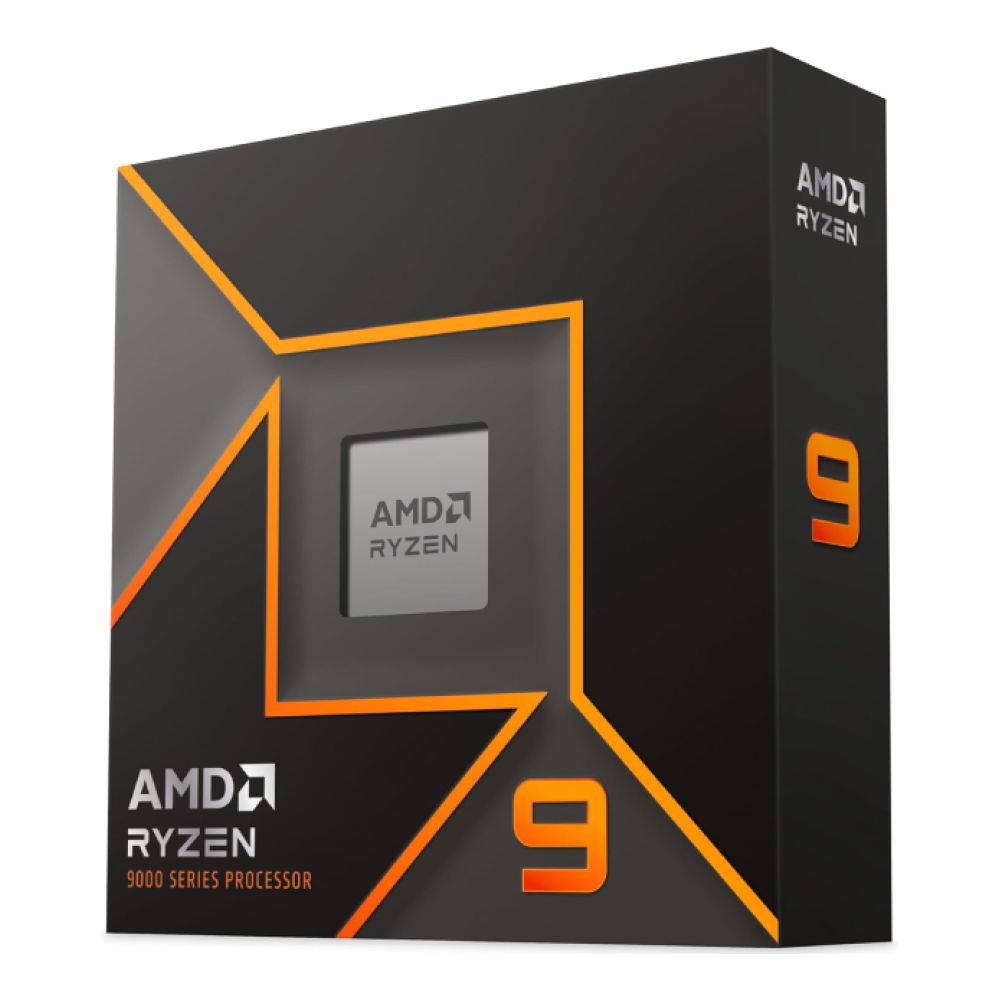
For a true no-compromise high-end gaming PC build, these are the kinds of CPUs that make the most sense.
-
Mid-Range Options for Value Builds
Not every RTX 5080 build needs a flagship processor. If your goal is a more balanced high-performance system, stepping down one CPU tier often makes more sense than overspending on the processor and underspending elsewhere.
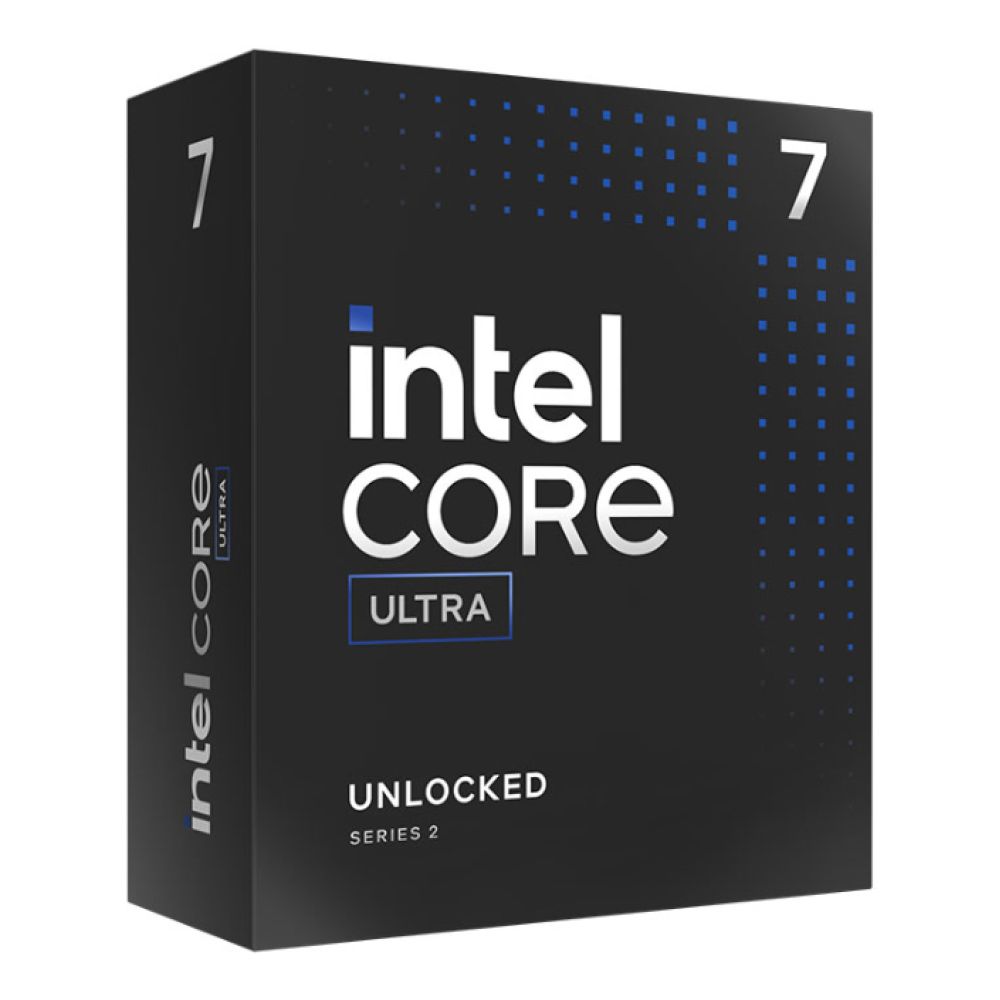
The Intel Core Ultra 7 265K is a strong example. It features 20 total cores, 5.5GHz max turbo, DDR5-6400 support, and the same 24 PCIe lanes structure as the bigger 285K. That makes it a very practical choice for buyers who want serious gaming performance and modern platform support without automatically moving to the most expensive Intel desktop CPU.
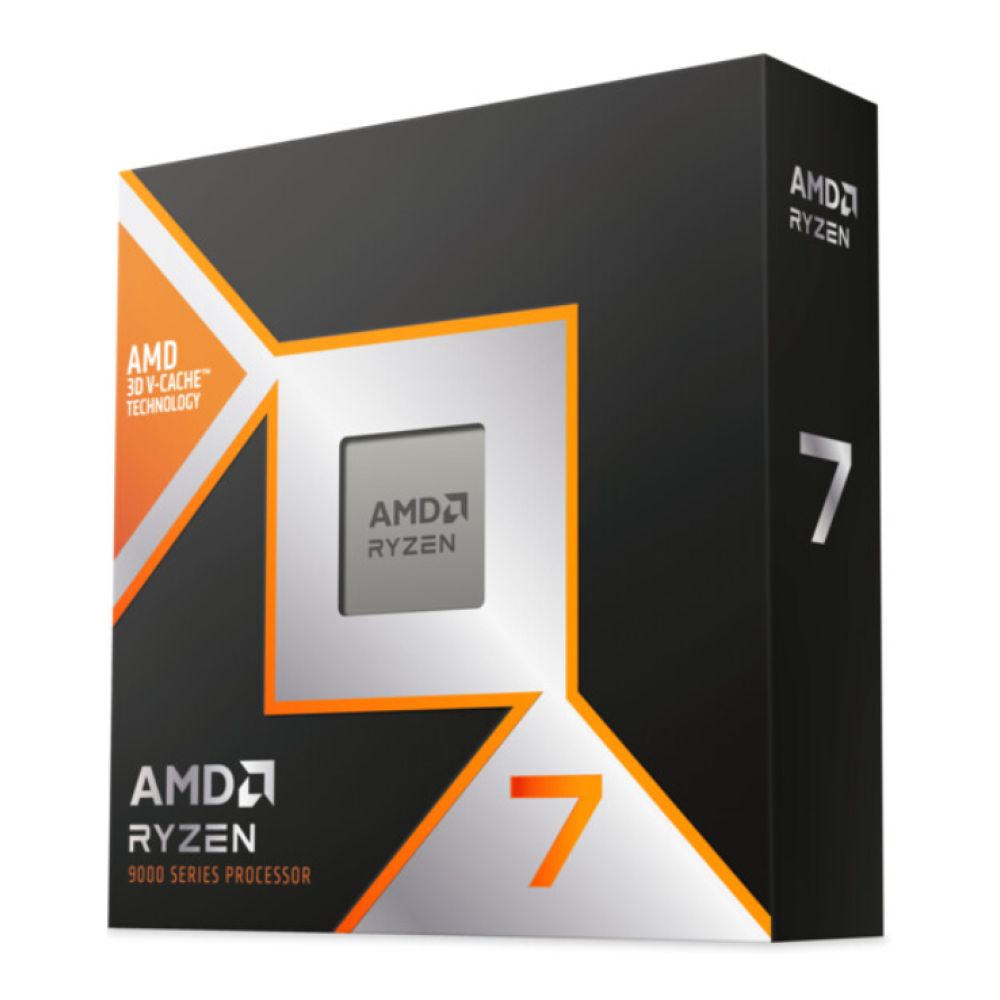
On the AMD side, the Ryzen 7 9800X3D is especially compelling for gaming-first builds. AMD positions it directly around gaming performance, with 8 cores / 16 threads, 2nd gen 3D V-Cache, and up to 5.2GHz boost on AM5. If your main priority is gaming rather than heavy production workloads, this is the kind of CPU that makes a lot of sense beside an RTX 5080. The Ryzen 9 9900X and Ryzen 9 9900X3D are also strong mid-to-upper choices if you want more core count without jumping all the way to the 9950 class.
Intel vs AMD for RTX 5080
There is no single universal winner here. The cleaner way to think about it is:
- Intel makes a lot of sense if you want high-end all-round desktop performance, strong core counts, and a new LGA1851 platform with DDR5-6400 support.
- AMD makes a lot of sense if gaming is your first priority, especially with X3D chips, or if you want to build on the mature AM5 platform with an upgrade path already established across multiple Ryzen 7000 and 9000 CPUs.
For a modern RTX 5080 PC build, both are valid. The better choice comes down to whether you are building more around gaming, mixed workloads, or platform preference.
How Much RAM Do You Need?
Memory plays a bigger role in an RTX 5080 PC build than many buyers expect. While the GPU does the heavy lifting in games, the amount and speed of your RAM still affect overall responsiveness, multitasking, load behaviour, and how comfortable the system feels in heavier modern workloads. The key is not just adding more memory for the sake of it, but choosing a DDR5 setup that makes sense for the kind of gaming, streaming, and productivity you want this PC to handle.
-
16GB vs 32GB vs 64GB
For an RTX 5080 system, 16GB is no longer the ideal target. It can still work for lighter gaming-focused builds, but it is too easy to outgrow if you want to stream, multitask, run heavier games, or keep the build comfortable for longer.
For most people, 32GB is the sweet spot. It gives you enough headroom for modern games, background apps, streaming tools, browser tabs, and general day-to-day use without overcomplicating the build.
64GB makes sense if the system will handle more than gaming, especially video work, large creative projects, heavier productivity tasks, or workstation-style multitasking. It is not essential for every RTX 5080 gaming build, but it is absolutely reasonable in a creator-focused or premium all-round machine.
-
DDR5 Speed and Performance
This is where the best RAM for RTX 5080 becomes less about capacity alone. Current Intel desktop chips like the Core Ultra 7 265K and Core Ultra 9 285K officially support DDR5-6400, while AMD's current Ryzen 9000 desktop chips list official JEDEC support up to DDR5-5600 in 2-DIMM configurations. Both platforms can, of course, run memory overclock profiles, but the official support still gives you a useful baseline.
In practical build terms:
- For Intel, faster DDR5 kits can make sense if you are chasing high-refresh gaming.
- For AMD, DDR5 kits around the common sweet-spot range still make excellent sense, especially if you want simple stability.
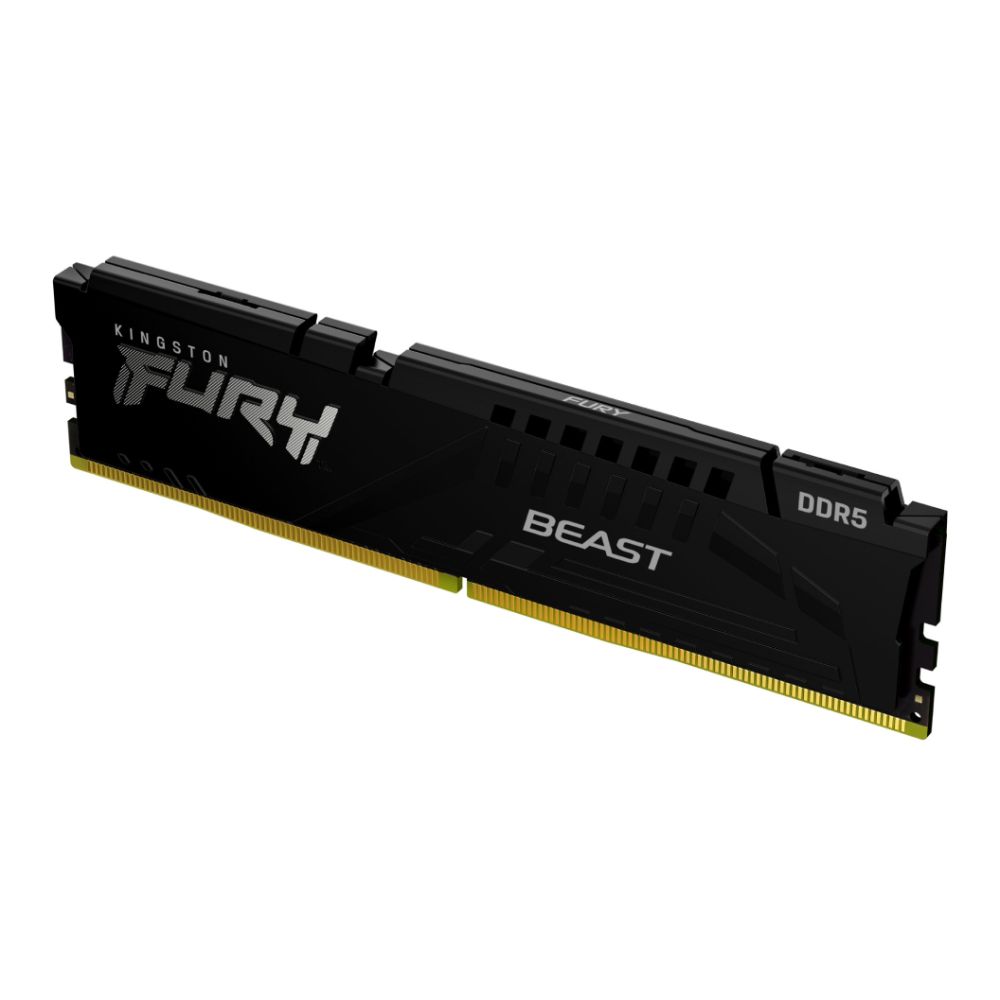
Shop Kingston FURY Beast 16GB DDR5
-
Multitasking and Future-Proofing
A premium GPU deserves RAM that does not feel like a compromise. That is why 32GB of high-speed DDR5 is the most sensible recommendation for most RTX 5080 builds in 2026. If the system is meant to be kept for several years, that extra memory headroom is often far more useful than chasing one slightly faster SSD tier or an extra couple of CPU cores you may never fully use.
Choosing the Right PSU for RTX 5080
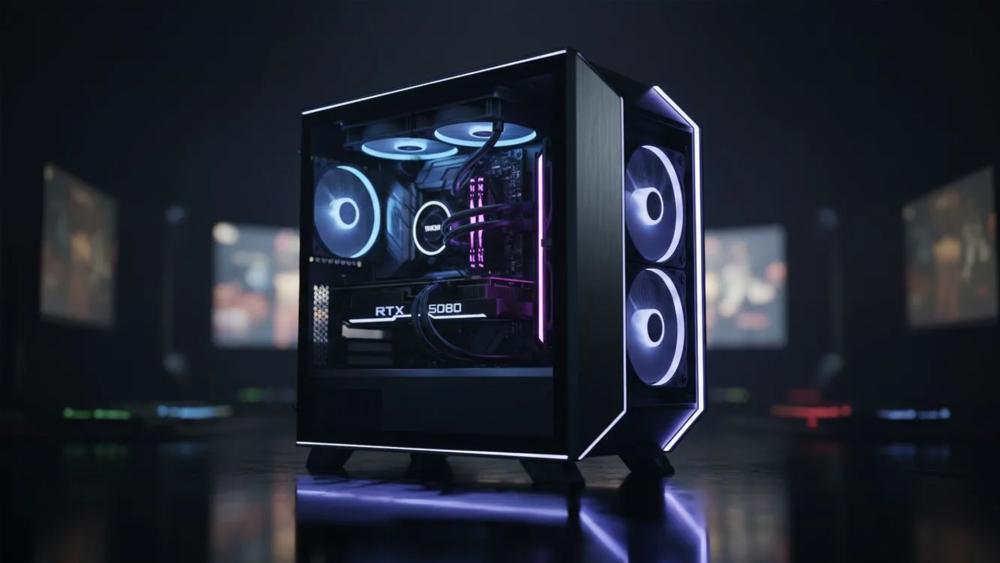
The power supply is one of the easiest parts of an RTX 5080 PC build to underestimate, but it has a direct impact on stability, upgrade flexibility, and long-term reliability. A card in this class needs more than just enough wattage on paper. It also needs a PSU that can handle modern power standards, deliver clean and consistent power under load, and support the rest of the system without becoming a weak point in the build.
-
Recommended Wattage
NVIDIA officially lists the RTX 5080 with a 360W total graphics power and recommends an 850W system power supply based on a build using the Ryzen 9 9950X. That gives you a clean baseline for a serious gaming or creator build when looking for PSUs for RTX 5080 builds.
For most users:
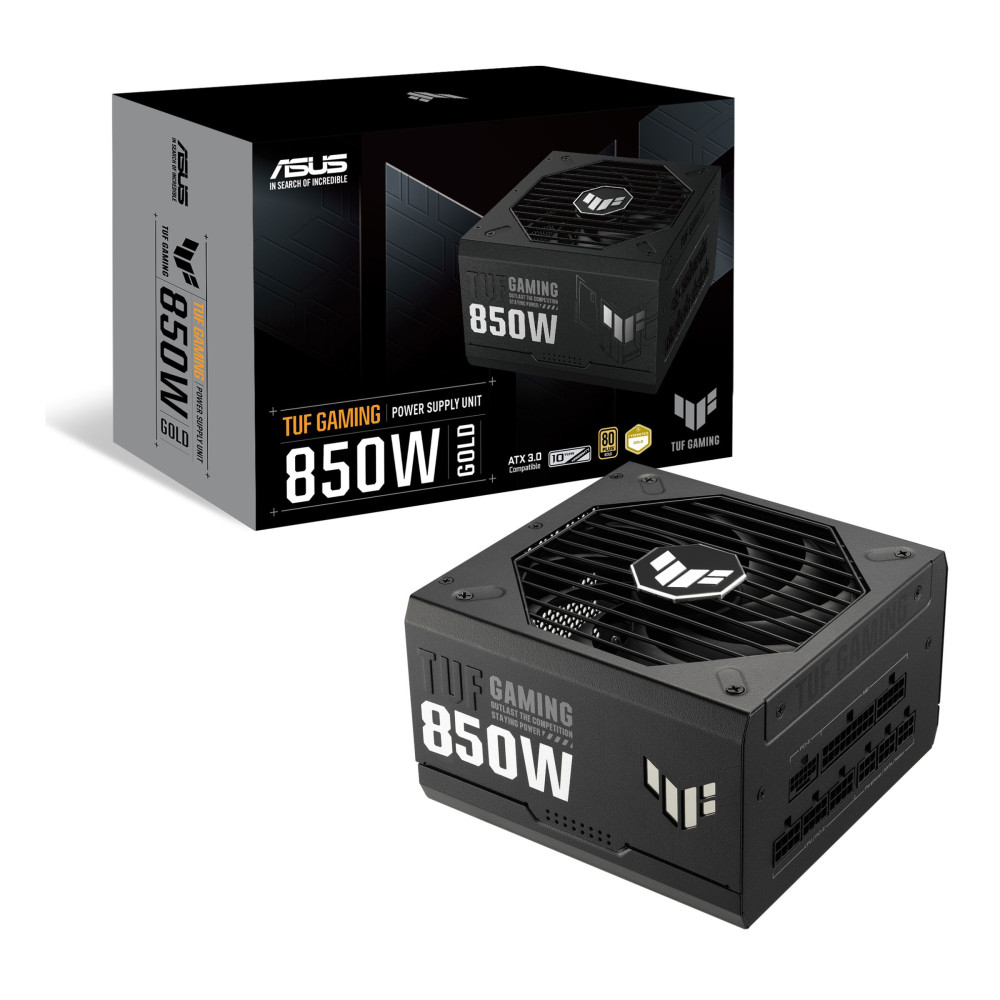
- 850W is the sensible minimum target for a clean RTX 5080 build
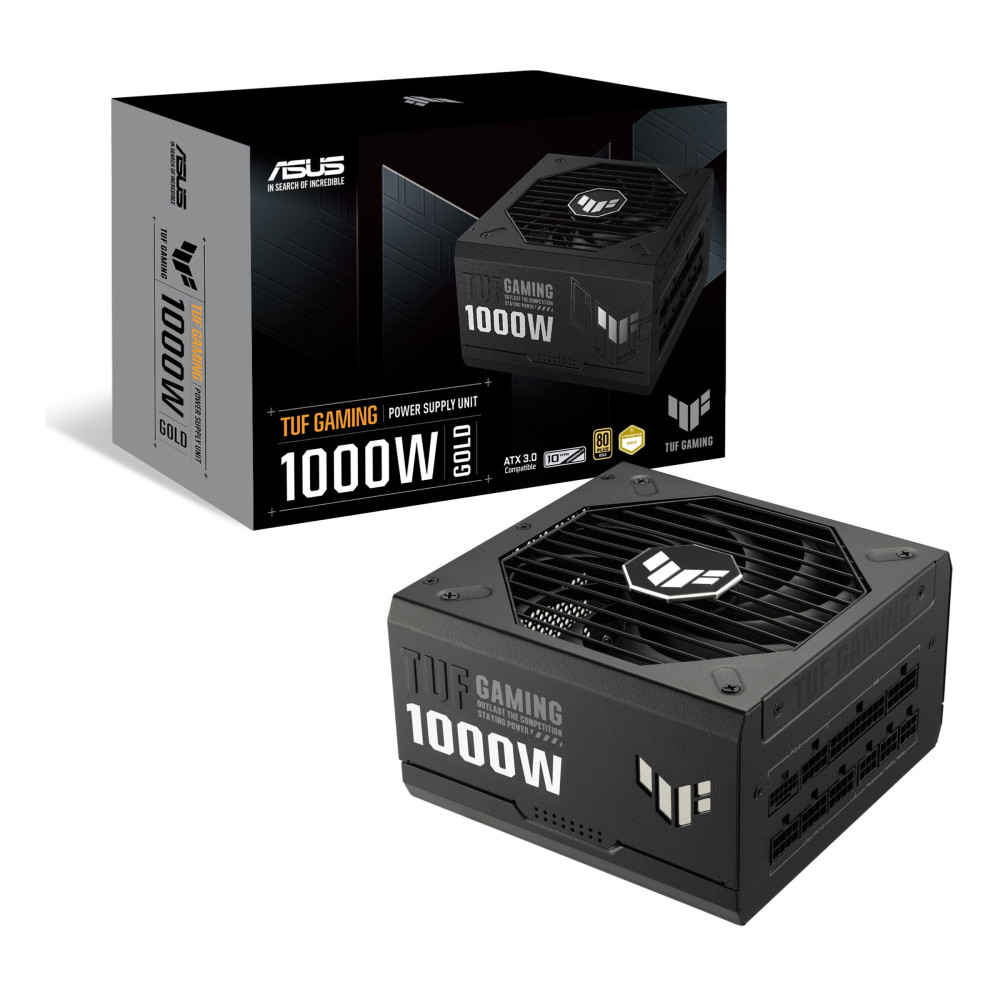
- 1000W can make sense if you are pairing it with a very high-end CPU, heavy overclocking, or a more expansion-heavy setup
- ATX 3.0 and Modern Standards
This matters more than it used to. NVIDIA's official power guidance for the RTX 5080 specifically references a 450W or greater PCIe Gen 5 cable or the supplied adapter. In real terms, that means buying an ATX 3.0 or ATX 3.1-ready PSU is the cleaner option if you are building fresh.
-
Reliable PSU Features to Prioritise
Keep this simple:
- 80 Plus Gold or better
- ATX 3.0 / ATX 3.1 support
- Proper PCIe Gen 5 cable support
- A strong warranty
- Enough overhead for the rest of the system
The key point is just that RTX 5080 PSU requirements are high enough that the PSU should be treated as a core component, not an afterthought.
Storage and Motherboard Considerations
Storage and motherboard choices help determine how responsive, upgrade-friendly, and well-balanced an RTX 5080 PC build feels over time. At this level, it makes sense to focus on fast NVMe storage and a motherboard that properly supports your CPU, DDR5 memory, and future expansion, rather than treating these parts as simple box-ticking exercises.
NVMe SSD vs SATA
For a build at this level, the system drive should be NVMe. SATA SSDs still have a place for secondary storage, but they should not be the main boot and game drive in a premium RTX 5080 build.
That is why high-speed SSDs for gaming matter here. Fast NVMe storage helps with system responsiveness, level loading, large installs, and the general feel of a high-end gaming PC.
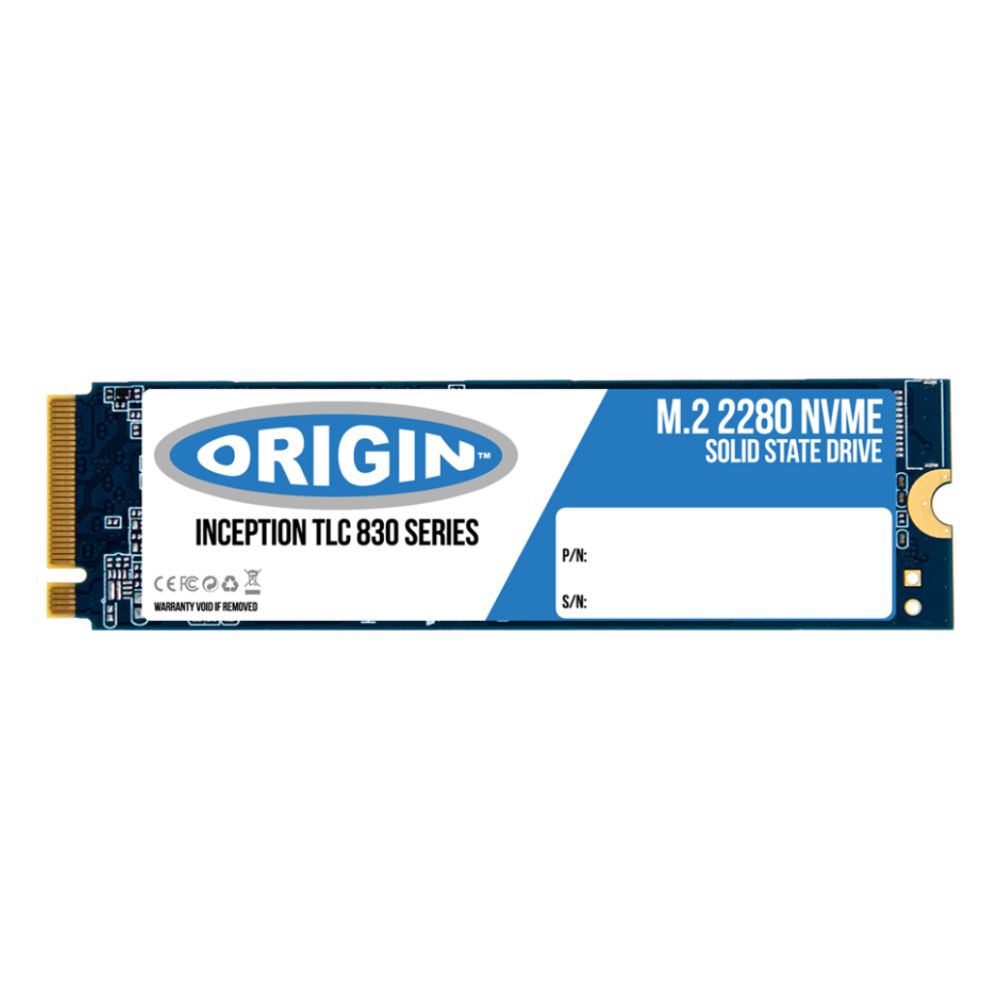
Shop Origin Storage Inception 2TB
PCIe Gen 4 vs Gen 5
PCIe Gen 4 NVMe drives are still perfectly strong for most gaming systems. Gen 5 is nice to have if you are building around the latest platform and want the cleanest possible top-end spec sheet, but it is not mandatory for gaming value.
For most buyers:
- Gen 4 NVMe is the practical sweet spot
- Gen 5 NVMe is more about peak-spec enthusiasm and long-term platform planning
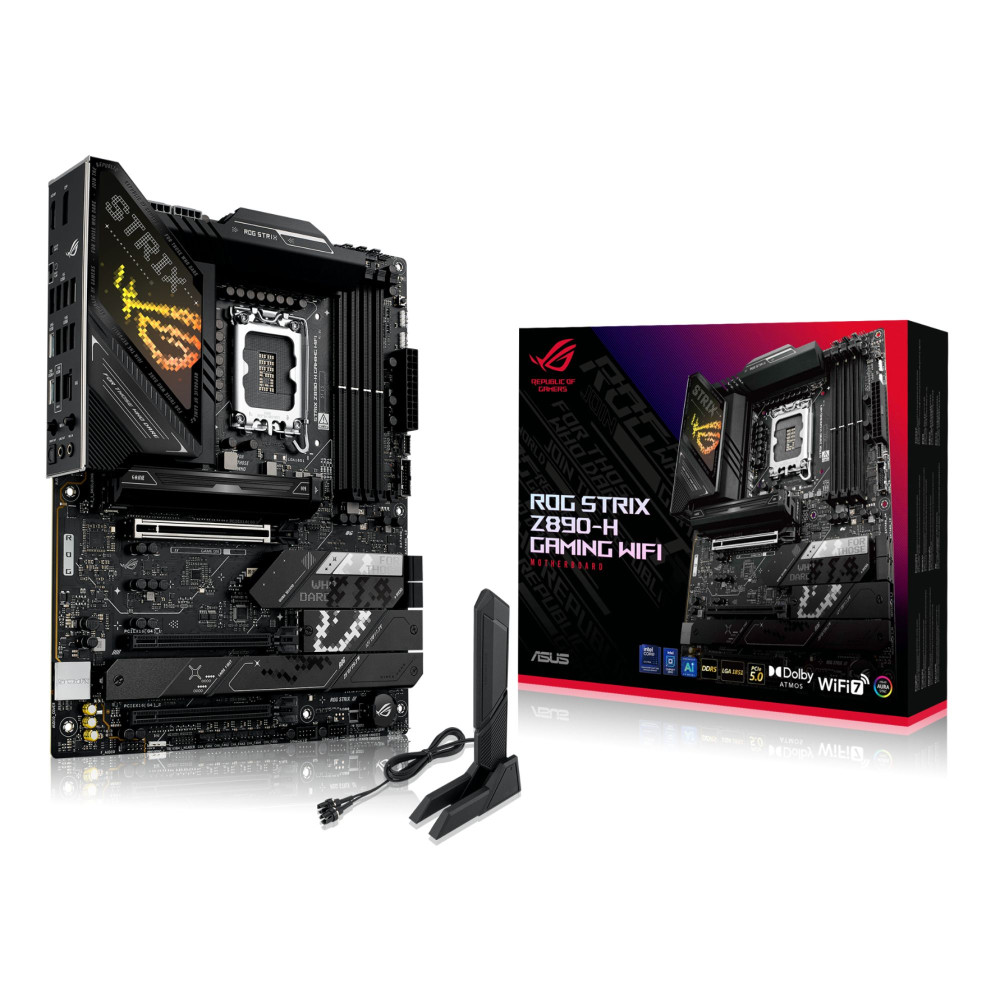
Motherboard Compatibility
Your motherboard choice needs to match the CPU platform first, then the rest of the build.
For Intel:
- LGA1851 board
- DDR5 support
- Enough M.2 slots
- PCIe 5.0 GPU support
For AMD:
- AM5 board
- DDR5 support
- Sensible VRM quality
- Enough M.2 expansion
- Good BIOS maturity
The motherboard does not need to be absurdly expensive, but it does need to support the rest of the build properly.

PC Case, Cooling and Airflow Setup
Case choice and cooling can make or break an RTX 5080 PC build, especially once you move into larger GPU designs and higher-end processors. A powerful graphics card needs enough physical room, strong airflow, and reliable cooling support around it, otherwise even great components can end up running hotter, louder, and less efficiently than they should.
-
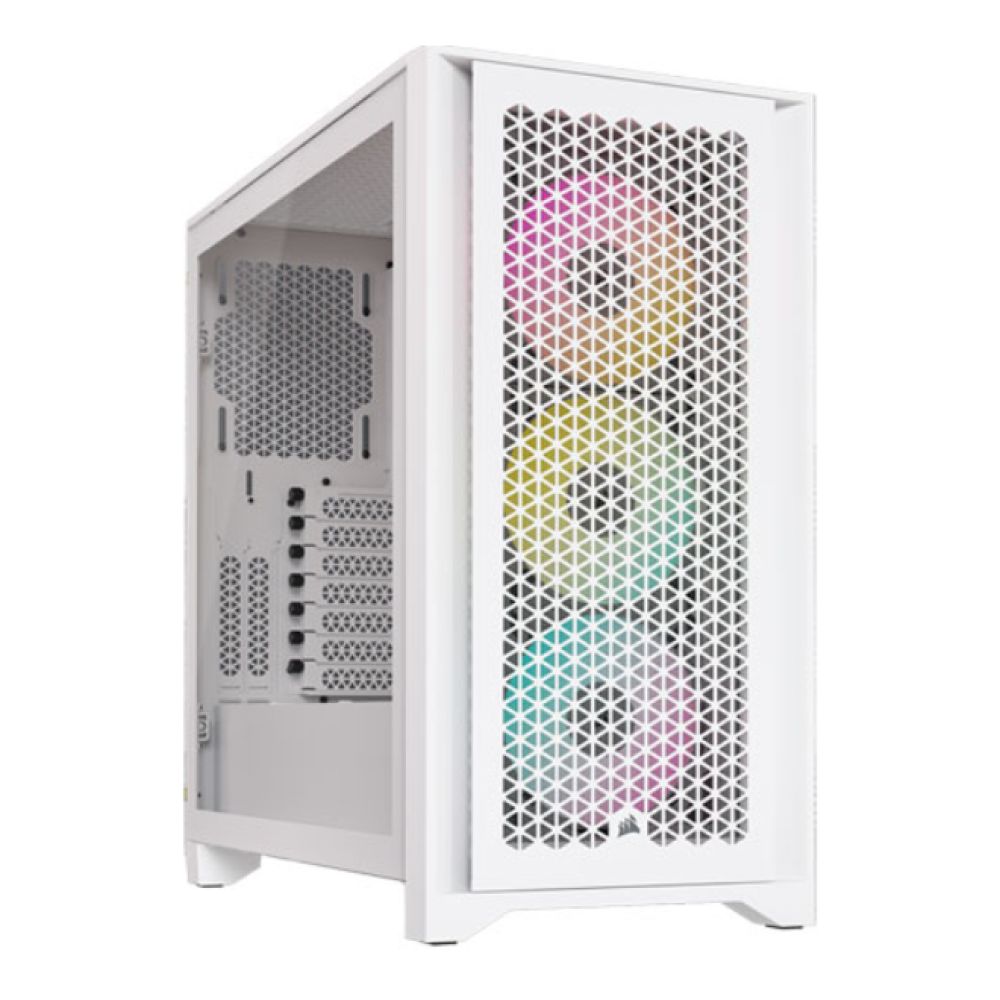
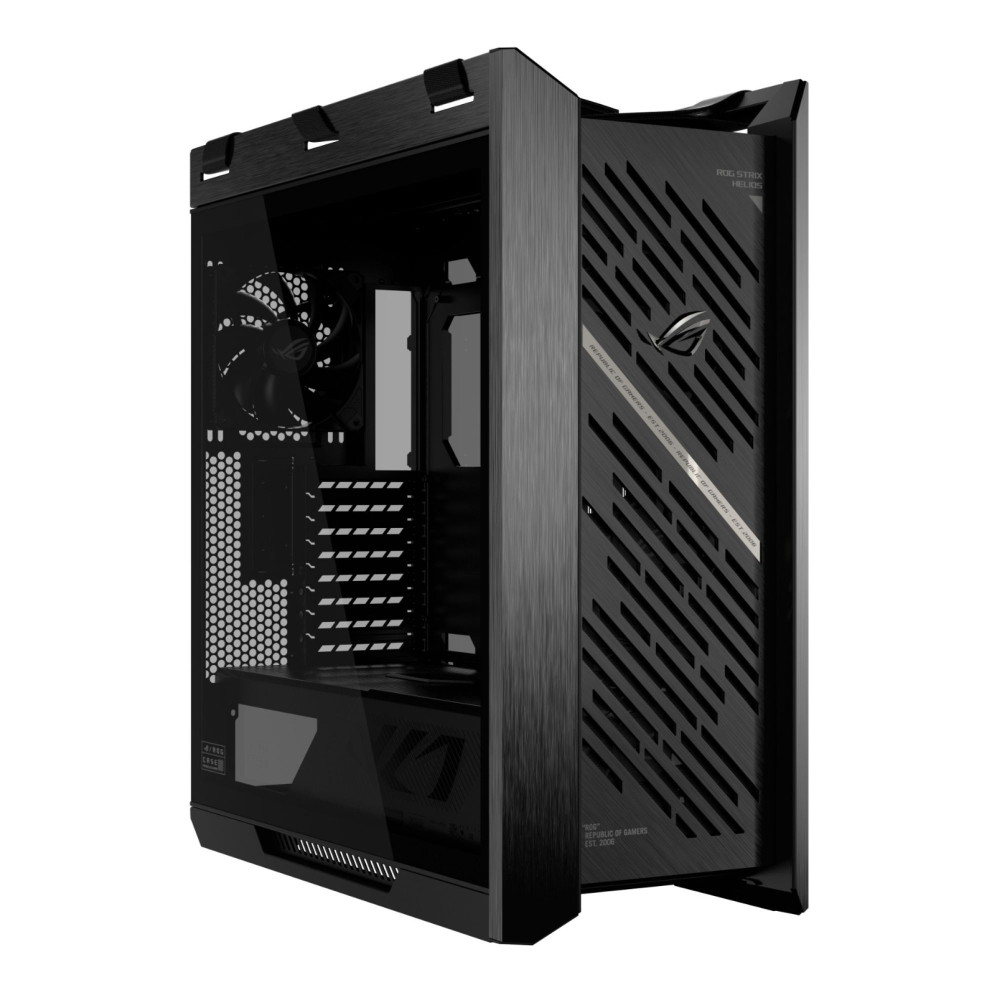
Case Size and GPU Clearance
The RTX 5080 is a high-end card, and many partner designs are physically large. That means your case choice cannot be random. Before buying, check:
- GPU length support
- Front radiator compatibility if relevant
- PSU shroud clearance
- Cable-routing room
This is where PC cases for gaming builds matter more than aesthetics alone.
-
Airflow vs Aesthetics
A good-looking case is fine. A hot, restrictive one is not. For an RTX 5080 system, airflow should win every time if there is a choice between the two. Mesh-front cases, sensible fan placement, and a clear intake/exhaust path make more difference than another layer of RGB.
-
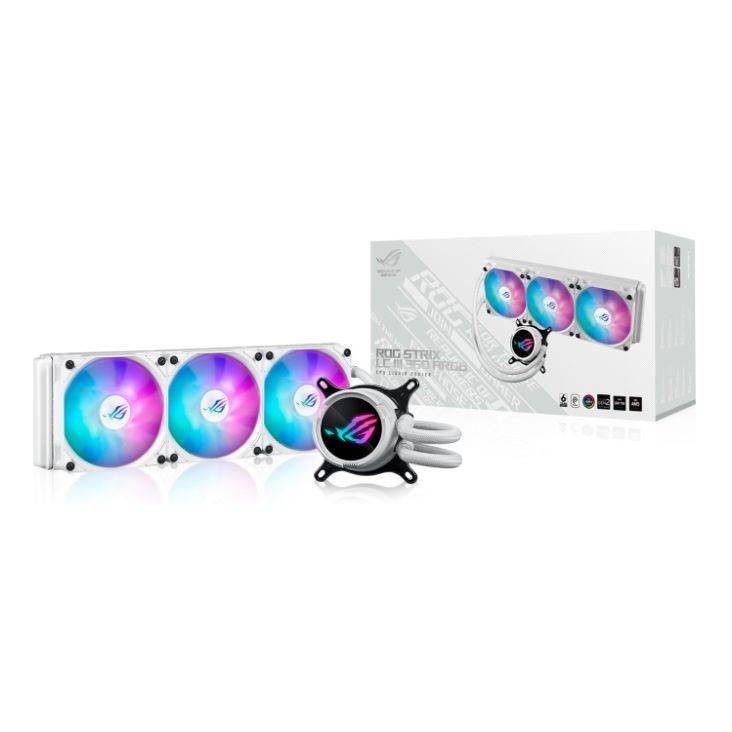
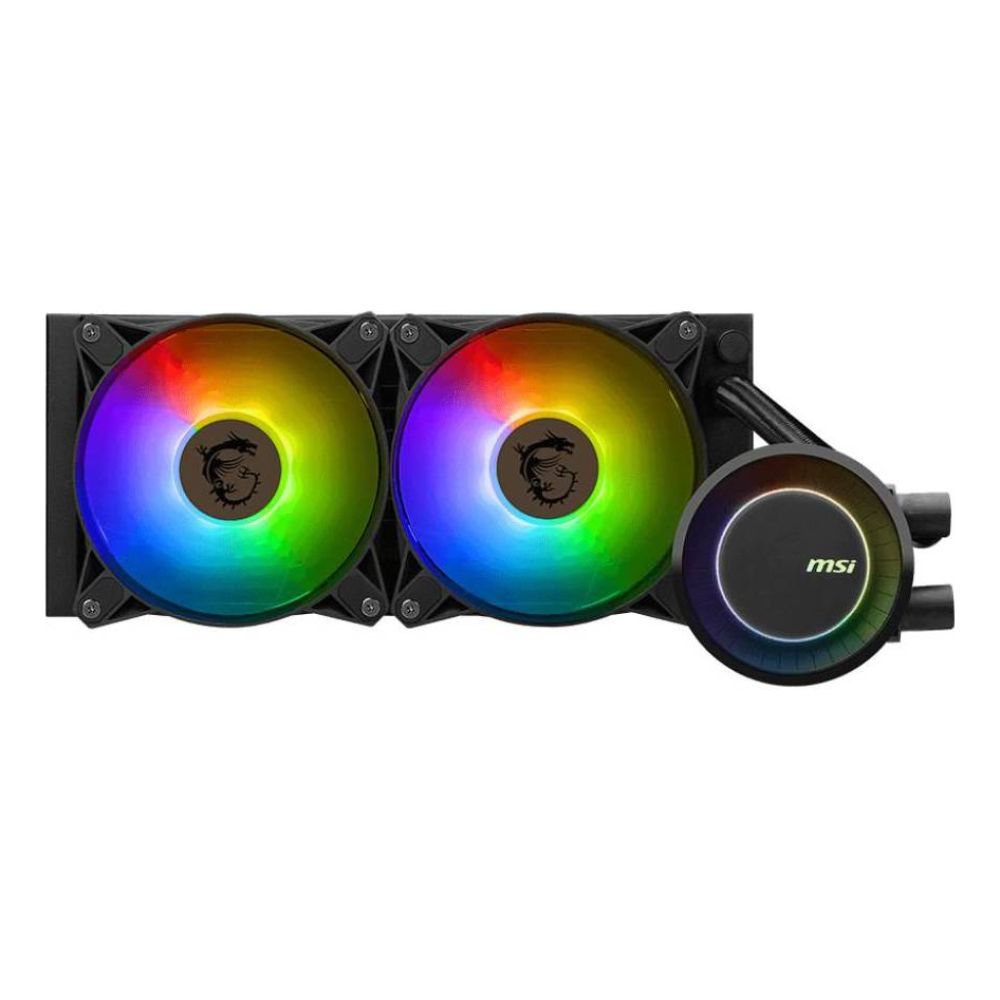
Cooling Solutions for High-End Builds
A stronger CPU beside an RTX 5080 also means stronger cooling matters.
For top-end CPUs like the Core Ultra 9 285K or Ryzen 9 9950X/9950X3D, good liquid cooling or a very strong air cooler is the safer route.
That makes CPU cooling solutions a real part of the build conversation, not just an optional extra.
Recommended RTX 5080 PC Builds
To make it easier for you to build an RTX 5080 PC, here are some configurations you can go with:
High-End Build
This is the no-compromise route.
- GPU: RTX 5080
- CPU: Ryzen 9 9950X3D or Core Ultra 9 285K
- RAM: 64GB DDR5
- Storage: 2TB PCIe Gen 4 or Gen 5 NVMe SSD
- PSU: 1000W ATX 3.0 / 3.1
- Cooling: 360mm AIO or top-tier air cooler
- Use case: 4K gaming, streaming, creator workloads, long-term premium use
Balanced Build
This is the strongest recommendation for most buyers.
- GPU: RTX 5080
- CPU: Ryzen 7 9800X3D or Core Ultra 7 265K
- RAM: 32GB DDR5
- Storage: 2TB PCIe Gen 4 NVMe SSD
- PSU: 850W ATX 3.0 / 3.1
- Cooling: Strong dual-tower air cooler or 240/280mm AIO
- Use Case: High-refresh 1440p, 4K gaming, mixed work and play
Performance-Focused Build
This is the "smart spend" version.
- GPU: RTX 5080
- CPU: Ryzen 9 9900X or Ryzen 9 9900X3D
- RAM: 32GB DDR5
- Storage: 1TB or 2TB PCIe Gen 4 NVMe SSD
- PSU: 850W ATX 3.0 / 3.1
- Cooling: Quality air cooler or mid-range AIO
- Use case: Strong gaming-first build with enough productivity headroom
If you would rather skip DIY entirely, browsing Prebuilt gaming PCs can make just as much sense, especially if you want a clean PC build with RTX 5080 without worrying about assembly and BIOS setup yourself.
Wrapping Up
The best RTX 5080 PC build is not the one with the longest spec list. It is the one that stays balanced around the GPU. That means pairing the card with a CPU that makes sense for your resolution and workload, using 32GB or more of DDR5, choosing a proper ATX 3.0 or ATX 3.1 PSU, installing fast NVMe storage, and making sure your case and cooling are actually ready for a card in this class.
For most people, the smartest build is not the most extreme one. A balanced RTX 5080 system with a strong upper-mid or enthusiast CPU, 32GB DDR5, a good 850W PSU, and a proper airflow case will usually do more for your real-world experience than overspending on one part and skimping on everything else.
So, the simple answer is this: if you want to build around the RTX 5080 properly in 2026, start with balance first. That is what turns a fast GPU into a genuinely great gaming and productivity PC. Check out our guide on the top RTX 5080 models so you can choose the right one for your build. Make sure to also get crisp display monitors for the best experience.
FAQs
-
What do I need to run a RTX 5080?
At minimum, you need a modern desktop platform, enough physical case clearance, fast DDR5 memory, NVMe storage, and a suitable PSU. NVIDIA officially recommends an 850W system power supply for the RTX 5080.
-
How much RAM do I need for an RTX 5080?
For most builds, 32GB DDR5 is the best target. It gives the system enough room for modern gaming, multitasking, and general longevity. 64GB makes sense for heavier creator or workstation-style use.
-
What CPU goes with RTX 5080?
Strong pairings include CPUs such as the Ryzen 7 9800X3D, Ryzen 9 9900X, Ryzen 9 9950X, Ryzen 9 9950X3D, Core Ultra 7 265K, and Core Ultra 9 285K, depending on whether you prioritise gaming, mixed workloads, or maximum overall performance.
-
What PSU is required for RTX 5080?
NVIDIA lists 850W as the recommended system power for an RTX 5080 build and supports either the included adapter or a proper PCIe Gen 5 power cable from a modern PSU.
-
Will 14900K bottleneck 5080?
In most gaming scenarios, a Core i9-class CPU will not be the limiting factor for an RTX 5080. The bigger point is that an RTX 5080 deserves a modern, high-performance CPU tier rather than a mid-range chip that could hold it back in high-refresh gaming.
-
Do I need a new motherboard for RTX 5080?
Not necessarily. The RTX 5080 uses a standard PCIe x16 slot, so the real question is whether your current board matches your CPU, supports the rest of your build properly, and fits the overall upgrade path you want.
-
Can I build a future-proof PC with RTX 5080?
You can build a more future-ready PC with an RTX 5080 if you pair it with a strong CPU, 32GB or more of DDR5, fast NVMe storage, and a modern PSU. No PC is completely future-proof, but a well-balanced RTX 5080 system should stay highly capable for years.
You can pay with:
*PayPal Credit Representative Example: Assumed credit limit £1,200, Representative 23.9% APR (variable). Purchase rate 23.9% p.a (variable).Terms & Conditions apply.


PayPal Credit and PayPal Pay in 3 are trading names of PayPal UK Ltd, 5 Fleet Place, London, United Kingdom, EC4M 7RD. Terms and conditions apply. Credit subject to status, UK residents only, Five Tech LTD acts as a broker and offers finance from a restricted range of finance providers. PayPal Pay in 3 is not regulated by the Financial Conduct Authority. Pay in 3 eligibility is subject to status and approval. 18+. UK residents only. Pay in 3 is a form of credit. Check if affordable and how you will repay. May make other borrowing more difficult or expensive. See product terms for more details.
Copyright © 1996-2026 Fivetech LTD | Terms and Conditions
box.co.uk & Box are trading names of Five Tech Limited. Registered office: Box LTD, Unit 10 Woodford Trading Estate, Woodford Green IG8 8HF