


 Menu
MenuMenu


Get Sales Advice from Mon - Fri 9am - 5:00pm:
020 3337 8950LAST UPDATED: May 22, 2026
RTX 2050 Laptop Specs Deep Dive: Performance, TGP, DLSS & Real-World Impact
When looking for a budget-friendly gaming or everyday laptop, you may come across models powered by the NVIDIA RTX 2050. On paper, it offers features like ray tracing, DLSS and dedicated GPU performance, but what do these specs mean in real-world use?
The truth is, RTX 2050 laptop specs can look impressive at first glance, but understanding how they translate into performance is key. Whether you're gaming, working or multitasking, it’s not just about numbers; it’s about how those specs impact your experience.
In this guide, we’ll break down everything you need to know in simple terms, so you can decide if an RTX 2050 laptop is right for you.
RTX 2050 Laptop Specs Overview
Understanding RTX 2050 laptop specs starts with knowing where this GPU fits in the bigger picture. On paper, the numbers may seem straightforward, but what really matters is how those specs translate into everyday performance; whether you’re gaming, studying or working.
Where RTX 2050 Fits in the GPU Lineup
The RTX 2050 sits at the entry-level end of NVIDIA’s laptop GPU lineup, acting as a bridge between older GTX GPUs like the GTX 1650 and newer RTX options like the RTX 3050.
This positioning is important because it explains exactly what the RTX 2050 is designed for. It’s not built to compete with modern mid-range GPUs, but rather to offer:
- A noticeable upgrade over older GTX-based laptops
- Access to newer technologies like DLSS support and ray tracing
- A more affordable entry point into RTX-powered laptops
In simple terms, it fills the gap between older budget GPUs and newer, more powerful options; making it a practical choice for users who want modern features without a high price tag.
Key Specifications at a Glance
At a glance, the RTX 2050 laptop specs are designed to balance performance and efficiency rather than push maximum power.
Typical specifications include:
- Around 2048 CUDA cores, which handle processing tasks
- 4GB GDDR6 memory, offering faster data handling than older memory types
- A 64-bit memory bus, which limits overall bandwidth
- 30–45W TGP, keeping power consumption low
- Support for DLSS and ray tracing, bringing modern GPU features
On paper, these specs may look modest compared to newer GPUs. However, they are intentionally designed for entry-level performance, focusing on efficiency, portability, and everyday usability.
Why Specs Alone Don’t Tell the Full Story
While these specifications give you a starting point, they don’t fully explain how an RTX 2050 laptop will perform in real use.
Laptop performance is influenced by several additional factors, including:
- TGP (Total Graphics Power), which controls how much performance the GPU can deliver
- Cooling design, which affects how long the GPU can sustain performance without slowing down
- CPU pairing and RAM, which determine how well the system works as a whole
This is why two laptops with the same RTX 2050 can feel very different. One might deliver smooth and stable performance, while another may struggle under load simply because of differences in design and configuration.
What RTX 2050 Specs Mean for Real-World Performance
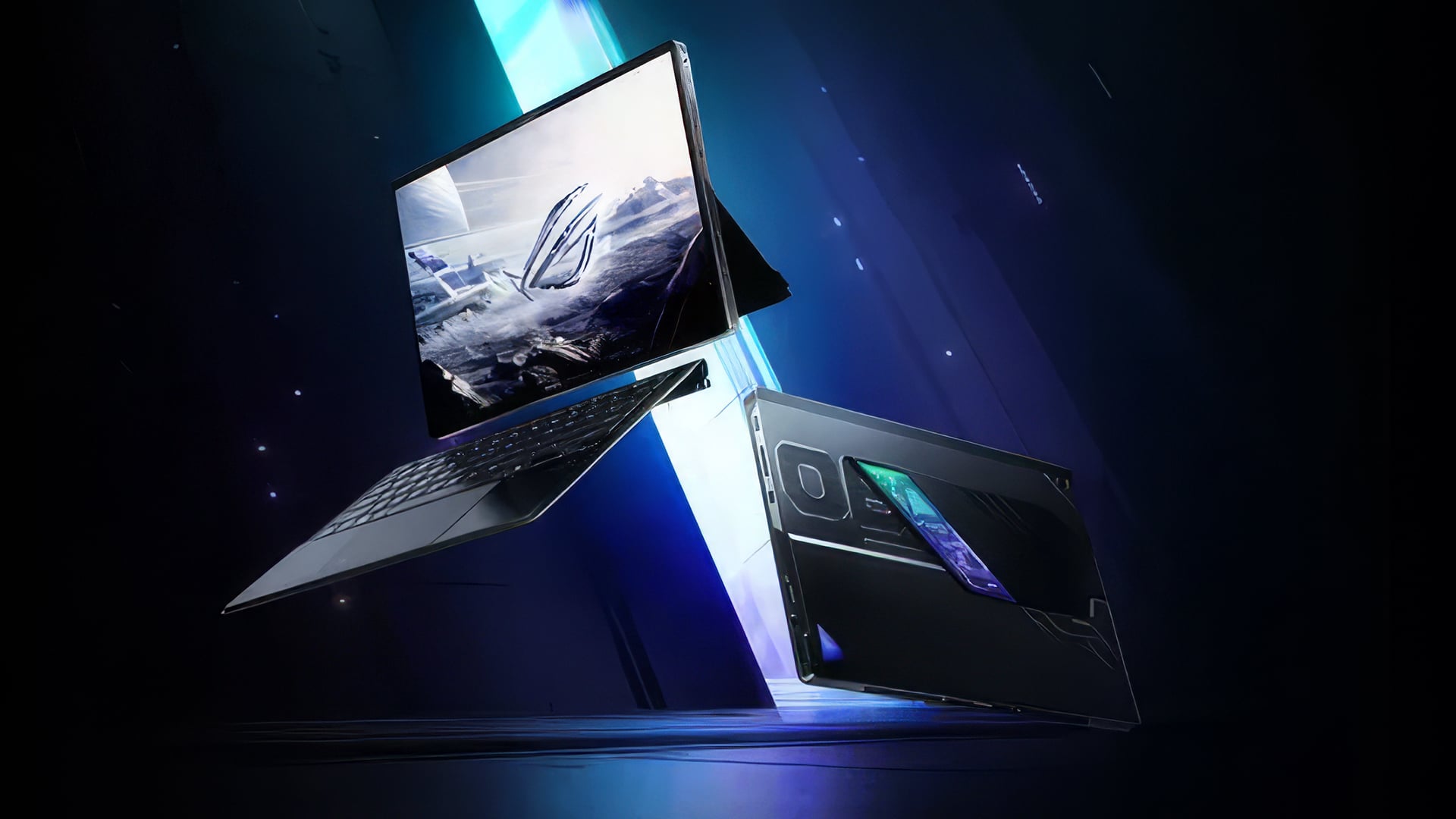
To truly understand the value of the RTX 2050, it’s important to go beyond the specs and look at how they translate into actual performance.
CUDA Cores and Processing Power
With 2048 CUDA cores, the RTX 2050 has a relatively high core count for its class. This gives it enough raw processing power to handle:
- 1080p gaming with adjusted settings
- Everyday GPU tasks
- Light creative workloads
For an entry-level GPU, this is a strong starting point and explains why it performs noticeably better than older GTX options.
Memory Bandwidth: The Biggest Limitation
One of the most important and often overlooked specs is the 64-bit memory bus.
This significantly limits memory bandwidth (around 112 GB/s), which affects how quickly data can be transferred within the GPU.
In real-world use, this means:
- Struggles with high-resolution textures
- Lower performance in memory-heavy AAA games
- Reduced efficiency compared to GPUs with a 128-bit bus (like RTX 3050)
This is the RTX 2050’s biggest limitation and a key reason why it performs best at lower settings.
VRAM Capacity and Its Impact
The RTX 2050 comes with 4GB of GDDR6 VRAM, which is sufficient for:
- Entry-level 1080p gaming
- Medium settings in most games
However, modern games are increasingly demanding more than 4GB of VRAM. This can lead to:
- Lower texture quality
- Performance drops in newer titles
- Occasional stuttering in demanding scenarios
Power Efficiency vs Performance (TGP)
With a 30–45W TGP, the RTX 2050 is designed to be highly power-efficient.
This has clear benefits:
- Ideal for thin and lightweight laptops
- Better battery efficiency
- Lower heat output
However, this also limits maximum performance. Compared to higher-wattage GPUs, the RTX 2050 cannot sustain the same level of performance in demanding tasks.
DLSS: The Feature That Makes a Difference
One of the most important features of the RTX 2050 is DLSS (Deep Learning Super Sampling).
This is what truly separates it from older GPUs like the GTX 1650.
DLSS allows the GPU to:
- Boost frame rates using AI upscaling
- Make demanding games more playable
- Extend the overall lifespan of the GPU
In many cases, DLSS is what makes the RTX 2050 viable for modern gaming at all. Without it, performance would be significantly more limited.
What RTX 2050 Specs Mean for Gaming
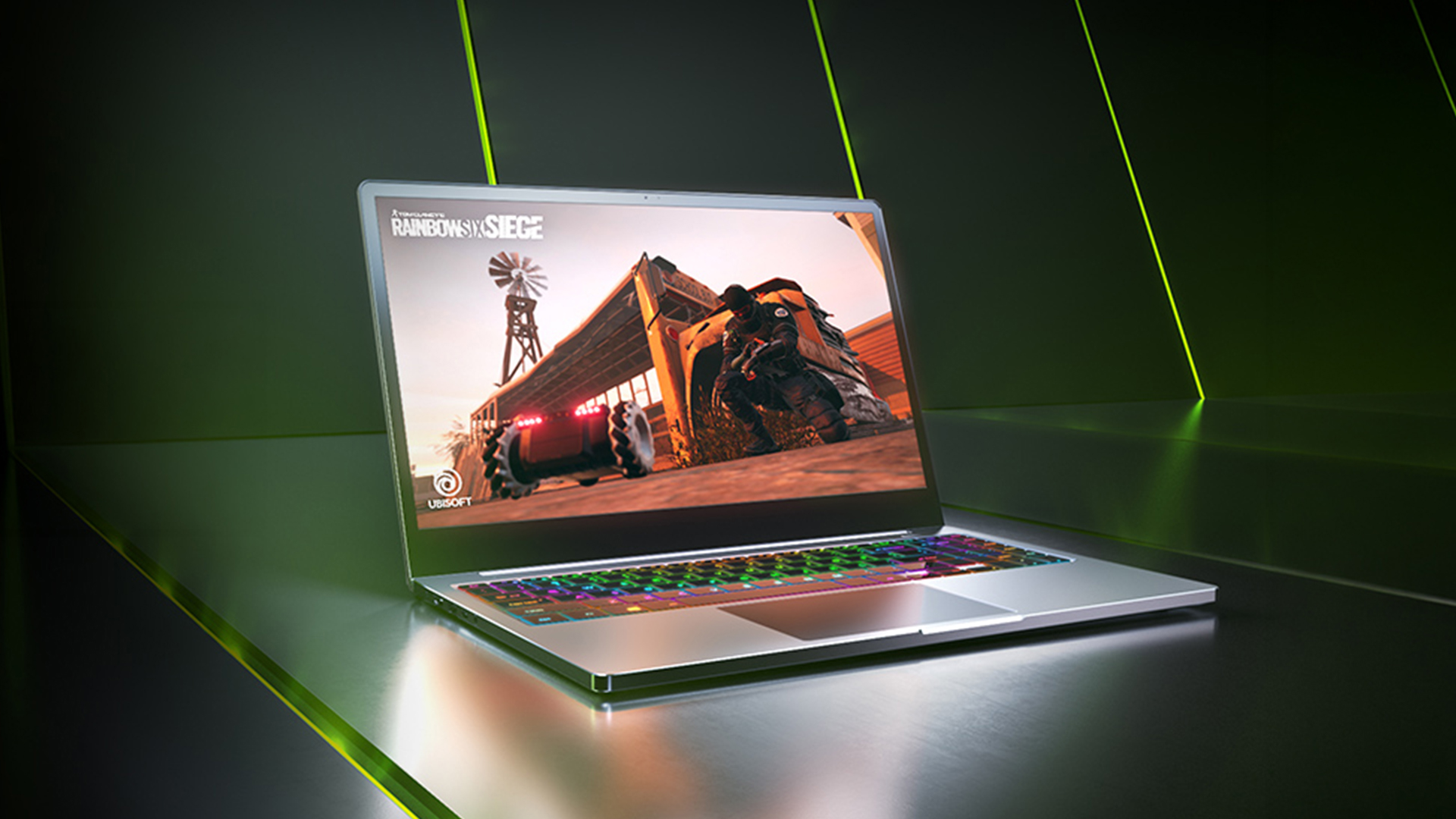
Looking at RTX 2050 laptop specs can give you a rough idea of performance, but what really matters is how those specs translate into actual gameplay. Whether you're playing competitive esports titles or exploring modern AAA games, the experience can vary significantly depending on how you use the GPU.
1080p Gaming Expectations
The RTX 2050 is best suited for 1080p gaming, which is where it performs most comfortably.
In real-world use, this means you can expect:
- Smooth and responsive gameplay in less demanding titles
- A consistent experience in older or well-optimised games
- Playable performance in newer games when settings are adjusted
It’s important to understand that the RTX 2050 is not designed for ultra settings or high-resolution gaming. Instead, it delivers a balanced 1080p experience, especially when paired with features like DLSS.
Esports vs AAA Titles
The type of games you play has a big impact on how the RTX 2050 performs.
For esports titles such as Valorant, CS2 or Fortnite, the GPU performs well. These games are typically optimised to run on a wide range of hardware, allowing the RTX 2050 to deliver:
- High frame rates
- Smooth and responsive gameplay
- A competitive gaming experience
However, when it comes to modern AAA titles, the expectations need to be more realistic.
These games are more demanding, so:
- Medium settings are usually the best choice
- Higher settings may reduce performance
- DLSS can help improve frame rates where supported
This doesn’t mean the RTX 2050 can’t run modern games; it simply means you’ll need to find the right balance between visuals and performance.
Real Performance vs Paper Specs
While the specifications of the RTX 2050 may look solid on paper, real-world performance depends on several factors beyond just the GPU itself.
Game optimisation, laptop cooling and power limits (TGP), and CPU and RAM configuration all play a role in how well your system performs.
This is why two RTX 2050 laptops can deliver very different gaming experiences, even if they share the same GPU.
What RTX 2050 Specs Mean for Everyday Use
While the RTX 2050 is often discussed in terms of gaming, its value goes beyond that. For many users, especially students and professionals, everyday performance matters just as much; if not more than gaming capability.
Understanding how RTX 2050 laptop specs translate into daily use can help you decide whether it’s the right fit for your needs.
Multitasking and Productivity
One of the key benefits of having a dedicated GPU like the RTX 2050 is improved multitasking performance compared to laptops that rely only on integrated graphics.
In real-world use, this means:
- Smoother performance when running multiple applications at once
- Better handling of browser tabs, office tools and background tasks
- Less slowdown when switching between programs
For users who regularly juggle work, study, and entertainment, this creates a more responsive and efficient experience.
Creative and GPU-Accelerated Work
The RTX 2050 also supports GPU-accelerated applications, which can make a noticeable difference in creative tasks.
While it’s not designed for heavy professional workloads, it can comfortably handle:
- Photo editing in tools like Photoshop or Lightroom
- Basic video editing, including timeline playback and light rendering
- Entry-level design and content creation tasks
This makes it a good option for users who want to explore creative work without investing in high-end hardware.
Balanced Usage Scenarios
Where the RTX 2050 really stands out is in balanced, everyday use. It’s not focused on one specific task instead, it offers versatility.
It works well for users who need:
- A mix of work, study and light gaming
- Reliable performance for everyday tasks
- A laptop that can handle multiple roles without slowing down
For students, remote workers, and casual users, this balance can be more valuable than raw power.
Why RTX 2050 Laptop Performance Differs
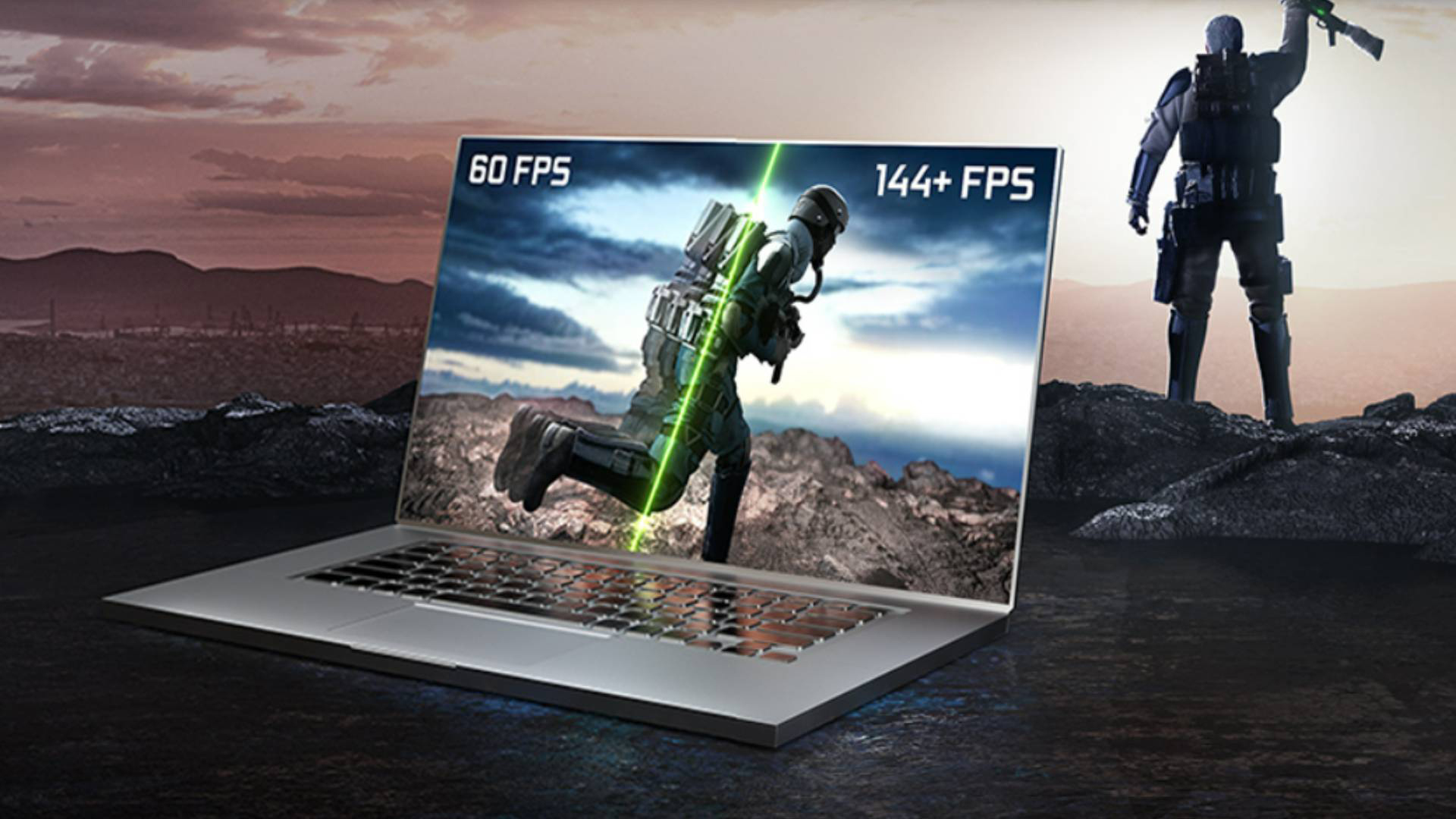
One of the most important things to understand is that not all RTX 2050 laptops perform the same. Even though they share the same GPU, real-world performance can vary significantly depending on how the laptop is built.
CPU Pairing and Bottlenecks
The CPU (processor) plays a major role in overall system performance. If the CPU is not powerful enough, it can limit what the GPU is able to do.
This is known as a bottleneck, and it can result in:
- Lower frame rates in games
- Slower performance in demanding applications
- Reduced overall system responsiveness
A well-balanced CPU and GPU combination is essential for getting the best performance.
RAM and Storage Impact
Memory and storage also have a direct impact on how smoothly your laptop runs.
- More RAM (ideally 16GB) allows for better multitasking and smoother performance
- A fast SSD improves load times, file access and overall responsiveness
Even with the same GPU, a laptop with better RAM and storage will feel significantly faster in everyday use.
Laptop Design and Cooling
Cooling is often overlooked, but it plays a critical role in performance.
A well-designed laptop with effective cooling can:
- Maintain higher performance for longer periods
- Prevent overheating and thermal throttling
- Deliver a more consistent user experience
On the other hand, a poorly cooled system may reduce performance under load, even if it has the same RTX 2050 GPU.
Conclusion
The RTX 2050 remains a practical entry-level GPU in 2026, especially for users looking at budget RTX 2050 laptops or affordable RTX laptops that balance cost and performance. It may not be built for high-end gaming, but it still delivers reliable results for everyday tasks, light gaming and entry-level creative work.
When you look beyond the raw specs, the real value of the RTX 2050 comes from how it performs in real-world scenarios. It can handle a wide range of RTX 2050 laptop supported games, particularly at 1080p with optimised settings, and benefits significantly from features like DLSS to improve performance.
For students, casual gamers and users exploring the latest gaming laptops on a budget, the RTX 2050 offers a solid starting point. It provides access to modern GPU features without the higher cost of newer, more powerful hardware.
However, the key to getting the best experience is choosing the right overall system. A well-balanced laptop with good cooling, sufficient RAM and a capable CPU will make a noticeable difference in performance and usability.
If you’re considering a purchase, it’s also worth exploring accessories for laptop setups such as cooling pads, external monitors or peripherals; to further enhance your experience and get the most out of your device.
Ultimately, based on any realistic RTX 2050 laptop review 2026, this GPU is best suited for users who prioritise affordability and balanced performance over cutting-edge power. It’s not future-proof, but it remains a cost-effective and capable option for the right type of user.
FAQs
Is the RTX 2050 good for a gaming laptop?
Yes, for light gaming and esports titles.
Does RTX 2050 support DLSS and ray tracing?
Yes, but performance varies.
How many CUDA cores does RTX 2050 have?
Around 2048 CUDA cores.
What is RTX 2050 TGP in laptops?
It varies by model and affects performance.
What are RTX 2050 laptop specs?
Entry-level GPU specs including CUDA cores, GDDR6 memory and DLSS support.
You can pay with:
*PayPal Credit Representative Example: Assumed credit limit £1,200, Representative 23.9% APR (variable). Purchase rate 23.9% p.a (variable).Terms & Conditions apply.


PayPal Credit and PayPal Pay in 3 are trading names of PayPal UK Ltd, 5 Fleet Place, London, United Kingdom, EC4M 7RD. Terms and conditions apply. Credit subject to status, UK residents only, Five Tech LTD acts as a broker and offers finance from a restricted range of finance providers. PayPal Pay in 3 is not regulated by the Financial Conduct Authority. Pay in 3 eligibility is subject to status and approval. 18+. UK residents only. Pay in 3 is a form of credit. Check if affordable and how you will repay. May make other borrowing more difficult or expensive. See product terms for more details.
Copyright © 1996-2026 Fivetech LTD | Terms and Conditions
box.co.uk & Box are trading names of Five Tech Limited. Registered office: Box LTD, Unit 10 Woodford Trading Estate, Woodford Green IG8 8HF