


 Menu
MenuMenu


Get Sales Advice from Mon - Fri 9am - 5:00pm:
020 3337 8950POSTED: 22 May, 2026
What Games Can RTX 2050 Laptops Run in 2026? Full Gaming Guide
The RTX 2050 supported laptop games list is wider than many people expect, especially if you understand what this entry-level gaming GPU is designed to do. An RTX 2050 laptop is not built for ultra settings, 4K gaming or heavy ray tracing, but it can still run plenty of popular games in 2026 when used at sensible settings.
For buyers, the main benefit is affordability. RTX 2050 laptops usually sit in the budget gaming laptop category, making them a practical option for students, casual gamers and everyday users who want better graphics performance than integrated graphics can offer. They are best suited to 1080p gaming, esports titles, older AAA games, indie games and modern titles with optimised settings.
The RTX 2050 Laptop GPU is based on NVIDIA’s Ampere GA107 chip, includes 4GB GDDR6 memory on a 64-bit bus, and supports features such as ray tracing and DLSS.
So, what does that mean in real life? It means the RTX 2050 is still usable in 2026, but expectations matter. It works best when you target smooth gameplay at 1080p with medium or optimised settings rather than pushing every graphics option to ultra.
What Games Can RTX 2050 Laptops Run in 2026?
Overall Gaming Capability
The RTX 2050 laptop performance level is best described as entry-level dedicated gaming. It is stronger than most integrated graphics solutions, but weaker than newer RTX 3050, RTX 4050 and RTX 50 series laptop GPUs.
That makes it suitable for a specific type of gamer. If you mostly play esports games, multiplayer titles, older AAA games, indie games or lighter story-driven games, the RTX 2050 can still deliver a good experience. If you want to play the newest AAA releases at high settings, it will feel limited.
In simple terms, RTX 2050 laptops can usually run:
| Game Type | RTX 2050 Suitability |
| Esports games | Very good |
| Older AAA games | Good |
| Indie games | Very good |
| Casual multiplayer games | Good |
| Modern AAA games | Playable with reduced settings |
| Ray tracing-heavy games | Limited |
| 4K games | Not suitable |
This makes the RTX 2050 a good option for budget-conscious users who want gaming flexibility without paying for a premium GPU.
Types of Games It Handles Best
The RTX 2050 laptop games that run best are usually well-optimised, competitive or less graphically demanding. Games such as Fortnite, Valorant, Rocket League, League of Legends, Dota 2, Minecraft, GTA V and older single-player AAA titles are a strong match.
The GPU is also well suited to games that support DLSS. NVIDIA describes DLSS as an AI-powered technology that improves performance by using AI upscaling, helping supported RTX laptops deliver higher frame rates.
For the user, the benefit is clear: DLSS can help some demanding games feel smoother, especially when running at 1080p with medium settings.
Realistic Expectations for New Titles
New games in 2026 are becoming more demanding. Many modern AAA titles expect more VRAM, stronger GPUs and faster memory bandwidth. The RTX 2050 has 4GB VRAM, which is enough for many games at 1080p, but it can become a limitation in newer titles with large textures and detailed open worlds.
For new releases, expect to use:
- 1080p resolution
- Low to medium settings
- DLSS where available
- Reduced texture quality in VRAM-heavy games
- Ray tracing turned off
- Background apps closed for smoother performance
The RTX 2050 is still playable, but it is not a “set everything to high” GPU in 2026.
RTX 2050 Laptops for Esports Games
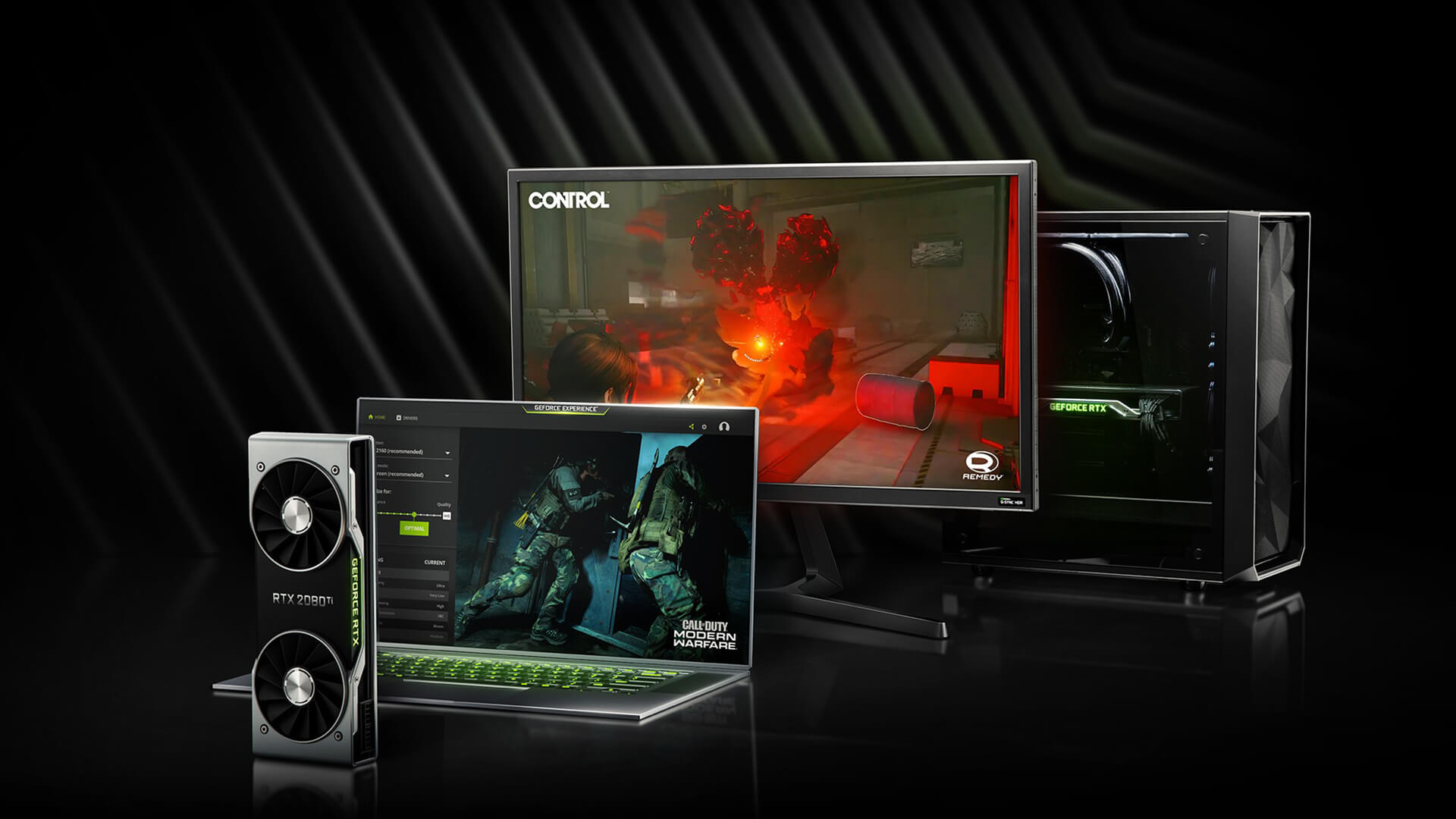
Popular Competitive Titles
The strongest part of the RTX 2050 supported games list is esports. These games are usually designed to run on a wide range of hardware, so the RTX 2050 can deliver a smooth experience at 1080p.
Common RTX 2050 esports games include:
| Game | Expected RTX 2050 Experience |
| Valorant | Very smooth at 1080p |
| League of Legends | Very smooth at 1080p |
| Dota 2 | Smooth at 1080p |
| Rocket League | Smooth at 1080p |
| Counter-Strike 2 | Playable with optimised settings |
| Fortnite | Good with performance or medium settings |
| Overwatch 2 | Smooth with adjusted settings |
| Rainbow Six Siege | Good at 1080p |
| Minecraft | Good, varies with shaders and mods |
| Apex Legends | Playable with reduced settings |
These games are where the RTX 2050 makes the most sense. You can enjoy smooth gameplay without needing a more expensive gaming laptop.
Why RTX 2050 Works Well for Esports
Esports games usually prioritise fast performance over cinematic graphics. That benefits the RTX 2050 because it does not need to render extremely demanding visuals to produce a good experience.
For competitive gaming, the most important things are:
- Stable frame rates
- Low input delay
- Clear visuals
- Consistent performance
- A decent refresh rate display
The RTX 2050 can support these needs well in many esports titles. It is not a high-end GPU, but it can still be a good fit for players who mostly care about smooth gameplay rather than maximum visual quality.
Ideal for High FPS Gaming
The RTX 2050 can deliver high FPS in lighter esports games. However, the exact frame rates depend on the laptop’s CPU, RAM, cooling system and GPU power limit.
For the best experience, look for an RTX 2050 laptop with:
- 16GB RAM
- A modern Intel Core i5 or AMD Ryzen 5 processor
- SSD storage
- A 1080p display
- Good cooling
- A 120Hz or 144Hz screen if available
This helps the laptop make better use of the GPU and reduces the chance of stuttering during competitive play.
RTX 2050 Laptops for AAA Games
Older AAA Games That Run Smoothly
The RTX 2050 AAA games experience is strongest with older or well-optimised titles. Many popular AAA games from previous years still look good and run comfortably at 1080p.
Examples include:
| Game | Suggested Settings |
| GTA V | 1080p medium to high |
| The Witcher 3 | 1080p medium, no heavy ray tracing |
| Shadow of the Tomb Raider | 1080p medium |
| Forza Horizon 4 | 1080p medium to high |
| Far Cry 5 | 1080p medium |
| Assassin’s Creed Odyssey | 1080p low to medium |
| Resident Evil 2 Remake | 1080p medium |
| Skyrim Special Edition | 1080p high |
| Fallout 4 | 1080p high |
| Rise of the Tomb Raider | 1080p medium to high |
These are the types of games where the RTX 2050 feels most comfortable. You still get a proper gaming experience without needing to spend more on a higher-tier laptop.
Modern AAA Games That Are Playable
Modern AAA games are more demanding, but many are still playable if you use realistic settings. The key is to avoid ultra presets and use DLSS where possible.
Examples of RTX 2050 playable games include:
| Game | Realistic Expectation |
| Elden Ring | Playable at 1080p low to medium |
| Cyberpunk 2077 | Playable at low settings with DLSS, ray tracing off |
| Hogwarts Legacy | Playable with reduced settings and careful VRAM use |
| Red Dead Redemption 2 | Playable at 1080p low to medium |
| Forza Horizon 5 | Playable at 1080p medium or optimised settings |
| Spider-Man Remastered | Playable with lowered settings and DLSS |
| God of War | Playable at 1080p low to medium |
| Baldur’s Gate 3 | Playable at 1080p adjusted settings |
| Starfield | Challenging, low settings recommended |
| Alan Wake 2 | Very demanding, not ideal |
This is where buyers need to be honest about expectations. The RTX 2050 can run many modern games, but it will not always deliver smooth high-settings gameplay.
Heavier Games That Push Its Limits
Some newer titles push the RTX 2050 hard because of VRAM limits, ray tracing demands or heavy open-world detail. These games may require low settings, upscaling or a lower render resolution.
Games that can be difficult on RTX 2050 laptops include:
- Alan Wake 2
- Starfield
- The Last of Us Part I
- Avatar: Frontiers of Pandora
- Cyberpunk 2077 with ray tracing
- Hogwarts Legacy at high textures
- Microsoft Flight Simulator
- Unreal Engine 5 titles with heavy lighting effects
These games may still launch and run, but the experience may not feel smooth enough for every player. If these are the games you mainly want to play, consider moving up to 3050 RTX laptops or newer Nvidia RTX laptops.
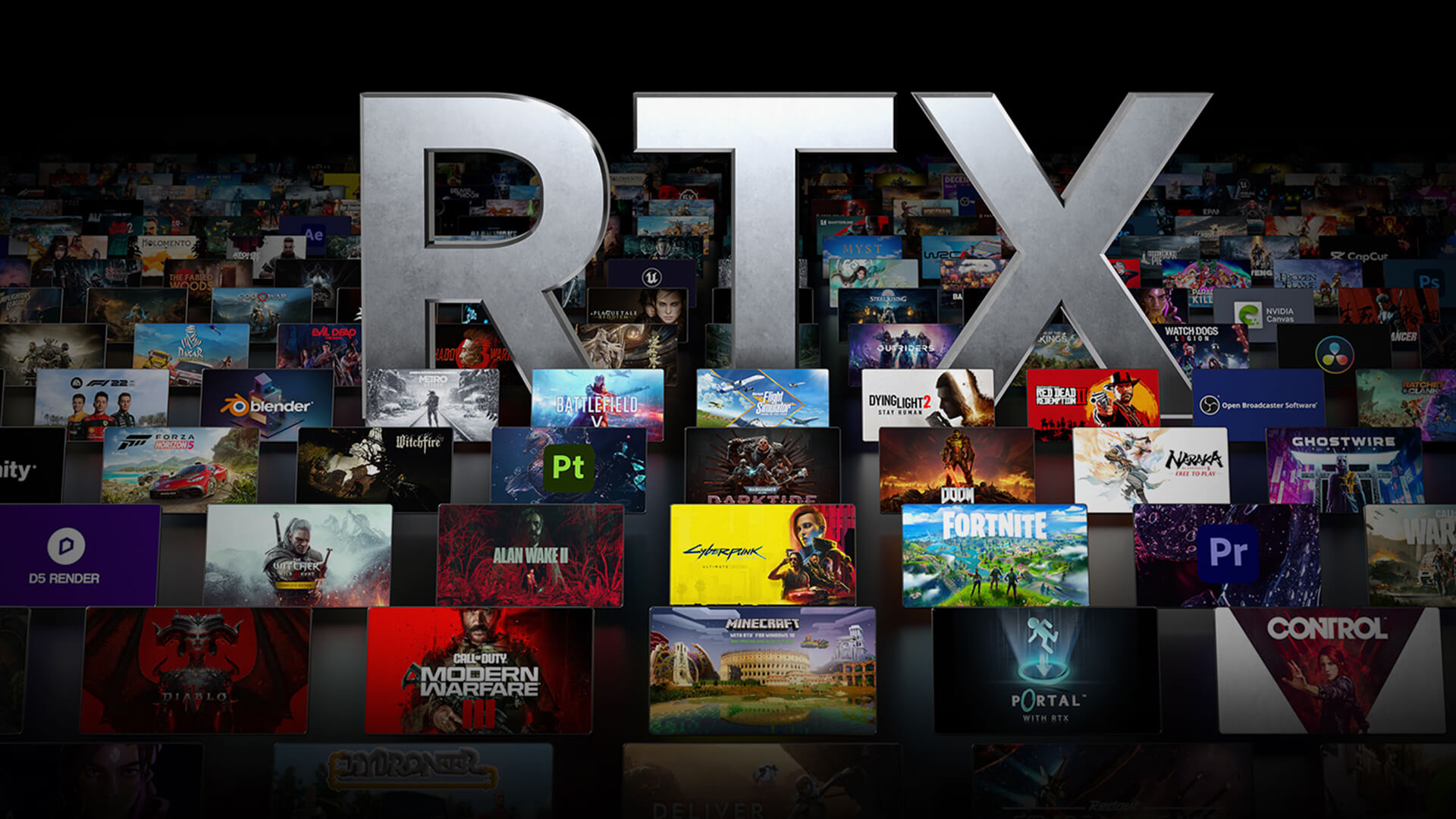
Can RTX 2050 Laptops Run New Games in 2026?
Expectations for New Releases
Yes, RTX 2050 laptops can run some new games in 2026, but not all of them comfortably. The experience depends on how demanding the game is and how well it is optimised.
For new games, the RTX 2050 is best suited to:
- Low settings
- Medium settings in well-optimised games
- 1080p resolution
- DLSS where supported
- Ray tracing disabled
- Texture settings adjusted to fit 4GB VRAM
If you are buying an RTX 2050 laptop today, it should be viewed as an entry-level gaming option, not a future-proof AAA machine.
Impact of Increasing Game Demands
Modern games are using more detailed textures, larger worlds, heavier lighting and more advanced effects. This increases the demand on both GPU power and VRAM.
The RTX 2050’s 4GB VRAM is one of its biggest limits. Some newer games may exceed that memory budget at high settings, causing stutter, texture pop-in or lower frame rates.
This does not make the RTX 2050 useless. It simply means you need to use sensible graphics settings. Medium textures, lower shadows, and DLSS can help keep the experience playable.
How DLSS Helps Extend Playability
DLSS support is one of the RTX 2050’s biggest advantages over older non-RTX entry-level GPUs. Because it is an RTX card, it can use AI upscaling in supported games.
DLSS helps by rendering the game at a lower internal resolution and then upscaling it to your target resolution. This can improve frame rates while keeping image quality acceptable.
For RTX 2050 laptops, DLSS is especially useful in:
- Cyberpunk 2077
- Spider-Man Remastered
- God of War
- Control
- Shadow of the Tomb Raider
- Fortnite
- Other supported RTX titles
DLSS will not turn the RTX 2050 into a high-end GPU, but it can make some demanding games much more playable.
What Types of Games Work Best on RTX 2050 Laptops?
Competitive and Multiplayer Games
Competitive and multiplayer games are the best match for RTX 2050 laptops. These games often scale well across different hardware and usually allow you to lower visual settings without ruining the experience.
Best-fit genres include:
- First-person shooters
- MOBAs
- Battle royale games
- Racing games
- Sports games
- Online multiplayer titles
For these games, the RTX 2050 offers a good budget gaming laptop experience.
Story-Driven Games
Story-driven games can also work well, especially if they are a few years old or well optimised. You may not always get ultra settings, but you can still enjoy strong visuals at 1080p.
This is good news for players who want to enjoy popular single-player games without buying a more expensive gaming laptop.
Indie and Lightweight Titles
Indie games are usually an excellent match for the RTX 2050. Many indie titles focus more on art style, gameplay and storytelling than heavy graphics.
Games such as Stardew Valley, Hades, Hollow Knight, Celeste, Dead Cells, Terraria and similar titles will run easily. This makes RTX 2050 laptops useful not only for mainstream games but also for casual gaming and creative indie releases.
What Limits RTX 2050 Laptop Gaming?
VRAM and Performance Constraints
The RTX 2050’s biggest limitation is its 4GB VRAM and 64-bit memory bus. This restricts how much high-resolution texture data the GPU can handle at once.
In practical terms, this means you may need to lower:
- Texture quality
- Shadows
- Reflections
- Ray tracing
- Crowd density
- View distance
- Post-processing effects
Lowering these settings can improve frame rates and reduce stuttering.
Laptop Thermal Limits
Laptop GPU performance depends heavily on cooling. Two RTX 2050 laptops can perform differently if one has better airflow, a higher GPU power limit, or a stronger cooling system.
This is why RTX 2050 laptop specs alone do not tell the full story. A laptop with good cooling and 16GB RAM may feel much better than a cheaper model with limited RAM and weaker thermal design.
For a deeper look at RTX 2050 laptop specs, including CUDA cores, TGP, memory and DLSS support, see our related RTX 2050 specs guide.
Ray Tracing Limitations
Although the RTX 2050 supports ray tracing, it is not powerful enough to use ray tracing comfortably in most demanding games. Ray tracing puts a heavy load on the GPU, and the RTX 2050 is already working hard at 1080p in newer titles.
For smooth gameplay, it is usually better to leave ray tracing off and use standard lighting settings instead. This will give you better frame rates and a more consistent gaming experience.
RTX 2050 Game List: Best Matches in 2026
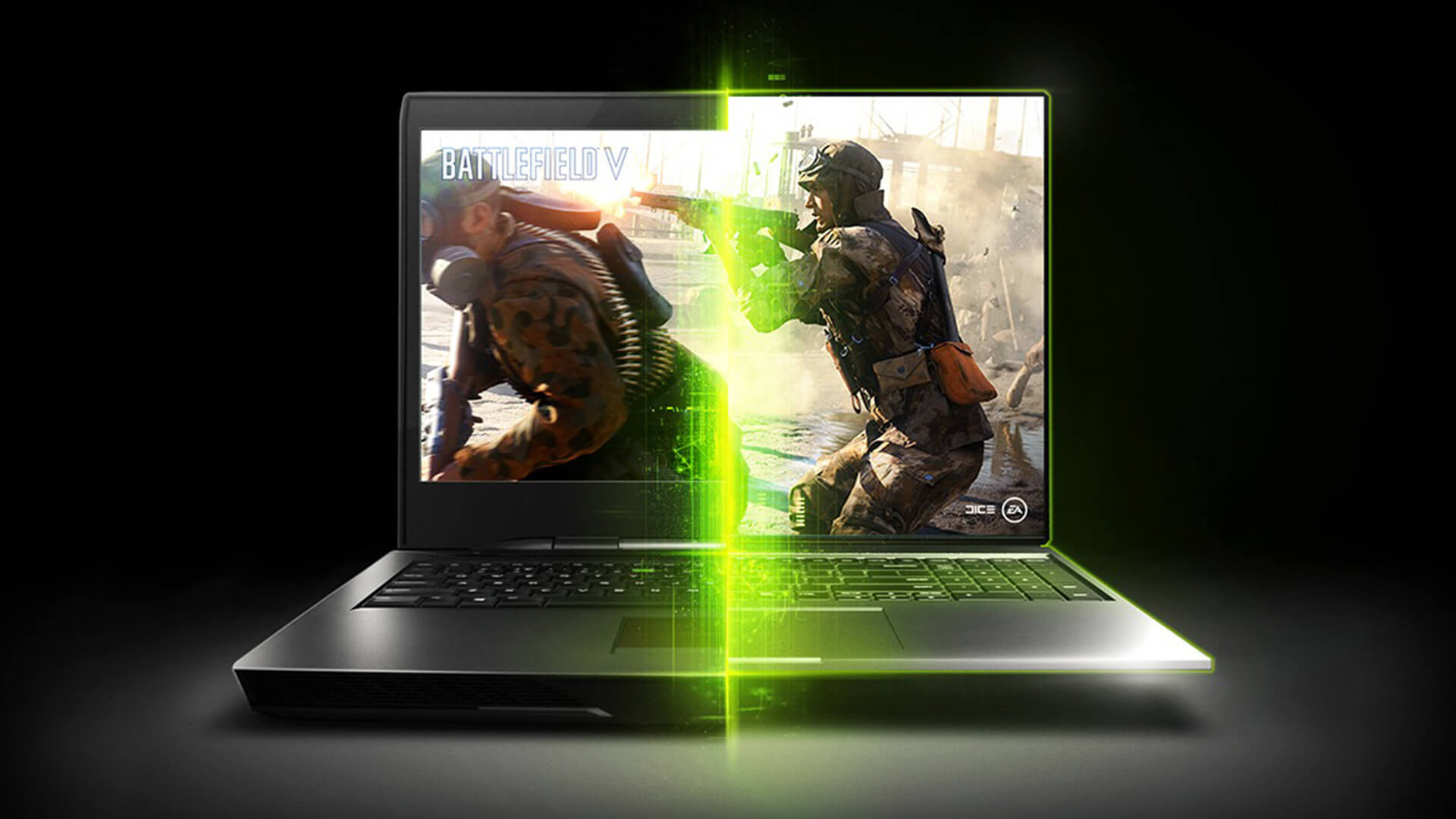
Here is a practical RTX 2050 game list to help set expectations:
| Category | Games |
| Best esports games | Valorant, League of Legends, Dota 2, Rocket League, Rainbow Six Siege |
| Good multiplayer games | Fortnite, Overwatch 2, Apex Legends, Warframe |
| Good older AAA games | GTA V, The Witcher 3, Far Cry 5, Tomb Raider series, Skyrim |
| Playable modern AAA games | Elden Ring, Forza Horizon 5, God of War, Spider-Man Remastered |
| More demanding games | Cyberpunk 2077, Hogwarts Legacy, Starfield, Alan Wake 2 |
| Best lightweight games | Hades, Hollow Knight, Stardew Valley, Dead Cells, Terraria |
This list shows where the RTX 2050 fits best. It is a very capable entry-level GPU for lighter and well-optimised games, but it needs help from lowered settings in demanding titles.
Before buying, take a deeper look at RTX 2050 laptop worth in 2026 based on your budget, the games you play and whether you need entry-level 1080p gaming or stronger long-term performance.
Final Verdict: What Games Can RTX 2050 Laptops Run?
The RTX 2050 supported laptop games list includes a wide range of esports, indie, older AAA and some modern AAA titles. It is best suited to 1080p gaming with realistic settings, especially if you are happy to use medium presets, DLSS and adjusted graphics options.
For esports and casual gaming, the RTX 2050 still performs well in 2026. For older AAA games, it remains a good budget choice. For modern AAA games, it can still be playable, but you should expect to lower settings and avoid ray tracing.
The RTX 2050 is not the best choice if you want ultra settings, heavy ray tracing or long-term performance for future AAA releases. However, it is still a sensible option if you want an affordable gaming laptop for everyday use, study, entertainment, and casual gaming.
If you want an affordable entry point, browse RTX 2050 laptops at box.co.uk. If you want more performance headroom, compare Nvidia RTX laptops, explore the latest gaming laptop options, or step up to 3050 RTX laptops for stronger 1080p performance.
FAQs
Can an RTX 2050 laptop run GTA 5?
Yes, an RTX 2050 laptop can run GTA 5 well at 1080p. You can usually use medium to high settings depending on the laptop’s CPU, RAM, and cooling.
Can RTX 2050 run Elden Ring?
Yes, RTX 2050 laptops can run Elden Ring, but you should expect to use 1080p with low to medium settings for smoother gameplay.
Is RTX 2050 enough for 1080p gaming?
Yes, the RTX 2050 is enough for 1080p gaming if you have realistic expectations. It works best for esports, older AAA games, indie titles and modern games at reduced settings.
Can RTX 2050 run AAA games?
Yes, RTX 2050 laptops can run many AAA games, especially older or well-optimised titles. Newer AAA games may require low to medium settings, DLSS and ray tracing turned off.
You can pay with:
*PayPal Credit Representative Example: Assumed credit limit £1,200, Representative 23.9% APR (variable). Purchase rate 23.9% p.a (variable).Terms & Conditions apply.


PayPal Credit and PayPal Pay in 3 are trading names of PayPal UK Ltd, 5 Fleet Place, London, United Kingdom, EC4M 7RD. Terms and conditions apply. Credit subject to status, UK residents only, Five Tech LTD acts as a broker and offers finance from a restricted range of finance providers. PayPal Pay in 3 is not regulated by the Financial Conduct Authority. Pay in 3 eligibility is subject to status and approval. 18+. UK residents only. Pay in 3 is a form of credit. Check if affordable and how you will repay. May make other borrowing more difficult or expensive. See product terms for more details.
Copyright © 1996-2026 Fivetech LTD | Terms and Conditions
box.co.uk & Box are trading names of Five Tech Limited. Registered office: Box LTD, Unit 10 Woodford Trading Estate, Woodford Green IG8 8HF