


 Menu
MenuMenu


Get Sales Advice from Mon - Fri 9am - 5:00pm:
020 3337 8950LAST UPDATED: July 06, 2026
Printing Costs Too High? Here’s How to Save Money
Printing costs can add up quickly, especially when ink, toner, paper and replacement cartridges all need buying regularly. A printer may seem affordable at first, but the real long-term cost often comes from how much it costs to print each page.
The good news is that lowering printing costs does not always mean buying a new printer straight away. Simple changes such as using draft mode, printing in black and white, reducing unnecessary images, previewing documents and using duplex printing can all help reduce waste.
It is also worth looking at the bigger picture. The ink and cartridge costs, paper use and printing cost per page all affect how expensive a printer is to run. A model with cheaper upfront pricing may not always offer low-cost printing if the cartridges run out quickly or cost a lot to replace.
This guide explains how to reduce everyday printing expenses with smarter settings, better printing tips, improved maintenance and more cost-aware printer choices.
Why Printing Costs Add Up Quickly
Printing costs add up because every print job uses more than just ink or toner. Paper, cartridges, reprints, high-quality settings and poor maintenance can all increase the total cost over time.
In simple terms, the biggest cost drivers are:
| Cost driver | Why it costs more | How to reduce it |
|---|---|---|
| Ink and toner | Regular replacement adds up | Compare yield and replacement cost |
| Colour-heavy pages | More colour means higher ink consumption | Use black and white where possible |
| High-quality mode | Uses more ink or toner | Use draft or normal mode for everyday documents |
| Single-sided printing | Uses more paper | Use duplex printing where suitable |
| Reprints | Wastes ink, toner and paper | Preview before printing |
| Poor maintenance | Causes marks, feed issues and reprints | Clean and maintain the printer |
| Paper jams | Waste paper and time | Load paper correctly and avoid paper jams |
Note: Whether you use Wi-Fi, USB, or the cloud method for printing, it has no impact on costs. The connection method only changes how the print job reaches the printer. The real cost depends on the document, print settings, colour use, paper use and consumables.
Ink and Toner Expenses
Ink and toner are the biggest long-term expense for many printers. The ink cost can feel especially high if a printer cartridge runs out quickly or only prints a small number of pages.
Colour documents, photos, graphics and full-page images use more ink than simple black text. This increases ink consumption and can make everyday printing more expensive than expected.
On the other hand, toner can offer better efficiency for frequent text-heavy printing, especially in offices. Even so, the cost of ink cartridges for printers or toner replacements should always be checked before buying a printer.
High Cost Per Page
Printing cost per page is one of the easiest ways to compare running costs.
The basic formula is:
Cost per page = cartridge or toner price ÷ estimated page yield
For example, if a cartridge costs £30 and prints around 300 pages, the estimated cost per page is 10p.
This is only a guide. Real costs can change depending on:
- How much of the page is covered
- Whether you print in colour
- Print quality settings
- Paper type
- Image-heavy documents
- Cartridge or toner yield
A cheap printer can still be expensive to run if the cartridge cost is high or the cartridges have a low page yield. For low-cost printing, look beyond the printer price and compare consumables as well.
Inefficient Printing Habits
Small habits can quietly increase printing costs. Printing the wrong pages, using colour when black and white is enough, choosing high-quality mode for drafts or forgetting to preview documents can all waste ink and paper.
Poor printer maintenance can also lead to clogs and smudges, which often means printing the same document again. Paper feed issues create the same problem. If sheets are loaded improperly or the paper path is dirty, avoiding paper jams becomes harder, and reprints become more likely.
The quickest way to reduce waste is to check the document, settings and paper before printing. Good printing tips, such as previewing pages, using the right paper size, and reducing unnecessary colour, can make a noticeable difference over time.
How to Reduce Ink and Toner Usage
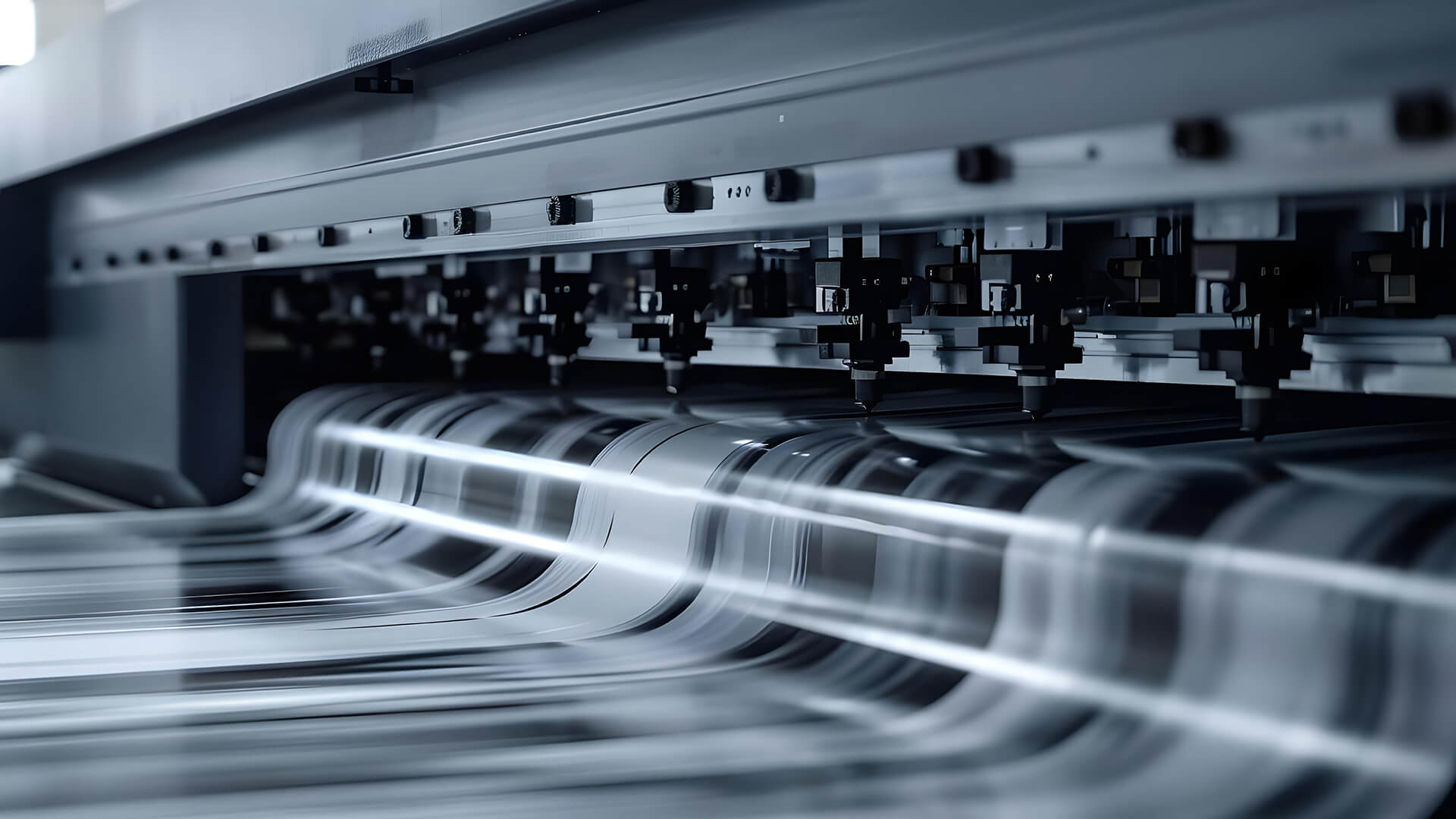
The quickest way to lower printing costs is to reduce how much ink or toner each print job uses. You do not need to change every setting at once. Start with simple habits that support low-cost printing without making documents hard to read.
Use Draft or Eco Mode
Draft or eco mode uses less ink or toner than high-quality mode. It is ideal for:
- Notes
- Forms
- Receipts
- Draft documents
- Internal paperwork
- School or study materials
This is one of the easiest printing tips to apply because most printers include a draft, economy or eco setting in the print menu.
Use high-quality mode only when the final result matters, such as photos, client documents or presentation materials. For everyday jobs, print settings optimisation can reduce ink consumption without making the page unreadable.
Print Only What You Need
Printing full documents when you only need a few pages increases printing costs significantly. Before printing, check the page range and remove anything unnecessary.
Useful habits include:
- Printing selected pages only
- Removing blank pages
- Skipping unnecessary images
- Avoiding long email threads
- Printing only the sections you need
- Saving digital copies when printing is not required
This kind of document optimisation helps with both ink savings and paper usage reduction. It also keeps the real cost per page lower because fewer pages are wasted.
Choose Black and White When Possible
Colour printing usually uses more ink than simple black text, especially when documents include images, graphics or coloured backgrounds. For everyday documents, black-and-white or greyscale printing is often enough.
Use black and white for:
- Drafts
- Tickets
- Forms
- Notes
- Receipts
- Internal documents
This can help reduce printer ink cost over time, especially if you print often. While inexpensive ink may seem like the easiest fix, better print habits usually make a bigger difference because they reduce waste at the source.
Optimising Printer Settings for Efficiency
Small setting changes can make a noticeable difference to printing costs. The main aim is to use only the ink, toner and paper needed for each job.
| Setting | Best used for | How it helps reduce costs |
|---|---|---|
| Draft or eco mode | Notes, drafts and internal documents | Reduces ink or toner use |
| Black and white | Forms, receipts and text documents | Limits colour ink usage |
| Duplex printing | Reports, handouts and office documents | Reduces paper use |
| Multiple pages per sheet | Slides, notes and drafts | Cuts paper waste |
| Selected-page printing | Long documents and PDFs | Avoids printing unnecessary pages |
| Lower colour density | Image-heavy documents | Reduces heavy ink coverage |
Adjusting Print Quality
Print quality has a direct impact on ink consumption. High-quality mode usually uses more ink or toner, so it should be saved for photos, final reports or customer-facing documents.
For everyday printing, use draft or normal mode. This simple print settings optimisation habit supports low-cost printing without making most documents difficult to read.
Using Duplex Printing
Duplex printing means printing on both sides of the paper. It is one of the easiest ways to reduce paper use, especially for reports, training packs, policies and drafts.
Using duplex printing for cutting printing costs mainly helps with paper usage reduction. It does not usually reduce ink or toner use, but it can still lower overall printing costs when you print multi-page documents often.
Reducing Image and Colour Usage
Images, coloured backgrounds, charts and full-page graphics usually increase printer ink cost. Before printing, remove anything that is not needed.
For better document optimisation, try:
- Removing large images from drafts
- Printing slides in handout mode
- Avoiding full-colour backgrounds
- Reducing colour density where possible
- Using black and white for text-heavy pages
These small printing tips help reduce waste while keeping documents clear and readable.
Choosing the Right Printer for Lower Costs
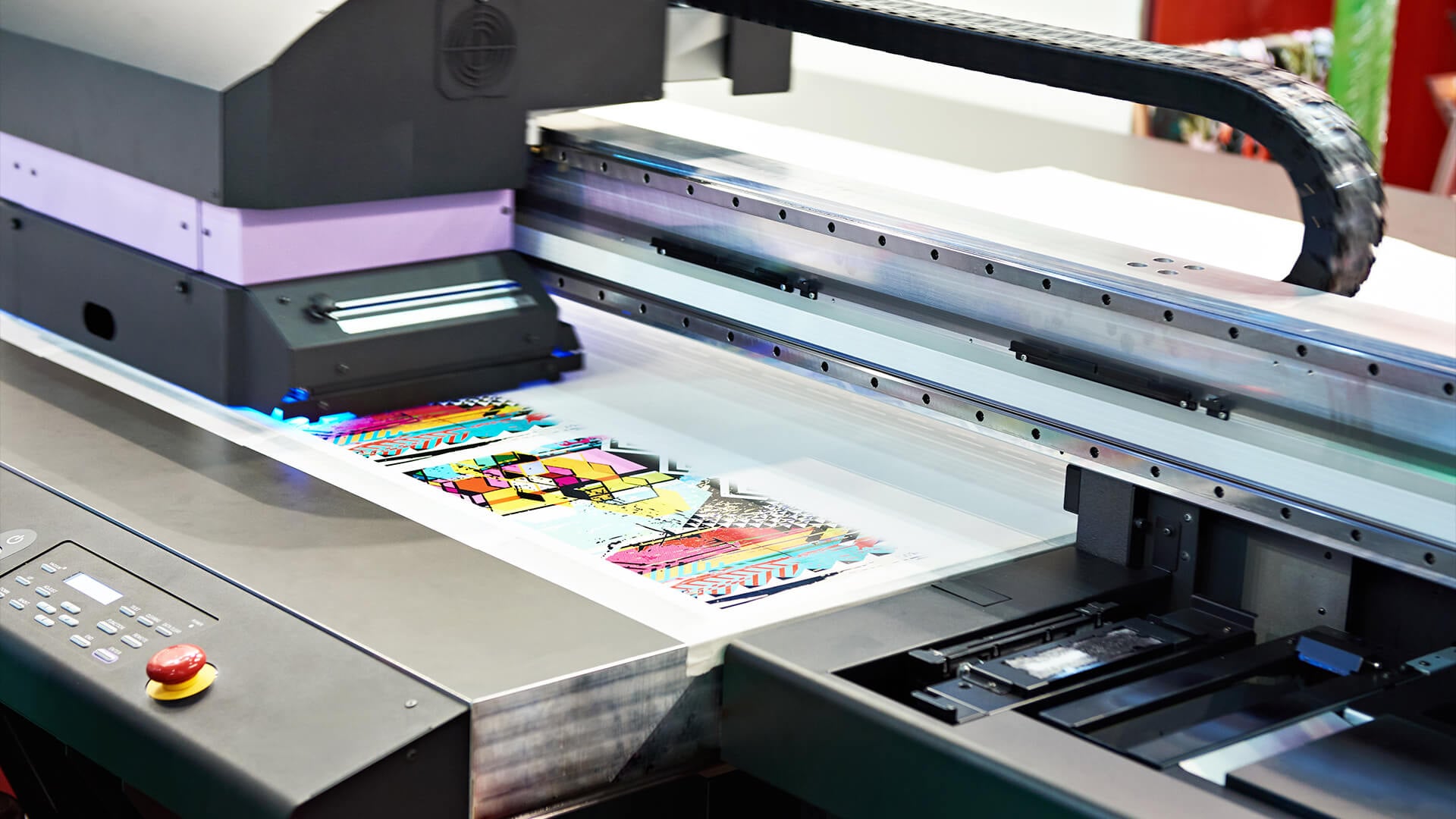
The printer you choose has a big impact on long-term printing costs. A cheap printer can still be expensive to run if the printer cartridge is costly, low-yield or needs replacing often.
For better value, compare:
- Printer price
- Replacement ink or toner price
- Estimated page yield
- Printing cost per page
- Monthly print volume
- Colour vs black-and-white use
- Support for high-yield cartridges
Inkjet vs Laser Cost Comparison
An inkjet printer can be a good choice for colour documents, photos and mixed home use. It is often cheaper to buy upfront, but the printer ink cost can rise if you print heavily or use lots of colour.
A laser beam printer is often better for regular text-heavy printing. It may cost more at the start, but strong toner efficiency can make it more cost-effective for high-volume document printing. If you are buying a printer for home use, it is worth comparing inkjet and laser printers before making the final decision. It will help you make an informed decision and keep printing costs under control in the long run.
| Printer type | Best for | Cost strength | Cost limitation |
|---|---|---|---|
| Inkjet printer | Photos, colour documents, mixed home use | Lower upfront price | Ink can be expensive with heavy use |
| Laser printer | Text-heavy printing, offices, reports | Better toner efficiency | Higher upfront cost |
| Ink tank printer | Frequent colour printing | Lower running costs over time | Higher purchase price |
| All-in-one printer | Printing, scanning and copying (home offices) | Useful for home offices | Running costs depend on cartridges or toner |
High-Yield Cartridges and Toners
High-yield cartridges and larger toner cartridges usually print more pages than standard versions. They often cost more upfront, but they can reduce the cost per page and mean fewer replacements.
Before buying, check whether the printer supports:
- Standard cartridges
- XL or high-yield cartridges
- High-capacity toner
- Multipack consumables
- Refillable ink tanks
Not all printers with cartridges have the same running costs. The cartridge cost only makes sense when you compare it with page yield and how often you print.
Matching a Printer to Your Printing Needs
Choosing the right printer is not just about the purchase price. The most cost-effective option depends on how often you print and the type of documents you produce.
Consider the following:
- Occasional home printing may suit a standard inkjet printer.
- Frequent document printing may be more economical with a laser printer.
- Regular colour printing can benefit from an ink tank system.
- Home offices may find an all-in-one printer more practical.
- High-volume users should prioritise models that support high-yield cartridges or high-capacity toner.
By matching the printer to your actual usage, you can avoid unnecessary spending on consumables and keep long-term printing costs under control.
Smart Printing Habits That Save Money
Small changes in how you print can reduce printing costs without changing your printer or buying new supplies. These habits are especially useful for homes, students and busy workspaces.
- Preview before printing: Use print preview to check the page count, layout, margins, orientation and selected printer before sending the job. This helps avoid blank pages, cut-off text, wrong formatting and unnecessary reprints.
- Print selected pages only: Do not print a full document if you only need one section. Choosing specific pages is one of the easiest printing tips for paper usage reduction and lower ink or toner use.
- Combine documents where possible: If you have several short documents, combine them into one print job or print multiple pages per sheet. This supports better document optimisation, especially for notes, slides, drafts and internal paperwork.
- Check colour settings before printing: Use black and white for everyday documents unless colour is needed. This helps reduce ink consumption, particularly when printing forms, receipts, study notes or internal documents.
- Use duplex printing for longer documents: For reports, policies, handouts and drafts, printing on both sides of the paper can reduce waste. This is a simple eco-printing habit that can help keep paper use under control.
- Avoid reprints: Reprints waste ink, toner, paper and time. Before printing, check spelling, file version, page range, paper size and print quality settings.
- Use templates for repeated documents: If you often print labels, forms, invoices or checklists, keep a clean template ready. This reduces formatting mistakes and helps keep low-cost printing habits consistent.
- Keep the printer ready to use: Basic printer maintenance helps avoid failed prints, paper feed problems and poor output. A printer that produces clean pages the first time is usually cheaper to run than one that regularly needs reprints.
Maintenance Tips to Improve Efficiency
Good printer maintenance helps reduce failed prints, wasted consumables and avoidable reprints. The aim is to keep the printer clean, cartridges healthy, and paper moving properly.
- Clean only when needed: Use the printer’s built-in maintenance tools when print quality drops, colours look weak, or lines appear. For inkjet models, run a nozzle check before a cleaning cycle, as unnecessary cleaning can increase ink consumption.
- Remove dust and paper fibres: Dust, paper fibres and dried ink can cause marks, poor feeding, and smudges. Keep trays, rollers and accessible areas clean using the method recommended in the printer manual.
- Look after cartridges properly: A printer cartridge can dry out, leak or stop working properly if stored badly. Keep unused cartridges sealed where possible, avoid heat and sunlight, and replace empty cartridges, dried or no longer recognised.
- Use suitable consumables: Cheap supplies are not always the best value if they cause poor results or repeated prints. When comparing inexpensive printer ink options, check compatibility, page yield and reliability, not just the upfront cartridge cost.
- Keep the paper path clear: Small scraps of paper can stay inside the printer after a jam. Checking the paper path helps avoid paper jams and prevents wasted paper, ink and toner.
- Load paper correctly: Avoiding jam problems often starts with the tray. Use the correct paper size, keep sheets flat and dry, and avoid overfilling the tray.
- Update printer software: Driver and software updates can improve reliability, access to maintenance tools and print setting controls. This supports low-cost printing by reducing failed jobs and helping the printer run more smoothly.
- Keep basic supplies ready: Having the right essentials for printers, such as suitable paper, replacement consumables and cleaning items, helps prevent last-minute mistakes that can increase printing costs.
Long-Term Strategies to Reduce Printing Costs
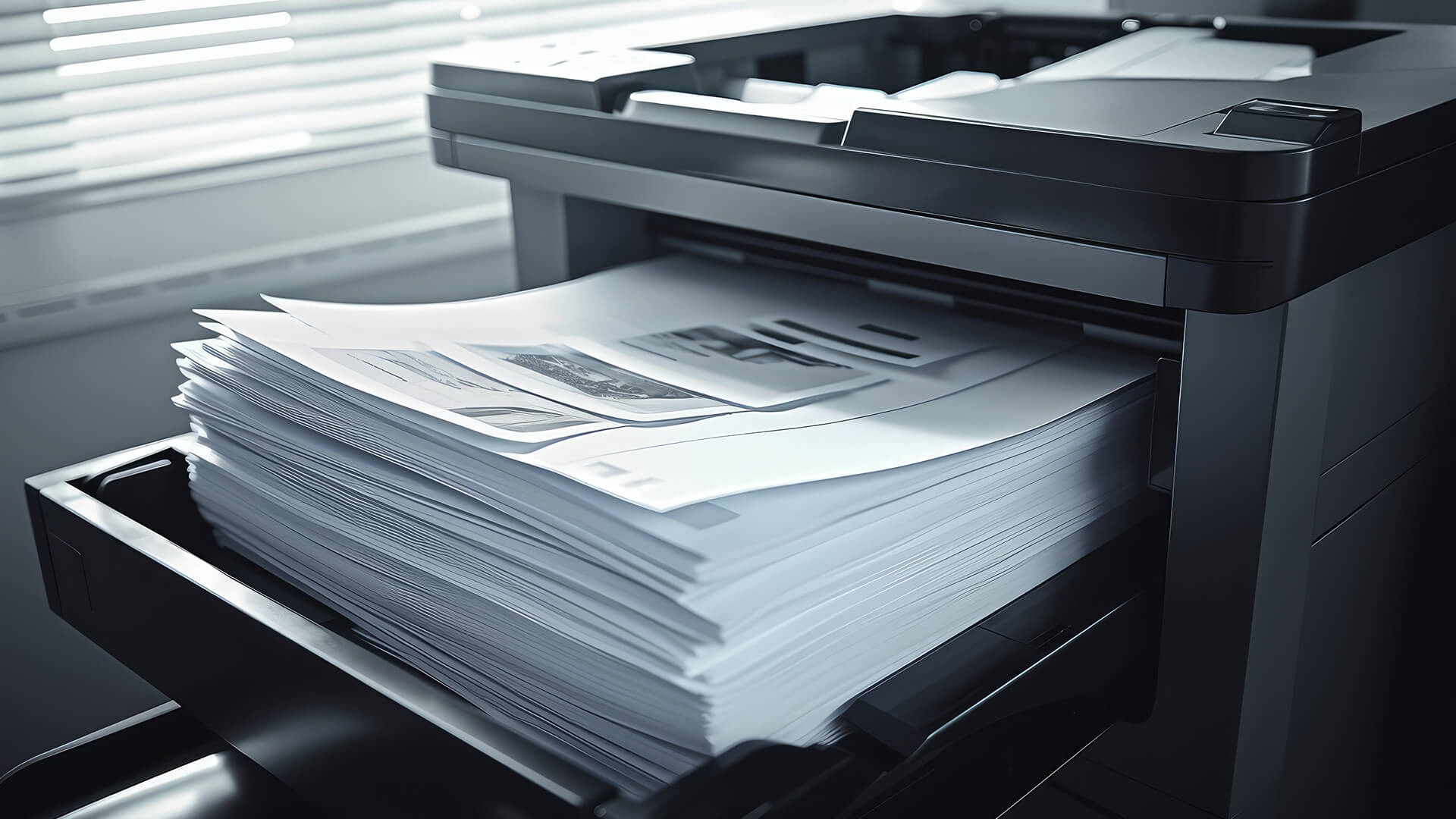
Reducing printing costs in the long run starts with choosing the right printer. If running costs are high, consider ink-saving printers or printers with low running costs that support refillable ink tanks, high-yield consumables or automatic duplex printing. If you are looking for printers for office use, reliability and running costs are often more important than the purchase price.
It also helps to monitor your monthly print volume, colour usage and consumable replacements. This gives a clearer picture of your printing cost per page and can highlight areas where costs can be reduced.
Finally, reduce paper waste by using duplex printing, storing documents digitally when possible and printing multiple pages per sheet for drafts. These simple eco-printing and document optimisation practices can lead to noticeable savings over time.
Frequently Asked Questions
How do I reduce printing costs?
You can reduce printing costs by using draft or eco mode for everyday documents, printing in black and white when colour is not needed, using duplex printing, previewing documents before printing, avoiding unnecessary images and choosing a printer with a sensible cost per page.
What is the cost of printing 500 pages?
The cost of printing 500 pages depends on your printer, ink or toner price, estimated cartridge yield, colour usage and paper cost. A simple way to estimate it is: cost per page x 500 pages. For example, if your cost per page is 5p, printing 500 pages would cost around £25 before any extra paper or maintenance costs.
Is toner more affordable than ink in the long run?
Toner can be more affordable than ink in the long run if you print lots of text-heavy documents, because laser printers often offer better page yields for regular document printing. Ink can still make sense for lower-volume users, colour documents and photo printing.
Does print quality affect ink usage?
Yes, print quality affects ink usage. Higher quality settings usually use more ink or toner, especially for images, graphics and colour-heavy documents. Draft or normal mode can help reduce usage for everyday pages that do not need a premium finish.
How can I make my ink last longer?
You can make ink last longer by using draft mode where suitable, printing in black and white when colour is not required, avoiding unnecessary images, keeping cartridges installed correctly and maintaining the printer so that failed prints and cleaning cycles are less frequent.
You can pay with:
*PayPal Credit Representative Example: Assumed credit limit £1,200, Representative 23.9% APR (variable). Purchase rate 23.9% p.a (variable).Terms & Conditions apply.


PayPal Credit and PayPal Pay in 3 are trading names of PayPal UK Ltd, 5 Fleet Place, London, United Kingdom, EC4M 7RD. Terms and conditions apply. Credit subject to status, UK residents only, Five Tech LTD acts as a broker and offers finance from a restricted range of finance providers. PayPal Pay in 3 is not regulated by the Financial Conduct Authority. Pay in 3 eligibility is subject to status and approval. 18+. UK residents only. Pay in 3 is a form of credit. Check if affordable and how you will repay. May make other borrowing more difficult or expensive. See product terms for more details.
Copyright © 1996-2026 Fivetech LTD | Terms and Conditions
box.co.uk & Box are trading names of Five Tech Limited. Registered office: Box LTD, Unit 10 Woodford Trading Estate, Woodford Green IG8 8HF