


 Menu
MenuMenu


Get Sales Advice from Mon - Fri 9am - 5:00pm:
020 3337 8950POSTED: 18 June, 2026
What Is Duplex Printing? Benefits and How It Works
Printing is something most of us do without thinking, but the way you print can make a big difference to cost, efficiency and even environmental impact. One of the simplest ways to improve your printing setup is by using duplex printing, also known as double-sided printing.
Whether you're printing documents at home, preparing school materials or managing office reports, duplex printing helps you save paper, reduce printing costs, and streamline your workflow.
In this guide, we’ll explain how duplex printing works, why it matters and how you can start using it effectively.
What Is Duplex Printing?
What Double-Sided Printing Means
Duplex printing means printing on both sides of a sheet of paper instead of just one. So instead of using two separate pages for a document, your printer uses a single sheet and prints on the front and the back.
You might also hear this called double-sided printing, two-sided printing or both-sides printing; but they all mean the same thing.
This may sound like a small change, but it can have a big impact; especially when printing long documents like reports, notes, or presentations.
You get the same document using fewer pages. You save paper, reduce waste, and keep your documents more compact and easier to manage.
How It Works in Modern Printers
Modern printers that support duplex printing are designed to make this process automatic.
Here’s what happens:
- The printer prints the first side of the page
- It then pulls the paper back inside
- Flips it internally
- Prints on the other side
All of this happens without you needing to touch the paper. This is called automatic duplex printing, and it’s the most convenient option.
If your printer doesn’t support this feature, you can still use manual duplex printing. In this case, the printer will prompt you to flip the paper yourself and reinsert it to print on the second side.
Automatic does everything for you, while manual requires a quick extra step. You can still print double-sided even if your printer isn’t fully automatic.
Automatic vs Manual Options
The main difference between automatic and manual duplex printing comes down to convenience and speed.
- Automatic duplex printing is faster, easier and ideal for frequent printing
- Manual duplex printing takes a bit more effort but still gives the same result
If you print often especially in offices or schools, automatic duplex printing can save a lot of time. But if you only print occasionally, manual duplex printing works perfectly fine.
Both options achieve the same result, but one is more hands-off than the other. You can choose the option that suits your printer and your workflow without missing out on the advantages.
Why Double-Sided Printing Matters
Reducing Paper Usage
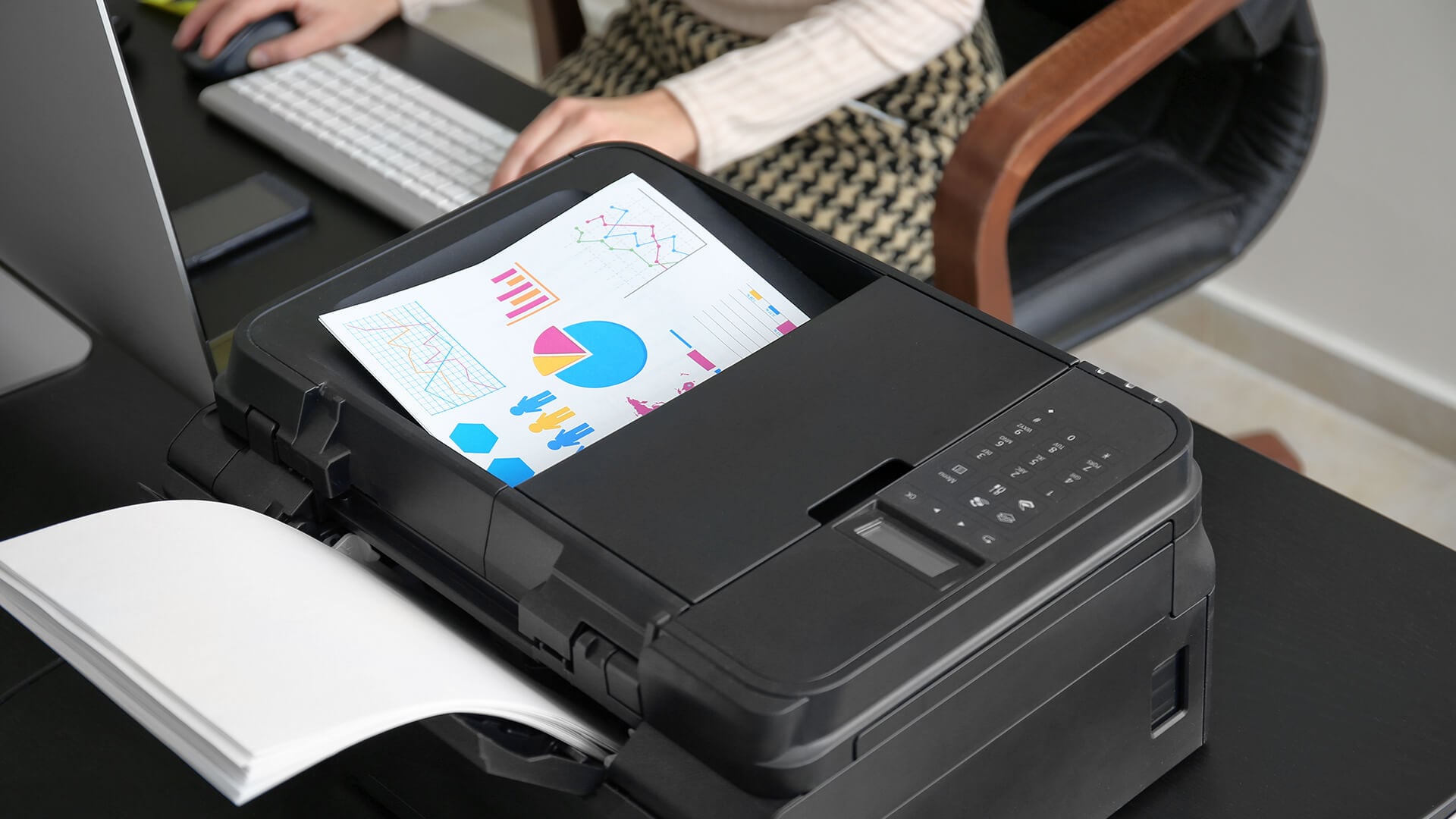
One of the most immediate benefits of duplex printing is how much paper it saves. When you print on both sides of a page instead of just one, you effectively cut your paper usage nearly in half.
This becomes especially important when printing large documents like reports, lesson materials or contracts. Over time, the reduction in paper use adds up significantly, helping you minimise waste without changing how you work.
You get the same output using fewer sheets of paper. Lower paper consumption means a eco-friendlier and more sustainable printing setup.
Cutting Down Printing Costs
Using less paper naturally leads to lower costs. If you regularly print documents, the savings can be noticeable over time; not just on paper, but also on storage and handling.
In offices, schools or businesses where printing is frequent, duplex printing can make a big difference to overall expenses. Instead of constantly restocking supplies, you make better use of what you already have.
Less paper used = less money spent. Reduced printing costs without affecting productivity or output quality.
Improving Everyday Efficiency
Duplex printing doesn’t just save resources; it also makes your documents easier to manage. Double-sided pages take up less space, making them easier to store, organise and carry.
Reports look more professional, notes are more compact and large documents become more manageable. This is particularly useful in workplaces or study environments where organisation matters. Your documents become more compact and easier to handle. A cleaner, more efficient workflow with better document organisation.
How to Enable Duplex Printing on Your Printer
Enabling duplex printing is usually simple, but understanding the process helps you use it more efficiently and avoid common mistakes. Whether your printer supports automatic duplex printing or requires manual setup, a few small adjustments can make a big difference to your results.
Adjusting Print Settings
The first step to using duplex printing is enabling it in your print settings. When you go to print a document, your printer will typically give you the option to choose how the pages are printed.
Look for settings such as “Print on both sides,” “Double-sided printing,” or “Duplex printing.” Once selected, the printer will automatically handle printing on both sides of the paper; if it supports automatic duplex printing.
If your printer only supports manual duplex printing, it will print one side first and then prompt you to flip and reinsert the paper to complete the process. You just need to switch on the right setting, and your printer does the rest (fully or partially). This small adjustment helps you save paper instantly without changing how you create or print documents.
Setting It as Default
If you frequently print documents, constantly enabling duplex printing manually can become repetitive. To avoid this, you can set double-sided printing as your default option in your printer settings.
Once this is done, every document you print will automatically use duplex printing unless you choose otherwise. This is especially useful in office or study environments where printing happens regularly.
Set it once, and it works automatically every time. Saves time, reduces effort, and ensures consistent, paper-saving printing across all your documents.
Tips for Better Results
While duplex printing is convenient, a few simple adjustments can improve the quality of your output.
Using slightly thicker paper can help prevent ink from showing through to the other side, especially when printing documents with heavy text or images. Proper alignment settings also ensure that both sides of the page line up correctly, giving your documents a clean and professional look.
It’s also a good idea to avoid very thin or low-quality paper, as this can lead to smudging, bleed-through or misaligned prints.
The right paper and settings make your double-sided prints look better and more professional. You get higher-quality results with fewer errors, saving time, paper, and reprinting effort.
Where Duplex Printing Makes the Biggest Difference
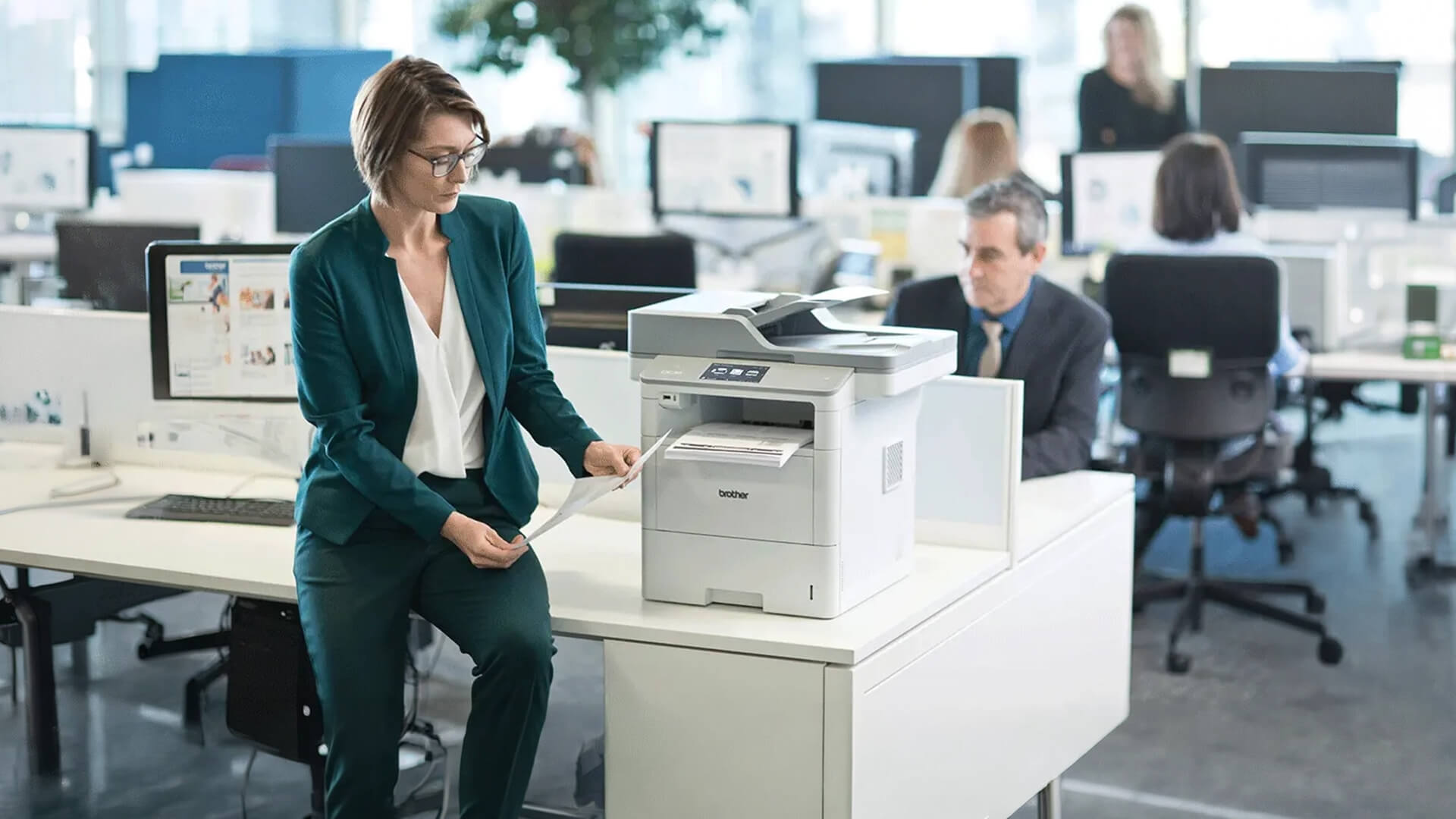
Duplex printing isn’t just a feature; it’s something that can genuinely improve how you manage documents in everyday situations. Whether you’re working in an office, studying or printing at home, using both sides of a page can make your workflow more efficient and organised without any extra effort.
Office Documents and Reports
In office environments, printing is often done in large volumes; reports, contracts, presentations and internal documents are printed regularly. This is where duplex printing becomes especially valuable.
By printing on both sides, documents become more compact and easier to handle. Instead of dealing with thick stacks of paper, you get neatly organised files that are simpler to store, share and review. It also gives your documents a more professional look, which is important in business settings.
You reduce paper usage, improve organisation and create more polished, professional documents.
School and Study Materials
For students and teachers, duplex printing is incredibly useful when dealing with notes, assignments and revision materials. Printing double-sided helps keep everything in one place while reducing the number of loose pages.
It also makes studying more manageable, as materials are easier to carry and organise. Instead of bulky notes, you get a cleaner, more structured set of documents.
Better organisation and easier handling of study materials, while also reducing paper waste.
Everyday Home Printing
Even for everyday home use, duplex printing makes a noticeable difference. Whether you’re printing bills, forms, instructions or personal documents, using both sides of the page helps keep things tidy and efficient.
Over time, this small habit can reduce clutter and make document storage much easier. It’s a simple way to stay organised without needing extra space or supplies. A cleaner, more organised home setup with less paper waste.
Recommended Duplex Printers for Efficient Printing
If you’re looking to take full advantage of duplex printing, choosing the right printer is essential. A reliable printer with strong performance, connectivity and double-sided printing support can make everyday tasks faster, more efficient and more cost-effective.
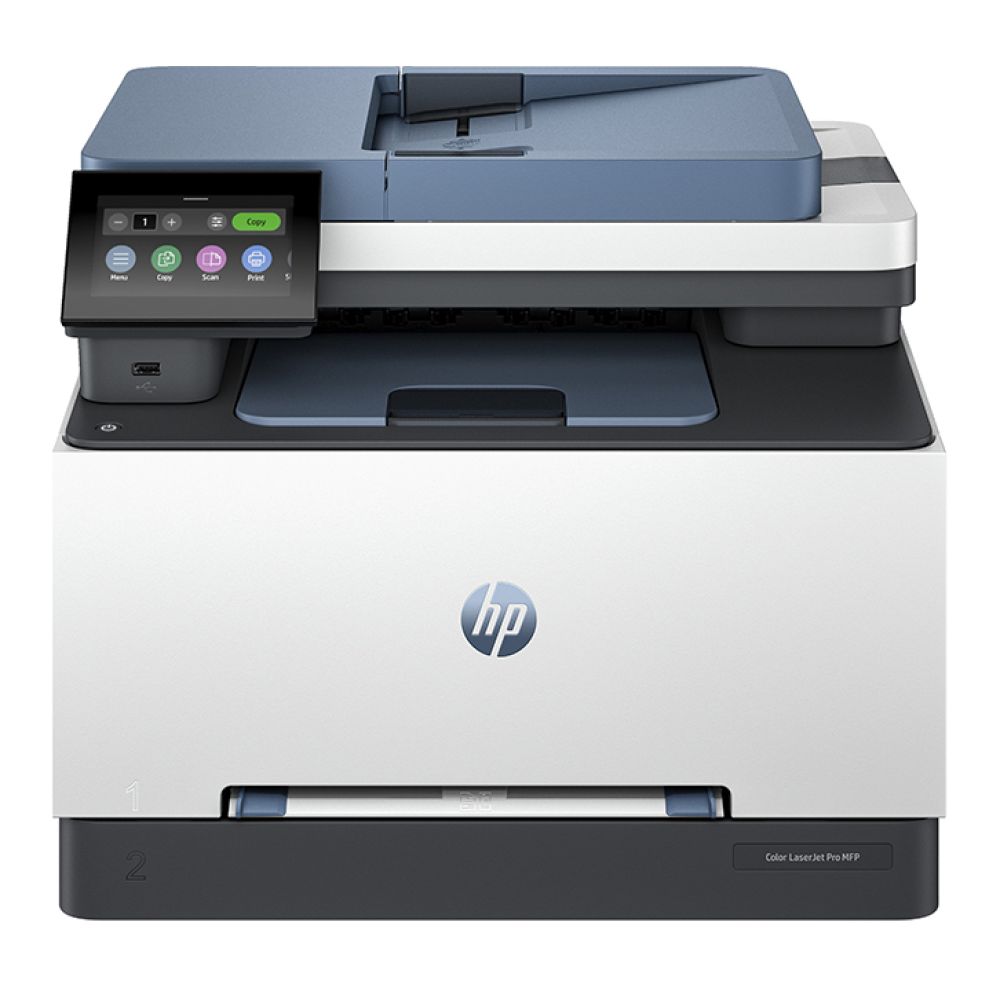
The HP Color LaserJet Pro MFP 3302fdn Printer (MPN: 499Q7F#B19) is a great option for office environments, offering fast printing speeds, professional-quality output and built-in duplex functionality. It’s ideal for handling high-volume documents, reports, and everyday business printing with ease.
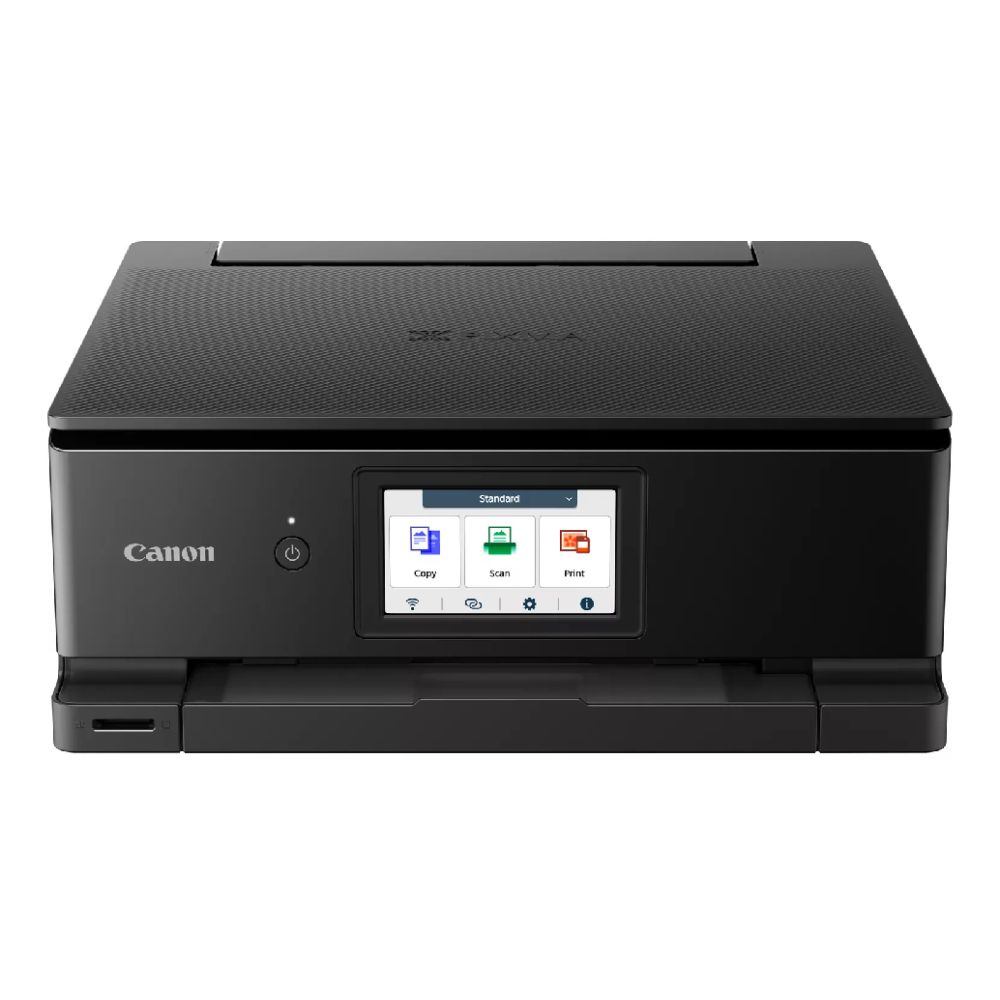
For home users or those who need high-quality photo and document printing, the Canon PIXMA TS8750 4.3" LCD All-In-One Inkjet Photo Wi-Fi Printer (MPN: 6152C008) provides excellent versatility. With wireless connectivity, a user-friendly interface, and strong print quality, it’s perfect for both everyday printing and creative projects.
Choosing the Right Printer and Supplies
To get the most out of duplex printing, it’s important to have the right printer and supporting materials. The right setup ensures better results, fewer errors and a smoother overall experience.
Printers with Built-In Support
If you print regularly, choosing a printer with built-in duplex support is a smart decision. These duplex supported printers handle double-sided printing automatically, saving you time and removing the need for manual intervention.
This is particularly useful in busy environments where efficiency matters, such as offices or shared workspaces. Faster, hassle-free printing with consistent results every time.
Paper Types That Work Best
The type of paper you use can have a big impact on the quality of your duplex prints. While standard A4 paper works for most tasks, slightly thicker paper is often a better choice for double-sided printing.
Thicker paper helps prevent ink from showing through to the other side and improves the overall durability of your documents.
Accessories That Improve Output
Using the right accessories can further enhance your printing experience. High-quality ink, reliable paper trays and good connectivity all contribute to smoother performance and better output.
Strong connectivity for printers also ensures you can print easily from multiple devices, which is especially useful in homes or offices where several users share the same printer.
Common Issues and How to Fix Them
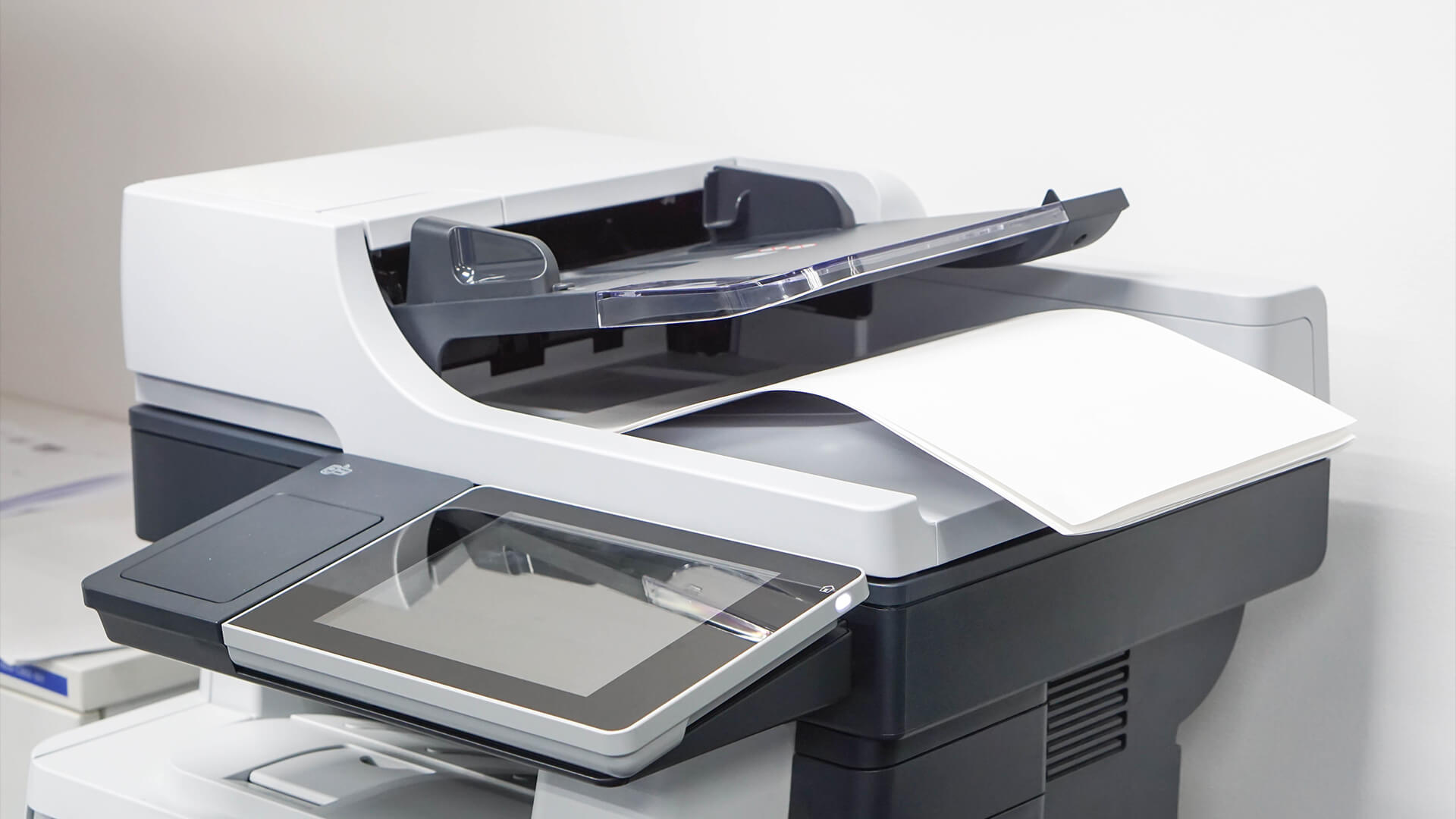
While duplex printing is generally straightforward, you may occasionally run into small issues. The good news is that most of these are easy to fix with a few simple adjustments.
Paper Alignment Problems
Sometimes, the content on each side of the page may not line up perfectly. This usually happens due to incorrect print settings or margins.
Adjusting alignment settings in your printer software can quickly resolve this and ensure both sides of the document are properly aligned.
Ink Smudging and Bleed-Through
If you notice ink showing through the page or smudging, the issue is often related to thin or low-quality paper.
Switching to thicker paper or adjusting the print quality settings can significantly improve the result. Clearer prints with fewer errors and less need for reprinting.
Compatibility Limitations
Not all printers support automatic duplex printing. If your printer doesn’t include this feature, you can still use manual duplex printing by flipping the paper yourself.
While it takes a bit more effort, it still allows you to enjoy the benefits of double-sided printing. You can still save paper and reduce costs, even with basic printing setups.
Conclusion
Duplex printing is one of the easiest ways to improve your printing setup. By printing on both sides of the page, you can save paper, reduce costs, and create more organised documents without changing your workflow.
Whether you’re printing at home, studying or managing office tasks, duplex printing offers a simple solution that delivers long-term benefits. It also works seamlessly alongside other essentials like label printers for office, helping you create a more efficient and organised workspace overall.
When you’re ready to upgrade your setup, explore the latest duplex supported printers, printing essentials and accessories at Box.co.uk to make your printing more efficient and cost-effective.
FAQs
What is the difference between automatic and manual duplex printing?
Automatic duplex printing flips the page inside the printer, while manual duplex printing requires you to reinsert the paper yourself.
Can I print double-sided on all printers?
No, only printers with duplex support can print double-sided automatically. Others require manual setup.
How do I know if my printer supports duplex printing?
Check your printer specifications or look for duplex options in your print settings.
Is double-sided printing the same as duplex?
Yes, both terms refer to printing on both sides of a sheet of paper.
You can pay with:
*PayPal Credit Representative Example: Assumed credit limit £1,200, Representative 23.9% APR (variable). Purchase rate 23.9% p.a (variable).Terms & Conditions apply.


PayPal Credit and PayPal Pay in 3 are trading names of PayPal UK Ltd, 5 Fleet Place, London, United Kingdom, EC4M 7RD. Terms and conditions apply. Credit subject to status, UK residents only, Five Tech LTD acts as a broker and offers finance from a restricted range of finance providers. PayPal Pay in 3 is not regulated by the Financial Conduct Authority. Pay in 3 eligibility is subject to status and approval. 18+. UK residents only. Pay in 3 is a form of credit. Check if affordable and how you will repay. May make other borrowing more difficult or expensive. See product terms for more details.
Copyright © 1996-2026 Fivetech LTD | Terms and Conditions
box.co.uk & Box are trading names of Five Tech Limited. Registered office: Box LTD, Unit 10 Woodford Trading Estate, Woodford Green IG8 8HF