


 Menu
MenuMenu


Get Sales Advice from Mon - Fri 9am - 5:00pm:
020 3337 8950LAST UPDATED: May 15, 2026
OLED Laptops and Battery Life - The Truth Nobody Talks About
When people consider buying an OLED laptop, one concern comes up almost every time: does an OLED laptop drain battery faster?
The answer isn’t as simple as yes or no. OLED displays behave very differently compared to traditional IPS screens, and that directly affects oled laptop battery life in ways most users don’t fully understand.
In reality, OLED can either save or drain battery depending on how you use your laptop. This guide breaks it down in a simple, practical way; so you can decide whether an OLED laptop is right for you.
How OLED Screens Use Power Differently
One of the biggest reasons people question OLED laptop battery life is because OLED screens don’t behave like traditional displays. To really understand whether OLED drains more battery, you first need to understand how it actually uses power and this is where things get interesting.
Why Pixel-Level Lighting Changes Everything
The core difference between OLED and IPS displays comes down to how they produce light.
On a typical IPS screen, the entire display is powered by a constant backlight. This means that no matter what you’re looking at whether it’s a bright webpage or a completely black screen; the backlight is always on, consuming a steady amount of power.
OLED takes a completely different approach. Instead of using a single backlight, each pixel generates its own light. This allows individual pixels to turn on and off independently. When something on your screen is black, those pixels are effectively switched off and use almost no power.
For you, this means your laptop’s power usage is no longer fixed; it changes depending on what you’re doing. Watching a dark movie scene, using dark mode or working in apps with darker interfaces can actually reduce power consumption in a way that IPS screens simply cannot.
This pixel-level control is what makes OLED both more efficient in some cases and more demanding in others.
OLED vs IPS: Power Draw Compared
When comparing OLED vs IPS battery life, it’s important to think beyond specs and focus on real-world usage.
IPS displays are predictable. They consume a relatively consistent amount of power because the backlight is always active, regardless of what’s on the screen. This makes battery performance stable, but not necessarily efficient.
OLED displays, on the other hand, are dynamic. Their power consumption changes depending on colour and brightness:
- Dark content uses less power because pixels are turned off
- Bright or white-heavy content uses more power because more pixels are active
This is why OLED laptops can feel inconsistent to some users. One moment, battery life seems excellent while watching a dark film. The next, it drops faster when browsing bright websites or working on documents.
For you, this means OLED is not inherently worse or better; it’s simply more responsive to how you use your device.
When OLED Actually Saves Your Battery
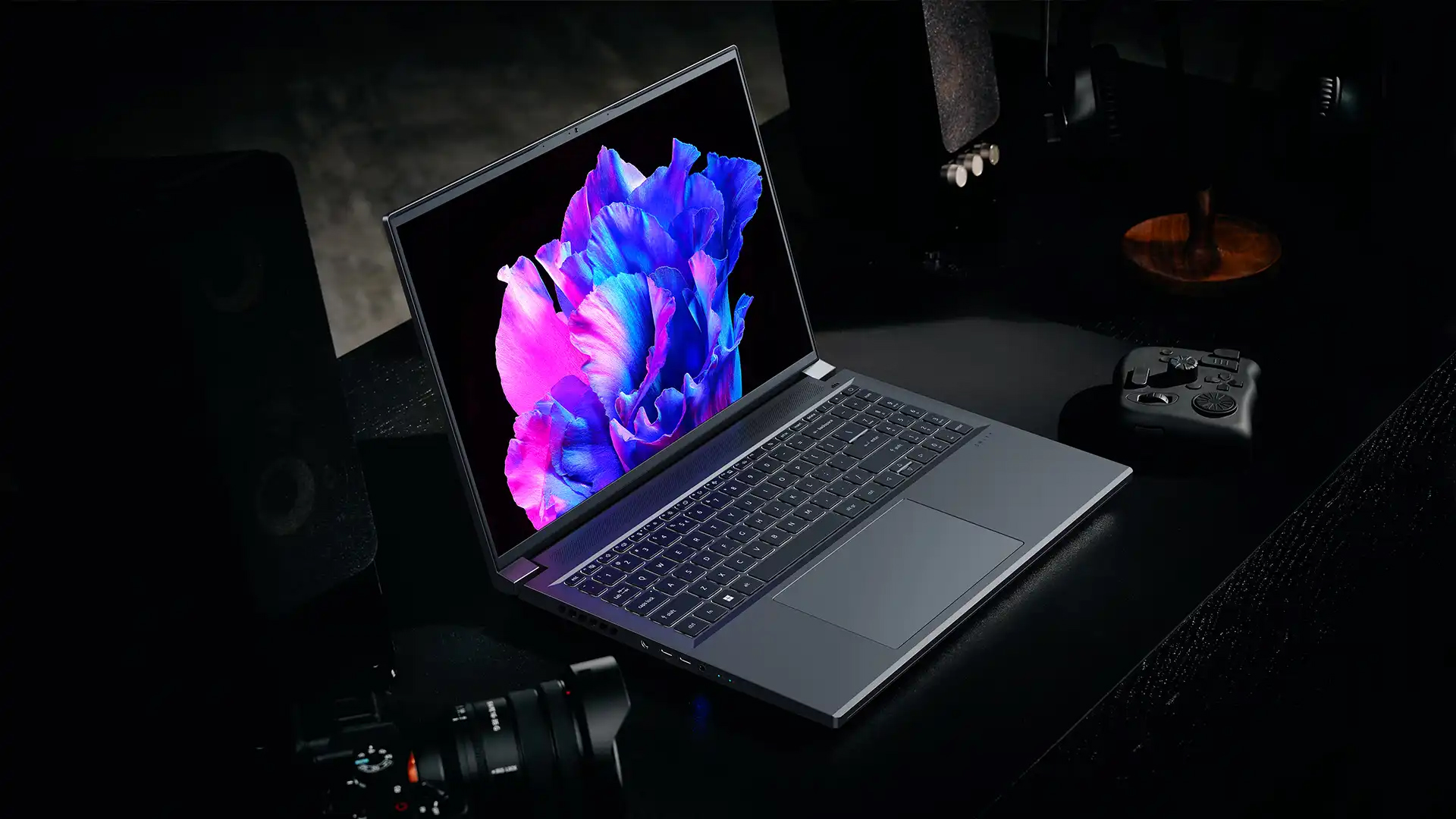
Despite common concerns, OLED can be surprisingly efficient when used the right way. In fact, there are specific scenarios where it clearly outperforms traditional displays in terms of power consumption.
Dark Mode: Where OLED Has a Real Edge
Dark mode is where OLED truly shines not just visually, but in efficiency.
Because black pixels are completely turned off, using dark themes across your operating system and apps can significantly reduce how much power your display uses.
This isn’t just a minor improvement. Over time, it can noticeably extend battery life, especially if you spend long hours working, browsing or watching content.
For you, this means you can improve battery performance without changing your workflow just by switching to darker themes.
Black Backgrounds and App Themes That Help
Beyond system-wide settings, the apps you use also influence power consumption. Many modern applications now support dark themes, and using them can make a real difference on OLED screens.
Creative tools, coding environments and media apps often use darker interfaces by default, which naturally reduces power usage. Even simple changes like using a dark wallpaper or enabling dark mode in your browser can contribute to better OLED display battery life over time.
For you, this means small adjustments can lead to meaningful improvements, especially during long usage sessions.
How Adaptive Brightness Works in Your Favour
Another factor that helps OLED efficiency is adaptive brightness. Most modern OLED laptops automatically adjust screen brightness based on your surroundings.
In well-lit environments, the display increases brightness for visibility. In darker environments, it reduces brightness to save power and improve comfort.
This not only enhances your viewing experience but also ensures your laptop isn’t using more power than necessary.
For you, this means your device is constantly optimising itself in the background, helping you get better battery life without needing to manually adjust settings all the time.
If you’re concerned about long-term usage, understanding OLED burn-in explained can give you a clearer idea of how it happens and what simple steps you can take to prevent it.
When Battery Usage Goes Up on OLED
While OLED displays can be efficient in the right conditions, there are also situations where they can use more power than expected. Understanding these scenarios helps you manage your OLED laptop battery life more effectively so you can enjoy the display without unnecessary drain.
Bright Content and High Refresh Rates
OLED screens use more power when displaying bright colours, especially white. This is because more pixels need to be actively lit at higher intensity.
In everyday use, this happens more often than you might think. Tasks like browsing websites, working on documents, or using apps with white backgrounds can increase OLED screen power consumption compared to IPS displays.
On top of that, higher refresh rates such as 120Hz or above mean the screen updates more frequently, which also adds to power usage.
For you, this means that while your OLED display looks vibrant and smooth, it may consume more battery during bright, fast-moving tasks.
HDR Playback and Its Impact on Power
One of the biggest advantages of OLED is its ability to deliver stunning HDR visuals. Colours look richer, contrast is deeper, and highlights appear more realistic.
However, this improved visual quality comes at a cost. HDR content requires higher brightness levels and more active pixels, which increases power usage.
So, if you’re streaming HDR movies or working with high-quality visuals, you may notice your battery draining faster.
For you, this means choosing when to prioritise visual quality versus battery efficiency, depending on your situation.
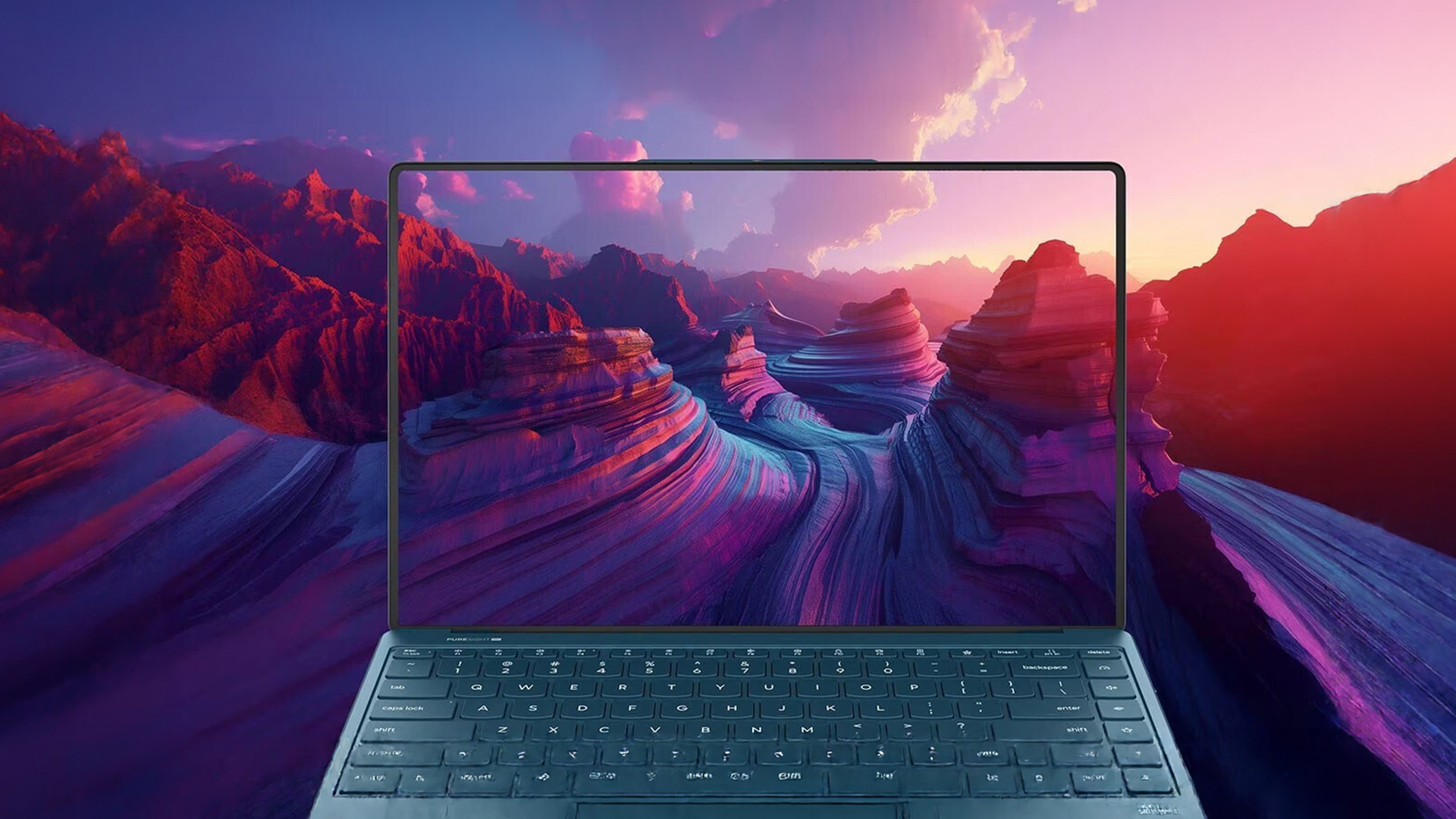
How to Balance Quality and Battery Life
The key to getting the best out of an OLED laptop is balance. You don’t need to avoid its features; you just need to use them smartly.
Simple adjustments like slightly lowering brightness, switching to dark mode or reducing refresh rate when high performance isn’t needed can make a noticeable difference.
The benefit here is clear: you still enjoy the premium OLED experience, but with better battery efficiency throughout the day.
Settings That Stretch OLED Battery Life
Making a few small changes in your settings can significantly improve how long your OLED laptop lasts on a single charge
Brightness Levels Worth Sticking To
Running your screen at maximum brightness all the time isn’t necessary, especially indoors. Keeping brightness at a moderate level reduces power usage without affecting visibility too much. For you, this means longer battery life with no real compromise in everyday use.
Refresh Rate Controls to Know About
Many OLED laptops allow you to switch between different refresh rates, such as 60Hz and 120Hz. Using a lower refresh rate when you’re not gaming or scrolling heavily can help reduce power consumption. In simple terms, you only use higher refresh rates when you need them saving battery the rest of the time.
Power Profiles That Work with OLED Panels
Most laptops include power modes like balanced, performance, or battery saver. Choosing the right profile helps your system use power more efficiently.
These modes adjust how your CPU, GPU and display behave, helping improve battery performance in OLED notebooks without affecting usability too much.
For you, this means your laptop can automatically optimise itself; giving you a smoother experience while extending battery life.
OLED Laptops with Impressive Battery Life in 2026
There’s a common belief that OLED laptops always struggle with battery life, but that’s no longer the full picture. Thanks to improvements in display technology, processors and power management, many modern OLED laptops now offer strong, reliable battery performance alongside their stunning visuals.
The key difference today is that manufacturers are designing OLED laptops with efficiency in mind. This means you no longer have to choose between a beautiful display and practical everyday usage; you can have both.
Slim and Light OLED Picks That Last All Day
Thin and light OLED screen laptops are some of the best examples of how far efficiency has come. These devices are built for portability, meaning they focus heavily on low power consumption without sacrificing display quality.
They typically use energy-efficient processors and optimised OLED panels, allowing them to last through a full day of work, study, or entertainment.
For you, this means you can enjoy vibrant colours, deep contrast and sharp visuals while still having the freedom to move around without constantly needing a charger. Whether you’re a student, remote worker, or casual user, these laptops offer a great balance of performance and convenience.
Business OLED Laptops with Long Battery
Business-focused OLED laptops take things a step further by prioritising stability, consistency, and long battery life. These systems are designed for professionals who need reliable performance throughout the day.
They often include features like advanced power management, efficient hardware, and optimised software to ensure the battery lasts during long meetings, travel, or extended work sessions.
For you, this means you get a premium viewing experience perfect for presentations, content viewing, or multitasking without worrying about battery running out during important tasks.
Gaming OLED Laptops That Balance Power Well
Gaming laptops with OLED displays are designed differently. Their focus is performance, but newer models are becoming much more efficient than before.
While they may not match the battery life of slim ultrabooks, they are now better at balancing power and efficiency. This means you can still enjoy high-quality visuals, smooth gameplay, and strong performance without extreme battery drain.
For you, this means you get the best of both worlds; a powerful gaming machine with a premium display that still offers reasonable battery life when used away from a charger.
OLED vs IPS: Which Is Right for You?
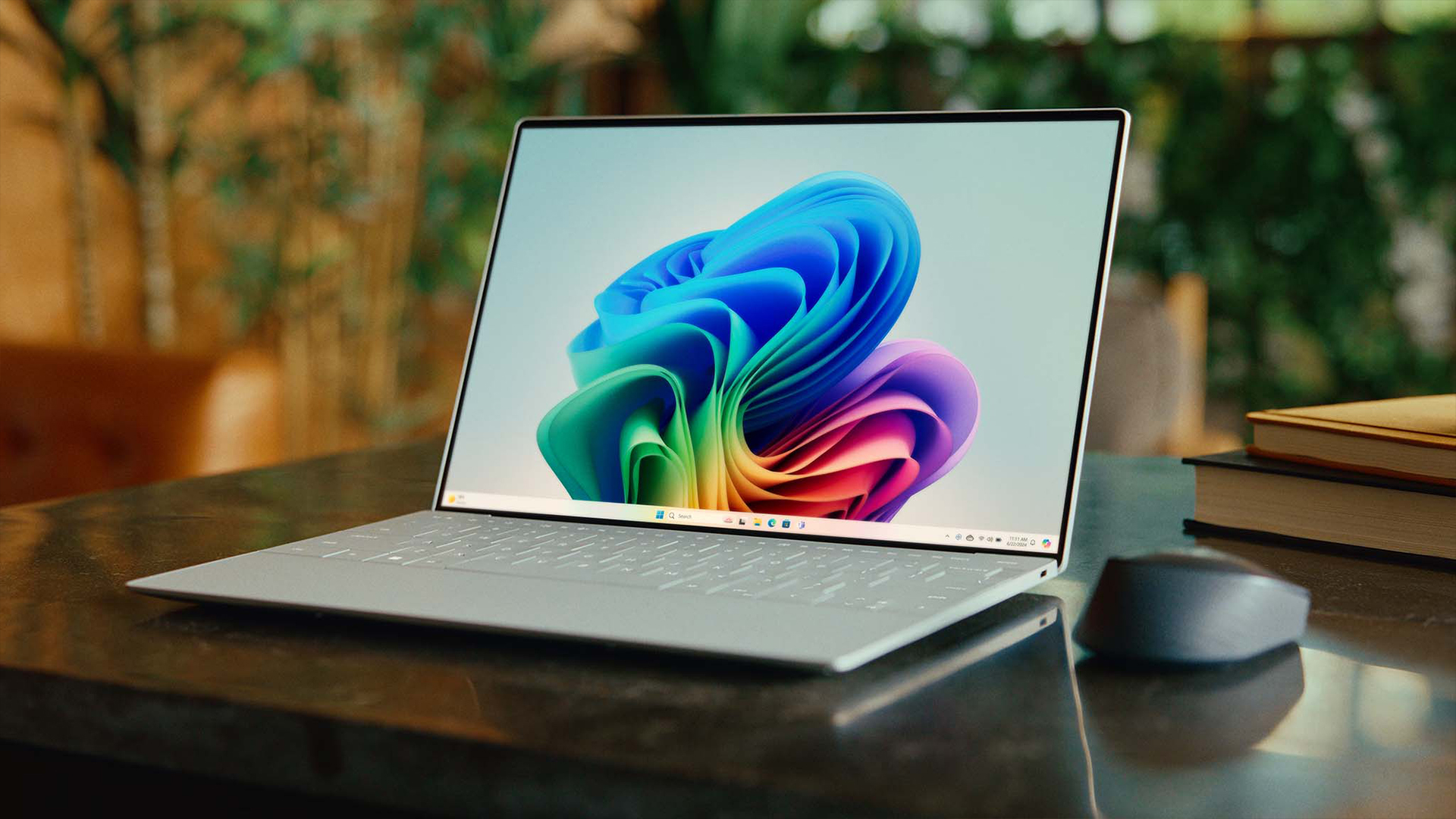
Choosing between OLED and IPS isn’t just about specs; it’s about how you plan to use your laptop. Both technologies have their strengths, and the right choice depends on your priorities.
Who Benefits Most From OLED
OLED is the better choice if you value visual quality and immersive experiences.
Because of its ability to produce deeper blacks, richer colours and higher contrast, OLED is ideal for watching movies, streaming content and creative work like photo or video editing. Everything looks more vibrant and detailed, which makes everyday usage feel more premium.
For you, this means a laptop that doesn’t just perform well; it also looks exceptional every time you use it.
Scenarios Where IPS Still Makes Sense
IPS displays are still a strong option in certain situations. They provide consistent brightness and stable power usage, which can be beneficial if you mostly work with bright content like documents, spreadsheets or web browsing.
They are also often more predictable in terms of battery performance, making them a practical choice if your priority is maximum battery life without variation.
For you, this means IPS can still be the better option if you prefer consistency, longer battery life and a more straightforward experience.
To keep your display performing at its best over time, it’s worth exploring OLED laptop screen care tips, which can help you maintain brightness, colour quality and overall panel health.
Final Thoughts
So, does an OLED laptop drain battery faster? The honest answer is, it depends on how you use it.
OLED displays can be more efficient in the right conditions, especially with dark mode and lower brightness. But in bright, high-performance scenarios, they can consume more power than IPS panels.
If you want the best of both worlds, modern OLED laptops offer improved efficiency and smarter power management than ever before.
If you’re exploring options, you can browse the latest range of OLED screen laptops at Box.co.uk to find models that balance display quality and battery life perfectly. You can also consider power backup solutions for computing like UPS systems for extended usage or explore a wider range of high performance laptops for daily use depending on your needs.
In simple terms, OLED doesn’t just change how your laptop looks; it changes how it uses power. Understanding that difference helps you get the most out of your device
FAQs
Does OLED always drain faster than IPS?
No, OLED can be more efficient with dark content but may use more power with bright content.
Do OLED laptops have better battery life?
They can, depending on usage patterns and settings.
How long does the OLED battery last?
It varies by laptop, but many modern OLED laptops offer all-day battery life.
Does dark mode really save battery on OLED laptops?
Yes, dark mode reduces power usage by turning off pixels.
Can I improve battery life without losing display quality?
Yes, by adjusting brightness, refresh rate, and power settings.
You can pay with:
*PayPal Credit Representative Example: Assumed credit limit £1,200, Representative 23.9% APR (variable). Purchase rate 23.9% p.a (variable).Terms & Conditions apply.


PayPal Credit and PayPal Pay in 3 are trading names of PayPal UK Ltd, 5 Fleet Place, London, United Kingdom, EC4M 7RD. Terms and conditions apply. Credit subject to status, UK residents only, Five Tech LTD acts as a broker and offers finance from a restricted range of finance providers. PayPal Pay in 3 is not regulated by the Financial Conduct Authority. Pay in 3 eligibility is subject to status and approval. 18+. UK residents only. Pay in 3 is a form of credit. Check if affordable and how you will repay. May make other borrowing more difficult or expensive. See product terms for more details.
Copyright © 1996-2026 Fivetech LTD | Terms and Conditions
box.co.uk & Box are trading names of Five Tech Limited. Registered office: Box LTD, Unit 10 Woodford Trading Estate, Woodford Green IG8 8HF