


 Menu
MenuMenu


Get Sales Advice from Mon - Fri 9am - 5:00pm:
020 3337 8950LAST UPDATED: May 18, 2026
How to Maintain an OLED Laptop Screen for Long-Term Use
OLED laptops are becoming increasingly popular and for good reason. They offer deeper blacks, richer colours and a more immersive viewing experience compared to traditional displays. Whether you’re using a full HD OLED laptop for everyday tasks or a high-end device for gaming and content creation, the visual quality is hard to beat.
However, with these benefits comes an important responsibility: proper OLED laptop screen care. Unlike standard LCD panels, OLED displays require slightly different handling to maintain their performance over time.
The good news? You don’t need complicated tools or technical knowledge. With a few simple habits and settings, you can keep your OLED screen looking as good as new for years.
Why OLED Screens Deserve Extra Attention
OLED laptops are known for their stunning visuals, but what many people don’t realise is that this advanced display technology also benefits from a slightly different approach to care.
This doesn’t mean OLED screens are fragile or difficult to maintain. In fact, modern OLED panels are built with durability in mind. However, because they work differently from traditional screens, a few smart habits can go a long way in keeping them performing at their best for years.
OLED vs LCD: What’s Actually Different
To understand why OLED needs a bit more attention, it helps to look at how it works compared to traditional LCD displays.
LCD screens rely on a constant backlight that stays on regardless of what’s being shown. This means power usage and wear are fairly consistent across the screen.
OLED displays, on the other hand, use self-lit pixels. Each pixel turns on and off individually depending on what’s being displayed. This is what allows OLED screens to produce deeper blacks, higher contrast, and more vibrant colours.
However, because each pixel works independently, they don’t all wear at the same rate. If certain elements like icons, toolbars, or static images stay on screen for long periods, those pixels can be used more frequently than others.
For you, this simply means that OLED delivers a better visual experience, but it also rewards more balanced and mindful usage.
Why OLED Looks Better and Needs Smarter Care
One of the biggest reasons people choose OLED laptops is the visual quality. Whether you’re watching movies, gaming, or working on creative projects, the difference in colour depth and clarity is immediately noticeable.
But this same technology is also why OLED display care matters. Since each pixel is responsible for its own light, maintaining a balanced usage pattern helps ensure the screen stays consistent over time.
The good news is that modern OLED laptops are designed with built-in protections. Features like pixel shifting, automatic dimming and refresh cycles help reduce the risk of long-term issues.
For you, this means you don’t need to worry; you just need to support these features with a few simple habits to keep your screen looking its best.
Smart Daily Habits for OLED Screen Longevity
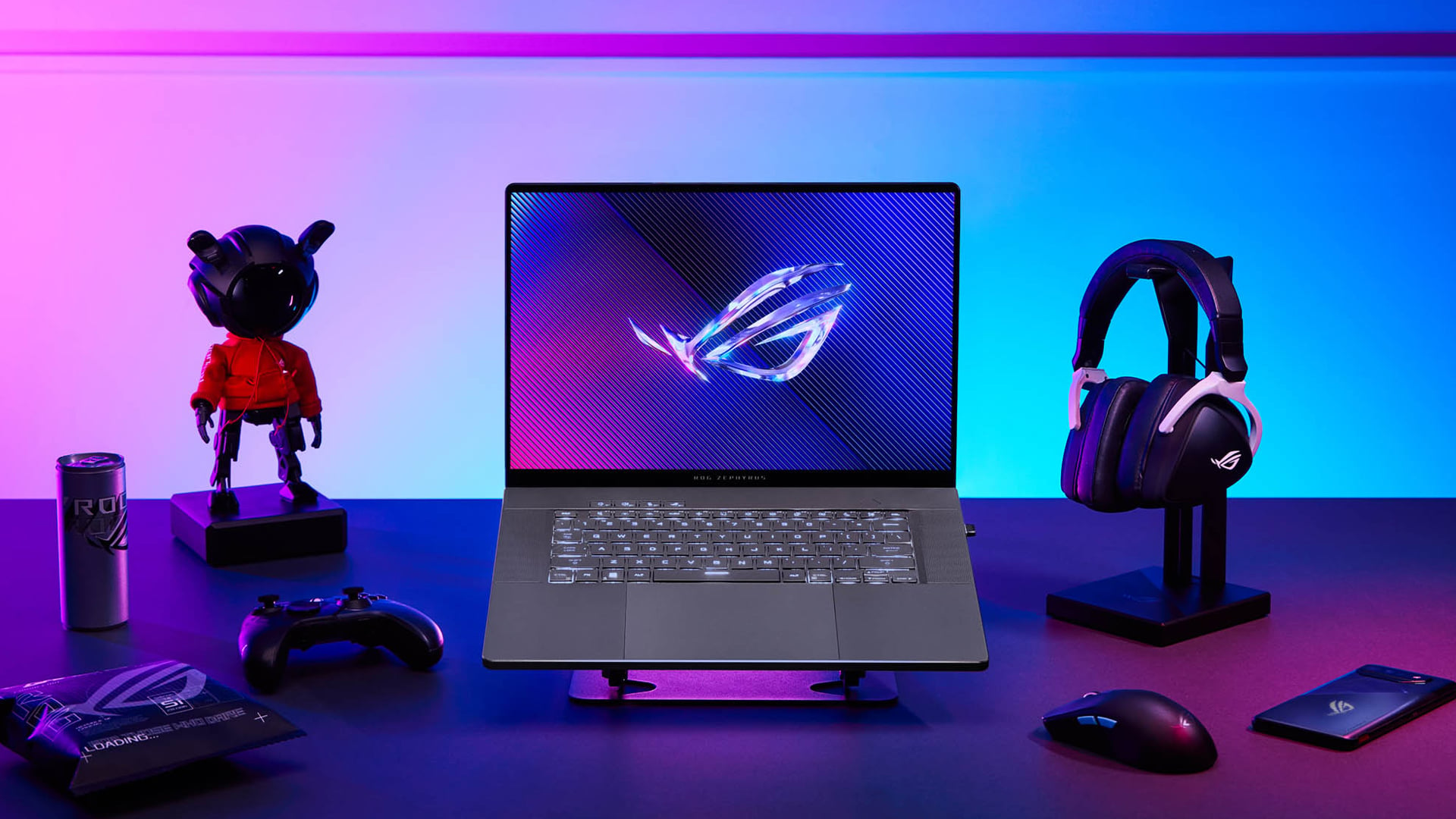
Taking care of an OLED screen doesn’t require technical knowledge or extra effort. A few small adjustments in your daily usage can significantly improve both performance and lifespan.
Brightness Sweet Spot for Everyday Use
Using your screen at maximum brightness all the time isn’t necessary, especially indoors. Higher brightness means more power is used, and pixels are working harder than they need to.
Keeping your brightness at a moderate level helps reduce strain on the display while still providing clear and comfortable viewing.
For you, this means improved OLED laptop efficiency, longer battery life and a screen that stays in better condition over time.
Sleep Timers and Auto-Lock Settings That Work
Leaving your laptop screen on for long periods, especially with static content, is one of the main causes of uneven pixel usage.
By enabling sleep timers or auto-lock settings, your display automatically turns off when not in use. This prevents unnecessary wear and keeps your screen balanced.
For you, this means better long-term performance with zero effort once it’s set up.
Dark Mode; Looks Great, Works Harder for You
Dark mode is more than just a visual preference; it’s one of the most effective ways to support OLED screen maintenance.
Because OLED pixels turn off completely when displaying black, dark themes reduce overall power usage and limit pixel activity. This helps extend the life of your display while also improving battery efficiency.
For you, this means you get a cleaner, more modern look while also helping your laptop last longer; making it one of the easiest and most effective changes you can make.
Pixel Refresh: Your OLED’s Built-In Shield
One of the biggest advantages of modern OLED laptops is that they are designed to take care of themselves to a certain extent. A key feature behind this is pixel refresh, which acts as a built-in protection system for your display.
If you’re concerned about long-term screen quality or issues like uneven brightness, this is one feature that works quietly in the background to keep your OLED panel performing at its best.
What Pixel Refresh Actually Does
Pixel refresh is a maintenance process that helps keep your OLED display balanced over time. Since OLED screens use individual pixels that light up independently, some areas of the screen may be used more than others especially if static elements like menus or icons stay visible for long periods.
Pixel refresh works by adjusting these pixels to maintain consistent brightness across the screen. It essentially “rebalances” the display, helping prevent uneven wear and reducing the risk of long-term image retention.
For you, this means your screen continues to look uniform, vibrant and consistent; even after extended use. Think of it as a simple but effective way your laptop protects its own display without needing constant attention.
How Often to Run It and When
In most cases, pixel refresh runs automatically when your laptop is idle or powered down. This means you don’t usually need to think about it; it’s already working in the background.
However, some laptops also give you the option to run it manually. This can be useful if you’ve had a long session with static content, such as editing, coding, or extended browsing.
Running pixel refresh occasionally helps keep everything balanced and ensures your display stays in top condition.
For you, this means minimal effort with maximum benefit; you don’t need technical knowledge, just occasional awareness.
How to Clean Your OLED Screen Without the Worry
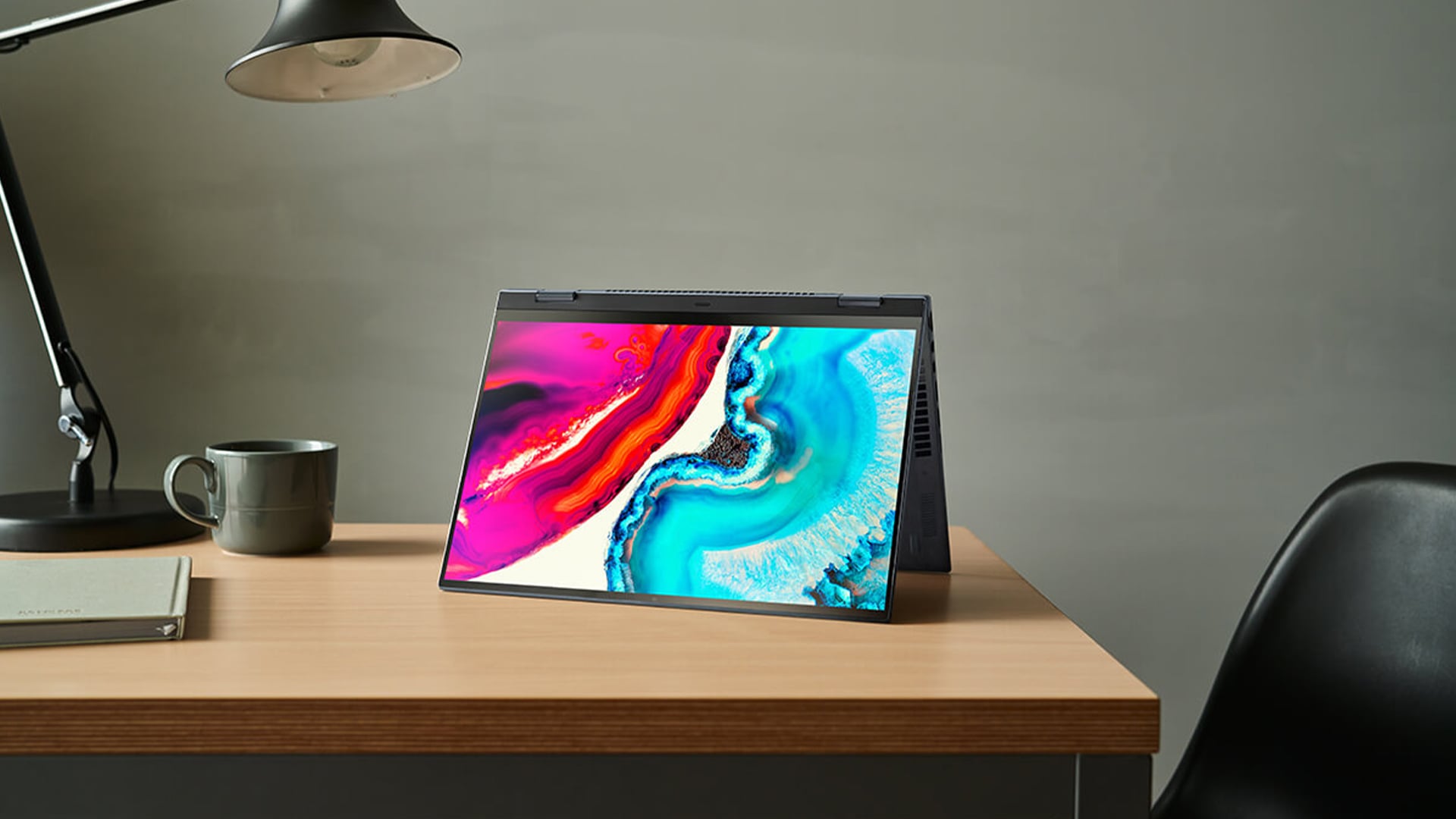
Keeping your OLED screen clean is just as important as maintaining its performance. Dust, fingerprints and smudges can reduce clarity and affect your viewing experience but cleaning an OLED display needs to be done carefully.
Cleaning Products That Are Safe to Use
OLED screens have a delicate surface coating, so using the wrong cleaning products can cause damage over time. Harsh chemicals, alcohol-based cleaners or rough cloths should always be avoided.
The safest approach is to use a soft microfibre cloth, which is designed to clean screens without scratching them. If needed, you can use a small amount of screen-safe cleaning solutions made specifically for electronics.
For you, this ensures your OLED screen cleaner routine is both safe and effective, keeping your display clear without risking damage
Quick 3-Step Routine for a Spotless Display
Cleaning your OLED screen doesn’t need to be complicated. A simple routine can keep it looking as good as new:
- First, turn off your laptop to make dust and smudges easier to see.
- Then, gently wipe the screen with a dry microfibre cloth to remove surface dust.
- If there are still marks, lightly use a safe cleaning solution and wipe carefully.
This quick process keeps your screen clean while protecting its surface.
For you, this means better clarity and a more enjoyable viewing experience every time you use your laptop.
Screen Protectors Worth Considering
While not essential, screen protectors can offer an extra layer of protection; especially if you use your laptop frequently on the go.
They help reduce scratches, smudges, and minor wear, which can be useful if your device is exposed to different environments.
For you, this means added peace of mind, knowing your OLED display is protected against everyday use.
Display Settings to Configure from Day One
When you start using an OLED laptop, one of the smartest things you can do is optimise your display settings early on. These settings don’t just improve your viewing experience—they also play a big role in maintaining your screen’s health and extending its lifespan.
The good news is that most of these features are already built into your system. You just need to make sure they’re set up correctly, so your laptop can work more efficiently from day one.
Windows Settings That Help OLED Last Longer
Modern operating systems like Windows include several built-in tools designed to protect your display and improve efficiency.
Features such as dark mode, auto-brightness, and screen timeout settings are especially useful for OLED screens. Dark mode reduces the number of active pixels, auto-brightness ensures your screen isn’t using unnecessary power, and screen timeout prevents the display from staying on when not in use.
Together, these settings help reduce wear on your screen while also improving OLED display battery life.
For you, this means better performance, longer battery usage, and a display that stays in great condition without needing constant manual adjustments.
Brand Tools from ASUS, Razer and MSI
Many laptop brands go a step further by including their own OLED protection tools. Manufacturers like ASUS, Razer and MSI often build features directly into their systems to support long-term display health.
These tools may include pixel shifting (which subtly moves on-screen elements), automatic dimming and scheduled refresh cycles. All of these work in the background to prevent uneven pixel usage and maintain display consistency.
For you, this means your laptop is actively protecting itself while you use it giving you peace of mind without needing to think about it.
Colour Profiles and Refresh Rates Explained
Another important area to consider is how your display is configured in terms of colour and refresh rate.
Accurate colour profiles ensure your screen displays content correctly without pushing brightness or contrast too far, which can strain the panel over time. Meanwhile, refresh rate settings control how often your screen updates each second.
Using a lower refresh rate when you don’t need high performance (such as during browsing or watching videos) can reduce power usage and improve efficiency.
For you, this means you get a balanced experience; great visuals when you need them, and better battery life when you don’t.
How Long Do OLED Laptop Screens Really Last?
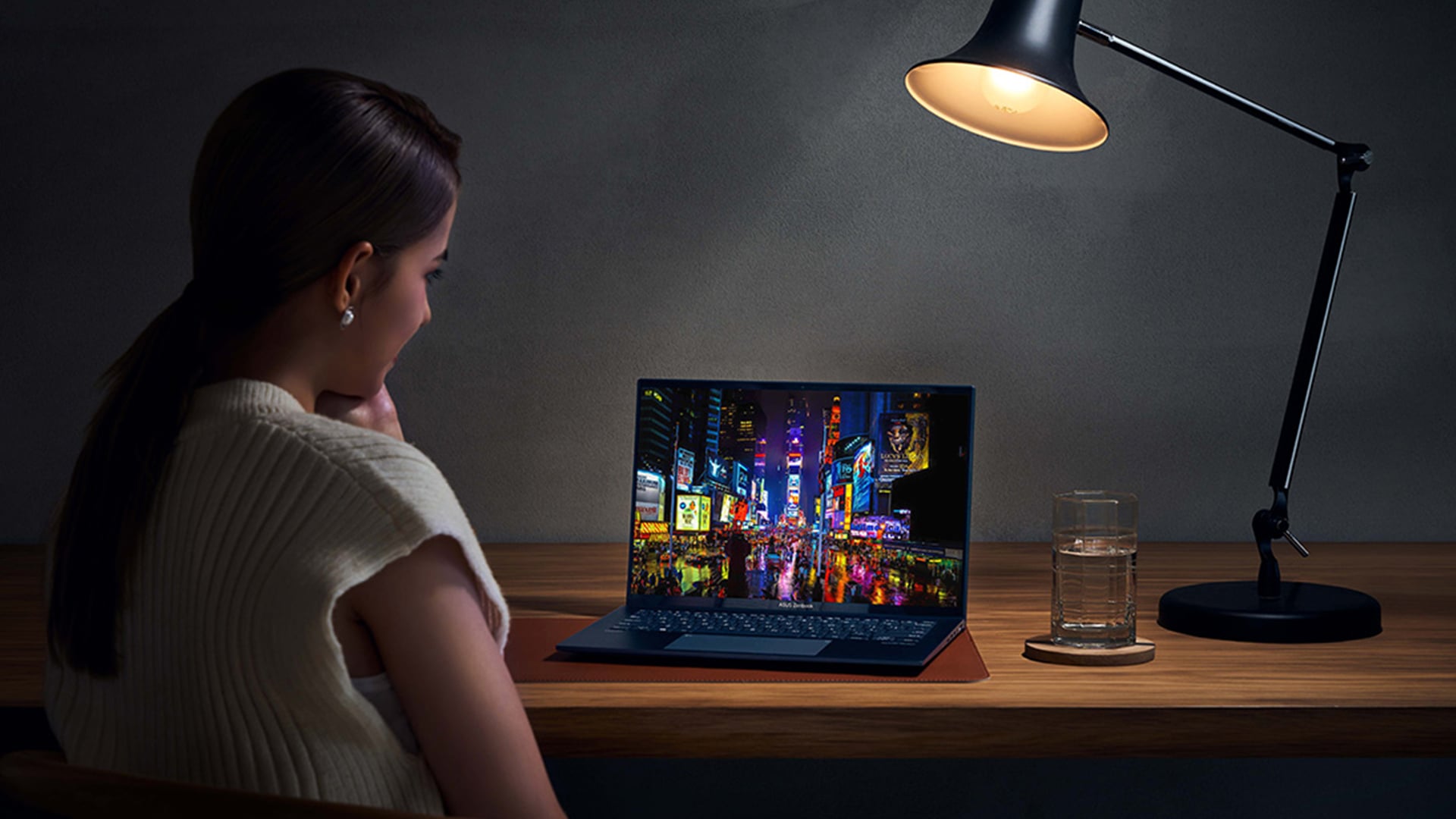
One of the most common concerns about OLED laptops is lifespan. Many users worry that the display may wear out quickly, but modern OLED panels are far more durable than earlier versions.
What the Numbers Say About OLED Lifespan
Today’s OLED screens are designed to last for years under normal usage. With improvements in technology and built-in protection features, they can easily match the lifespan of traditional laptop displays.
The key factor isn’t just how long the screen is used; it’s how it’s used. Balanced usage, proper settings and regular maintenance all contribute to keeping the display in top condition.
For you, this means OLED is no longer a risky choice; it’s a reliable option when used correctly.
Simple Habits That Add Years to Your Display
Small daily habits can make a big difference in extending the life of your OLED screen.
Avoid leaving static images on screen for long periods, use dark mode where possible, keep brightness at comfortable levels and allow built-in features like pixel refresh to run when needed.
These simple steps don’t require extra effort, but they significantly reduce the chances of uneven wear or long-term issues.
For you, this means your OLED laptop can stay vibrant, consistent and high-performing for much longer without complicated maintenance.
OLED Laptops Built for the Long Haul
Modern OLED laptops are not just about visual quality; they’re also designed for durability and long-term use. Manufacturers are now focusing on building systems that balance performance, efficiency and display longevity.
Gaming OLED Laptops That Go the Distance
Today’s Gaming Laptops with OLED Displays are built to handle demanding workloads while maintaining display quality. They include advanced cooling systems and protective display technologies that help manage heat and reduce stress on the panel.
For you, this means you can enjoy high-performance gaming without worrying about your screen wearing out quickly.
Creator Picks with Stunning OLED Panels
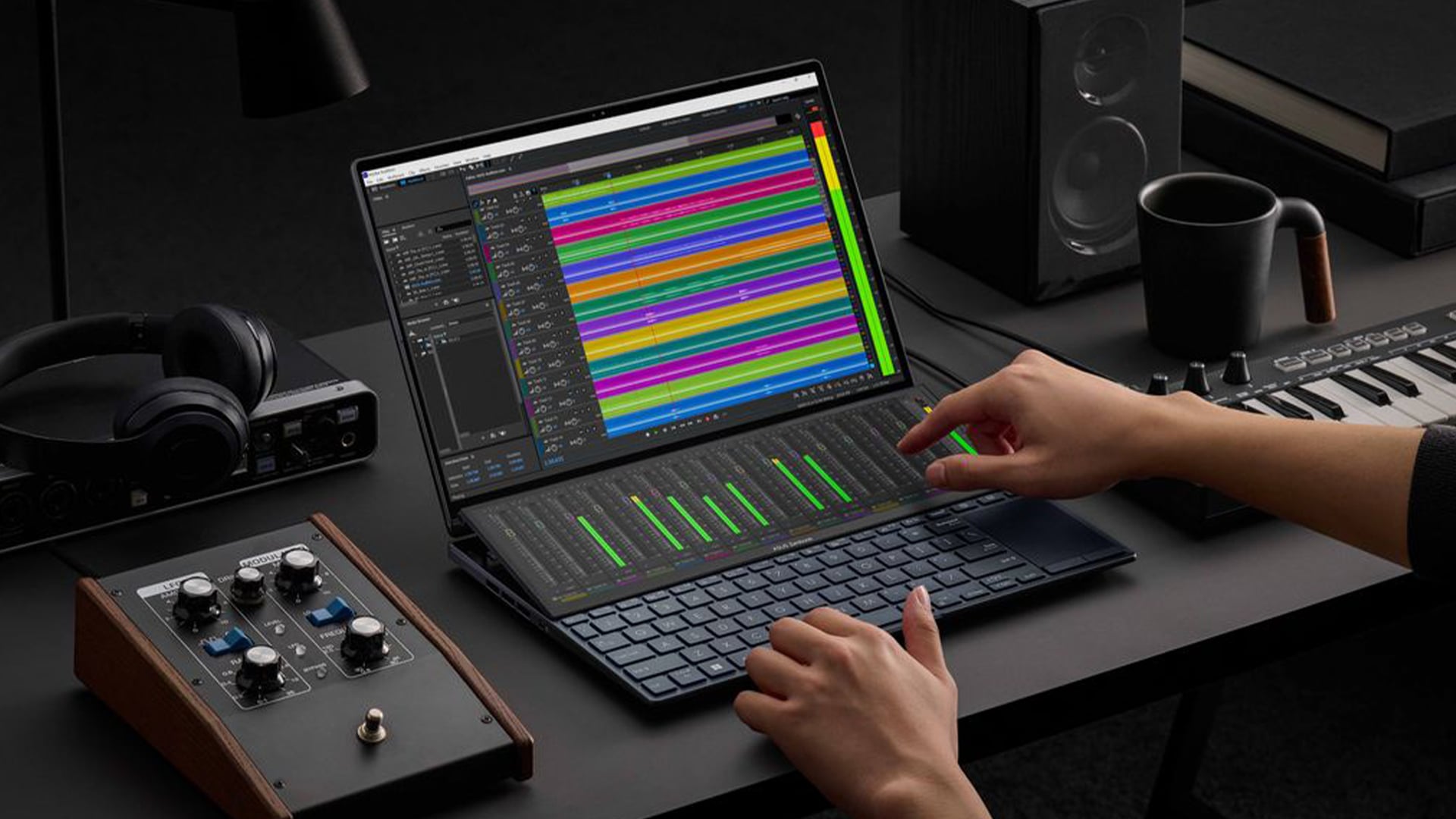
OLED laptops are especially popular among creators because of their colour accuracy and contrast. Whether you’re editing photos, videos or graphics, OLED provides a more precise and immersive visual experience.
Choosing one of the best OLED laptops ensures you get both performance and display quality; making your work look exactly as intended.
For you, this means better results and a more enjoyable creative process.
What to Look for When Choosing an OLED Laptop
When selecting an OLED laptop, it’s important to focus on features that support both performance and longevity.
Look for a high-quality display with good brightness control, built-in protection features like pixel refresh, efficient hardware for better battery life and a solid overall build.
You can explore a range of OLED laptops worth buying in 2026 to find models that offer the right balance between performance, efficiency, and durability.
Final Thoughts
Maintaining an OLED laptop screen doesn’t require complex steps; it’s about consistent, smart habits.
By managing brightness, using built-in features like pixel refresh and following simple cleaning routines, you can protect your display and extend its lifespan.
If you’re considering upgrading your setup, you can explore OLED screen laptops, browse gaming laptops, or find useful laptop accessories you actually need at Box.co.uk to support your device.
For deeper insights, you can also learn more about how OLED screens affect your laptop battery life to get the most out of your device.
If you’re still unsure about long-term risks, exploring OLED Burn-In in 2026 - Should You Still Worry? can help you understand how modern displays handle burn-in and why it’s far less of a concern today.
FAQs
Can everyday use cause burn-in on OLED laptops?
No, normal usage rarely causes burn-in. Modern OLED panels include protections to prevent it.
How often should I run pixel refresh?
It usually runs automatically, but occasional manual use can help after long sessions.
Is it safe to keep an OLED laptop on for hours?
Yes, as long as you use sleep timers and avoid static content for extended periods.
Does cleaning an OLED screen damage it?
No, as long as you use safe cleaning methods and avoid harsh chemicals.
You can pay with:
*PayPal Credit Representative Example: Assumed credit limit £1,200, Representative 23.9% APR (variable). Purchase rate 23.9% p.a (variable).Terms & Conditions apply.


PayPal Credit and PayPal Pay in 3 are trading names of PayPal UK Ltd, 5 Fleet Place, London, United Kingdom, EC4M 7RD. Terms and conditions apply. Credit subject to status, UK residents only, Five Tech LTD acts as a broker and offers finance from a restricted range of finance providers. PayPal Pay in 3 is not regulated by the Financial Conduct Authority. Pay in 3 eligibility is subject to status and approval. 18+. UK residents only. Pay in 3 is a form of credit. Check if affordable and how you will repay. May make other borrowing more difficult or expensive. See product terms for more details.
Copyright © 1996-2026 Fivetech LTD | Terms and Conditions
box.co.uk & Box are trading names of Five Tech Limited. Registered office: Box LTD, Unit 10 Woodford Trading Estate, Woodford Green IG8 8HF