


 Menu
MenuMenu


Get Sales Advice from Mon - Fri 9am - 5:00pm:
020 3337 8950LAST UPDATED: May 18, 2026
OLED Laptop Burn-In in 2026: Is It Still Worth Worrying About?
OLED laptops look brilliant for gaming, films, creative work and everyday browsing because they offer deep blacks, strong contrast and rich colours. The concern, though, is still the same: can OLED laptop burn-in become a real problem if you use the screen every day?
The simple answer is that burn-in is still possible, but it is much less scary than it used to be. A modern OLED notebook usually includes protection features such as pixel shifting, refresh cycles and screen care tools that help reduce the risk. These features are designed to stop the same pixels from showing the same static content for too long.
That matters because each OLED (Organic Light-Emitting Diode) pixel produces its own light, so static menus, taskbars, browser tabs or editing panels can slowly cause uneven wear if left on-screen for long periods. For most users, a laptop with an OLED screen is worth considering in 2026 if you understand OLED image persistence, use sensible settings, and avoid leaving bright static content on display all day.
What Is OLED Burn-In, Really?
Before judging the risk, it helps to separate real burn-in from normal temporary screen behaviour. OLED laptop burn-in is about uneven pixel wear over time, not every faint shadow or temporary mark you might see after using the same window for a while.
How Burn-In Happens on Laptop Screens
OLED panels work differently from IPS or standard LCD screens because each pixel produces its own light. This is why OLED looks so rich, but it also means pixels can age at different rates if the same bright elements stay on-screen for long periods.
That is how display burn-in on an OLED laptop can happen. A taskbar, browser bar, game HUD, editing timeline or bright logo can leave a lasting mark if it stays in the same place for long enough, especially at high brightness. In simple terms, static images on an OLED laptop are the biggest risk when they are bright, fixed and shown repeatedly over many hours.
Image Retention vs Burn-In — Key Difference
OLED laptop image retention is temporary. It can look like a faint shadow of something that was previously on-screen, but it usually fades after varied use, a refresh cycle or some time away from that static content.
Burn-in is different because it is more permanent. It happens when some pixels have aged faster than others, leaving a visible pattern even when the content changes. This is why the difference between temporary image retention and permanent burn-in matters: one can often be cleared, while the other is much harder to reverse.
How Far Has OLED Technology Come?
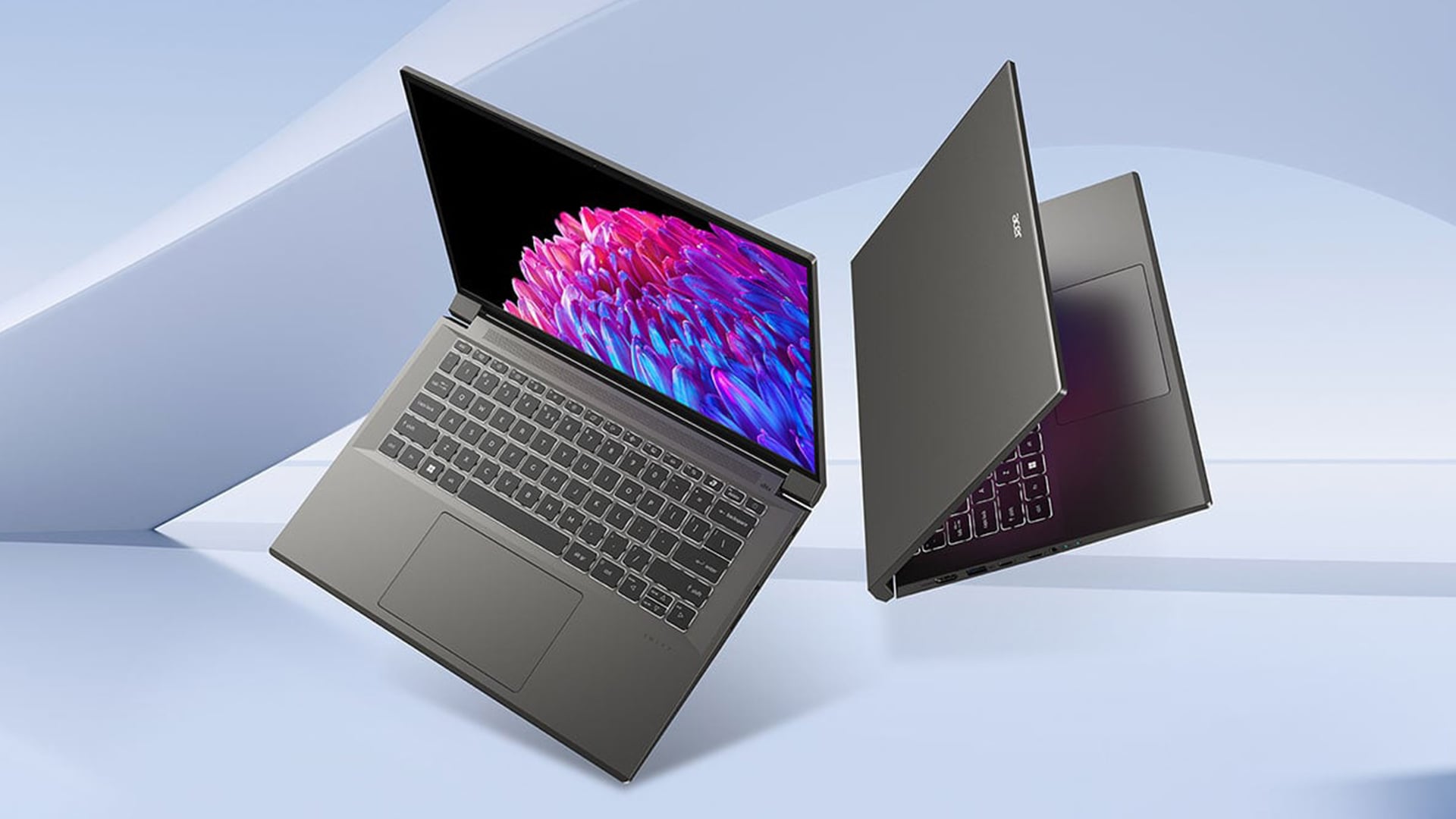
OLED laptops have improved a lot, so the risk is no longer as worrying as it was on older OLED screens. That does not mean OLED laptop burn-in has disappeared, but modern panels, smarter software, and better screen care features have made it much easier to manage.
Lifespan Improvements in Modern OLED Panels
A modern OLED notebook is designed with better panel control than older OLED devices. The biggest improvement is not just the panel itself, but how the laptop manages brightness, idle time, static content and pixel maintenance in the background.
Better OLED panel lifespan now comes from a mix of brightness management, automatic dimming, screen refresh routines and subpixel wear reduction. These features help spread wear more evenly instead of letting the same bright areas work harder all the time. Modern OLED care tools commonly include pixel shifting, pixel refresh and idle-screen protections to reduce long-term burn-in risk.
How Leading Laptop Brands Are Tackling It
The bigger change in 2026 is that OLED protection is now built into many laptops rather than being left completely to the user. A good OLED screen laptop may include manufacturer OLED care, burn-in prevention tools, and display protection software. These features help keep your OLED laptop screen in top shape over time.
The warranty on an OLED laptop screen is still worth checking before buying, because coverage can vary by model. Some OLED monitor warranties now include burn-in coverage, which shows growing confidence in newer panels, but laptop buyers should always check the exact warranty wording for the model they are buying.
Built-In Features That Fight Burn-In
Modern OLED laptops do not rely on user habits alone. Many now include built-in screen care tools that reduce the chance of OLED laptop burn-in by moving static elements, refreshing pixels, dimming bright areas and putting the display to sleep sooner when it is idle.
Pixel Shift and Refresh Cycles
Pixel shift gently moves the image by a tiny amount, so fixed elements are not always sitting on the same pixels. This is useful for menus, taskbars, browser bars and editing tools that stay in one place for long periods.
Pixel refresh works differently. It helps even out wear across the panel and can reduce OLED laptop image retention before it becomes more noticeable. Features such as pixel shift, pixel refresh and panel maintenance are designed to run quietly in the background or when the laptop is idle.
Auto-Brightness and Timeout Protections
Brightness control matters because bright fixed content puts more stress on OLED pixels. A machine that dims the screen, lowers brightness automatically, or sleeps quickly when unused can reduce the risk of display burn-in.
This is especially helpful if you often leave documents, spreadsheets, dashboards or static images on an OLED laptop while stepping away. Settings such as screen timeout, automatic brightness limiter and brightness control are simple protections, but they make a real difference over long-term use.
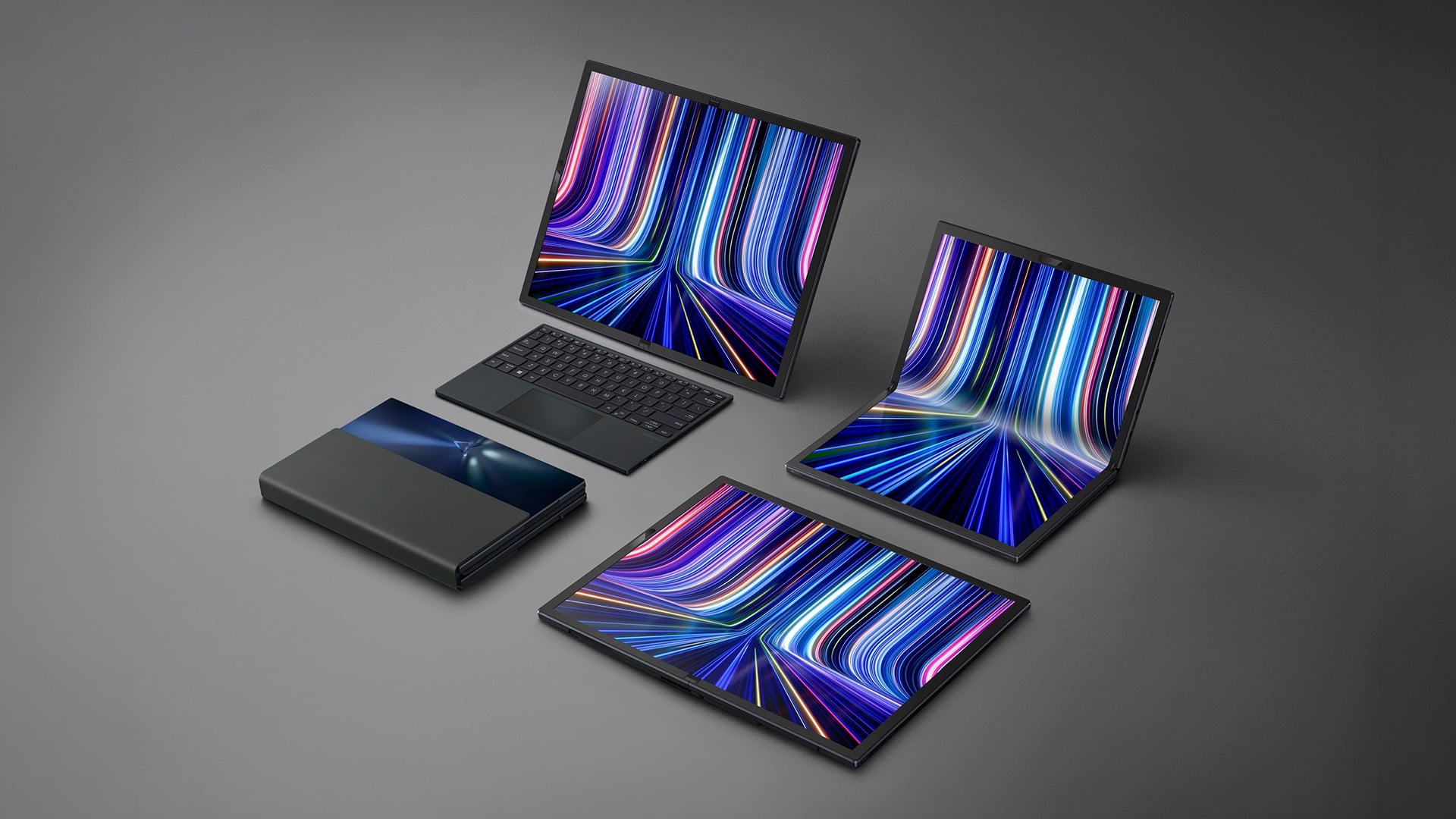
Usage Habits That Keep Burn-In Away
The safest way to reduce OLED laptop burn-in is to stop the same bright elements from sitting in the same place for hours. You do not need to baby the screen, but a few small habits can make a big difference over the life of the laptop.
Screen Content Habits That Help
Try not to leave bright windows, dashboards, spreadsheets, editing timelines, or game menus open all day without changing content. The burn-in risk increases when there are static images on an OLED laptop for a very long time.
Simple changes also help minimise OLED laptop burn-in. Use taskbar auto-hide, rotate wallpapers with a dynamic wallpaper, and enable a screen saver for idle time. These habits reduce repeated stress on the same pixels and help keep screen wear more even.
Settings to Switch on From Day One
A good OLED screen laptop should have protection settings available, but they only help if you actually use them. Turn on the built-in OLED care settings, set a short display sleep timer, and enable adaptive brightness if it suits your workspace.
These settings are useful because they reduce the time static content stays visible and lower pixel stress when full brightness is not needed. They can also help reduce OLED laptop image retention, especially if you work with the same apps for long stretches.
Dark Mode as Your First Line of Defence
Dark mode is one of the easiest everyday habits for OLED users. It will not completely prevent display burn-in on an OLED laptop, but it reduces the number of bright, static interface elements on the screen.
Use dark mode, keep reduced screen brightness where possible, and choose a low-contrast UI for apps you use all day. For everyday browsing, writing, studying and office work, these small changes help lower the long-term wear risk without making the laptop harder to use.
Which OLED Laptops Handle It Best in 2026?
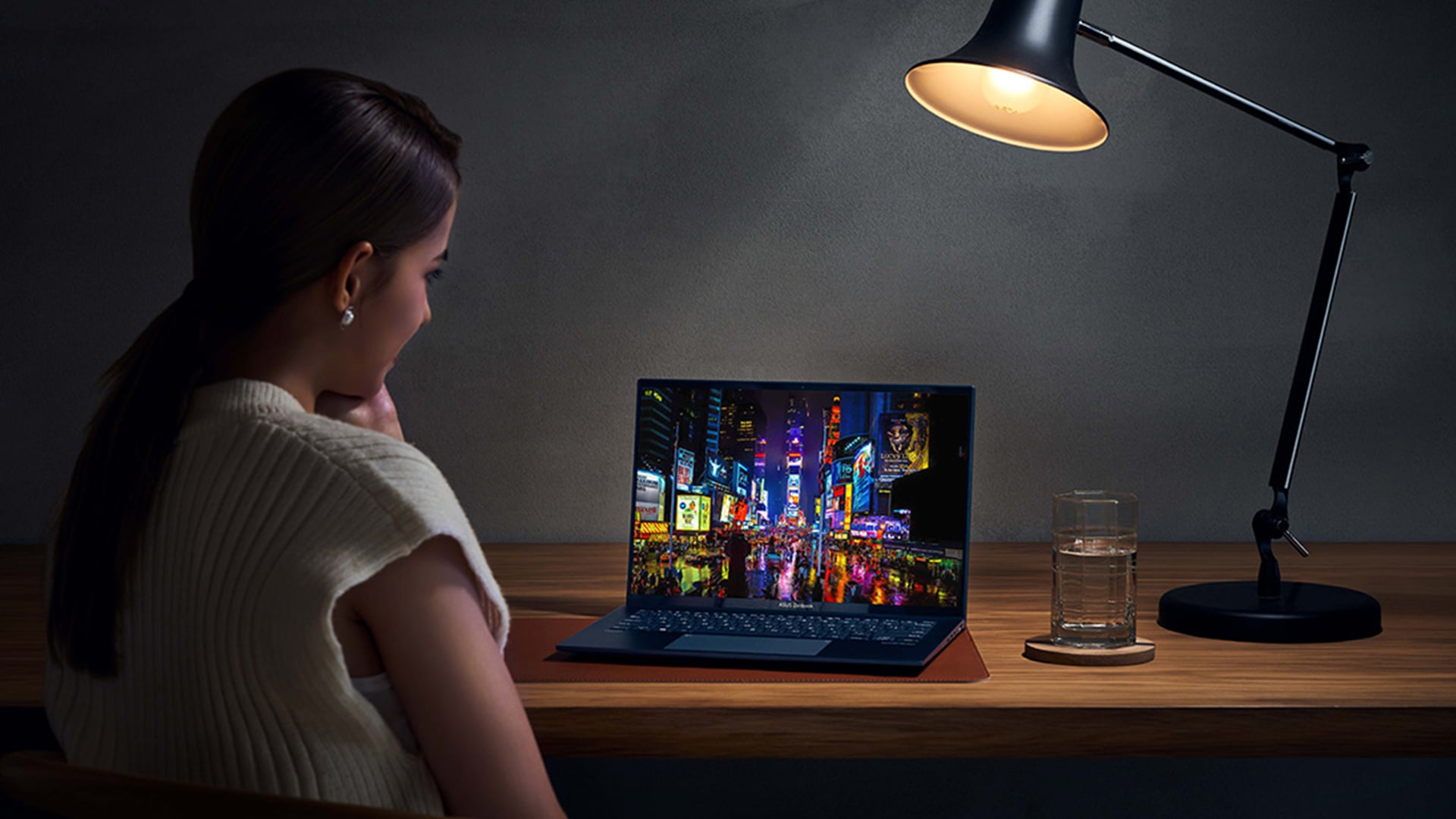
The safest OLED laptops in 2026 are not just the ones with the nicest screens. They are the models that combine good panel protection, sensible brightness control, refresh tools and warranty clarity, especially if you plan to game, edit or work on the same screen for hours.
Gaming OLED Laptops with Strong Panel Protection
If you are looking at gaming laptops with OLED panels, check for more than refresh rate and resolution. A good high refresh OLED laptop should also include built-in screen care features, brightness controls and automatic protection for static content.
This matters because gaming menus, maps, health bars and scoreboards can stay in the same place for long periods. That does not mean gaming HUD burn-in will happen quickly, but it is a risk worth managing if you play the same game for hours. A strong OLED gaming display should give you smooth motion, deep contrast and protection settings that can stay on in the background.
Creator and Professional OLED Picks
For creators, an OLED notebook makes the most sense when colour, contrast and detail matter more than all-day static office work. OLED is brilliant for photo editing, video work, media review and design because it can offer strong colour accuracy, deep blacks and a more impressive HDR workflow than many standard panels.
A good OLED screen laptop for creative work should also include panel care tools and sensible brightness settings, because editing timelines, toolbars and preview windows often stay fixed for long periods. If you want a premium creative machine, OLED display laptops are excellent, but users who spend all day in spreadsheets, dashboards or admin tools may still be better served by durable business laptops with IPS panels.
What Panel Specs to Check Before Buying
Before buying, check the screen warranty for an OLED laptop, not just the advertised display quality. Look for clear terms around image retention, panel faults and burn-in, because burn-in warranty cover can vary by model and warranty type. You should also check for a built-in panel refresh tool, pixel shifting, automatic dimming, refresh rate, resolution and the full-screen display brightness rating.
Is Burn-In a Dealbreaker for OLED Laptops?
For most people, burn-in should not be the reason to avoid OLED completely. The better question is how you use your laptop day to day, because OLED laptop burn-in is mainly a long-term risk when the same bright content stays fixed on the screen for hours, day after day.
Real-World Risk for Everyday Users
For browsing, streaming, gaming, studying and mixed work, everyday OLED use is usually fine when screen care tools are enabled.
The higher risk comes from static workload. If you leave dashboards, spreadsheets, trading screens, editing timelines or office tools open in the same layout all day, display burn-in on an OLED laptop becomes more concerning.
It doesn’t mean that it will happen quickly, but this is the kind of usage where an IPS panel may be the safer long-term choice.
Why the Benefits Still Outweigh the Concern
OLED has plenty going for it. A good OLED screen laptop gives you deep blacks, fast response, strong contrast and a more premium look for films, games, design work and general media use. For many buyers, those benefits matter more than the small risk of long-term wear.
For buyers doing an OLED vs IPS laptop durability comparison, OLED provides better viewing, while IPS offers longevity with static work layouts. If you are building a desk setup, it is also worth comparing the best OLED monitors with alternative IPS displays, especially if you use one screen for work and another for media or gaming.
Now you might be wondering if OLED drains a laptop's battery faster? The honest answer is that it depends on brightness, content and settings. Dark mode and lower brightness can help keep power use under control.
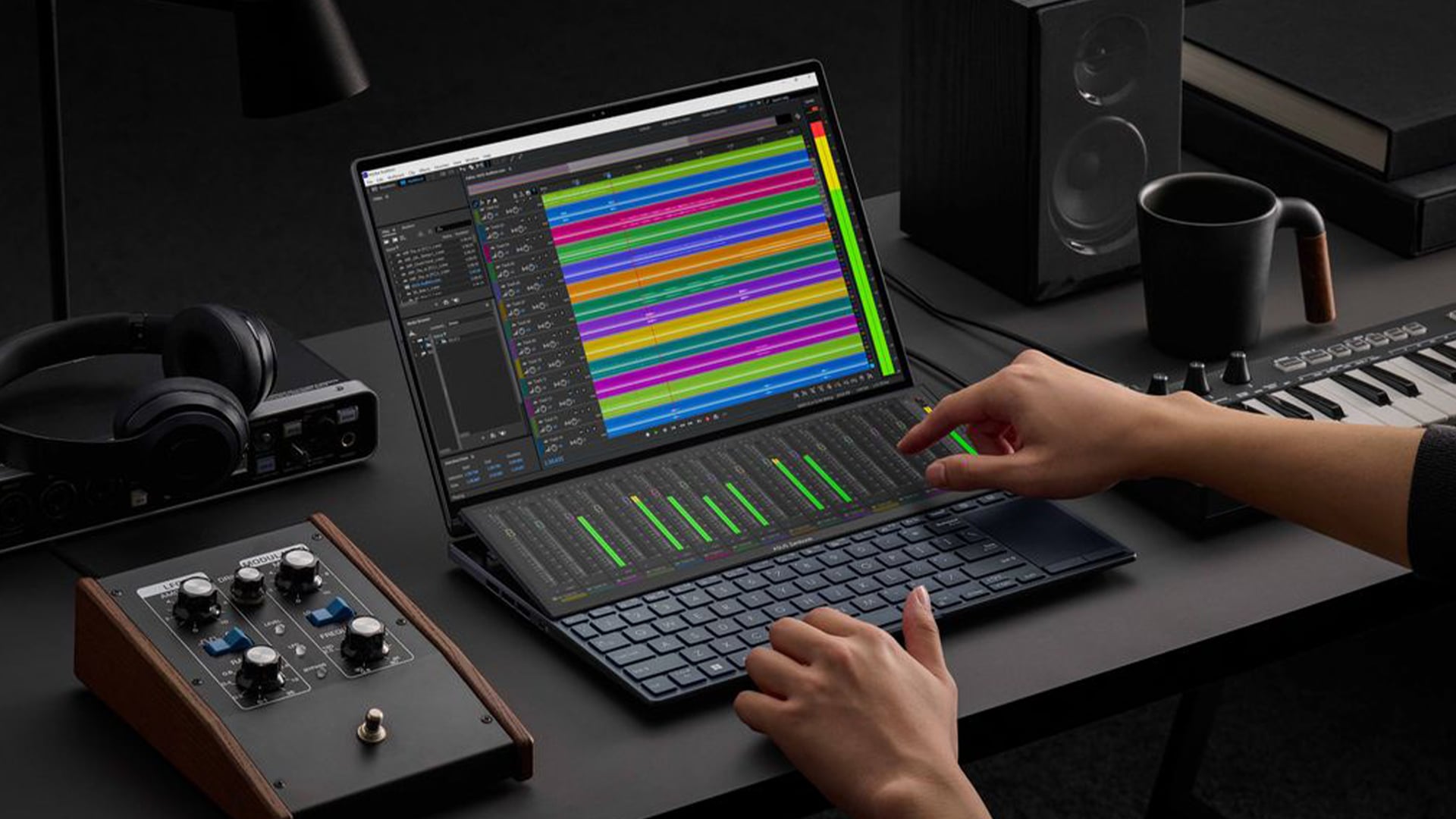
Final Verdict: Should You Still Worry About OLED Laptop Burn-In?
OLED laptop burn-in is still worth understanding, but it is not something most buyers need to panic about in 2026. Modern OLED laptops are much better protected than older OLED screens, and simple habits like dark mode, shorter sleep timers and varied content can reduce the risk further.
If you mainly game, stream, browse, edit photos, watch films or use mixed apps through the day, an OLED laptop is still a strong choice. If your work involves the same static screens for long hours, IPS may be the safer pick.
Frequently Asked Questions
Can casual use cause burn-in on an OLED laptop?
Casual use is unlikely to cause burn-in quickly. Browsing, streaming, gaming and mixed everyday tasks usually keep the screen content changing enough to reduce risk.
Does burn-in show up on all OLED laptop brands?
No. Burn-in risk depends on the panel, brightness, software protection, usage habits and how long static content stays on-screen. It is not guaranteed to appear on every OLED laptop.
How is burn-in different from a dead pixel?
Burn-in usually appears as a faint image or shadow from repeated static content. A dead pixel is a single pixel that no longer lights up properly.
Will my OLED laptop warranty cover burn-in?
It depends on the exact model and warranty terms. Always check the warranty wording before buying, because burn-in cover can vary.
Is OLED better than IPS for laptops?
OLED is better for deep blacks, contrast, colour and media use. IPS is usually better for users who leave static work screens open all day and want maximum long-term durability.
You can pay with:
*PayPal Credit Representative Example: Assumed credit limit £1,200, Representative 23.9% APR (variable). Purchase rate 23.9% p.a (variable).Terms & Conditions apply.


PayPal Credit and PayPal Pay in 3 are trading names of PayPal UK Ltd, 5 Fleet Place, London, United Kingdom, EC4M 7RD. Terms and conditions apply. Credit subject to status, UK residents only, Five Tech LTD acts as a broker and offers finance from a restricted range of finance providers. PayPal Pay in 3 is not regulated by the Financial Conduct Authority. Pay in 3 eligibility is subject to status and approval. 18+. UK residents only. Pay in 3 is a form of credit. Check if affordable and how you will repay. May make other borrowing more difficult or expensive. See product terms for more details.
Copyright © 1996-2026 Fivetech LTD | Terms and Conditions
box.co.uk & Box are trading names of Five Tech Limited. Registered office: Box LTD, Unit 10 Woodford Trading Estate, Woodford Green IG8 8HF