


 Menu
MenuMenu


Get Sales Advice from Mon - Fri 9am - 5:00pm:
020 3337 8950LAST UPDATED: May 19, 2026
MSI Z790 vs B760: Which Motherboard Should You Choose in 2026?
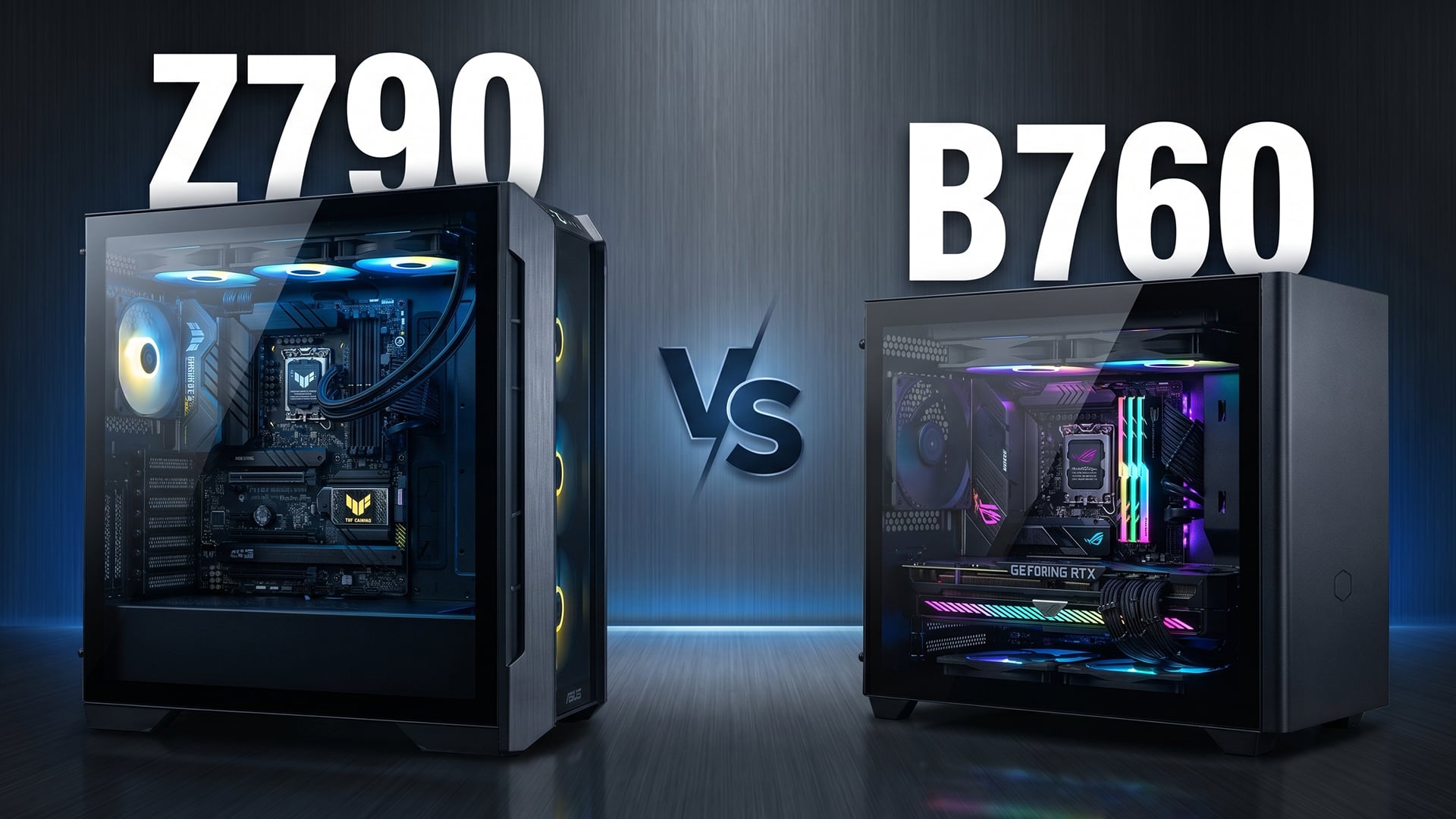
Choosing between an MSI Z790 and a B760 motherboard can feel tricky because both can sit at the heart of a strong Intel gaming PC. The real Z790 vs B760 chipset decision comes down to what you need from the build: overclocking, connectivity, storage room, future upgrades and overall value.
The key Intel chipset differences are not only about raw gaming performance. A higher-end chipset can give you more tuning control and expansion headroom, while a mainstream option can still be the smarter buy if you are building a balanced gaming system without unnecessary extras.
In this motherboard feature comparison guide, we’ll break down how MSI Z790 and B760 boards differ for gaming, power delivery, PCIe support, storage, RAM compatibility and long-term upgrade flexibility, so you can choose the right board for your 2026 PC build.
MSI Z790 vs B760: Key Differences
The Z790 vs B760 chipset choice is mostly about how much control and flexibility you want from your build. Z790 is the more advanced option, while B760 is the more practical choice for many mid-range gaming PCs. Both can work well with modern Intel builds, but they are designed for different priorities. Here is a quick comparison to help you make the right call.
| Feature | MSI Z790 | MSI B760 |
| Best suited for | High-end builds, unlocked CPUs and more advanced setups | Mid-range gaming PCs and everyday Intel builds |
| CPU tuning | Supports CPU overclocking on compatible unlocked processors | Not intended for standard CPU multiplier overclocking |
| Memory tuning | Supports faster memory profiles | Supports faster memory profiles |
| PCIe and expansion | More headroom for extra devices | Enough for most single-GPU builds |
| Storage | Usually stronger for multi-drive setups | Usually suitable for one or two fast drives |
| Overall value | Better for users who will use the extra features | Better for users who want strong performance without paying for extras |
Already decided which board you need for your build? Check out their features and price at Box.
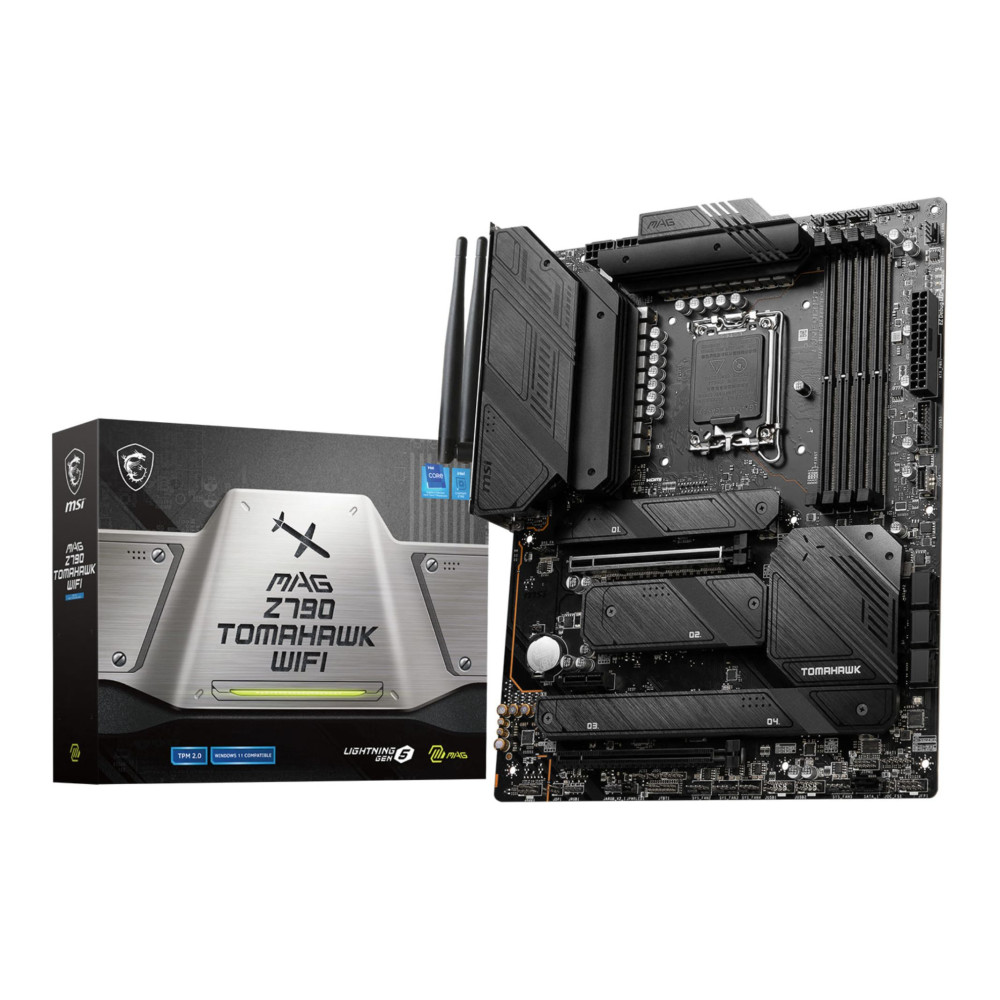
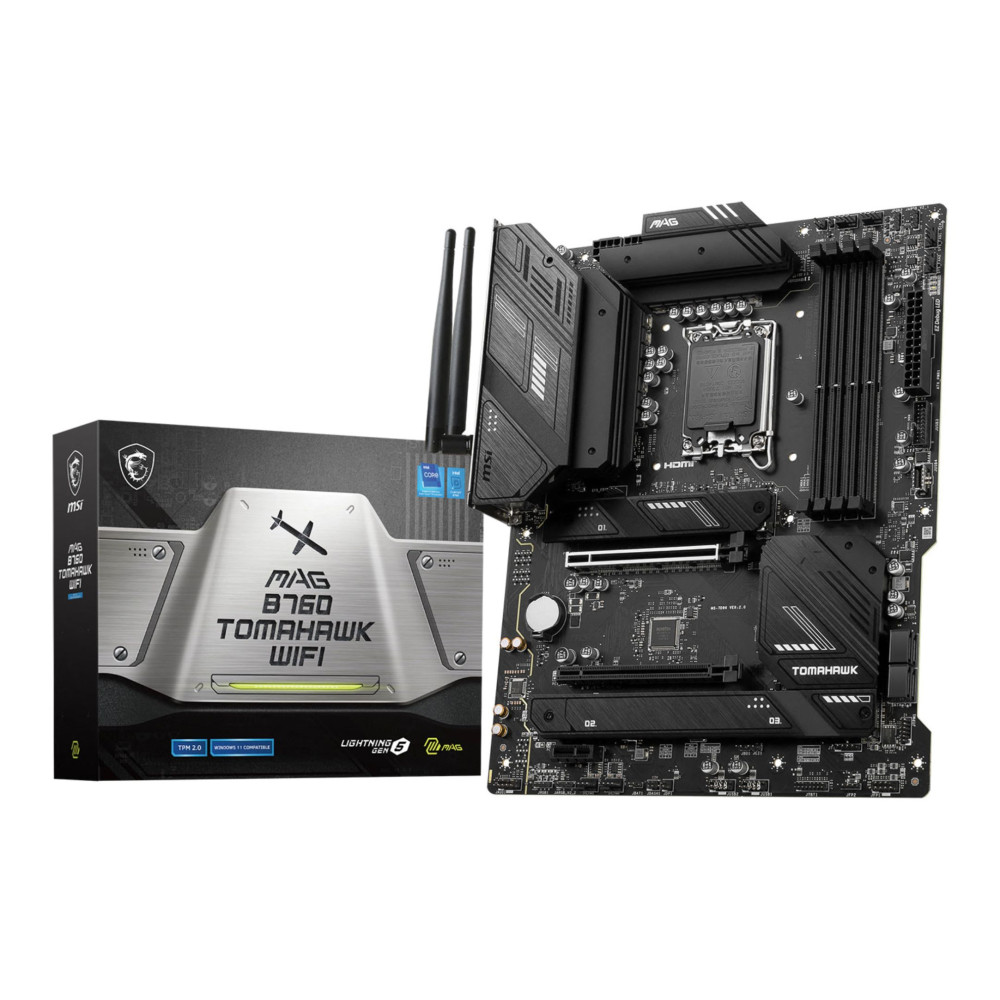
Looking for something else? Explore the best MSI gaming motherboards available at Box.
Chipset Positioning
- Z790: Z790 sits higher in Intel’s 700-series range and is aimed at users who want more tuning control, stronger expansion options and extra platform headroom. It supports CPU overclocking when paired with a compatible unlocked Intel processor, which is one of the biggest differences in a Z790 vs B760 motherboard comparison.
- B760: The Intel B760 chipset is designed for mainstream systems where stability, sensible pricing and everyday performance matter more than advanced CPU tuning. It still supports modern essentials such as DDR4 or DDR5, depending on the board, PCIe 4.0 support on many models, fast networking options and capable storage layouts. That makes it a strong option for users who want a reliable Intel build without stepping into enthusiast territory.
Target Users
- Z790: A Z790 motherboard is the better fit if you are building around a K-series Intel CPU, a high-end graphics card, multiple SSDs or a system you may tune over time. It also makes more sense if you want a board with more ports, more expansion room and a stronger upgrade path.
- B760: A B760 motherboard is usually the smarter choice for a balanced gaming PC with a locked Intel Core i5 or Core i7, one graphics card and a straightforward storage setup. If you are doing a B760 vs Z790 gaming comparison for a budget build, investing more in the GPU, RAM, and SSD is the right move. Hence, B760 is the better board for such cases.
Overall Capabilities
- Z790: Z790 provides richer connectivity and expansion chances. Many of the Z790 gaming boards come with four M.2 slots, six SATA ports, Wi-Fi 6E, 2.5G LAN and a rear USB-C 20Gbps port, which shows why Z790 is often better suited to high-end builds with more devices and storage.
- B760: B760 keeps things more focused. Most B760 boards offer useful features such as PCIe 4.0, 2.5G LAN, Wi-Fi 6E and DDR5 support, so it is far from basic. It simply trims back the enthusiast extras that many gamers do not need.
Performance Differences in Gaming
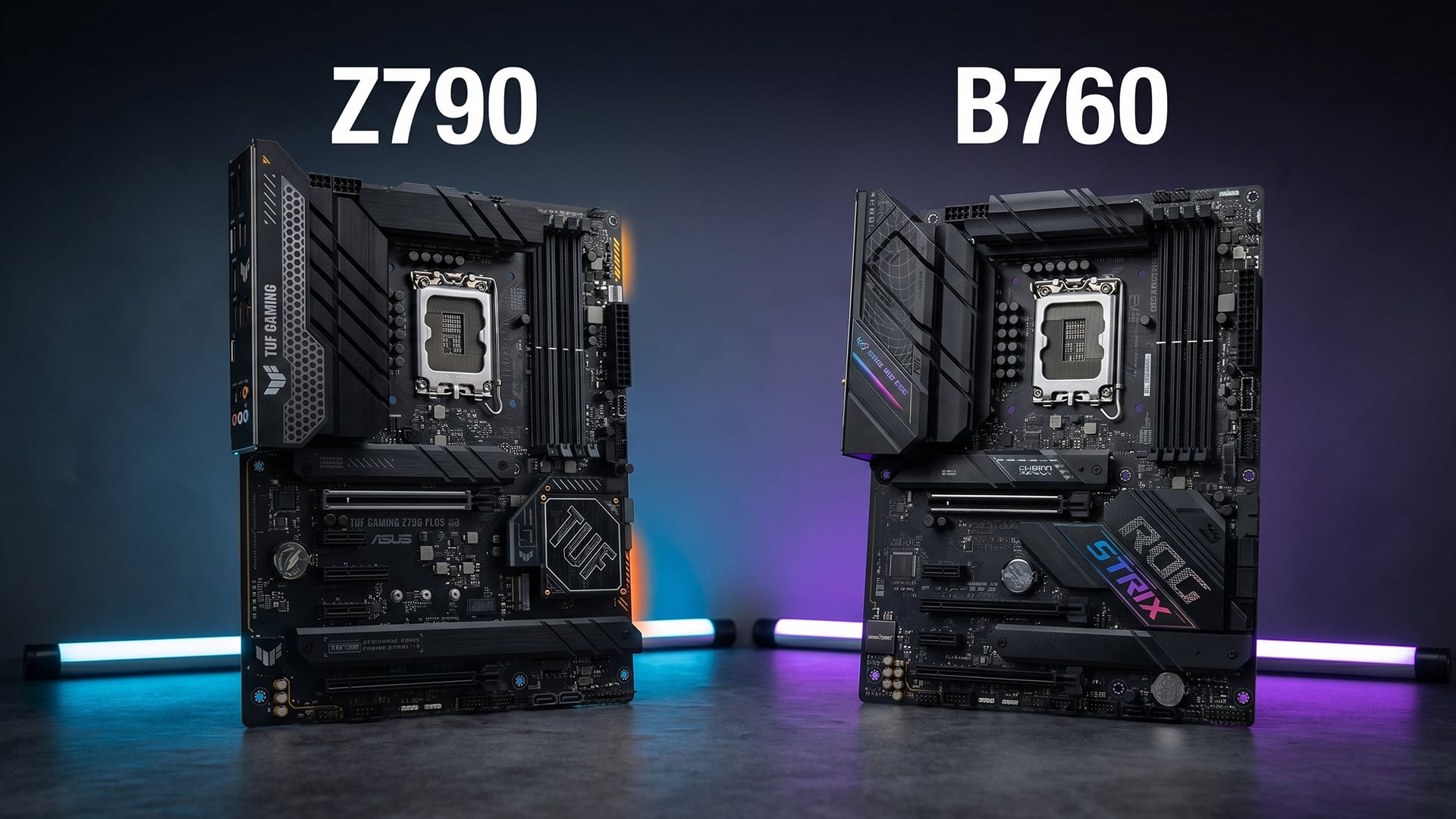
For most gamers, the Z790 vs B760 chipset choice will not create a huge FPS gap by itself. If the same CPU, GPU and RAM are used, the motherboard’s job is mainly to support the parts properly rather than directly increase frame rates. In such setups, B760 vs Z790 gaming performance will be quite similar.
FPS Impact
- Z790: Z790 can help in performance-focused builds because it allows CPU overclocking with compatible unlocked Intel processors. That gives enthusiasts more room to tune the system, but the actual FPS difference depends on the game, cooling, CPU and graphics card.
- B760: It can still deliver excellent gaming performance when paired with the right CPU and GPU. FPS is influenced far more by the GPU (and often the CPU) than by the motherboard.
GPU Performance Scaling
- Z790: Z790 makes more sense when the build has a high-end GPU, multiple fast drives and extra add-in cards. The extra platform headroom can help keep a more complex setup organised, especially where PCIe lane differences affect how many devices can run comfortably together.
- B760: B760 is still a strong fit for single-GPU gaming PCs. If the system uses one graphics card, one or two SSDs and no advanced tuning, the chipset is unlikely to hold back normal gaming performance scaling in a noticeable way.
Real-World Gaming Experience
- Z790: A Z790 gaming motherboard is better suited to players who want a high-end build with more tuning, stronger expansion and extra storage room. It is the more flexible option if you plan to push the system harder over time.
- B760: It is better for gamers who want reliable performance without paying for features they will not use. For a balanced 1080p or 1440p setup, the better move may be to spend more on the GPU, RAM or a reliable PSU for stable gaming systems instead.
Overclocking and Power Delivery
This is where the gap becomes clearer. Z790 is built for users who want more control, while B760 is better for stable everyday performance without advanced CPU tuning.
CPU Overclocking Support
- Z790: The Z790 chipset is the better choice if you want CPU overclocking with a compatible unlocked Intel processor. These overclocking support differences matter most for users who enjoy manual tuning, higher boost behaviour and getting more from a performance-focused setup.
- B760: The B760 chipset is not designed for standard CPU multiplier overclocking. It still supports useful tuning features such as memory profiles, but if CPU overclocking is part of your plan, Z790 takes the lead in a Z790 vs B760 motherboard comparison.
VRM and Stability
- Z790: A Z790 gaming motherboard will usually be the stronger fit for demanding CPUs because higher-end boards often include more robust power delivery systems. That helps with stability when the processor is under heavy load, especially in long gaming sessions or creative workloads.
- B760: They can still be perfectly stable for locked Intel CPUs. They are better suited to sensible gaming builds where the CPU runs at standard settings, rather than systems built around heavy tuning or sustained high-power workloads.
Performance Tuning Options
- Z790: Z790 gives you more room to adjust CPU behaviour, memory settings, fan curves and cooling response. If you are planning future memory upgrades, it is worth choosing a board that gives you enough RAM support and BIOS flexibility.
- B760: B760 keeps tuning simpler. You can still enable the right memory profile, manage cooling and keep the system updated, but it is not meant for deep CPU tweaking. Before changing major hardware, it is also worth checking how to update the MSI motherboard BIOS, as BIOS support can affect stability and hardware compatibility features.
Connectivity and Features
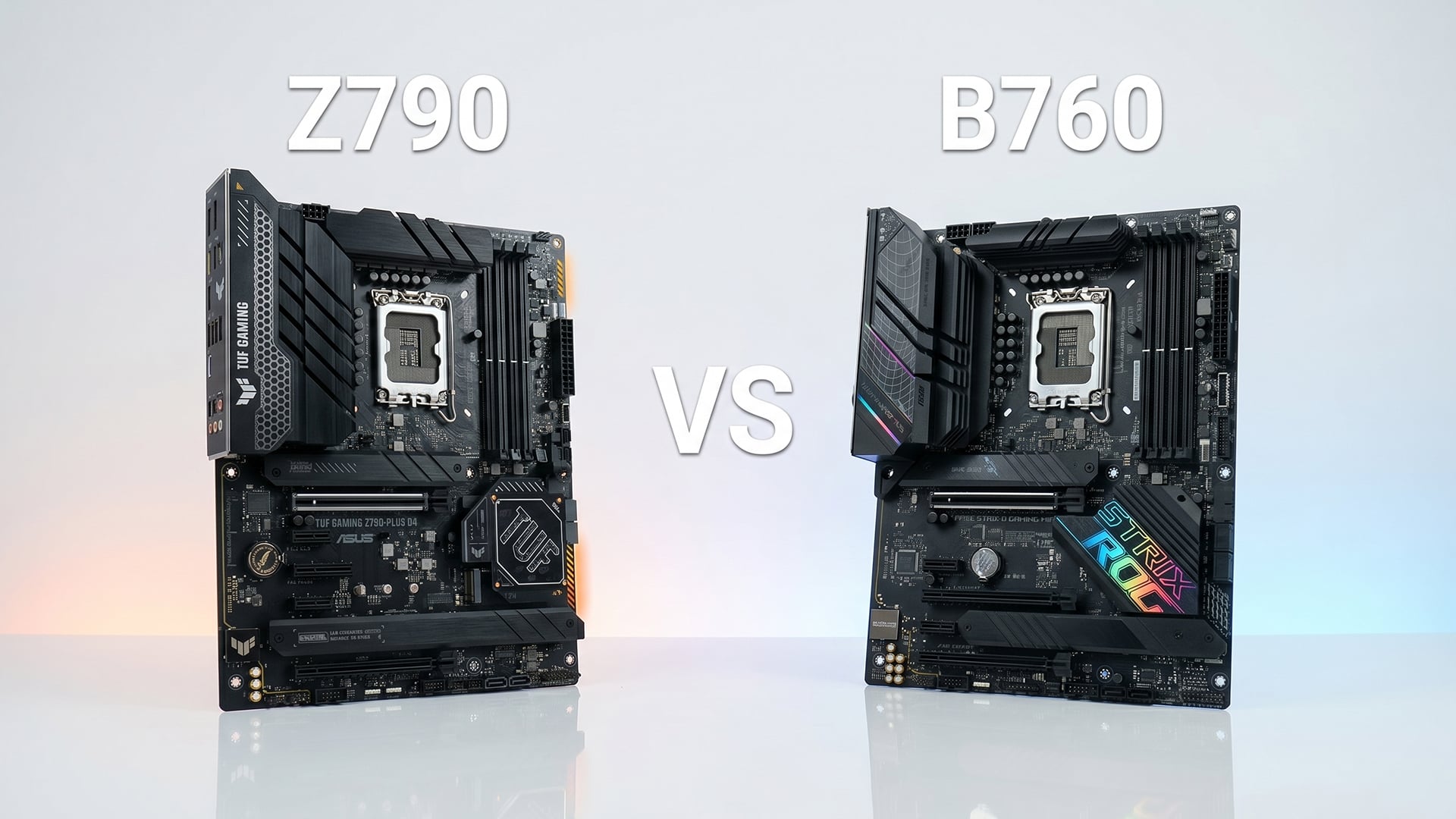
Connectivity is one of the cleaner ways to separate Z790 from B760. The Z790 chipset gives board makers more room for ports, storage and add-in devices, while the B760 keeps the essentials in place for a simpler gaming or productivity build.
PCIe Support
- Z790: It gives you more PCIe headroom, which matters if you want a graphics card, several fast drives and extra expansion cards in the same system. It can support up to 20 PCIe 4.0 chipset lanes and 8 PCIe 3.0 chipset lanes, so the expansion slot differences become more useful in higher-end builds.
- B760: The Intel B760 chipset is still fine for most single-GPU PCs. It supports up to 10 PCIe 4.0 chipset lanes and 4 PCIe 3.0 chipset lanes, which is enough for a typical gaming setup with one graphics card and a sensible storage layout.
USB and Networking
- Z790: Z790 boards are more likely to offer richer rear I/O and faster USB options. For example, one MSI Z790 model includes rear USB-C at 20Gbps, front USB-C at 10Gbps, 2.5G LAN and Wi-Fi 6E. Such features give the Z790 a clear lead in the connectivity options comparison.
- B760: B760 does not feel stripped back for everyday use. A well-equipped MSI B760 board can still offer USB-C, 2.5G LAN and Wi-Fi 6E, so it covers gaming headsets, external drives, controllers and normal desk setups without fuss.
Storage Options
- Z790: Z790 is the better fit if you want several fast drives. One MSI Z790 board supports four M.2 slots and seven SATA ports, making it more suitable for larger game libraries, creative files and multi-drive builds.
- B760: B760 is better suited to simpler storage needs. Two fast M.2 slots and four SATA ports are enough for many gaming PCs, especially if you are using one main NVMe drive and one extra drive for games or files. If storage speed is a priority, choosing the right M.2 SSD storage will usually matter more than paying for ports you will never use.
Expandability and Future Upgrades
Think about the next few years, not just the first boot. Z790 gives you more system upgrade flexibility, while B760 works best when your build plans are straightforward.
RAM Support
- Z790: Z790 is better if you want more room to experiment with faster RAM profiles. Some MSI Z790 boards support DDR5 capacities up to 256GB and speeds above 7000MHz when overclocked, depending on the memory kit and configuration.
- B760: B760 still gives most gamers plenty of RAM headroom. MSI B760 options can support either DDR4 or DDR5, depending on the model, so check the board carefully before buying RAM.
GPU Compatibility
- Z790: Z790 is the stronger choice if your graphics card is part of a bigger high-end setup with multiple SSDs, extra cards or more cooling hardware. It gives you more breathing room around expansion, rather than making the GPU faster on its own.
- B760: B760 is still a good fit for a modern single-GPU gaming PC. If you are using one graphics card and a simple storage setup, it should handle the job without needing the extra platform headroom of Z790.
Upgrade Flexibility
- Z790: It makes more sense if future CPU upgrades are part of the plan. It gives you more room for stronger processors, extra drives and higher-end cooling, as long as the board BIOS supports the CPU you want to use.
- B760: This is a better option when you already know the build will stay simple. It still supports modern Intel processors, but CPU support compatibility depends on the exact MSI board and BIOS version, so it is worth checking before making a processor change.
MSI Z790 vs B760: Which One Should You Choose?
- For high-end gaming builds: Go for a Z790 gaming motherboard if you are using an unlocked Intel CPU, a powerful graphics card and several fast drives. It makes the most sense when you want overclocking support, stronger expansion and more room to build beyond the basics.
- For mid-range gaming builds: A B760 mobo is the better fit if you are using a locked Intel Core i5 or i7, one graphics card and a simple storage setup. ASUS also offers excellent boards for mid-range PCs. Hence, it is worth exploring our MSI vs ASUS motherboard comparison to find the best fit for your PC and budget.
- For overclocking and tuning: Z790 is the clear choice if CPU overclocking is part of the plan. It gives you more control over the processor, memory settings and cooling behaviour, which matters more in enthusiast builds than standard gaming PCs.
- For value-focused builds: The B760 is ideal when you want a stable, modern Intel system without paying for features you will not use. It still supports the key essentials for gaming, but keeps the overall build more cost-effective.
- For long-term upgrade room: If you want more freedom for future storage, stronger processors and extra expansion, Z790 is the safer pick.
Final Words
The Z790 vs B760 chipset choice should come down to how far you plan to push your PC, not which name looks better on the spec sheet. Z790 is the better route for tuning headroom, stronger expansion and a more flexible high-end build. B760 is the easier recommendation for a capable gaming PC that keeps costs sensible.
Frequently Asked Questions
Is Z790 better than B760 for gaming?
Z790 is better for high-end gaming PCs with unlocked CPUs, more storage and extra expansion needs. B760 is still a strong choice for most single-GPU gaming builds.
Does B760 support CPU overclocking?
B760 is generally limited to memory overclocking, while full CPU overclocking is typically found on Z-series chipsets such as Z790.
Can I use a high-end GPU with a B760 motherboard?
Yes, a B760 board can work well with a high-end GPU in a standard single-GPU setup. Just make sure the case, PSU and cooling are suitable.
Is Z790 worth it in 2026?
Z790 is worth it if you want CPU tuning, more PCIe headroom, stronger storage options and better upgrade flexibility. For a simple gaming build, B760 is often a better value.
Should I choose Z790 or B760 for an Intel Core i5 gaming PC?
For a locked Intel Core i5, B760 usually makes more sense. For a K-series Core i5 with overclocking plans, Z790 is the better fit.
Do Z790 and B760 support DDR5?
Yes, both chipsets can be found on DDR5 motherboards, but some models use DDR4 instead. Always check the exact motherboard specification before buying RAM.
You can pay with:
*PayPal Credit Representative Example: Assumed credit limit £1,200, Representative 23.9% APR (variable). Purchase rate 23.9% p.a (variable).Terms & Conditions apply.


PayPal Credit and PayPal Pay in 3 are trading names of PayPal UK Ltd, 5 Fleet Place, London, United Kingdom, EC4M 7RD. Terms and conditions apply. Credit subject to status, UK residents only, Five Tech LTD acts as a broker and offers finance from a restricted range of finance providers. PayPal Pay in 3 is not regulated by the Financial Conduct Authority. Pay in 3 eligibility is subject to status and approval. 18+. UK residents only. Pay in 3 is a form of credit. Check if affordable and how you will repay. May make other borrowing more difficult or expensive. See product terms for more details.
Copyright © 1996-2026 Fivetech LTD | Terms and Conditions
box.co.uk & Box are trading names of Five Tech Limited. Registered office: Box LTD, Unit 10 Woodford Trading Estate, Woodford Green IG8 8HF