


 Menu
MenuMenu


Get Sales Advice from Mon - Fri 9am - 5:00pm:
020 3337 8950POSTED: April 17, 2026
MacBook Pro Charging Slowly? What to Check Before Assuming There’s a Fault
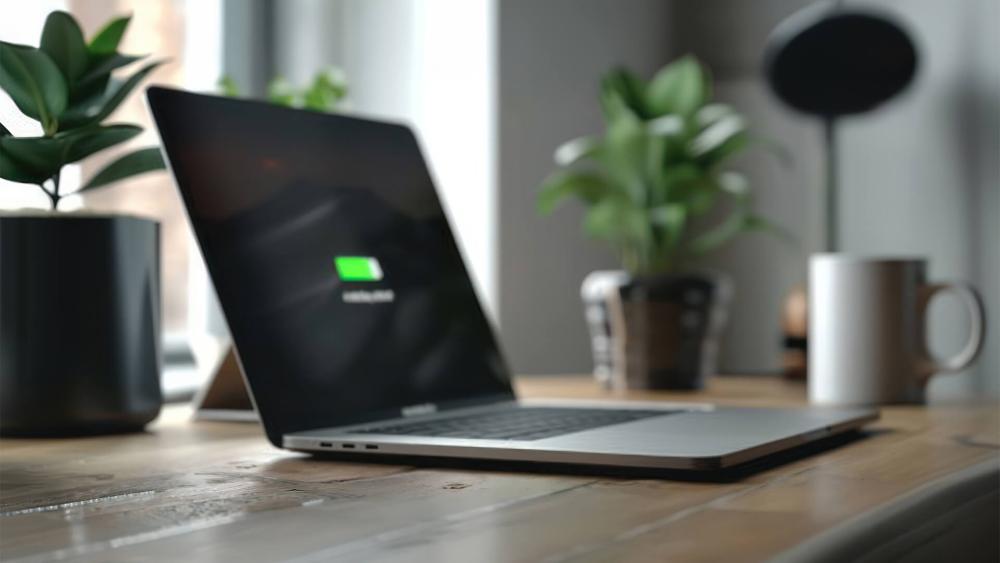
If your MacBook Pro is charging slowly, it can feel frustrating especially when you need it powered up quickly for work, study, or travel. But before assuming there's a serious hardware fault, it's important to understand that slow charging is often caused by everyday factors like charger wattage, system settings, or heavy usage.
In many cases, the issue is easy to fix once you know what to look for. This guide walks you through the most common reasons behind MacBook Pro slow charging, how to diagnose the issue, and what you can do to improve charging speed.
Why Your MacBook Pro Might Be Charging Slowly
Not All Chargers Deliver the Same Power
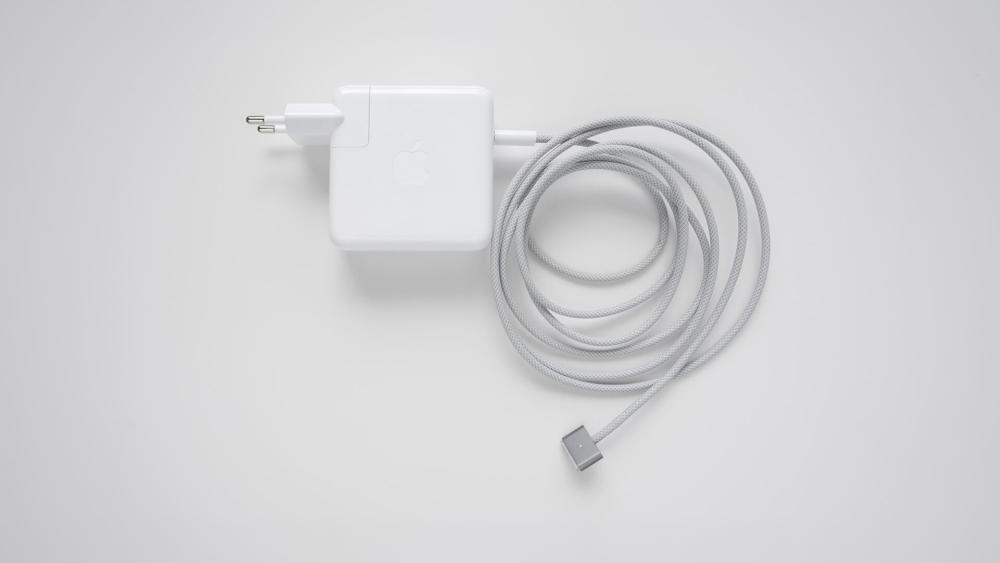
One of the most common reasons for MacBook pro slow charging is using the wrong charger. Not all apple macbook chargers provide the same wattage.
Modern MacBook Pro models typically require:
- 67W (base models)
- 96W (mid-tier models)
- 140W (high-end models with fast charging support)
If you're using a lower-wattage adapter, your MacBook Pro battery charging will be slower or may not keep up at all during use.
Charging While Under Heavy Load
If you're running demanding apps like video editing software, coding environments, or games, your laptop may consume power faster than it charges.
This creates the illusion of a MacBook Pro charging problem, when in reality, the device is simply using a lot of energy.
Battery Health and System Settings
Over time, your MacBook pro battery degrades. A worn battery won't charge as efficiently, which can affect overall charging speed.
Additionally, macOS includes features like Optimised Battery Charging that intentionally slow down charging to extend battery lifespan.
Check Your Charger and Cable First
Using the Right Wattage Adapter
Always verify that your MacBook Pro power adapter matches your model's requirements.
Using a lower wattage adapter can result in:
- Slow charging
- Battery percentage staying the same
- Increased charging time under load
If you're unsure, check your MacBook's original specifications or consider upgrading to a compatible charger.
Explore compatible options including Pro MacBook and USB-C Charging Accessories.
Cable Quality and Compatibility
Not all USB-C cables are equal. Cheap or uncertified cables may not support USB-C power delivery, which is essential for fast charging.
Look for cables that are:
- Certified for high wattage
- Designed for power delivery
- Compatible with your adapter
Poor cable quality is a frequent cause of MacBook Pro charger issues.
Charging via Dock or Hub Limitations
Charging through USB-C hubs or docks can limit power delivery.
Many hubs:
- Split power between devices
- Deliver less wattage than your charger
- Reduce charging efficiency
If you're troubleshooting a MacBook Pro charging slowly issue, try plugging the charger directly into the laptop.
macOS Settings That Affect Charging Speed
Your MacBook Pro isn't just charging blindly in the background macOS actively controls how and when your battery charges. While this is great for long-term battery health, it can sometimes make it seem like your device is charging slower than expected. Understanding these settings can help you decide whether there's actually an issue or just smart optimisation at work.
Optimised Battery Charging
One of the most important features built into macOS is Optimised Battery Charging. This setting learns your daily charging habits like when you typically plug in and unplug your Mac and adjusts charging accordingly.
For example, if you usually charge your laptop overnight, your MacBook may pause charging at around 80% and only complete the remaining 20% just before you start using it again.
This helps reduce battery ageing and improves MacBook Pro battery life in real workflows, but it can make charging feel slower especially if you're expecting a quick top-up to 100%.
If you need a full charge quickly, you can temporarily turn this feature off:
System Settings → Battery → Battery Health
Low Power Mode and Background Apps
Another factor that affects MacBook Pro charging speed is what your system is doing while plugged in.
When Low Power Mode is enabled, your Mac reduces performance to save energy. While this extends battery life, it can also influence how power is distributed sometimes slowing the charging process slightly.
At the same time, background apps can quietly consume power without you realising it. Apps like browsers with multiple tabs, syncing tools, or creative software can keep running in the background and drain energy even while charging.
To improve charging performance:
- Close apps you're not actively using
- Check Activity Monitor for high CPU or energy usage
- Disable unnecessary startup apps
By reducing background activity, more power goes directly into MacBook Pro battery charging instead of being used up by processes.
Battery Health Management
macOS also includes Battery Health Management, a system designed to extend the overall lifespan of your battery. Instead of always charging as fast as possible, your MacBook carefully controls charging speed and limits when necessary.
This means you might notice:
- Charging pauses at certain percentages
- Charging speed varies depending on usage and temperature
- The system avoids keeping the battery at 100% for long periods
While this behaviour can sometimes feel like a MacBook Pro charging problem, it's actually intentional. Apple prioritises long-term battery health over short-term charging speed.
So, if your MacBook occasionally charges slower than expected, it doesn't necessarily mean there's a fault; it could simply be your system protecting the battery for the long run.
How Workload Impacts Charging Speed
One of the most overlooked reasons behind a MacBook Pro charging slowly issue is how much work your laptop is doing while it's plugged in. Charging speed isn't just about the charger; it's also about how much power your device is consuming at the same time.
If your MacBook is using a lot of energy, less power is available to actually charge the battery. This can make charging feel slow or even stagnant, even when everything is working as it should.
High CPU or GPU Usage
When you run demanding tasks like video editing, 3D rendering, gaming, or large data processing, your MacBook's CPU and GPU work at full capacity.
These activities require significant power, sometimes equal to or even greater than what your charger is supplying. As a result, instead of charging quickly, your battery may:
- Charge very slowly
- Stay at the same percentage
- Drain slightly even while plugged in
This is often mistaken for a MacBook Pro power issue, but in reality, your device is simply prioritising performance over charging.
If you need faster charging, it's best to pause heavy tasks temporarily and let your MacBook focus on replenishing the battery.
External Displays and Accessories
Connecting external devices can also impact MacBook Pro charging speed more than you might expect.
Accessories such as:
- External monitors
- USB drives and SSDs
- Keyboards, mice, and hubs
It all draw power from your MacBook. In particular, running an external display can significantly increase power consumption, especially at higher resolutions.
If you're also using a lower wattage MacBook Pro power adapter, the available power gets split leaving less energy for charging the battery.
For faster charging, try disconnecting unnecessary accessories and plugging your charger directly into the laptop rather than through a hub.
Why Charging Slows Under Load
When your MacBook is under heavy use, macOS intelligently manages power distribution. Instead of prioritising charging, it ensures your apps and processes run smoothly.
This means you might notice:
- Slower battery percentage increases
- Charging that appears "stuck"
- Increased heat and fan activity
This behaviour is completely normal and closely linked to how MacBook Pro cooling affects performance. When the system heats up, it may also reduce charging speed to maintain safe temperatures.
Understanding MacBook Pro fan behaviour under load helps explain why charging slows down during intensive use it's all part of keeping your device stable and safe.
When Slow Charging Is Actually Normal
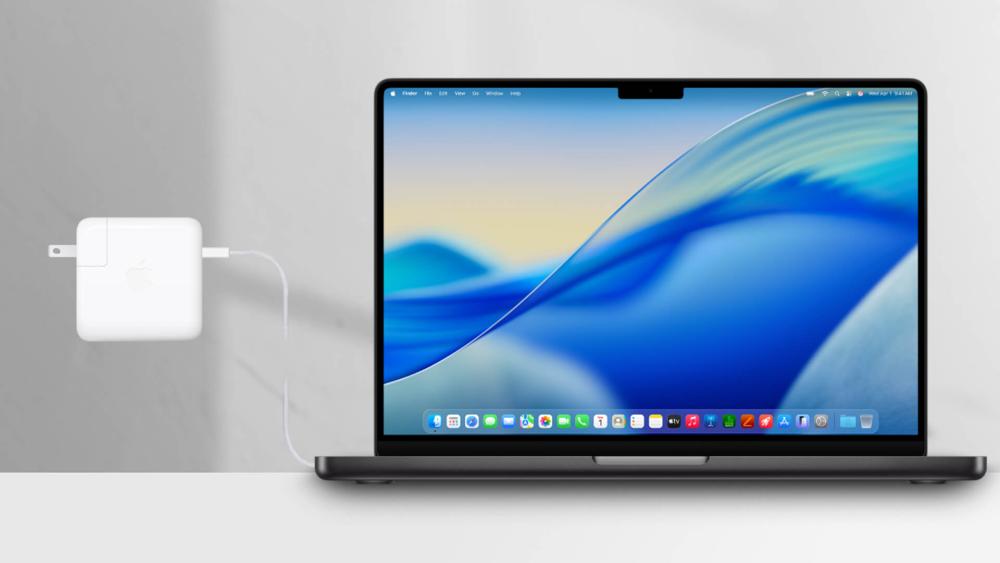
Not every instance of MacBook Pro slow charging indicates a problem. In fact, many situations where charging slows down are intentional and designed to protect your battery.
Trickle Charging Near Full Battery
As your battery approaches 100%, your MacBook automatically reduces charging speed. This process is known as trickle charging.
Instead of rapidly pushing power into the battery, your system slows down to:
- Prevent overcharging
- Reduce heat buildup
- Extend long-term battery lifespan
So if your MacBook seems to take longer to go from 90% to 100%, that's completely normal behaviour not a MacBook Pro charging problem.
Heat and Thermal Protection
Charging generates heat, and your MacBook is designed to manage temperature carefully.
If your device becomes too warm due to heavy usage, ambient temperature, or charging conditions macOS will automatically adjust performance and charging speed.
You may notice:
- Slower charging rates
- Fans spinning faster
- Slight performance drops
This is part of built-in thermal conditions and charging protection, ensuring your device doesn't overheat or suffer long-term damage.
Battery Protection Features
Modern MacBooks include several battery protection features that can affect how quickly your device charges. These include:
- Battery health management
- Optimised charging
- Charge limiting based on usage patterns
While these features may sometimes make charging feel slower, they are designed to preserve your MacBook Pro battery life in real workflows.
In other words, your MacBook is actively trading a bit of speed today for better battery performance over the long term.
When It Might Be a Real Hardware Issue
While most charging issues are software- or usage-related, there are cases where slow charging points to an actual hardware problem. Knowing the difference can help you take the right action quickly.
Faulty Charger or Cable
If your MacBook Pro isn't charging properly, even under light usage, your charger or cable could be the issue.
Common signs include:
- Charging that cuts in and out
- No response when plugged in
- An unusually hot power adapter
Low-quality or damaged cables often fail to deliver proper USB-C power delivery, which directly affects charging performance.
In many cases, replacing your charger or cable is the simplest and most effective MacBook Pro charging fix.
Battery Wear or Damage
Over time, all batteries degrade. If your MacBook is older, slow charging may be linked to battery wear rather than external factors.
You can check your battery status in macOS settings. If you see "Service Recommended," it likely means your battery is no longer performing efficiently.
A high battery cycle count is another indicator that your battery may need replacing. This is one of the most common causes of a MacBook Pro battery problem in long-term use.
When to Get Support
If you've checked your charger, cable, settings, and usage and your MacBook Pro charging problem persists it may be time to seek professional support.
You should consider getting help if:
- Charging is extremely slow even when idle
- Your MacBook shuts down unexpectedly
- The battery drains quickly despite being plugged in
At this stage, the issue could be related to internal components, and a proper diagnosis will ensure you get the right fix without unnecessary guesswork.
Final Thoughts: Fixing Slow Charging on MacBook Pro
A MacBook Pro charging slowly isn't always a sign of a serious issue. In most cases, it comes down to charger wattage, cable quality, system settings, or heavy usage.
By checking the basics like using the correct MacBook Pro power adapter, avoiding low-quality cables, and managing your workload you can significantly improve charging performance.
Understanding how your device balances performance, heat, and battery health will help you avoid unnecessary worry and keep your MacBook running efficiently.
If you're still experiencing issues or think your accessories might be the problem, it's worth upgrading to reliable, high-quality options. Explore the latest MacBook Pro models and compatible charging accessories at Box.co.uk to ensure you're getting the best performance from your device.
FAQs
Why is my MacBook Pro charging slowly?
It could be due to a low-wattage charger, heavy usage, background apps, battery health settings, or poor cable quality.
How to get a MacBook Pro to charge faster?
Use the correct wattage charger, plug directly into the laptop, close heavy apps, and avoid charging through hubs.
How long should it take to fully charge a MacBook Pro?
Typically, 1.5 to 3 hours depending on the model, charger wattage, and usage during charging.
Can I use a 45W charger instead of 65W on my MacBook Pro?
Yes, but it will result in slower charging and may not keep up during heavy usage.
How to fix MacBook charging slowly?
- Use a compatible high-wattage charger
- Replace faulty cables
- Close power-heavy apps
- Check battery health settings
- Avoid charging via hubs
You can pay with:
*PayPal Credit Representative Example: Assumed credit limit £1,200, Representative 23.9% APR (variable). Purchase rate 23.9% p.a (variable).Terms & Conditions apply.


PayPal Credit and PayPal Pay in 3 are trading names of PayPal UK Ltd, 5 Fleet Place, London, United Kingdom, EC4M 7RD. Terms and conditions apply. Credit subject to status, UK residents only, Five Tech LTD acts as a broker and offers finance from a restricted range of finance providers. PayPal Pay in 3 is not regulated by the Financial Conduct Authority. Pay in 3 eligibility is subject to status and approval. 18+. UK residents only. Pay in 3 is a form of credit. Check if affordable and how you will repay. May make other borrowing more difficult or expensive. See product terms for more details.
Copyright © 1996-2026 Fivetech LTD | Terms and Conditions
box.co.uk & Box are trading names of Five Tech Limited. Registered office: Box LTD, Unit 10 Woodford Trading Estate, Woodford Green IG8 8HF