


 Menu
MenuMenu


Get Sales Advice from Mon - Fri 9am - 5:00pm:
020 3337 8950LAST UPDATED: June 03, 2026
AMD vs Intel Motherboards: Which One Should You Choose in 2026?
The Intel vs AMD motherboards comparison in 2026 is not just about picking a side. Your motherboard decides which CPU you can use, what memory you need, how many SSDs and expansion cards you can add, and how much room you have for future upgrades.
For newer builds, AMD mainly centres on AM5, while Intel’s current desktop platform uses LGA 1851 motherboards for Core Ultra desktop processors. AM5 motherboards support Ryzen 9000, 8000 and 7000 series processors, with DDR5 memory and PCIe 5.0 support available on select boards. Intel’s Core Ultra 200S processors, meanwhile, use Intel 800-series chipsets such as Z890, B860 and H810, depending on the motherboard tier.
This guide breaks down the main CPU platform differences, including chipset features, upgrade paths, gaming impact, PCIe support, memory compatibility and overall value. By the end, you should have a clearer idea of which PC motherboard makes more sense for your build, whether you are planning a gaming rig, a work system or a balanced everyday PC.
Intel vs AMD Motherboard: Key Differences
The main differences between Intel and AMD motherboards come down to socket, chipset, upgrade path, and board features. The CPU brand matters, but the motherboard determines which parts will actually work together, including the processor, RAM, SSDs, graphics card, and expansion cards.
| Feature | AMD Motherboards | Intel Motherboards | Why It Matters |
| Current socket | AM5 for newer Ryzen builds | LGA 1851 for current Core Ultra desktop builds | Decides CPU compatibility |
| Older platform | AM4 still suits some budget upgrades | Older Intel sockets vary by CPU generation | Important if reusing parts |
| Memory support | DDR5 on AM5 | DDR5 on current LGA 1851 boards | Affects RAM choice |
| Chipset options | X870E, X870, B850 and related AM5 chipsets | Z890, B860, H810 and other 800-series options | Affects features and price |
| Best fit | Long-term upgrade-focused builds | Current Intel CPU builds with strong feature options | Helps match the board to the use case |
Socket and Compatibility
Socket compatibility is the first thing to check. Newer AMD builds use AM5, while AM4 motherboards still make sense for cheaper upgrades or older Ryzen systems. For Intel, you need to match the CPU to the correct LGA socket, especially when comparing newer Intel LGA motherboard options.
Chipset Differences
The chipset controls many of the board’s features, including storage support, USB ports, PCIe options and tuning features. In simple terms, the AMD vs Intel chipset choice affects how much expansion and connectivity you get. Premium boards usually offer more, while mid-range options are often a better value for most builds.
Form Factor
Checking the motherboard form factor is also essential before buying. ATX boards usually offer more expansion slots and headers. Micro-ATX boards can be better for value builds, and Mini-ITX boards are useful for compact PCs but often have fewer ports and slots.
Platform Ecosystem
The wider platform also matters. AMD motherboards may appeal more if you want a longer upgrade route, while Intel motherboards are a strong fit if you are building around the latest Intel CPUs. When comparing the full motherboard ecosystem, look beyond the socket and check BIOS support, RAM compatibility, M.2 slots, rear ports and overall board quality.
AMD vs Intel Motherboards: Performance and Gaming Impact
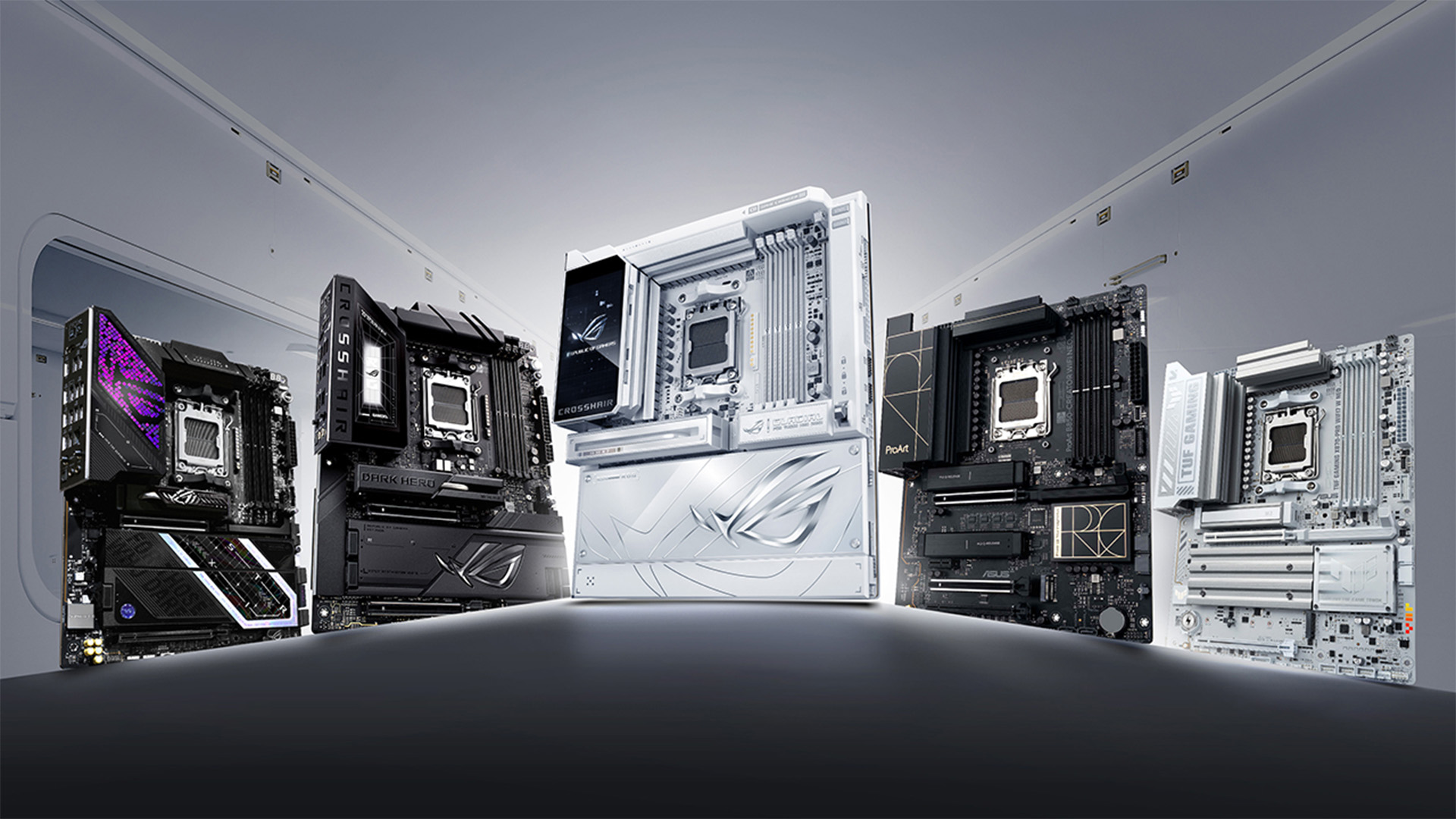
A motherboard will not magically add loads of extra FPS by itself, but it can affect how stable and capable your build feels. When comparing Intel vs AMD motherboards, the real performance difference usually comes from CPU choice, GPU choice, memory support, PCIe layout and board quality.
Does Motherboard Affect FPS?
For gaming, the CPU and graphics card matter most. The motherboard mainly helps those parts run properly. A better board can support stronger power delivery, cleaner cooling, faster memory profiles and more stable boost behaviour.
That is where the motherboard power delivery impact matters. If you pair a high-end CPU with a weak board, performance may be less consistent under long gaming or productivity loads. This is not about chasing huge FPS gains, but about keeping the system stable.
PCIe and Bandwidth Differences
PCIe support matters if you are using a modern graphics card, fast NVMe SSD, capture card or multiple expansion cards. Different boards can split lanes in different ways, so PCIe lane distribution is worth checking before buying.
The key thing is not just whether a board says PCIe 5.0 or PCIe 4.0. You also need to check which slot gets that speed, how many M.2 drives are supported, and whether any PCI Express slot differences could affect your build.
Platform Efficiency
Efficiency depends on the CPU, chipset, cooling, BIOS tuning and motherboard design. Some boards handle heat and power better than others, especially when the system is under load for long gaming sessions.
For most users, the latest PC motherboards offer stable performance, sensible temperatures and reliable memory support. That is more useful than buying the most expensive board just for a tiny difference in gaming performance scaling.
Upgrade Path and Longevity
Upgrade path is one of the biggest reasons people compare Intel vs AMD motherboards before buying. A good motherboard should not only support your current CPU, but also give you enough room for future processors, faster storage, extra RAM and better graphics cards.
AMD AM5 Longevity
AMD AM5 is the stronger option if you care about platform longevity. The AM5 socket motherboards support Ryzen 7000, 8000 and 9000 series processors, with DDR5 and PCIe 5.0 support available on select boards.
This makes AMD AM5 motherboards appealing to users who want better upgrade support without replacing the whole board too soon. You still need to check BIOS updates before fitting a newer CPU, but AM5 is generally the more flexible route for long-term builds.
Intel Platform Changes
Intel can still be a strong choice, especially if you want current Core Ultra 200S or Core Ultra 200S Plus desktop CPUs with modern Intel 800-series motherboard features. Intel Core Ultra 200S processors use LGA 1851 motherboards with Intel 800-series chipsets, bringing modern connectivity, DDR5 memory support and updated storage features.
The main thing to remember is that Intel platforms are often more socket-specific. That means you should check the exact CPU support list before buying, especially if you plan to upgrade later instead of replacing the board.
Future-Proofing
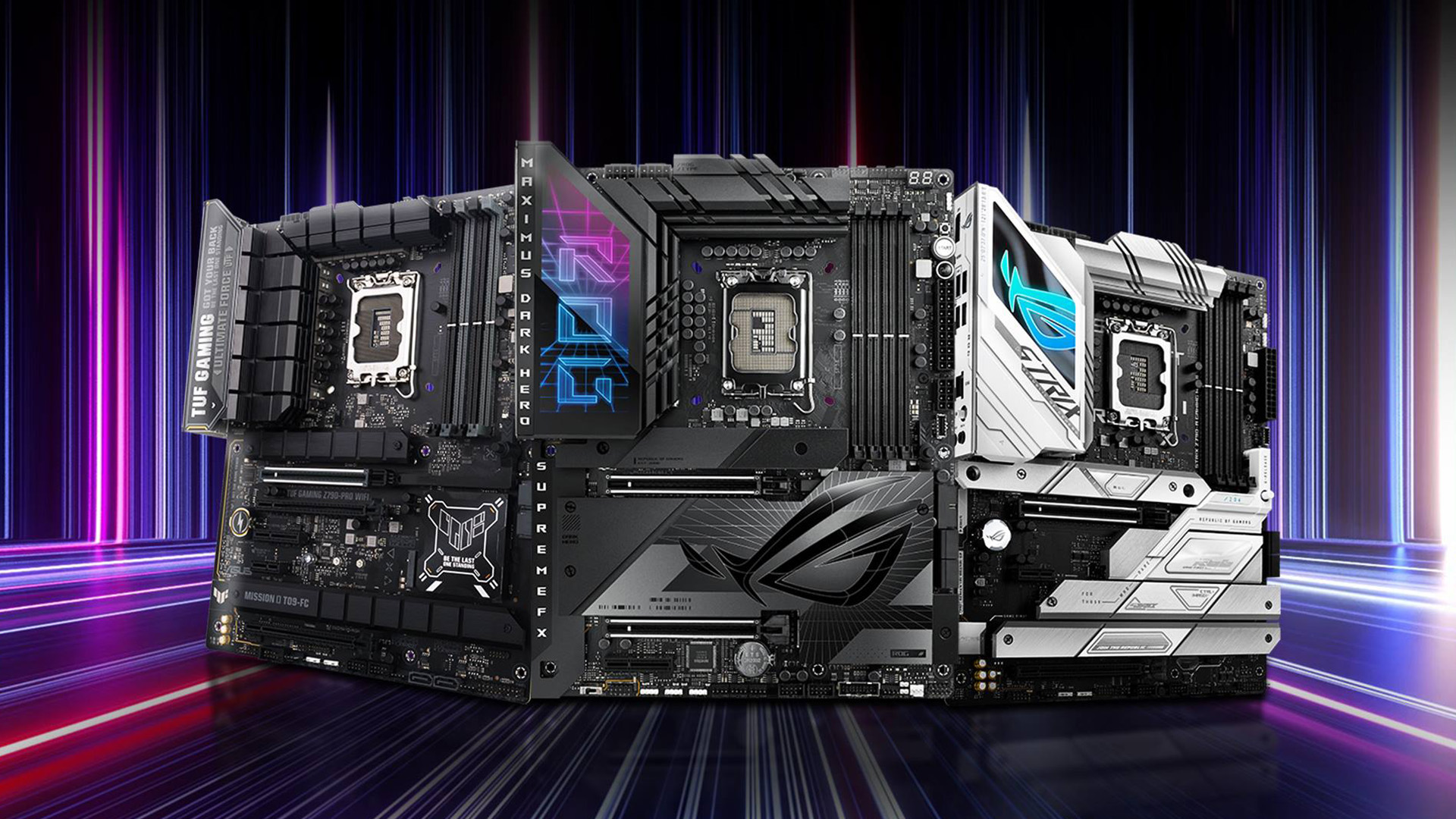
Future-proofing is not about buying the most expensive board. It is about choosing the right socket, enough M.2 slots, strong VRMs, good BIOS support, suitable PCIe support and proper DDR5 memory support.
For most buyers, AMD makes more sense for long-term upgrades, while Intel is better if you are building around a specific current Intel CPU and want the features that platform offers now.
AMD Motherboards vs Intel Motherboards: Features Comparison
Once you understand the socket and upgrade path, the next step is comparing the features you will actually use. The best board is not always the most expensive one. It is the one with the right ports, storage support, PCIe layout, memory support and BIOS features for your build. Here is a quick comparison of all the important features to check before buying a new motherboard.
| Feature to Check | Why It Matters | AMD Notes | Intel Notes |
| Socket | Decides CPU support | AM5 for newer Ryzen builds | LGA 1851 for current Core Ultra desktop builds |
| Chipset | Controls features and expansion | X870E, X870 and B850 are common modern choices | Z890, B860 and H810 cover different budgets |
| RAM support | Affects memory choice and speed | AM5 uses DDR5 | Current LGA 1851 boards use DDR5 |
| PCIe support | Impacts graphics cards, SSDs and add-in cards | PCIe 5.0 support varies by board | PCIe 5.0 support varies by board |
| Rear I/O | Controls daily connectivity | Check USB, Wi-Fi, LAN and audio | Check USB, Wi-Fi, LAN and audio |
| BIOS support | Helps with CPU and memory compatibility | Important for newer Ryzen CPUs | Important for exact CPU support |
Connectivity and I/O
Connectivity is where many computer motherboards start to feel different in daily use. Look at the rear ports, USB-C support, Ethernet speed, Wi-Fi, audio outputs and internal headers before buying. A basic board can be enough for a simple PC, but gamers, creators and streamers may want more USB ports, faster networking and cleaner front-panel support.
PCIe Lane Support
PCIe lanes affect how your graphics card, NVMe SSDs, capture card and other add-in cards share bandwidth. This is where PCIe lane distribution matters, especially if you plan to use more than one fast SSD or extra expansion cards.
For most gaming builds, one strong graphics card slot and one or two good M.2 slots are enough. For heavier workstations, check the full layout carefully rather than only looking at the chipset name.
Memory Support
Most of the latest-gen motherboards from both brands use DDR5. That gives newer builds better memory headroom, but speed and stability still depend on the CPU, board design and BIOS tuning.
If you want faster RAM, check whether the board supports EXPO or XMP profiles and whether it has the right memory support for your chosen kit. This is where overclocking capability matters, but only if you actually plan to tune the system.
Intel or AMD: Which One Should You Choose?
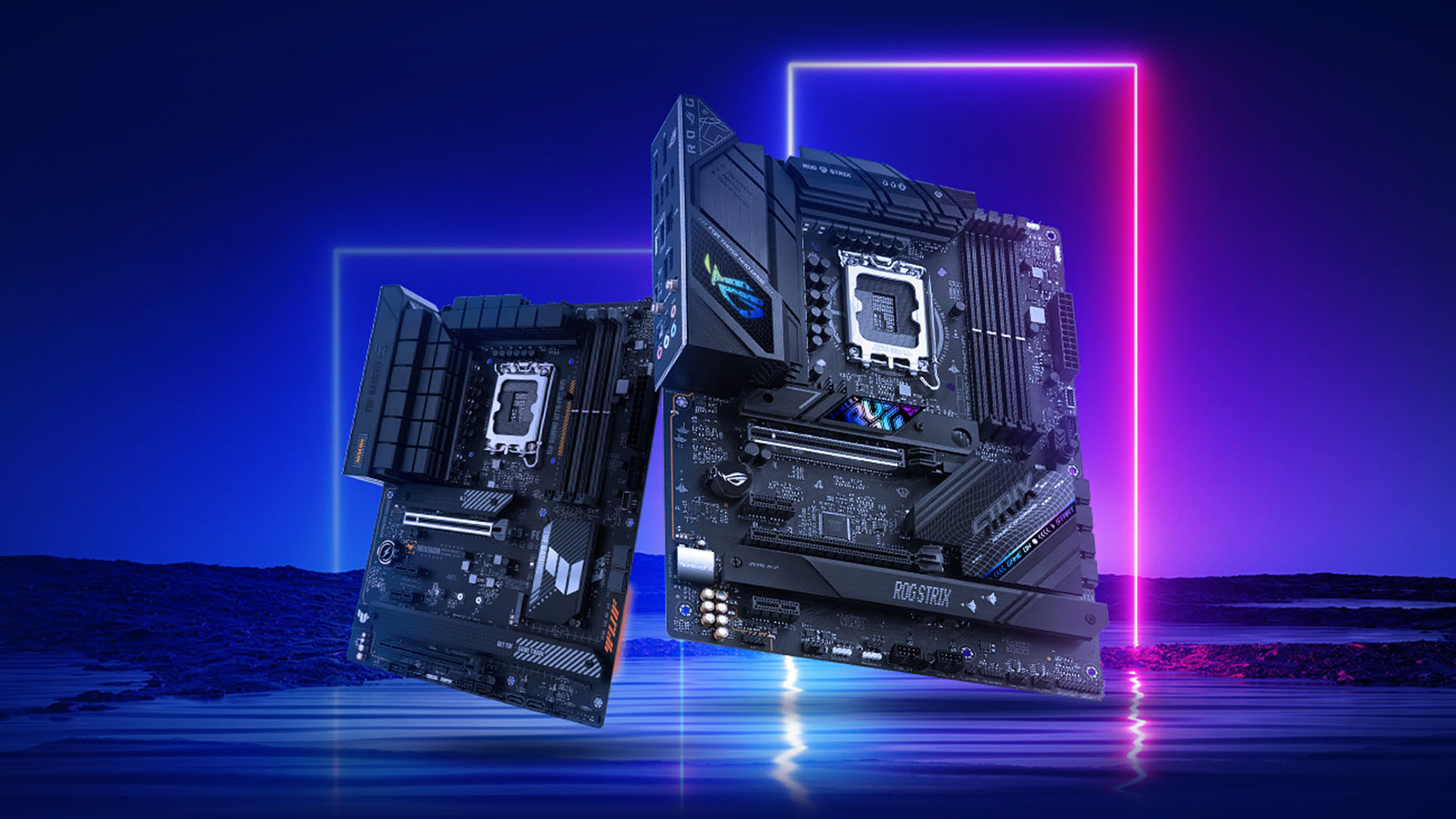
There is no single winner in the Intel vs AMD motherboards debate. The better choice depends on your CPU, budget, upgrade plans and the features you actually need.
- Best for gaming: Either platform can work well. Focus more on the CPU, GPU, RAM support, VRM quality and PCIe layout than the badge on the board.
- Best for upgrades: AMD is the stronger choice in the AMD vs Intel mobo decision if you want a longer upgrade path, especially with AM5.
- Best for budget builds: Older AM4 boards can still be useful for low-cost Ryzen builds, while budget Intel boards can also be good if they match your chosen CPU. For most buyers, the safest option is to compare features, socket support and price before choosing.
Frequently Asked Questions
Does the motherboard affect gaming performance?
A motherboard does not usually increase FPS by itself. However, it can affect stability, CPU boost behaviour, memory support, SSD speed and whether your graphics card and processor can run properly.
Is an Intel or AMD motherboard better?
Neither is automatically better. AMD is usually stronger for long-term upgrade flexibility, while Intel is a good choice if you are building around a current Intel CPU and want the features that platform offers.
Which motherboard is best for a computer?
The best motherboard is the one that matches your CPU socket, RAM type, case size, storage needs, graphics card and upgrade plans. Always check compatibility before buying.
Is an AMD or Intel motherboard better for upgrades?
AMD AM5 is generally the better upgrade-focused option in 2026. Intel can still be a strong choice, but you need to check the exact socket, chipset and CPU support list before planning future upgrades.
Can I use an AMD CPU on an Intel motherboard?
No. AMD and Intel CPUs use different sockets and platforms, so you cannot use an AMD processor on an Intel motherboard or an Intel processor on an AMD motherboard.
Do AMD and Intel motherboards use the same RAM?
Modern AMD AM5 and Intel LGA 1851 motherboards both use DDR5 memory, but you still need to check the exact motherboard’s supported speeds, capacity and memory profile support.
Is AM5 better than LGA 1851 for future upgrades?
AM5 is generally the stronger option for long-term CPU upgrades, while LGA 1851 is better if you are building around a current Intel Core Ultra desktop CPU.
You can pay with:
*PayPal Credit Representative Example: Assumed credit limit £1,200, Representative 23.9% APR (variable). Purchase rate 23.9% p.a (variable).Terms & Conditions apply.


PayPal Credit and PayPal Pay in 3 are trading names of PayPal UK Ltd, 5 Fleet Place, London, United Kingdom, EC4M 7RD. Terms and conditions apply. Credit subject to status, UK residents only, Five Tech LTD acts as a broker and offers finance from a restricted range of finance providers. PayPal Pay in 3 is not regulated by the Financial Conduct Authority. Pay in 3 eligibility is subject to status and approval. 18+. UK residents only. Pay in 3 is a form of credit. Check if affordable and how you will repay. May make other borrowing more difficult or expensive. See product terms for more details.
Copyright © 1996-2026 Fivetech LTD | Terms and Conditions
box.co.uk & Box are trading names of Five Tech Limited. Registered office: Box LTD, Unit 10 Woodford Trading Estate, Woodford Green IG8 8HF