


 Menu
MenuMenu


Get Sales Advice from Mon - Fri 9am - 5:00pm:
020 3337 8950LAST UPDATED: July 06, 2026
What Can an Intel Core i9 Laptop Actually Do? Real Use Cases Explained
An Intel Core i9 laptop is made for users who need more than basic everyday speed. It is a high-performance laptop for demanding workloads such as video editing, 3D rendering, coding, gaming, data work, and heavy multitasking.
That does not mean everyone needs one. If you mostly browse, stream, write documents, or join video calls, a lower-spec laptop may already be enough. The real value comes when you use software that can benefit from extra processing power.
This guide explains the main Intel Core i9 laptop use cases in simple terms. We will look at where i9 performance genuinely helps, where it may be overkill, and what specs matter alongside the processor. This way, you can decide whether an i9 laptop fits your actual work, not just the idea of having the fastest chip.
The Best Use Cases for an Intel Core i9 Laptop
The real use cases of an Intel Core i9 laptop are built around heavy work. This is where extra cores, higher boost speeds, and better multi-core performance start to matter. If you are comparing Intel Core i9 laptops, focus on what the processor will help you finish faster.
A Core i9 is not just about opening apps quickly. Its real value is in sustained performance, smoother multitasking, and extra performance headroom when the workload gets intense.
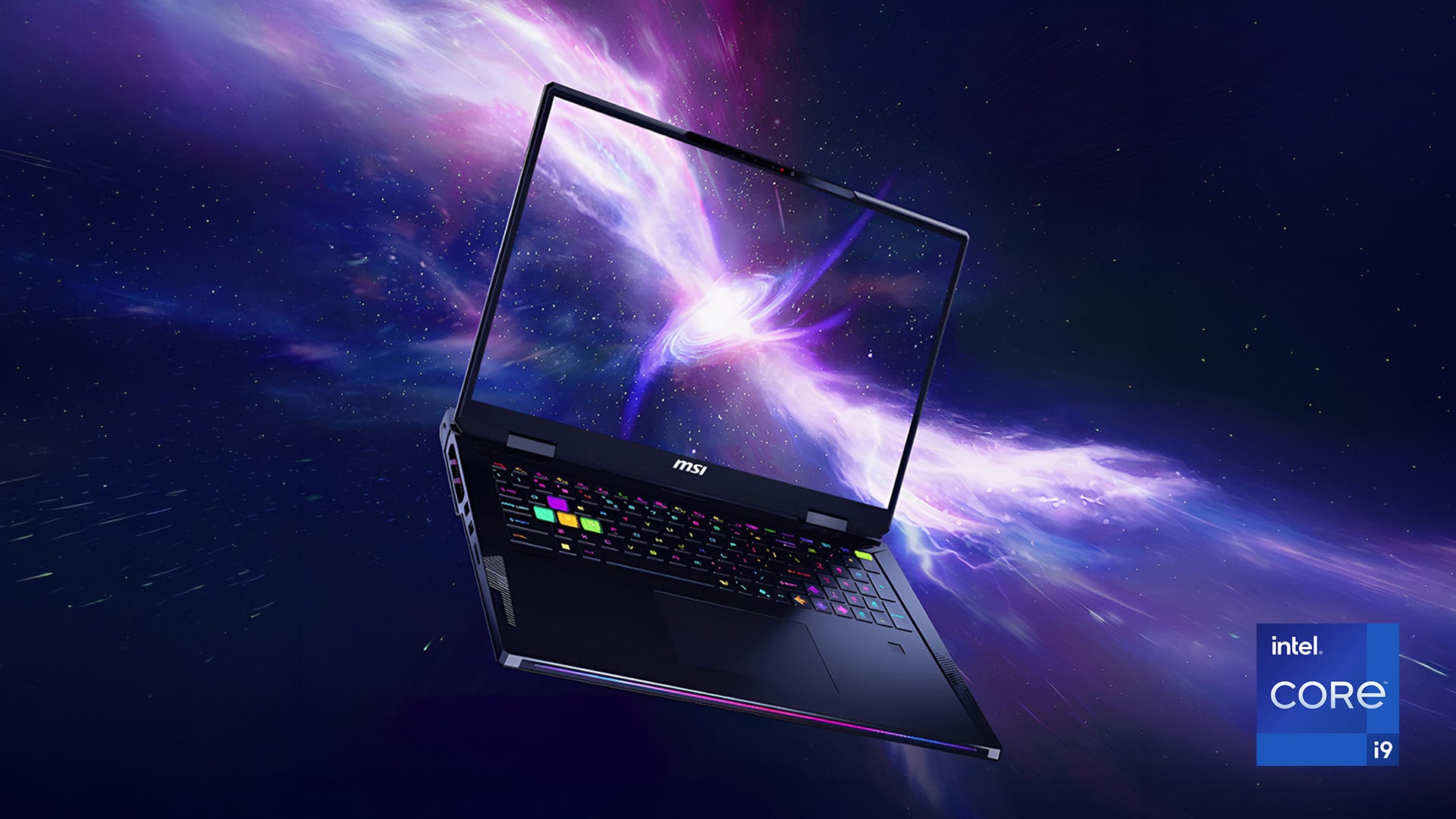
Video editing can put constant pressure on the processor. This is especially true when you work with 4K video editing, 8K footage, multiple layers, effects, transitions, and colour work.
This is where video editing on an Intel Core i9 laptop becomes useful. The processor helps with timeline responsiveness, preview generation, rendering, and export times. It can also make the laptop feel smoother when you edit, export, and run background tasks at the same time.
For content creation on an Intel Core i9 laptop, the CPU still needs support from the rest of the laptop. More RAM helps with larger projects. Fast storage helps with media files. A capable GPU helps with visual effects and accelerated workloads. If video work is your main focus, creator laptops are usually a better starting point than general everyday models.
3D Rendering and Animation
3D workloads are another strong fit for a Core i9 laptop. The processor helps when scenes become complex, previews take longer, and projects need repeated calculations.
A powerful CPU can improve modelling responsiveness, animation previews, simulation work, and final renders. It is especially useful when you work with large scenes, detailed objects, lighting, textures, or physics-based effects.
The key point is balance. A Core i9 gives the laptop strong processing power, but long 3D workloads also need good cooling. Without strong cooling, performance can drop during longer sessions. A dedicated GPU also matters for many visual workloads. For this type of work, workstation laptops make more sense than standard consumer laptops.
Software Development and Compiling
A Core i9 laptop can make development work feel faster when projects become large. It helps with compiling, testing, running local environments, and keeping multiple tools open together.
The value of programming on an Intel Core i9 laptop is not only in shorter compile times. It is also the ability to run a heavier setup without constant slowdowns. That can include large codebases, virtual machines, containers, local servers, databases, and test environments.
More cores and threads help when several development tasks run at once. The laptop can build code, run tests, and keep background services active with less strain. For developers who work on large projects, that extra CPU headroom can save time every day.
High-End Gaming
A Core i9 can improve gaming when the game depends heavily on CPU performance. This can help with high frame rates, open-world games, background physics, simulation-heavy titles, and gaming while streaming or recording.
The best Intel Core i9 laptop gaming experience still depends on the full system. The processor helps feed frames to the GPU. It also supports background tasks while you play. But the graphics card remains the bigger factor for visual quality and resolution.
For serious gaming, look for a strong GPU, good cooling, and a high refresh rate display. The CPU matters most when you want smoother frame delivery, better minimum frame rates, and fewer slowdowns during busy scenes. If gaming is the main reason to upgrade, start with proper gaming laptops.
Data Science and AI Workloads
Data-heavy work can benefit from a Core i9 laptop because the processor is often handling many tasks at once. This can include cleaning data, running scripts, processing files, analysing results, and managing local environments.
The processor helps with large datasets, parallel processing, and repeated calculations. It can also keep the laptop responsive while notebooks, analysis tools, file operations, and background tasks run together.
For AI work, the CPU is useful for setup, testing, data preparation, and lighter local workloads. Heavier model training may need a strong GPU as well. A Core i9 works best here when it is paired with plenty of RAM, fast storage, and suitable graphics support.
Heavy Multitasking and Productivity
Some users need power because they work across many apps all day. This can mean dozens of browser tabs, large spreadsheets, communication tools, reports, dashboards, design files, and file transfers running together.
This is where multitasking on an Intel Core i9 laptop feels practical. The processor gives the system more room to breathe when several demanding tasks compete for power. It helps reduce slowdowns when switching between apps, opening large files, or running background tasks.
For professional users, Intel Core i9 laptop performance is less about showing off specs. It is about keeping workflow speed steady under pressure. If your working day involves heavy multitasking, large files, and constant switching, higher-end business laptops with a strong CPU, enough RAM, and fast storage can make a real difference.
What Makes an Intel Core i9 Laptop Powerful?
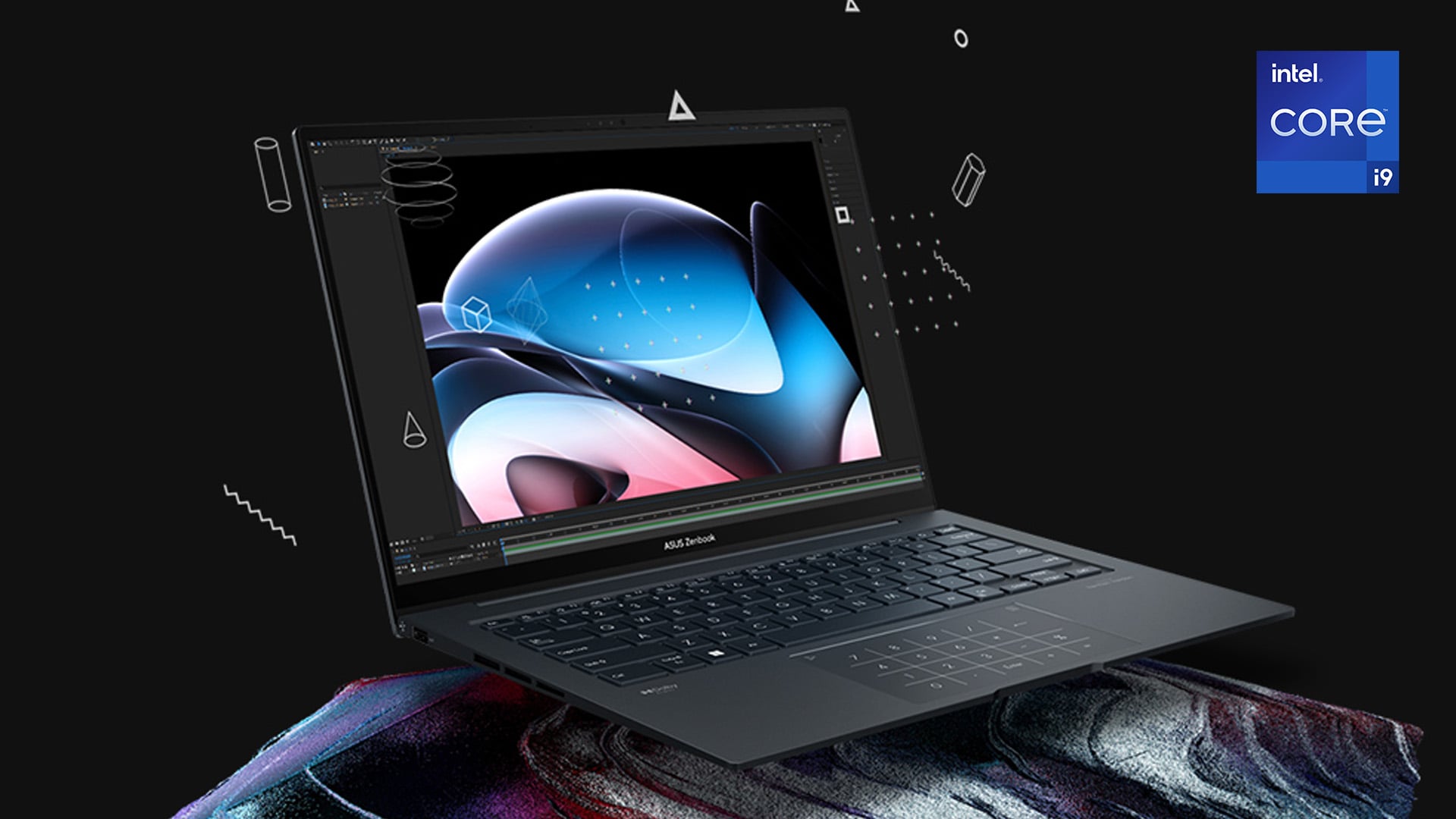
An Intel Core i9 laptop is powerful because it has more room to handle demanding work. It is not just about a higher number on the box. The real difference comes from high core count, faster boost speeds, larger cache, and higher power limits.
A good example is the Intel Core i9-14900HX. It has 24 cores, made up of 8 performance cores and 16 efficient cores. It also has 32 threads, up to 5.8GHz Max Turbo Frequency, and 36MB Intel Smart Cache. Intel lists its Processor Base Power at 55W and Maximum Turbo Power at 157W. That gives it serious performance headroom for heavy workloads.
Core Count, Threads and Speed
The core and thread count is one of the clearest reasons an i9 laptop can feel faster under pressure. More cores help the processor split demanding work into smaller tasks. More threads help it handle more instructions at once.
For comparison, the Intel Core i9-14900HX has 24 cores and 32 threads. The Intel Core i7-14700HX has 20 cores and 28 threads. The Intel Core i5-14500HX has 14 cores and 20 threads. That extra capacity matters when you are editing, compiling, rendering, gaming, or running several demanding apps together.
Speed matters too. The i9-14900HX can reach up to 5.8GHz Max Turbo Frequency. The i7-14700HX reaches up to 5.5GHz, while the i5-14500HX reaches up to 4.9GHz. That helps explain why Intel Core i9 laptop performance can feel stronger in short bursts, such as opening heavy apps, loading projects, or exporting files.
Cache, Architecture and Efficiency
A fast processor also needs quick access to data. The i9-14900HX has 36MB of processor cache, compared with 33MB on the i7-14700HX and 24MB on the i5-14500HX. More cache can help the CPU access frequently used data faster, which supports smoother performance in heavy tasks.
Modern i9 laptop chips also use a hybrid design. The i9-14900HX combines performance cores for demanding tasks with efficient cores for lighter and background work. This helps the processor manage mixed workloads more intelligently. It is useful when you are exporting, browsing, running apps, and handling background tasks at the same time.
Power limits also matter. The i9-14900HX has a 55W Processor Base Power and 157W Maximum Turbo Power. That means laptop design is important. A well-cooled laptop can hold stronger sustained performance for longer. A thinner laptop with weaker cooling may not keep peak speeds under heavy load.
Core i9 Compared with Core i5 and Core i7
Core i5 laptops are enough for everyday use. That includes browsing, email, documents, streaming, and basic study. Core i7 laptops are a stronger middle ground for gaming, creative work, and heavier multitasking.
Core i9 is for users who need more power more often. The jump from an i7-14700HX to an i9-14900HX gives you more cores, more threads, a higher turbo frequency, and a larger cache. That does not mean every user should pay extra for it. It means the i9 makes more sense when your workload can use the extra power.
So, are i9 laptops better than i7 laptops? For heavy workloads, yes. For everyday use, not always. The best choice still depends on cooling, RAM, storage, graphics, display quality, and battery life. Intel also notes that performance and features can vary by system configuration, so the full laptop matters as much as the processor name.
Who Actually Needs an Intel Core i9 Laptop?
An i9 laptop is not for every buyer. It makes the most sense if your work regularly pushes a normal laptop too far. The strongest Intel Core i9 laptop use cases are usually tied to professional software, large files, heavy multitasking, or performance-heavy creative work.
You should consider one if you fit into one of these groups:
- Video editors and content creators: Regular 4K footage, effects, exports, and content creation workflows can benefit from the extra CPU power of an i9 processor.
- 3D artists and designers: Rendering, modelling, animation, and CAD projects often need more processing headroom for smoother previews and faster project handling.
- Developers and engineers: Large codebases, virtual machines, and multiple development tools can make good use of the extra performance headroom.
- Gamers and streamers: Demanding titles, recording, and live streaming place pressure on the whole system, not just the graphics card.
- Data-heavy professionals: Spreadsheets, reports, analysis tools, and local datasets can run more smoothly with stronger multi-core performance.
- Long-term power users: A higher-performance laptop gives you more room for future software demands if you plan to keep it for several years.
For the average user, an i9 may be more than necessary. This is why it is very important to go through an Intel Core i9 laptop buying guide before investing your money in a high-end laptop. For demanding users, though, it can make the laptop feel faster, smoother, and more capable during serious work.
When an Intel Core i9 Laptop Might Be Overkill
An i9 laptop is powerful, but that does not automatically make it the right choice. If your daily tasks are light, you may not notice enough benefit to justify the extra cost, heat, or power use.
For basic browsing, streaming, email, shopping, video calls, and simple documents, a Core i5, Core i7, or Intel Ultra laptop can already feel fast. These tasks rarely need the full Intel Core i9 laptop performance that creators, developers, gamers, and technical users rely on.
It may also be overkill for basic student work. Essays, online classes, research, presentations, and cloud apps do not usually need a high-end processor. In that case, paying more for an i9 may not improve the experience much.
There are practical trade-offs as well. High-performance processors can use more power under load. That can affect battery life, heat, and fan noise. If you want a quiet, lightweight laptop for everyday use, an i9 model may not be the most sensible fit.
The simple rule is this: choose an i9 if your workload can use the extra power. If your laptop mostly handles everyday computing, you may get better value from a lower-tier processor with more RAM, better storage, or a nicer display.
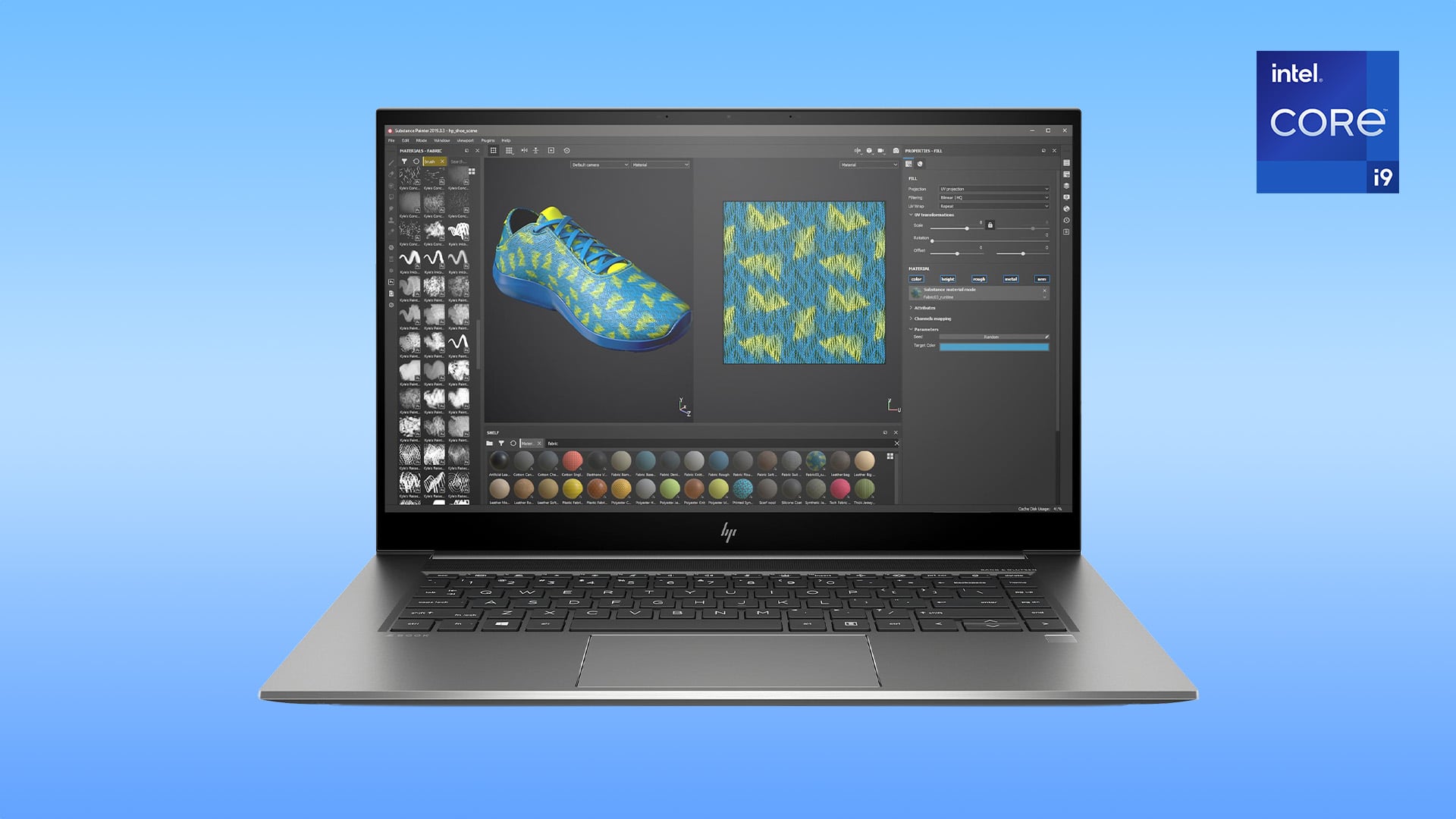
An Intel Core i9 processor is only one part of the laptop. To get the best from it, the rest of the machine needs to support that level of performance. Cooling, RAM, storage, graphics, display quality, and build design all affect how the laptop performs in real use.
Cooling System
A powerful processor needs a strong cooling system to perform properly. If the laptop cannot manage heat well, it may slow down during sustained loads such as rendering, exporting, gaming, or compiling.
Thin laptops can still be fast, but they may not always hold peak speeds for long. This is where thermal throttling can become an issue. Fan noise is also worth considering if you work in quiet rooms or shared spaces.
RAM and Storage
For an i9 laptop, 16GB RAM should be the minimum. For serious creative work, development, multitasking, and heavier projects, 32GB RAM is the safer choice.
Storage matters just as much. A 1TB SSD gives you more room for games, videos, apps, and large project files. Fast SSD storage also helps with boot times, file transfers, loading software, and handling media-heavy work.
GPU Pairing
Do not judge the laptop by the processor alone. A dedicated graphics card is important for gaming, 3D work, rendering, and some AI workloads.
For creators and gamers, GPU acceleration can make a big difference. An NVIDIA RTX laptop may be a better fit if you need stronger graphics performance alongside the i9 processor.
Display Quality
The screen should match the work you do. A high refresh rate display is useful for gaming because motion feels smoother. An OLED display can help creators with stronger contrast and richer colours.
For design, editing, or detailed visual work, look closely at screen resolution, brightness, and colour accuracy. A powerful laptop with a weak display can still feel limiting if your work depends on visual detail.
Build Quality and Battery Life
A strong premium chassis matters if you carry the laptop often. It can make the device feel sturdier and more reliable over time.
Battery life depends on more than the CPU. Display brightness, GPU use, cooling design, and overall power draw all play a part. If you want a portable machine for heavy work, expect strong performance, but do not expect the same unplugged runtime as a basic everyday laptop.
Final Verdict: Is an i9 Laptop the Right Choice for You?
An Intel Core i9 laptop is worth it when your workload can actually use the extra power. It makes sense for video editing, 3D work, software development, high-end gaming, data tasks, and heavy multitasking. These are the Intel Core i9 laptop use cases where faster processing can save time and keep the laptop feeling smooth under pressure.
It is not the right choice for everyone. If you mainly browse, stream, write documents, attend video calls, or use basic office apps, a lower-tier processor may give you better value. You may also get more benefit from extra RAM, more storage, or a better display.
The best approach is to match the laptop to your real workload. A Core i9 is powerful, but it works best as part of a balanced specification. Look at the processor, GPU, cooling, RAM, storage, display, and battery life together before deciding.
Frequently Asked Questions
Is an Intel Core i9 laptop good for gaming?
Yes, it can be excellent for gaming, especially if you play CPU-heavy titles or stream and record gameplay at the same time. The processor helps, but gaming performance still depends heavily on the graphics card, cooling, RAM, and screen refresh rate.
Is an Intel Core i9 laptop good for video editing?
Yes, it can be a strong choice for video editing, especially with 4K footage, effects, colour work, and regular exports. For the best editing experience, the laptop should also have enough RAM, fast SSD storage, and a capable GPU.
Do Intel Core i9 laptops overheat?
They can get warm during heavy workloads, but that does not automatically mean there is a problem. Heat depends on the laptop's cooling system, chassis design, fan setup, and the type of task you are running.
Is an Intel Core i9 laptop worth it for students?
It depends on the course. Students studying engineering, media production, game design, architecture, computer science, or 3D design may benefit from the extra power. For essays, browsing, online classes, and presentations, it is usually more than needed.
How much RAM should an Intel Core i9 laptop have?
For most users, 16GB RAM should be the minimum. For creators, developers, gamers, and heavy multitaskers, 32GB RAM is a better choice because it gives the laptop more room for large projects and demanding apps.
Does an Intel Core i9 laptop have good battery life?
It can be fine during light tasks, but heavy work will drain the battery faster. Gaming, rendering, exporting, and compiling use more power. Battery life also depends on the GPU, display brightness, refresh rate, and overall power draw.
Who should buy an Intel Core i9 laptop?
It is best for users who regularly run demanding software. That includes creators, developers, engineers, serious gamers, streamers, and power users who work with large files, heavy multitasking, or time-sensitive workloads.
You can pay with:
*PayPal Credit Representative Example: Assumed credit limit £1,200, Representative 23.9% APR (variable). Purchase rate 23.9% p.a (variable).Terms & Conditions apply.


PayPal Credit and PayPal Pay in 3 are trading names of PayPal UK Ltd, 5 Fleet Place, London, United Kingdom, EC4M 7RD. Terms and conditions apply. Credit subject to status, UK residents only, Five Tech LTD acts as a broker and offers finance from a restricted range of finance providers. PayPal Pay in 3 is not regulated by the Financial Conduct Authority. Pay in 3 eligibility is subject to status and approval. 18+. UK residents only. Pay in 3 is a form of credit. Check if affordable and how you will repay. May make other borrowing more difficult or expensive. See product terms for more details.
Copyright © 1996-2026 Fivetech LTD | Terms and Conditions
box.co.uk & Box are trading names of Five Tech Limited. Registered office: Box LTD, Unit 10 Woodford Trading Estate, Woodford Green IG8 8HF