


 Menu
MenuMenu


Get Sales Advice from Mon - Fri 9am - 5:00pm:
020 3337 8950LAST UPDATED: July 06, 2026
Intel Core i3-6100 Revisited: Who Should Upgrade and Who Can Still Get By?
The Intel Core i3-6100 is still sitting inside plenty of older desktop PCs, and the real question in 2026 is not whether it was a decent chip in its day. It is whether the chip still makes sense for the way people use a PC now.
As a 6th Gen desktop processor, the Intel i3 6100 can still handle light jobs such as browsing, emails, documents and basic home use. The problem is that modern apps, heavier browser tabs, video calls and background tasks now ask more from a processor than this older setup was built to handle.
There is also the software side to consider. Windows 10 support ended on 14 October 2025, and older systems like this are not ideal for a long-term supported Windows setup. So, this breakdown looks at who should upgrade from the Intel Core i3-6100, who can still get by, and whether it is worth stretching the old platform or moving to something newer.
Who Should Upgrade from the Intel Core i3-6100?
The Intel Core i3-6100 is still usable for light jobs, but it starts to show its age when the PC is expected to handle modern multitasking, newer software and heavier everyday workloads. If the system feels slow even after basic clean-up and storage upgrades, the processor is likely part of the problem.
Users Struggling with Modern Multitasking
The i3 6100 has 2 cores and 4 threads, which was fine for basic desktop use years ago, but it can feel tight now. Modern browsers, office apps, cloud tools, security software and video calls can all run at the same time, and that is where the older design starts to struggle.
The 3.70GHz clock speed helps with simple single-task use, but it does not fully make up for the low core count. If your PC slows down when you open several tabs, join a meeting and work on documents together, it is probably time to compare newer options among the best CPUs rather than keep stretching the old platform.
Users Who Need a Supported Windows Setup
The Core i3-6100 CPU is not a strong choice for anyone who needs a clean, supported Windows PC in 2026. Windows 10 no longer receives standard support, and older unsupported hardware can become a bigger concern for online banking, work accounts and daily internet use.
The 6100 processor is also outside the officially supported Windows 11 processor range, so it is not ideal if the goal is long-term security, reliability and simple updates.
Users Gaming, Streaming or Creating Content
The Intel Core i3-6100 can handle basic display output through its built-in Intel HD Graphics 530, so an old office PC does not always need a separate graphics card just to show video, browse the web or play media. That built-in GPU is not meant for modern gaming or editing work, though, so it should be seen as a basic display solution, not a proper gaming option.
For gaming, streaming or editing in 2026, the smarter move is usually a newer platform rather than trying to turn the Intel Core i3-6100 into something it was never built to be. Opting for a pre-built gaming PC is a great idea if your budget allows.
Who Can Still Get by with the Core i3-6100?
The Intel Core i3-6100 is old, but it is not useless. It can still work if your needs are light, your expectations are realistic, and the rest of the PC is not holding it back even further.
Basic Home and Office Users
The Core i3-6100 can still handle simple tasks such as emails, light browsing, documents, basic spreadsheets, printing, scanning and media playback. Its built-in Intel HD Graphics 530 is also enough for normal display output, video playback and everyday desktop use, so a separate graphics card is not essential for basic non-gaming use.
This is the kind of setup that still makes sense for a spare family PC, a home admin machine or a simple desk computer. It becomes less suitable when those “basic” tasks turn into heavy tab usage, constant video calls and several apps running together.
Users with an SSD and Enough RAM
A system built around the Intel i3 6100 can feel much better with an SSD and enough memory. The processor supports DDR4-1866/2133 or DDR3L-1333/1600, depending on the motherboard, so the exact upgrade path depends on the board already inside the PC.
For light use, 8GB RAM is workable, but 16GB is the better target if the motherboard supports it. An SSD will help with boot times, app loading and general responsiveness, but it will not turn the Intel i3 6100 CPU into a modern multitasking processor.
Offline, Secondary or Low-Cost Systems
If the PC is not your main work machine, the Intel Core i3-6100 can still have a role. It can serve as a workshop computer, media playback system, basic family desktop or low-cost spare PC. The older i3 processors can still handle such tasks.
Upgrade Path or Start Fresh?
This is the part where you need to be careful. The Intel Core i3-6100 can be upgraded, but not every upgrade is worth the money, and the socket name alone does not tell the full story.
Check the Motherboard Before Buying Anything
The 6100 socket is FCLGA1151, but that does not mean every LGA1151 processor will work in your PC. The Core i3-6100 CPU belongs to the 6th Gen Skylake platform, and support depends on the exact motherboard, chipset and BIOS version. Intel lists the chip with FCLGA1151 support, DDR4-1866/2133 or DDR3L-1333/1600 memory support, and a 51W TDP.
This matters because some older boards can support selected 7th Gen processors after a BIOS update, while others may not. For example, the ASUS H110M-R CPU support list includes 6th and 7th Gen options, but that is only useful if you have that exact board and the right BIOS.
The Realistic Same-Board CPU Upgrade
If your motherboard supports it, the practical in-socket upgrade route is usually a compatible 6th or 7th Gen Core i5 or Core i7. A move from the i3-6100 processor to something like an i5-6500, i5-7500, i7-6700 or i7-7700 can give you more room for multitasking, older games and general responsiveness.
The strongest supported option on some boards may be an i7-7700 or i7-7700K, but there are two catches. First, a K-series chip will not overclock on a basic H110 board. Second, it may need better cooling and may not be a good value if the used price is high. Performance data shows the i7-7700K is much stronger than the i3-6100 in multi-threaded use and around 25% faster in single-thread testing, but it is still an old platform.
So, always check the price-to-benefit ratio of the used upgrades you are planning. If a compatible old i7 costs too much, it is usually better to use that money for a newer platform.
GPU Upgrades: Helpful, but Not a Full Fix
The Intel Core i3-6100 includes Intel HD Graphics 530, so many old systems can run a display, video playback and basic desktop tasks without a dedicated graphics card. Technically, the graphics are built into the processor, not the motherboard, but they work through the display outputs on the board. That is fine for office use, but not for modern gaming or content work.
A modest GPU upgrade can often help with older games and basic 1080p gaming. Something in the older mid-range category, such as GTX 1650, GTX 1660, RX 570, RX 580 or similar, is a more sensible match for the 6100 processor. You still need to check power supply wattage, PCIe power connectors, case clearance and whether the motherboard BIOS is up to date.
If you also upgrade to a supported 6th or 7th Gen i5/i7, such as an i7-7700 on a compatible board, you can pair it with a stronger used GPU more comfortably. However, even that route is still limited by the old platform.
When Starting Fresh Makes More Sense
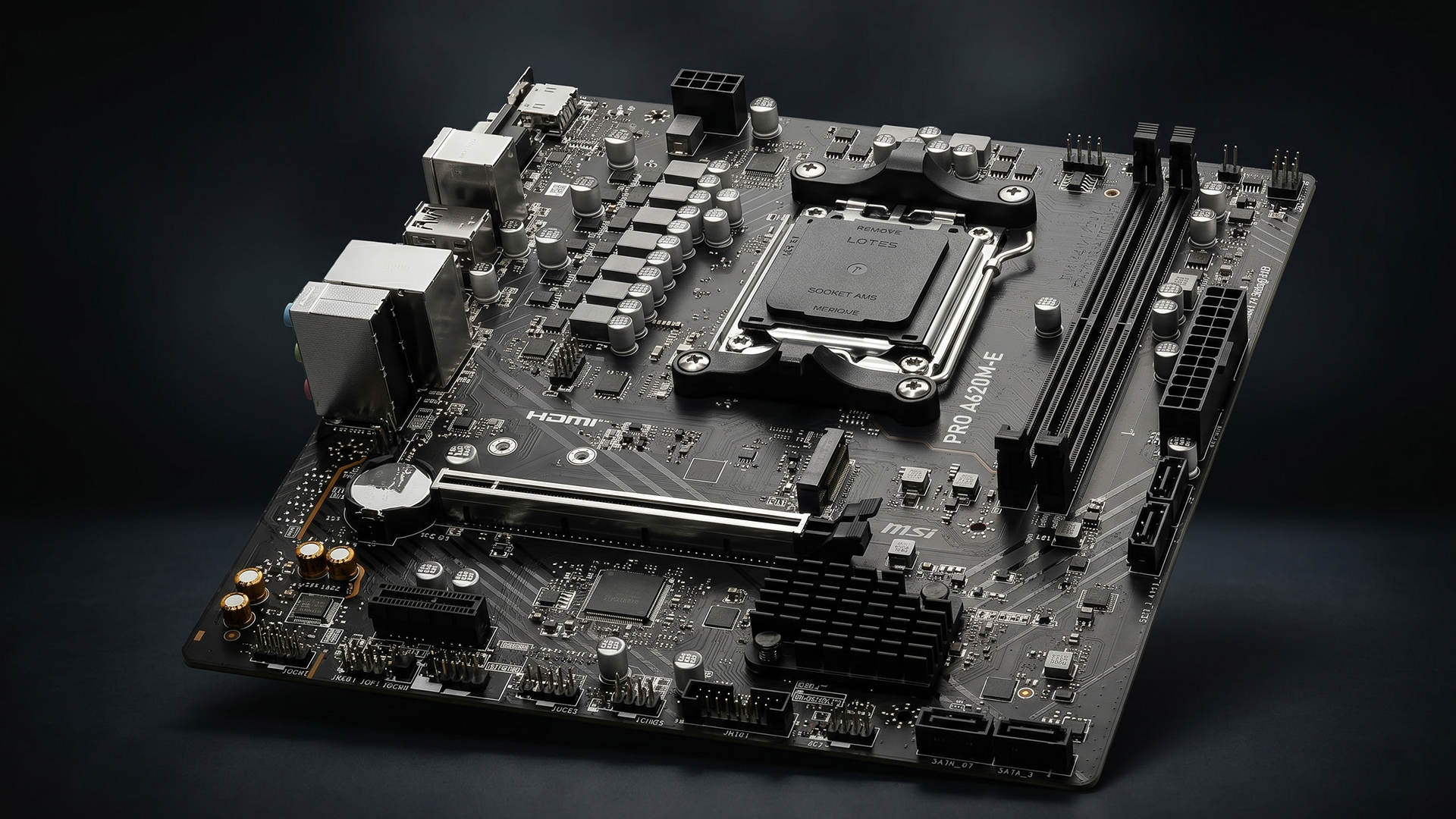
For most users who want a dependable PC in 2026, a new platform is the cleaner upgrade. That means replacing the CPU, motherboard and RAM together rather than trying to stretch the Core i3-6100 generation further.
A newer Ryzen or Intel CPU gives you better multitasking, official Windows 11 support, faster platform features, newer memory options and a longer upgrade life. This route costs more upfront, but it avoids spending too much on old parts that still leave you with an ageing motherboard, older connectivity and limited future support.
Final Words
The Intel Core i3-6100 can still get by if your PC is only used for light browsing, emails, documents, media playback or basic home tasks. If it already has an SSD, enough RAM and is not your main work machine, keeping it for simple use is still reasonable.
You should upgrade if the i3 6100 PC feels slow in normal multitasking, if you want a properly supported Windows setup, or if you plan to game, stream or edit content. Windows 10 support has ended, and the move to a supported modern platform is the safer long-term route for daily online use.
Frequently Asked Questions
Is the Intel Core i3-6100 still good in 2026?
The Intel Core i3-6100 is only suitable for very basic use in 2026, such as light browsing, emails, documents and media playback. For modern multitasking, gaming, streaming or supported Windows use, upgrading makes more sense.
What generation is the Core i3-6100?
The Core i3-6100 is a 6th Gen Intel Core processor from the Skylake desktop family. It was designed for the FCLGA1151 platform and supports DDR4 or DDR3L memory, depending on the motherboard.
What socket does the i3-6100 use?
The i3-6100 uses the FCLGA1151 socket. However, the socket name alone is not enough for upgrades, because CPU support also depends on the motherboard chipset and BIOS version.
Can the Intel Core i3-6100 run Windows 11?
It is not a good choice for Windows 11 because it is outside the officially supported Intel processor range. Windows 10 support has also ended, so users who want a properly supported Windows setup should consider newer hardware.
Is it worth upgrading from an i3-6100 to an i7-7700?
It can be worth it only if your motherboard supports the i7-7700, the BIOS is compatible and the used price is low. If the upgrade costs too much, starting fresh with a newer platform is usually the better option.
You can pay with:
*PayPal Credit Representative Example: Assumed credit limit £1,200, Representative 23.9% APR (variable). Purchase rate 23.9% p.a (variable).Terms & Conditions apply.


PayPal Credit and PayPal Pay in 3 are trading names of PayPal UK Ltd, 5 Fleet Place, London, United Kingdom, EC4M 7RD. Terms and conditions apply. Credit subject to status, UK residents only, Five Tech LTD acts as a broker and offers finance from a restricted range of finance providers. PayPal Pay in 3 is not regulated by the Financial Conduct Authority. Pay in 3 eligibility is subject to status and approval. 18+. UK residents only. Pay in 3 is a form of credit. Check if affordable and how you will repay. May make other borrowing more difficult or expensive. See product terms for more details.
Copyright © 1996-2026 Fivetech LTD | Terms and Conditions
box.co.uk & Box are trading names of Five Tech Limited. Registered office: Box LTD, Unit 10 Woodford Trading Estate, Woodford Green IG8 8HF