


 Menu
MenuMenu


Get Sales Advice from Mon - Fri 9am - 5:00pm:
020 3337 8950POSTED: July 02, 2026
Best Laser Printer with Scanner: What to Check Before Buying
A laser printer with scanner can be a smart choice if you regularly print documents, scan paperwork, copy forms or manage admin at home or in the office. Instead of buying separate devices, an all-in-one laser printer gives you print, scan and copy features in one machine, often with faster document printing and lower long-term running costs than many inkjet alternatives.
Whether you need a laser printer and scanner for home, a wireless laser printer scanner for hybrid working, or a colour laser printer with scanner and copier for business use, the right model depends on how often you print, what you print, and which features matter most.
In this guide, we’ll cover what to check before buying, including colour vs mono printing, Wi-Fi, ADF, duplex printing, toner costs, paper capacity, and whether an A3 laser printer scanner is really necessary.
What Is a Laser Printer with Scanner?
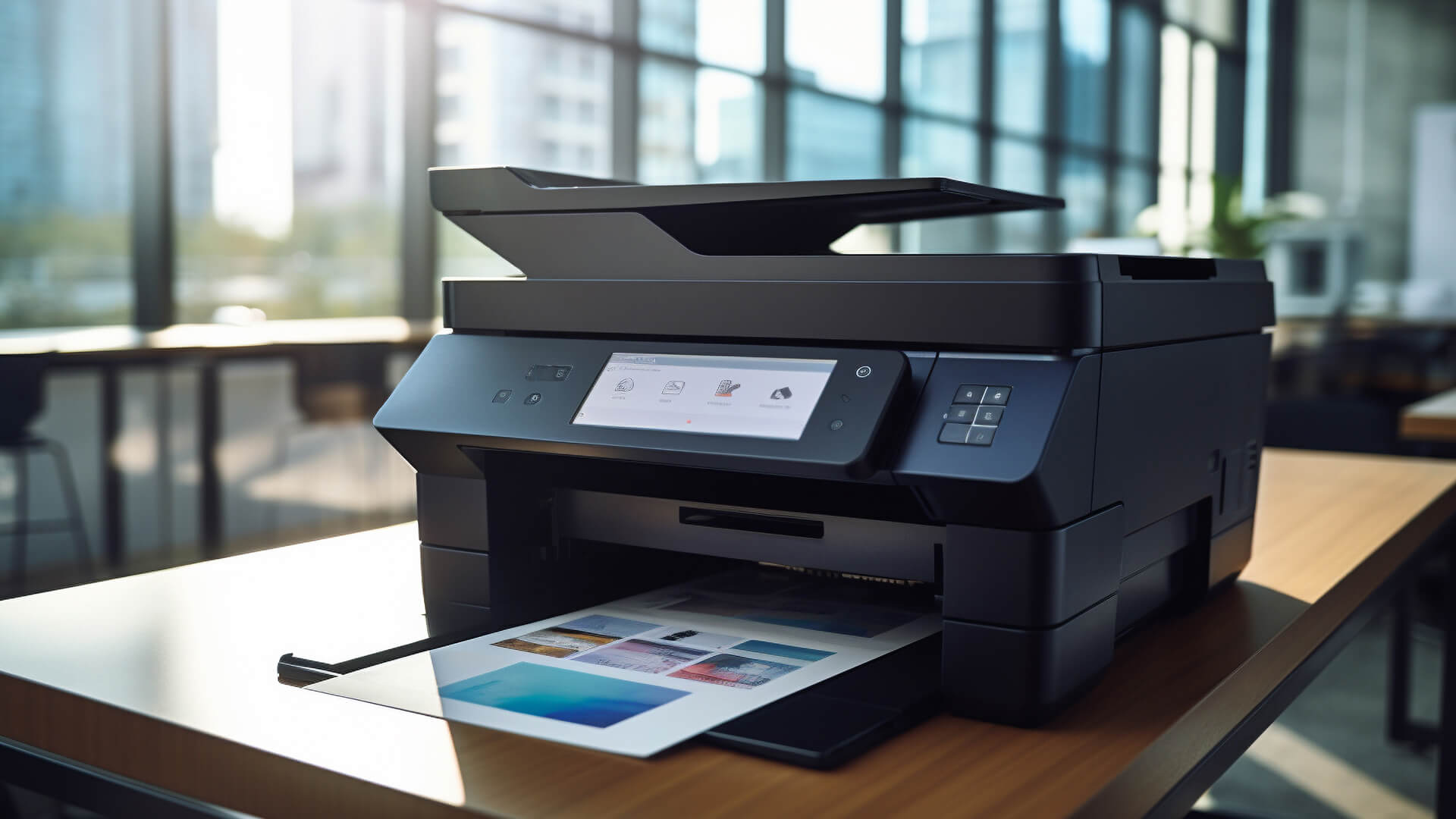
A laser printer with scanner is usually an all-in-one or multifunction printer that combines printing, scanning and copying in one device. Many models are also known as MFP printers, laser all-in-one printers or multifunction laser printers.
Unlike inkjet printers, laser printers use toner rather than liquid ink. This makes them especially useful for printing sharp text documents, invoices, forms, reports, coursework and business paperwork.
How an All-in-One Laser Printer Works
A laser printer uses a toner cartridge, drum unit, and heat-based printing process to transfer text and images onto paper. This is why laser printers are often faster for document printing and better suited to regular or higher-volume use.
The scanner section is usually built into the top of the printer. Depending on the model, it may include a flatbed scanner, an automatic document feeder, or both.
A flatbed scanner is ideal for scanning books, ID documents, receipts and single sheets. An ADF is better if you need to scan multiple pages quickly.
Print, Scan, Copy and Fax Features Explained
Most laser printer scanner copier models support basic print, scan and copy functions. Some office-focused models also include fax support, which can still be useful for certain business workflows.
Common features include:
- Print scan copy functionality
- Scanner copier printer design
- Wireless printing
- Mobile printing
- Duplex printing
- Automatic document feeder
- Ethernet and USB connectivity
- Cloud printing
- Fax function on selected office models
For home users, print, scan, and copy may be enough. For office users, features like ADF, duplex scanning, paper tray capacity and duty cycle become more important.
Who Should Buy a Laser Printer and Scanner?
A laser printer and scanner is best for people who print documents regularly and want a reliable device for admin, paperwork and office tasks.
Best for Home Users Printing Regular Documents
A laser printer and scanner for home is useful if you regularly print schoolwork, return labels, forms, bills, travel documents, recipes or personal admin.
Laser printers are especially convenient if you do not print every day, because toner does not dry out in the same way ink cartridges can. This makes them a practical choice for households that print in batches.
For smaller spaces, a compact laser printer scanner may be more suitable than a large office model.
You can compare home printer options if you want something designed for everyday household use.
Best for Home Offices and Hybrid Workers
If you work from home, a wireless laser printer scanner can make daily admin much easier. You can print meeting notes, scan signed forms, copy documents, and send files without relying on an office printer.
You can also read the home office printer guide for more help choosing a printer for remote work.
Best for Small Businesses and Shared Workspaces
A small business printer needs to handle more than occasional home printing. If several people share the same printer, you should look for faster print speed, better paper capacity, higher toner yield and stronger connectivity.
Office users may want to browse the full office printer range, especially if print volume is higher.
Colour vs Mono Laser Printer with Scanner
One of the biggest choices is whether to buy a colour laser printer with scanner or a mono laser printer with scanner.
When to Choose a Colour Laser Printer with Scanner
A colour laser printer with scanner is useful if you regularly print presentations, charts, reports, marketing documents, school projects or colour-coded paperwork.
A colour laser printer and scanner is not always designed for high-quality photo printing, but it is excellent for professional-looking documents with logos, graphics and colour sections.
Choose a colour model if you print:
- Business reports
- Presentations
- School projects
- Posters and notices
- Colour forms
- Charts and graphs
- Customer-facing documents
If you need colour printing, you may also want a colour laser printer with scanner and WiFi for easier shared access.
When a Mono Laser Printer with Scanner Makes More Sense
A mono laser printer with scanner only prints in black and white. This is usually the better choice if most of your printing is text-based.
A mono model can be ideal for:
- Invoices
- Letters
- Forms
- Contracts
- Labels
- Study notes
- Business documents
- Admin paperwork
A black and white laser printer with scanner may also be cheaper to run because it only uses black toner.
Black-and-White Laser Printers for Everyday Documents
For everyday text printing, a mono laser printer scanner is often the most practical option. You still get scanning and copying features, but without paying for colour toner that you may not need.
If your printing is mainly letters, homework, invoices and basic documents, mono is usually enough.
Laser Printer Scanner Copier Features to Compare
Before choosing the best laser printer scanner, look beyond the price and check the features that will affect daily use.
Automatic Document Feeder for Multi-Page Scanning
An automatic document feeder, or ADF, lets you scan or copy multiple pages without placing each sheet on the scanner manually.
This is useful for contracts, multi-page forms, business reports, invoices, application documents, and office paperwork.
If you scan more than one page at a time, an ADF is worth having.
Duplex Printing and Double-Sided Scanning
Duplex printing means the printer can print on both sides of the paper. This saves paper and is useful for reports, forms and office documents.
Some advanced models also support duplex scanning, which means they can scan both sides of a document. If you regularly scan double-sided pages, this can save a lot of time.
Flatbed Scanner vs Sheetfed Scanner
A flatbed scanner is the traditional glass scanner bed. It is ideal for delicate documents, books, ID cards, photos and single sheets.
A sheetfed scanner or ADF is better for stacks of paper.
For most home users, a flatbed scanner is useful. For office users, a flatbed plus ADF gives more flexibility.
Fax Support for Office Workflows
Fax is less common for home use, but some offices still need it for legal, healthcare, finance or supplier documents.
If fax matters to your business, check before buying. Not every laser printer scanner copier includes fax.
Wireless Laser Printer Scanner Features
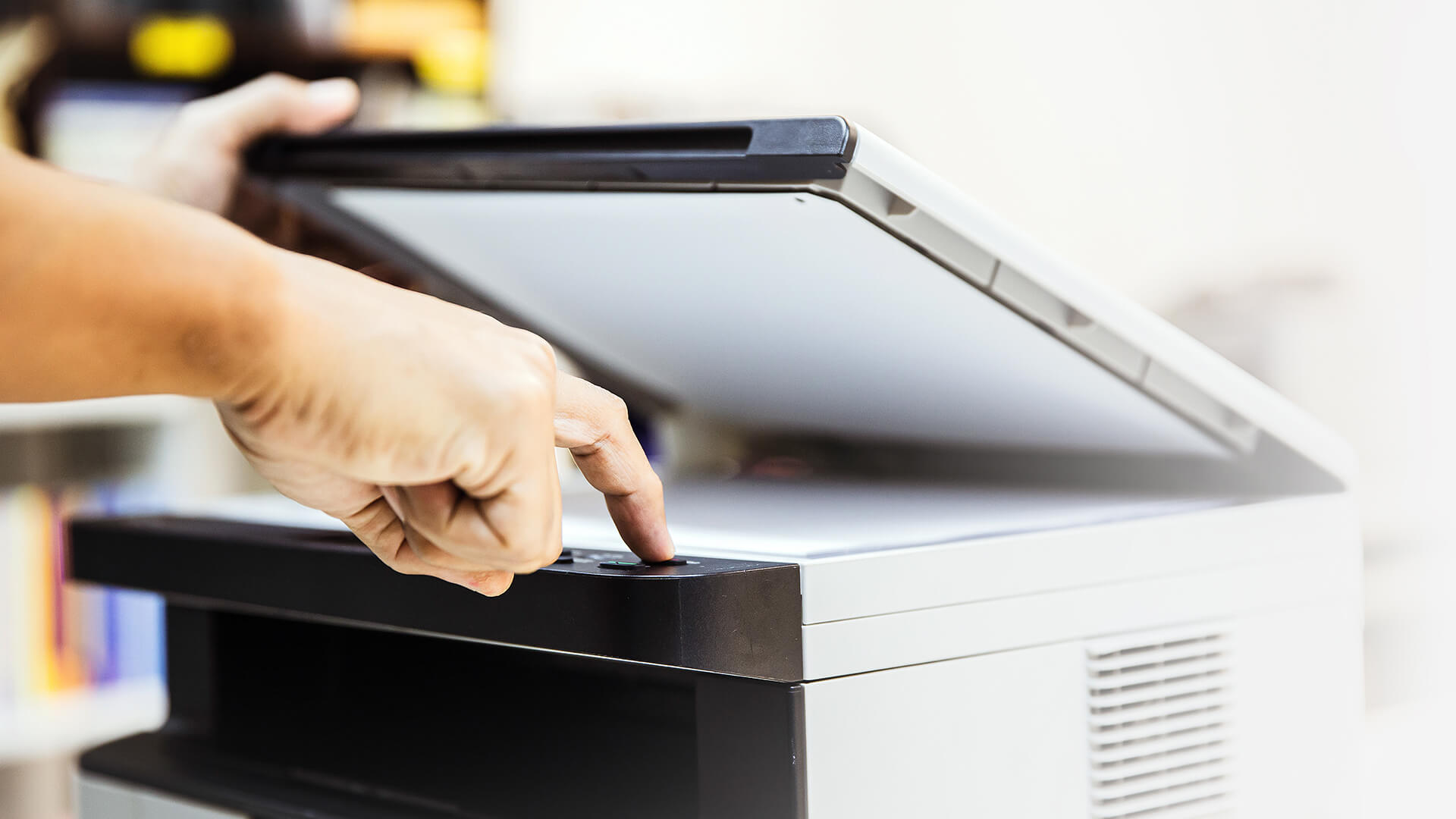
A wireless laser printer scanner is easier to place, share and use across multiple devices.
Wi-Fi, Ethernet and USB Connectivity
Most modern laser printers include USB connectivity, along with Wi-Fi, Wi-Fi Direct and Ethernet printing options. For home use, Wi-Fi is usually enough to handle everyday printing tasks, while offices may benefit from Ethernet for a more stable and consistent network connection.
Cloud printing is also becoming increasingly important, allowing users to send documents to the printer from anywhere using internet-connected devices. This makes it easier to print remotely, share access across teams, and manage documents without needing to be physically connected to the printer.
Mobile Printing with AirPrint and Mopria
Apple AirPrint and Mopria make it easier to print from phones, tablets and laptops without complex setup.
This is useful if multiple people in the house or office need to print from different devices.
Cloud Printing and Shared Office Access
Cloud printing can help teams print from different locations or devices. For shared offices, make sure the printer supports network access, user permissions and security settings where needed.
Laser Printer and Scanner for Home Use
A laser printer scanner for home should be easy to set up, compact enough for your space and affordable to run.
Compact Laser Printer Scanner Options for Small Desks
A compact laser printer scanner is ideal if you do not have much room. Before buying, check the full dimensions, including space needed for paper trays, rear access and scanner lids.
Best Features for Homework, Forms and Admin Tasks
For home use, the most useful features are usually:
- Wireless printing
- Mobile printing
- Flatbed scanner
- Simple copying
- Duplex printing
- Affordable toner
- Compact design
- Easy setup
A laser printer with scanner and copier is especially useful for families who regularly print homework, forms, return labels and household documents.
Running Costs for Occasional Home Printing
Running costs matter even if you only print occasionally. Check the toner cartridge price, toner yield and estimated cost per page.
A printer with a low upfront price may cost more over time if replacement toner is expensive.
Best Laser Printer with Scanner for Office Use
For office use, the best laser printer and scanner is usually the one that balances speed, reliability, paper handling and running costs.
Print Speed, Scan Speed and Paper Capacity
Print speed is usually shown in pages per minute. If several people use the printer, a higher print speed can prevent queues.
Also check:
- Scan speed
- Paper tray capacity
- Output tray capacity
- Monthly duty cycle
- ADF capacity
- Warm-up time
Toner Yield and Cost Per Page
Toner yield tells you how many pages a toner cartridge can print. Higher-yield toner can reduce running costs, especially in busy offices.
Cost per page is one of the most important things to compare if you print regularly.
Security Features for Business Printing
Business printers may include security features such as PIN printing, network controls, user authentication and secure document release.
These features are useful if you print confidential documents, client records, invoices or HR paperwork.
Duty Cycle and Long-Term Reliability
Duty cycle shows the maximum number of pages a printer is designed to handle per month. For small businesses, this is important because a home printer may struggle with office-level use.
Choose a printer that comfortably matches your monthly print volume rather than one that is always working at its limit.
A3 Laser Printer Scanner: Do You Need One?
An A3 laser printer scanner is useful for larger documents, but most people do not need one.
When A3 Printing and Scanning Is Useful
An A3 laser printer and scanner may be useful for:
- Design work
- Architecture
- Engineering drawings
- Posters
- Large spreadsheets
- Plans and diagrams
- Education settings
- Marketing materials
An A3 laser colour printer scanner copier can be helpful in professional environments where larger colour documents are needed regularly.
Why Most Home Users Only Need A4
Most home users only print A4 documents. A3 printers are usually larger, more expensive and need more space.
If you only print forms, homework, labels, invoices and general documents, an A4 laser printer scanner is usually the better choice.
HP vs Brother vs Xerox Laser Printer Scanners
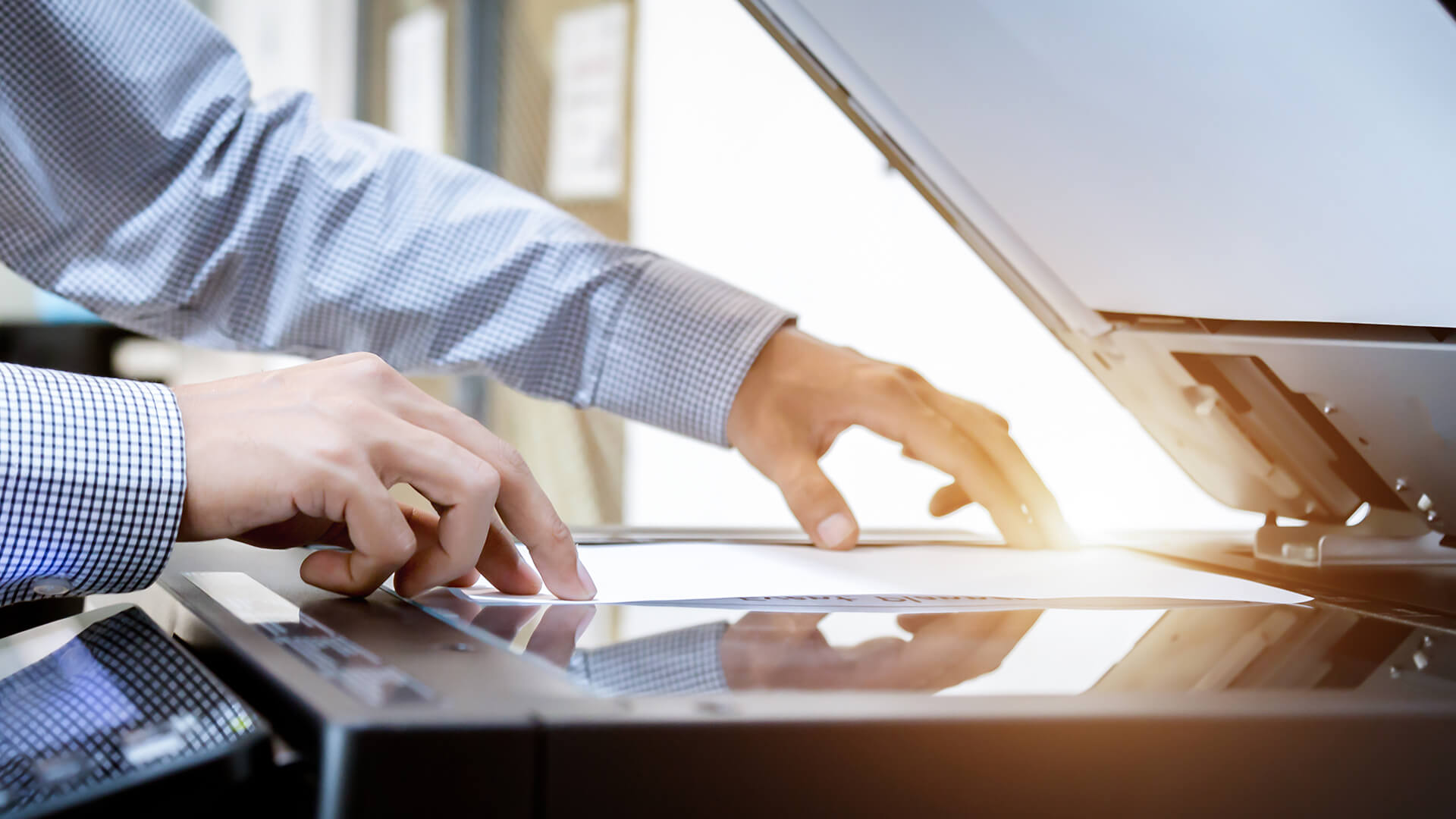
HP, Brother and Xerox all offer strong laser printer scanner options, but the right brand depends on your priorities.
HP Laser Printer with Scanner Options
An HP laser printer with scanner can be a good choice for home offices, small businesses and users who want strong connectivity and simple setup.
You can explore the HP printer range, including options such as an HP colour LaserJet MFP or a wireless HP LaserJet printer.
Brother Laser Printer Scanner Options
A Brother laser printer scanner is often a popular choice for home offices and small businesses that need reliable document printing.
If you are comparing Brother models, you can browse Shop Brother Printers, view a Brother multifunction laser printer, or read the guide to the best Brother printers.
Xerox Multifunction Laser Printer Options
Xerox is well known for office printing and multifunction devices. A Xerox multifunction printer may be suitable for business users who need strong paper handling, colour printing and shared office features.
You can browse Xerox multifunction printers or view this Xerox colour laser printer.
Inkjet vs Laser Printer with Scanner
Inkjet vs laser printer comparison with scanner depends on what you print most often.
| Features | Laser Printer with Scanner | Inkjet Printer with Scanner |
|---|---|---|
| Long-term running costs | Often cheaper for regular document printing because toner cartridges usually last longer than ink cartridges. | Can become more expensive over time if you print often, as ink cartridges may need replacing more regularly. |
| Upfront cost | Usually more expensive to buy initially. | Often cheaper to buy upfront. |
| Text printing | Best for sharp text, business documents, reports, invoices, forms and labels. | Good for general text printing, but usually not as crisp as laser for high-volume document use. |
| Colour documents | Good for colour reports, charts, presentations and office documents. | Good for colour documents and creative printing. |
| Photo printing | Not usually the best option for photo-heavy printing. | Often better for high-quality photo printing, especially on photo paper. |
| Home office use | A strong choice if you mainly print documents, reports, invoices, forms and labels. | Worth considering if you mainly print photos, graphics or creative projects. |
| Best for | Regular document printing, home offices, small businesses and admin-heavy use. | Occasional printing, photo printing, creative work and lower upfront budgets. |
Common Laser Printer Problems and How to Avoid Them
Laser printers are reliable, but they still need basic care.
Paper Jams and Feeding Issues
Paper jams often happen because of overloaded trays, poor-quality paper, damp paper or incorrectly loaded sheets.
To reduce jams:
- Use the correct paper type
- Do not overfill the tray
- Keep paper dry
- Align guides properly
- Remove stuck paper carefully
Toner Smudging or Faded Prints
Faded prints may mean the toner is low, the drum needs attention or the printer needs cleaning.
Toner smudging can happen if the wrong paper is used or if internal parts need maintenance.
Wireless Connection Problems
Wireless printer issues are common, especially if the printer is far from the router.
To reduce problems:
- Keep the printer close to the router where possible
- Use Ethernet for office setups
- Restart the router and printer if needed
- Check Wi-Fi settings
- Update printer software
Scanner and ADF Maintenance Issues
ADF problems can happen if dust, paper fibres or small pieces of paper build up inside the feeder.
Keep the scanner glass clean and check the ADF rollers if scans appear streaky or documents feed incorrectly.
Final Buying Checklist for a Laser Printer with Scanner
Before choosing the best laser printer with scanner, use this checklist.
Match the Printer to Your Monthly Print Volume
Think about how much you print each month. A light home user does not need the same printer as a busy office.
Check:
- Print speed
- Duty cycle
- Paper tray capacity
- Toner yield
- Replacement toner cost
Choose Colour or Mono Based on Your Documents
Choose mono if you mostly print black-and-white documents.
Choose colour if you regularly print reports, charts, graphics, school projects or customer-facing documents.
Check ADF, Duplex, Wi-Fi and Toner Costs
The most useful features for many users are:
- Automatic document feeder
- Duplex printing
- Wireless printing
- Mobile printing
- Affordable toner
- Good paper capacity
- Reliable scanner
- Compact size if space is limited
If you are ready to compare options, browse laser printer deals or the full shop all printers range.
Final Verdict
If you mostly print documents, forms, invoices or work reports, a laser printer with scanner is usually the better long-term choice. Choose mono for everyday black-and-white printing, or colour if you need charts, presentations and professional documents.
Ready to compare options? Browse laser printers, all-in-one printers and multifunction models at Box.co.uk to find the right printer for your home or office.
FAQs
Can you get a laser printer with a scanner?
Yes, you can get a laser printer with a scanner. These are usually called all-in-one laser printers, multifunction laser printers or MFP printers. Many models can print, scan and copy, while some also include fax.
What is the best laser printer and scanner for home use?
The best laser printer and scanner for home use depends on how often you print and whether you need colour. For most homes, a compact wireless laser printer scanner with print, scan, copy and duplex printing is a practical choice.
Is a laser printer with scanner worth it for home use?
Yes, a laser printer with scanner can be worth it for home use if you print documents regularly. It is especially useful for forms, homework, return labels, admin tasks and home office paperwork.
Is it cheaper to use an inkjet or laser printer?
Inkjet printers can be cheaper to buy upfront, but laser printers are often cheaper to run for regular document printing. Toner cartridges usually last longer than ink cartridges, which can reduce cost per page over time.
What is the lifespan of a laser printer?
The lifespan of a laser printer depends on usage, maintenance and build quality. A lightly used home printer may last for several years, while office printers are designed for heavier workloads. Checking duty cycle and using the correct toner can help extend printer life.
Do laser printers waste ink?
Laser printers do not use ink. They use toner powder. Because toner does not dry out like liquid ink, laser printers can be a good option for people who print occasionally but still want reliable document output.
What are the common problems with laser printers?
Common laser printer problems include paper jams, faded prints, toner smudging, wireless connection issues, slow printing and scanner or ADF feeding problems. Many of these can be reduced with regular maintenance and correct paper handling.
Should I choose a colour or mono laser printer with scanner?
Choose a mono laser printer with scanner if you mostly print black-and-white documents. Choose a colour laser printer with scanner if you need colour reports, charts, school projects, marketing documents or presentations.
Do I need an ADF on a laser printer scanner?
You need an ADF if you regularly scan or copy multiple pages. If you only scan one page at a time, a flatbed scanner may be enough. For offices and home workers who deal with paperwork often, an automatic document feeder is very useful.
You can pay with:
*PayPal Credit Representative Example: Assumed credit limit £1,200, Representative 23.9% APR (variable). Purchase rate 23.9% p.a (variable).Terms & Conditions apply.


PayPal Credit and PayPal Pay in 3 are trading names of PayPal UK Ltd, 5 Fleet Place, London, United Kingdom, EC4M 7RD. Terms and conditions apply. Credit subject to status, UK residents only, Five Tech LTD acts as a broker and offers finance from a restricted range of finance providers. PayPal Pay in 3 is not regulated by the Financial Conduct Authority. Pay in 3 eligibility is subject to status and approval. 18+. UK residents only. Pay in 3 is a form of credit. Check if affordable and how you will repay. May make other borrowing more difficult or expensive. See product terms for more details.
Copyright © 1996-2026 Fivetech LTD | Terms and Conditions
box.co.uk & Box are trading names of Five Tech Limited. Registered office: Box LTD, Unit 10 Woodford Trading Estate, Woodford Green IG8 8HF