


 Menu
MenuMenu


Get Sales Advice from Mon - Fri 9am - 5:00pm:
020 3337 8950LAST UPDATED: July 01, 2026
The 10 Best Brother Printers of 2026 for Home & Business Use
Finding the right printer often comes down to one simple question: what do you print most often? A household that occasionally prints forms and schoolwork will have very different requirements from a home office handling contracts, invoices and reports every day.
Brother has built a strong reputation for practical printing solutions, with models ranging from compact document printers and multifunction office devices to colour inkjet systems and dedicated label printers. Whether your priority is fast black-and-white output, reliable colour printing or keeping a workspace organised, there is usually a model designed for that task.
In this guide, we explore the best Brother printers of 2026 and highlight the strengths of each model to help you find the right fit for your home, office or business.
Quick Guide: Which Brother Printer Type Fits Your Needs?
The right Brother printer type depends on the job. A home user printing the odd form does not need the same machine as a small business handling invoices, labels and daily paperwork.
| User need | Brother printer type to consider | Best for |
|---|---|---|
| Everyday home printing | Compact inkjet or small mono laser | Forms, homework, letters and light colour use |
| Home office printing | Mono laser or all-in-one printer | Documents, scanning, copying and duplex printing |
| Small business printing | Laser multifunction printer | Higher document volume and stronger paper handling |
| Colour business documents | Colour laser or inkjet all-in-one | Reports, charts, handouts and admin work |
| Larger documents | A3 inkjet multifunction printer | Plans, layouts and larger-format office printing |
| Labels and organisation | Thermal label printer | Shipping labels, filing and workspace labelling |
Use this quick guide when comparing printers for home and office:
- Choose a mono laser printer for regular black-and-white documents.
- Choose an all-in-one printer if you need printing, scanning and copying in one device.
- Choose an inkjet model if colour pages are part of your normal printing.
- Choose an A3 model if you need larger paper formats.
- Choose a label printer for shipping, filing and workspace organisation.
Brother Printer Types Explained
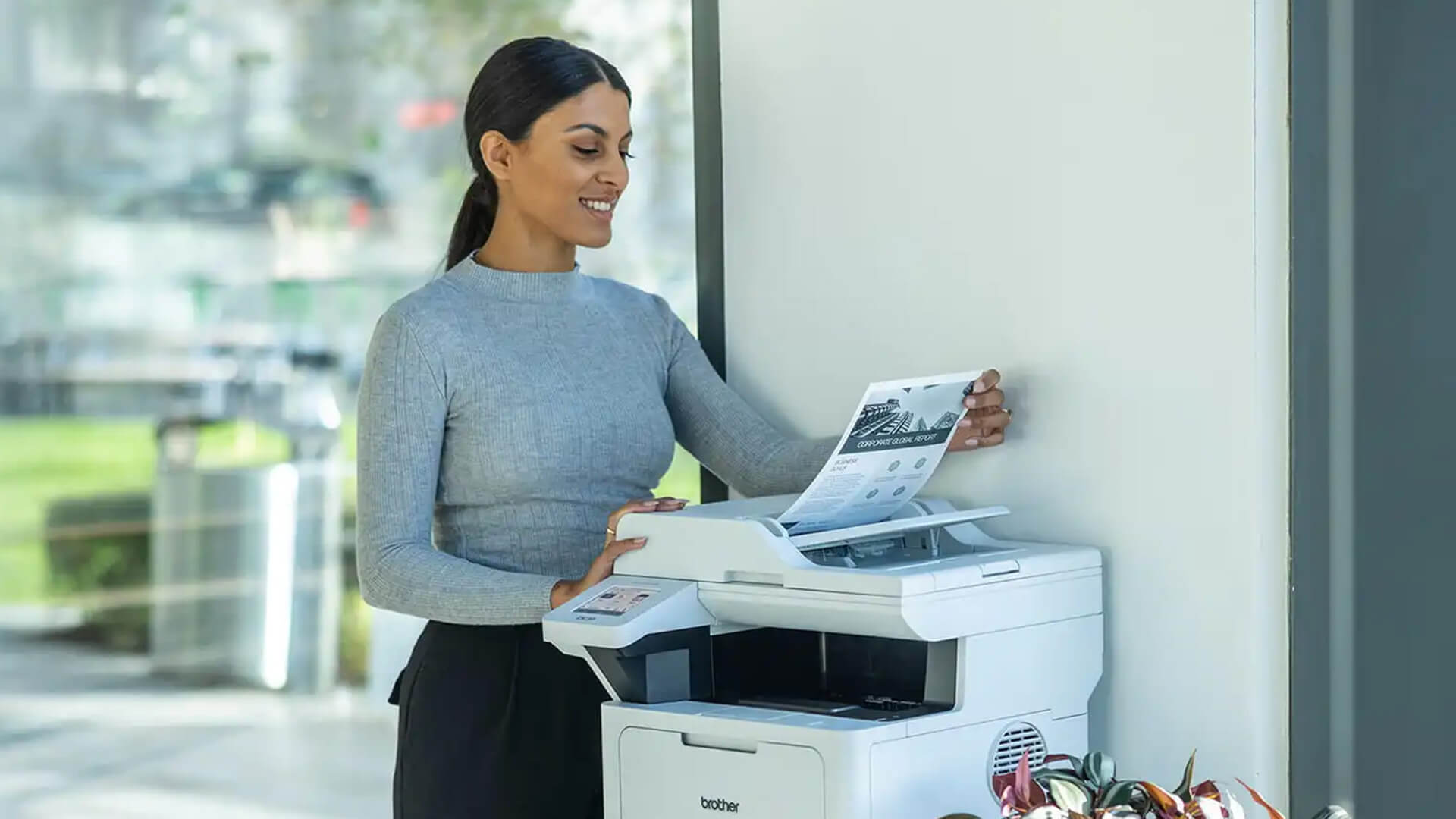
Brother printers are designed for different types of users and workloads. Some prioritise speed and efficiency for documents, others combine printing with scanning and copying, while specialist models focus on colour output or label creation.
Mono Laser Printers
Mono laser printers are built for black-and-white document printing. They are ideal for users who regularly print invoices, reports, contracts, forms and other text-focused materials.
Best for:
- Home office administration
- Business paperwork
- High-volume document printing
- Users who do not require colour output
What to check:
- Print speed per minute (PPM)
- Paper tray capacity
- Automatic duplex printing
- High-yield toner options
- USB, Wi-Fi or Ethernet connectivity
If desk space is limited, a compact Brother laser model can be a practical solution. Users searching for the best monochrome Brother laser printer often prioritise fast output, low running costs and reliable document handling. For businesses and home offices that print regularly, it is worth comparing Brother models with other laser printers designed for fast document printing.
Colour Laser All-in-One Printers
A Brother colour laser all-in-one printer combines printing, scanning and copying in a single device. These models are particularly useful for workplaces that need professional-looking colour documents without sacrificing productivity.
Best for:
- Business reports and presentations
- Colour charts and handouts
- Office administration
- Shared workspaces
- Scanning and copying workflows
What to check:
- Colour print quality
- Document scanning capabilities
- Automatic duplex printing
- Automatic document feeder (ADF)
- Wired and wireless connectivity
Many users looking for the best Brother colour laser printer also need multifunction features, making an all-in-one model a strong choice. If scanning, copying and printing are all part of your daily workflow, it is worth exploring multifunction printers that handle everyday office tasks, including Brother's popular MFC range.
Inkjet and Refillable Ink Tank Printers
Inkjet printers are designed for users who need flexible colour printing. They are well-suited to households, students and small offices that print a mix of documents, graphics and occasional images.
Best for:
- Colour-rich documents
- School and university work
- Everyday home printing
- Mixed text and graphic content
- Lower-volume printing environments
What to check:
- Print resolution
- Colour accuracy
- Ink delivery system
- Mobile and cloud printing support
- Long-term running costs
Choosing the best Brother inkjet printer depends largely on how often you print in colour. Users with higher print volumes may benefit from a Brother model featuring a refillable ink tank system, while others may prefer a traditional cartridge setup. Some models also incorporate Brother INKvestment Tank technology, helping reduce interruptions between ink replacements. If colour printing is a priority, Brother’s inkjet printers built for versatile home and office use can be worthwhile.
Label Printers
Brother label printers are purpose-built devices designed for creating labels quickly and efficiently. They are commonly used in offices, warehouses, retail environments and home workspaces where organisation is important.
Best for:
- Shipping and postage labels
- Filing and archiving systems
- Storage identification
- Product and barcode labels
- Workspace organisation
What to check:
- Supported label sizes
- Print resolution
- Connectivity options
- Software compatibility
- Physical footprint
Finding the best Brother label printer depends on the type of labels you create and how frequently they are needed. For businesses and organised workspaces that rely on regular labelling, Brother offers a wide range of specialist label printers for businesses.
10 Brother Printers Worth Considering for Home and Business in 2026
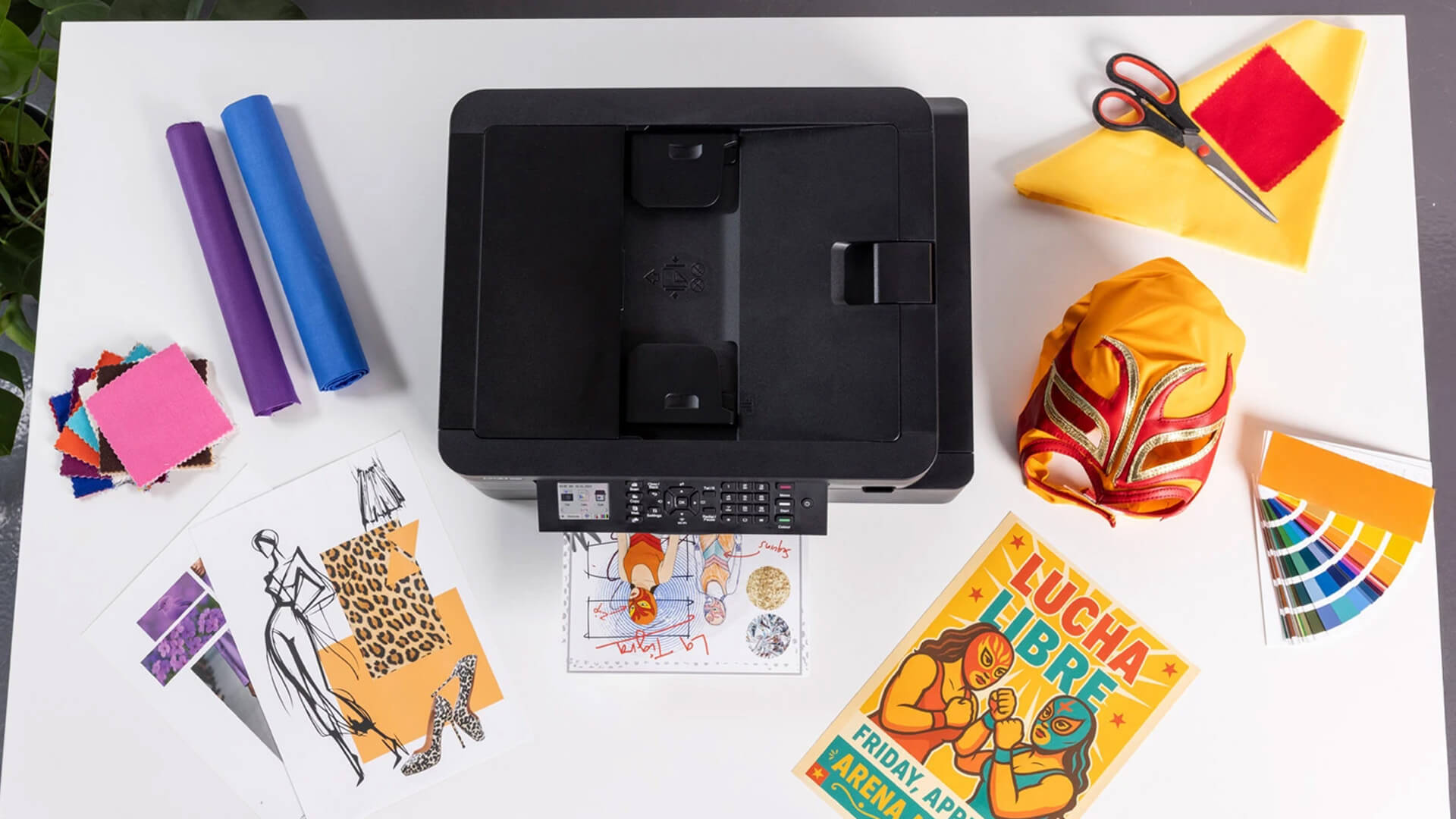
Brother’s printer range covers compact mono laser models, colour all-in-one machines, refillable ink tank options, A3 inkjets and specialist label printers. Before looking at each model individually, the table below gives a quick view of the best Brother printers of 2026.
| Printer | Type | Best suited for | Key feature |
|---|---|---|---|
| Brother HLL-2400DWZU1 | Mono laser | Home office documents | 30 ppm speed, duplex printing |
| Brother DCP-L8410CDW | Colour laser AIO | Small/Medium business | Colour print, scan, copy |
| Brother VC-500W | Thermal label | Creative labels | 600 x 600 dpi |
| Brother QL-1100c | Thermal label | Large shipping labels | 300 x 300 dpi |
| Brother QL-810Wc | Thermal label | Workspace labelling | 600 x 600 dpi |
| Brother DCP-J1800DW | Colour inkjet AIO | Everyday colour | 1200 x 6000 dpi, duplex |
| Brother MFC-L2827DWXL | Mono laser AIO | Document-heavy business | Wi-Fi, Ethernet, mobile print |
| Brother DCP-T580DW | Refillable ink tank | Regular mixed colour | Duplex, mobile printing |
| Brother MFC-J6957DW | A3 colour inkjet AIO | Larger documents | A3 support, connectivity |
| Brother HL-L5210DW | Mono laser | Business document output | Wireless, Ethernet, duplex |
Brother HLL-2400DWZU1 A4 Mono Laser Printer
MPN: HLL2400DWZU1
Key features
- Mono laser printer
- 30 ppm black print speed
- 1200 x 1200 dpi print resolution
- Automatic duplex printing
- USB and Wi-Fi connectivity
- Mobile printing support
- 250-sheet input tray
- A4, A5 and A6 paper support
For users who mainly print invoices, reports and everyday paperwork, this Brother small laser printer keeps things simple. Its combination of fast print speeds, wireless connectivity and automatic duplex printing makes it a sensible choice for home offices and individual professionals.
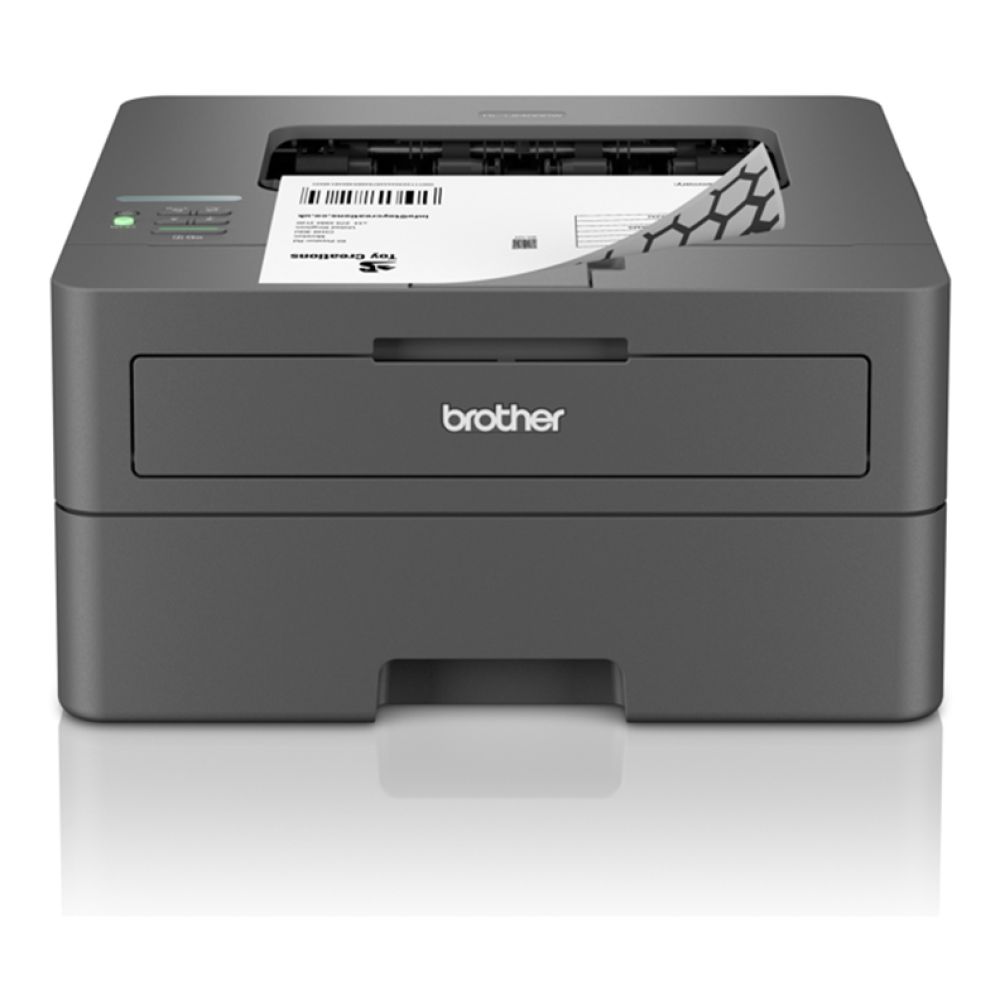
Brother DCP-L8410CDW Wireless A4 Multifunction Colour Laser Printer
MPN: DCPL8410CDWZU1
Key features
- Colour laser multifunction printer
- 2400 x 600 dpi print resolution
- 30 to 39 ppm black print speed
- Automatic duplex printing
- USB and Wi-Fi connectivity
- A4, A5 and A6 paper support
Businesses that regularly produce presentations, reports and customer-facing documents will appreciate the balance this printer offers. Alongside colour printing, it brings scanning and copying into a single device, helping reduce the need for multiple machines.

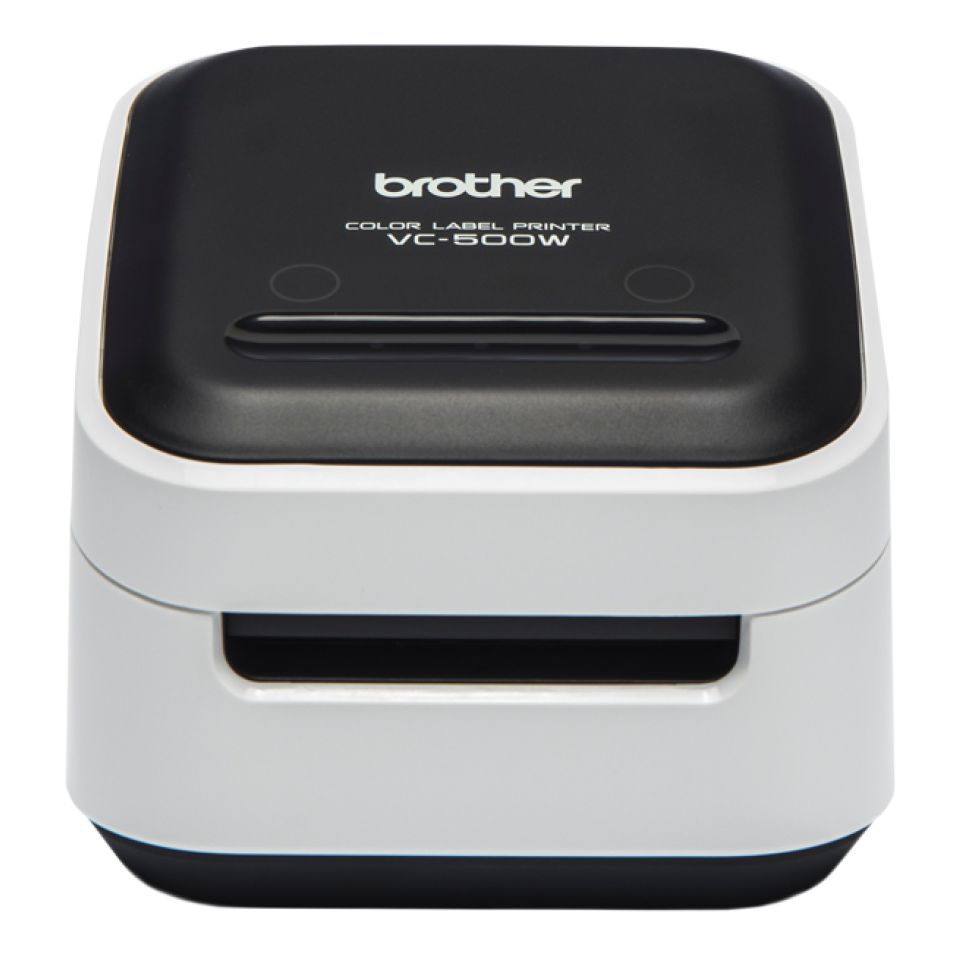
Brother VC-500W Label Printer
MPN: VC500WCRZU1
Key features
- Thermal label printer
- 600 x 600 dpi print resolution
- USB connectivity
- Compact label printing format
Unlike a standard office printer, the VC-500W focuses entirely on labels. It works particularly well for small businesses, crafters and organised workspaces that need professional-looking labels for products, storage or creative projects.
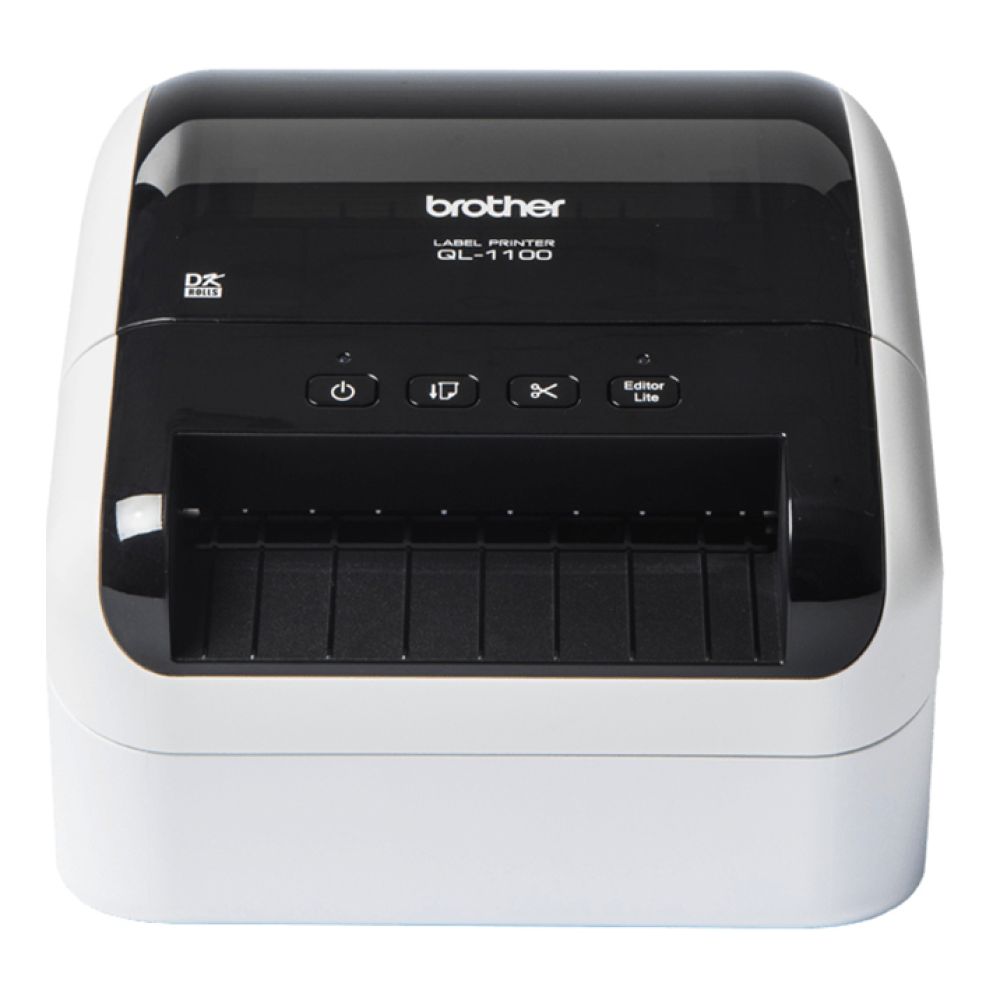
Brother QL-1100c Thermal Label Printer
MPN: QL1100CZU1
Key features
- Thermal label printer
- 300 x 300 dpi print resolution
- USB connectivity
- Label-focused printing
If shipping labels or filing labels are part of your daily routine, the QL-1100c is built with those tasks in mind. Its dedicated label-printing design helps streamline organisation without taking up much desk space.
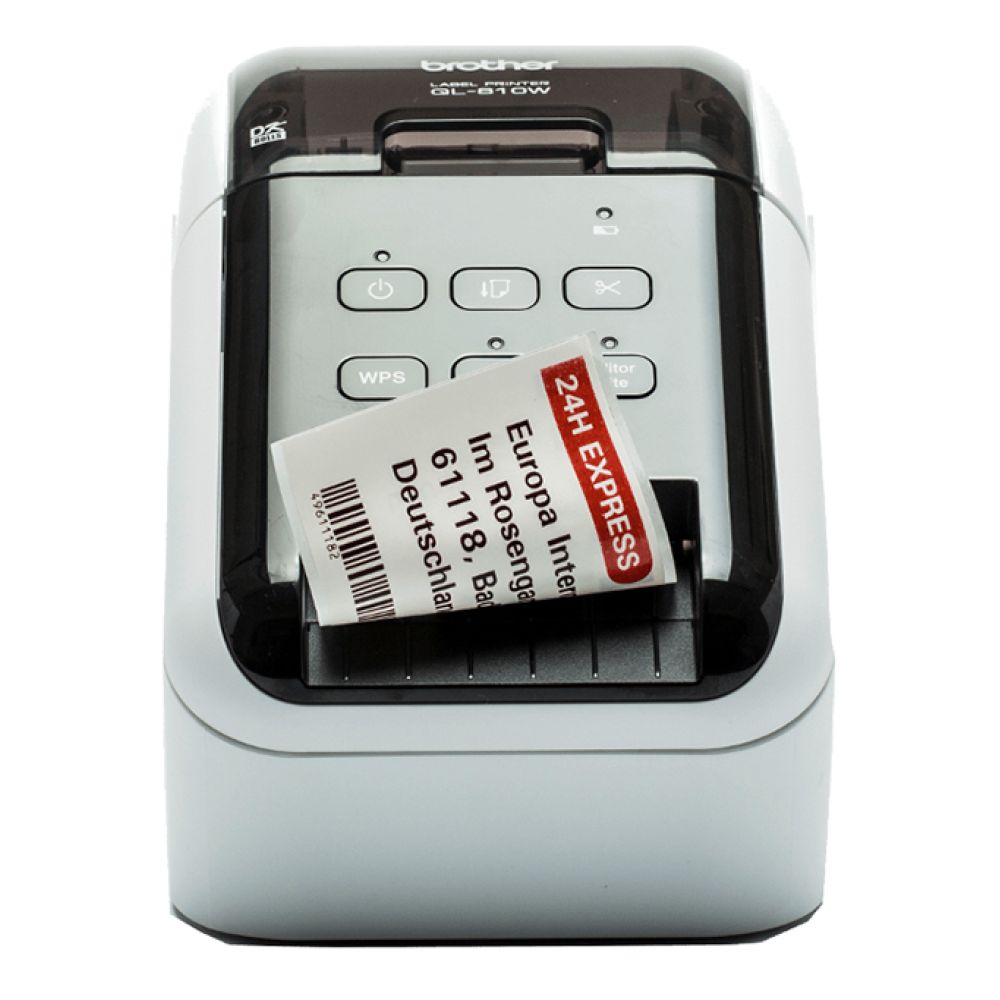
Brother QL-810Wc Wireless Thermal Label Printer
MPN: QL810WCZU1
Key features
- Thermal label printer
- 600 x 600 dpi print resolution
- USB connectivity
- Label printing focus
Designed for frequent label creation, this model is well suited to busy workspaces where organisation matters. Whether you're labelling stock, files or packages, it offers a more efficient solution than relying on a standard printer.
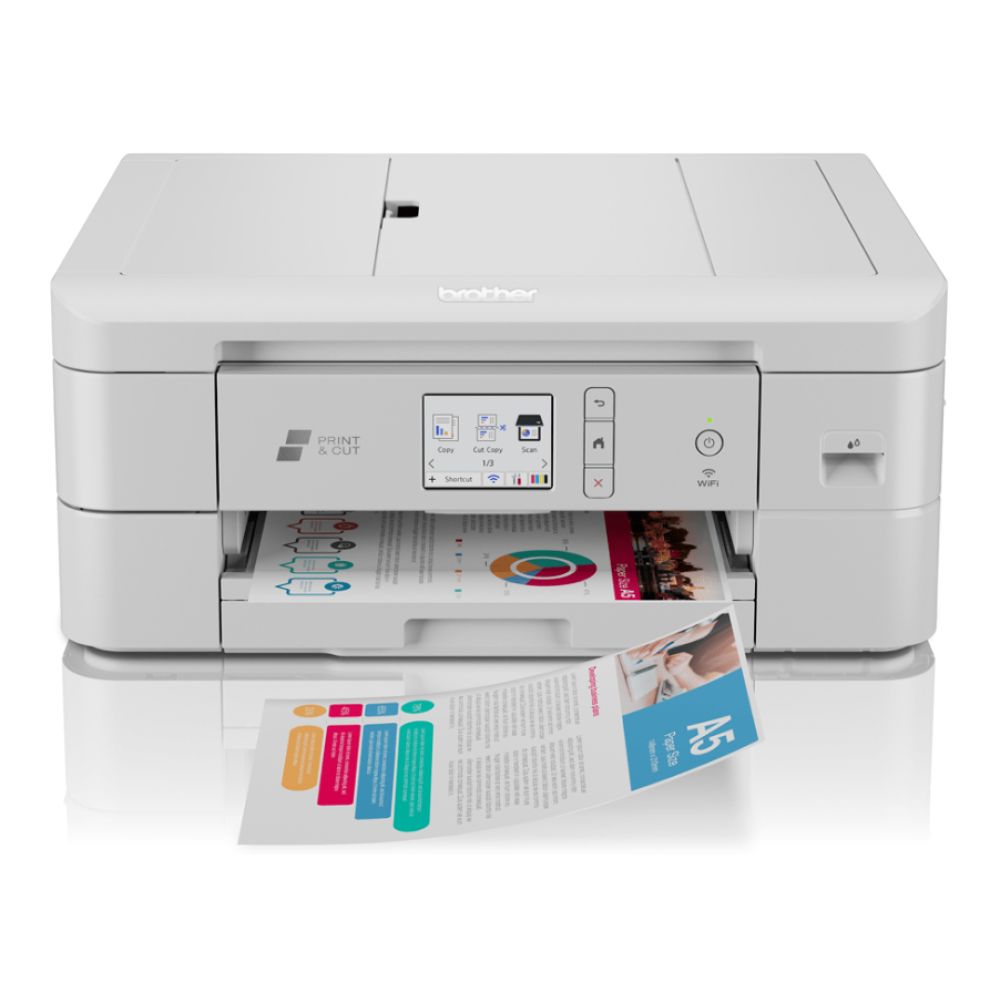
Brother DCP-J1800DW All-In-One Colour Wireless Inkjet Printer
MPN: DCPJ1800DWZU1
Key features
- Colour inkjet multifunction printer
- 1200 x 6000 dpi print resolution
- Automatic duplex printing
- USB and Ethernet connectivity
- Mobile printing support
- A4, A5 and A6 paper support
Families, students and home workers looking for an all-round printer will find plenty to like here. The combination of colour printing, scanning and copying makes it a versatile option for everything from homework to household documents.
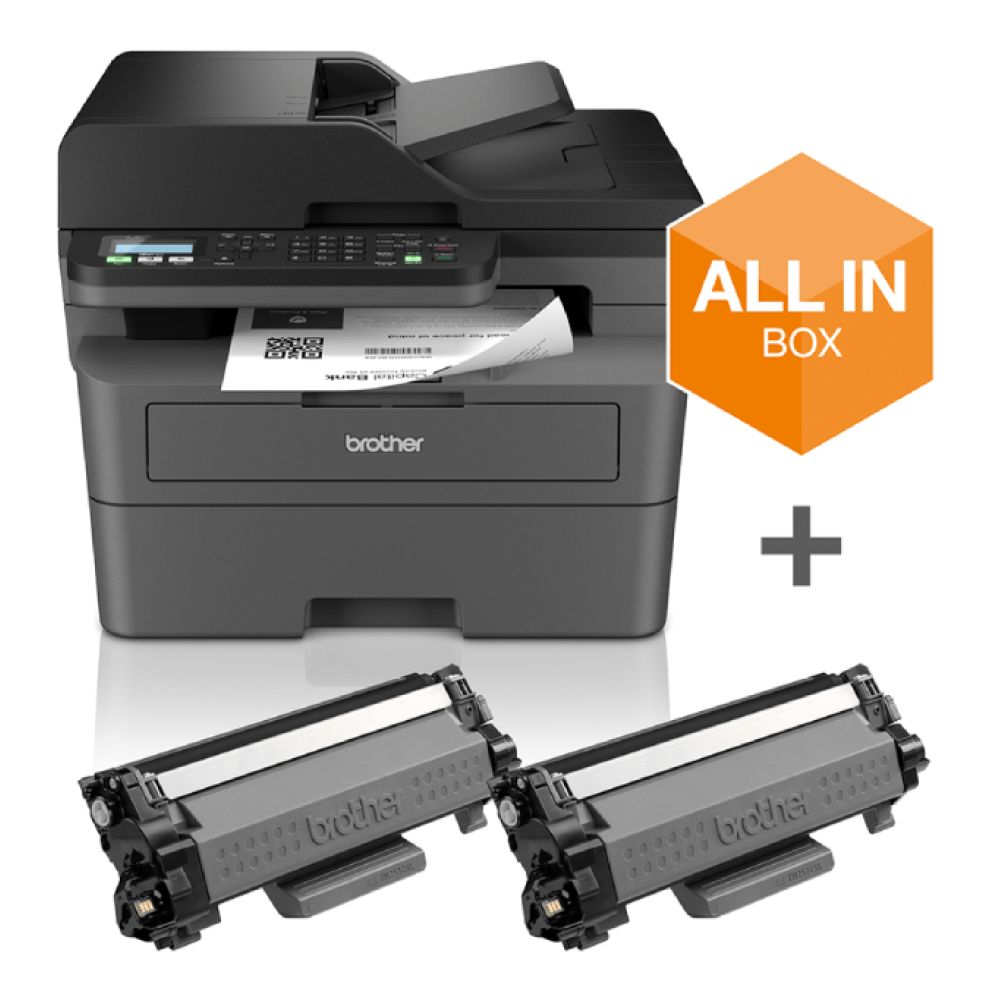
Brother MFC-L2827DWXL A4 Wireless Multifunction Mono Laser Printer
MPN: MFCL2827DWXLZU1
Key features
- Multifunction mono laser printer
- 1200 x 1200 dpi print resolution
- Automatic duplex printing
- USB, Wi-Fi and Ethernet connectivity
- Mobile printing support
- A4, A5 and A6 paper support
Small businesses that handle a steady flow of paperwork may find this model particularly useful. It combines reliable monochrome printing with scanning and copying features, making it a practical all-in-one solution for document-focused environments.
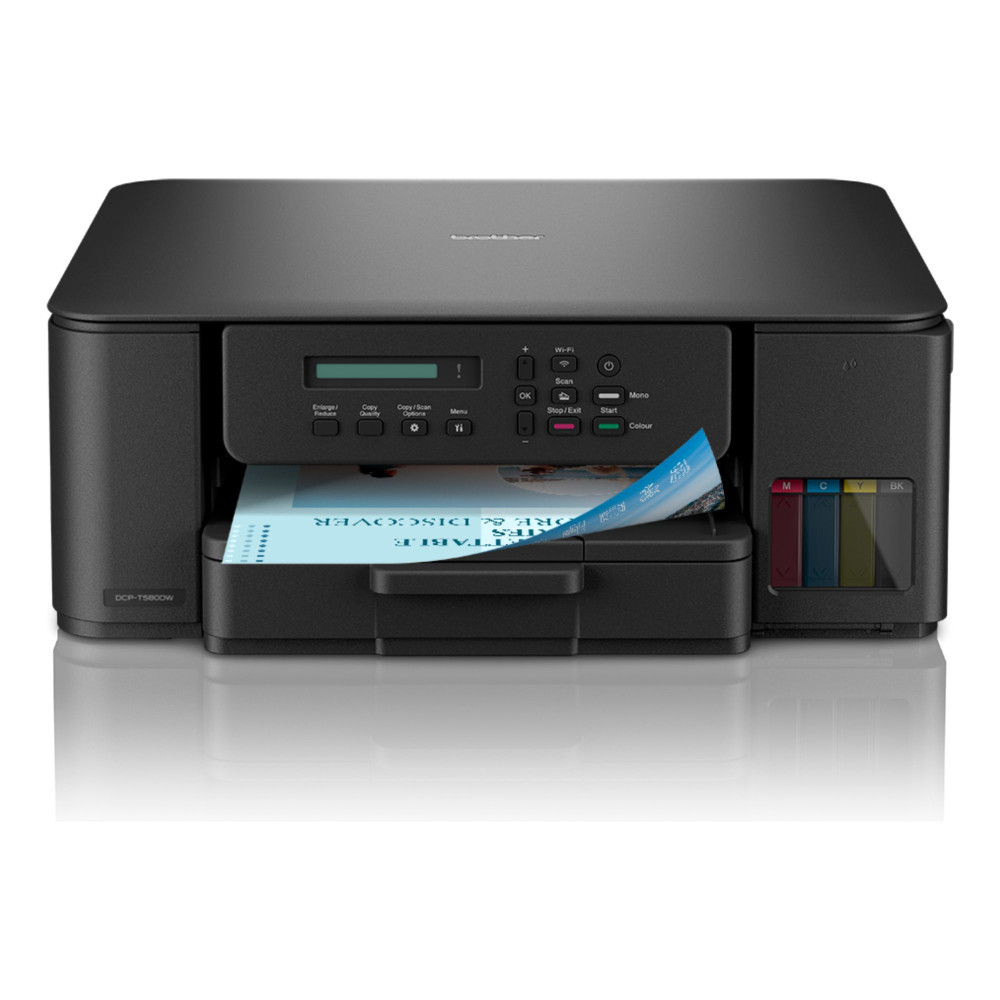
Brother DCP-T580DW Compact Tankbenefit 3-in-1 Refillable Ink Tank Printer
MPN: DCPT580DWZU1
Key features
- Refillable ink tank all-in-one printer
- Up to 16 ipm black print speed
- Up to 9 ipm colour print speed
- 1200 x 2400 dpi print resolution
- Automatic duplex printing
- Mobile printing support
- A4 and Legal paper support
- 150-sheet input tray
Regular colour printing can quickly become expensive, which is where this refillable ink tank model stands out. It is a strong option for households and small offices that want lower refill frequency while keeping scanning and copying capabilities.
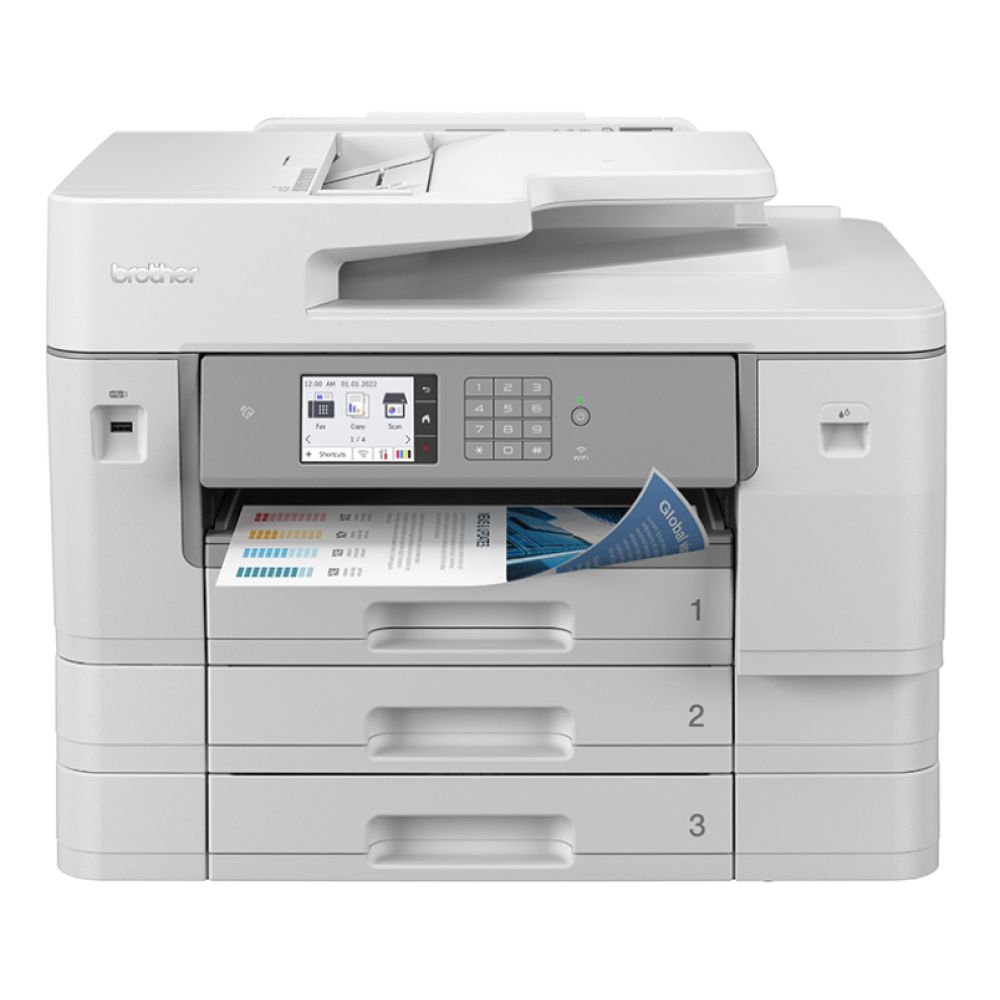
Brother MFC-J6957DW A3 Wireless Multifunction Colour Inkjet Printer
MPN: MFCJ6957DWTS1
Key features
- A3 colour inkjet multifunction printer
- 1200 x 2400 dpi print resolution
- USB, Wi-Fi, Ethernet and NFC connectivity
- A3, A4, A5 and A6 paper support
Not every printer can handle larger paper sizes comfortably, but this model is built for exactly that. Businesses that produce spreadsheets, plans, posters or larger-format documents can benefit from its A3 printing capability.
Brother HL-L5210DW A4 Wireless Mono Laser Printer
MPN: HLL5210DWQJ1
Key features
- Mono laser printer
- 1200 x 1200 dpi print resolution
- Automatic duplex printing
- USB, Wi-Fi and Ethernet connectivity
- A4, A5 and A6 paper support
For users who simply need dependable black-and-white printing, the HL-L5210DW focuses on the essentials. Its wireless connectivity, duplex printing and business-friendly design make it a solid choice for offices that prioritise efficiency over extra features.

Brother Printers vs Other Top Printer Brands
Brother is a strong name in practical printing, especially for documents, home offices, small businesses and label work. Other top brands like Canon, Epson, HP and Xerox can be better suited to different priorities, so the right choice depends on the job rather than the logo on the printer. If you are looking for Brother vs Canon, Brother vs HP, Brother vs Epson, or Brother vs Xerox comparisons for your specific printing needs, the following table will help you make the right call.
| Printing job | Brother | Epson | Canon | HP | Xerox |
|---|---|---|---|---|---|
| Everyday B&W docs | Strong mono laser | Less focused | Selected models | Suitable LaserJet | Office-led |
| Colour-heavy home | Selected inkjet | Strong refillable | Creative colour | Inkjet & tank | Less home-focused |
| Home office | Compact laser | Good high volume | Good mixed | Mixed home/office | Office-focused |
| Small business docs | Laser/MFC | Colour-heavy small | Mixed document | Strong office range | Workgroups/Heavier |
| Scanning/Copying | Strong multifunction | Strong AIO | Strong 3/4-in-1 | Strong OfficeJet/LaserJet | Strong office sys |
| Label printing | Strong dedicated | Not focus | Not focus | Not focus | Not focus |
| Larger office workflows | Smaller teams | Business inkjets | Small office | Office ranges | Workgroup-led |
Features to Compare Before Choosing a Brother Printer
Once you know the type of Brother printer you need, the next step is to compare the features that affect daily use. These checks help you avoid choosing a printer that looks right on paper but feels limited once it is set up.
| Feature to check | Why it matters |
|---|---|
| Print speed (PPM) | Helps show how quickly the printer can handle regular document jobs |
| Automatic duplex printing | Useful for printing on both sides of the page and reducing paper use |
| Multifunction features | Important if you need printing, copying and scanning in one machine |
| Automatic document feeder | Saves time when scanning or copying multi-page documents |
| Wireless printing | Makes the printer easier to share across laptops, phones and tablets |
| Paper size support | An A4 printer suits most users, while A3 printing is needed for larger documents |
| Running costs | Cost per page (CPP), ink use and toner yield can affect long-term value |
| Workload rating | Monthly duty cycle helps indicate whether a model suits light or frequent use |
Connectivity and Mobile Printing
Check how the Brother printer connects before buying. USB is fine for a single desk setup, while Wi-Fi or Ethernet is better for shared spaces.
Look for the following options as they allow wireless printing from phones and tablets.
- Mobile printing
- AirPrint
- Apple AirPrint compatibility
- Mopria Print Service
- Wi-Fi Direct
- Brother Mobile Connect app
Daily Use and Setup
Think about where the printer will sit and who will use it. A compact model may be enough for occasional printing, while a busier workspace may need stronger paper handling, scan features and wired networking.
For lighter household tasks, easy home printing options may be enough. For hybrid work or regular admin, advice on choosing a reliable home office printer can help narrow down the most useful features.
Running Costs and Efficiency
The cheapest printer is not always the cheapest to use. Ink, toner, paper use and maintenance all affect the long-term cost.
Check:
- Cost and how easily the ink or toner can be replaced in the specific Brother printer
- Estimated page yield
- Paper-saving duplex options
- Energy-saving modes
- Basic printer maintenance needs
Before making a final decision, it is worth reviewing printer buying tips before you upgrade, especially if you are comparing features across different brands or printer types. For offices trying to reduce energy use, energy-saving printer options for workspaces can also be useful.
Final Thoughts: Choosing the Right Brother Printer in 2026
There is no single Brother printer that suits every home, office or business. The right choice depends on what you print most, how often you print, and whether you need colour output, scanning, copying, A3 support or label printing.
When comparing the best Brother printers, the best approach is to choose by workload first, then compare the features that matter most to your setup.
Frequently Asked Questions
Which Brother printer is best for home use?
The best Brother printer for home use depends on whether you mainly print documents or colour pages. A compact mono laser printer is usually better for forms, letters and homework, while an inkjet or all-in-one model is more suitable if you also need colour printing, scanning and copying.
Which Brother printer is best for office use?
For office use, look for a Brother printer with good print speed, duplex printing, strong paper handling and reliable connectivity. A mono laser printer is usually best for document-heavy offices, while a multifunction model is better if the same device also needs to scan and copy.
Which is the best Brother label printer?
The best Brother label printer depends on the type and size of labels you need. QL-style thermal label printers are useful for shipping labels, filing, storage and workspace organisation, while more creative label printers may be better for product labels, branding and decorative use.
What are common Brother printer problems?
Common Brother printer problems can include paper jams, wireless connection issues, driver problems, low ink or toner warnings, poor print quality and scanning errors. Most issues can be reduced by using the correct paper, keeping the printer clean, updating drivers and following the model-specific support guidance.
Are Brother laser printers better than inkjet printers?
Brother laser printers are usually better for fast, text-heavy document printing, especially in home offices and small businesses. Inkjet printers are usually better for colour documents, mixed home tasks and occasional image-heavy printing, so the better choice depends on what you print most often.
You can pay with:
*PayPal Credit Representative Example: Assumed credit limit £1,200, Representative 23.9% APR (variable). Purchase rate 23.9% p.a (variable).Terms & Conditions apply.


PayPal Credit and PayPal Pay in 3 are trading names of PayPal UK Ltd, 5 Fleet Place, London, United Kingdom, EC4M 7RD. Terms and conditions apply. Credit subject to status, UK residents only, Five Tech LTD acts as a broker and offers finance from a restricted range of finance providers. PayPal Pay in 3 is not regulated by the Financial Conduct Authority. Pay in 3 eligibility is subject to status and approval. 18+. UK residents only. Pay in 3 is a form of credit. Check if affordable and how you will repay. May make other borrowing more difficult or expensive. See product terms for more details.
Copyright © 1996-2026 Fivetech LTD | Terms and Conditions
box.co.uk & Box are trading names of Five Tech Limited. Registered office: Box LTD, Unit 10 Woodford Trading Estate, Woodford Green IG8 8HF