


 Menu
MenuMenu


Get Sales Advice from Mon - Fri 9am - 5:00pm:
020 3337 8950LAST UPDATED: July 06, 2026
Best HP Office Printers: Top HP Picks for Businesses and Workplaces
Choosing the right office printer is not just about picking a familiar brand. The best choice depends on how your team prints, how often documents are scanned or copied, and whether you need colour, speed, wireless access or a printer that can handle heavier workloads.
HP office printers cover a wide range of workplace needs, from compact inkjet all-in-one models for home offices to LaserJet options built for regular document printing. For many businesses, the key decision is whether an HP OfficeJet Pro or HP LaserJet Pro model makes more sense for the way they work.
In this guide, we will look at the best HP picks for businesses and workplaces, including options for everyday office printing, small business use, A3 documents, multifunction tasks and higher-volume workflows.
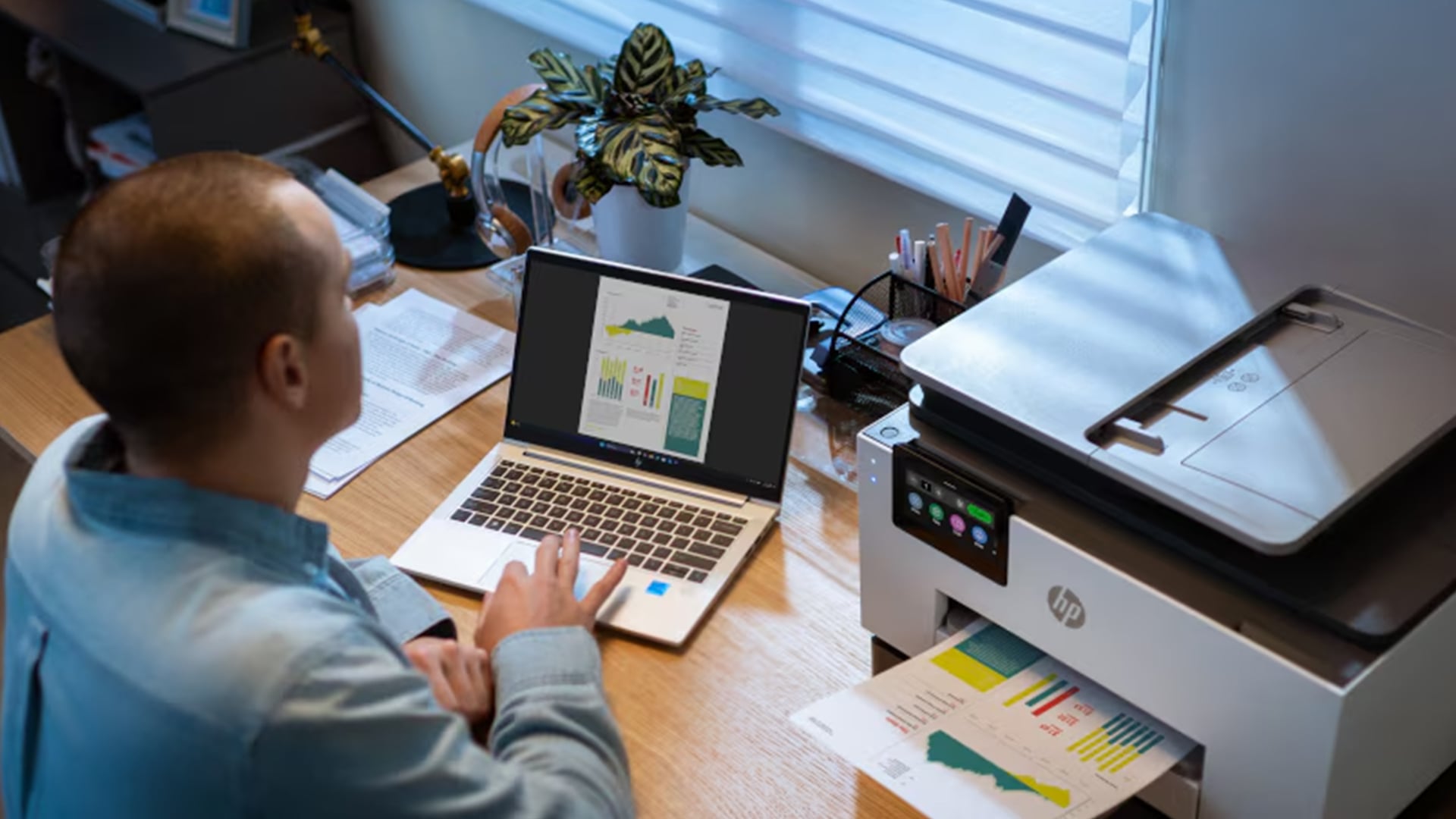
Quick Answer: Which HP Office Printer Should You Choose?
The right choice depends on the type of work your office handles most often. Before comparing individual models, it helps to narrow the choice by task, print volume and the features your team actually needs. When comparing HP printers for home and office use, start by matching the printer type to your daily workflow.
| Office Need | Best HP Printer Type | Why it fits |
|---|---|---|
| Everyday admin and colour documents | HP OfficeJet printer | Balances colour vibrancy with productivity features for mixed office tasks. |
| Fast black-and-white documents | HP LaserJet Pro laser printer | Provides sharp, professional text and faster print speeds for high-volume text. |
| Scanning, copying and faxing | HP All-in-One office printer | Consolidates essential document digitisation and reproduction tools into one device. |
| Flexible team access | Wireless HP office printer | Enables easy sharing across multiple laptops, mobile devices, and office workstations. |
| Colour business documents | HP Color LaserJet Pro | Ideal for vibrant reports, marketing materials, and client-facing presentations. |
| Higher office workload | HP LaserJet Enterprise/Pro | Engineered for heavy-duty daily use with higher paper capacity and long-term reliability. |
Remember these three things when looking for HP office printers:
- How often do you print
- Whether you need colour
- Whether scanning or copying is part of the daily workflow
HP OfficeJet, LaserJet or All-in-One: Which Type Fits Your Office?
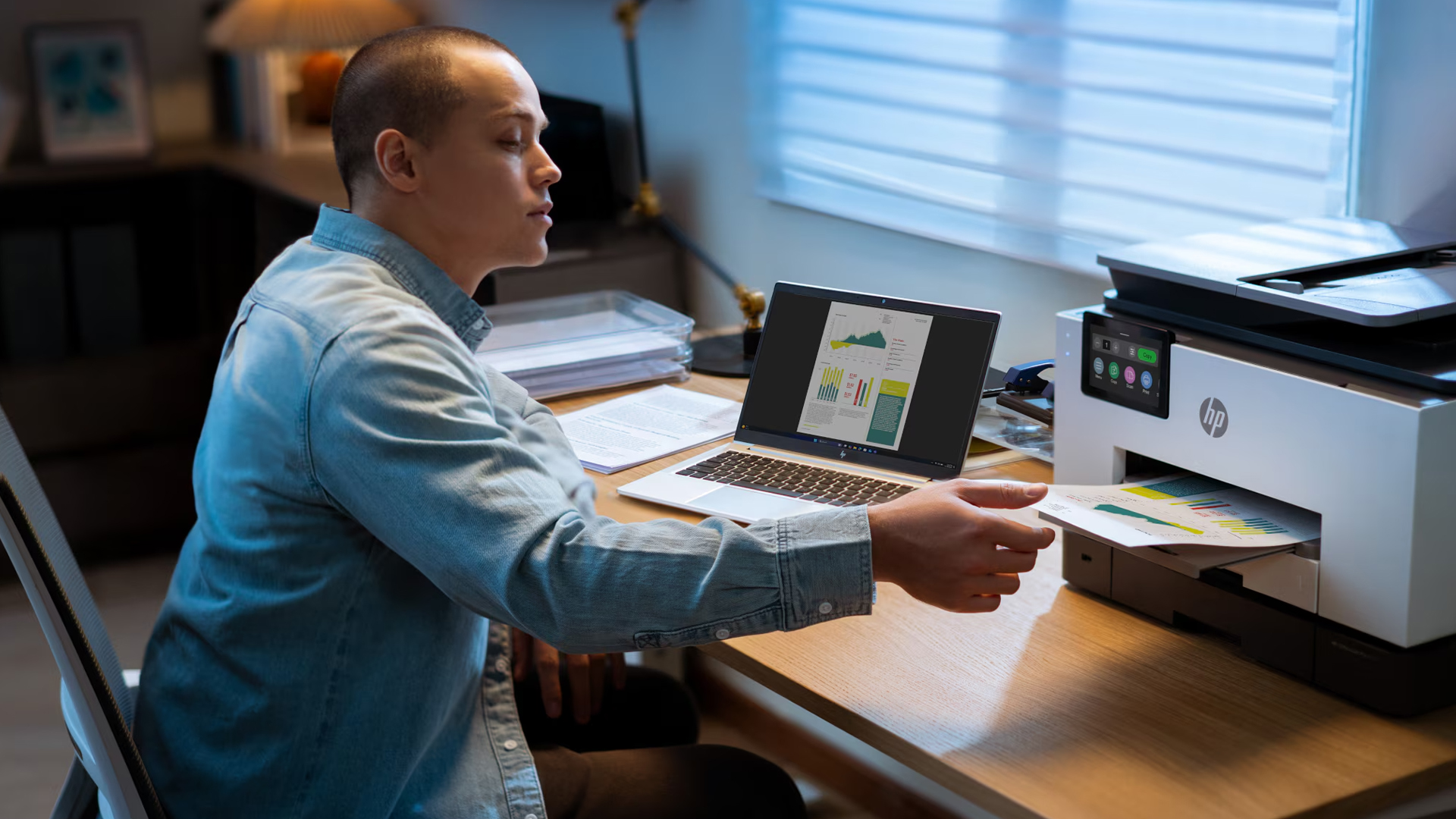
Before choosing a model, match the printer type to the work your office does most often. This keeps the decision simple and avoids paying for features your team may not use.
Choose HP OfficeJet Pro for Mixed Office Work
- HP OfficeJet printers are a good fit for everyday office tasks, especially when your team prints forms, letters, reports and colour documents.
- An HP OfficeJet Pro printer works well for smaller teams that need print, scan and copy features in one compact setup.
- A typical OfficeJet printer makes sense when colour output matters, but print volume is not extremely high.
If you want flexible placement and shared access, compare wireless HP OfficeJet printers before choosing a model.
Choose Inkjet Printers for Colour Documents
- HP’s OfficeJet Pro range uses inkjet technology, which is useful for mixed-colour pages, business handouts and everyday admin documents.
- Inkjet printers are often a good fit when your office needs colour flexibility rather than constant high-volume mono printing.
- Inkjet models can be practical for a home office or small team, but it is still worth checking ink cartridge costs and expected usage.
For more details, read our guide on why to choose inkjet printers for office use.
Choose HP LaserJet Pro for Text-Heavy Printing
- An HP LaserJet Pro laser printer is better suited to regular black-and-white documents, sharp text and faster office output.
- Laser printers are usually better for busy workspaces and workflows where your team prints invoices, contracts, letters or internal documents throughout the day.
- Laser models are also worth considering when toner yield, consistency and cost per page matter more than colour flexibility.
Choose All-In-One When Scanning and Copying Matter
- An HP all-in-one office printer is the better choice if your team regularly scans, copies or faxes documents.
- This type of printer supports a wider document workflow, especially in offices where admin tasks are part of daily work.
- It can reduce the need for separate devices by combining print, scan, copy and sometimes fax functions in one machine.
Best HP Office Printers by Workplace Need
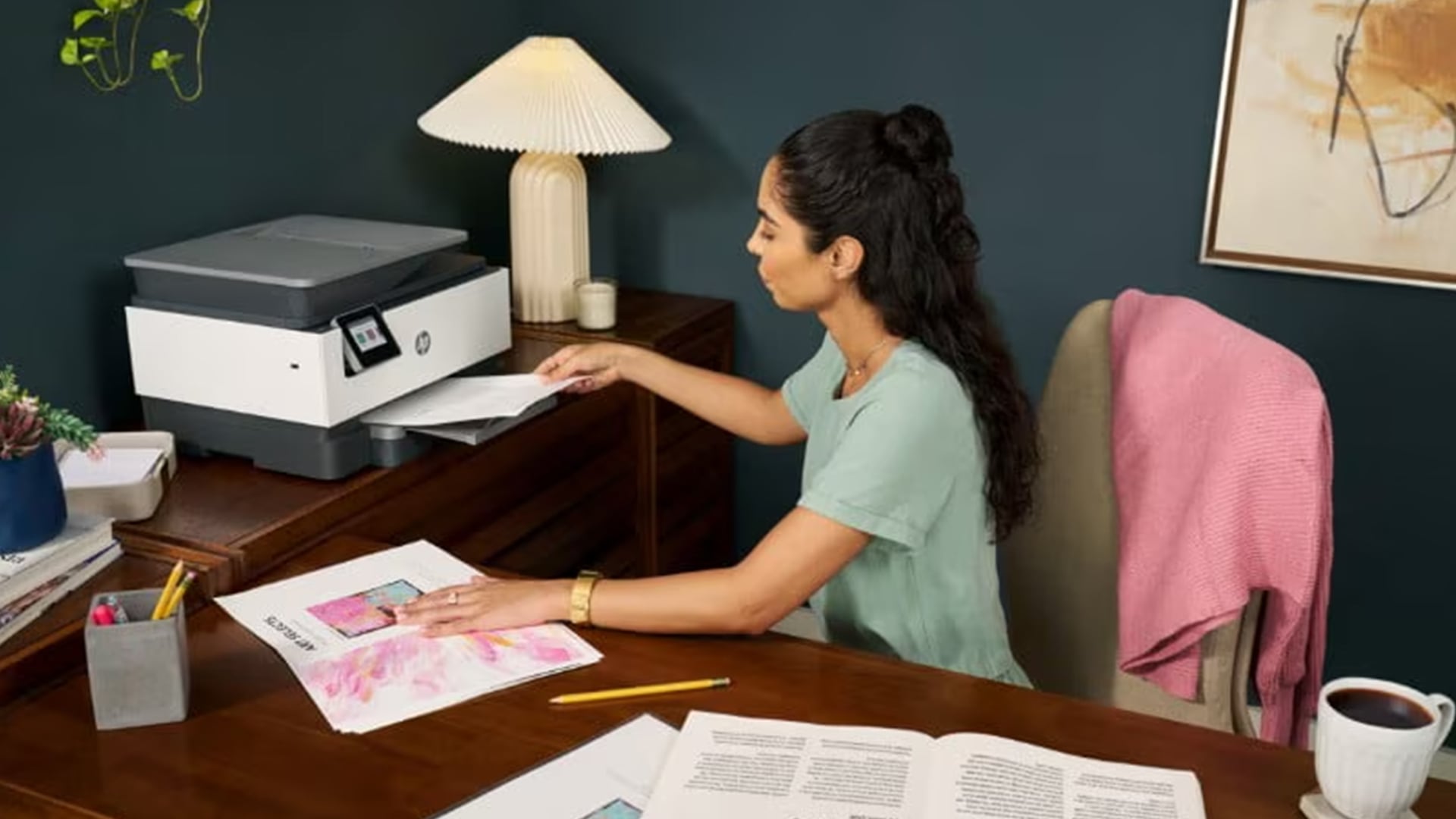
From compact inkjet all-in-one models to faster LaserJet options, these HP picks cover different workplace needs. Some are better suited to everyday home office printing, while others make more sense for shared workspaces, A3 documents or heavier document workflows.
Here is a quick comparison of the best HP office printers before we move on to the individual models.
| Printer Model | Printer Type | Best for | Key Specs |
|---|---|---|---|
| HP OfficeJet Pro 9125e | A4 inkjet all-in-one | Everyday colour office work | Print, copy, scan, fax, 1200 x 1200 dpi, duplex printing, USB and Ethernet |
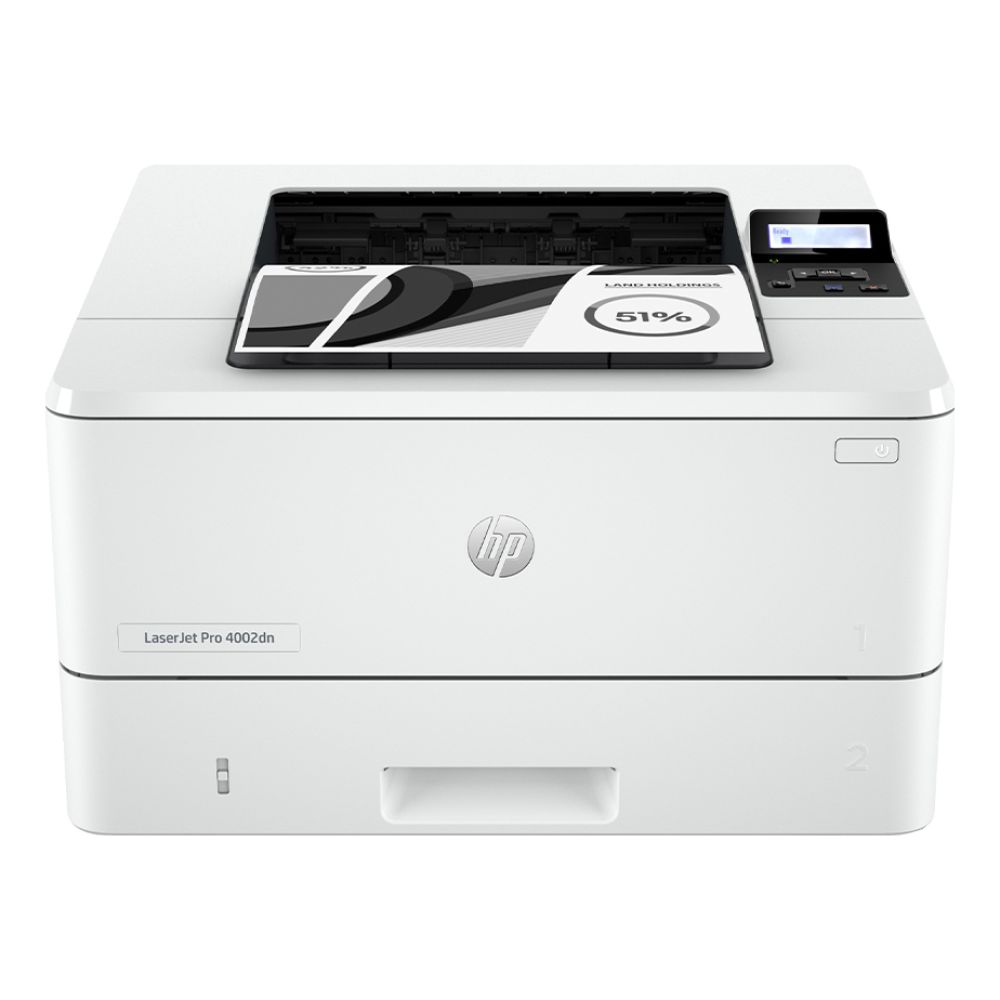
| HP LaserJet Pro 4002dn | A4 mono laser printer | Fast black-and-white documents | 1200 x 1200 dpi, duplex printing, USB, mobile printing |
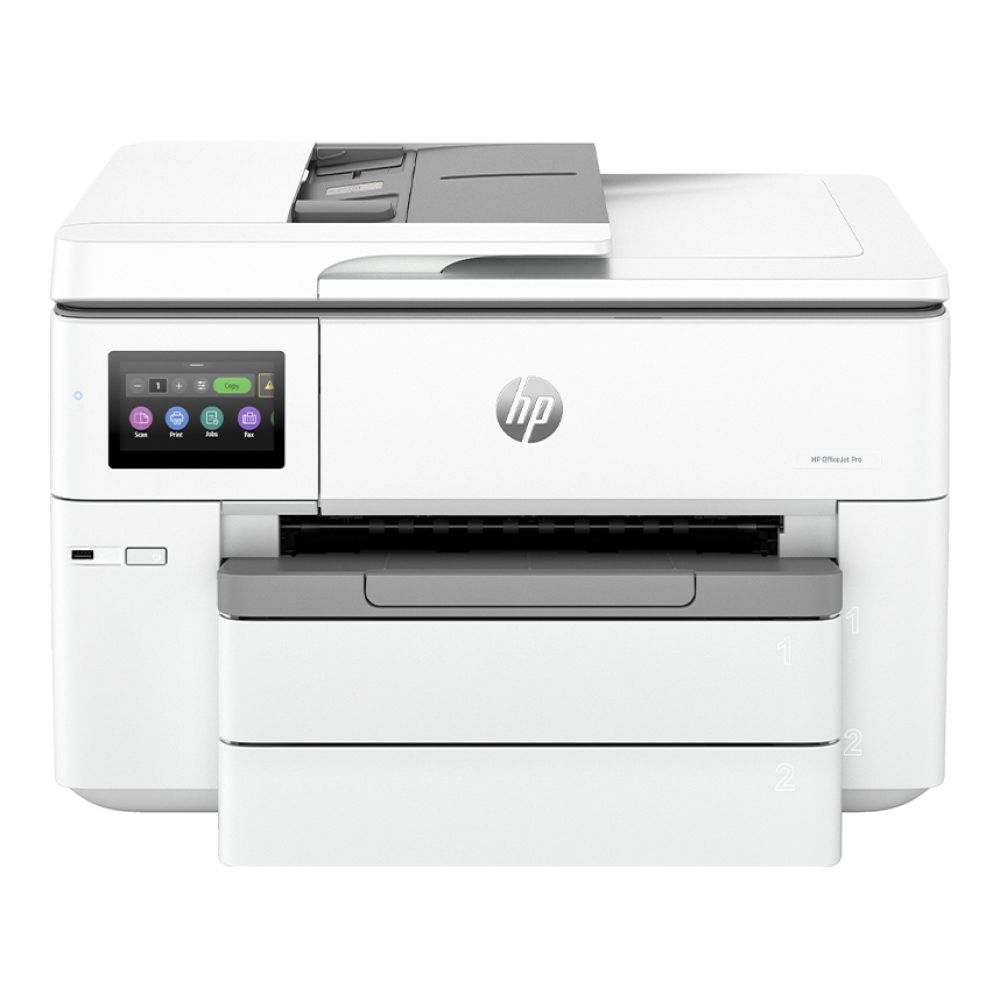
| HP OfficeJet Pro 9730e | A3 inkjet all-in-one | Wide-format office documents | Up to 34 ppm black, 1200 x 1200 dpi, duplex printing, USB, Wi-Fi and mobile printing |
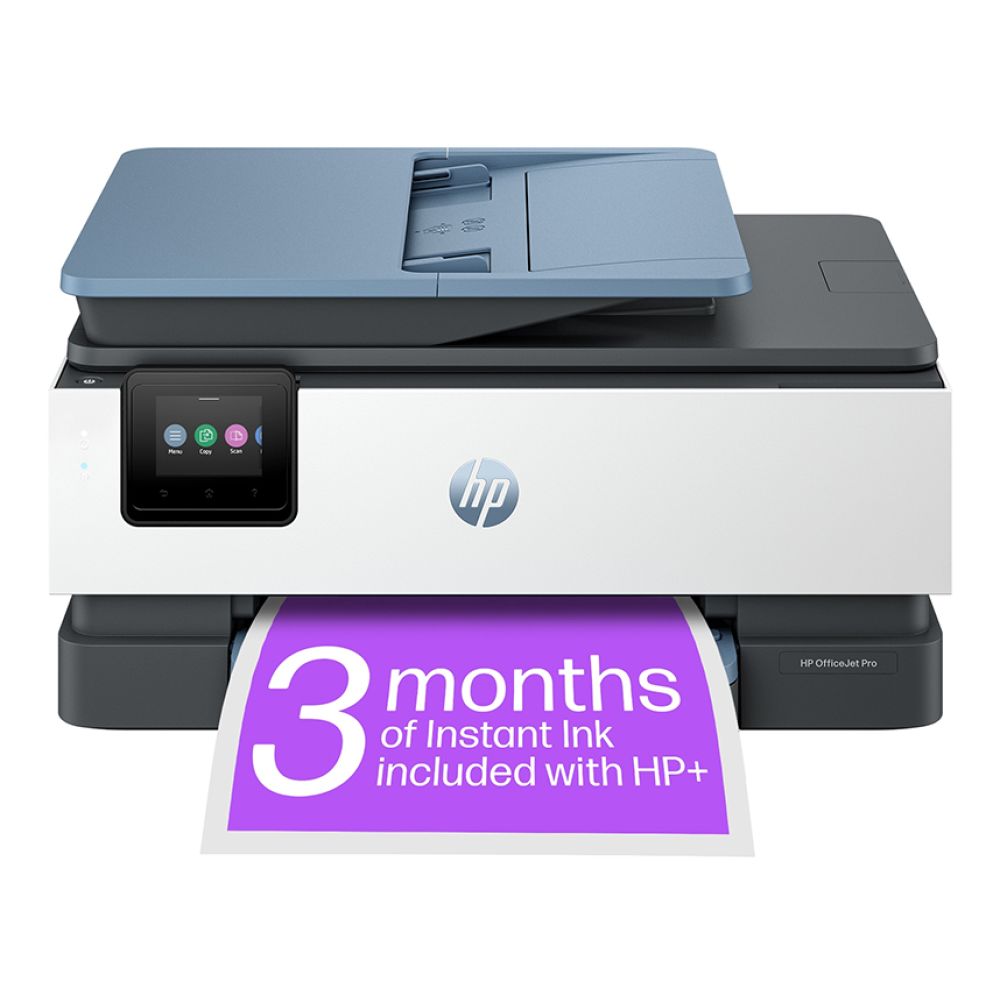
| HP OfficeJet Pro 8125e | A4 inkjet all-in-one | Home office printing and scanning | Print, copy, scan, 1200 x 1200 dpi, duplex printing, USB, Ethernet and mobile printing |
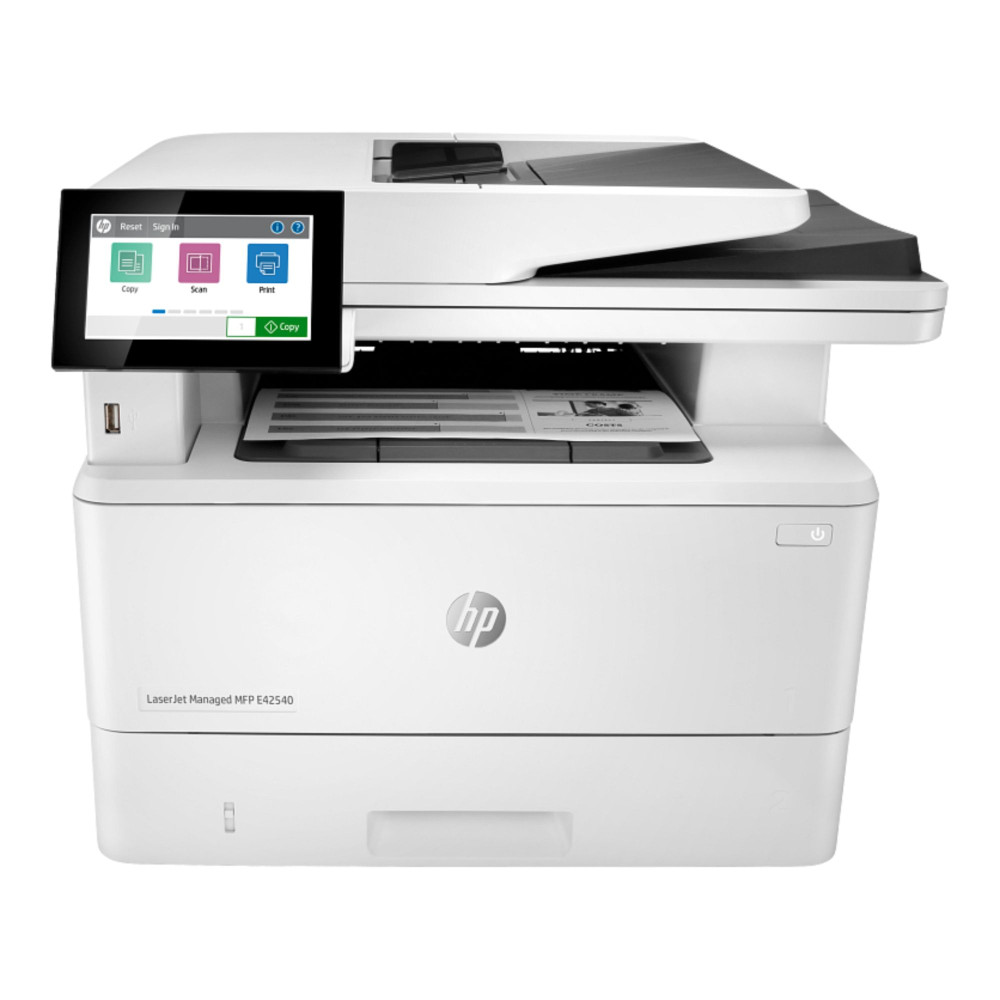
| HP MFP E42540f | A4/A5 multifunction laser printer | Higher-volume office workflows | Print, copy, scan, fax, up to 42 ppm, 120,000-page monthly duty cycle, ADF and Gigabit Ethernet |
HP OfficeJet Pro 9125e
MPN: 403X5B#687
Key features
- Inkjet multifunction printer
- Print, copy, scan and fax
- 1200 x 1200 dpi print resolution
- Automatic duplex printing
- USB and Ethernet connectivity
- 512MB internal memory
- A4, A5, A6 and B5 paper support
- 101-250 sheet input tray capacity
For teams that need one reliable device for daily admin, colour documents and scanning, the HP OfficeJet Pro 9125e is a practical all-rounder. If you are looking for the best office printers for everyday productivity, this is an excellent option, especially when fax support and Ethernet connectivity are required.
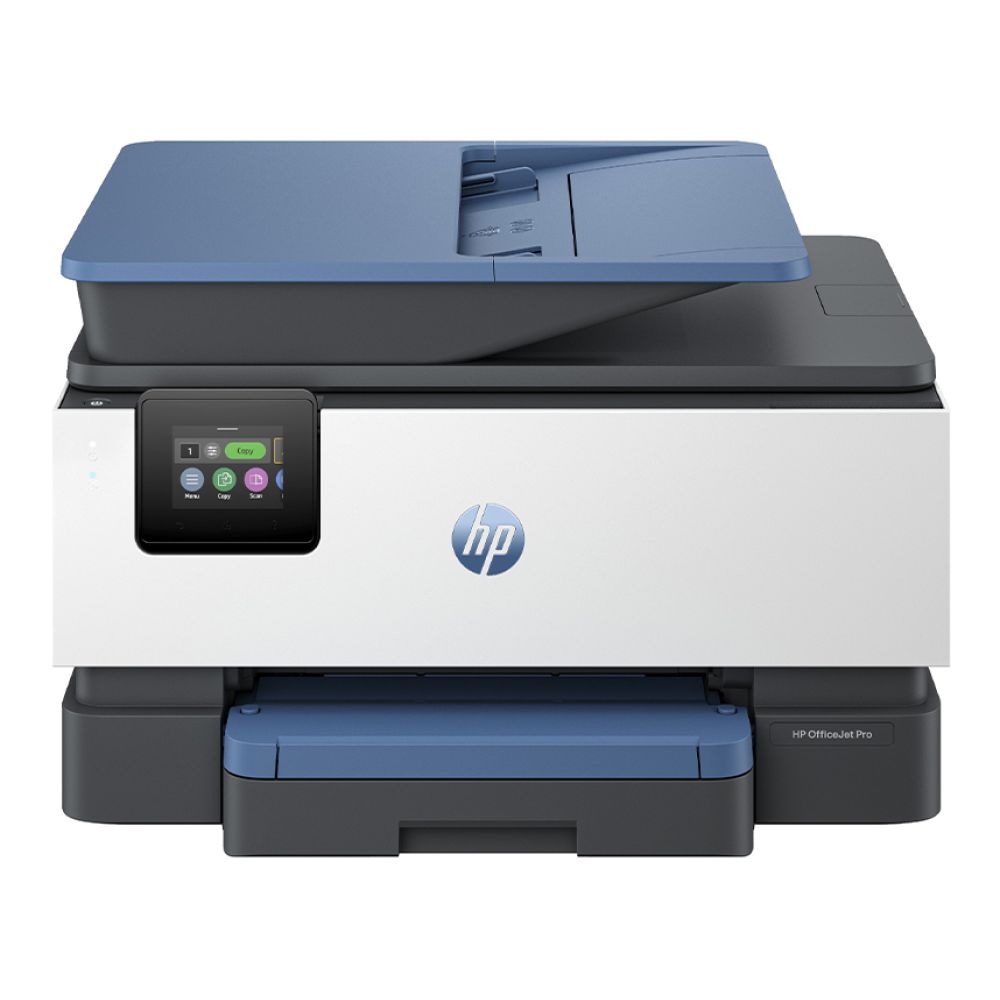
HP LaserJet Pro 4002dn
MPN: 2Z605F#ABU
Key features
- A4 mono laser printer
- 1200 x 1200 dpi print resolution
- Automatic duplex printing
- USB and Gigabit Ethernet connectivity
- Mobile printing support
- 256MB internal memory
- 100-sheet multipurpose tray and 250-sheet input tray
This model keeps the focus on fast, sharp black-and-white printing. It is a sensible option for invoices, forms, letters and internal documents, making it a strong fit for businesses that want a dependable LaserJet for regular office paperwork.
HP OfficeJet Pro 9730e
MPN: 537P6B#687
Key features
- A3 inkjet multifunction printer
- Print, copy and scan
- Up to 34 ppm black print speed
- 1200 x 1200 dpi print resolution
- Automatic duplex printing
- USB, Ethernet and Wi-Fi connectivity
- Mobile printing support
- 12-second first page out time
- A3, A4, A5, A6 and B5 paper support
The main reason to choose the HP OfficeJet Pro 9730e is its A3 support. It is useful for workplaces that print larger reports, layouts, plans, handouts or visual documents, while still offering everyday all-in-one functions for smaller office tasks.
HP OfficeJet Pro 8125e
MPN: 405U8B#687
Key features
- A4 inkjet multifunction printer
- Print, copy and scan
- 1200 x 1200 dpi print resolution
- Automatic duplex printing
- USB and Ethernet connectivity
- Mobile printing support
- 512MB internal memory
- A4, A5, A6 and B5 paper support
- 101-250 sheet input tray capacity
If you need a compact HP office printer and scanner for a home office or smaller workspace, the HP OfficeJet Pro 8125e is a straightforward choice. It covers everyday printing, scanning, and copying without requiring a step up to a larger managed office printer.
HP MFP E42540f
MPN: 3PZ75A#B19
Key features
- Laser multifunction printer
- Print, copy, scan and fax
- Up to 42 ppm black print speed
- 600 x 1200 dpi print resolution
- Automatic duplex printing
- 120,000-page monthly duty cycle
- 6.3-second first page out time
- Flatbed and ADF scanner
- RJ45 Gigabit Ethernet, USB and fax port connectivity
- 250-sheet input tray and 150-sheet output tray
- A4 and A5 paper support
For busier teams, the HP MFP E42540f is the most capable workflow model in this list. Its high monthly duty cycle, fast mono output, ADF and multifunction setup make it better suited to structured office environments than casual home printing.
For more workplace options, you can also compare the best office printers for small businesses. If your team specifically needs toner-based colour output, the best colour printers for office use may be worth checking alongside these HP picks.
Key Features to Check Before Choosing an HP Office Printer
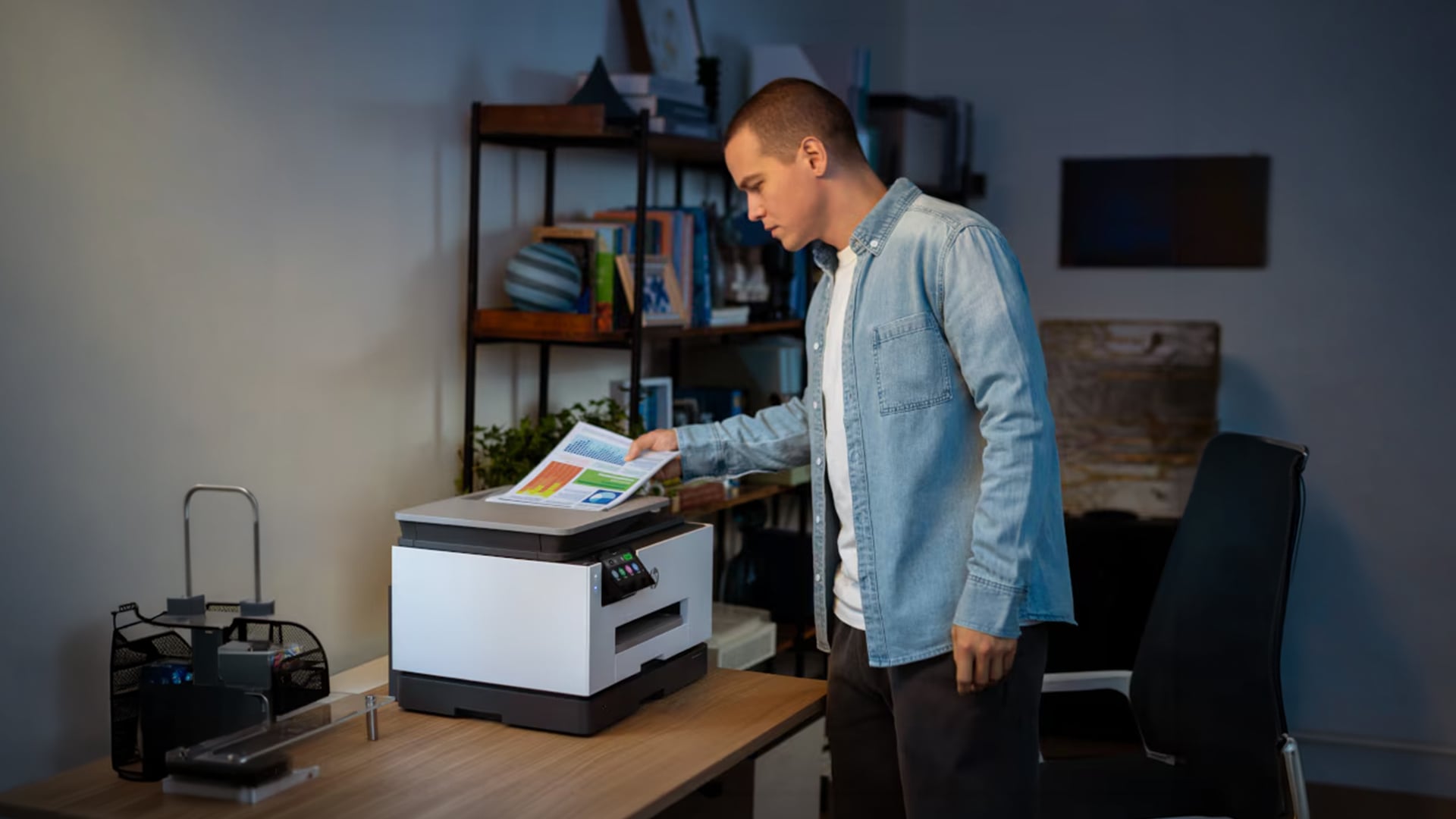
Before choosing among HP office printers, look beyond the printer name and assess how well the model fits your daily workload. A printer that works well for one team may feel limiting for another. Here are the most important features to consider before buying an office printer.
- Print speed: Check the listed pages per minute if your office prints documents throughout the day. Faster speeds are useful for shared teams, admin departments and regular paperwork.
- Duplex printing: Automatic double-sided printing helps reduce paper use and is useful for reports, forms, invoices and internal documents.
- Automatic document feeder: An automatic document feeder is helpful if you scan or copy multi-page documents regularly. This matters more when choosing an HP office printer and scanner for admin-heavy work.
- Paper tray capacity: A larger tray means fewer refills during the day. This is useful for shared offices or teams that print in batches.
- Monthly duty cycle: Check the monthly duty cycle if the printer will be used heavily. It helps show whether the model is built for occasional use, regular office work or higher-volume output.
- Connectivity options: A wireless office printer is useful for flexible placement, while Ethernet printing can give a more stable connection in shared workspaces. Also check support for USB, Wi-Fi printing, and mobile printing.
- Scan, copy and fax features: If your office handles forms, contracts or signed documents, choose a model with the right multifunction tools rather than a print-only device.
- Security and access controls: Shared workplace printers may handle sensitive documents, so basic access control, updates and network printing settings should not be ignored.
- Running costs: Look at ink or toner use before choosing. A lower upfront price may not be the best value if supplies are expensive for your print volume.
For more general buying advice on inkjet, laser and all-in-one printers, our guide on choosing a printer can also help narrow down the right setup.
Running Costs, Print Volume and Office Efficiency
A good office printer should match both your daily workload and your long-term budget. The purchase price matters, but supplies, paper use and expected print volume often have a bigger impact over time.
- Check the cost per page: It helps you understand how much each print may cost once ink, toner and paper are included. This is especially important for teams printing regularly.
- Match supplies to your workload: Inkjet models can suit mixed colour work, but ink cartridge costs should be checked if colour printing is frequent. Laser models are usually better for regular mono documents, especially where toner yield is important.
- Do not ignore duty cycle: A printer with a higher monthly duty cycle is better suited to busier teams. If your office prints in large batches, choose a model designed for that level of use.
- Use duplex printing where possible: Double-sided printing can reduce paper use and support better office efficiency, especially for reports, forms and internal documents.
- Think about workflow, not just price: The best HP printer for business is not always the cheapest model. A reliable workplace printer should save time, reduce interruptions and support daily office productivity.
For teams looking at lower-impact printing habits, our guide to the best home & office eco-friendly printers is also worth reading.
Connectivity, Security and Shared Office Use
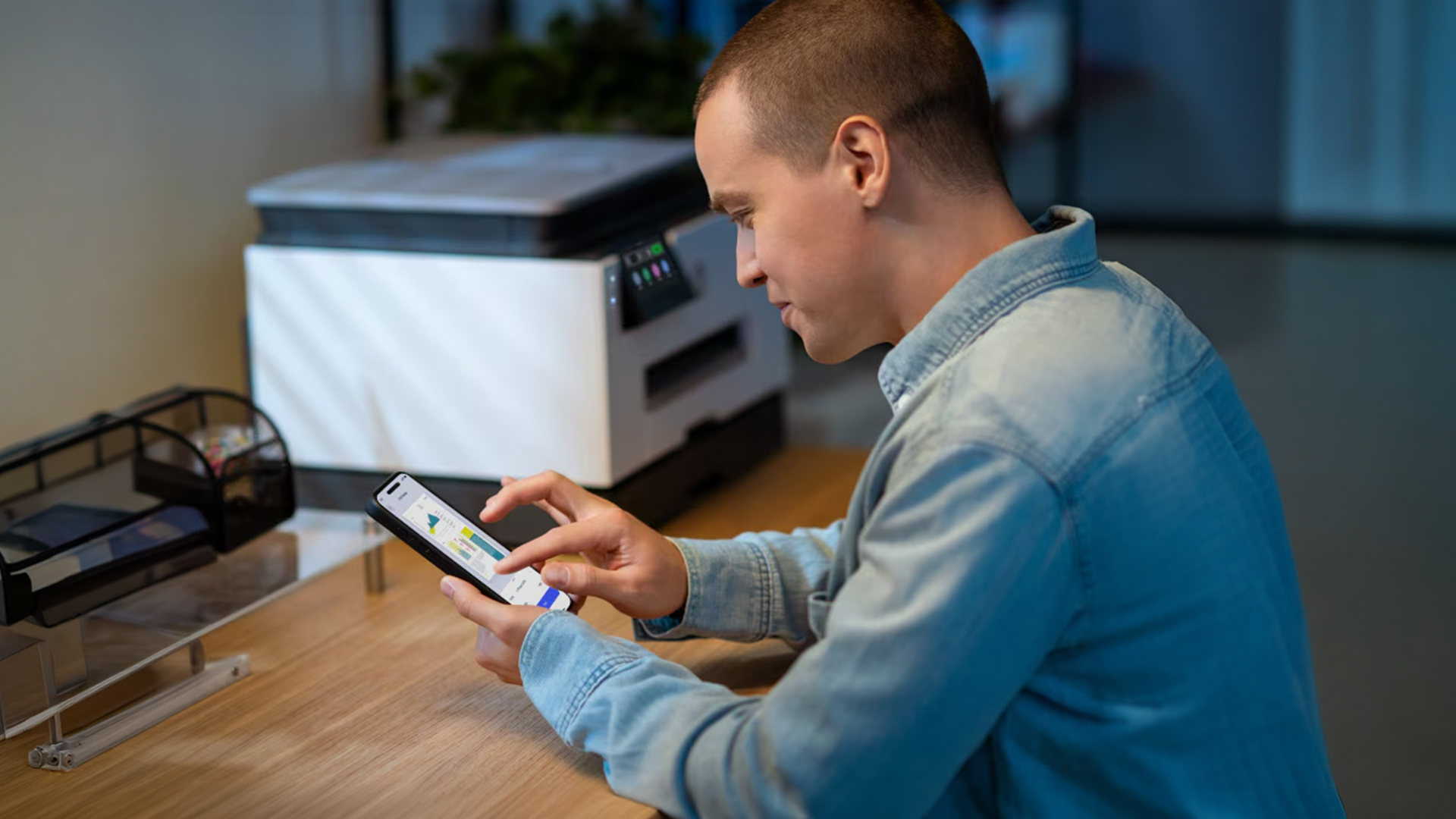
For shared workplaces, the right printer setup should make access simple without making the network messy. Here are some features that will make shared use better.
- A wireless setup is useful when the printer needs to sit away from desks or cables.
- Ethernet is often better for a shared office printer or team printer that multiple people use every day.
- Mobile printing helps staff print from phones, tablets and laptops without relying on one fixed computer.
- Printer security matters because office printers may handle invoices, contracts, HR files and client documents.
- Keep access settings, updates, and document workflow needs in mind, especially when several users share the same device.
For smaller setups, our guide on choosing a printer for your home office can help match connectivity and features to your working style.
Final Verdict: Which HP Office Printer Should You Choose?
The right choice depends on how your workplace prints day-to-day. For mixed-colour documents, scanning and general admin, an inkjet all-in-one is usually the most flexible option.
For regular black-and-white paperwork, a laser printer is often the better fit because it is built around speed, sharp text and higher document output. If your team scans, copies or faxes often, choose a multifunction model rather than a print-only device.
Overall, the best HP office printers are the ones that match your print volume, paper size needs, running costs, connectivity and daily workflow without adding features your team will rarely use.
Frequently Asked Questions
What is the best HP printer for home office use?
The best HP printer for a home office depends on how you work. Choose an OfficeJet-style all-in-one if you need colour printing, scanning and copying. Choose a LaserJet-style model if most of your work is black-and-white documents and you want faster text output.
What are the most common problems of an HP printer?
Common HP printer problems include paper jams, offline errors, wireless connection issues, low ink or toner, driver problems and poor print quality. Many issues can be fixed by checking the connection, restarting the printer, updating drivers or using HP’s troubleshooting tools.
Which printer is best for office work?
For office work, the best printer is usually one that matches your daily workload. Laser printers are better for regular document printing, while all-in-one inkjet or laser models are better if your team also needs scanning, copying or faxing.
What is the average lifespan of an HP printer?
The lifespan of an HP printer depends on the model, usage, maintenance and print volume. A lightly used home office printer may last several years, while a busy office printer will depend more on duty cycle, servicing and how heavily it is used.
Is it worth fixing an HP printer?
It is worth fixing an HP printer if the issue is simple, the repair cost is low, and the printer still meets your needs. If repairs are expensive, parts are difficult to find, or running costs are already high, replacing it may make more sense.
Is HP or Epson better?
HP is often a strong choice for office workflows, LaserJet models, business features and document printing. Epson is often popular for refillable ink tank printers and lower running costs on colour printing. The better option depends on whether your priority is speed, office features, colour costs or print volume.
You can pay with:
*PayPal Credit Representative Example: Assumed credit limit £1,200, Representative 23.9% APR (variable). Purchase rate 23.9% p.a (variable).Terms & Conditions apply.


PayPal Credit and PayPal Pay in 3 are trading names of PayPal UK Ltd, 5 Fleet Place, London, United Kingdom, EC4M 7RD. Terms and conditions apply. Credit subject to status, UK residents only, Five Tech LTD acts as a broker and offers finance from a restricted range of finance providers. PayPal Pay in 3 is not regulated by the Financial Conduct Authority. Pay in 3 eligibility is subject to status and approval. 18+. UK residents only. Pay in 3 is a form of credit. Check if affordable and how you will repay. May make other borrowing more difficult or expensive. See product terms for more details.
Copyright © 1996-2026 Fivetech LTD | Terms and Conditions
box.co.uk & Box are trading names of Five Tech Limited. Registered office: Box LTD, Unit 10 Woodford Trading Estate, Woodford Green IG8 8HF