


 Menu
MenuMenu


Get Sales Advice from Mon - Fri 9am - 5:00pm:
020 3337 8950LAST UPDATED: May 08, 2026
Best ASUS ROG Monitors for Consoles and PC in 2026
Choosing the right gaming monitor is not just about buying the fastest panel with the biggest number on the box. For consoles, the main question is whether the screen actually matches what a PS5 or Xbox can do. For PC, the bigger question is whether your hardware can really make use of 240Hz, 360Hz, 480Hz, or even 610Hz. That is why the best ASUS ROG monitors for Consoles are not always the same as the best ROG monitors for PC.
This is also why ASUS ROG is such a useful range to compare in 2026. It covers genuinely different needs rather than repeating the same monitor with slightly tweaked specs. There are 4K OLED models that make perfect sense for PS5 and Xbox Series X, sharper and faster QHD options that suit high-end PC play, and pure esports screens built for players who care more about speed than resolution. ASUS itself positions the ROG monitor range across everything from 4K 240Hz OLED panels to 1440p 480Hz esports displays, which makes the line broad enough for console players, competitive PC gamers, and mixed-use buyers alike.
This guide covers a list of the best ASUS ROG monitors for consoles and PC to help you build a great gaming setup. So, without further ado, let’s get started.
What to Look for in a Gaming Monitor for PS5, Xbox and PC
A good gaming monitor only feels good when it matches the hardware connected to it. That matters more than ever when you are choosing between console-first and PC-first setups.
-
Resolution and Screen Size
For PS5 and Xbox Series X, 4K is the most natural place to start because both consoles support 4K output and 120Hz gaming over HDMI 2.1. That makes 27-inch to 32-inch 4K screens the easiest fit for console buyers who want sharper image quality without wasting money on refresh rates their console will never fully use. Sony confirms PS5 supports HDMI 2.1 and 4K 120Hz video output, while Xbox says Series X supports 4K gaming at 120Hz over HDMI 2.1.
For PC, the answer is wider. A 27-inch QHD screen often gives the best balance of sharpness and high refresh gaming. A 32-inch 4K display makes more sense if your system is powerful enough to push it. Ultrawide only starts to make sense if you actually want immersion over competitive simplicity. If you want to learn whether ultrawide is right for your or not, our guide may help.
-
Refresh Rate and Input Lag
Console buyers do not need to chase 360Hz or 480Hz unless they are also gaming on PC. PS5 and Xbox Series X are best served by a clean 4K 120Hz-capable setup. PC players are different. If you play competitive shooters, refresh rate matters a lot more, and this is where the ROG range starts to split more clearly between premium all-round monitors and specialist esports displays.
-
HDMI 2.1 and Connectivity
For console use, HDMI 2.1 is one of the most important checkboxes. Without it, you are far more likely to lose the cleanest route to 4K 120Hz play. For PC, DisplayPort still matters heavily, especially at very high refresh rates. USB-C is more relevant if the monitor is also part of a mixed desk setup with laptops or secondary devices. That is why the better ASUS gaming monitors in this list usually combine HDMI 2.1 with DisplayPort and, in several cases, USB-C as well.
Best ASUS ROG Monitors for PS5
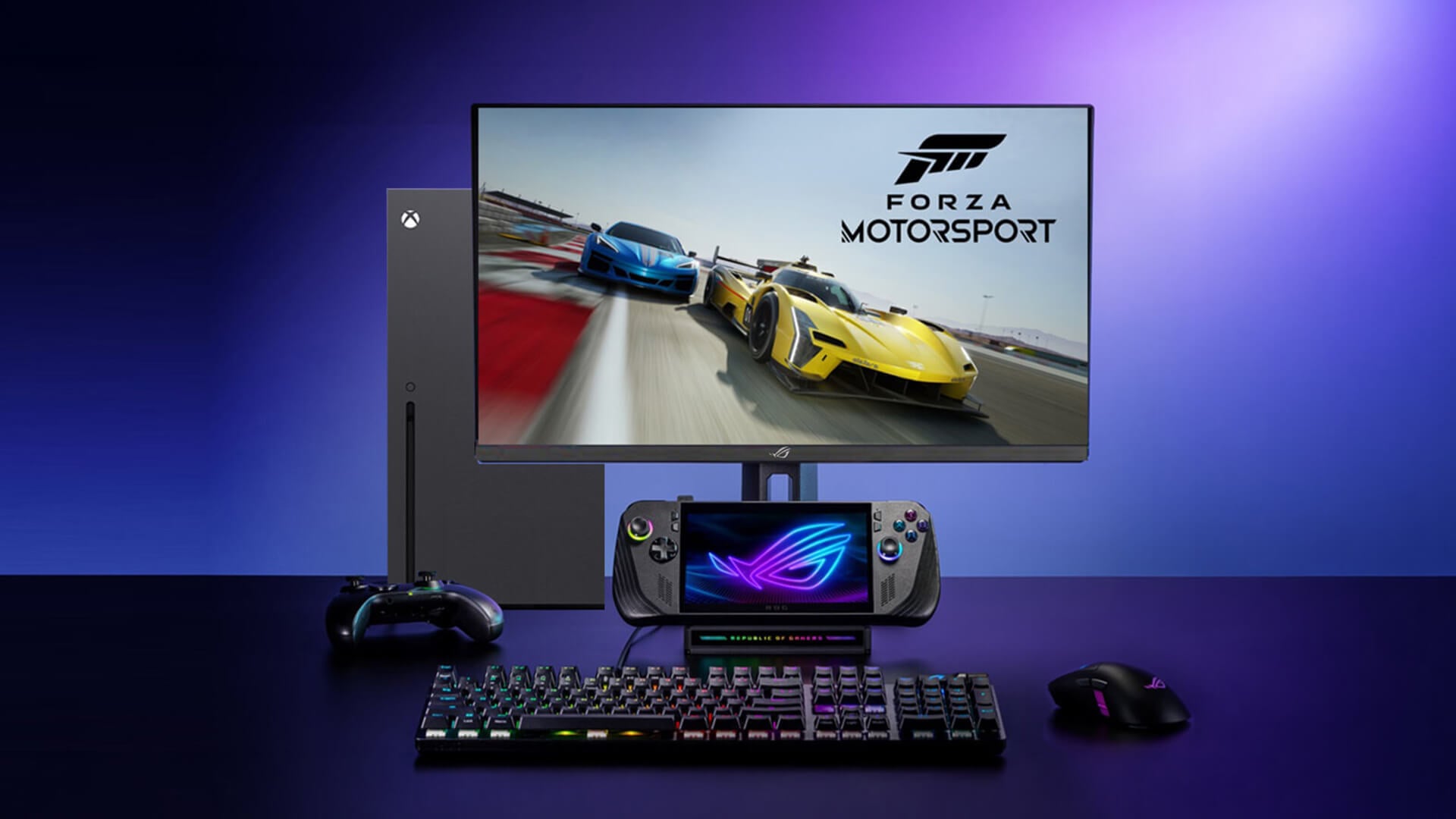
If your main target is PS5, the best monitor is usually a 4K panel with HDMI 2.1, low response time, and strong image quality rather than a screen built purely for extreme PC frame rates. Here are a few great ASUS ROG display screens to choose from:
Top Picks for 4K Gaming
The strongest PS5 choices in this range are as follows:
-
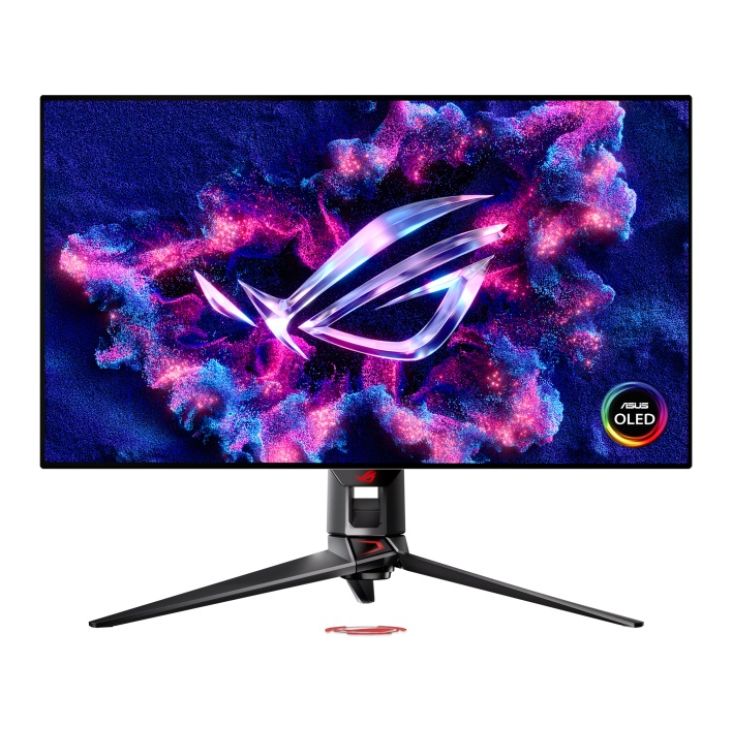
ASUS ROG Swift PG32UCDP 31.5" OLED 4K 240Hz USB-C Gaming Monitor
The PG32UCDP is one of the most complete options here. It gives you a 31.5-inch OLED 4K panel, 240Hz, 0.03ms response time, dual refresh rate mode, and 2x HDMI 2.1 alongside USB-C with 90W power delivery. ASUS also highlights its dual-mode design, which lets the screen switch between 4K at 240Hz and FHD at 480Hz, making it one of the most flexible monitors in the whole ROG lineup.
-
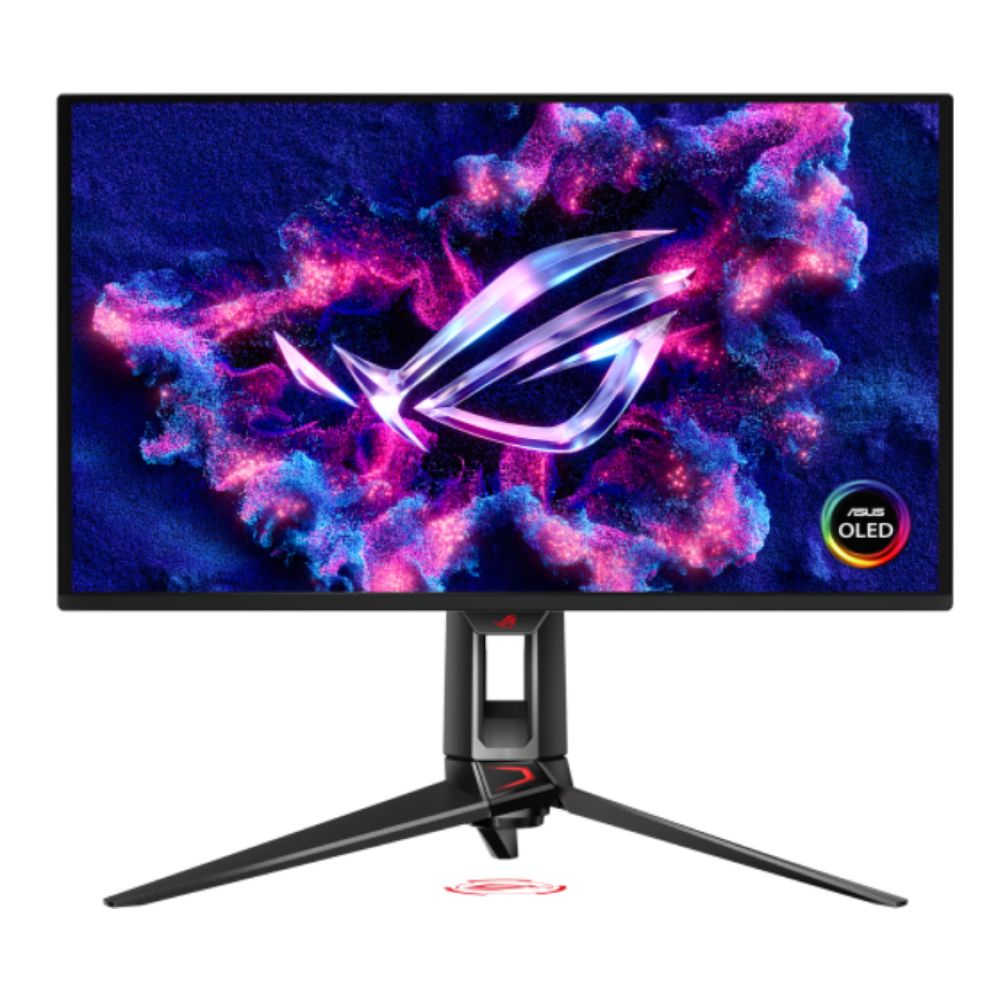
ASUS ROG Swift OLED PG32UCDMZ 31.5" 4K Ultra HD QD-OLED 240 Hz 0.03 ms Height Adjustable Gaming Monitor
The PG32UCDMZ is another excellent PS5 pick if you want a 32-inch 4K QD-OLED experience with 240Hz and 0.03ms response time, but at a lower current price than some of the other premium Swift models. It is one of the more tempting high-end console-friendly options in this list list.
-
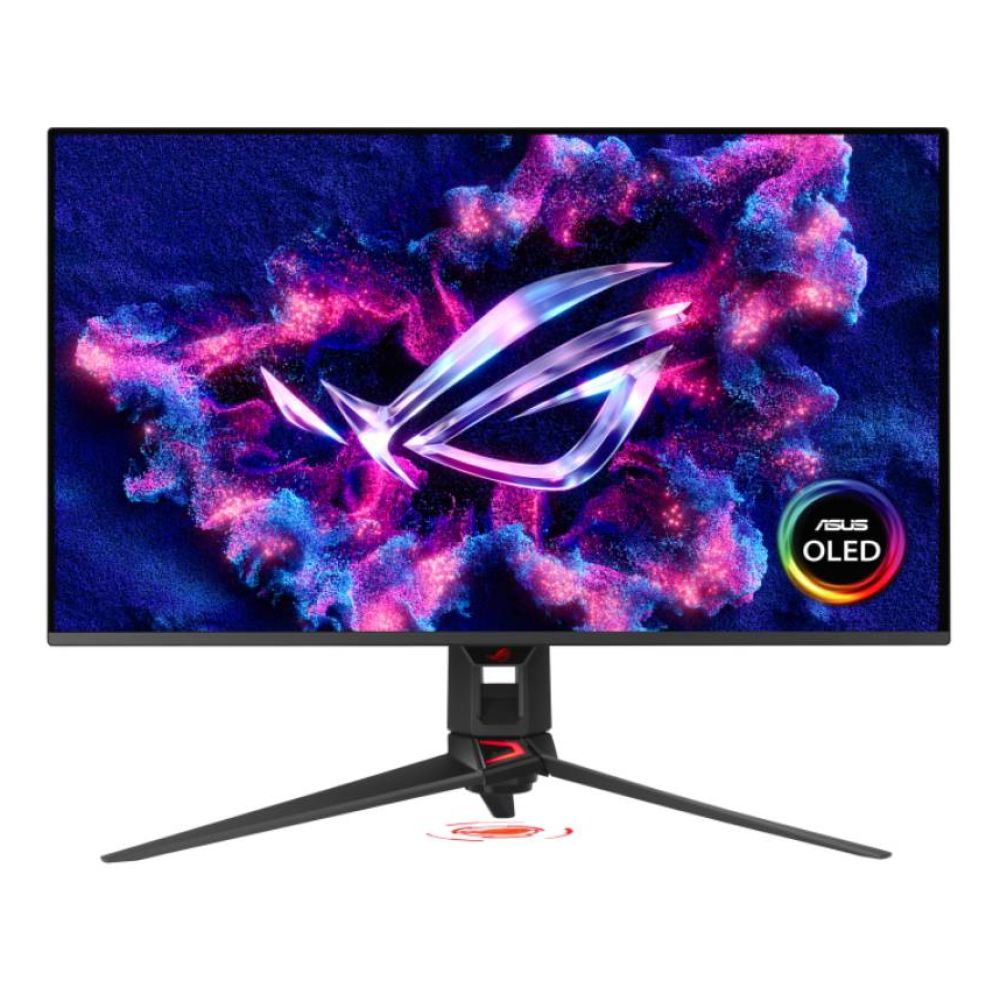
ASUS ROG Swift PG32UCDMR 31.5" OLED 4K Ultra HD Height Adjustable Gaming Monitor
The PG32UCDMR keeps the same broad appeal with a 31.5-inch 4K OLED panel, 240Hz, 0.03ms response time, 2x HDMI 2.1, USB-C, and a more premium positioning. It is easier to justify if you want a flagship-style 32-inch screen and do not mind paying more for it.
-
ASUS ROG Strix XG27UCDMG 27" OLED 4K 240Hz 0.03ms G-Sync Gaming Monitor
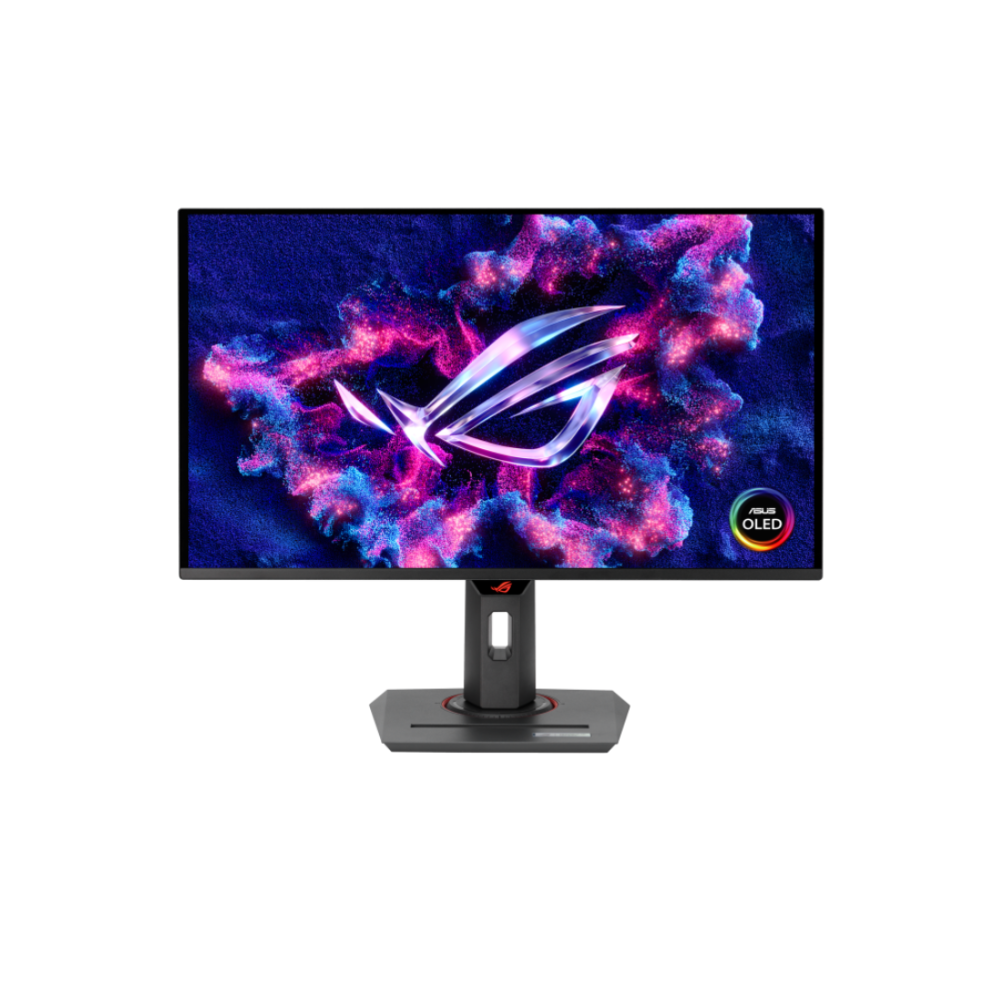
The XG27UCDMG is the sharper value play if you want 4K OLED but prefer a 27-inch size. It gives you a 26.5-inch 4K QD-OLED panel, 240Hz, 0.03ms response time, 2x HDMI 2.1, USB-C, and a low price when considering the features. ASUS also presents it as a 4K 240Hz QD-OLED model with 90W USB-C PD, strong HDR credentials, and creator-friendly colour coverage, which makes it one of the most versatile 4K ROG screens in the current lineup.
Best Value Options
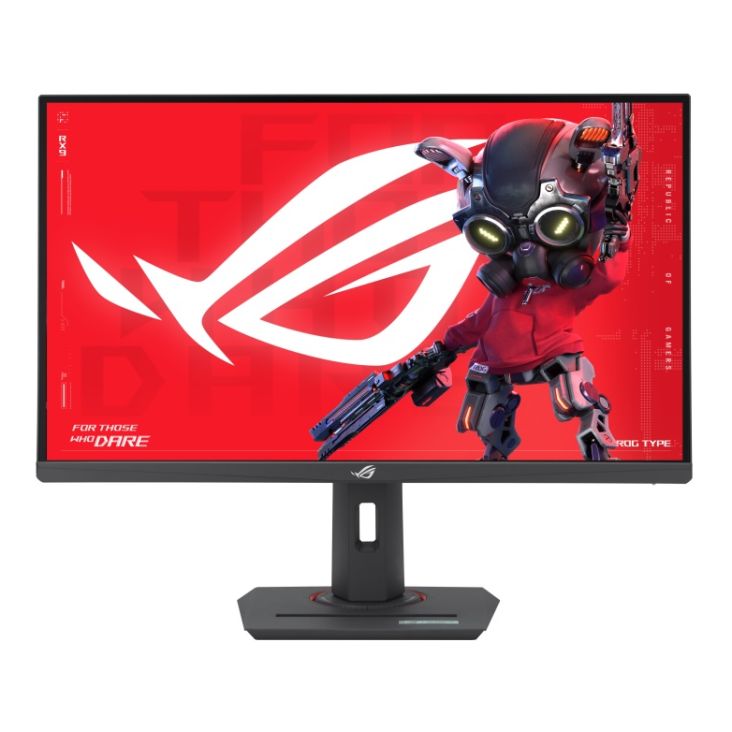
For buyers who want a PS5-ready ROG screen without jumping straight into OLED money, the ROG Strix XG27UCS is the obvious value choice. It gives you a 27-inch 4K IPS panel, 160Hz, 1ms response time, USB-C, and a much lower price of £315. It is not as premium or as fast as the OLED options, but for console use that matters less than many buyers think. ASUS also positions it as a 4K 160Hz all-round gaming monitor, which makes it easy to recommend as a practical rather than flashy choice.
Performance Highlights
For PS5, the real standouts are the models that combine 4K, HDMI 2.1, OLED or strong IPS quality, and sensible screen sizes. The best pure premium option is the PG32UCDP. The best 27-inch premium pick is the XG27UCDMG. The best-value PS5 option is the XG27UCS.
If you are also planning on buying a console, our collection of the best gaming consoles is a great place to start.
Best ASUS ROG Monitors for Xbox
Xbox buyers have similar needs to PS5 users, but there is slightly more room to justify fast QHD screens as well if the focus is on multiplayer games and responsiveness.
-
High Refresh Rate Gaming
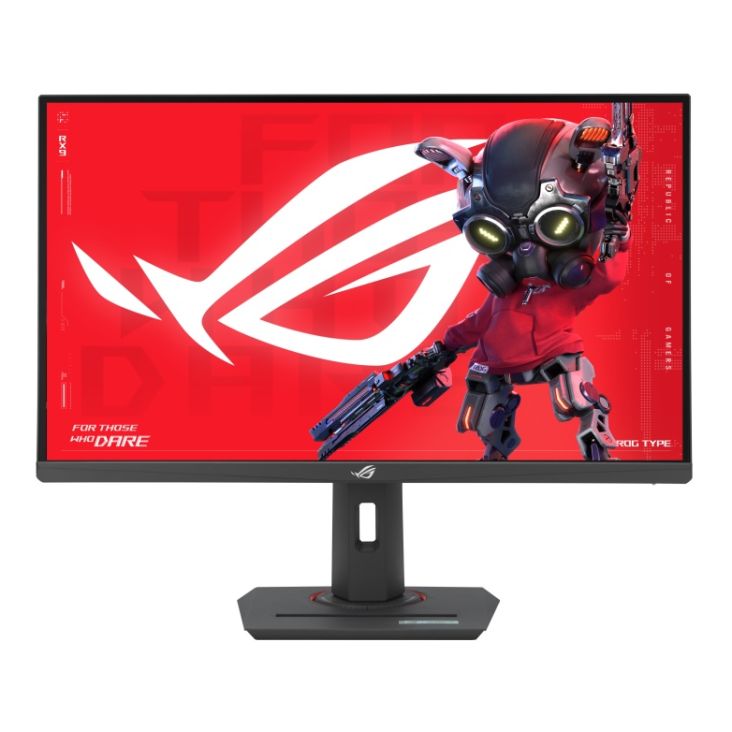
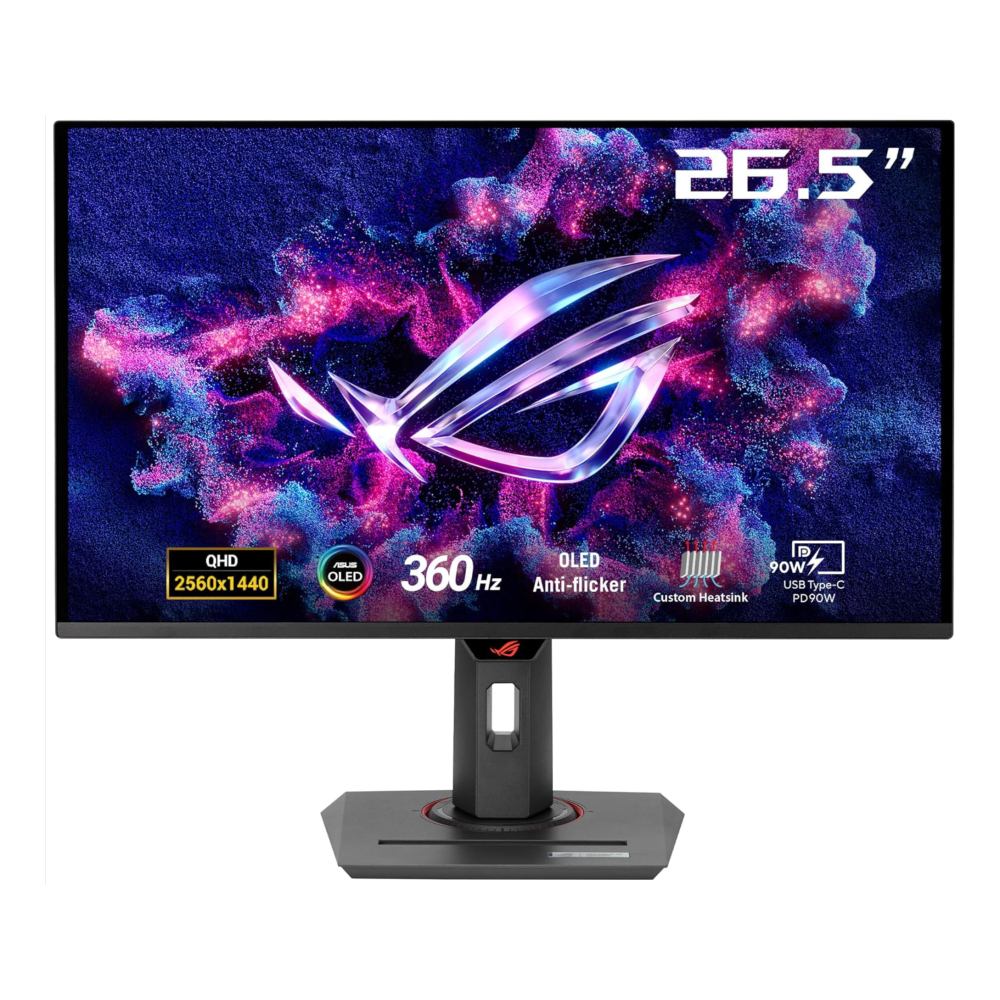
If your Xbox setup leans more toward fast online play than pure 4K image quality, the XG27ACMS and XG27ACDNG become more relevant. The XG27ACMS gives you a 27-inch QHD Fast IPS panel at 320Hz with HDMI 2.1, DisplayPort, and USB-C for £329. The XG27ACDNG takes the same idea more premium with a 26.5-inch QHD OLED panel, 360Hz, 0.03ms response time, 2x HDMI 2.1, USB-C, and an affordable price tag considering the features. ASUS positions the XG27ACDNG as a 1440p QD-OLED 360Hz display with G-SYNC compatibility and 90W USB-C PD, which makes it one of the strongest mixed-use Xbox and PC options here.
-
HDR and Visual Experience
If HDR-style impact and console image quality matter most, stick with the 4K OLED tier. The PG32UCDP, PG32UCDMZ, PG32UCDMR, and XG27UCDMG all make more sense for Xbox buyers who want a more cinematic look and stronger contrast. That is especially true if the monitor will double up for films, single-player games, and day-to-day media as well as multiplayer.
-
Best Options by Budget
At the premium end, the PG32UCDP is the strongest all-round Xbox pick. In the middle, the XG27UCDMG is the most appealing compact 4K option. At the value end, the XG27UCS is the easiest recommendation if you want 4K without a flagship price.
If you wish to explore a wider brand range, you can check our guide on the best 4K monitors for Xbox for a detailed breakdown.
Best ASUS ROG Monitors for PC Gaming
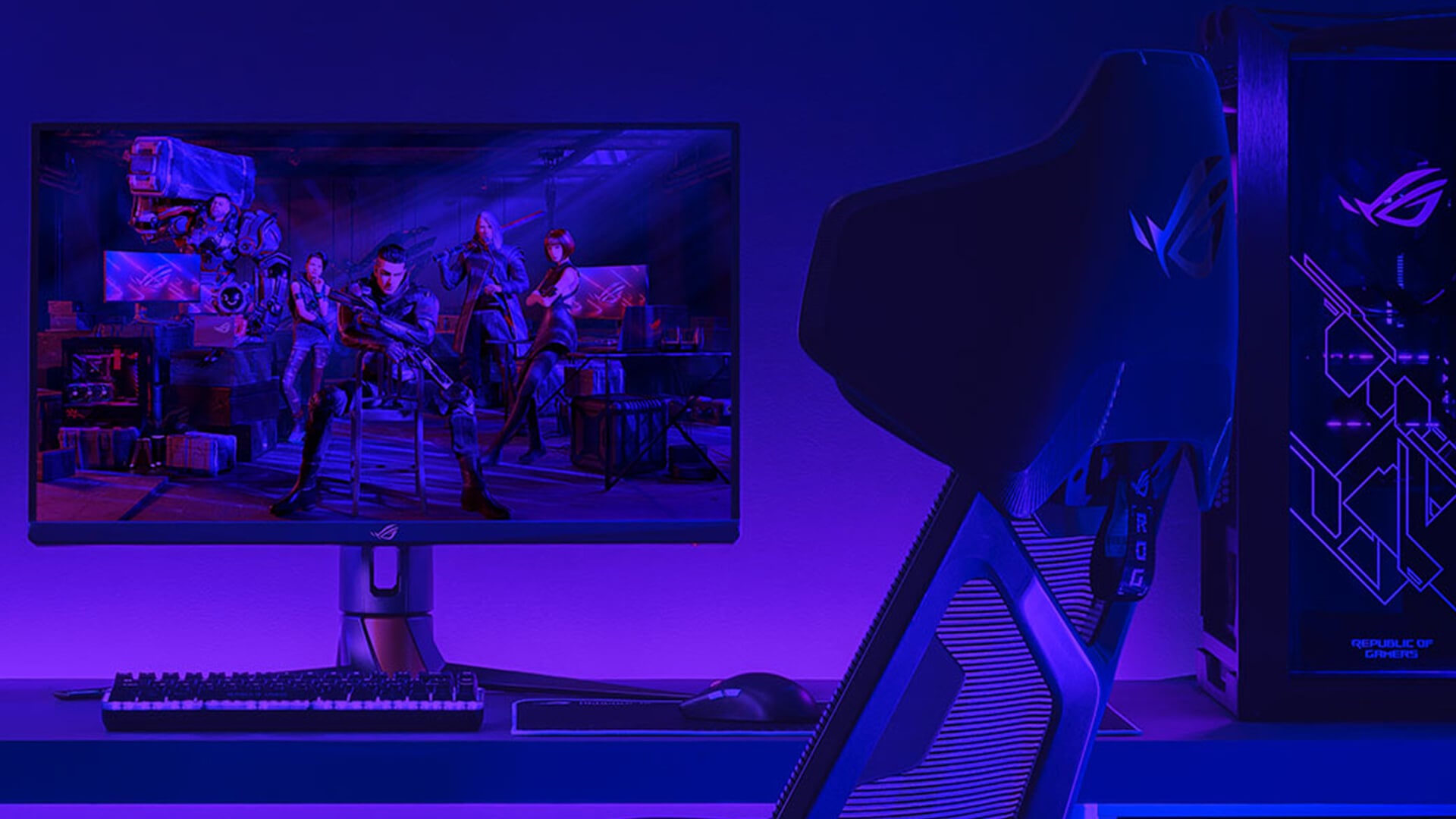
PC is where the ROG range opens up properly, because this is the platform that can actually make use of the most extreme refresh rates and wider format choices.
-
Competitive Gaming Monitors
If you mainly play esports or fast shooters, the pure speed options are the most interesting. Here are a few:
-
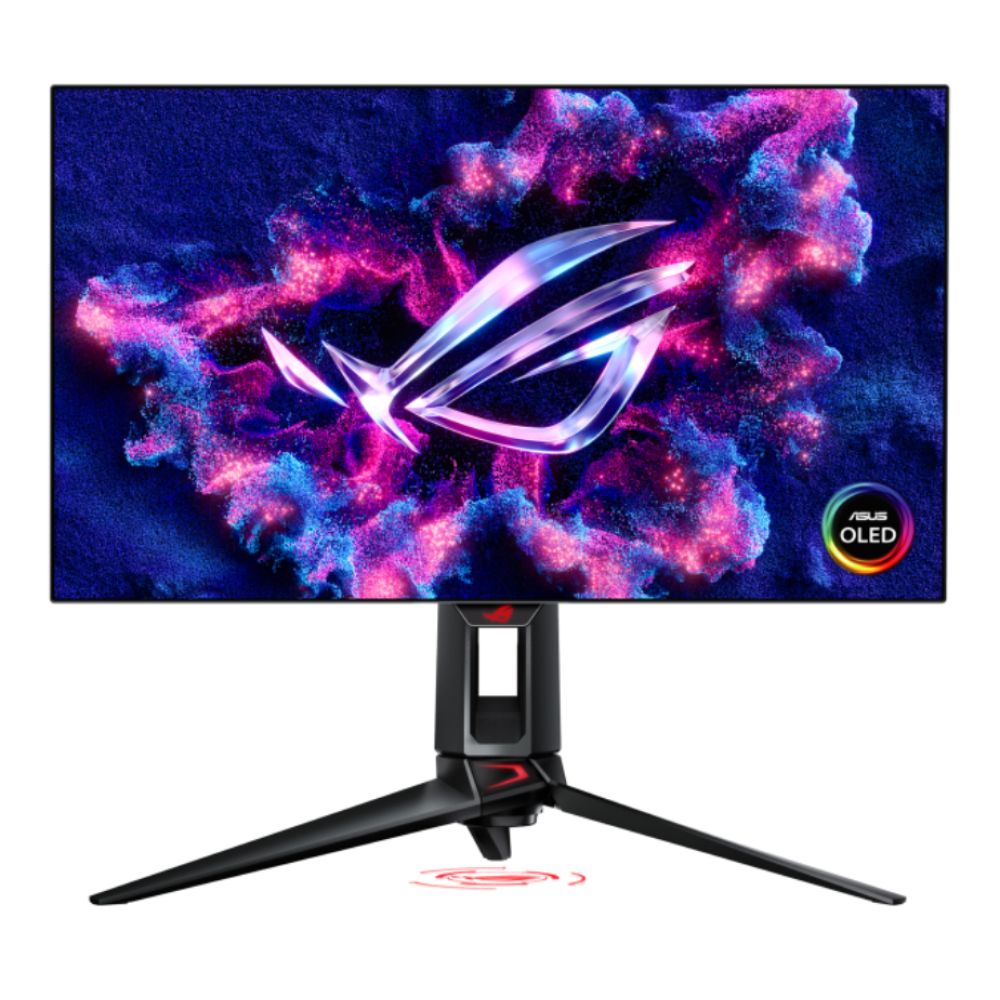
ASUS ROG Swift PG27AQDP 27" Quad HD 480Hz 0.03ms Gaming Monitor
The ROG Swift PG27AQDP is one of the best competitive PC picks in the whole list. It gives you a 26.5-inch QHD OLED panel, 480Hz refresh rate, 0.03ms response time, and the sort of speed that only serious PC users can really exploit. ASUS itself describes it as the world’s first 1440p 480Hz OLED monitor, built for esports and fast AAA gaming.
Shop ASUS ROG Swift Quad HD 480Hz
-
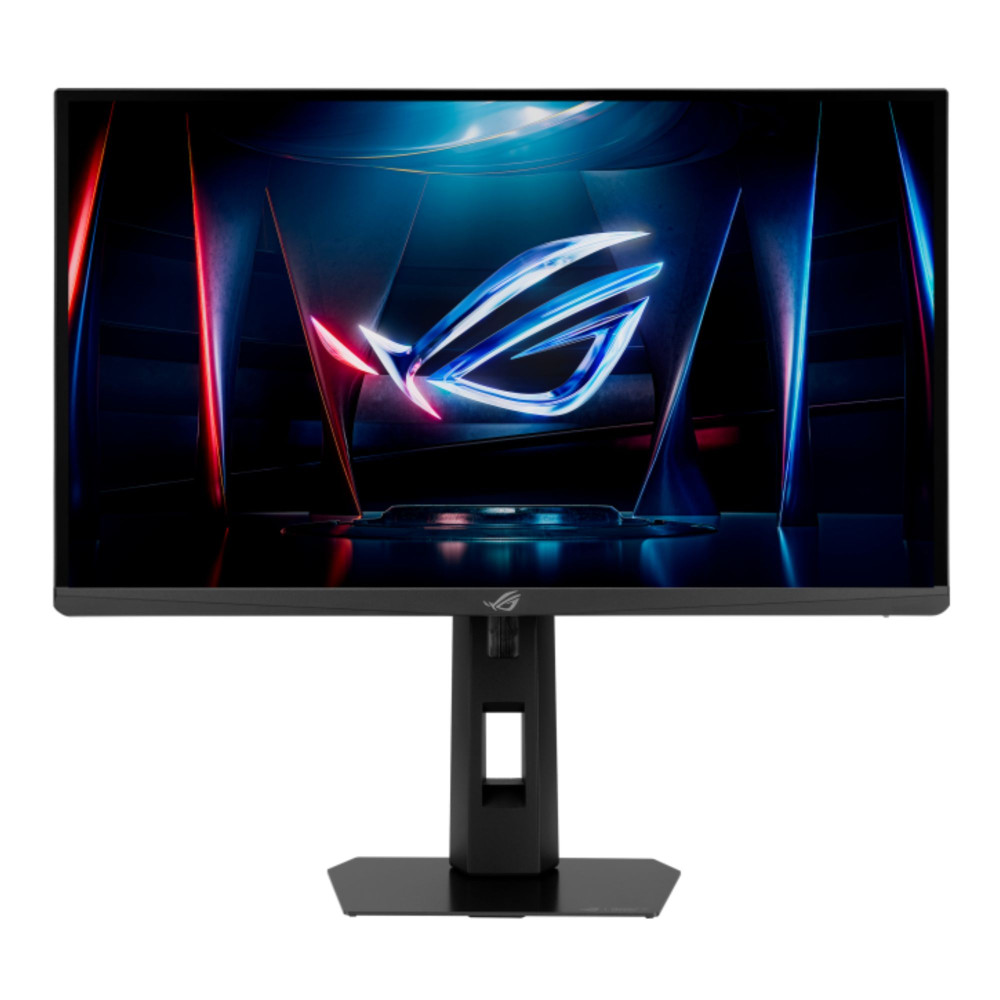
ASUS ROG Strix XG248QSG Ace 24.1" Full HD Super TN 610Hz 0.7ms Height Adjustable E-Sports Gaming Monitor
The ROG Strix XG248QSG Ace is even more extreme. It is a 24.1-inch Full HD Super TN display running at 610Hz with HDMI 2.1 and DisplayPort 1.4. ASUS calls it the world’s fastest esports gaming monitor and clearly positions it for serious FPS players rather than mixed-use buyers. That means it is incredible for the right audience, but very niche.
Shop ASUS ROG Strix XG248QSG Ace
-
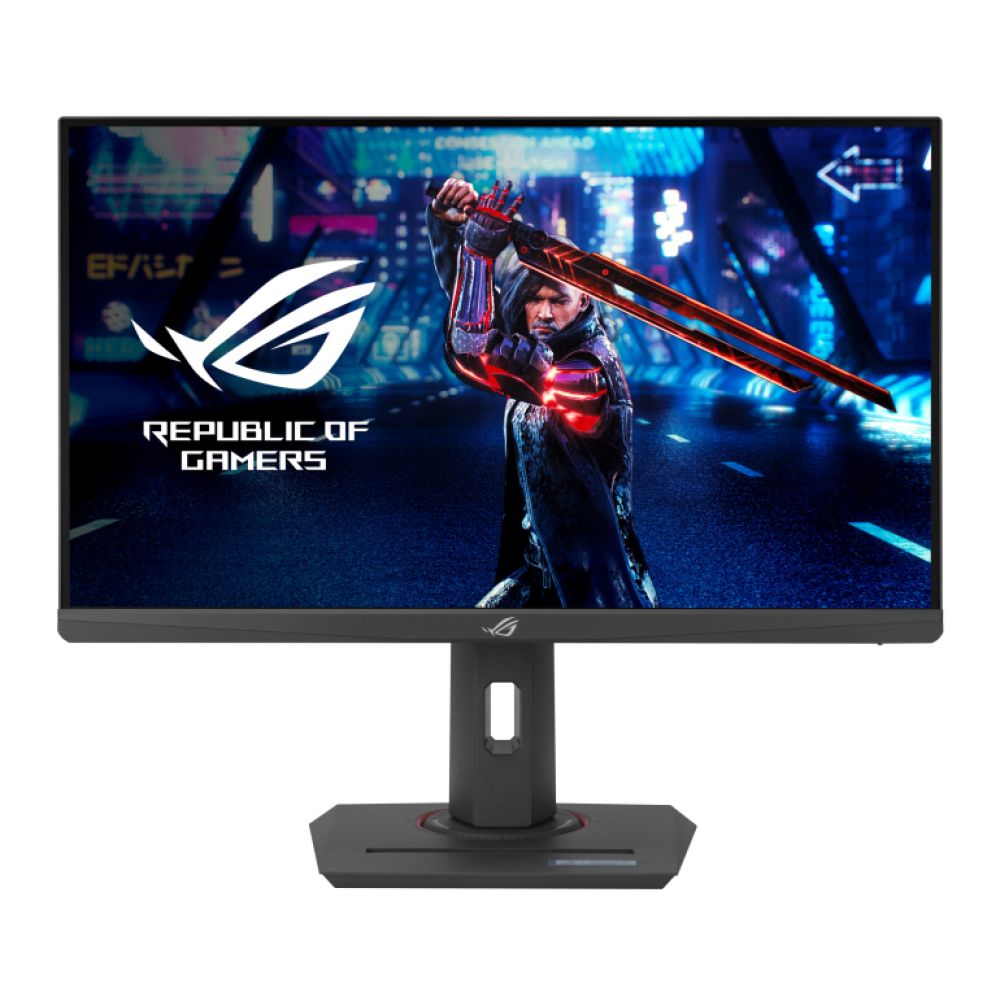
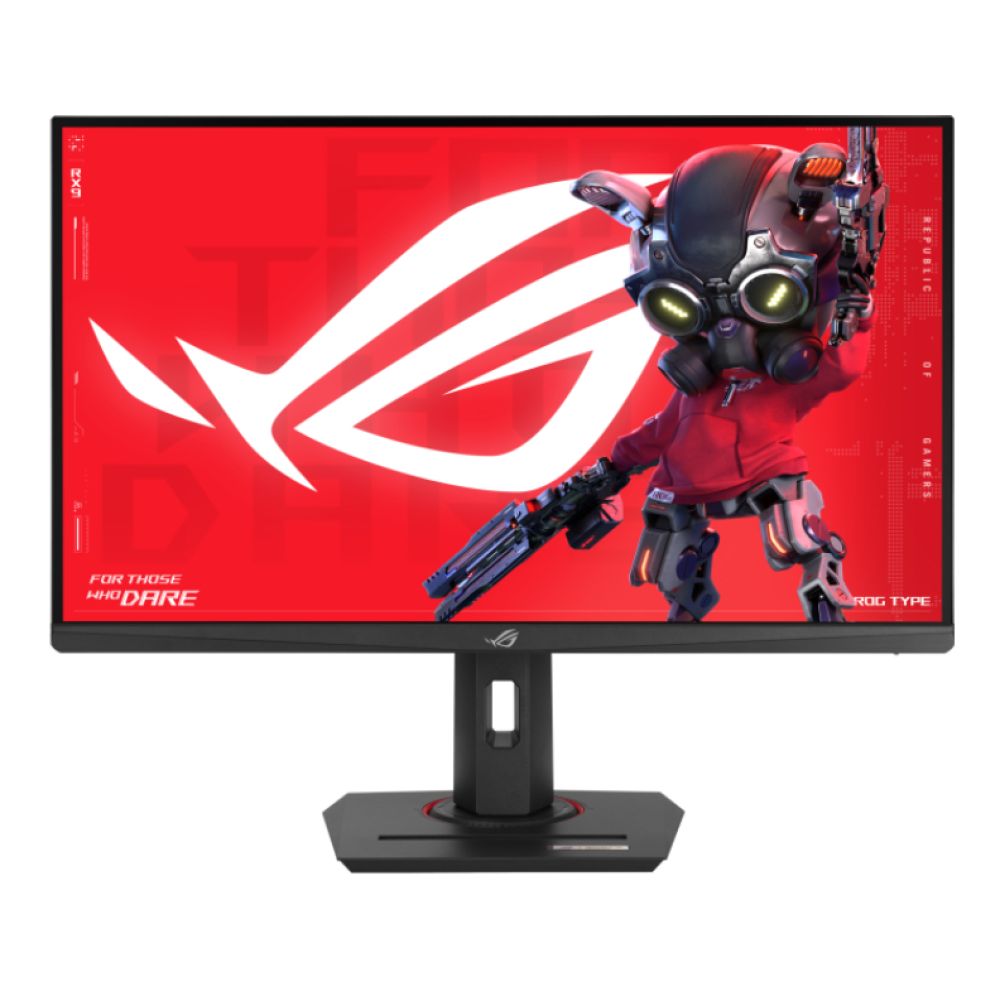
ASUS ROG Strix XG259QNS & ASUS ROG Strix XG279CNS - IPS Full HD 380Hz 0.03ms Height Adjustable Gaming Monitors
The XG259QNS and XG279CNS are the smarter mainstream esports picks. Both offer Full HD, 380Hz, and fast IPS speed, with the 24.5-inch XG259QNS being the cleaner tournament-style choice and the 27-inch XG279CNS feeling better for players who want a little more desk presence. ASUS positions both as 380Hz-class esports screens with very fast response times.
High-End and Ultra-Wide Displays
If you want a more immersive high-end PC setup, the PG32UCDP, PG32UCDMR, PG32UCDMZ, and XG27UCDMG are great options. Apart from the earlier mentioned, here are a few more great options you can check out:
-
ASUS ROG Strix 32" OLED 4K UHD 480Hz USB-C Neo Proximity Sensor Height Adjustable Glossy Gaming Monitor
The XG32UCWMG is particularly interesting because it combines a 31.5-inch 4K OLED panel with 240Hz and a dual-mode approach that can switch to FHD 480Hz. ASUS presents it as a monitor that can prioritise 4K detail for big single-player games or speed for competitive shooters, which makes it a genuinely flexible high-end PC screen.

Shop ASUS ROG Strix OLED 4K UHD 480Hz
-
ASUS ROG XG49VQ 49" Curved UltraWide Full HD 144Hz 4ms Height Adjustable Built in Speakers Gaming Monitor
The XG49VQ is the wildcard. It is a 49-inch curved ultrawide at 3840 x 1080 and 144Hz, which makes it a very specific choice. ASUS positions it as a super ultrawide immersive gaming monitor rather than a general all-round screen. It is far less suited to consoles, but much more interesting if your PC setup is built around sim racing, multitasking, or immersive desk gaming.
Shop ASUS ROG Curved UltraWide Monitor
Best Overall Choices
For most PC gamers, the best overall picks are:
- PG27AQDP for esports and top-tier speed
- XG27ACDNG for QHD OLED balance
- PG32UCDP for premium 4K all-round performance
- XG27UCS for strong 4K value
- XG49VQ for ultrawide niche setups
ROG Swift vs ROG Strix: Which Series to Choose?
This is one of the easiest parts of the ROG range to understand once you stop thinking in model numbers and start thinking in buyer type.
-
Premium vs Value Comparison
ROG Swift is the premium-first side of the range. It is where you find the more flagship-style models, the bolder OLED options, and some of the most advanced panels in the lineup. ROG Strix is broader and more flexible. It still reaches high-end territory, but it also covers more price points and more practical gaming setups.
That is why the easiest way to think about Swift vs Strix monitors is this: Swift is where ASUS pushes the more aspirational monitor tech, while Strix is where it covers the wider real-world gaming market.
-
Best Series for Each Platform
For PS5 and Xbox, both can make sense. Swift has the cleaner premium 32-inch 4K OLED options. Strix has the stronger value choices and the more varied 27-inch range. For PC, Swift is the stronger flagship answer, while Strix is the more flexible answer across esports, 4K, QHD, and ultrawide.
If you want a more detailed comparison, check out our guide on the ROG Swift vs Strix Monitors where we put these two ranges head-to-head.
How to Choose the Right ASUS ROG Monitor
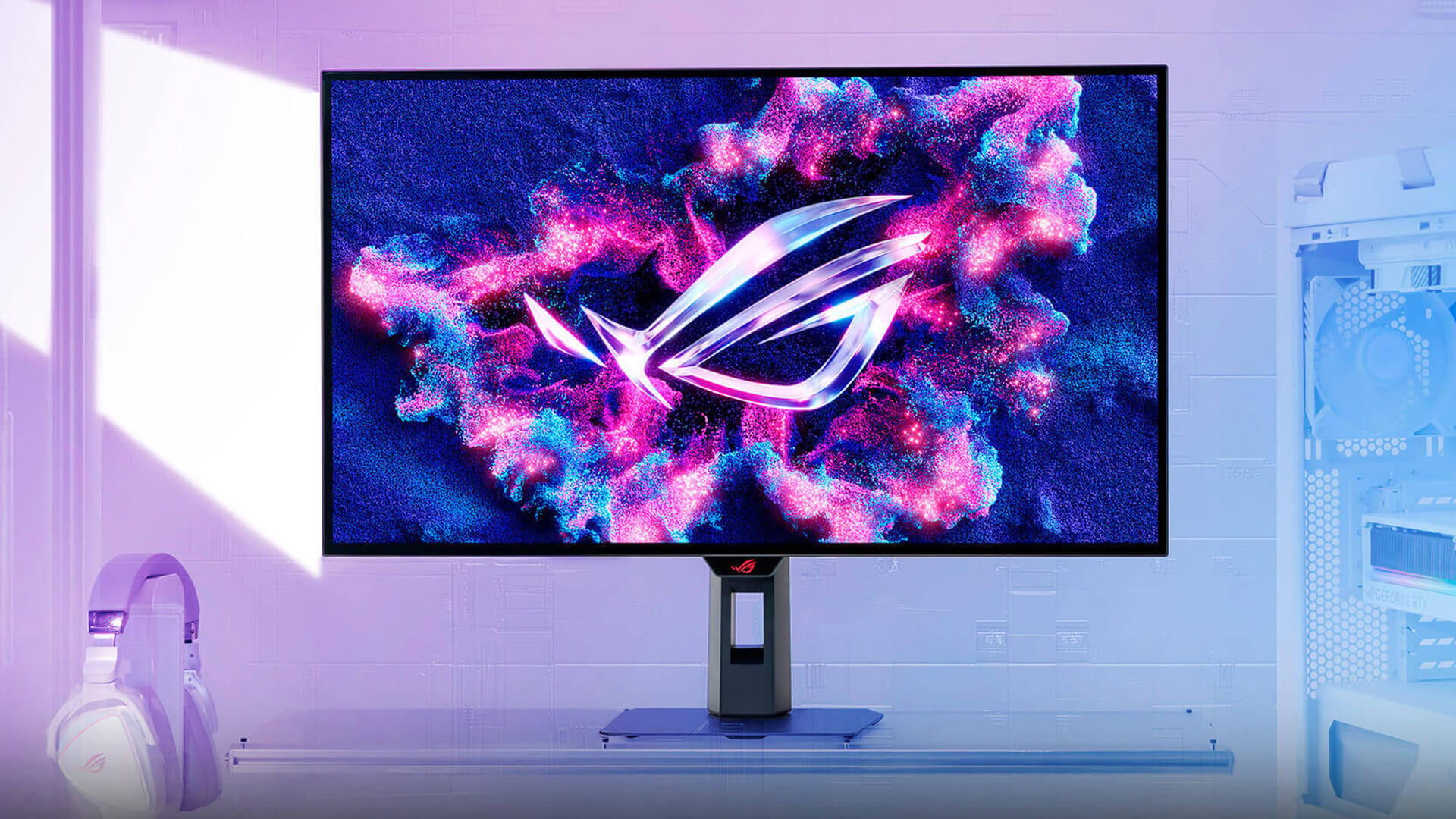
When choosing an ASUS ROG monitor, not every model might suit your needs. Here is how to choose the right one:
-
Based on Your Setup
If your setup is mainly console, prioritise 4K, HDMI 2.1, and strong image quality. If your setup is mainly PC, decide first whether you care more about refresh rate or resolution. If you are building around a desktop with serious graphics power, pair your monitor choice with what your NVIDIA RTX GPUs or wider rig can actually deliver.
-
Based on Budget
If you are spending under £350, the XG27UCS, XG279CNS, XG27ACMS, and XG259QNS are the real value plays. Between roughly £450 and £700, the XG27ACDMS, XG27ACDNG, and XG27UCDMG are where the range gets more exciting. Above that, the Swift OLED models and XG32UCWMG become the main premium choices.
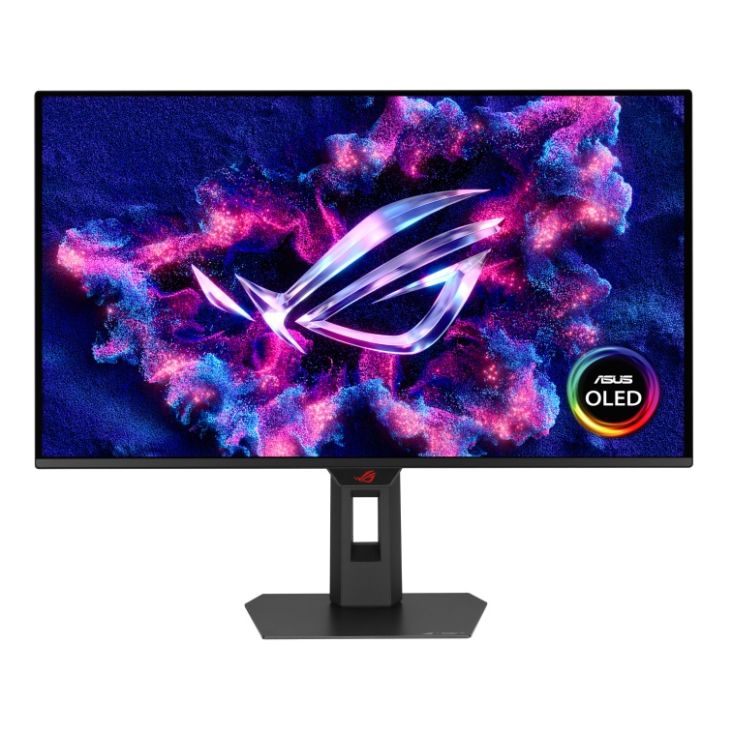
Shop ASUS ROG Strix OLED 280Hz
-
Based on Gaming Style
If you mainly play story-driven console games, buy 4K. If you mainly play competitive shooters on PC, buy refresh rate. If you do both, go for the monitor that balances the two best, which is why the PG32UCDP, XG27UCDMG, and XG27ACDNG stand out so strongly.
New to ROG monitors? Check out our ROG monitor settings guide to make sure you are taking the maximum advantage of your display. And if you are still confused and want more help choosing the right monitor, our monitor buying guide is a great place to start.
Wrapping Up
The best ASUS ROG monitor really depends on what you are playing on and what kind of experience you want. For PS5 and Xbox, the ROG Swift PG32UCDP is the strongest overall choice in this list because it combines 4K, HDMI 2.1, OLED image quality, and enough refresh headroom to still feel premium on PC.
If you want a more affordable console-first option, the ROG Strix XG27UCS is the easiest recommendation. It gives you 4K at a much lower price and makes far more sense for most console buyers than paying extra for a monitor built mainly around competitive PC refresh rates.
For PC, the choice becomes much more specific. The ROG Swift PG27AQDP and ROG Strix XG248QSG Ace are the standout picks for esports and pure speed. The ROG Strix XG27ACDNG and ROG Strix XG27UCDMG are the better-balanced options for players who want strong all-round PC gaming performance. If you want something bigger and more niche, the XG49VQ still has clear appeal for immersive setups.
The simplest way to look at it is this: go for 4K OLED if consoles are the priority, go for QHD OLED or ultra-high refresh if PC gaming comes first, and stick with the value IPS models if budget matters more than having the flashiest panel in the range. And if you are building a new gaming setup, you might also be interested in our high-performance desktops to go with your monitor. If you are not specifically looking for gaming monitors, you might also want to explore our collection of the best ASUS screens to find an option that suits you best.
FAQs
-
Is ASUS ROG monitor good for the PS5?
Yes. ASUS ROG monitors can be very good for PS5, especially models with HDMI 2.1 and 4K support. PS5 supports HDMI 2.1 and 4K 120Hz video output, so the best fit is usually a 4K HDMI 2.1 ROG screen rather than an ultra-fast PC-only esports monitor.
-
Do ASUS ROG monitors support Xbox gaming?
Yes. Many ASUS ROG monitors are a strong fit for Xbox gaming, especially the 4K and HDMI 2.1 models. Xbox confirms Series X supports 4K gaming at 120Hz over HDMI 2.1, so the best ROG picks are the ones that match that properly.
-
What is the best refresh rate for gaming monitors?
It depends on the platform. For consoles, 120Hz is the main target. For PC, 144Hz to 240Hz is already excellent for many players, while 360Hz, 480Hz, and above are mostly for serious competitive gamers with the hardware to match.
-
Are ASUS ROG monitors good for PC gaming?
Yes. ASUS ROG is one of the strongest gaming monitor ranges for PC because it covers flagship 4K OLED models, fast QHD screens, and pure esports displays. ASUS officially positions the range across 4K 240Hz OLED, 1440p 480Hz OLED, and 610Hz esports hardware, which shows how wide the PC focus is.
-
Do I need HDMI 2.1 for PS5 and Xbox?
If you want the cleanest route to 4K 120Hz gaming, yes. Both PS5 and Xbox Series X support HDMI 2.1 for 4K 120Hz output, so it is one of the most important features to look for in a console-first monitor.
You can pay with:
*PayPal Credit Representative Example: Assumed credit limit £1,200, Representative 23.9% APR (variable). Purchase rate 23.9% p.a (variable).Terms & Conditions apply.


PayPal Credit and PayPal Pay in 3 are trading names of PayPal UK Ltd, 5 Fleet Place, London, United Kingdom, EC4M 7RD. Terms and conditions apply. Credit subject to status, UK residents only, Five Tech LTD acts as a broker and offers finance from a restricted range of finance providers. PayPal Pay in 3 is not regulated by the Financial Conduct Authority. Pay in 3 eligibility is subject to status and approval. 18+. UK residents only. Pay in 3 is a form of credit. Check if affordable and how you will repay. May make other borrowing more difficult or expensive. See product terms for more details.
Copyright © 1996-2026 Fivetech LTD | Terms and Conditions
box.co.uk & Box are trading names of Five Tech Limited. Registered office: Box LTD, Unit 10 Woodford Trading Estate, Woodford Green IG8 8HF