


 Menu
MenuMenu


Get Sales Advice from Mon - Fri 9am - 5:00pm:
020 3337 8950LAST UPDATED: July 01, 2026
Best All-in-One Laser Printer for Home Use: 2026 UK Buying Guide
Choosing the best all in one laser printer for home use can make everyday printing much easier. Whether you work remotely, print schoolwork, scan documents, copy forms or need sharp black-and-white pages, a laser multifunction printer can be a reliable choice for a busy home.
Unlike a basic printer, an all-in-one model combines printing, scanning and copying in one device. That means fewer devices on your desk, less clutter and more flexibility when you need to print letters, scan ID documents, copy forms or manage home office paperwork.
Laser printers are especially useful if you mainly print documents rather than photos. They are fast, clean, low maintenance and designed for sharp text. For many UK homes, a mono laser printer is enough. For households that also need colour reports, school projects or presentation-style documents, a colour laser printer scanner copier for home use may be better.
This guide explains how to choose the best all-in-one laser printer for home use 2026, including compact models, wireless printing, scanner and copier features, mono vs colour, budget choices and recommended options from HP, Brother and Xerox.
To compare more models, browse printers for home and office use, explore multi-purpose all-in-one printers, or view laser printers for fast home document printing.
Why Choose an All-in-One Laser Printer for Home Use?
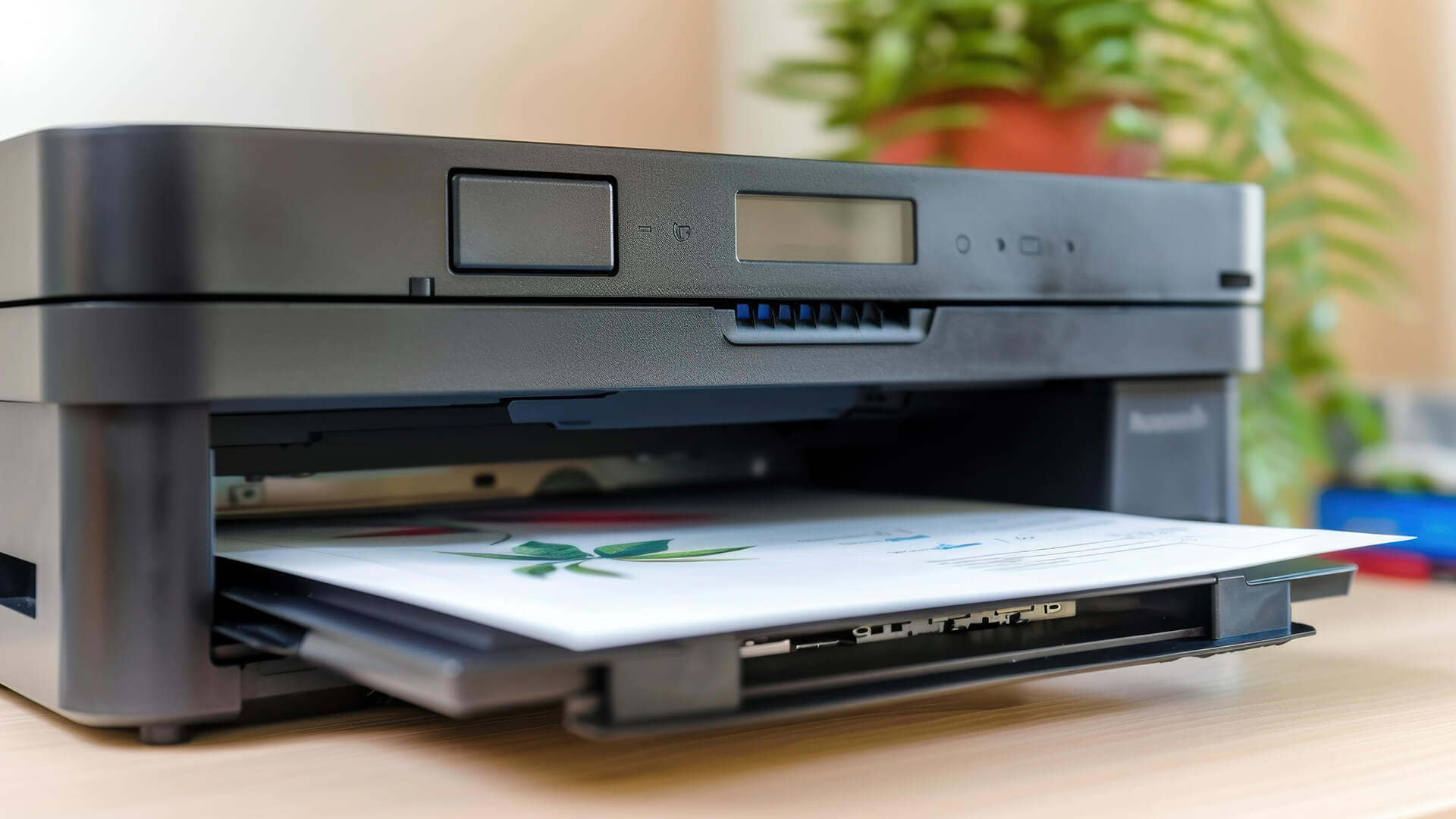
An all in one laser printer for home use is designed to do more than print. It can usually print, scan, and copy, while some models also include fax features for business or admin use.
This makes it useful for remote working documents, schoolwork and homework, forms and letters, invoices and receipts, boarding passes and tickets, returns labels, contracts and agreements, ID copies, home admin paperwork and small business documents
The biggest benefit is convenience. Instead of needing a separate scanner, copier, and printer, one device handles the main tasks. This is especially useful if you have limited desk space or want a simple home office setup.
Laser printers are also good for occasional use because toner does not dry out in the same way as ink. If you only print a few times a week or month, a laser printer can be easier to live with than an inkjet.
Best All-in-One Laser Printer for Home Use UK: What to Look For
The Best all-in-one laser printer for home use UK should be compact, reliable and affordable to run. It does not need to be a large office machine, but it should have the right features for everyday home printing.
Key features to compare include:
- Print, scan and copy functions
- Mono or colour printing
- Wireless printing
- Mobile printing
- Duplex printing
- Automatic document feeder
- Print speed
- Print resolution
- Paper tray capacity
- Toner yield
- Cost per page
- Replacement toner availability
- Compact design
- Easy setup
The right printer depends on your household. If you mainly print letters and forms, a mono laser printer is usually enough. If you print school projects, colour charts or business documents with graphics, a colour laser printer may be worth considering.
For a wider overview, read our complete printer buying guide.
Laser Printer Scanner for Home Use
A laser printer scanner for home use is one of the most practical choices if you regularly deal with paperwork. Scanning is useful for saving digital copies of documents, sending forms by email or keeping records without storing piles of paper.
A laser printer with scanning can help with:
- Scanning signed forms
- Copying passports or ID
- Uploading documents for work
- Saving receipts
- Sending school documents
- Keeping digital records
- Copying household paperwork
- Managing small business admin
If you scan one page at a time, a flatbed scanner may be enough. If you regularly scan multi-page documents, look for an automatic document feeder. This lets you place several pages into the feeder and scan them without lifting the lid for each page.
Laser Printer with Scanner and Copier for Home Use
A laser printer with scanner and copier for home use is ideal if you want one simple device for daily printing tasks. The copier function is especially helpful for forms, letters, ID documents and school paperwork.
For home users, this type of printer is useful because it supports both planned tasks and last-minute needs. If you suddenly need a copy of a document, a return label or a scanned form, you do not need to visit a library, workplace or print shop.
Choose this type of printer if you want:
- Sharp document printing
- Easy scanning
- Quick copying
- Lower maintenance than inkjet
- Reliable toner-based printing
- A compact home office device
- Better support for occasional printing
For most homes, this is the most balanced type of laser printer because it covers the tasks people actually need day to day.
All in One Wireless Laser Printer for Home Use
An all in one wireless laser printer for home use is ideal if you print from laptops, phones, tablets or multiple devices around the house. Wireless printing makes setup cleaner because the printer does not need to sit directly next to your computer.
Wireless printing is useful for:
- Remote workers using laptops
- Students printing from tablets
- Families sharing one printer
- Small home offices
- Printing from phones
- Printing from different rooms
- Cleaner desk setups
A good wireless laser printer should support WiFi, mobile printing and common standards such as Apple AirPrint or Mopria where available. Some models also include Ethernet or USB for a more direct connection.
For more detail, read our guide to wireless printing options for home users.
Best Compact All in One Laser Printer for Home Use
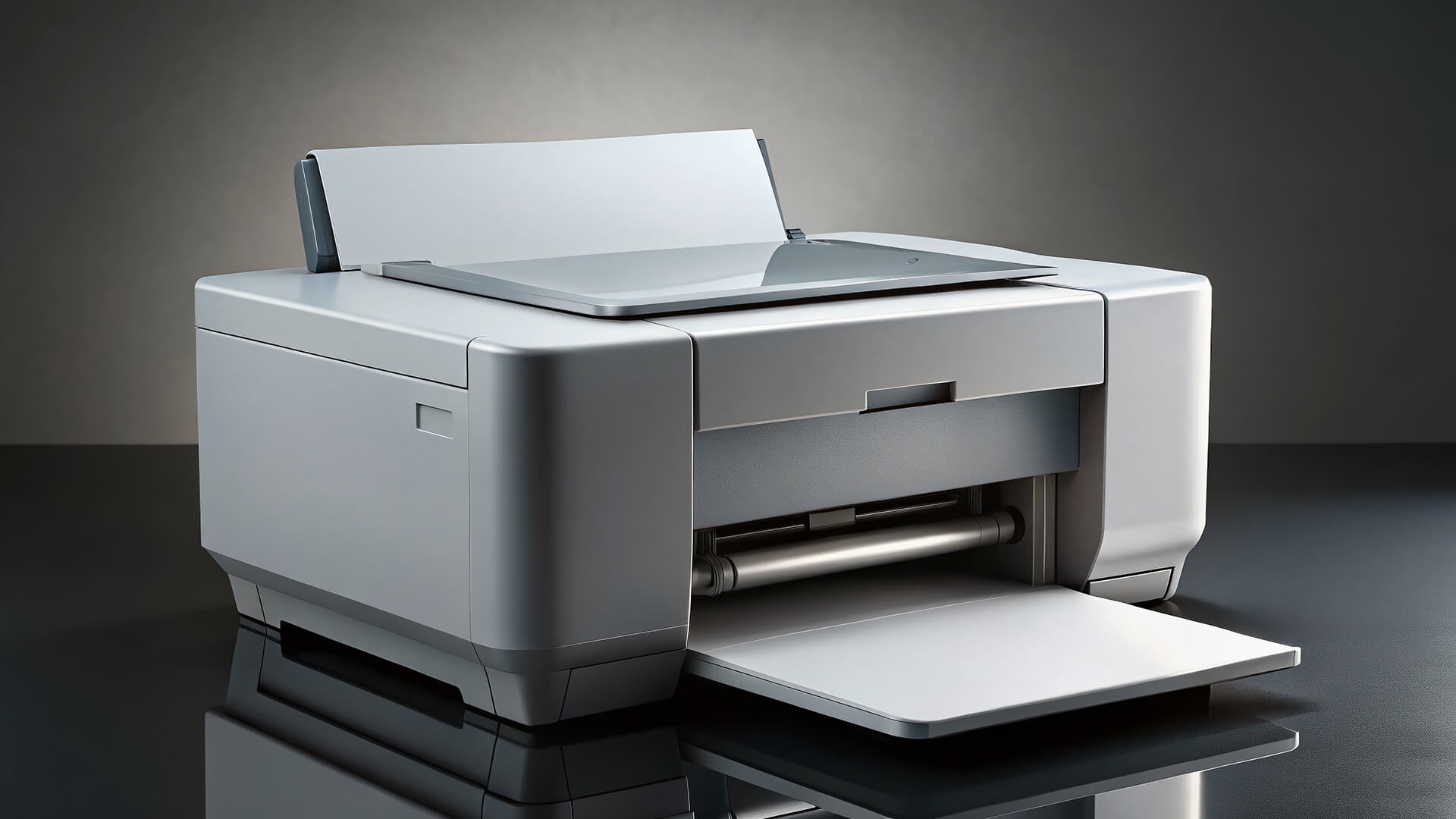
The best compact all in one laser printer for home use should save space without feeling too limited. Many home users do not have room for a large office printer, so size matters.
A compact laser printer is useful for:
- Small desks
- Bedrooms
- Home offices
- Shared family spaces
- Student rooms
- Shelves or printer stands
- Hybrid workspaces
When comparing compact models, check the full footprint. Some printers need extra space for paper output, cables, ventilation or toner access. A compact printer should be easy to place, but also easy to refill and maintain.
A good compact home laser printer should offer:
- A4 document printing
- Scan and copy features
- Easy toner replacement
- Reliable paper handling
- Quiet operation
- Simple controls
- Wireless or wired connectivity
- Duplex printing if possible
For a space-saving mono option, the compact HP mono laser printer with scan and copy is worth considering if you want straightforward home document printing with scanning and copying in one device.
Best Budget All in One Laser Printer for Home Use
The best budget all in one laser printer for home use should keep costs sensible without removing the features you actually need. A low price is useful, but it should not come at the expense of basic reliability.
Before buying a budget model, check:
- Toner cartridge cost
- Toner yield
- Whether starter toner is included
- Print speed
- Paper tray capacity
- Scanner quality
- Duplex printing support
- Wireless support
- Replacement toner availability
- Warranty
A cheap printer may cost more in the long run if toner is expensive or difficult to find. For home users, the best value often comes from a reliable mono laser all-in-one with affordable toner rather than the cheapest model available.
If you print colour only occasionally, a mono laser printer may be the better budget option. If you need colour regularly, compare colour toner costs before buying.
You can browse printer toner and consumables to check replacement supplies.
Best Black and White All in One Laser Printer for Home Use
The best black and white all in one laser printer for home use is ideal if your household mainly prints text documents. Black-and-white laser printers are often faster, simpler and more cost-effective than colour models.
A black-and-white laser printer is useful for letters, forms, work documents, schoolwork, labels, Invoices, receipts, contracts, notes, and returns paperwork
This type of printer is a strong choice for remote workers, students, and families who do not need colour output. It also keeps maintenance simple because you only need to manage black toner rather than multiple colour cartridges.
Best Monochrome All in One Laser Printer for Home Use
The best monochrome all in one laser printer for home use should be reliable, compact and efficient. Monochrome simply means black-and-white, so this is the right type of printer if you want sharp text and low-maintenance printing.
A mono laser all-in-one is usually a good fit if:
- You print documents more than images
- You want lower running costs
- You do not need colour
- You want toner instead of ink
- You need scanning and copying
- You want a dependable home office printer
The Brother wireless mono laser all-in-one printer is a practical choice for users who want reliable home office printing, scanning, copying and document handling from one device.
You can also browse Brother printers for reliable home office printing.
Best All-in-One Colour Laser Printer for Home Use UK
The Best all-in-one colour laser printer for home use UK is a good choice if you need colour documents as well as scanning and copying. This is useful for families, home businesses and remote workers who print more than simple text pages.
A colour laser printer can help with:
- Colour school projects
- Business reports
- Charts and graphs
- Presentation handouts
- Marketing documents
- Branded invoices
- Home admin with colour labels
- Creative documents
Colour laser printers are usually not the best option for high-quality photo printing, but they are excellent for colour documents with text, charts and graphics.
If you need a color laser printer scanner copier for home use, the wireless colour laser printer with scanner and copier is a strong option for households or home offices that need colour output and multifunction features.
For HP users, the HP colour LaserJet multifunction printer is another option if you want colour laser printing, scanning and copying for home or small office documents.
Best Canon All in One Laser Printer for Home Use
The best Canon all in one laser printer for home use will usually suit users who want strong document quality, straightforward controls and dependable home office printing. Canon is a well-known printer brand, especially for home and small office users.
When comparing Canon laser printers, look for:
- Mono or colour output
- Scan and copy features
- Wireless printing
- Duplex printing
- Toner costs
- Paper tray capacity
- Mobile printing support
- Compact design
Canon can be a good choice if you want a familiar printer brand, but it is still important to compare the exact model against HP, Brother, and Xerox options. The best printer is the one that fits your workload, not just the brand name.
Best HP All in One Laser Printer for Home Use
The best HP all in one laser printer for home use should be simple to set up, compact enough for home spaces and reliable for regular document printing.
HP laser printers are popular for home offices because they often offer:
- Easy setup
- Sharp document printing
- Compact designs
- Useful scanner and copier options
- Strong software support
- Reliable toner availability
- Good everyday usability
It is useful if you mainly need black-and-white documents. If you need colour, the HP colour LaserJet multifunction printer gives you colour laser printing with multifunction features.
You can browse HP printers for home and business documents to compare more options.
Best Brother All in One Laser Printer for Home Use
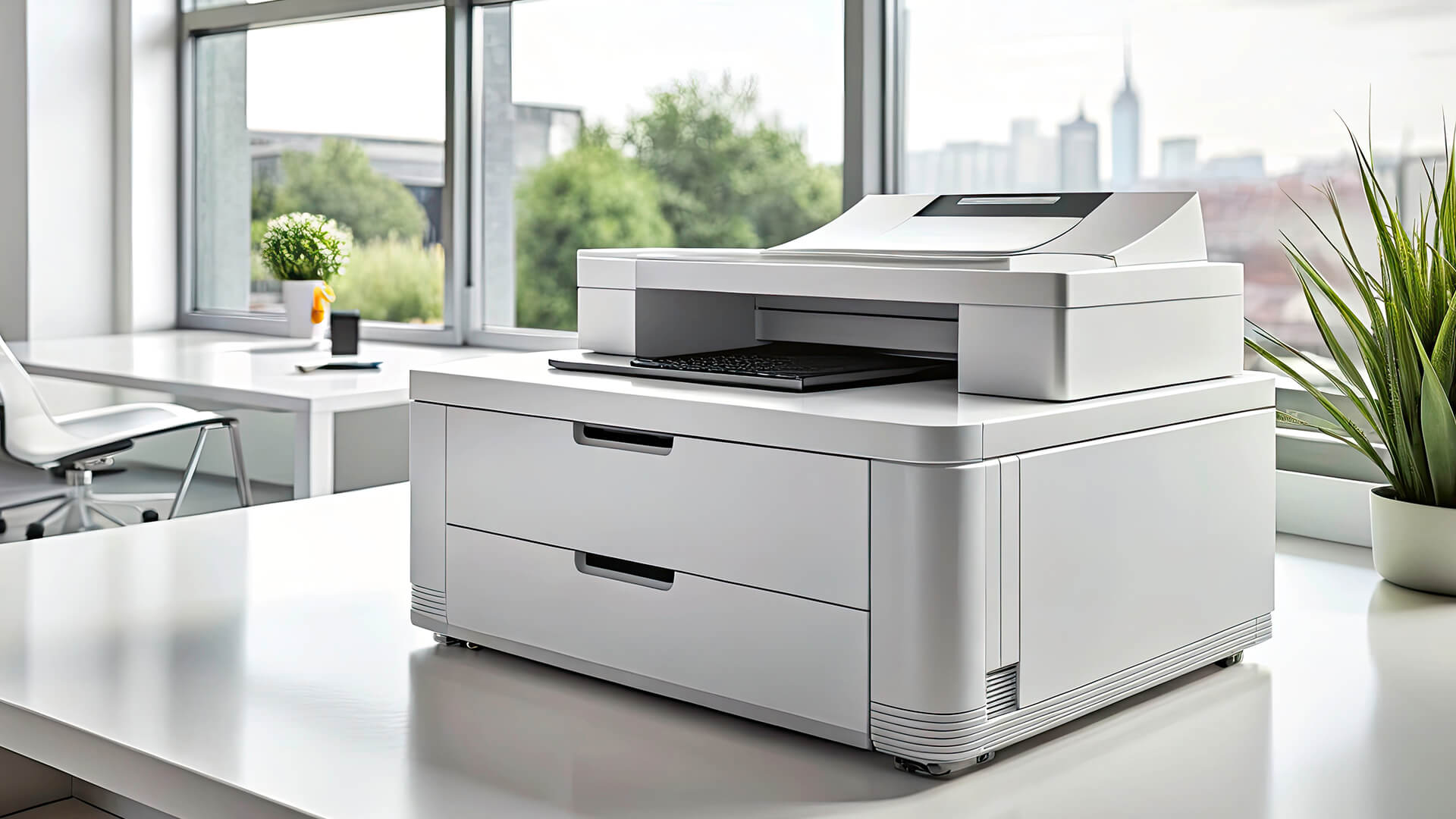
The best Brother all in one laser printer for home use is often a strong choice for users who want reliable document printing and practical home office features. Brother is especially popular for mono laser printers and business-style all-in-one models.
Brother laser printers are useful for:
- Home office printing
- Remote working
- School documents
- Admin paperwork
- Scanning and copying
- Fast text documents
- Low-maintenance printing
The Brother wireless mono laser all-in-one printer is a good fit if you want a dependable mono laser multifunction printer for regular home documents.
Brother is particularly worth considering if you mainly print black-and-white pages and want a practical long-term document printer.
Laser vs Inkjet for Home Printing
Laser and inkjet printers both have benefits, but they suit different households.
| Feature | Laser Printer | Inkjet Printer |
|---|---|---|
| Best for | Documents, forms, schoolwork, admin | Photos, colour images, mixed media |
| Running system | Toner cartridge | Ink cartridge or ink tank |
| Maintenance | Lower risk of drying out | Ink can dry if unused |
| Text quality | Very sharp | Good, depending on model |
| Occasional use | Strong choice | Can need more maintenance |
| Colour photos | Not ideal for photo quality | Usually better |
| Speed | Often faster for documents | Varies by model |
If you mainly print documents, a laser printer is often the better choice. If you print lots of photos or creative materials, an inkjet may be more suitable.
For a full comparison, read toner vs ink for home printing.
Key Features to Compare Before Buying
Before choosing the best at home laser printer, compare the features that affect everyday use.
Print Speed
Print speed matters if you print longer documents or share the printer with several people. It is usually measured in pages per minute. Faster printing saves time, especially for work reports or school packs.
Print Resolution
Print resolution affects sharpness. For most home documents, a standard laser print resolution is enough for clear text, forms and reports.
Duplex Printing
Duplex printing means automatic double-sided printing. It saves paper and makes documents look more professional.
Automatic Document Feeder
An automatic document feeder is useful if you scan or copy multi-page documents. It saves time compared with scanning pages one by one.
Paper Tray Capacity
Paper tray capacity matters if you print regularly. A small tray is fine for occasional use, but a larger tray is more convenient for home office printing.
Toner Yield and Cost Per Page
Toner yield tells you how many pages a toner cartridge can print. Higher yield can mean fewer replacements and lower cost per page.
Wireless and Mobile Printing
Wireless printing is useful for homes with multiple laptops, tablets and phones. Mobile printing makes it easier to print without transferring files to a desktop PC.
Best All-in-One Laser Printer by Home User Type
| Home User Type | Best Printer Type | Why It Helps |
|---|---|---|
| Remote worker | Mono laser all-in-one | Fast, reliable document printing, scanning and copying. |
| Family household | Colour laser all-in-one | Useful for schoolwork, documents, forms and occasional colour printing. |
| Student | Compact mono laser printer | Space-saving, simple and reliable for essays, notes and forms. |
| Small home business | Multifunction laser printer | Supports invoices, scanning, copying and business documents. |
| Occasional printer user | Mono laser printer | Toner is lower maintenance than ink for infrequent printing. |
| Home office with colour needs | Colour laser multifunction printer | Good for reports, charts, business graphics and presentations. |
The best printer is the one that supports your normal routine. Do not overpay for colour if you only print text, and do not choose a basic print-only model if scanning is part of your workflow.
Common Mistakes When Choosing a Home Laser Printer
Buying a Print-Only Model When You Need Scanning
If you regularly scan forms or documents, choose an all-in-one printer from the start. It will be more useful in daily life.
Choosing Colour When Mono Is Enough
Colour laser printers are useful, but they cost more to buy and run. If you only print black-and-white documents, mono is usually better value.
Ignoring Toner Costs
Always check replacement toner before buying. A cheap printer can become expensive if toner costs are high.
Forgetting About Space
Check the printer’s full footprint, including room for paper trays, cables, and toner access.
Not Checking Wireless Support
If several people need to print from different devices, wireless printing is important.
Overlooking Duplex Printing
Automatic double-sided printing can save paper and make home office documents look neater.
Final Verdict: Which All-in-One Laser Printer Should You Buy?
The best all in one laser printer for home use is the one that fits your daily routine. Choose a mono laser all-in-one if you mainly print documents, forms and schoolwork. Choose a colour laser all-in-one if your household needs colour reports, graphics or presentation-style documents. If space is limited, look for a compact model with wireless printing, scanning, and copying.
For most home users, a reliable laser printer with scan, copy, and duplex features will offer the best balance of convenience, speed and low maintenance.
To find the right model for your home setup, browse printers for home and office use, compare multi-purpose all-in-one printers, explore laser printers for fast home document printing, or shop HP and Brother printers at box.co.uk.
For more advice, read our guide to choosing a printer for a home office, or explore wireless printing options for home users.
FAQs
Which is the best laser printer for home use?
The best laser printer for home use depends on what you print. If you mainly print documents, a mono all-in-one laser printer is usually best. If you need colour reports or school projects, choose a colour laser multifunction printer.
Is it worth buying a laser printer for home use?
Yes, a laser printer is worth buying for home use if you print documents, forms, schoolwork or work paperwork. Laser printers are fast, sharp and low maintenance, especially for occasional use.
What is the best laser printer for occasional home use?
A mono laser printer is often best for occasional home use because toner does not dry out like ink. Choose an all-in-one model if you also need scanning and copying.
Which all-in-one laser printer is best for home use?
The best all-in-one laser printer for home use is one that includes printing, scanning, copying, wireless support and affordable toner. Mono models are best for text documents, while colour models are better for graphics and presentation-style documents.
Which is the best all-in-one printer for home use in the UK?
For UK homes, the best all-in-one printer is usually a compact laser multifunction model with wireless printing, duplex support and easy-to-find toner. Choose HP, Brother or another trusted brand based on your print volume and colour needs.
What is the lifespan of a laser printer?
A laser printer can last several years with proper use and maintenance. Lifespan depends on print volume, toner quality, paper handling, environment, and how often the printer is used. Choosing a printer with a suitable monthly duty cycle can help it last longer.
You can pay with:
*PayPal Credit Representative Example: Assumed credit limit £1,200, Representative 23.9% APR (variable). Purchase rate 23.9% p.a (variable).Terms & Conditions apply.


PayPal Credit and PayPal Pay in 3 are trading names of PayPal UK Ltd, 5 Fleet Place, London, United Kingdom, EC4M 7RD. Terms and conditions apply. Credit subject to status, UK residents only, Five Tech LTD acts as a broker and offers finance from a restricted range of finance providers. PayPal Pay in 3 is not regulated by the Financial Conduct Authority. Pay in 3 eligibility is subject to status and approval. 18+. UK residents only. Pay in 3 is a form of credit. Check if affordable and how you will repay. May make other borrowing more difficult or expensive. See product terms for more details.
Copyright © 1996-2026 Fivetech LTD | Terms and Conditions
box.co.uk & Box are trading names of Five Tech Limited. Registered office: Box LTD, Unit 10 Woodford Trading Estate, Woodford Green IG8 8HF