


 Menu
MenuMenu


Get Sales Advice from Mon - Fri 9am - 5:00pm:
020 3337 8950LAST UPDATED: July 13, 2026
Is 16GB RAM Enough for Laptop Gaming, Work & Everyday Use?
If you are buying a new laptop, one of the biggest questions is simple: is 16GB RAM enough? For most people in 2026, yes. 16GB RAM is enough for everyday use, study, office work, browsing, streaming, video calls, light content creation, programming and most 1080p gaming.
The catch is workload. A 16GB laptop can feel smooth if the processor, SSD, and graphics are also suitable. But 16GB RAM is not enough for every user. Heavy 4K video editing, large creative projects, virtual machines, demanding development work, and high-end gaming can push you towards 32GB RAM.
This guide explains when 16GB memory is enough, when 32GB RAM is worth it and what to check before buying or upgrading a laptop.
Quick answer: 16GB RAM is enough for most laptop users, including students, office workers, home users, and many gamers. Choose 32GB RAM if you edit 4K video, use heavy creative apps, run virtual machines, work with large datasets or want extra headroom for long-term performance.
Is 16GB RAM Enough in 2026?
For mainstream laptop use, yes. It gives Windows 11, browser tabs, office apps, video calls, and background apps enough breathing room without forcing the laptop to rely too heavily on slower storage.
16GB RAM is a strong choice for:
- Everyday browsing
- Microsoft Office and Google Workspace
- Video calls
- Remote work
- Coursework
- Streaming
- Light photo editing
- Programming basics
- Most 1080p gaming
- Casual content creation
- Multitasking with several apps open
This is why many modern mid-range laptops now use 16GB RAM as a sensible baseline. If you are comparing all laptop options at Box, 16GB is often the sweet spot between price and performance.
What Does 16GB Memory Actually Do?
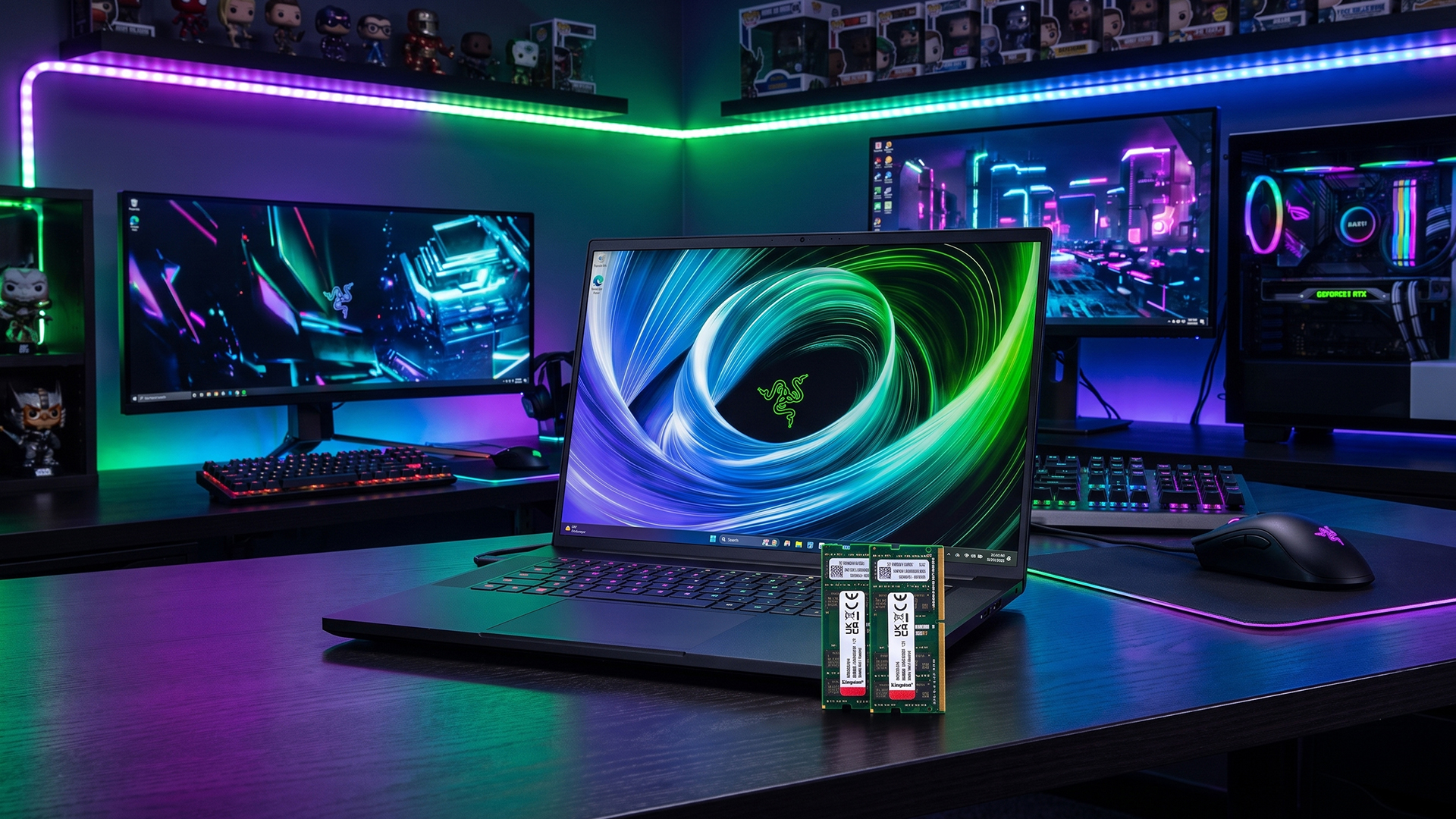
RAM is short-term system memory. Your laptop uses it to keep active apps, browser tabs, files and background processes ready to access quickly.
More RAM does not automatically make every task faster. It helps most when your laptop is running several things at once. When RAM runs out, the laptop has to lean on the SSD, which is slower than system memory. That is when you notice lag, stutter, slow app switching or browser tabs reloading.
In simple terms, 16GB memory gives your laptop more space to work before it slows down.
When 16GB RAM Is Enough
For most buyers, 16GB RAM is enough if your workload is normal or moderately demanding.
Everyday Use
16GB RAM is more than enough for:
- Browsing
- Emails
- Online banking
- Shopping
- Social media
- Streaming
- Music
- Documents
- Photos
- Video calls
For a home laptop, 16GB gives plenty of headroom. You can keep a browser open, stream music, sync files, and work in documents without constantly closing apps.
This is especially useful if your browser is usually packed with tabs. Chrome, Teams, cloud storage and background apps can quickly eat into system memory, so our Chrome memory guide explains why 16GB can feel smoother than 8GB for everyday multitasking.
If your needs are simple, browse the Windows laptop range at Box and focus on a good SSD, display, and processor as well as RAM.
Study and Student Work
For most courses, yes. 16GB is a strong choice for essays, research, online classes, presentations, and browser-heavy study.
16GB RAM is useful for students because they often run:
- Lecture slides
- Browser research
- Word or Google Docs
- Teams or Zoom
- PDF readers
- Messaging apps
- Cloud storage
- Music or video in the background
For school, college, or university, student laptop choices with 16GB RAM are usually a smart long-term option.
Work and Remote Productivity
For office work, 16GB RAM is enough for most users. It is suitable for:
- Spreadsheets
- Reports
- CRM tools
- Web apps
- Video meetings
- Project management tools
- Light photo work
- Multiple browser windows
For business users, the rest of the laptop still matters. A decent processor, SSD storage, webcam, keyboard, and battery life can be just as important as RAM. You can compare work-ready laptops if the laptop will be used daily for work.
Is 16GB RAM Enough for Gaming?
For most laptop gaming, yes. In many cases, 16GB RAM is the recommended sweet spot, especially for 1080p gaming.
16GB RAM is suitable for:
- eSports titles
- Online multiplayer games
- Most modern games at sensible settings
- Game launchers and chat apps
- Casual streaming or recording
- Minecraft
- Indie games
- Older AAA games
The bigger gaming question is usually not RAM. It is the graphics card. A laptop with 16GB RAM and weak integrated graphics will not beat a laptop with 16GB RAM and a strong dedicated GPU.
Gaming buyers should look at the full spec, not just the memory. If you want a more focused list of models built around this RAM level, our guide to Best 16 GB RAM Gaming Laptops for Smooth 1080p Play in 2026 is a useful next read.
If gaming is your priority, browse gaming laptop deals and check the GPU, display refresh rate, processor, and cooling as well as RAM.
Is 16 GB Good for Gaming?
Yes, if you are into mainstream gaming. It is enough for many players who want smooth 1080p performance, especially when paired with a capable graphics card.
Choose 32GB RAM for gaming if you:
- Play very demanding modern games
- Stream while gaming
- Record gameplay
- Use lots of mods
- Keep Discord, browser and overlays open
- Want extra long-term headroom
- Use the laptop for gaming and creative work
For most buyers, 16GB RAM plus the right GPU is better value than 32GB RAM with a weaker GPU.
Is 16GB RAM Enough for Minecraft?
Yes. Minecraft can run on much less, but 16GB gives more room for Windows, launchers, multiplayer, browser tabs, and background apps.
16GB RAM is a good choice if you play:
- Vanilla Minecraft
- Multiplayer servers
- Light modpacks
- Texture packs
- Casual creative worlds
You may want 32GB RAM if you use heavy modpacks, large shaders, high render distances, or host a server while playing. For most Minecraft players, 16GB is comfortable.
Is 16GB RAM Enough for Video Editing?
It depends on the type of editing. Yes for light editing and HD projects, but not always for heavier 4K work.
16GB RAM is usually fine for:
- Basic YouTube editing
- HD video projects
- Short social clips
- Simple timelines
- Light colour edits
- Basic transitions
- School or hobby projects
32GB RAM is better for:
- 4K editing
- Long timelines
- Multi-camera projects
- Heavy effects
- Motion graphics
- High-resolution footage
- Professional video work
- Editing while using other apps
For video editing, RAM matters, but so do the CPU, GPU, SSD speed, and screen quality. A laptop with 16GB RAM and a strong processor can edit light projects well, but 32GB is safer for serious creative workloads.
Is 16GB RAM Enough for Programming?
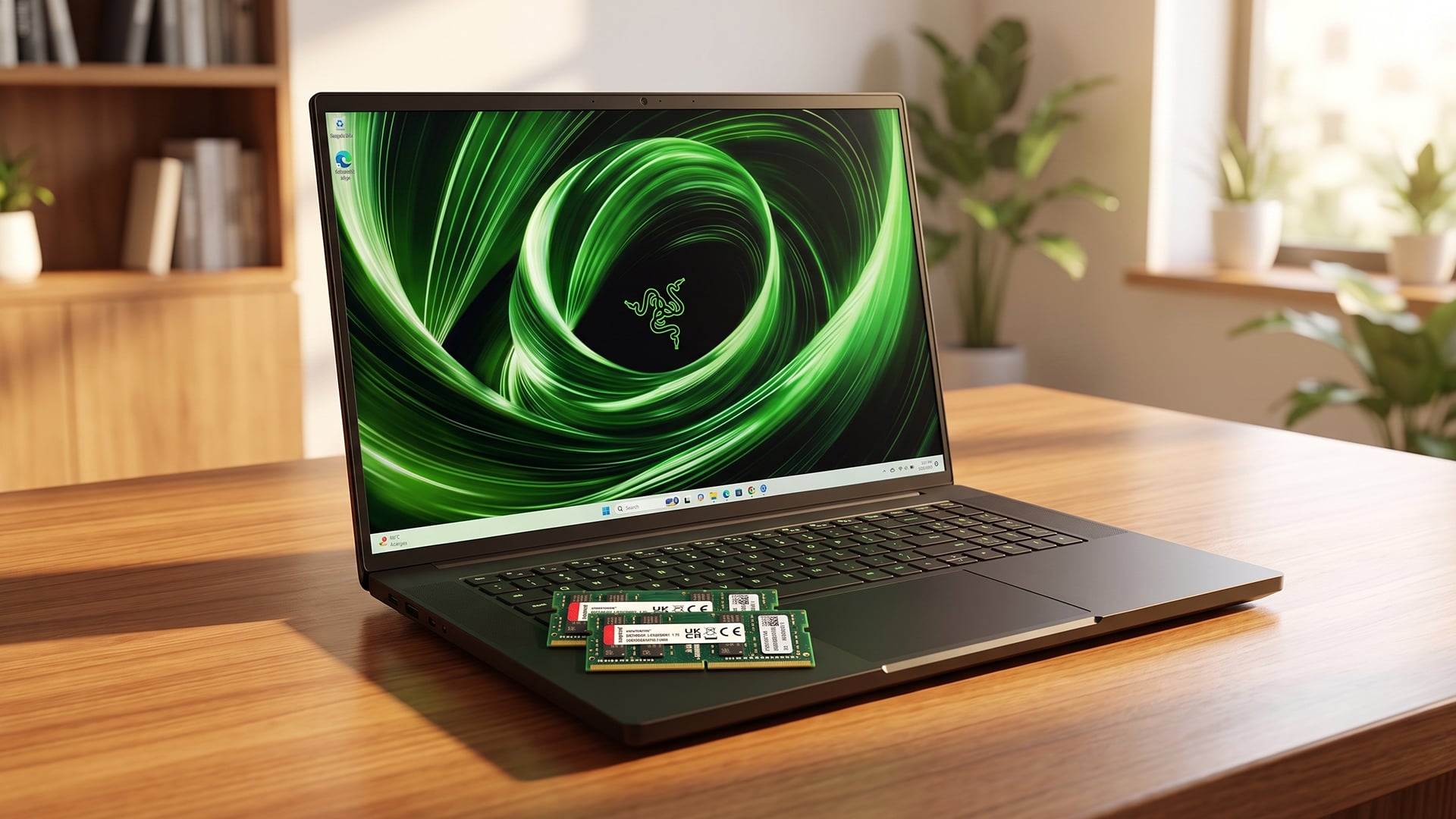
For most programming, yes. It depends on the tools you use, but it is enough for many students, web developers, and general coders.
16GB RAM is good for:
- Web development
- Python
- JavaScript
- HTML and CSS
- Light app development
- Visual Studio Code
- Database basics
- Git tools
- Browser testing
- Local servers
You may want 32GB RAM if you use:
- Android Studio
- Docker containers
- Virtual machines
- Large IDEs
- Big codebases
- Data science tools
- Local AI models
- Multiple development environments
For many professional developers, 16GB is workable. For heavier development, 32GB gives more room and fewer slowdowns.
For more detail on picking the right memory, read our guide on choosing laptop memory.
When 16GB RAM Is Not Enough
There are cases where 16GB RAM is not enough. This does not mean 16GB is bad. It means the workload is heavy enough to justify more memory.
Choose 32GB RAM if you regularly do:
- 4K video editing
- Large Photoshop projects
- Professional design work
- 3D modelling
- CAD
- Music production with many plugins
- Virtual machines
- Docker workloads
- Large programming projects
- Heavy modded gaming
- Serious livestreaming
- AI workflows
- Big data work
If you are buying for AI features, local AI tools, or future creative workloads, read our AI laptop RAM guide before choosing.
16GB vs 32GB RAM: Which Should You Choose?
The simplest answer is this: choose 16GB for value, choose 32GB for headroom.
Choose 16GB RAM If You:
- Browse and stream
- Study or work from home
- Use Microsoft Office
- Join video calls
- Play games at 1080p
- Do light editing
- Use normal web apps
- Want good value
- Do not run heavy creative tools daily
Choose 32GB RAM If You:
- Edit 4K video
- Run virtual machines
- Use large creative apps
- Multitask heavily
- Stream and game together
- Run big coding projects
- Work with data-heavy files
- Want longer-term headroom
- Dislike closing apps and tabs
For a deeper comparison, read our 16GB vs 32GB laptop guide and choose the option according to how you work.
DDR4 16GB vs DDR5 RAM
You may see laptops listed as DDR4 16GB, DDR5 16GB, or LPDDR5 16GB. These refer to the type of laptop memory.
DDR4 16GB
DDR4 16GB is still fine for many budget and mid-range laptops. It is suitable for everyday use, study, office work, and casual gaming.
DDR5 RAM
DDR5 RAM is newer and usually offers higher bandwidth. It is common in newer laptops and can help with modern processors, integrated graphics, and heavier multitasking.
LPDDR5 RAM
LPDDR5 is common in thin and light laptops. It is efficient and good for battery life, but it is often soldered to the motherboard, which means it may not be upgradeable.
The key point: 16GB DDR5 is not automatically better than 32GB DDR4 for every task. Capacity still matters. For heavy workloads, 32GB often matters more than the RAM type.
Should You Upgrade Laptop RAM?
A RAM upgrade can be worth it if your laptop supports it and you regularly run out of memory.
Signs You Need More Than 16GB
You may need more RAM if:
- Apps freeze when multitasking
- Browser tabs reload often
- Video editing stutters
- Games crash with mods
- Windows feels slow with several apps open
- Task Manager often shows memory near full
- You use virtual machines or Docker
- Your laptop uses integrated graphics and shares system memory
Check If Your Laptop Has Upgradeable RAM
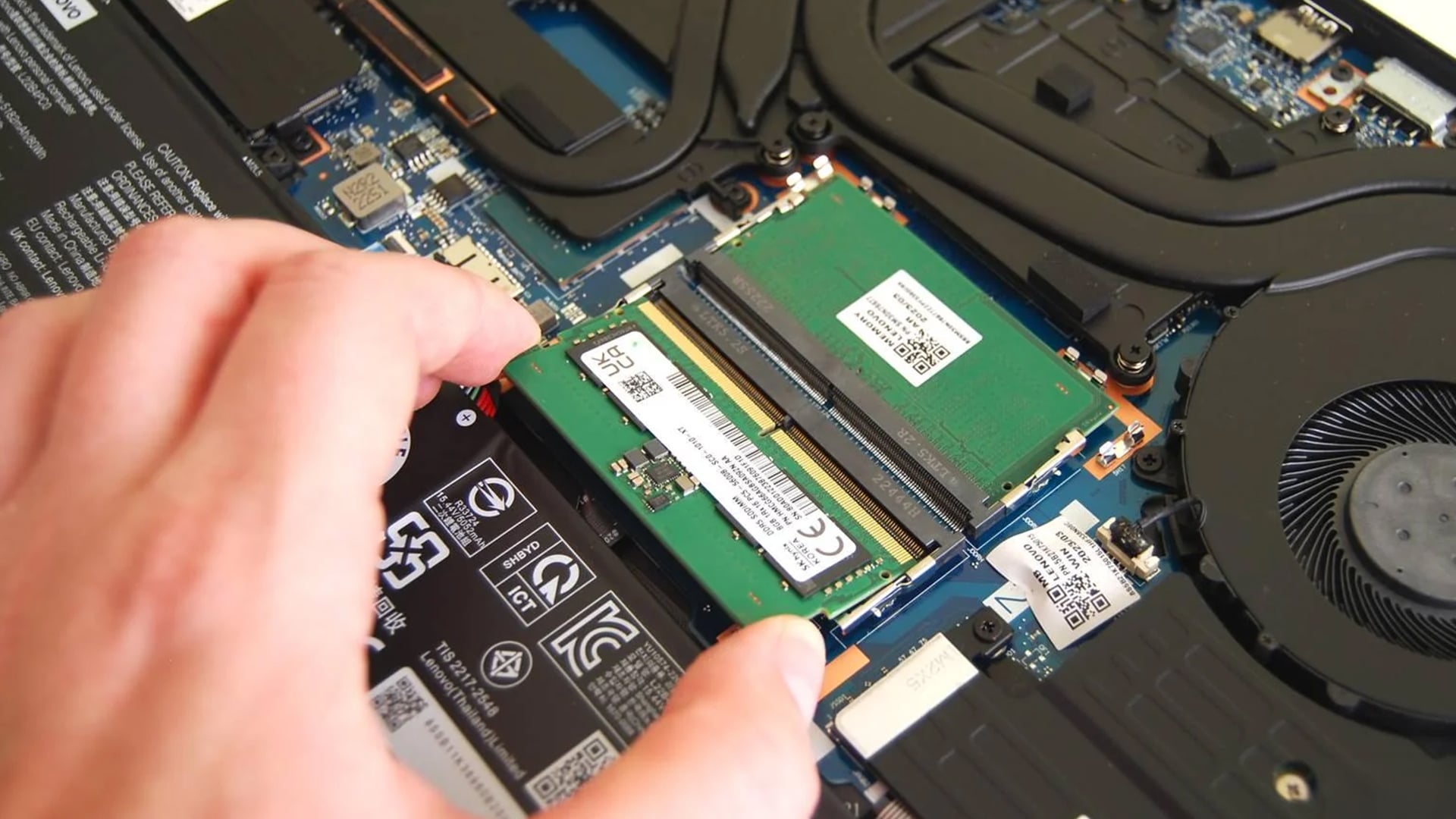
Not all laptops let you upgrade RAM. Many thin and light laptops have soldered memory.
Before buying or upgrading, check:
- Whether RAM is soldered
- Number of RAM slots
- Maximum supported capacity
- RAM type
- Warranty terms
- Whether dual-channel memory is supported
If RAM is soldered, buy enough at the start. If it is upgradeable, you may be able to start with 16GB and move to 32GB later.
How Much RAM Do Different Users Need?
| User Type | Recommended RAM |
|---|---|
| Basic home user | 8GB to 16GB |
| Student | 16GB |
| Office worker | 16GB |
| Remote worker | 16GB |
| Casual gamer | 16GB |
| 1080p gaming laptop user | 16GB |
| Heavy gamer and streamer | 32GB |
| HD video editor | 16GB |
| 4K video editor | 32GB or more |
| Programmer | 16GB to 32GB |
| AI or data-heavy user | 32GB or more |
This is a general guide. The right amount still depends on your apps, budget, and how long you plan to keep the laptop.
What Else Matters Besides RAM?
RAM is important, but it is only one part of laptop performance.
Processor
A strong CPU helps with multitasking, programming, editing, spreadsheets, browser performance, and game performance.
Graphics
For gaming, the GPU matters more than RAM once you have 16GB. Dedicated graphics are best for serious gaming, while integrated graphics are fine for light gaming and everyday use.
SSD Storage
An SSD makes the laptop feel fast when opening apps, starting Windows, and loading files. For most buyers, 512GB is a better target than 256GB.
Cooling
A laptop with good specs can still underperform if it overheats. Gaming and creator laptops need better cooling than basic office laptops.
Battery Life and Portability
A powerful laptop is not always the best laptop. If you travel, commute, or study on campus, compare portable laptop picks so the laptop is easy to carry.
Buying Advice: What RAM Should Your Next Laptop Have?
For most people buying a laptop in 2026, 16GB RAM is the best starting point.
Choose a 16GB laptop if you want:
- Good everyday performance
- Smooth multitasking
- Better value than 32GB
- Solid student use
- Work-from-home performance
- Mainstream gaming
- Light editing
- Longer usability than 8GB
Choose 32GB if you know your workload needs it, or if the laptop cannot be upgraded later and you want maximum headroom.
Final Verdict: Is 16GB RAM Enough?
So, is 16GB RAM enough? Yes, for most laptop users in 2026, 16GB RAM is enough. It is a strong choice for everyday use, work, study, video calls, browsing, streaming, programming basics, and most laptop gaming.
16GB RAM is the right choice if you want a laptop that feels smooth without overpaying. It gives Windows and modern apps enough space for normal multitasking and is a much safer buy than 8GB.
However, 16GB RAM is not enough for every workload. Choose 32GB RAM if you edit 4K video, stream while gaming, use heavy creative tools, run virtual machines, manage large code projects, or want extra headroom for the next few years.
The simple answer:
- 16GB RAM: best for most people
- 32GB RAM: best for heavy creators, developers, gamers and power users
- 8GB RAM: only for basic budget use
- Upgradeable RAM: useful if you may need more later
- Soldered RAM: buy the amount you need from day one
For the average laptop buyer, 16GB is still the sweet spot.
FAQs
-
Do I need 16 or 32 GB of memory?
Most people need 16GB of memory. Choose 32GB if you edit 4K video, use virtual machines, work with large creative files, run heavy development tools, or want extra headroom for demanding multitasking.
-
Is 16GB of RAM still good enough?
Yes, 16GB of RAM is still good enough for most laptop users in 2026. It is suitable for everyday use, study, work, browsing, video calls, streaming, and many games.
-
Is 32GB RAM overkill in 2026?
32GB RAM is overkill for basic browsing, office work, and casual use. It is not overkill for 4K editing, heavy gaming, streaming, programming, virtual machines, large creative projects, or long-term power users.
-
Will I notice a difference between 16GB and 32GB of RAM?
You will notice the difference if your current workload uses more than 16GB. If you only browse, stream, work in documents, and play lighter games, the difference may be small. For heavy multitasking, editing and development, 32GB can feel smoother.
-
Is it worth increasing RAM from 16GB to 32GB?
It is worth increasing RAM from 16GB to 32GB if you regularly run out of memory, use demanding apps or want better headroom for future workloads. It is less worthwhile if your laptop already feels fast and your RAM usage stays comfortable.
-
How much to upgrade from 16GB RAM to 32GB?
The cost depends on the laptop, RAM type, whether the memory is soldered, and whether you need professional installation. Some laptops cannot be upgraded at all, so check your model before buying RAM.
-
Is 16GB RAM enough for laptop gaming?
Yes, 16GB RAM is enough for most laptop gaming, especially at 1080p. For high-end gaming, streaming, heavy mods, or future-proofing, 32GB may be a better choice.
You can pay with:
*PayPal Credit Representative Example: Assumed credit limit £1,200, Representative 23.9% APR (variable). Purchase rate 23.9% p.a (variable).Terms & Conditions apply.


PayPal Credit and PayPal Pay in 3 are trading names of PayPal UK Ltd, 5 Fleet Place, London, United Kingdom, EC4M 7RD. Terms and conditions apply. Credit subject to status, UK residents only, Five Tech LTD acts as a broker and offers finance from a restricted range of finance providers. PayPal Pay in 3 is not regulated by the Financial Conduct Authority. Pay in 3 eligibility is subject to status and approval. 18+. UK residents only. Pay in 3 is a form of credit. Check if affordable and how you will repay. May make other borrowing more difficult or expensive. See product terms for more details.
Copyright © 1996-2026 Fivetech LTD | Terms and Conditions
box.co.uk & Box are trading names of Five Tech Limited. Registered office: Box LTD, Unit 10 Woodford Trading Estate, Woodford Green IG8 8HF