


 Menu
MenuMenu


Get Sales Advice from Mon - Fri 9am - 5:00pm:
020 3337 8950LAST UPDATED: July 06, 2026
32GB RAM vs 16GB RAM: Which Is Better for Laptops?
Choosing between 32GB vs 16GB RAM laptops can be tricky because two laptops may look almost identical apart from memory size. One has 16GB RAM, the other has 32GB RAM, and the bigger number naturally looks better. The right choice depends on how you use your laptop. For everyday tasks, 16GB is usually enough. For heavy multitasking, gaming while streaming, video editing, programming, virtual machines and long-term use, 32GB RAM is the better option.
32GB RAM vs 16GB RAM: Quick Answer
For most laptop buyers, 16GB RAM is the practical sweet spot. It is enough for students, office work, browsing, streaming, video calls, light gaming and normal multitasking. 32GB RAM is better if you run heavier software, keep lots of apps open or want a laptop that feels capable for longer.
If you are comparing a 32 RAM laptop with a 16GB model, choose 32GB if the price difference is reasonable and you plan to keep the laptop for several years.
-
Choose 16GB RAM If You Use Your Laptop for Everyday Tasks
Choose 16GB RAM if your daily use includes browsing, emails, Microsoft Office, Zoom, Netflix, schoolwork, light photo editing and general productivity. A good 16GB laptop with a modern processor and fast SSD will feel quick for most people.
-
Choose 32GB RAM If You Run Heavy Apps or Want Longer Usability
Choose 32GB RAM if you edit video, use design software, code, game, run virtual machines, work with large spreadsheets or keep many browser tabs and apps open. It gives the system more breathing room and reduces slowdowns under heavier workloads.
What Does RAM Actually Do in a Laptop?
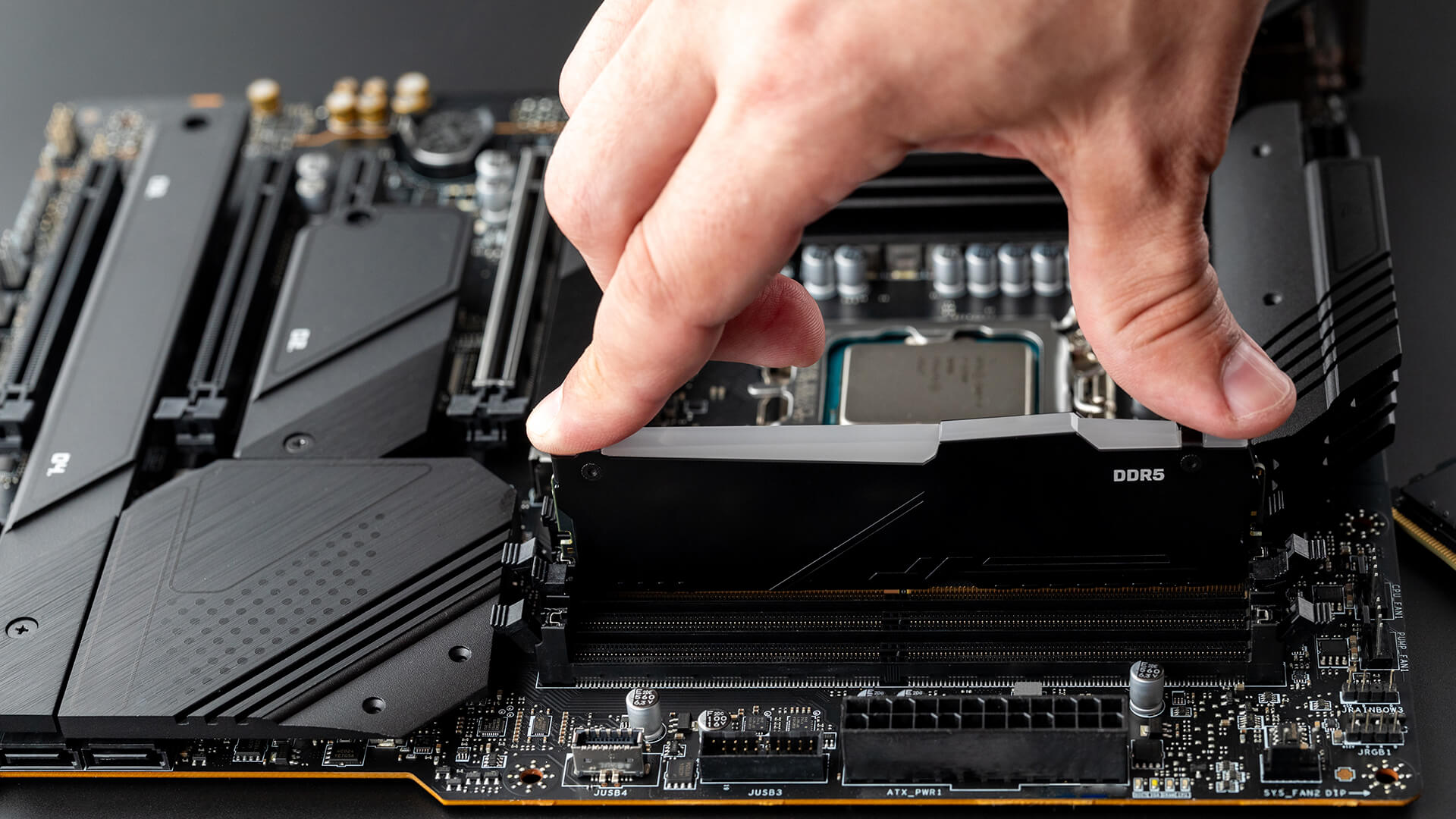
RAM is your laptop’s short-term memory. It holds the apps, browser tabs and files you are actively using. More RAM helps when your laptop is juggling multiple tasks, but it does not automatically make every laptop faster. CPU, SSD, GPU and cooling still matter.
When comparing 32GB vs 16GB RAM laptops, think of RAM as workspace. If your workspace is too small, things slow down. If it is large enough for your tasks, adding more may not feel dramatically faster. For upgrades, it is worth checking compatible laptop memory before buying anything.
-
RAM vs Storage: Why They Are Not the Same
RAM and storage are different. RAM handles active tasks. Storage, usually an SSD, keeps Windows, apps, games, photos and files. A laptop with 32GB RAM but a slow or nearly full SSD may still feel sluggish.
-
Why More RAM Helps with Multitasking
More RAM helps when switching between apps, browser tabs, files and background processes. It can stop apps from reloading, reduce lag during heavy sessions and make the system feel smoother when several tasks are running at once. Google’s Chrome Memory Saver exists because inactive tabs can take up memory, and Chrome may deactivate them to help active tabs run smoothly.
16GB RAM in a Laptop: Who Is It Best For?
A 16GB laptop is the right choice for most everyday users. It handles Windows 11, browser tabs, video calls, office apps, streaming and light creative work well. Microsoft lists 4GB RAM as the minimum for Windows 11, but that is only a baseline requirement, not a recommendation for smooth modern multitasking.
If you are buying a 16 GB RAM laptop, prioritise the full spec too. A 16GB laptop with a better CPU, SSD and display can be a smarter buy than a 32GB model with weaker hardware.
-
Is 16GB RAM Enough for Work and Study?
Yes, 16GB RAM is enough for most students, office workers, remote workers and casual users. It is suitable for essays, presentations, spreadsheets, video meetings, research, streaming and everyday productivity.
-
Is 16GB RAM Enough for Gaming?
Yes, 16GB RAM is enough for many games, especially when paired with a good GPU. For esports and mainstream gaming, 16GB still works well. However, 32GB helps if you play newer AAA games while running Discord, browsers, capture tools or streaming software in the background.
-
When 16GB RAM
May Start to Feel Limited
16GB RAM may feel limited with 4K video editing, large Photoshop files, virtual machines, heavy Chrome use, development tools, large Excel files, Power BI projects or multiple creative apps open at once. If you regularly hit high memory usage, 32GB becomes more useful.
32GB RAM in a Laptop: Who Actually Needs It?
32GB RAM is not essential for everyone, but it is valuable for demanding users. The biggest 32GB RAM laptop benefits are smoother multitasking, more headroom for heavy apps and better long-term usability.
This is especially important if the laptop has soldered memory that cannot be upgraded later. If you are buying a newer performance machine, checking whether it uses DDR5 can also help you understand its memory generation and upgrade path.
-
32GB RAM for Video Editing and Creative Work
Creators benefit most from 32GB RAM. Video editing, RAW photo editing, animation, large design files and Adobe apps can use a lot of memory. Adobe’s Premiere Pro requirements list 16GB RAM for HD media and 32GB or more for 4K and higher workflows, which makes 32GB a better fit for serious editing.
-
32GB RAM for Gaming, Streaming and Content Creation
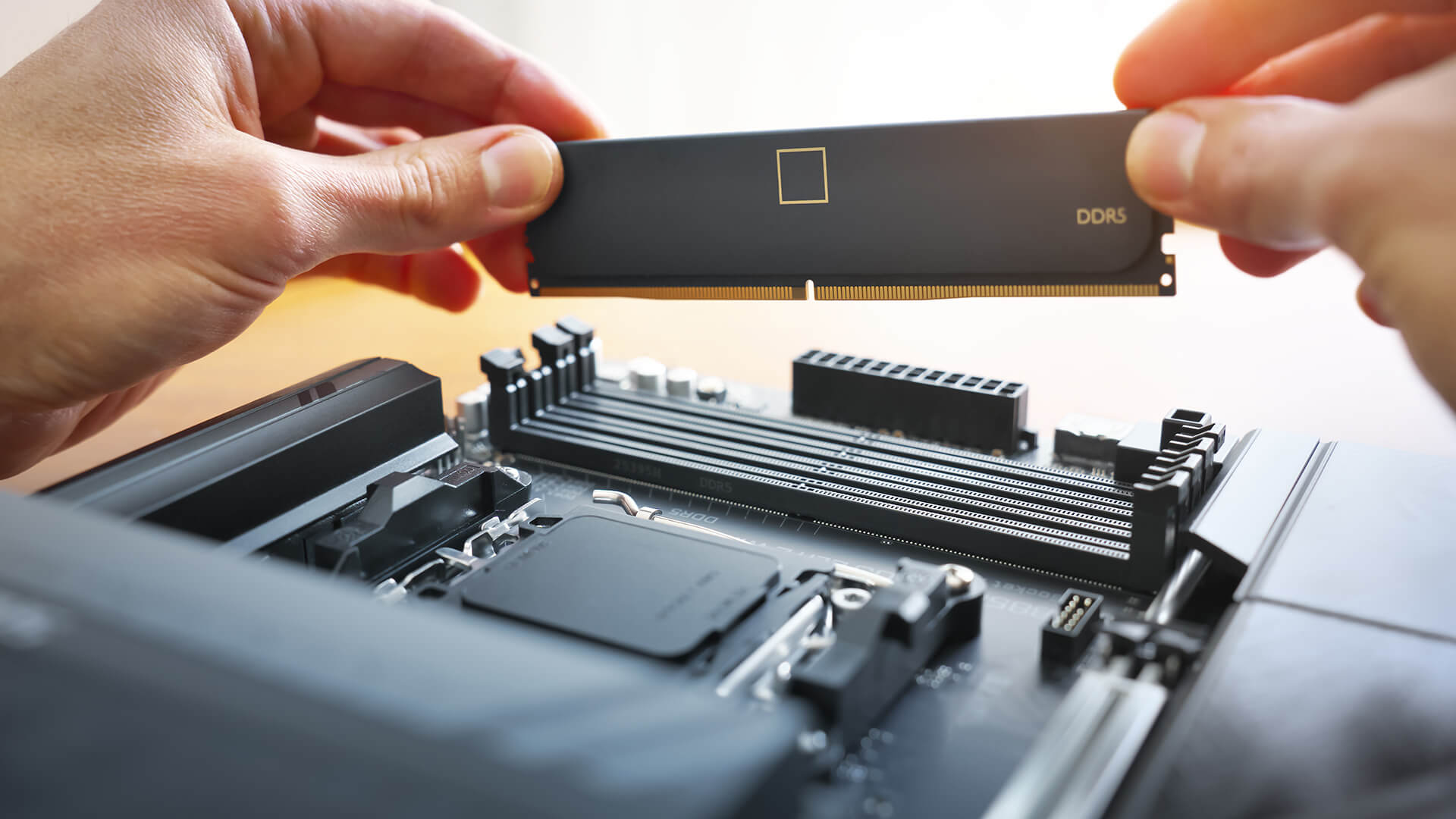
For gaming alone, 32GB is not always required. For gaming while streaming, recording, using Discord, browsing and running launchers, it is more useful. It reduces the chance of stutters caused by background tasks competing for memory.
-
32GB RAM for Programming and Virtual Machines
Developers can benefit from 32GB RAM when using IDEs, Docker, emulators, virtual machines, local databases and multiple browser windows. If you use development tools daily, 32GB RAM can make the laptop feel much smoother.
-
32GB RAM for Future-Proofing a Laptop
32GB RAM is a better long-term choice if you plan to keep the laptop for four to six years. Software tends to get heavier over time, and non-upgradeable RAM makes the original configuration more important.
16GB vs 32GB RAM Performance: Will You Notice the Difference?
Most everyday users will not notice a huge speed difference between 16GB and 32GB RAM during basic tasks. Browsing, streaming, email and documents usually feel similar if the laptop has a good processor and SSD. The difference appears when the system is under pressure.
If you are shopping for the best laptops, compare RAM alongside CPU, SSD, GPU, screen quality, battery life and cooling.
-
Everyday Performance Difference
For everyday tasks, 16GB RAM is usually enough. Opening documents, watching Netflix, joining video calls and using a few browser tabs will not normally need 32GB. If the laptop feels slow in these tasks, the cause may be an old processor, poor storage or too many background apps.
-
Gaming Performance Difference
32GB RAM may not dramatically increase average FPS in every game, but it can help reduce stutters in heavier titles or multitasking setups. It is most useful when gaming alongside Discord, browser tabs, recording software or streaming tools.
-
Creative and Professional Performance Difference
This is where 32GB RAM is easier to justify. Large project files, smoother timeline previews, faster app switching and fewer crashes are all practical benefits. For creators and professionals, 32GB helps prevent slowdowns rather than simply chasing headline speed.
Should You Upgrade from 16GB to 32GB RAM?
Upgrade from 16GB to 32GB RAM if your laptop slows down when many apps are open, memory usage is often near full or creative software feels restricted. Do not upgrade only because 32GB sounds better. If your laptop has an old CPU, weak battery, limited storage or poor cooling, more RAM may not fix the main issue.
Before upgrading, check whether your laptop supports replaceable RAM. If you need compatible options, browse the latest RAM options and confirm the correct type, speed and form factor.
-
Signs Your Laptop Needs More RAM
Common signs include freezing, slow tab switching, apps reloading, editing lag, virtual machines struggling and high memory usage in Task Manager. If these problems happen often, 32GB RAM may help.
-
When Upgrading RAM Is Not Worth It
Upgrading may not be worth it on older laptops with weak processors, poor displays, bad battery life or non-upgradeable soldered memory. In those cases, replacing the laptop may offer better value.
32GB RAM vs 16GB RAM: Which Should You Buy?
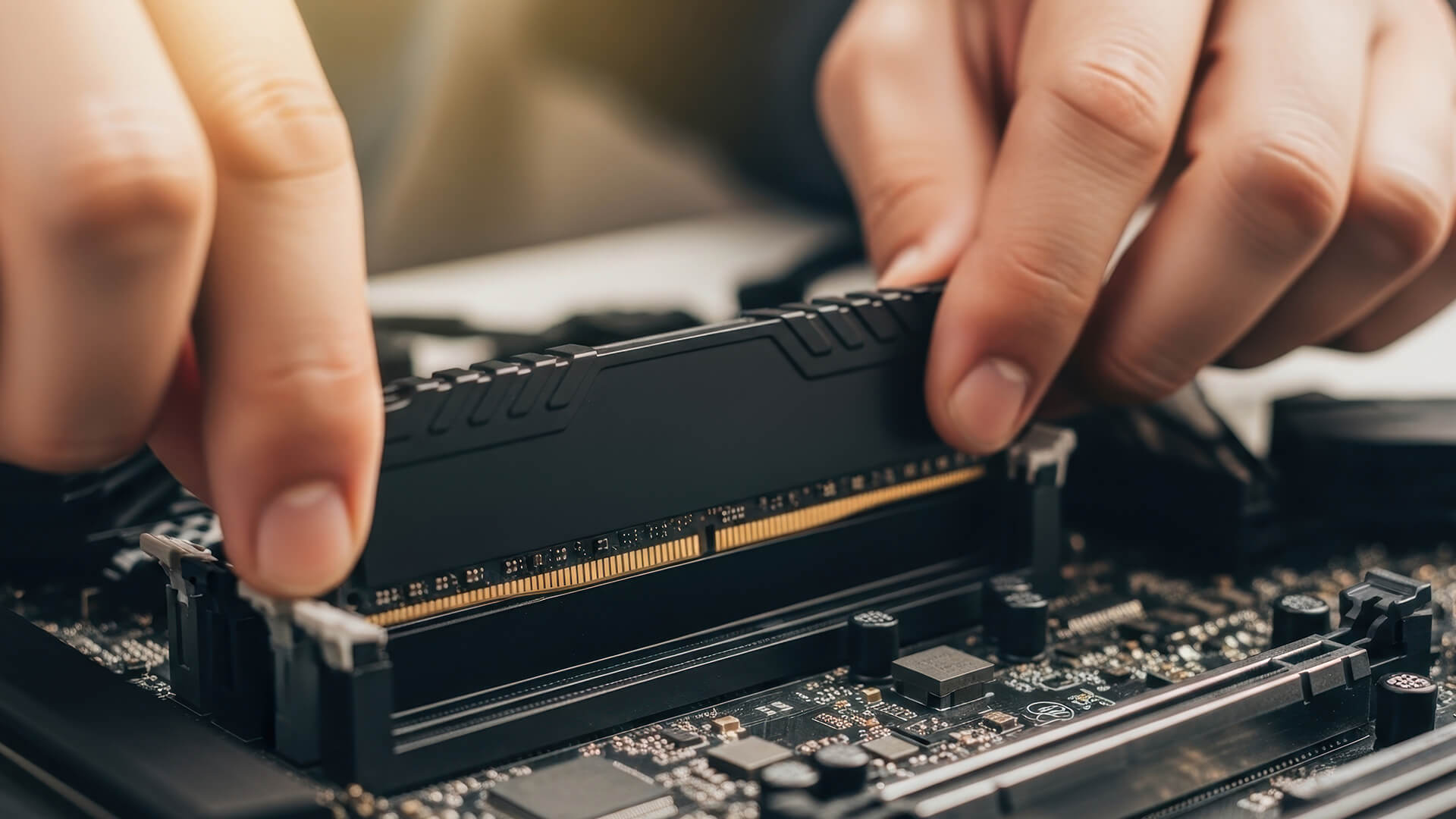
The best choice depends on workload. For most people, 16GB gives the best value. For demanding users, 32GB gives better long-term performance and fewer slowdowns. If you are checking upgrade compatibility, confirm whether the laptop uses DDR4 or DDR5, as they are not interchangeable.
| User Type | Better Choice | Reason |
| Student | 16GB RAM | Enough for study, browsing, streaming and assignments |
| Office worker | 16GB RAM | Good for documents, email, calls and multitasking |
| Casual user | 16GB RAM | Better value for everyday use |
| Gamer | 16GB or 32GB RAM | 16GB is fine for many games; 32GB is better for heavy gaming and streaming |
| Video editor | 32GB RAM | Better for 4K footage and large editing projects |
| Developer | 32GB RAM | Useful for IDEs, emulators, Docker and virtual machines |
| Long-term buyer | 32GB RAM | More future-proof, especially with soldered RAM |
-
Best Value Choice
16GB RAM is the best value choice for most buyers, especially if the 32GB version costs a lot more. Put the saved budget towards a better processor, SSD, display or GPU if those upgrades matter more for your use.
-
Best Long-Term Choice
32GB RAM is the better long-term choice if you run demanding software, multitask heavily or plan to keep the laptop for several years. It is also the safer option if the RAM cannot be upgraded later.
Wrapping Up
So, in conclusion, yes, 32GB RAM is technically better than 16GB RAM, but it is not always necessary. For everyday users, students and office workers, 16GB RAM offers better value and enough performance for modern laptop use. For creators, developers, gamers who multitask, professionals and long-term buyers, 32GB RAM is the smarter choice.
If your workload is light, buy 16GB and focus on the overall laptop spec. If your workload is heavy or you want more future-proofing, choose 32GB. The best decision in 32GB vs 16GB RAM laptops depends on workload, budget, upgradeability and the rest of the hardware.
FAQs
-
Is 16GB RAM enough for a laptop in 2026?
Yes, 16GB RAM is enough for most laptop users in 2026. It works well for study, office tasks, browsing, video calls, streaming, light editing and many games.
-
Is 32GB RAM overkill for a laptop?
32GB RAM is overkill for basic use, but not for video editing, heavy multitasking, development, virtual machines, gaming while streaming or long-term laptop ownership.
-
Does 32GB RAM make a laptop faster than 16GB RAM?
Not always. 32GB RAM helps when 16GB is being fully used. It prevents slowdowns more than it increases raw speed. CPU, SSD, GPU and cooling still affect performance.
-
Should I buy a 16GB or 32GB RAM laptop for gaming?
Choose 16GB RAM for casual and mainstream gaming. Choose 32GB RAM if you play demanding games, stream, record gameplay or keep multiple apps open while gaming.
-
Is 32GB RAM worth it for students?
For most students, 16GB RAM is enough. 32GB RAM is worth it for students using video editing, engineering tools, coding environments, virtual machines or design software.
-
Is 32GB RAM good for work laptops?
Yes, 32GB RAM is good for work laptops used for large spreadsheets, multitasking, creative apps, data work, virtual machines or professional software.
-
Should I choose DDR4 or DDR5 RAM in a laptop?
Choose DDR5 if you are buying a new performance laptop. DDR4 is still fine for compatible older laptops, especially if you are upgrading an existing machine.
You can pay with:
*PayPal Credit Representative Example: Assumed credit limit £1,200, Representative 23.9% APR (variable). Purchase rate 23.9% p.a (variable).Terms & Conditions apply.


PayPal Credit and PayPal Pay in 3 are trading names of PayPal UK Ltd, 5 Fleet Place, London, United Kingdom, EC4M 7RD. Terms and conditions apply. Credit subject to status, UK residents only, Five Tech LTD acts as a broker and offers finance from a restricted range of finance providers. PayPal Pay in 3 is not regulated by the Financial Conduct Authority. Pay in 3 eligibility is subject to status and approval. 18+. UK residents only. Pay in 3 is a form of credit. Check if affordable and how you will repay. May make other borrowing more difficult or expensive. See product terms for more details.
Copyright © 1996-2026 Fivetech LTD | Terms and Conditions
box.co.uk & Box are trading names of Five Tech Limited. Registered office: Box LTD, Unit 10 Woodford Trading Estate, Woodford Green IG8 8HF