


 Menu
MenuMenu


Get Sales Advice from Mon - Fri 9am - 5:00pm:
020 3337 8950LAST UPDATED: May 29, 2026
How Much RAM Do You Need for an AI Laptop in 2026?
Buying an AI laptop and wondering how much RAM is needed for AI workloads?
Here is the simple answer: 16GB RAM is the practical starting point, 32GB is the better choice for regular AI workloads, and 64GB or more is worth considering for heavier models, large datasets and advanced machine learning tasks.
An AI-powered laptop is designed to handle AI tasks more efficiently using hardware such as an NPU, a strong CPU, a capable GPU, and enough memory to keep models, datasets and applications running smoothly. The NPU helps accelerate AI-specific features like voice recognition, content assistance, and real-time processing, while RAM affects how much work the system can handle at once. This is especially useful for Copilot+ features and lighter local AI workloads, where fast on-device processing helps the laptop stay responsive.
In this guide, we’ll explain how much RAM for AI workloads is right when choosing an AI laptop, why AI tasks need more memory than basic everyday use, and which laptop specifications make the most sense for different users.
What’s the Right RAM Size for an AI-Powered Laptop?
The right RAM size for an AI-powered laptop depends on the type of work you plan to do. If you are wondering how much RAM AI needs, the answer varies depending on whether you are running lighter AI tools, working with larger datasets, or training more demanding models. Here is a quick glance at how much RAM you will probably need in an AI Laptop.
| Use Case | Recommended RAM | What It’s Suitable For |
| Basic AI tasks | 16GB | Entry-level development, small datasets, AI-assisted tools |
| Moderate AI workloads | 32GB | Model development, larger datasets, multitasking with AI tools |
| Heavy AI workloads | 64GB+ | Training models, simulations, large-scale data processing |
16GB RAM: Basic AI Applications and Lighter Tasks
For basic AI applications and lighter AI tasks, 16GB RAM is usually a sensible starting point. This is enough for entry-level development, AI-assisted software, and smaller-scale experimentation without major slowdowns. It is also a practical baseline for users comparing Copilot+ laptops, especially if the main focus is everyday AI assistance, productivity tools and lighter on-device features. It can also handle light creative use, such as trying simple AI art tools, as long as you are not working with large models, high-resolution outputs, or multiple demanding apps at once.
32GB RAM: Advanced AI Tasks and Larger Datasets
Do AI laptops need 32GB RAM? Not always, but 32GB is the better option if you regularly use AI tools, run several applications at once, work with larger datasets, or want a laptop that feels more capable for future AI workloads. At this level, the system has more room to manage active data, AI frameworks, and simultaneous processes more efficiently. This is also a sensible starting point for local AI video generation. However, 64GB is recommended if you work with complex and high-resolution renders. This is the reason both 32GB and 64GB are commonly part of PC Specs needed to create AI art locally.
64GB+ RAM: Heavy AI Workloads and Model Training
For heavy AI users, especially those working on large-scale training, simulations, or data-intensive workflows, 64GB RAM or more may be necessary. At this point, memory capacity becomes a key hardware factor for AI workflows because insufficient RAM can quickly become a bottleneck no matter how powerful the CPU or GPU may be.
If you are wondering how much RAM is required for AI training, 64GB is a strong starting point. Below this, your laptop may slow down during multitasking.
When you are looking for the best laptop for AI development, research, and coding, RAM should be treated as one of the core long-term decisions rather than an afterthought. Choosing too little memory may limit what your system can handle as your workloads become more demanding.
The Most Important Thing: Should You Buy an AI Laptop?
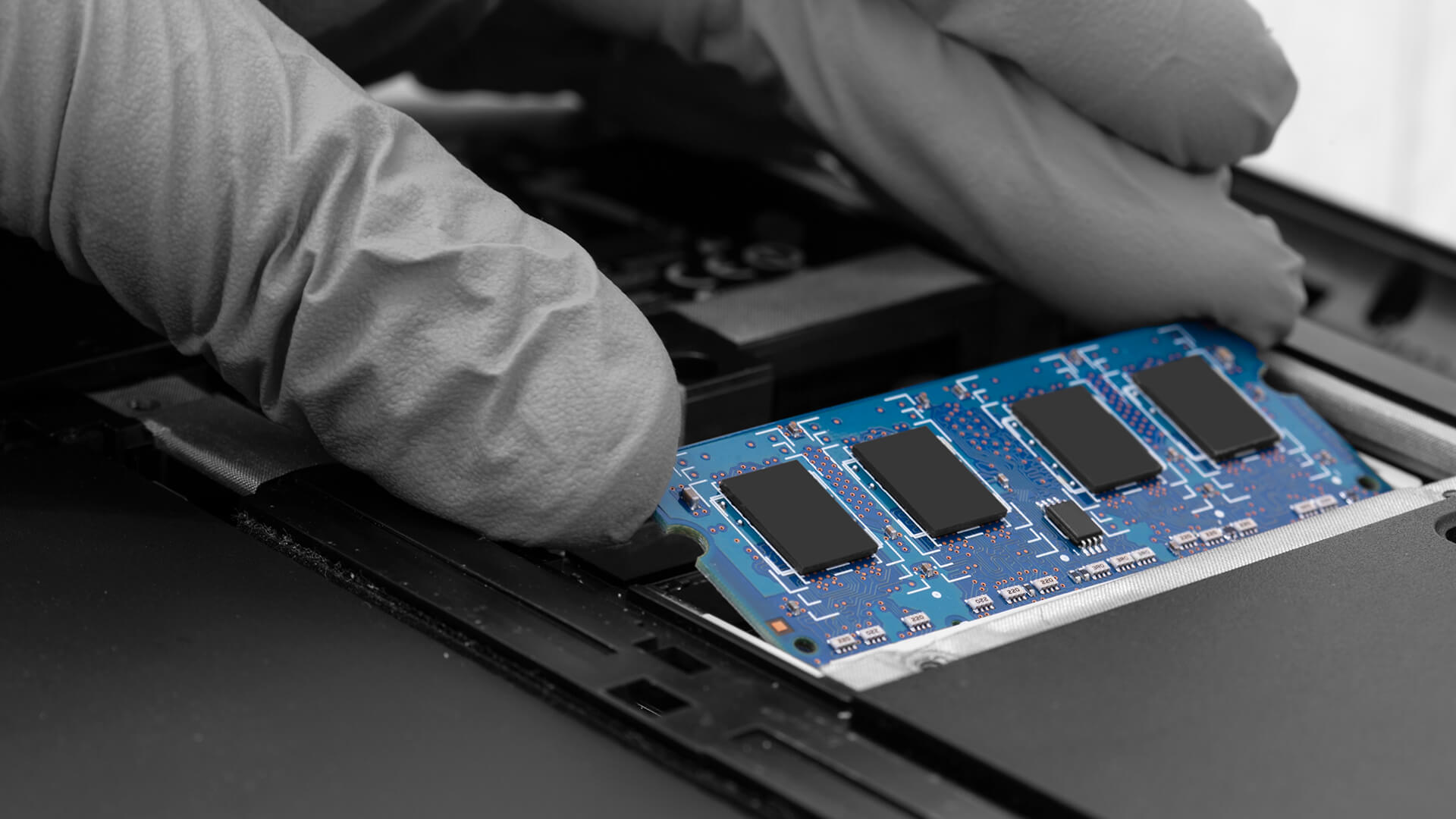
AI-powered laptops are undoubtedly valuable tools. However, whether you should get one depends on your use and needs.
They are of great use to content creators, data scientists, developers, and power users. However, while AI-powered laptops can offer better performance for supported AI features than standard laptops, they also come with a higher price tag. For everyday productivity, on-device assistance and lighter AI features, it is also worth comparing Copilot+ PCs, as they are designed around efficient AI experiences rather than only raw performance.
If you are involved in rigorous AI workloads and your work revolves around AI applications, an AI laptop would be worth buying. However, for everyday use, a standard laptop may be a better choice.
The Crucial Role of RAM in an AI-Powered Laptop
The RAM of an AI-powered laptop significantly impacts its performance and overall efficiency. It acts as a temporary workspace for complex algorithms, massive datasets, and other intensive AI applications. Because of this, RAM for AI workloads becomes one of the most important factors when choosing a system, especially for users working with real-time data processing or model training.
AI applications rely heavily on memory to function smoothly. This is why many users question: Does AI use a lot of RAM? In most cases, it does. Larger datasets, multiple processes, and continuous model execution all require fast and accessible memory. Without enough RAM, even a system with a powerful CPU, GPU, or NPU can struggle to maintain performance.
Here’s how RAM directly improves AI performance:
Fast Computation and Results
Ample RAM enables faster computations by allowing data and algorithms to be processed without delays. This improves responsiveness across AI tasks.
Quick Data Access
RAM provides high-speed random access to large datasets, enabling the CPU, GPU, and NPU to retrieve and work with information quickly. Not having enough RAM can slow this process and restrict performance.
Improved Multitasking
Enough RAM leads to improved multitasking, ensuring there are no slowdowns, crashes, or lags when running multiple AI applications simultaneously.
Efficient Algorithm Execution
RAM works as a workspace for AI frameworks and libraries. More memory allows smoother execution and improves efficiency in parallel data processing.
Handling Large Datasets Without Bottlenecks
Why does AI need so much RAM? The answer lies in the scale of modern datasets. Larger memory capacity allows more data to be processed at once without frequent memory limitations.
Speedy Access to Pre-Trained Models
RAM provides quick access to pre-trained models, enabling real-time predictions and faster decision-making in AI applications.
Core Specifications for Efficient AI-Powered Laptops
Understanding the right AI hardware requirements is essential if you want to pick the best AI machine. Instead of focusing on just one component, performance depends on how well the core specifications work together to support AI workloads efficiently.
Processor (CPU)
A multi-core processor such as Intel Core Ultra 7/9 or AMD Ryzen AI 7/9 is recommended. Strong single-core and multi-threaded performance helps manage AI logic, background processes, and system responsiveness during demanding tasks.
Graphics Card (GPU)

Do you need a dedicated GPU for AI on a laptop? Not always. A dedicated GPU significantly improves performance for AI workloads, especially for model training and data processing. An integrated GPU can also work well if you mostly run AI tools in the browser.
When comparing VRAM vs RAM for AI, RAM helps the system handle datasets, tools and multitasking, while VRAM supports GPU-heavy tasks such as model acceleration, rendering and large visual workloads.
This is why powerful RTX 50 series laptops can be a strong choice for users who need GPU acceleration alongside enough system memory. A dedicated and powerful GPU is also useful if the same laptop will be used for gaming, AI-assisted creative work, or visual workloads where graphics performance matters as much as system memory.
Memory (RAM)
RAM directly impacts how smoothly AI tasks run. Sufficient memory allows faster data handling, better multitasking, and more efficient execution of AI applications without bottlenecks. For most RAM for AI workloads, 16GB suits basic use, while 32GB or 64GB is better for advanced tasks. It is also worth checking the memory type, as newer standards can affect overall speed and efficiency, especially when comparing DDR4 vs DDR5 for a modern AI laptop.
Storage (SSD)
Always go for SSD storage. 512GB SSD is fine as a practical baseline, but 1TB is better for local AI models, datasets and creative files. It also improves load times and overall system responsiveness when working with large files.
Connectivity and Expansion
Modern connectivity options such as USB-C, Thunderbolt, Wi-Fi 6/6E/7, and Bluetooth support better data transfer, external device compatibility, and access to cloud-based AI resources.
Cooling and Thermal Design
Efficient cooling is essential for maintaining performance during long AI workloads. A well-designed thermal system prevents throttling and keeps the laptop stable under continuous use.
A Guide to Choosing an AI-Powered Laptop
Wondering which is the best laptop for AI tasks? We make it easy for you by listing some practical tips that will help you find the best AI laptop for your needs.
Identify Your AI Workloads
Start by defining what you will use the laptop for. Whether it’s data analysis, model development, or AI-assisted applications, different tasks have different demands. This helps determine the right laptop requirements for AI development without overspending.
Prioritise Core Hardware
A strong CPU, capable GPU, and a dedicated NPU are essential for handling AI tasks efficiently. These components work together to ensure smoother performance across different types of workloads.
Choose the Right RAM and Storage
RAM should match your workload level, especially when dealing with large datasets or multitasking. Fast SSD storage also plays a role in improving load times and overall responsiveness.
Consider Practical Features
Display quality, cooling, and battery life all impact long-term usability. A well-balanced system ensures consistent performance without thermal throttling or interruptions during extended use.
Set a Realistic Budget and Compare Options
AI laptops vary widely in price. Setting a budget early helps narrow down options and makes it easier to compare models based on performance and features. Once you know your workload, compare the best laptops for your budget by looking at RAM, processor type, GPU performance, storage and long-term upgrade value.
An Intro to AI-Powered PCs
Like an AI-powered laptop, AI-powered PCs are built to handle demanding AI tasks with the right balance of CPU, GPU, and memory. They are typically used for heavier workloads such as model training, data analysis, and large-scale processing.
When considering the best PC for AI computing, the same fundamentals apply, strong processing power, sufficient RAM, and reliable storage. The key difference is that desktops often allow more flexibility and higher performance for intensive tasks.
However, for most users focused on portability and everyday AI workflows, an AI-powered laptop remains the more practical choice.
Why Are AI-Powered laptops So Popular?
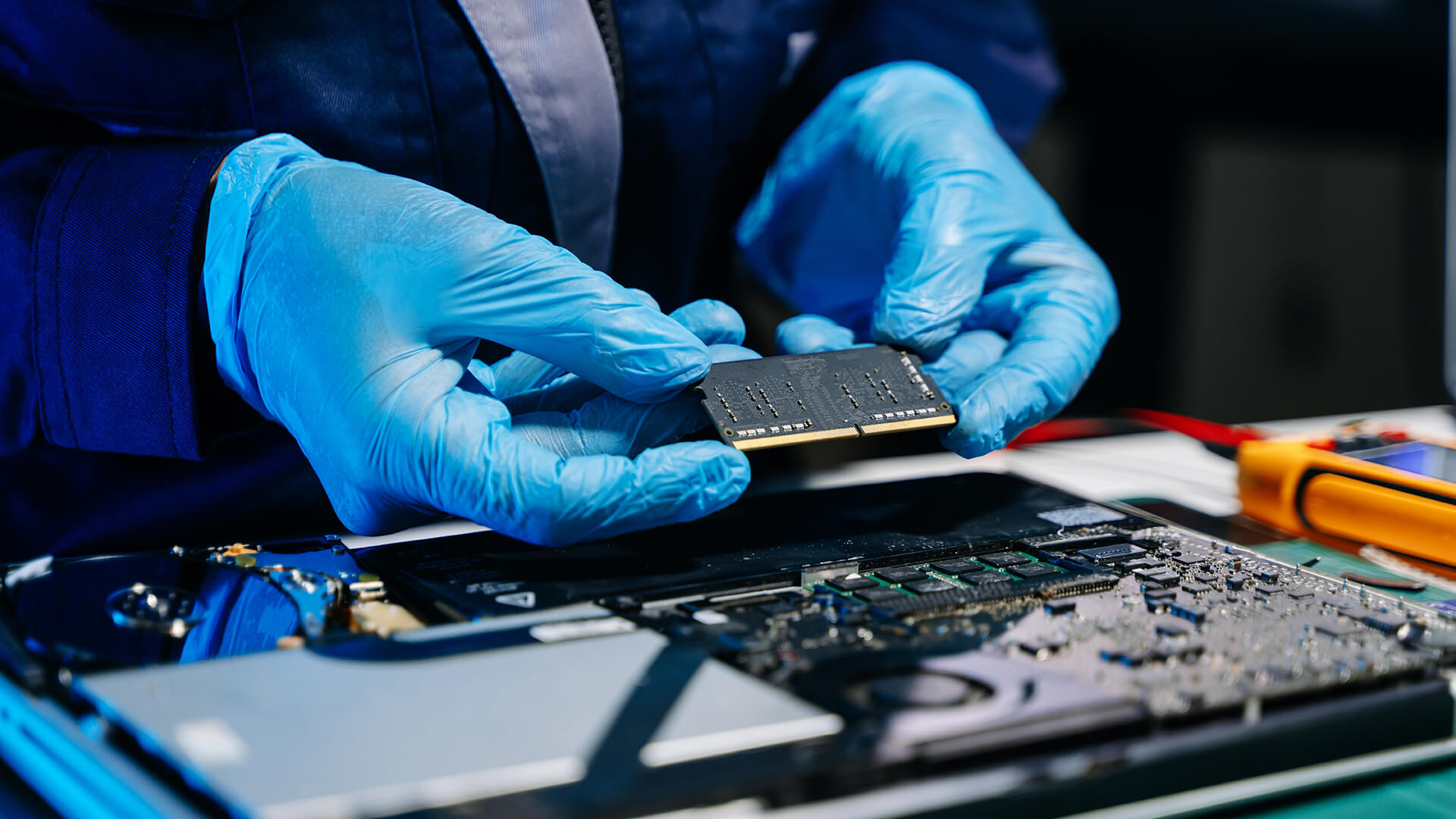
AI-powered laptops have quickly become popular due to several compelling reasons, including:
- High-Powered CPUs and GPUs: AI laptops maximise performance with higher power, speed, and efficiency. They have top-tier CPUs and GPUs that efficiently handle complex AI algorithms and other demanding tasks, helping you conduct intensive AI computations without lag, latency, or slowdowns.
- Pre-Installed AI Tools: Some AI laptops include built-in AI features or bundled assistant tools, while developers can install frameworks such as PyTorch, TensorFlow or local AI tools depending on their workflow. Users looking for such machines will love laptops with Google Gemini.
- Portable and Easy to Carry: Their portability makes them ideal for flexible work environments. You can smoothly transition from the office to remote work without compromising performance.
- Accelerated Hardware: They have accelerated hardware for faster computational speeds, reducing the time spent on AI projects.
- Platform for Learning: AI-powered laptops provide a dynamic platform for learning, development, experimentation, and practical application of AI techniques.
- Integration With Cloud Computing Platforms: AI laptops can connect to services such as Azure, Google Cloud and AWS for scalable processing, storage and model deployment.
Final Thoughts: Choosing the Right AI Laptop
Choosing the right AI-powered laptop ultimately comes down to understanding your workload and matching it with the right specifications. From entry-level AI tasks to advanced development, having the correct balance of CPU, GPU, and especially RAM is essential for smooth and efficient performance.
If you’re still wondering how much RAM does AI need, the answer depends on how demanding your tasks are. Lighter workloads can run comfortably on 16GB, while more advanced use cases benefit from 32GB or more. For intensive applications, higher memory capacity becomes a key part of overall AI hardware requirements.
Once you know the level of performance you need, browse our AI Store to compare AI-ready laptops, Copilot+ PCs and other systems built for modern AI workloads.
Frequently Asked Questions
Does AI use a lot of RAM?
Yes, AI applications use a significant amount of RAM because they process large datasets and run complex algorithms in real time. More RAM allows faster data access, smoother multitasking, and better overall performance.
What is the best laptop for AI development?
The best laptop for AI development includes a powerful CPU, a dedicated GPU, sufficient RAM (at least 32GB for advanced tasks), and fast SSD storage. Laptops with NPUs are also beneficial for handling AI-specific workloads more efficiently.
Is 16GB RAM enough for Copilot+ PCs?
Yes, 16GB RAM is enough for Copilot+ PCs and works well for everyday AI features, browsing, office work and lighter local AI tasks. For heavier AI workloads, creative work or long-term use, 32GB RAM is the better choice.
Is 8GB RAM enough for AI tools?
8GB RAM can handle basic browser-based AI tools, but it is not ideal for an AI laptop in 2026. For smoother multitasking, Copilot+ features and local AI workloads, 16GB RAM should be the practical starting point.
How much RAM do I need for ChatGPT and Copilot?
For browser-based ChatGPT and Copilot, 8GB RAM can work for basic use. However, 16GB RAM is better if you use multiple tabs, documents, video calls and AI tools at the same time.
How much RAM do I need for AI image generation?
For online AI image generation, 16GB RAM is usually enough because most processing happens in the cloud. For local AI image generation, larger models or high-resolution creative work, 32GB RAM or more is recommended.
How much RAM do I need for local LLMs?
For smaller local LLMs, 16GB RAM may work, but 32GB RAM is a safer choice for smoother performance. For larger models, heavier multitasking or more advanced local AI workloads, 64GB RAM or more is recommended.
What is more important for AI, RAM or GPU?
Both matter, but they do different jobs. RAM helps with datasets, multitasking and keeping AI applications responsive, while the GPU helps accelerate model training, rendering, AI image generation and other demanding visual workloads. For most AI laptops, a good balance of both is better than focusing on only one.
What is an NPU in an AI laptop?
An NPU, or Neural Processing Unit, is a dedicated chip designed to handle AI tasks more efficiently. It helps with features like voice recognition, background blur, content assistance and other on-device AI tools without relying only on the CPU or GPU.
Should I buy a 16GB or 32GB laptop in 2026?
For everyday use, basic AI tools and lighter workloads, 16GB RAM is enough. If you want better multitasking, regular AI use, coding, creative work or stronger long-term performance, 32GB RAM is the better choice in 2026.
You can pay with:
*PayPal Credit Representative Example: Assumed credit limit £1,200, Representative 23.9% APR (variable). Purchase rate 23.9% p.a (variable).Terms & Conditions apply.


PayPal Credit and PayPal Pay in 3 are trading names of PayPal UK Ltd, 5 Fleet Place, London, United Kingdom, EC4M 7RD. Terms and conditions apply. Credit subject to status, UK residents only, Five Tech LTD acts as a broker and offers finance from a restricted range of finance providers. PayPal Pay in 3 is not regulated by the Financial Conduct Authority. Pay in 3 eligibility is subject to status and approval. 18+. UK residents only. Pay in 3 is a form of credit. Check if affordable and how you will repay. May make other borrowing more difficult or expensive. See product terms for more details.
Copyright © 1996-2026 Fivetech LTD | Terms and Conditions
box.co.uk & Box are trading names of Five Tech Limited. Registered office: Box LTD, Unit 10 Woodford Trading Estate, Woodford Green IG8 8HF