


 Menu
MenuMenu


Get Sales Advice from Mon - Fri 9am - 5:00pm:
020 3337 8950LAST UPDATED: January 27, 2026
How Long Should a 10-Inch Tablet Battery Last (And How to Improve It)
Battery life is one of the first things people notice once they start using a tablet regularly. While manufacturers often quote impressive numbers, real-world 10-inch tablet battery life depends far more on how the device is used. For most modern 10-inch tablets, typical battery performance sits between 8 and 12 hours of mixed use, including browsing, streaming, and app usage. Lighter tasks, such as reading or note-taking, can push this closer to 12 to 14 hours, while continuous video streaming usually averages 6 to 10 hours on a single charge.
Understanding what these figures actually mean helps set realistic expectations and avoid frustration later on. Small changes in settings, background activity, and charging habits can significantly affect daily battery performance. This guide explains what normal battery life looks like in real use, which factors shorten it, and how to get the most out of your tablet without relying on technical tweaks or guesswork.
Typical Battery Life for 10-Inch Tablets in Real Use
Once a tablet is used outside controlled testing, battery results become far more practical and varied. In everyday conditions, the battery life of a 10-inch tablet is influenced by how consistently the screen is active, which apps are running, and how often the device switches between tasks. Let's explore how a tablet's battery performance varies depending on usage patterns.
Light Use vs Mixed Daily Use
Light use places minimal demand on the battery. Activities such as reading documents, browsing simple web pages, or checking emails intermittently can extend usage to 11 to 14 hours, particularly when brightness levels are kept reasonable.
Mixed daily use reflects how most people actually use a tablet. Alternating between browsing, messaging, short video sessions, and productivity apps typically results in 9 to 11 hours of use. The frequent switching between tasks increases power consumption but still allows the tablet to last a full working day without charging.
Streaming, Browsing, and App Usage Impact
Continuous video playback places greater strain on the battery than casual use. Streaming HD content usually reduces usage time to around 6 to 10 hours, with brightness and speaker volume playing a key role. Web browsing with multiple active tabs and regularly updating apps can also contribute to gradual tablet battery drain, particularly when content refreshes frequently in the background.
More demanding applications, such as gaming or creative software, draw significantly more power. During extended sessions, battery life can drop to 6 to 8 hours, which is normal for sustained high-performance use rather than a sign of poor efficiency.
Standby Drain and Background Activity
Battery consumption does not stop when the screen is off. Background syncing, notifications, and system services continue to run, affecting standby time. A well-configured tablet typically loses 2 to 4 percent per hour while idle. Faster overnight drops usually indicate unnecessary background activity rather than battery wear, making this an area worth reviewing before assuming a hardware issue.

Settings That Quietly Drain Battery Life
Battery loss is not always linked to heavy use. In many cases, the battery life of a 10-inch tablet is greatly affected by settings that run continuously in the background without being obvious. These small but persistent drains often explain why a tablet struggles to last long, especially if you use your 10-inch tablet at home all day.
Background Apps and Sync Behaviour
Many apps continue to refresh content even when they are not open. Email syncing, cloud backups, and social feeds all update quietly in the background, which gradually affects daily battery usage. Poorly managed tablet power settings can allow multiple apps to run simultaneously, increasing power consumption without improving the user experience. Limiting background access to essential apps alone can noticeably improve battery longevity.
Location, Notifications, and Connectivity Settings
Location services, constant notifications, and always-on connectivity place steady demands on the battery. GPS access, Bluetooth scanning, and repeated Wi-Fi searches all add to ongoing power usage, even during light activity. When these features are left enabled unnecessarily, they can shorten the battery life of a 10-inch tablet by several hours over the course of a day.
Apps That Consistently Consume Power
Some apps are naturally more demanding than others. Video-based platforms, navigation tools, and apps that frequently update content are common sources of excessive tablet battery drain. If battery levels drop faster than expected, reviewing app usage can help identify which software is responsible for the issue. In cases where power loss feels abnormal, it may be worth troubleshooting 10-inch tablet battery issues before assuming a hardware problem.
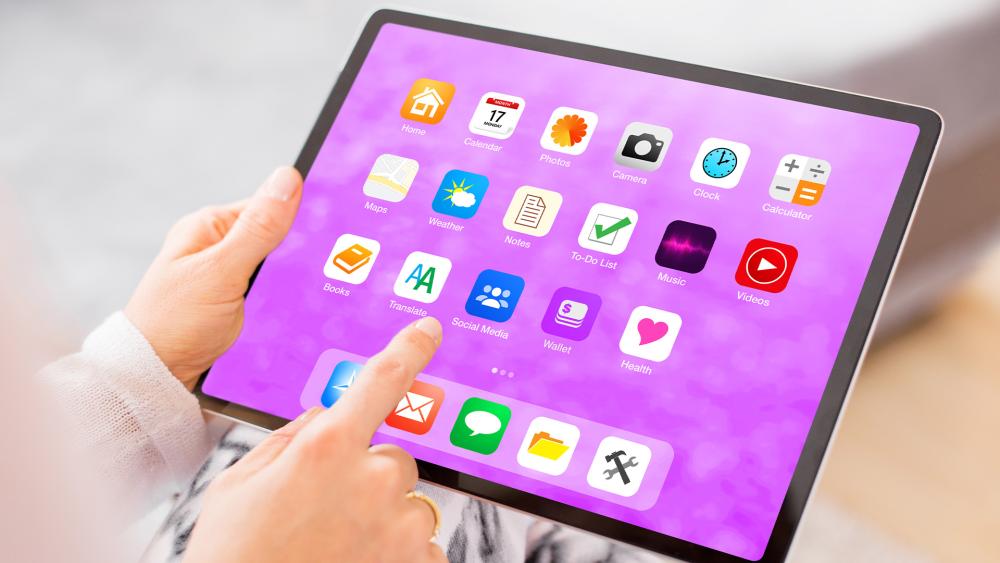
Power Modes, Brightness and Refresh Rate Tips
Small display and performance adjustments can have a noticeable impact on daily battery usage. When configured correctly, these settings help extend 10-inch tablet battery life without affecting how the tablet feels in regular use. Understanding when to adjust them makes it easier to balance performance with efficiency.
Power-Saving Modes and When to Use Them
Power-saving modes are designed to reduce background activity, limit performance peaks, and extend battery runtime when charge levels are low. When enabled, they can add 1 to 2 extra hours of use during light tasks such as browsing or reading. Used selectively, tablet power-saving features are most effective during travel or long days away from a charger, rather than being left on permanently.
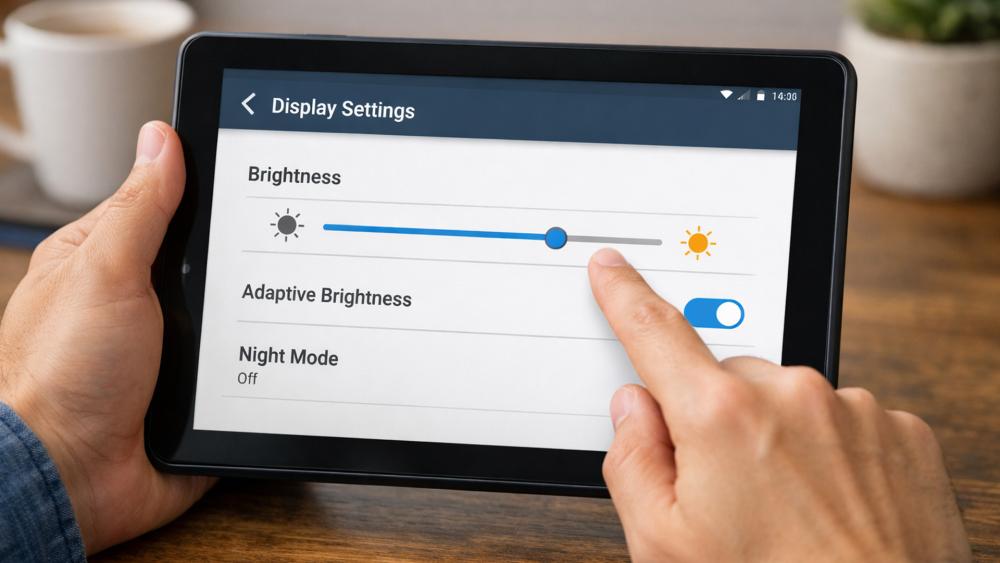
Brightness, Dark Mode, and Screen Settings
The screen is one of the biggest contributors to power usage. High brightness levels can reduce battery life by up to 30 percent over the course of a day. Keeping brightness at a comfortable but moderate level often adds 2 to 3 additional hours of use. Adjusting tablet brightness settings, along with enabling dark mode where supported, helps reduce power draw during extended sessions, particularly for reading and browsing.
Refresh Rate Adjustments and Battery Trade-Offs
Higher refresh rates make scrolling and animations feel smoother, but they also increase energy consumption. Tablets running at higher refresh rates can lose 10 to 20 percent more battery during continuous use. Lowering the tablet refresh rate during everyday tasks such as browsing or streaming can help preserve battery life without noticeably affecting usability, especially on content-focused devices.
When a New Charger or Battery Might Help
Not all battery problems are caused by usage or settings. In some cases, accessories and long-term wear play a bigger role in reduced 10-inch tablet battery life. Understanding when charging equipment or battery condition is the issue helps avoid unnecessary upgrades.
Charger Quality and Charging Speed
Using a low-quality or incompatible charger can affect both charging speed and long-term efficiency. Tablets designed for fast charging may take 30 to 50 percent longer to recharge when paired with underpowered adapters. Poor tablet charging habits, such as frequent partial charging with unsuitable chargers, can also lead to slower charge cycles over time, even if battery capacity appears unchanged.
Battery Health and Long-Term Wear
All batteries degrade gradually through regular use. After around 500 to 800 charging cycles, most tablet batteries retain roughly 80 percent of their original capacity. As a tablet's battery health declines, users may notice shorter usage times, faster drops from high percentages, or increased standby drain, even when usage patterns remain the same.
Signs Battery Replacement or Upgrade Makes Sense
If a tablet struggles to deliver more than 5 to 6 hours of light use, shuts down unexpectedly, or loses large percentages while idle, battery wear is often the cause. At this point, replacing the battery or upgrading to a newer model may be more practical. If you are looking for a new device, make sure you choose a tablet with better battery life, particularly if long daily usage is a priority.
Frequently Asked Questions
How long should a 10-inch tablet battery last with normal daily use?
With normal daily use that includes browsing, messaging, short video sessions, and light productivity, most 10-inch tablets last between 9 and 11 hours on a full charge. Lighter use can extend this further, while more demanding tasks reduce overall runtime.
Which settings drain battery fastest on a 10-inch tablet?
High screen brightness, constant background app activity, location services, and frequent notifications are among the fastest drains. Leaving these enabled unnecessarily can significantly shorten daily battery life.
Does lowering brightness really improve tablet battery life?
Yes, reducing screen brightness has a direct impact. Keeping brightness at moderate levels can add 2 to 3 extra hours of use over the course of a day, especially during reading or browsing sessions.
Can using the wrong charger affect a tablet's battery health?
Using an underpowered or poor-quality charger can lead to slower charging and inefficient charge cycles. Over time, this may contribute to reduced battery efficiency and longer charging times.
When does battery performance indicate it's time to upgrade?
If a tablet struggles to last more than 5 to 6 hours with light use, loses charge rapidly while idle, or shuts down unexpectedly, battery wear is likely. In these cases, replacing the battery or upgrading the device is often the better long-term option.
You can pay with:
*PayPal Credit Representative Example: Assumed credit limit £1,200, Representative 23.9% APR (variable). Purchase rate 23.9% p.a (variable).Terms & Conditions apply.


PayPal Credit and PayPal Pay in 3 are trading names of PayPal UK Ltd, 5 Fleet Place, London, United Kingdom, EC4M 7RD. Terms and conditions apply. Credit subject to status, UK residents only, Five Tech LTD acts as a broker and offers finance from a restricted range of finance providers. PayPal Pay in 3 is not regulated by the Financial Conduct Authority. Pay in 3 eligibility is subject to status and approval. 18+. UK residents only. Pay in 3 is a form of credit. Check if affordable and how you will repay. May make other borrowing more difficult or expensive. See product terms for more details.
Copyright © 1996-2026 Fivetech LTD | Terms and Conditions
box.co.uk & Box are trading names of Five Tech Limited. Registered office: Box LTD, Unit 10 Woodford Trading Estate, Woodford Green IG8 8HF