


 Menu
MenuMenu


Get Sales Advice from Mon - Fri 9am - 5:00pm:
020 3337 8950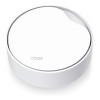
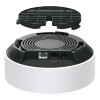
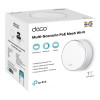
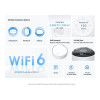
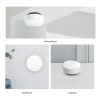
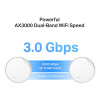
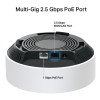
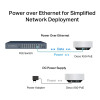
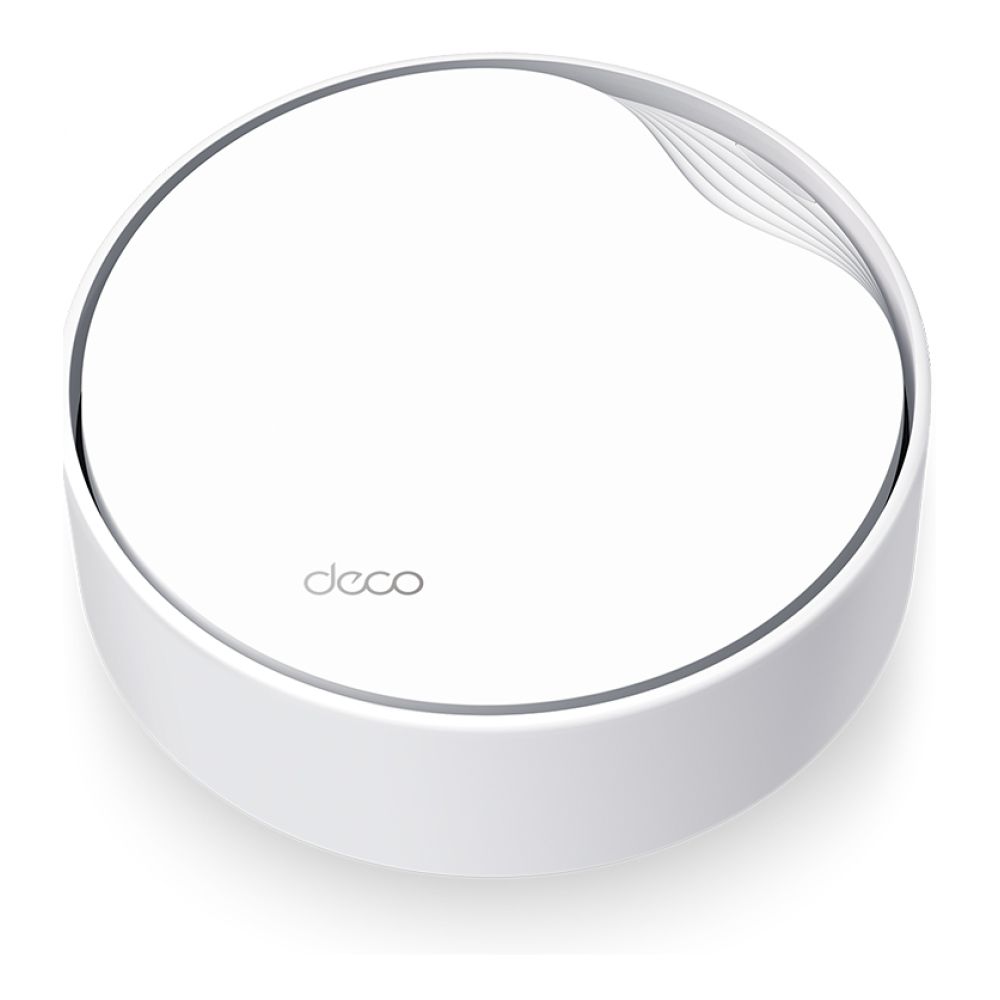
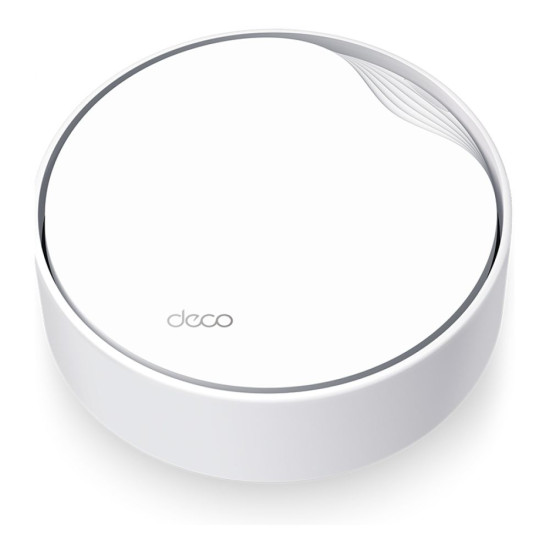
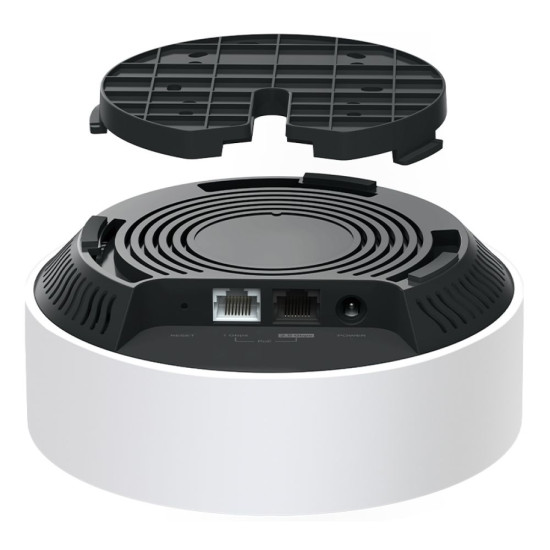
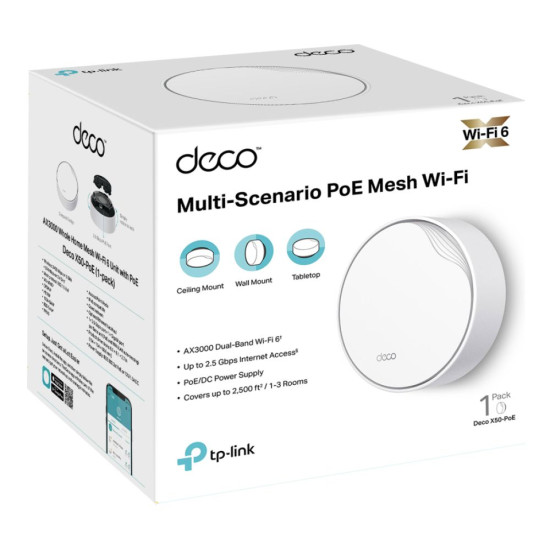
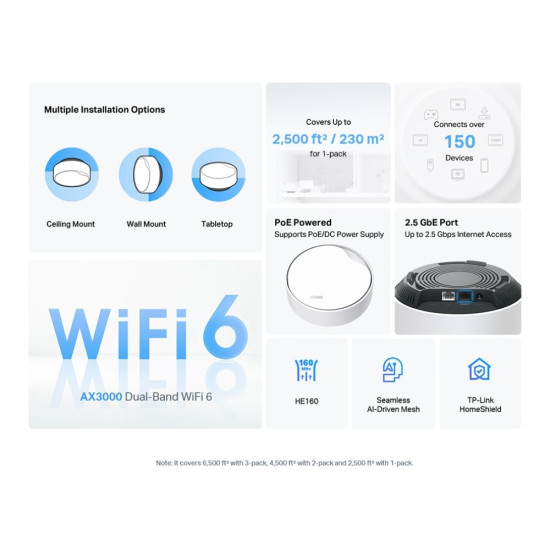


TP-Link Deco X50-PoE (1-PACK) AX3000 Wireless Dual-Band Multi-Gig Whole Home Mesh WiFi 6 System with PoE


Get it on Tue, 30th Jun! Order within 18 hrs 6 mins

Get standard delivery within 3-4 working days
- Dual BandWi-Fi
- WiFi 6
- Mesh System
- Wi-Fi 6 (802.11ax)
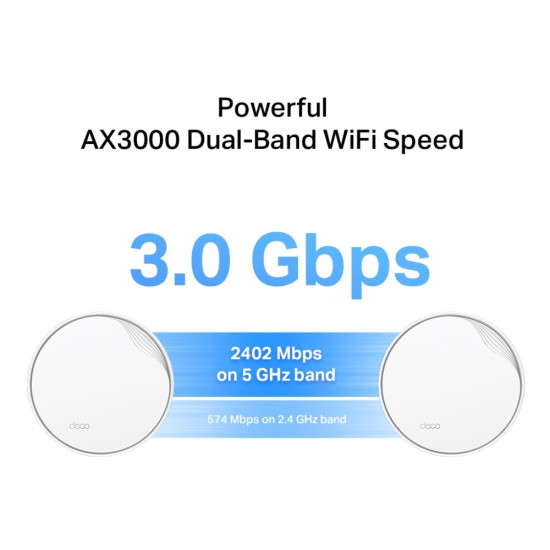
- Up to 2976 Mb/s Throughput
- 2.5 GHz / 5 GHz (Dual-Band)
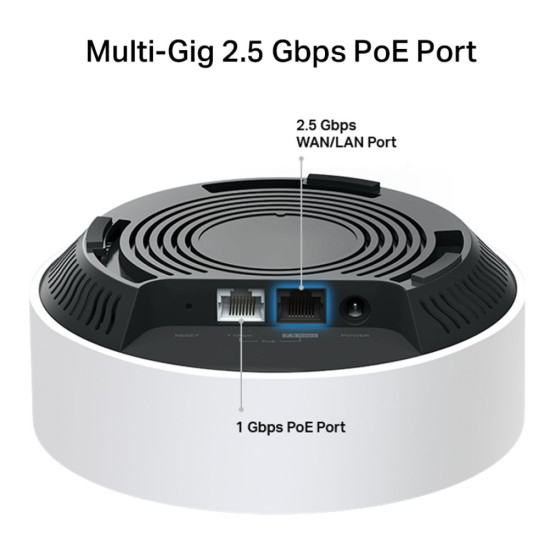
- 2 x Internal Antennas | 1 x 2.5Gb Ethernet LAN/WAN Port | 1 x Gigabit Ethernet PoE Port
- Up to 2500 Square Foot Coverage
- White Colour
- 2 Years Warranty
- DECO X50-POE(1-PACK)

Buying in bulk? Contact our Box Business Team for expert sales support.
 sales@box.co.uk - get in touch to set up a Trade Account
 020 3337 8950 020 3337 8950 available Monday to Friday, 9:00 AM to 5:00 PM.
Specifications
Condition
| Condition | New |
Product Identifiers
| Sku | DECO X50-POE(1-PACK) |
| MPN | DECO X50-POE(1-PACK) |
| Type | Mesh System |
| Brand | TP-Link |
| Series | DECO |
| Model | DECO X50-POE(1-PACK) |
General
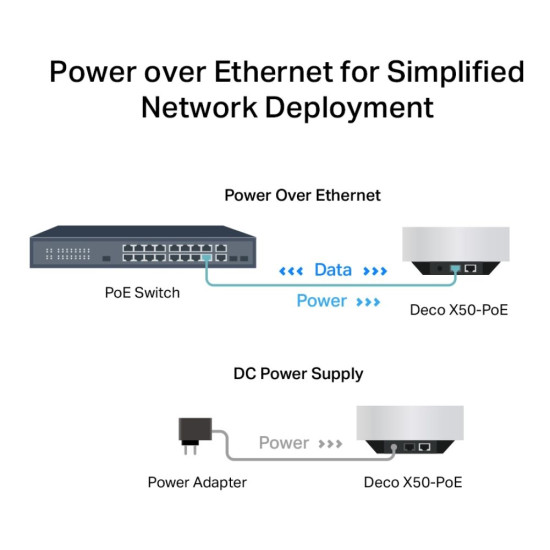
| Router Power | 12 V ~ 1.2 A |
| Warranty | 2 Years |
| Colour | White |
| Dimensions | (WxDxH) 154.9 mm x 154.9 mm x 68.6 mm |
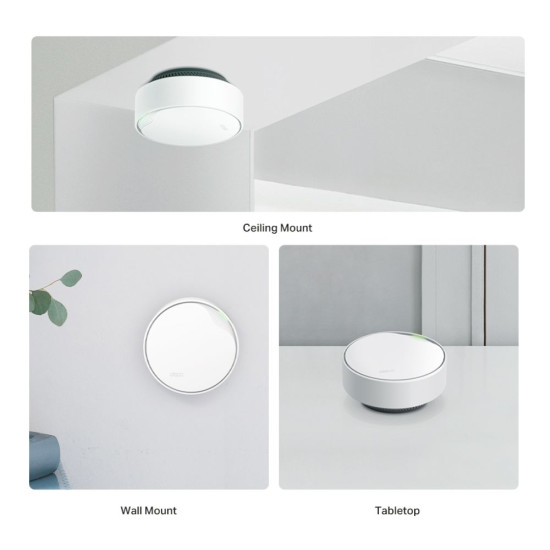
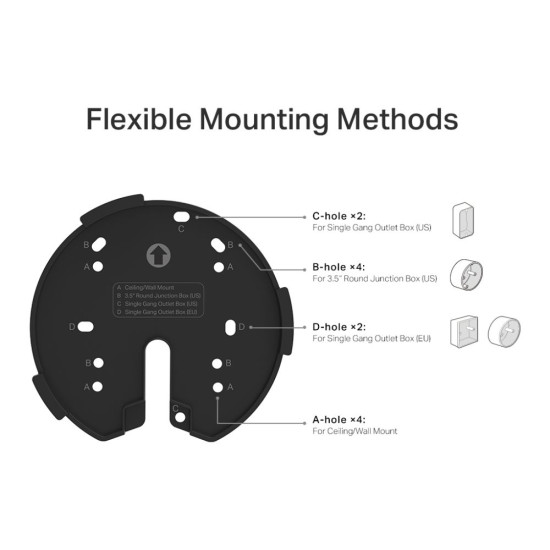
| Box Contents | Deco X50-PoE (1-pack) | 1× Deco X50-PoE unit | 1× RJ45 Ethernet cable | 1× Power adapter | Ceiling/Wall Mounting Kits | Quick Installation Guide |
Overview
| Router Type | Mesh System |
| Router Data Transfer Speed | Up to 3000 Mbps |
Security
| Router Firewall | SPI Firewall |
| Router Parental Controls | Custom Profiles | Professional Content Filter Library | Bedtime | Off Time | Time Rewards |
| Router Encryption | WPA-Personal | WPA2-Personal | WPA3-Personal |
| Router Network Standards | Wi-Fi 6 | IEEE 802.11ax/ac/n/a 5 GHz | IEEE 802.11ax/n/b/g 2.4 GHz |
Connectivity
| Router number of Antennas | 4 x Internal Antennas |
| Router Connectivity Type | Wi-Fi 6 (802.11ax) |
| Router Wired Connectivity | 2 x RJ-45 | Gigabit Ethernet |
| Router Wifi Technology | WiFi 6 |
Other Specifications
| Warranty | 2 Years |
| Colour | White |
Model Information
| Brand | TP-Link |
| Model | DECO X50-POE(1-PACK) |
| Most Suitable For | Everyday Use |
£99.99
You can pay with:
*PayPal Credit Representative Example: Assumed credit limit £1,200, Representative 23.9% APR (variable). Purchase rate 23.9% p.a (variable).Terms & Conditions apply.


PayPal Credit and PayPal Pay in 3 are trading names of PayPal UK Ltd, 5 Fleet Place, London, United Kingdom, EC4M 7RD. Terms and conditions apply. Credit subject to status, UK residents only, Five Tech LTD acts as a broker and offers finance from a restricted range of finance providers. PayPal Pay in 3 is not regulated by the Financial Conduct Authority. Pay in 3 eligibility is subject to status and approval. 18+. UK residents only. Pay in 3 is a form of credit. Check if affordable and how you will repay. May make other borrowing more difficult or expensive. See product terms for more details.
Copyright © 1996-2026 Fivetech LTD | Terms and Conditions
box.co.uk & Box are trading names of Five Tech Limited. Registered office: Box LTD, Unit 10 Woodford Trading Estate, Woodford Green IG8 8HF