


 Menu
MenuMenu


Get Sales Advice from Mon - Fri 9am - 5:00pm:
020 3337 8950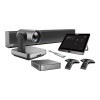
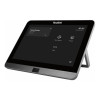
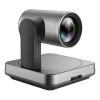
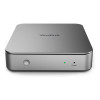
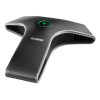
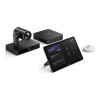
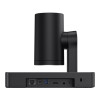
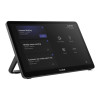
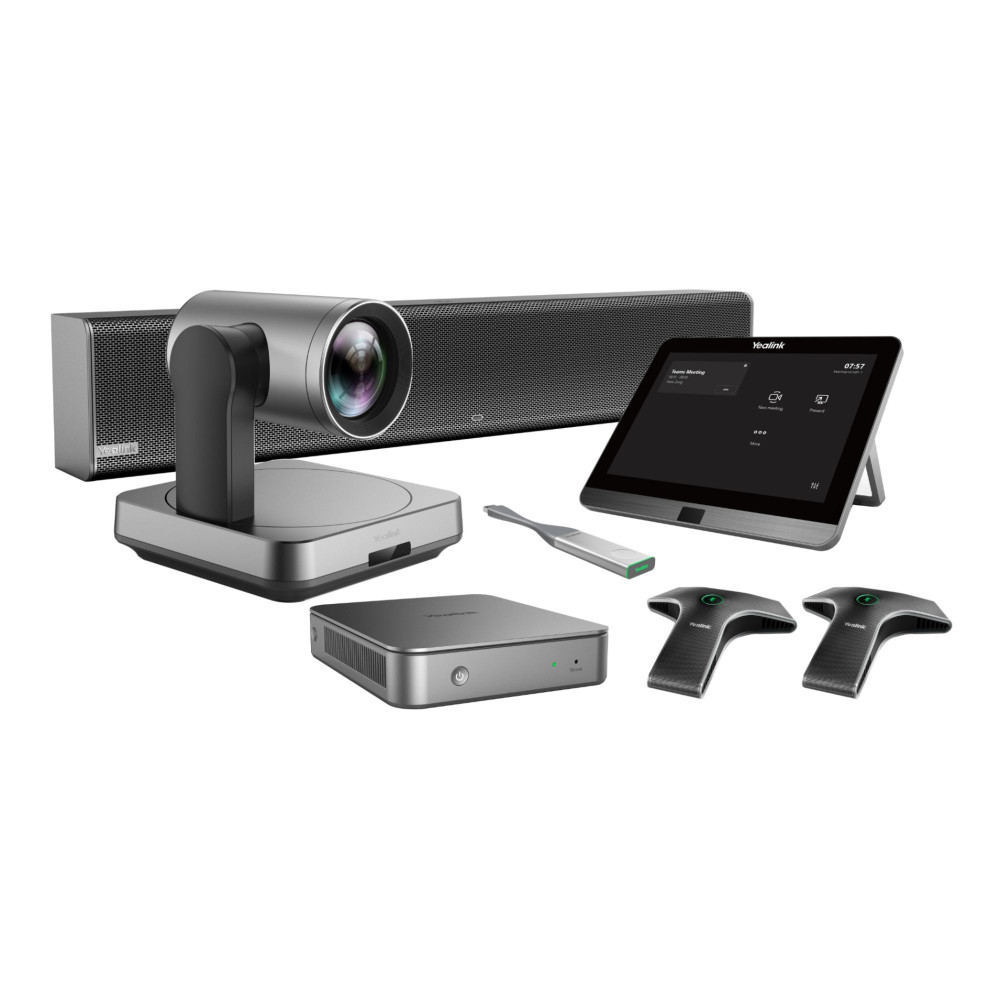
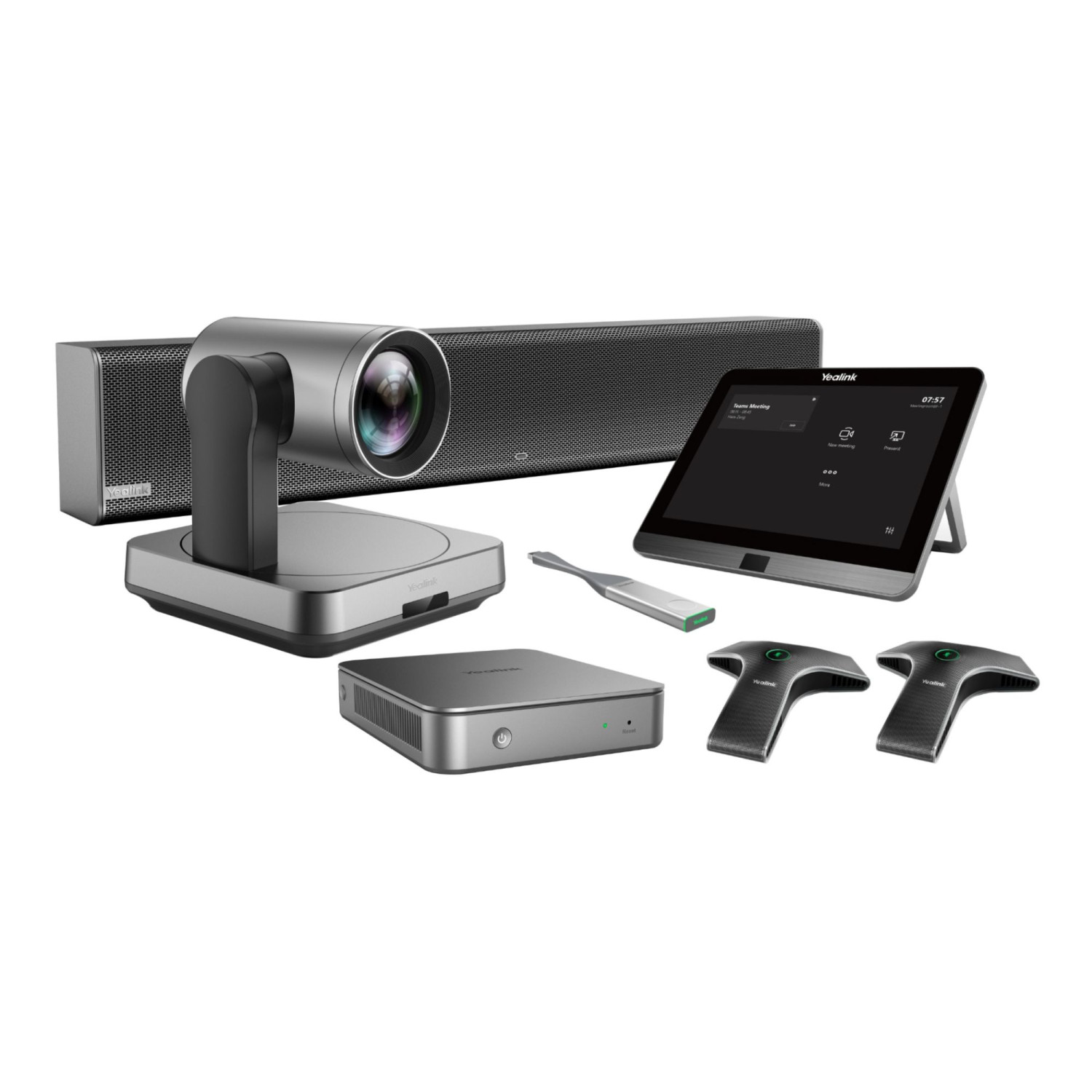
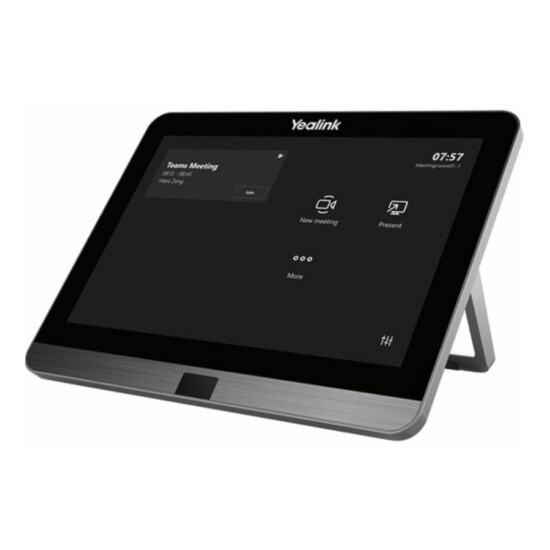
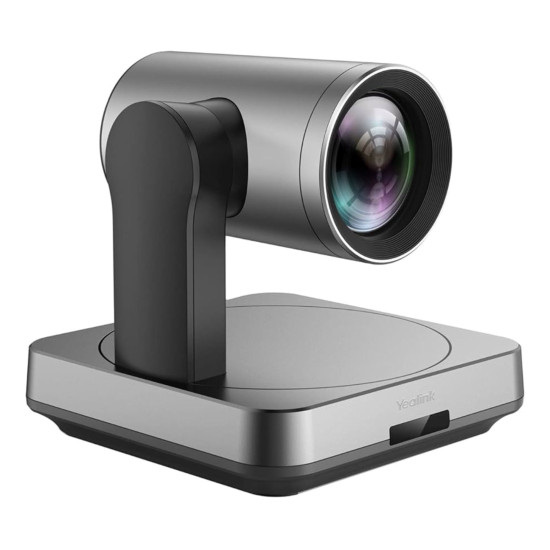
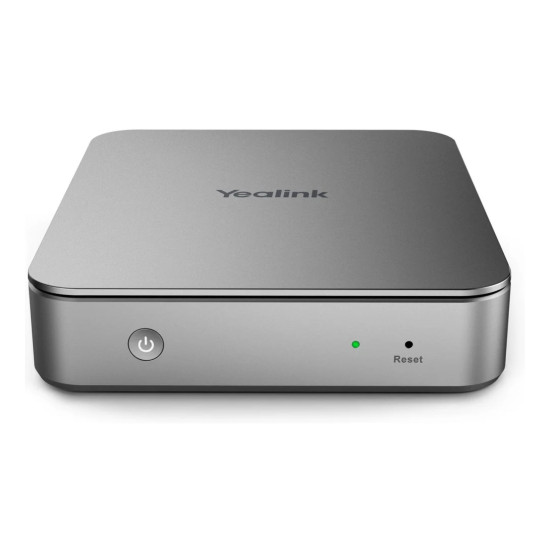
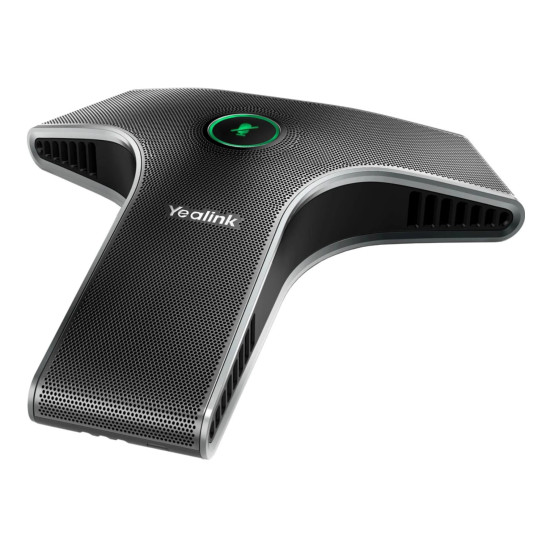
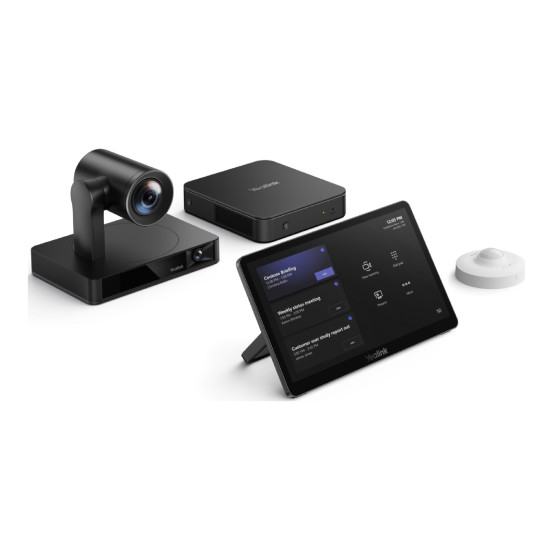
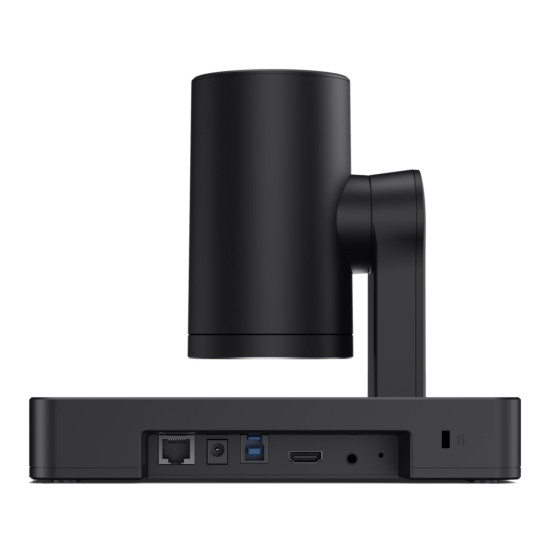
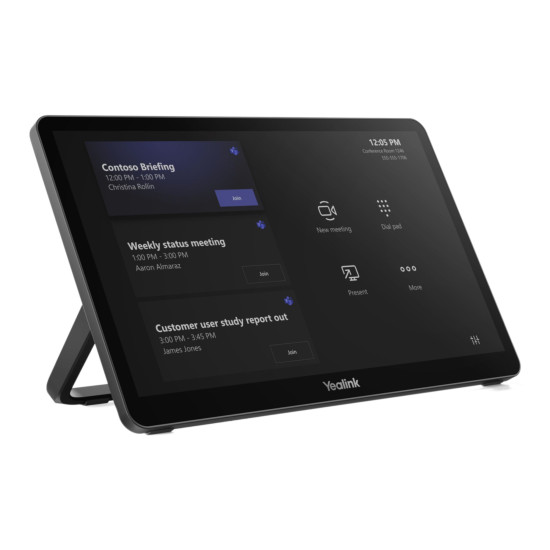
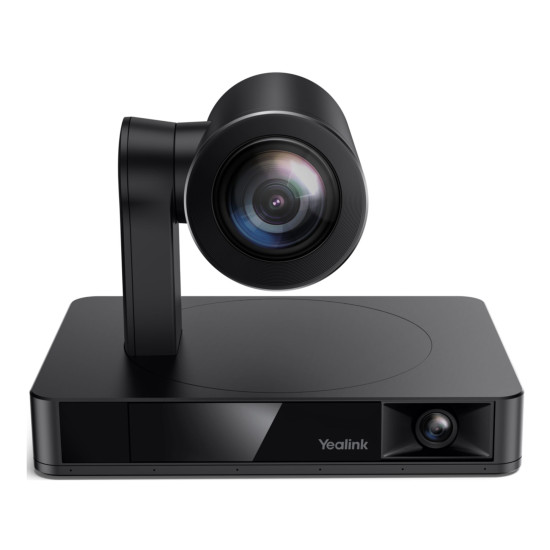
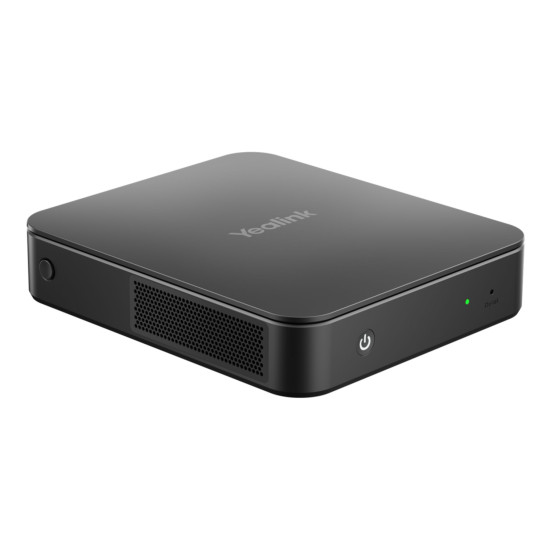
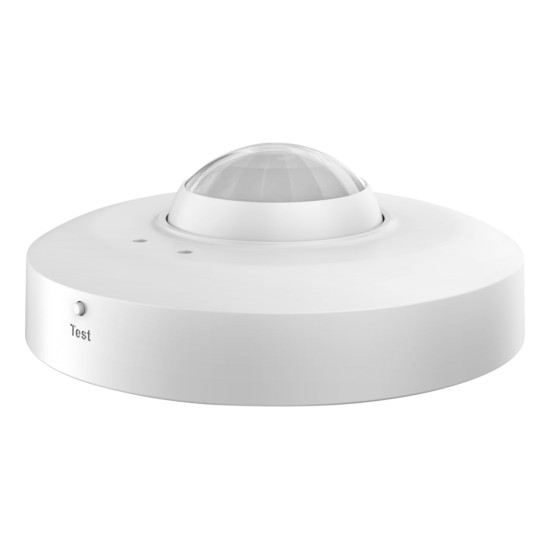


Yealink MVC860 Microsoft Teams Rooms System (No Audio) For Medium to Large Rooms


Get it tomorrow Thu, 16th Jul! Order within 4 hrs 16 mins

Get free standard delivery within 3-4 working days

Book your delivery slot from only £6.95
- Wireless
- 11th Gen Intel Core i5
- Memory: 8 GB (2 x 4GB)
- 8-inch IPS screen, 1280x800px resolution
- 10-point capacitive touch screen
- 4K Sensor, 20.4 HD zoom (12x optical, 1.7x digital)
- Grey Colour
- 2 Years Warranty
- MVC860-C5-000

Specifications
Condition
| Condition | New |
Product Identifiers
| Sku | MVC860-C5-000 |
| MPN | MVC860-C5-000 |
| EAN | 6938818316287 |
| Type | Conference System |
| Brand | Yealink |
| Model | MVC860-C5-000 |
General
| Warranty | 2 Years |
| Colour | Grey |
Connectivity
| Connectivity | Wireless |
Ports & Interfaces
| Connectivity | Wireless |
Other Specifications
| Warranty | 2 Years |
| Colour | Grey |
Model Information
| Brand | Yealink |
| Model | MVC860-C5-000 |
£2895.00
You can pay with:
*PayPal Credit Representative Example: Assumed credit limit £1,200, Representative 23.9% APR (variable). Purchase rate 23.9% p.a (variable).Terms & Conditions apply.


PayPal Credit and PayPal Pay in 3 are trading names of PayPal UK Ltd, 5 Fleet Place, London, United Kingdom, EC4M 7RD. Terms and conditions apply. Credit subject to status, UK residents only, Five Tech LTD acts as a broker and offers finance from a restricted range of finance providers. PayPal Pay in 3 is not regulated by the Financial Conduct Authority. Pay in 3 eligibility is subject to status and approval. 18+. UK residents only. Pay in 3 is a form of credit. Check if affordable and how you will repay. May make other borrowing more difficult or expensive. See product terms for more details.
Copyright © 1996-2026 Fivetech LTD | Terms and Conditions
box.co.uk & Box are trading names of Five Tech Limited. Registered office: Box LTD, Unit 10 Woodford Trading Estate, Woodford Green IG8 8HF