


 Menu
MenuMenu


Get Sales Advice from Mon - Fri 9am - 5:00pm:
020 3337 8950POSTED: March 16, 2026
World Backup Day: Why Now Is the Time to Protect Your Digital Life with WD
World Backup Day lands on 31 March each year, and the reminder is a simple one: if your files matter, they need more than one home. Family photos, uni work, tax documents, work projects, game captures, videos, and old phone backups all have value, yet plenty of people still keep them in just one place until something goes wrong. World Backup Day's official message is centred on protecting data against loss and theft, and that is exactly why the day still matters in 2026.
For most people, the real issue is not whether data backup is important. It is whether their current setup is actually good enough. A laptop drive can fail. A phone can be lost. A ransomware hit can lock files you assumed were safe. Even a rushed tidy-up can turn into accidental deletion. That is why backup solutions are no longer just for IT teams and big offices. They are part of normal digital life, whether you want to protect personal files, household media libraries, or more structured business backup solutions.
This is also where WD fits naturally into the conversation. WD's range covers simple portable backup, higher-capacity desktop storage, faster internal SSD options, and NAS-focused drives for users who want a more serious backup strategy. If you are building a smarter routine around World Backup Day, the aim is not to buy the most extreme setup possible. It is to create a storage system that matches how you actually use your files and gives you a realistic way to backup your data consistently.
What World Backup Day Reminds Us About Modern Digital Life
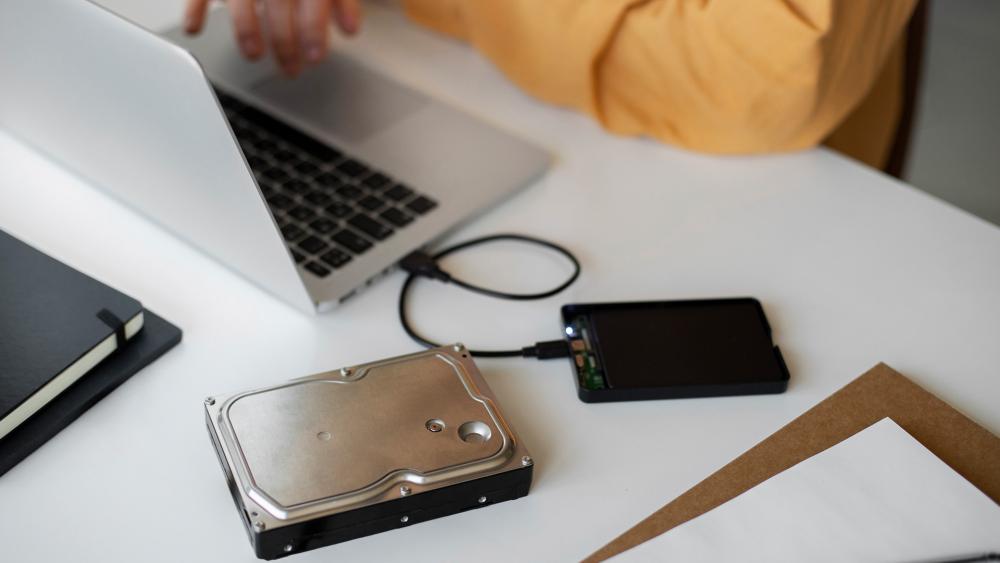
Why Personal and Work Files Are More Valuable Than Ever
The average digital life now stretches far beyond one folder of documents. A single household might have phone photos, drone clips, holiday videos, scanned paperwork, design files, spreadsheets, device backups, and subscription-based work spread across laptops, tablets, phones, and shared family machines. For small businesses and freelancers, the list grows even faster. Projects, client files, invoices, and media assets all need dependable storage backup if you do not want one bad day to turn into a major setback.
The Everyday Moments When Data Loss Can Happen
Data loss is rarely dramatic at first. Sometimes it is a drive that starts acting oddly. Sometimes it is a laptop that will not boot after an update. Sometimes it is a file that gets overwritten, a folder synced the wrong way, or a portable drive that gets dropped while moving between home and work. That is why good backup storage solutions are about routine, not panic. The best setups are built before you need them.
Why Many People Only Think About Backups After It Is Too Late
The truth is simple: backups are easy to delay because they feel like admin until they become urgent. World Backup Day exists because too many people only start Googling backup services, western digital data recovery, or how to back up data after files are already gone. By that point, the options are narrower, the stress is higher, and the cost of recovery can be far worse than the cost of a decent backup routine.
What Can Happen When Your Files Are Not Backed Up
Accidental Deletion, Device Failure and File Corruption
Some data loss comes from obvious hardware failure, but a lot of it is far less dramatic. A folder gets deleted in a clean-up. A drive starts corrupting files. A system crashes mid-save. A portable device vanishes in transit. The point of data protection is not just protecting against one disaster scenario. It is about giving yourself a way back when normal life goes slightly wrong.
The Growing Risk of Ransomware and Cyber Threats
Backups also matter because threats have changed. It is not just about a broken laptop anymore. Malware, ransomware, and account compromise can all turn a single-copy setup into a nightmare. If your files only exist on the machine under attack, or only inside one sync account, recovery becomes far harder. A proper backup strategy helps because it separates your working environment from your protected copies. That is one of the main reasons both home users and businesses now think more seriously about backup cloud services, local drives, and NAS-based storage.
How Losing Photos, Documents and Projects Affects Daily Life
The emotional part is easy to underestimate until it happens. Family photos are not replaceable. Neither are edited videos, years of documents, or project archives with work already baked into them. For students, a lost dissertation folder is chaos. For creators, losing raw footage or design assets is brutal. For households, even something as simple as losing tax records or scanned certificates can become a proper headache. That is why full back up habits matter so much more than people think.
Why Backing Up Your Data Should Be a Regular Habit
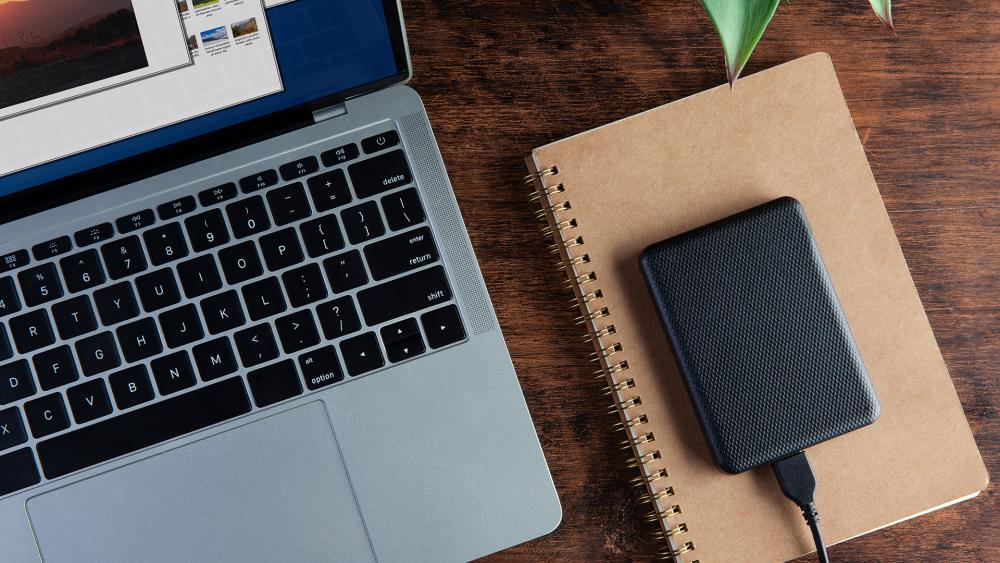
How Backups Help Reduce Stress and Disruption
A good backup routine does not just protect files. It protects your time. When something goes wrong, the difference between "annoying" and "disaster" is usually whether you can get your files back quickly. If your most important data already exists in another location, recovery becomes a process instead of a crisis. That is the real value of reliable backup solutions.
Why One Copy Is Rarely Enough
One file on one device is not a backup. It is just a single point of failure. Even one extra copy is better than none, but smarter setups go further. Many people now combine local backup with cloud storage, or a main device with an external drive, or a portable copy with a NAS on the home network. That layered approach is what makes modern backup services and backup storage drives more useful than a one-off dump of files every few months.
The Value of Having Fast Access to Protected Files
Backups are most helpful when they are easy to use. If restoring a file feels clunky, people stop doing it properly. That is why the right media matters. A portable external drive is great for straightforward local copies. A NAS is better when multiple devices need access. A faster internal SSD can help keep your daily system responsive while your external or network storage handles protection. In practice, the best backup solutions are the ones you will actually keep using.
How to Build a Smarter Backup Routine for World Backup Day
Identify the Files and Folders That Matter Most
Start with the data that would hurt most to lose. For most users, that means photos, videos, work folders, scanned documents, tax records, save files, and any personal archive that has built up over the years. If you are setting up business backup solutions, add shared project folders, finance records, team assets, and versioned client work to that list. World Backup Day is a useful prompt because it forces you to stop assuming everything important is already safe.
Choose a Backup Schedule You Can Stick To
The perfect schedule does not help if you never follow it. For some people, weekly is enough. For more active work, daily or automatic backup makes more sense. The right answer depends on how often your files change. The important bit is consistency. WD's support ecosystem includes software and tools that help users manage and maintain WD storage drives more easily, which is useful if you want your automatic data backup routine to feel less manual.
Combine Automatic Backups with Reliable Storage
This is where a practical backup mix comes in. Use cloud backup for account-level safety if you already rely on cloud services. Use a local WD drive for fast, physical copies you control. If you need something more permanent for a household, creative workflow, or home office, a NAS setup can become your central backup point. If you want a deeper look at that type of setup, our guide on building a home NAS with WD Red drives is a useful companion because it shows how WD capacity scales into a more structured home backup environment.
How Wd Fits into a Safer Digital Storage Setup
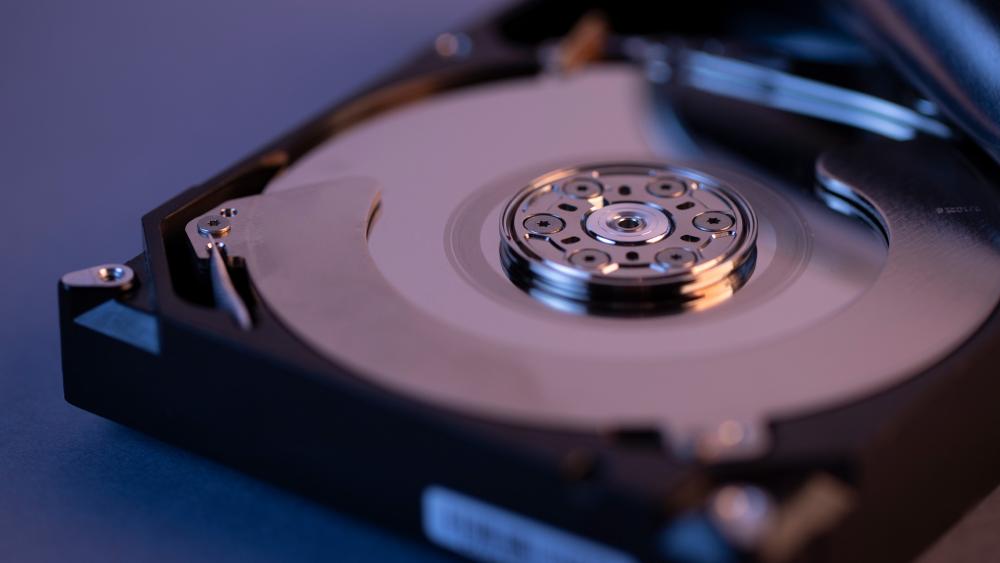
Wd Options for Everyday Backup and File Storage
WD works well in this space because the range covers different levels of backup without forcing everyone into the same setup. For simple personal use, the WD My Passport 4TB is an easy fit. It offers 4TB storage, USB connectivity, and WD's product materials highlight backup support and password protection, which makes it a good match for family photos, work files, and general everyday protection. If you want something straightforward for personal data backup, it is the kind of drive that makes backup less of a chore.
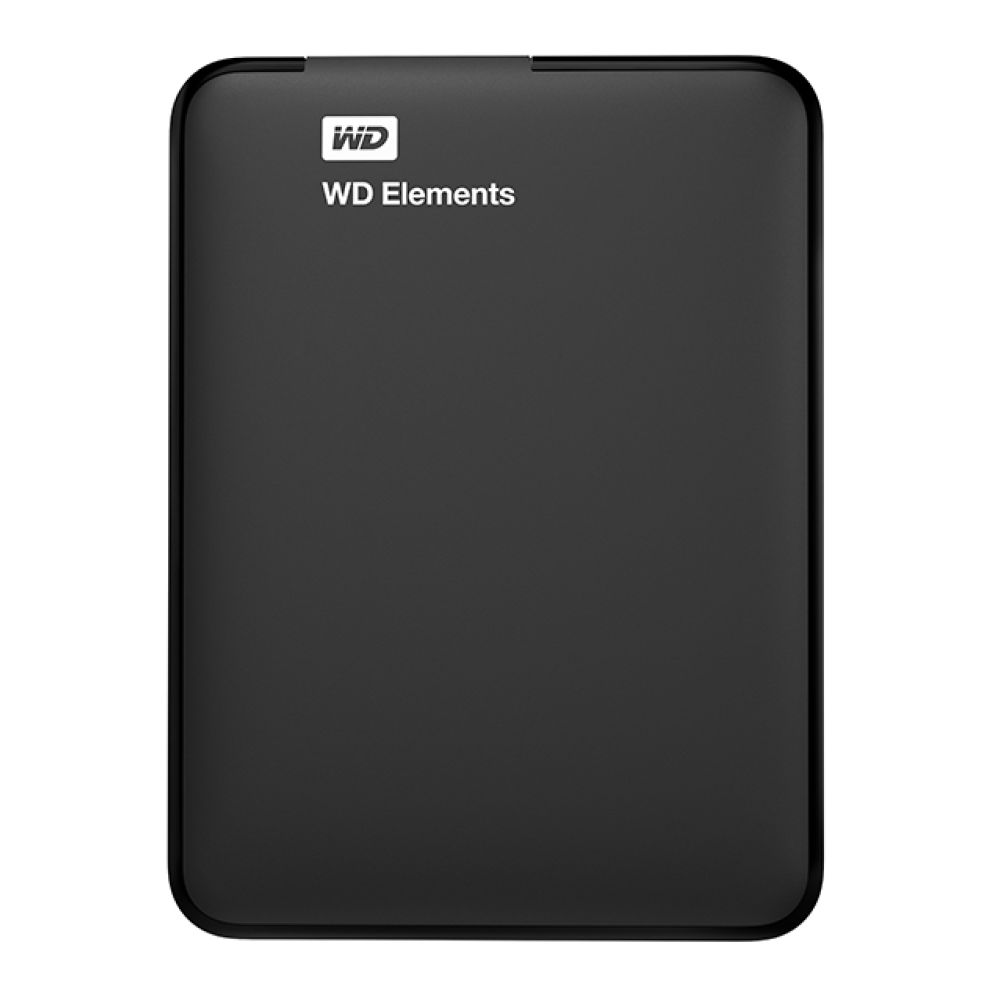
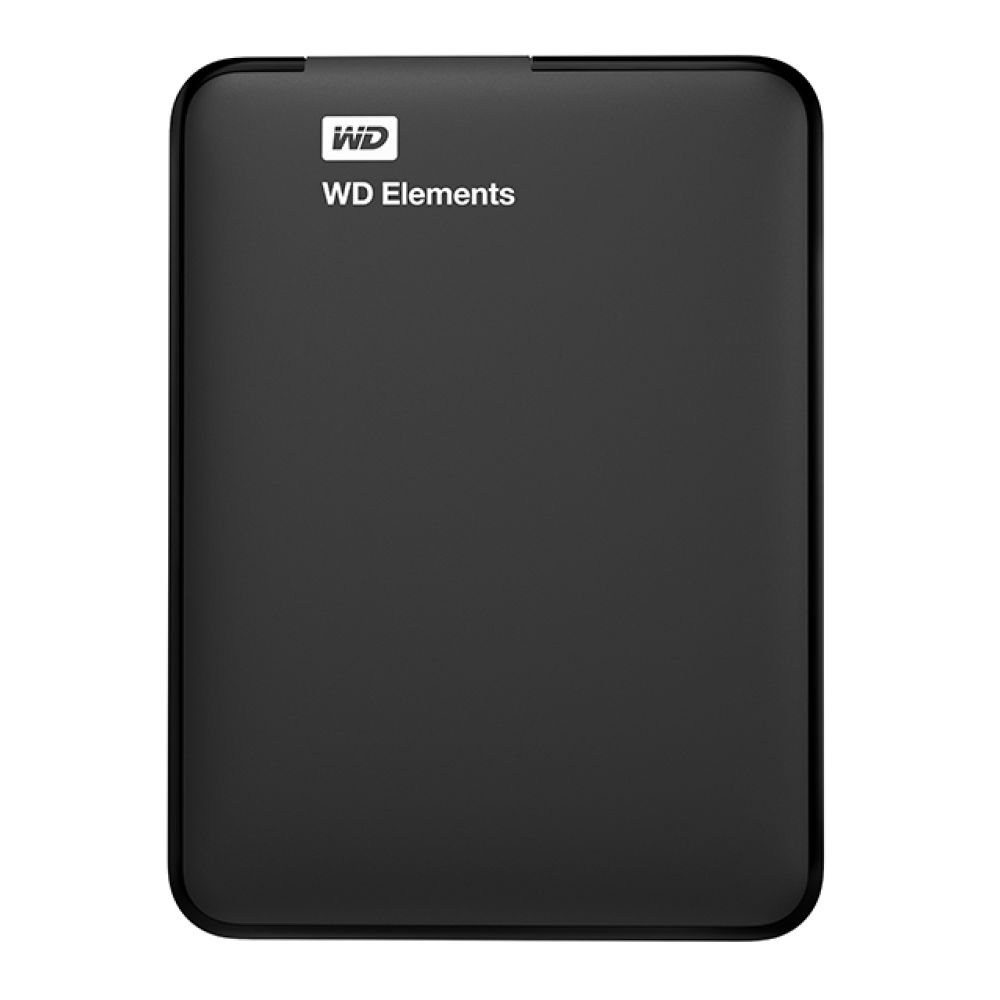
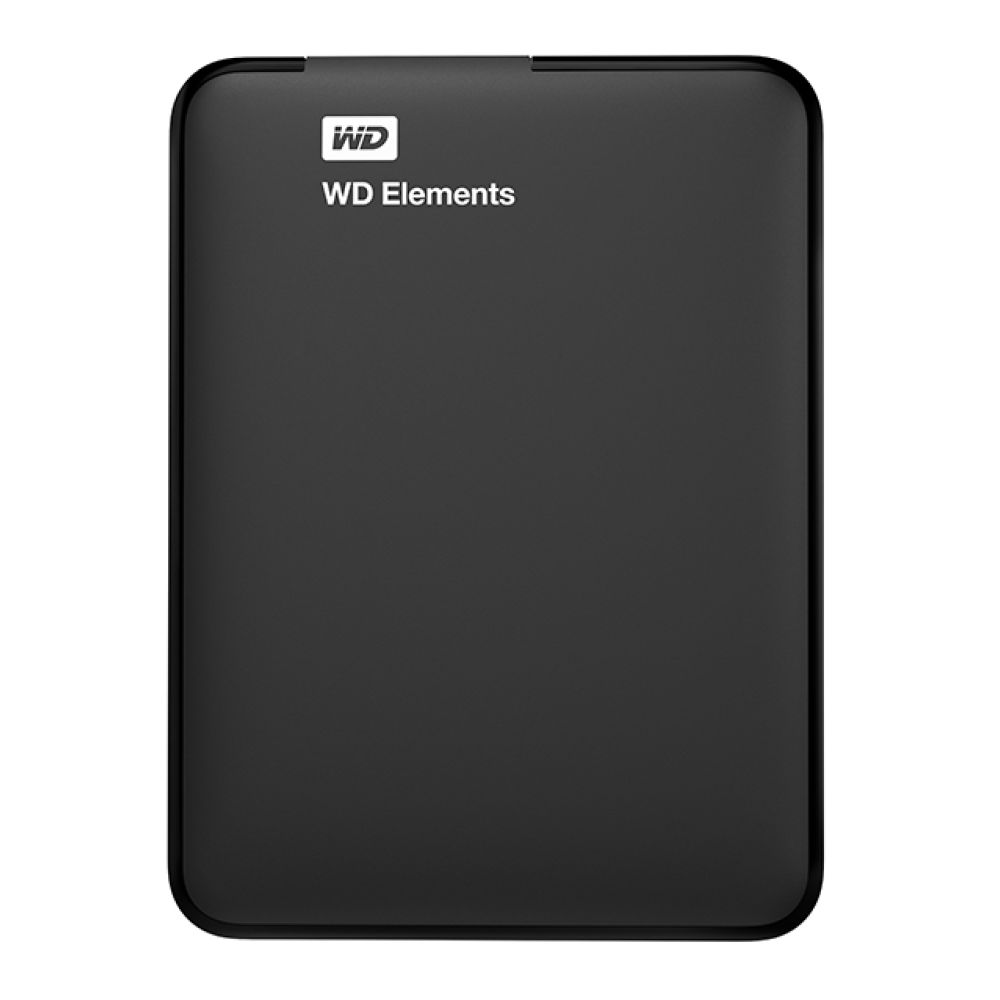
If you want a more value-led option for straightforward local copies, the WD Elements Portable 4TB is another strong choice. WD positions the Elements line around high-capacity storage and fast data transfer for value-conscious users, which suits households that want a dependable backup HDD without overcomplicating the setup. It is especially handy if your goal is simply to backup your data from a laptop or desktop and keep a separate local copy ready to go.
External and Internal Storage Choices for Different Needs
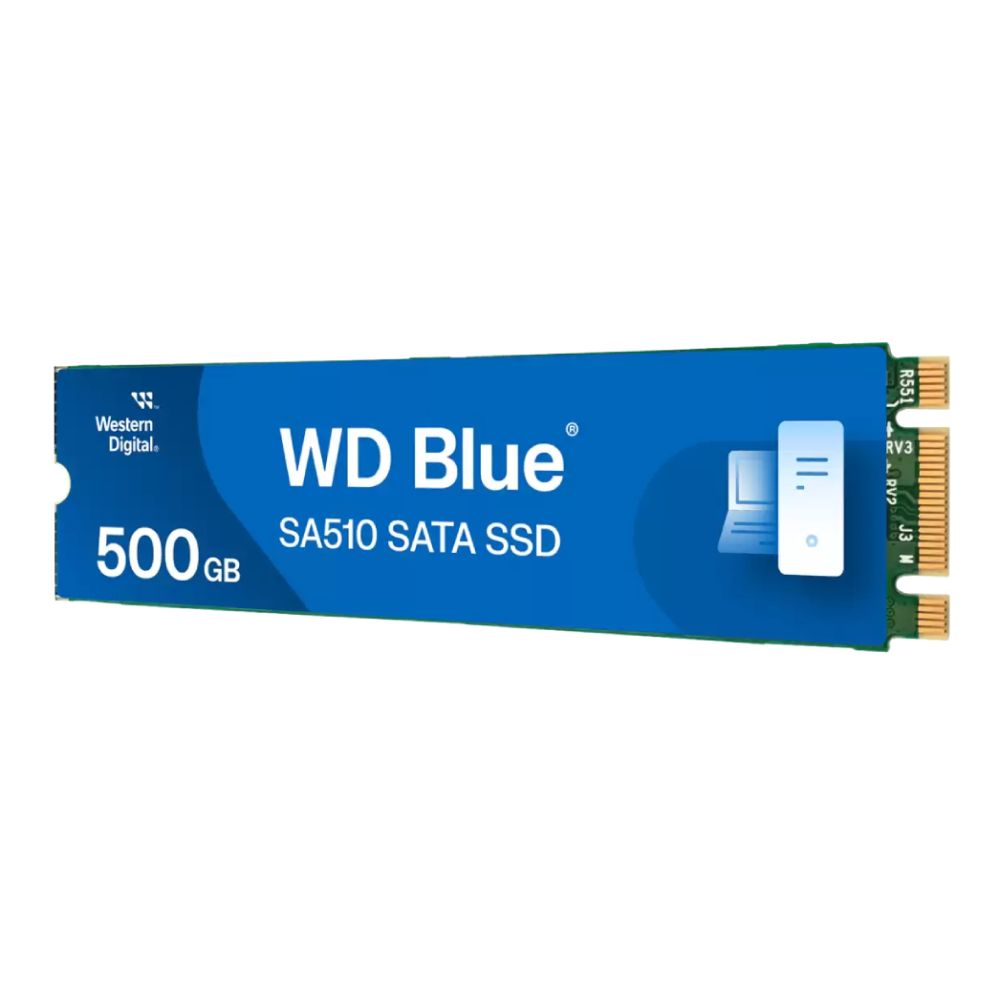
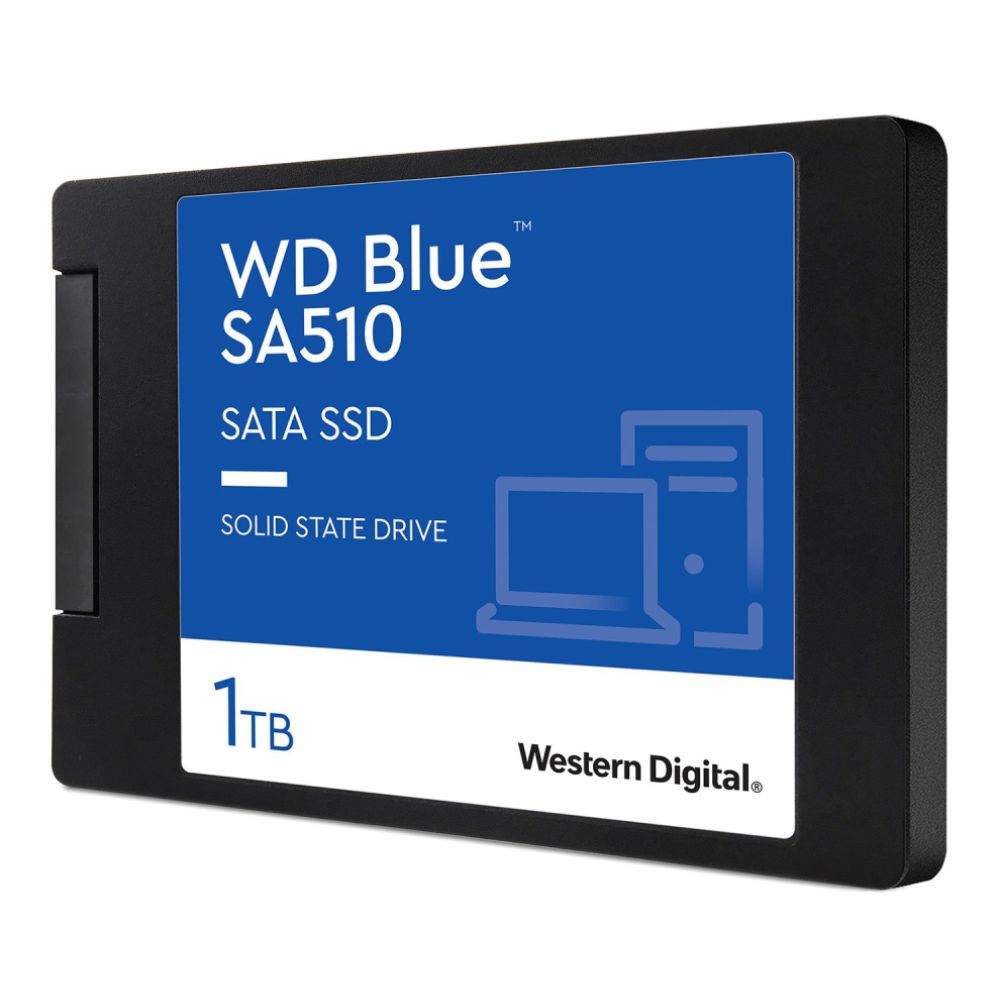
Not everyone needs the same backup hardware. If your priority is portable, simple backup, a WD external hard drive makes more sense. If your system drive is ageing and you want a faster day-to-day machine before building out your wider routine, the WD Blue SA510 1TB gives you an internal SSD option with up to 560MB/s read speeds, SATA compatibility, and capacities designed to handle larger media libraries. WD specifically positions the SA510 as a way to breathe new life into a PC for creators and professionals, so it fits nicely when internal SSD upgrades are part of the bigger protection plan.
For higher-performance users who also care about quick local storage, the WD Black SN7100 1TB and WD Black SN850X 1TB bring much faster NVMe performance into the mix. These are not backup drives in the traditional "plug it in and copy files" sense, but they do make sense in a broader storage backup setup when your main machine needs faster working storage before your archives move to external or NAS-based protection. That is especially true for creators, editors, or gamers handling large project folders and capture files.
Why Dependable Capacity Matters as Digital Files Grow
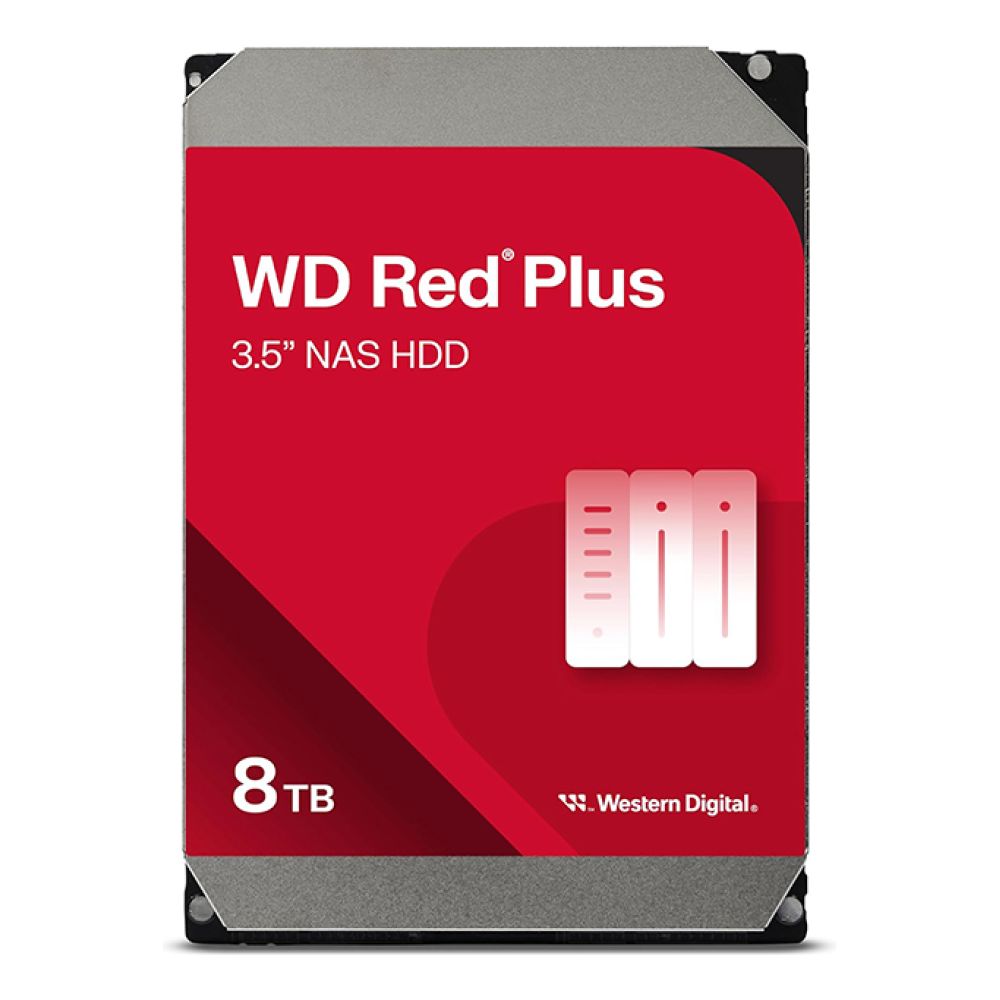
Capacity becomes a bigger deal every year. Photos are larger. Phones shoot better video. Games are heavier. Creative assets balloon quickly. That is why WD's NAS-focused lineup matters too. The WD Red Plus 8TB is built for 24/7 NAS environments and RAID-ready workloads, making it a strong fit for users who want a dedicated home or office backup hub instead of juggling random portable drives.
Recommended WD options For Different Backup Styles
To make the choices clearer, here is how the WD range can fit different backup habits without overcomplicating things:
For Simple Personal Backup
- WD My Passport 4TB: A great match for users who want high-capacity portable backup with password protection and an easy everyday workflow. Best for photos, personal documents, media libraries, and routine local copies.
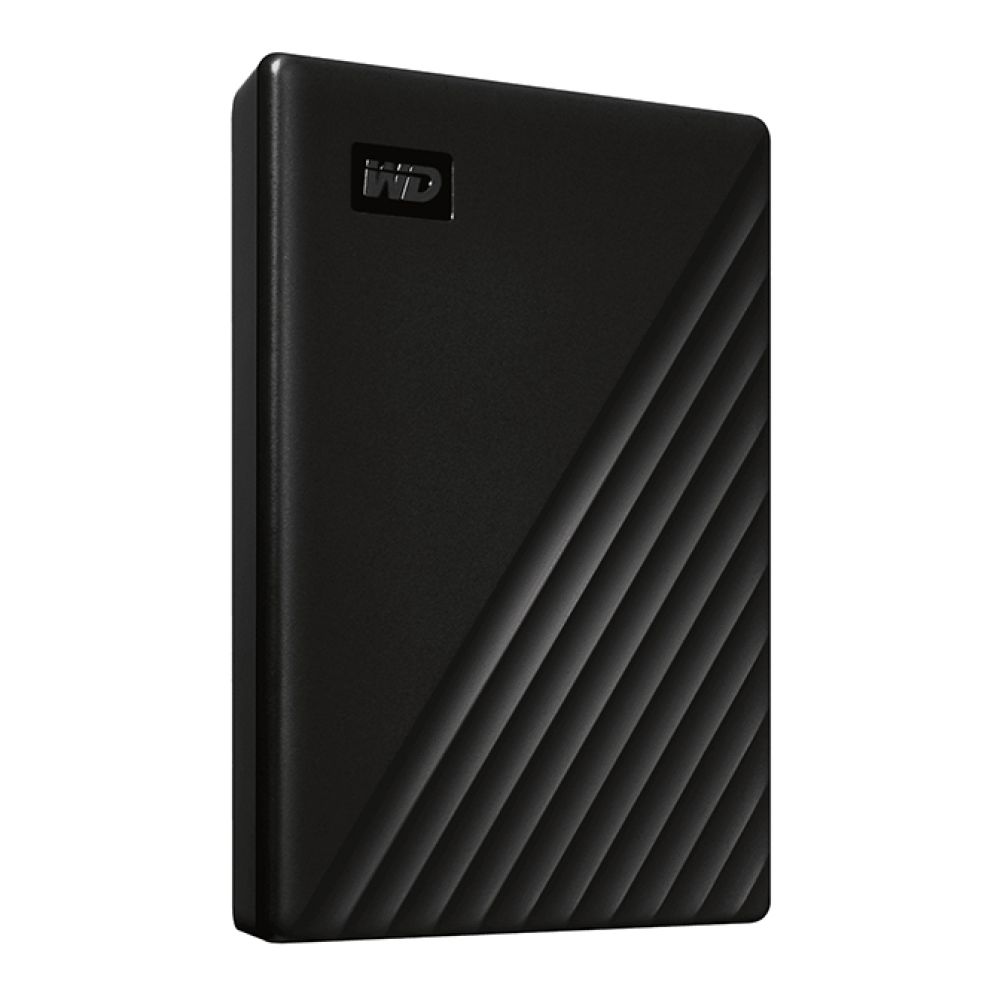
Shop Western Digital My Passport 4000GB
For Affordable Plug-and-go Local Copies
- WD Elements Portable 2TB / 4TB / 5TB: Best for users who want simple capacity for backup storage drives without extra fuss. A good fit for students, households, and anyone who wants a reliable local second copy using portable SSD storage for their computer.
For Faster Everyday Systems
- WD Blue SA510 500GB or 1TB: Ideal when your current machine feels slow and you want internal SSD upgrades as part of a better protection plan. Great for making a laptop or desktop feel more responsive while keeping backup copies elsewhere.
For Home Office or Family Network Backup
- WD Red Plus 8TB: A stronger option for users moving towards western digital NAS drives for backup and more structured household or small-team backup. Designed for 24/7 NAS use and suited to growing libraries that need shared, dependable capacity.
Shop Western Digital Red Plus 8TB
Make World Backup Day the Starting Point, Not a One-Day Reminder
Simple Steps to Take Today
World Backup Day works best when it turns into action. The easiest starting point is this:
- identify your most important folders
- create one extra local copy today
- set a repeat schedule for ongoing backups
- decide whether you also need cloud backup or NAS storage
- test that you can actually restore files, not just copy them
That is already a better position than hoping your main device never lets you down.
How Small Backup Habits Lead to Better Long-Term Protection
The smartest backup routines are not dramatic. They are boring in the best possible way. Files copy over on schedule. Key folders stay current. A second copy exists even when life gets hectic. A more permanent setup is there when your storage needs grow. Whether that is a My Passport in a drawer, an Elements drive at your desk, or a WD Red NAS setup in the corner of the room, the goal is the same: fewer single points of failure.
Turning Awareness into a Smarter Digital Routine
That is really the point of World Backup Day. It is not just a reminder to buy more storage. It is a reminder to treat your digital life like it matters. The best backup strategy is one that fits your files, your habits, and your budget. For plenty of users, WD makes that easier because the range covers personal backup, faster local storage, and more scalable NAS-style protection without making the whole topic feel over-engineered.
Final Thoughts
World Backup Day is a useful reminder, but the real value comes the day after. Your files still matter on 1 April, 1 May, and every other day you rely on them. If you only think about data backup when something breaks, you are always playing catch-up. A smarter setup gives you options before panic kicks in.
For straightforward personal backup, WD portable drives make it easy to start. For faster daily performance, WD SSD options help modernise your system. For bigger households, creatives, or small business workflows, WD Red NAS drives give you a path towards more structured protection. That mix is what makes WD so useful in a World Backup Day conversation: there is a realistic way to start small and scale up as your digital life grows.
The best move now is a simple one. Pick the files that matter, choose the WD setup that fits your routine, and make sure your next lost file is just an inconvenience, not a disaster.
FAQs
What is World Backup Day?
World Backup Day is observed on 31 March each year as a reminder to protect data against loss and theft by making proper backups of important files.
Why is backing up data important?
Backing up data matters because files can be lost through deletion, device failure, corruption, theft, or cyber threats. A backup gives you another copy so one problem does not wipe out everything important.
How often should I back up my files?
That depends on how often they change. Daily backup makes sense for active work and business files, while weekly backup can be enough for lighter personal use. The key is choosing a schedule you will actually maintain.
What files should I back up first?
Start with your most valuable data: family photos, videos, important documents, work folders, financial records, and any files you could not easily replace.
Is an external drive good for backups?
Yes. An external drive is one of the easiest ways to create a second local copy of important files. For many users, a WD portable drive is the simplest first step towards a better backup routine.
You can pay with:
*PayPal Credit Representative Example: Assumed credit limit £1,200, Representative 23.9% APR (variable). Purchase rate 23.9% p.a (variable).Terms & Conditions apply.


PayPal Credit and PayPal Pay in 3 are trading names of PayPal UK Ltd, 5 Fleet Place, London, United Kingdom, EC4M 7RD. Terms and conditions apply. Credit subject to status, UK residents only, Five Tech LTD acts as a broker and offers finance from a restricted range of finance providers. PayPal Pay in 3 is not regulated by the Financial Conduct Authority. Pay in 3 eligibility is subject to status and approval. 18+. UK residents only. Pay in 3 is a form of credit. Check if affordable and how you will repay. May make other borrowing more difficult or expensive. See product terms for more details.
Copyright © 1996-2026 Fivetech LTD | Terms and Conditions
box.co.uk & Box are trading names of Five Tech Limited. Registered office: Box LTD, Unit 10 Woodford Trading Estate, Woodford Green IG8 8HF