


 Menu
MenuMenu


Get Sales Advice from Mon - Fri 9am - 5:00pm:
020 3337 8950LAST UPDATED: May 21, 2026
Best Computer Monitors for Work & Productivity
In today’s world, our desks have become the new headquarters of productivity. Whether you’re logging in from a corporate office or working from home, one piece of tech determines how smooth your workday feels: your monitor. The right display can supercharge productivity, reduce eye strain, and even spark creativity. But with so many options like curved, ultrawide, widescreen; it can be tricky to know which one is truly the best computer monitor for work.
This guide breaks it all down, helping you find the perfect monitor that matches your workflow, workspace, and ambitions.
What Makes a Monitor "Best" for Work?

Not all monitors are created equal, and what’s perfect for gaming or casual browsing may not hold up during an 8-hour workday. When it comes to productivity, a monitor needs to tick specific boxes that make long hours more comfortable and complex tasks easier to manage.
Let’s break down the key features:
- Resolution & Clarity: The higher the resolution, the sharper the image. Full HD is still common, but if you spend your day working with text, spreadsheets, or visuals, a QHD (2560x1440) or 4K (3840x2160) monitor makes a huge difference. You’ll get cleaner text, more visible detail, and the ability to keep multiple windows open without everything looking cramped.
- Size & Aspect Ratio: Screen size directly impacts how much you can see at once. A 24-inch monitor might suit smaller desks, but for multitaskers, 27-inch or even 32-inch displays make workflow smoother. Aspect ratio matters too: traditional 16:9 monitors are versatile, while ultrawide ratios (21:9 or 32:9) open more space for multitasking without juggling two separate screens.
- Ergonomics: Productivity isn’t just about pixels; it’s about comfort. An adjustable stand that lets you raise, tilt, and swivel the screen ensures you’re not hunched over or straining your neck. VESA mounting compatibility is also useful if you prefer arm mounts for ultimate flexibility.
- Eye Comfort: Staring at a screen for hours can lead to fatigue, headaches, and even long-term strain. Features like blue light reduction, anti-glare coatings, and flicker-free backlighting help minimise eye stress, making a monitor feel more natural for extended work sessions.
- Connectivity & Compatibility: Modern workflows often demand multiple devices. Monitors with multiple HDMI ports, DisplayPort, and especially USB-C (with power delivery) allow you to connect laptops, tablets, and docking stations seamlessly. This cuts down on cable clutter and makes hot-desking or switching between devices effortless.
When you think about it, a monitor is more than just a screen, it’s your primary workspace window. The wider, clearer, and more comfortable that window is, the more productive and enjoyable your workday becomes.
Want to go even deeper? Don’t miss our Monitor Buying Guide 2025: Everything You Need to Know.
Best Monitors for Office Use: Professional, Reliable & Built for Productivity
An office monitor needs to strike the perfect balance between professional aesthetics, performance, and comfort. In busy workplaces, employees spend hours in front of screens, so clarity, ergonomics, and reliability are key. Good office monitors often feature slim bezels for a modern look, energy-efficient panels to cut down costs, and adjustable stands to ensure healthy posture throughout the workday.
At Box, two excellent choices stand out for office setups:
- Philips 27E2N1500L 27" IPS Quad HD 75Hz Business Monitor (MPN: 27E2N1500L/00)
This monitor offers crisp Quad HD resolution for sharp text and graphics, perfect for professionals working on detailed documents or presentations. The IPS panel ensures wide viewing angles, making it ideal for collaborative office environments. Its 75Hz refresh rate also adds smoothness to day-to-day tasks.

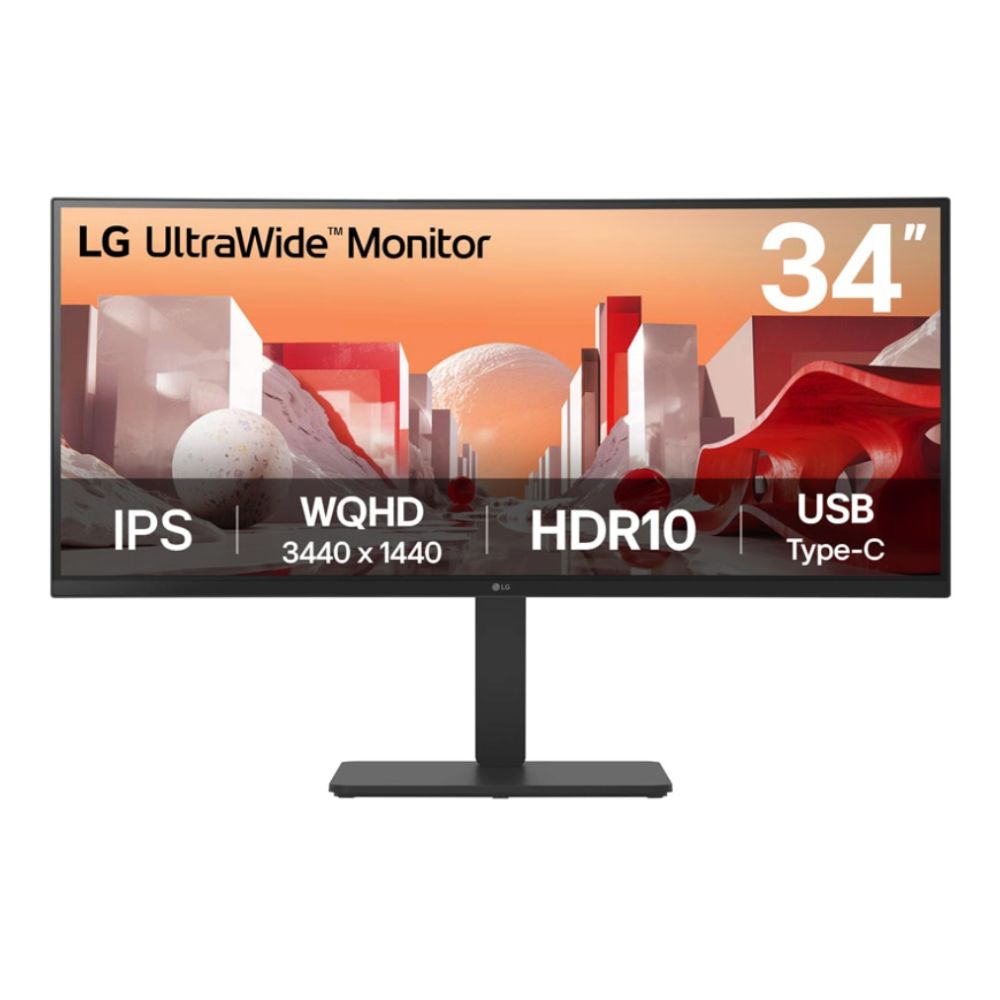
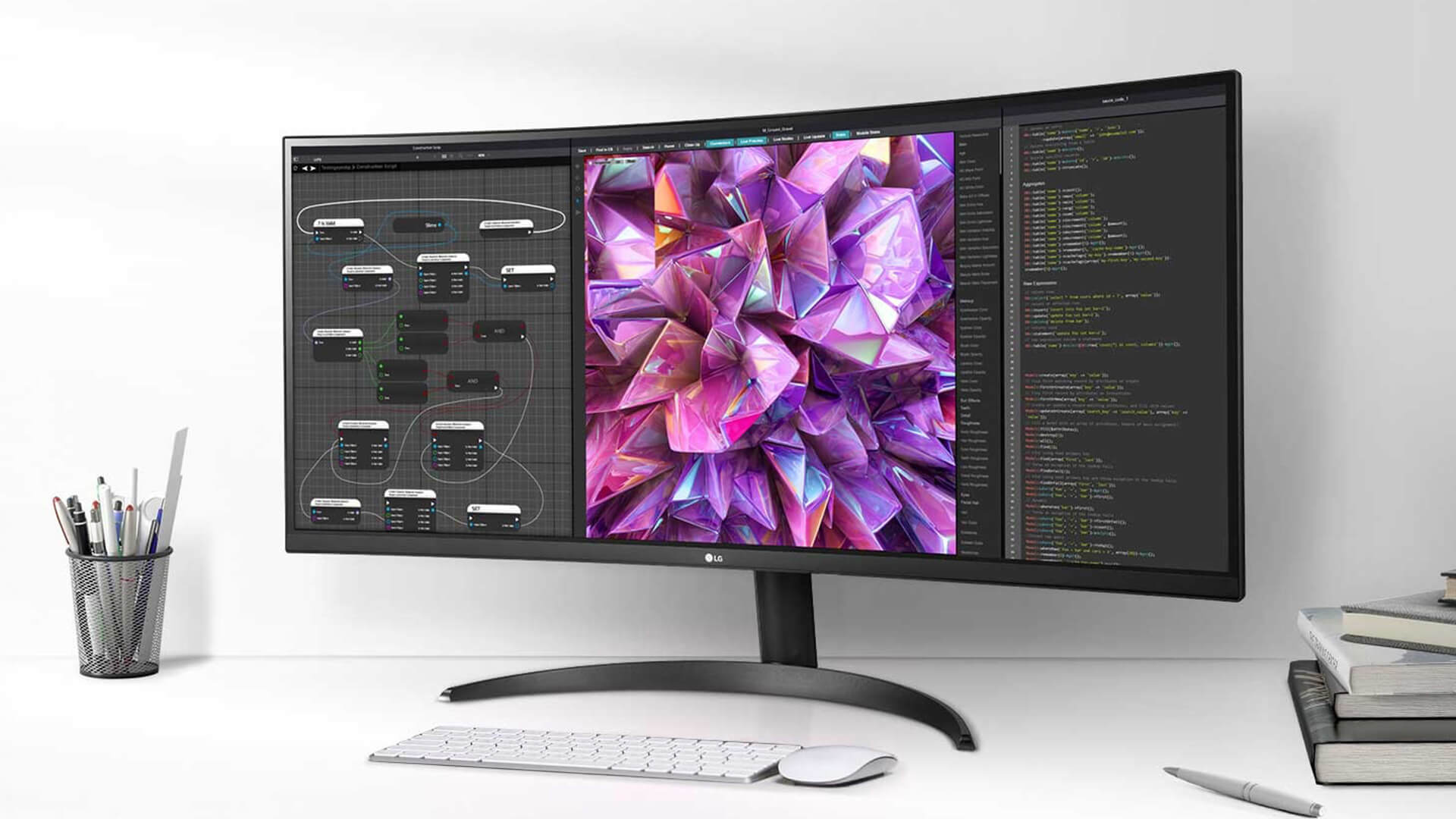
- LG 34BA75QE-B 34" Ultra Wide WQHD IPS Curved Height Adjustable Monitor (MPN: 34BA75QE-B.AEK)
Designed for multitasking, this ultra-wide display gives office workers more screen space without the hassle of a dual-monitor setup. With built-in speakers, height adjustment, and USB-C connectivity, it simplifies desk setups while offering flexibility for modern work needs. Explore more options in Box’s curated range of Business Monitors.
Best Monitors for Working from Home: Flexible, Smart & Compact
Remote work often blurs the line between professional and personal use. The ideal home office monitor should be compact enough to fit into smaller spaces, versatile enough to handle Zoom calls and spreadsheets, and smart enough to double up as an entertainment hub after hours.
A standout choice for working from home is:
- LG 27SR50F-W 27" IPS Full HD Smart Monitor with WebOS (MPN: 27SR50F-W.AEK)
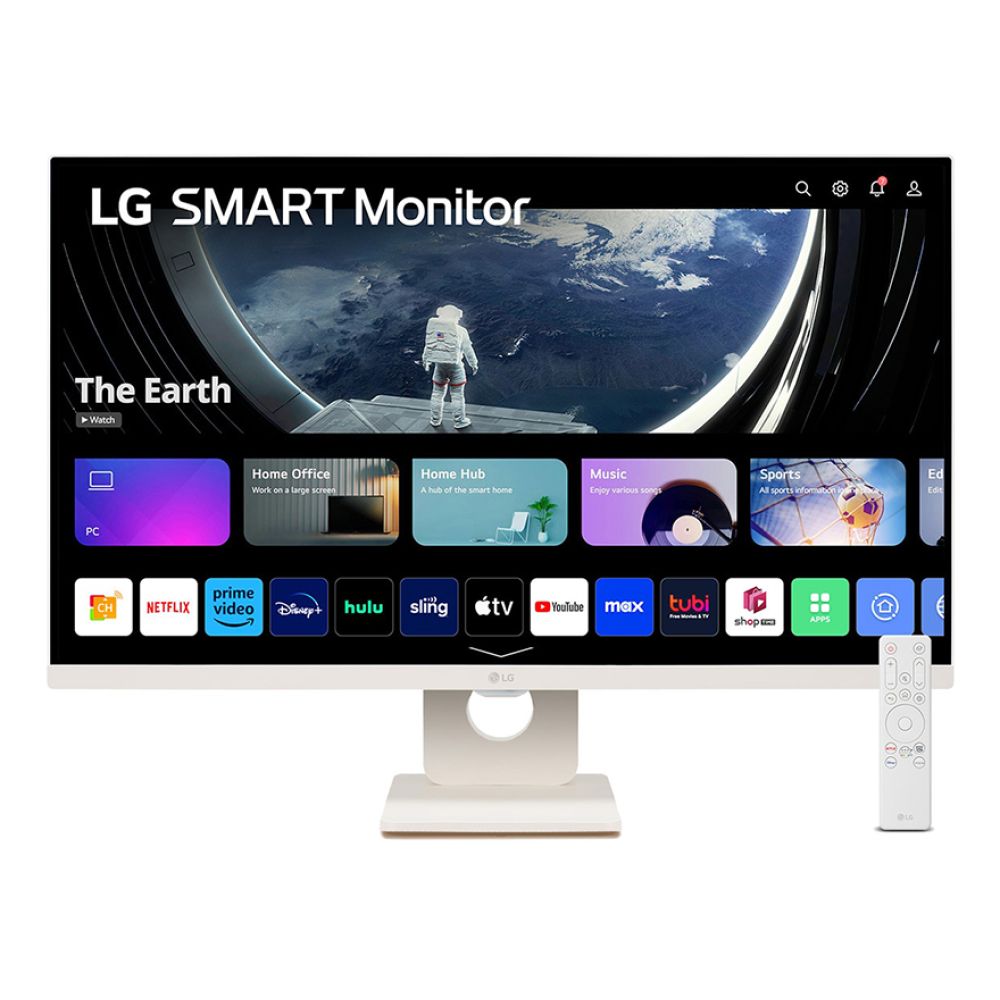
This model blends productivity with entertainment. The 27" IPS panel delivers bright, accurate visuals, while built-in apps and speakers make it a great all-in-one solution. Whether you’re presenting in a virtual meeting, watching Netflix during downtime, or browsing the web, this monitor is a reliable partner for remote workers.
Discover more best monitors for working from home in Box’s Computer Monitors range.
Curved Monitors for Work & Creativity: Immersive and Comfortable

Curved monitors are more than just stylish; they’re designed to wrap visuals around your natural field of vision, reducing distortion and making long sessions easier on your eyes. For professionals in creative industries, data-heavy roles, or multitasking-intensive jobs, curved monitors provide a workspace that feels both immersive and natural.
A top option available at Box is:
- LG UltraGear 39GS95QE-B 39" Curved OLED WQHD 240Hz Monitor (MPN: 39GS95QE-B.AEK)
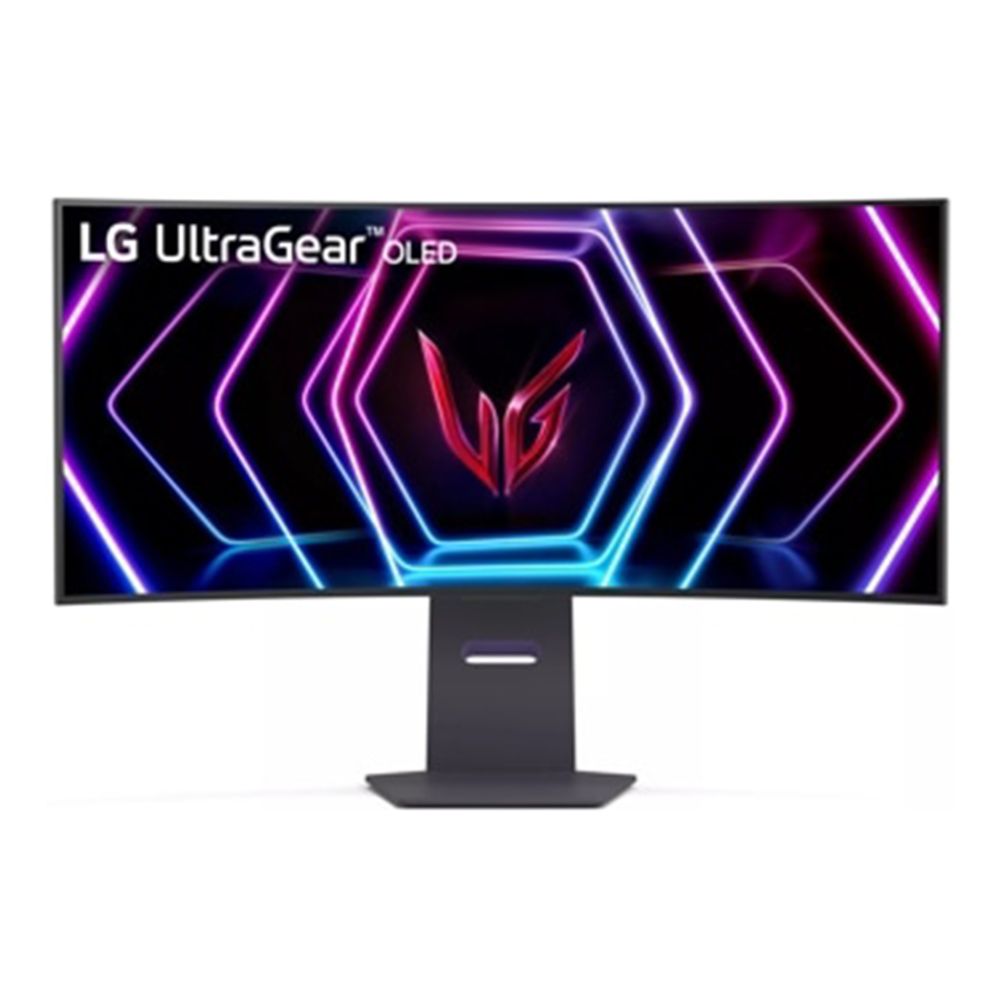
While this model is branded as a gaming powerhouse, its features make it equally impressive for work. The OLED panel delivers stunning contrast and color accuracy perfect for designers and creatives. The huge 39" curved display gives data analysts and developers the freedom to view multiple windows side by side. Plus, the ultra-fast response time ensures smooth performance in every scenario.
If you’re after a slightly smaller display with equally impressive speed and precision, the iiyama G-Master GB2795HSU 27" Full HD 280Hz Gaming Monitor
is a fantastic alternative. With its 0.2ms response time, FreeSync Premium technology, and ergonomic height-adjustable stand, it’s designed to deliver ultra-smooth gameplay and comfort for both gaming and productivity setups.
For those seeking a more compact option that still delivers outstanding clarity and responsiveness, the Philips Evnia 24M2N3200NF 24" IPS Full HD 144Hz Gaming Monitor
is another excellent pick. Its IPS panel ensures vivid colours and wide viewing angles, while the 144Hz refresh rate and 1ms response time keep fast-paced action fluid and sharp — perfect for both competitive gaming and everyday use.
Browse Box’s range of curved monitors for work to find more immersive options tailored to productivity.
The Rise of Ultrawide Monitors: Replace Two Screens with One
For professionals juggling multiple apps, documents, and tabs, ultrawide monitors are revolutionising the workspace. Instead of managing dual monitors with clunky bezels and multiple cables, an ultrawide screen offers seamless multitasking, cleaner desk setups, and an immersive panoramic workspace.
- Perfect for financial dashboards, video editing timelines, and coding.
- Reduces desk clutter and enhances workflow efficiency.
- Ideal for anyone who needs the equivalent of two monitors in one.
Looking for the best ultrawide monitor? Check out Box’s dedicated collection of Ultra-Wide Monitors designed for modern professionals.
Buying Guide Tips: Getting the Most Value
Purchasing a new monitor isn’t just about picking the biggest screen within your budget; it’s about choosing the display that will serve your work needs today and remain reliable in the years to come. Here are a few essential factors to consider before you buy:
- Budget vs. Premium Models: While entry-level monitors can handle everyday tasks like email and browsing, premium models with higher resolution, better colour accuracy, and advanced ergonomics pay dividends for those working long hours or in creative industries. For instance, if your day is spent editing graphics or handling data-heavy reports, investing in a 4K or ultrawide display can save time and reduce fatigue.
- Future-Proofing Your Setup: Technology moves fast, and so should your investment strategy. Look for monitors with USB-C connectivity, higher refresh rates (75Hz or above), and adaptive sync options. These features ensure your monitor remains compatible with newer laptops, docking stations, and productivity tools over the next 3–5 years.
- Ergonomic Considerations: Comfort matters more than you think. Adjustable stands, pivot options, and VESA compatibility allow you to tailor the setup to your posture. This prevents long-term issues like neck strain and improves focus during extended work sessions.
- Common Mistakes to Avoid: One of the biggest mistakes buyers make is focusing only on resolution while ignoring other essentials like brightness, port selection, and panel type. Another frequent oversight is choosing a screen that doesn’t fit the workspace. Oversized monitors in small home offices can feel overwhelming rather than helpful. Always balance size, performance, and available space.
For a wide selection of productivity-focused displays, check out Box’s Computer Monitors.
Conclusion: Upgrade Your Workspace, Upgrade Your Work
A monitor isn’t just a piece of hardware; it’s the centerpiece of your productivity environment. The right screen enhances comfort, sharpens focus, and even influences creativity. From crisp office-ready panels to flexible home setups and immersive ultrawide displays, upgrading your monitor is one of the simplest yet most impactful ways to elevate your workday.
Whether you’re outfitting a full office, building the perfect home workspace, or looking for a curved monitor to inspire creative flow, Box.co.uk has a curated range of solutions tailored to every role and budget.
Ready to work smarter, not harder? Explore Box.co.uk collection of work monitors today and find the perfect match for your productivity needs.
You can pay with:
*PayPal Credit Representative Example: Assumed credit limit £1,200, Representative 23.9% APR (variable). Purchase rate 23.9% p.a (variable).Terms & Conditions apply.


PayPal Credit and PayPal Pay in 3 are trading names of PayPal UK Ltd, 5 Fleet Place, London, United Kingdom, EC4M 7RD. Terms and conditions apply. Credit subject to status, UK residents only, Five Tech LTD acts as a broker and offers finance from a restricted range of finance providers. PayPal Pay in 3 is not regulated by the Financial Conduct Authority. Pay in 3 eligibility is subject to status and approval. 18+. UK residents only. Pay in 3 is a form of credit. Check if affordable and how you will repay. May make other borrowing more difficult or expensive. See product terms for more details.
Copyright © 1996-2026 Fivetech LTD | Terms and Conditions
box.co.uk & Box are trading names of Five Tech Limited. Registered office: Box LTD, Unit 10 Woodford Trading Estate, Woodford Green IG8 8HF