


 Menu
MenuMenu


Get Sales Advice from Mon - Fri 9am - 5:00pm:
020 3337 8950LAST UPDATED: June 24, 2026
Work Anywhere & Study Smarter: The Ultimate Setup Guide with Philips Monitors
Your screen shapes the way your day flows. A small display can make research, video calls, spreadsheets and writing feel harder than they need to be, while the right monitor gives you space to think, organise and focus.
That is where Philips monitors for work and Philips monitors for study can make a real difference. From compact displays for small desks to 4K screens, curved monitors, ultrawide workspaces, portable displays and Philips Evnia models, there are options to suit different routines and room setups. Whether you are building a cleaner home office, improving a student desk or creating one screen setup for productivity and downtime, this guide will help you choose the right Philips monitor setup for the way you work, study and relax.
This guide explains how to choose the right Philips monitor setup for your routine.
Why Choose a Philips Monitor for Work and Study?
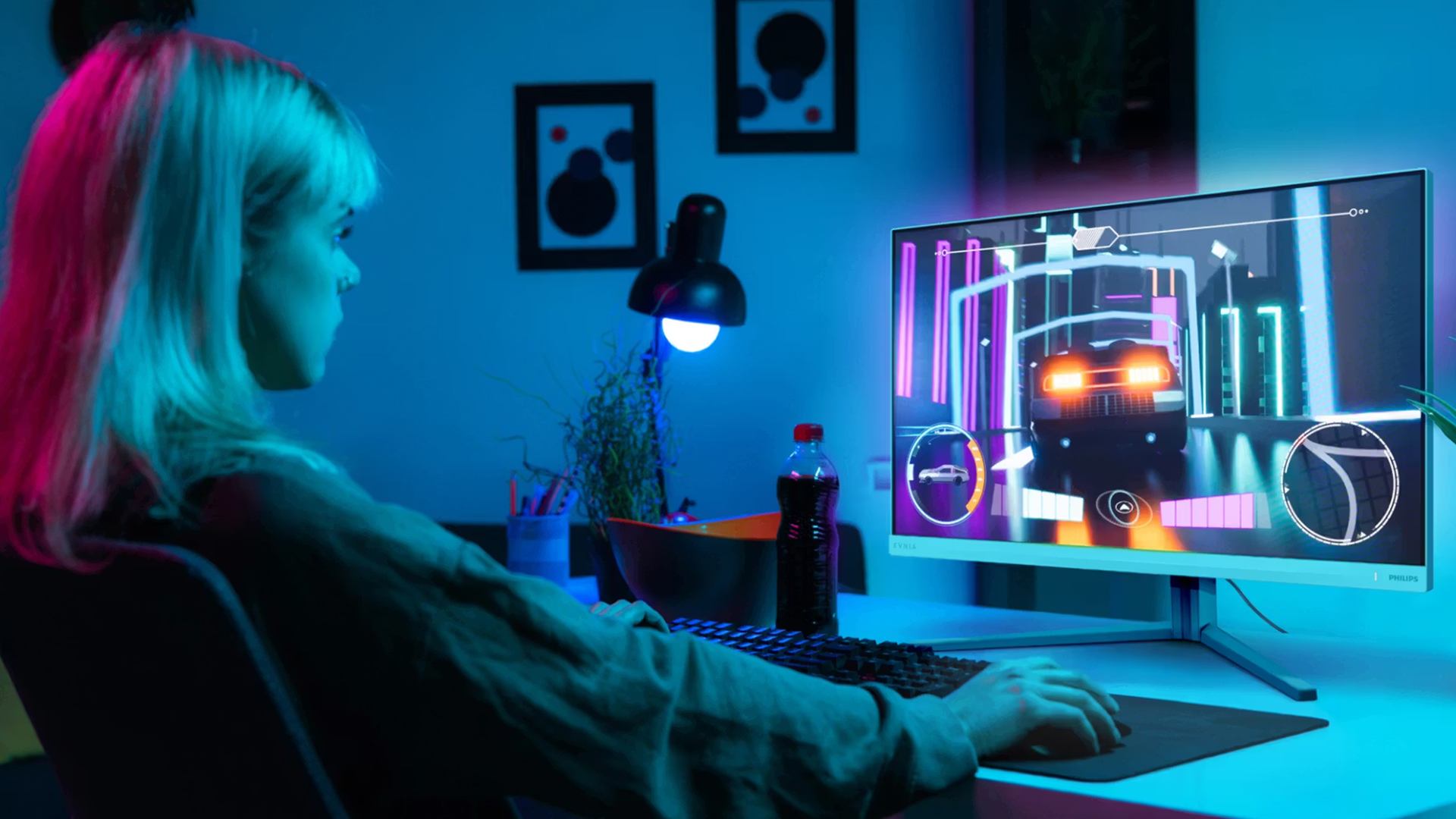
Bigger Screen Helps You Work Smarter
A bigger or wider Philips screen helps you keep more of your work visible. You can place notes beside an essay, keep a spreadsheet open next to a browser, or manage emails while working on a report.
This makes your workflow feel smoother because you spend less time minimising windows and searching through tabs. For students, this can make research and writing easier. For remote workers, it can make meetings, documents, and daily tools easier to manage.
More screen space also helps you organise your tasks visually. Instead of feeling restricted by one small window, you can create a layout that matches the way you work.
Comfort Benefits for Long Sessions
A good monitor setup can make long hours feel more comfortable. A larger Philips display reduces the need to lean forward or work from a cramped laptop screen. This is helpful when you are studying, reading long documents, joining meetings, or working through multiple tasks.
Comfort also comes from proper screen positioning. A monitor that can be placed at the right height helps support better posture and reduces the need to constantly look down at a laptop.
For larger screens, curved designs can also help create a more natural viewing experience by making the edges of the display easier to see. This can be useful during long work or study sessions.
Smooth Performance for Work and Entertainment
Some Philips monitors for work offer smoother visuals, which can make everyday use feel better. Higher refresh rates can make scrolling, browsing and switching between windows feel more fluid compared with a basic display.
This is useful for daily productivity, especially when choosing Philips displays for productivity, but it also helps when switching to entertainment after work or study. If you use the same screen for streaming, casual gaming or media, smoother motion and sharper visuals can make the experience more enjoyable.
A strong all-round monitor can support your full day, from focused work sessions to relaxed downtime.
Build a Cleaner Setup with Philips
A good monitor should make your desk feel simpler, not more cluttered. The right Philips screen can help you create a cleaner setup by giving you the right size, useful connectivity, and a more comfortable viewing position.
One Setup, Multiple Roles
A good monitor can support more than one part of your day. It can help with work in the morning, study in the afternoon, and streaming or gaming in the evening.
That is where Philips monitors are useful. You can choose a clean business display for focused tasks, a Philips 4K monitor for sharp detail, a curved screen for comfort, an ultrawide monitor for multitasking or a portable display for flexible work on the move.
Guide to Create a Streamlined Philips Monitor Setup for Work and Study
For hybrid workers, students and home users, a streamlined setup means fewer distractions and a more focused workspace.
1. Use USB-C Docking for a Cleaner Desk
If you want a simple and modern workspace, USB-C connectivity is one of the most useful features to look for. With compatible Philips monitors, a single USB-C cable can handle video, data and power delivery, depending on the monitor and laptop.
This means you can connect your laptop to the monitor and use one cable to display your screen, charge your device and access connected peripherals. It helps reduce desk clutter and makes your setup easier to manage every day.
You can also connect accessories such as a keyboard, mouse or external storage to compatible monitor USB ports, turning the monitor into a simple hub for your workspace. For users who want fewer cables and a tidier desk, this is a major everyday benefit.
2. Improve Posture with Ergonomic Monitor Positioning
Your monitor position can affect how comfortable you feel during long work or study sessions. If the screen sits too low, you may naturally tilt your head down, which can increase strain on your neck and shoulders over time.
A better setup starts with simple positioning. The top edge of your Philips monitor should sit roughly at eye level, with the screen placed directly in front of you. Your back should stay neutral, your shoulders relaxed and your eyes looking forward rather than down.
Height-adjustable Philips monitors are especially useful here. Models such as the Philips B Line 345B1C/00 and Philips Evnia 27M2N5901A/00 give you more control over screen position, making it easier to create a comfortable setup for longer sessions.
If your monitor does not offer enough adjustment, a sturdy monitor arm or VESA-compatible mount can help raise the display to a better height. This is particularly useful for shared spaces, small desks, or users who switch between sitting and standing positions.
3. Maximise Multitasking with More Screen Space
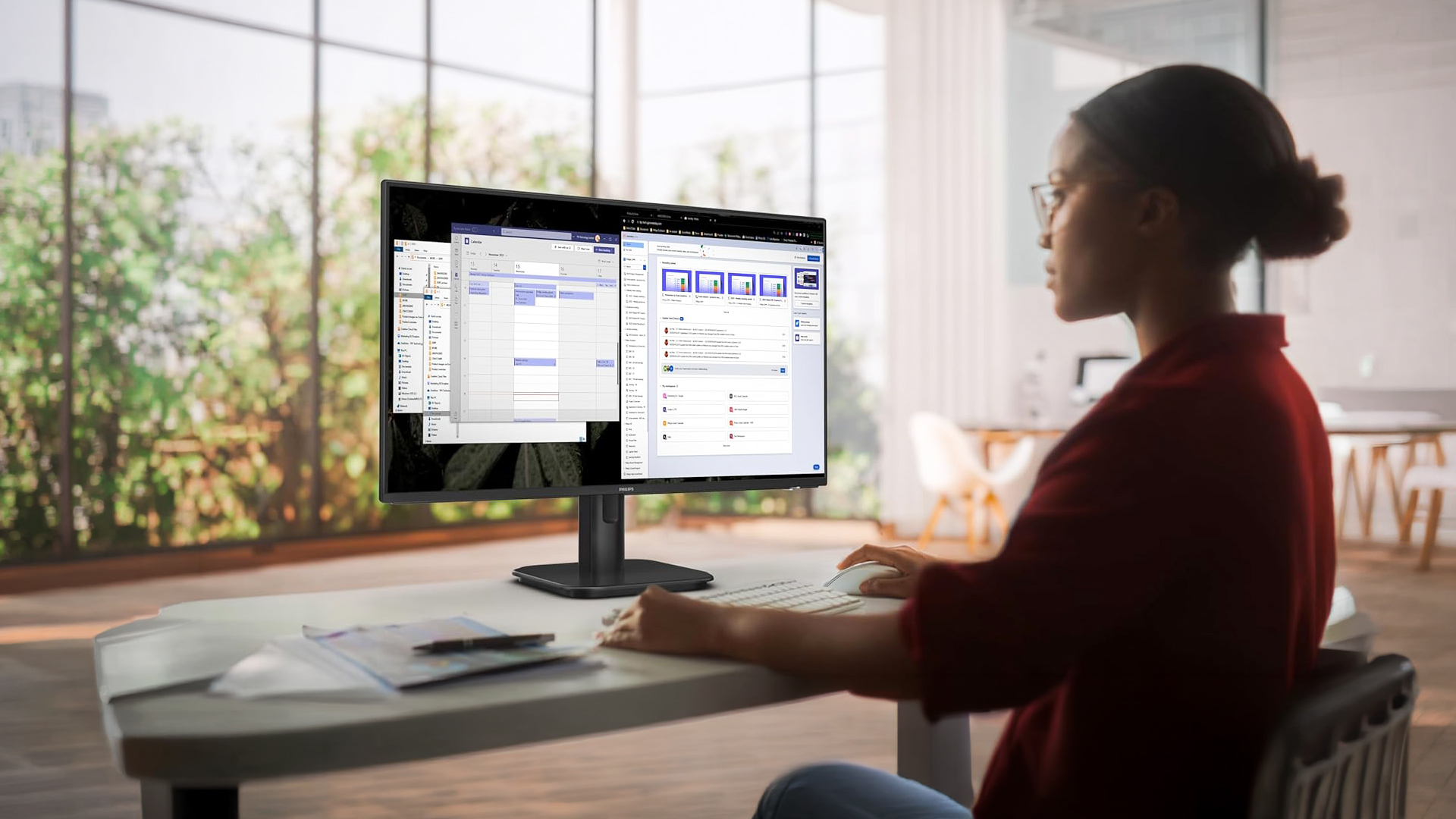
A Philips monitor can make multitasking much easier, especially if you regularly switch between notes, documents, browser tabs, spreadsheets and video calls.
A larger monitor gives you more room to organise your work clearly. Some Philips monitor models gives you a larger 31.5-inch 4K workspace, making it easier to view detailed content. For example, you could keep lecture notes open on one side and an essay draft on the other. For work, you could keep a spreadsheet, video call and browser open at the same time. This reduces the need to keep switching windows and helps you stay focused.
For users building a larger desk setup, our guide on Multiple Monitor Setup Guide for Remote Workers explains how to combine multiple displays for better multitasking, smoother workflows and a more flexible home office experience.
4. Use KVM and Multi-Device Features Where Available
Some Philips monitors include productivity features designed for users who work across more than one device. A built-in KVM switch, where available, allows you to control two connected computers using one keyboard and mouse.
This is useful if you use a work laptop during the day and a personal PC in the evening. Instead of swapping cables or keeping two sets of peripherals on your desk, a KVM-enabled setup lets you move between devices more smoothly.
Picture-by-Picture and Picture-in-Picture features, where supported, can also help display content from two devices on one screen. This is especially useful on larger or ultrawide monitors, where there is enough space to view two sources side by side.
These features are most useful for hybrid workers, students with multiple devices, and users who want one screen to support both work and personal use.
5. Protect Your Eyes During Long Sessions
Work and study often mean long hours in front of a screen, so comfort matters. Many Philips monitors include features designed to make viewing easier during extended use.
LowBlue Mode helps reduce shortwave blue light, which can feel tiring during late-night study or long work sessions. Flicker-Free technology helps reduce screen flicker, making the display more comfortable to look at over time. Some Philips monitors also include EasyRead Mode, which creates a more paper-like viewing experience for long documents, PDFs and reading-heavy tasks.
These features are especially useful for students, office workers and anyone who spends long periods reading, writing or researching on screen.
The goal is not just to make the image look good. It is to make the display feel comfortable enough for daily use.
6. Fine-Tune Your Display for Each Task
Different tasks need different screen settings. A monitor setting that works well for streaming may not be ideal for reading documents or working on spreadsheets.
Philips monitors usually include an on-screen display menu, often controlled through a rear button or joystick-style control. This lets you adjust brightness, input source, audio and display modes without needing complicated software.
For easier desktop control, Philips SmartControl software is available for selected non-Evnia models. This can help you adjust settings such as colour, brightness, and screen layout directly from your PC.
For everyday use, it is worth setting up a few simple habits:
| TASK | SUGGESTED SETUP |
| Reading documents | Lower brightness and use reading-friendly modes where available |
| Studying at night | Enable LowBlue Mode |
| Office work | Keep brightness balanced with room lighting |
| Multitasking | Use window snapping or screen partition tools |
| Entertainment | Increase brightness and choose a more vivid profile |
| Gaming | Use higher refresh settings where supported |
Match the Right Philips Monitor to Your Setup
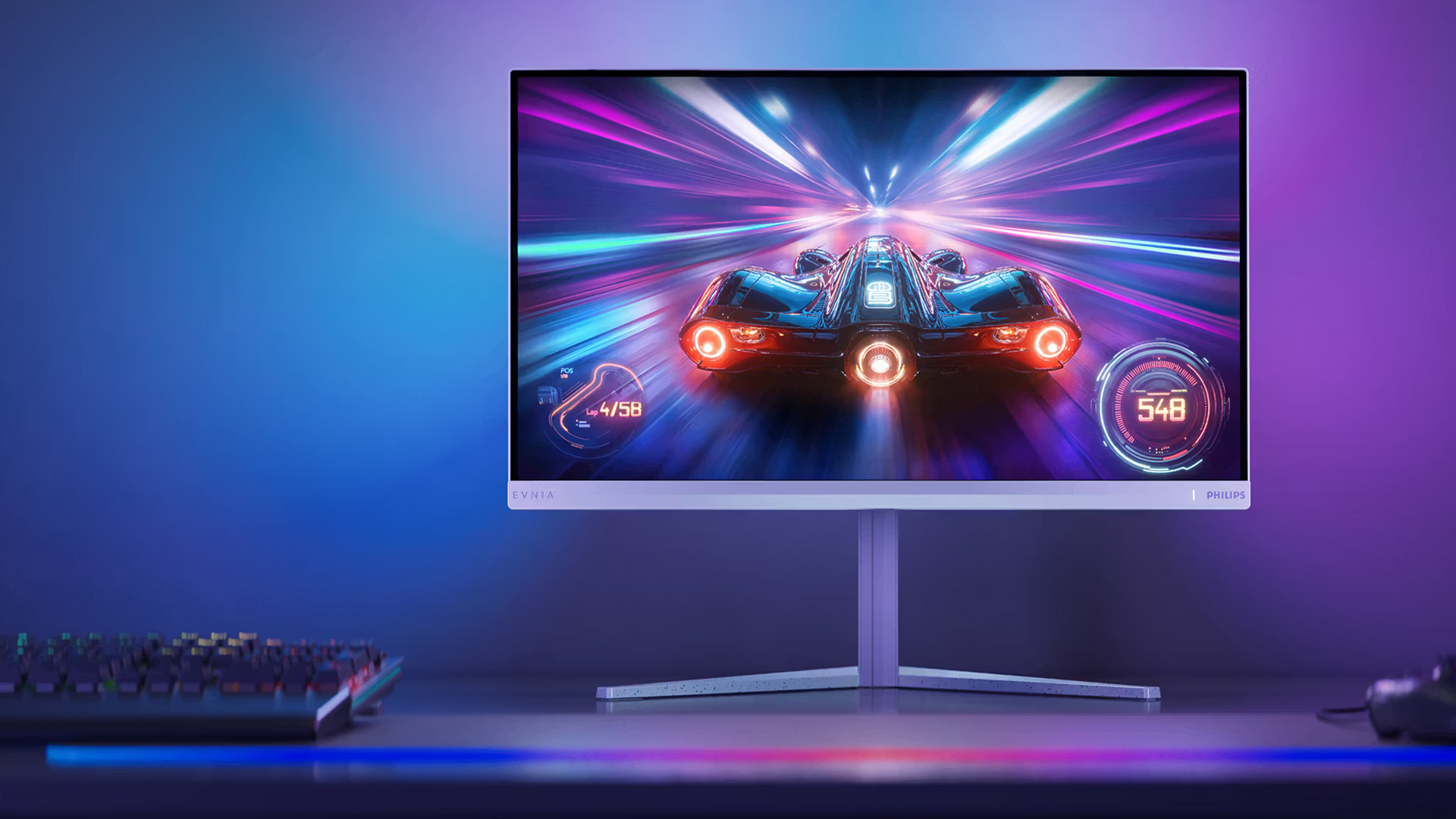
Each Philips monitor in this guide suits a different workspace.
Philips 1000 series 24E1N1100A/00: Best for Small Desks and Everyday Study
The Philips 1000 series 24E1N1100A/00 is a practical choice for students, home workers and everyday users who want more screen space without taking up too much room. Its 23.8-inch IPS Full HD display is ideal for writing, browsing, online learning, video calls and general daily tasks.
The compact size makes it well suited to smaller desks, while the IPS panel helps keep colours and viewing angles consistent. Built-in speakers also help keep the setup simple, reducing the need for extra desktop accessories.
Best for:
| User Type | Why It Works |
| Students | Good size for notes, essays, research and online learning |
| Home workers | Practical for emails, documents and browser-based work |
| Small desks | Compact enough for limited spaces |
| Everyday users | Useful for browsing, streaming and admin tasks |
The Philips 1000 series 24E1N1100A/00 is the best choice if you want a simple, affordable and space-friendly monitor for everyday work and study.
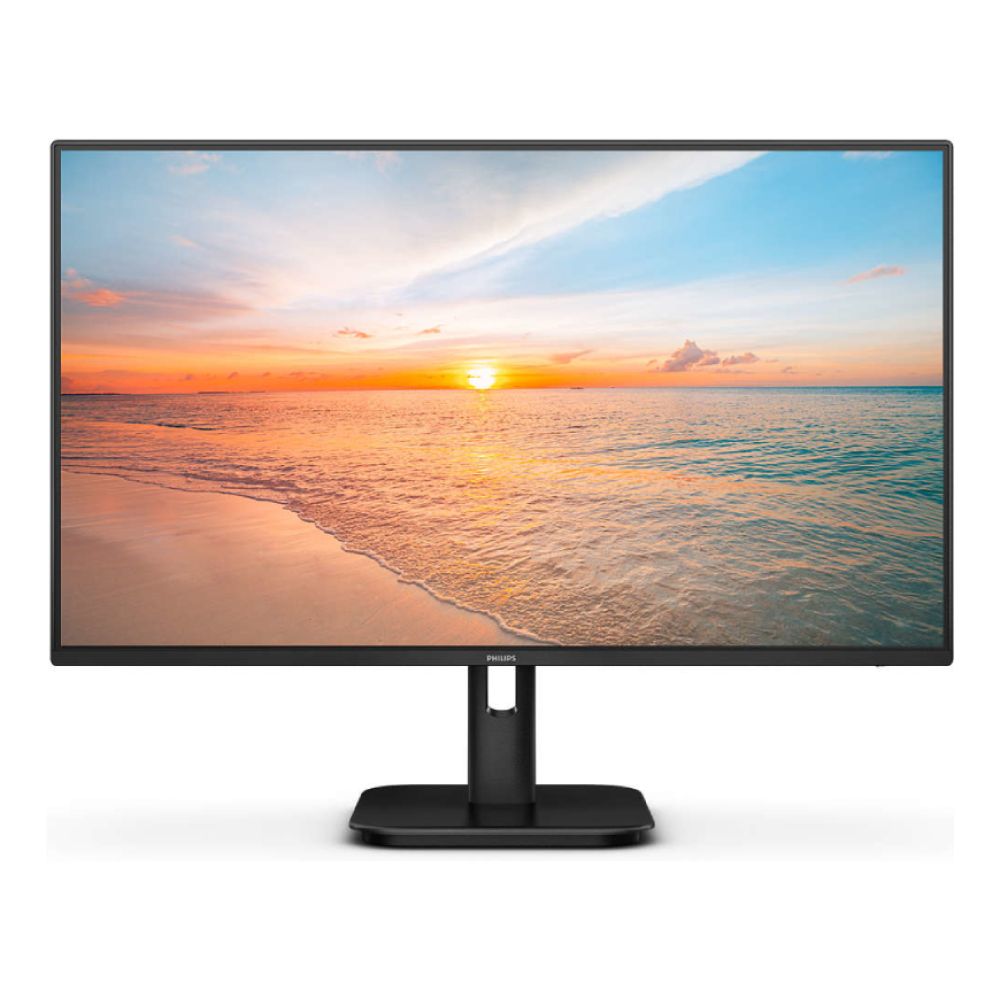
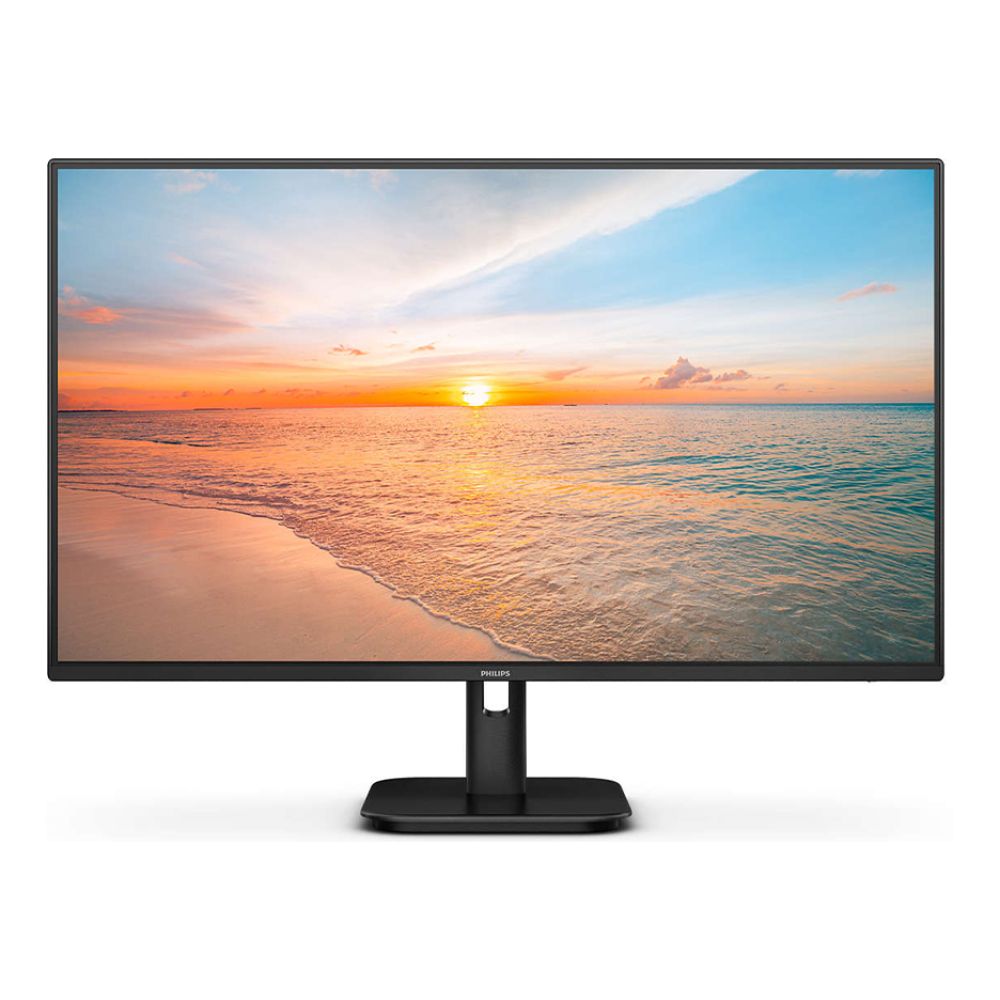
Philips 1000 27E1N1100A/00: Best Everyday Monitor for a Bigger Workspace
The Philips 1000 27E1N1100A/00 is a strong option if you want a larger screen for daily work and study. Its 27-inch IPS Full HD display gives you more room for documents, web pages, emails and online learning platforms.
The 120Hz refresh rate makes everyday movement feel smoother, from scrolling through websites to switching between windows. It is a good fit for users who want a bigger, more comfortable screen for productivity and casual entertainment.
Best for:
| User Type | Why It Works |
| Remote workers | Larger screen for meetings, documents and multitasking |
| Students | More room for research, notes and assignments |
| Everyday productivity users | Comfortable size for daily tasks |
| Casual entertainment users | Good for streaming and browsing after work |
The Philips 1000 27E1N1100A/00 is ideal if you want a balanced monitor that feels bigger and smoother than a basic display, while still being simple enough for everyday work and study.
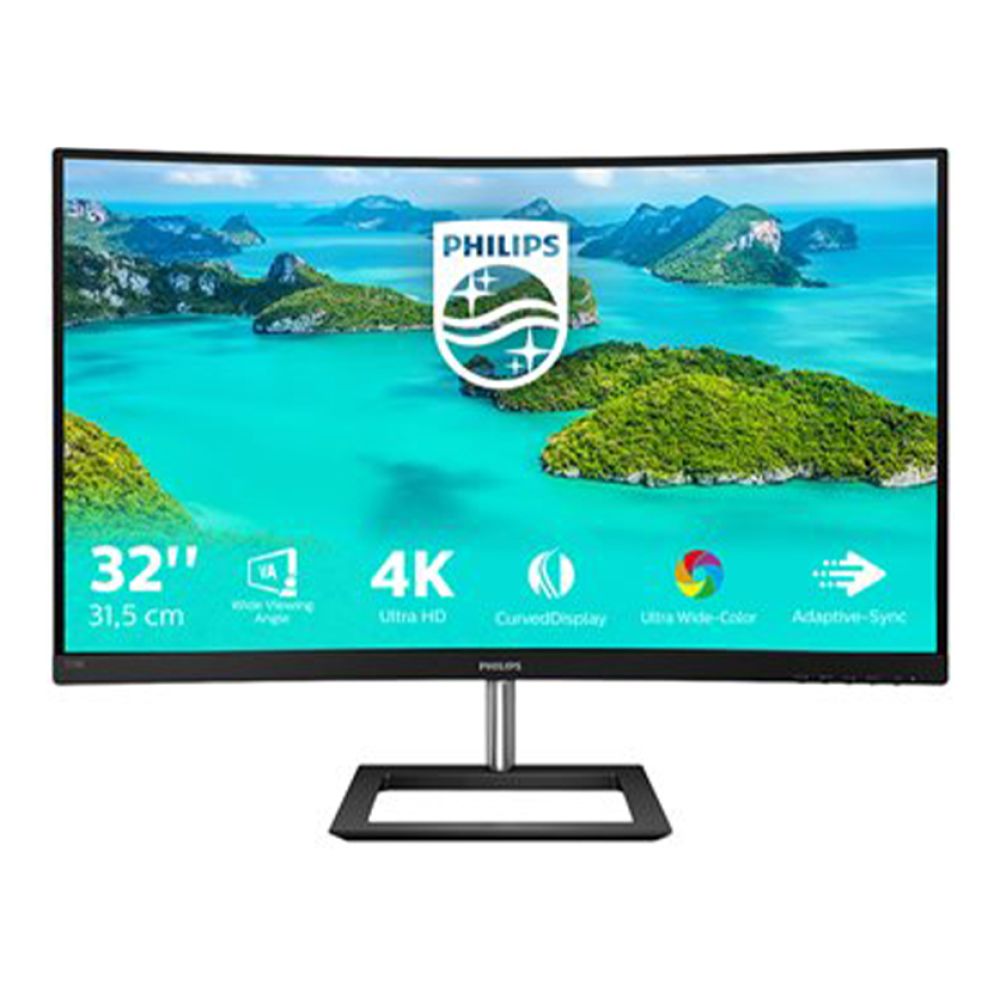
Philips E Line 328E1CA/00: Best 4K Curved Monitor for Home Workspaces
The Philips E Line 328E1CA/00 is ideal if you want a larger and sharper screen for a home setup. Its 31.5-inch curved 4K Ultra HD display gives you more detail for documents, spreadsheets, streaming, and everyday productivity.
The curved design makes the large screen feel more natural to view, while the VA panel supports strong contrast for both work and entertainment. Built-in speakers add extra convenience for a cleaner desk setup.
Best for:
| User Type | Why It Works |
| Home workers | Large 4K workspace for documents and multitasking |
| Students | Sharp screen for research, reading and online learning |
| Entertainment users | Good for streaming and media after work |
| Users wanting comfort | Curved design supports a more immersive viewing experience |
The Philips E Line 328E1CA/00 is the best option in this list if you want a large, sharp and comfortable 4K screen for a home workspace.
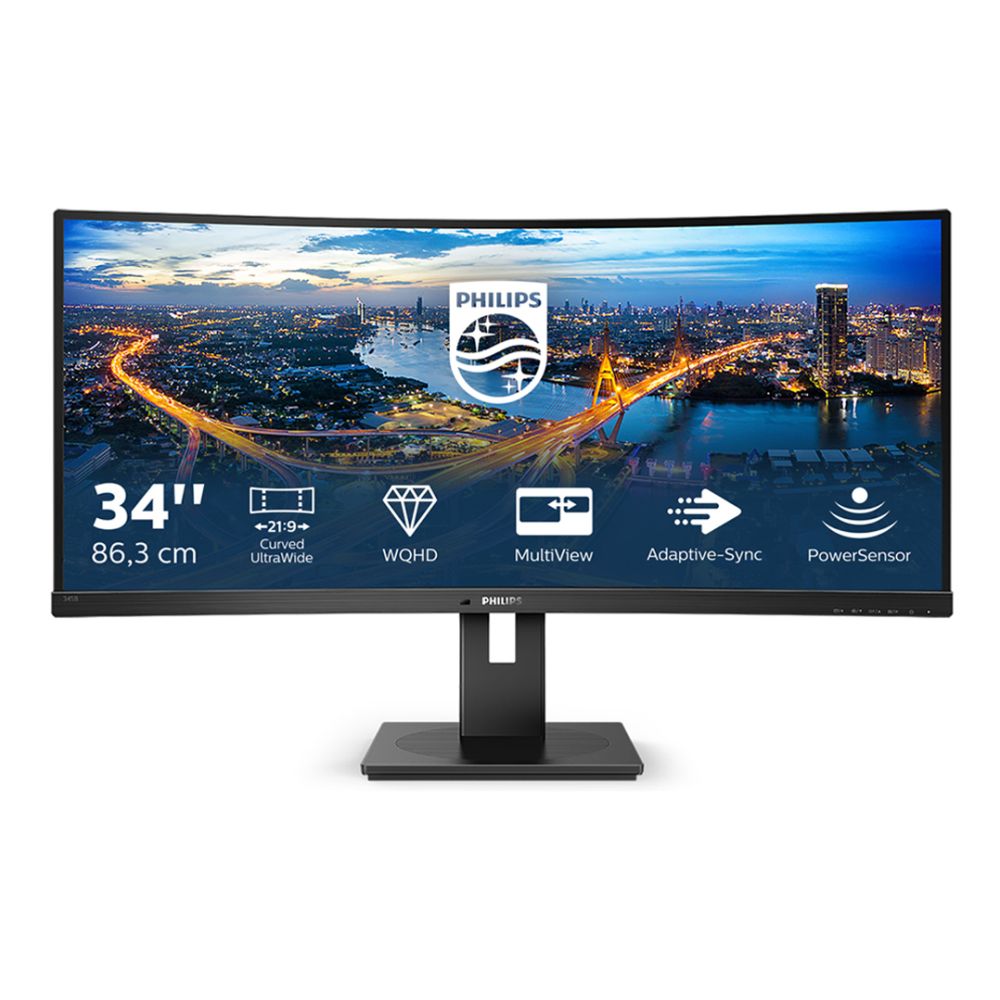
Philips B Line 345B1C/00: Best Ultrawide Monitor for Multitasking
The Philips B Line 345B1C/00 is built for users who need more workspace. Its 34-inch curved Wide Quad HD display gives you enough room to keep multiple windows open side by side, making it easier to manage spreadsheets, reports, research and video calls.
The ultrawide format can replace a dual-monitor setup for many users, while the height-adjustable stand helps improve comfort during longer work sessions.
Best for:
| User Type | Why It Works |
| Multitaskers | Wide screen supports multiple windows at once |
| Remote workers | Useful for calls, documents and browser tools |
| Professionals | Good for spreadsheets, dashboards and project work |
| Students | Helpful for research and writing side by side |
| Users replacing dual monitors | One wide display can reduce desk clutter |
The Philips B Line 345B1C/00 is the best choice if you want one screen that can replace a dual-monitor setup and make multitasking easier.
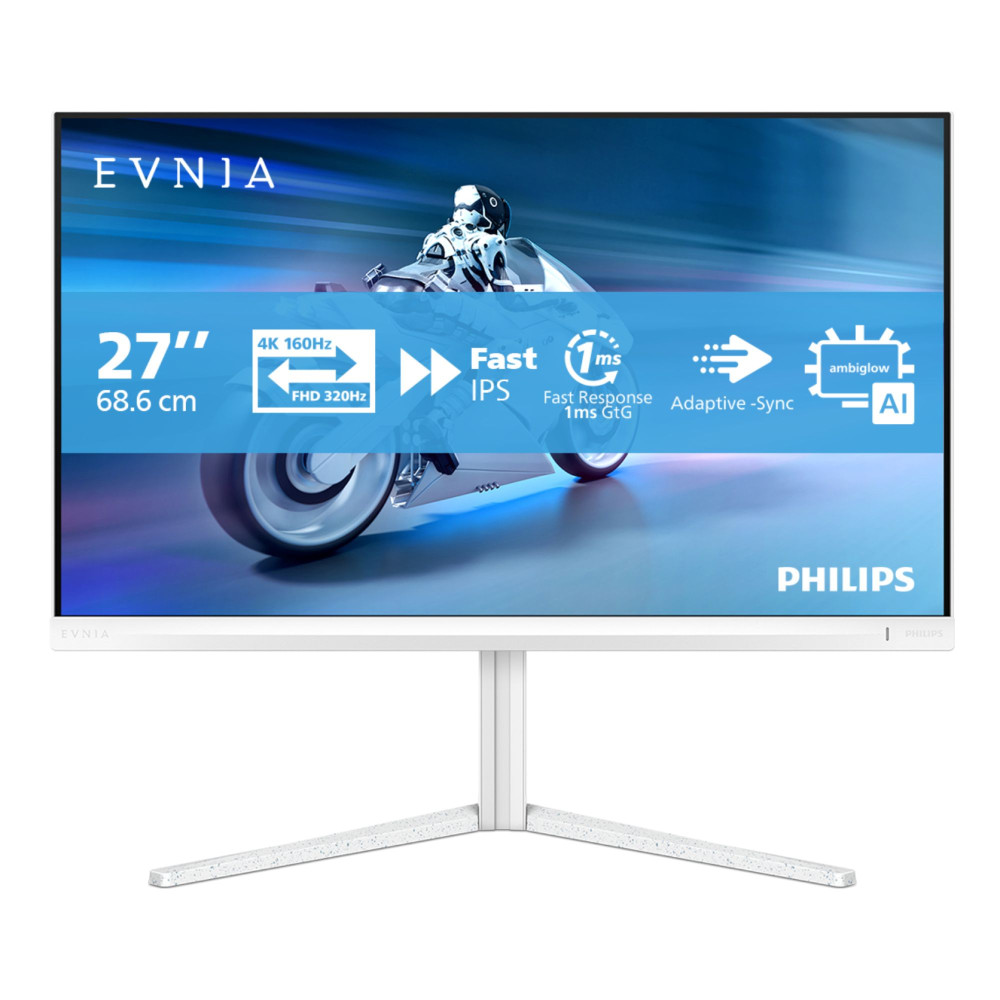
Philips Evnia 27M2N5901A/00: Best Premium Monitor for Work, Study and Entertainment
The Philips Evnia 27M2N5901A/00 is the premium all-round option. Its 27-inch 4K Fast IPS display, 160Hz refresh rate, USB-C connectivity and height adjustment make it suitable for productivity, study, gaming and entertainment.
The 4K resolution gives sharp detail for work and reading, while the high refresh rate supports smoother visuals for gaming and everyday use. USB-C also helps create a cleaner setup for modern laptops.
Best for:
| User Type | Why It Works |
| Hybrid users | Works well for productivity, study and entertainment |
| Gamers | 4K resolution and 160Hz refresh rate support smooth gameplay |
| Students | Sharp display for reading, research and streaming |
| Remote workers | USB-C and height adjustment support a cleaner setup |
| Creative users | 4K Fast IPS panel is useful for detailed visual work |
The Philips Evnia 27M2N5901A/00 is the best choice if you want a premium monitor that can handle work, study and entertainment without compromise.
Final Thoughts:
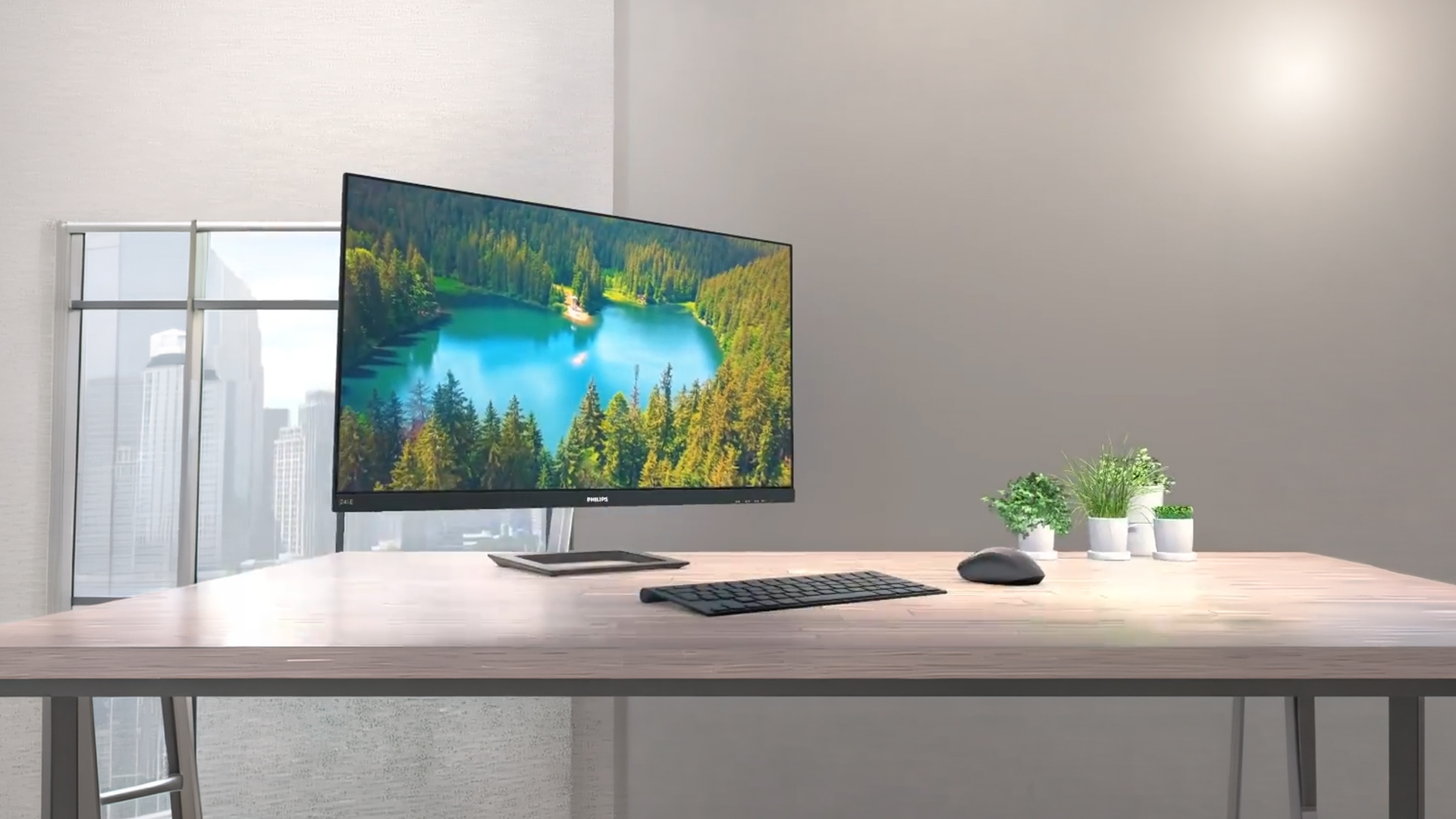
The right Philips monitor can make your workspace feel cleaner, more comfortable and easier to use every day. Whether you need a compact screen for a small desk, a larger display for productivity, a curved 4K monitor for home working, an ultrawide screen for multitasking or a premium display for work, study and entertainment, there is a Philips monitor to suit your routine.
For students, Philips monitors for study can make research, writing, online learning and revision easier by giving you more screen space and a clearer view of your tasks. For remote workers, Philips monitors for work can help keep documents, meetings, spreadsheets, and browser tools organised throughout the day.
The key is to choose based on how you actually use your desk. If you want simplicity, go compact. If you need more comfort, choose a larger screen. If you multitask heavily, consider ultrawide. If you want one screen for everything, look for a premium all-round display with strong clarity, smooth performance, and modern connectivity.
To upgrade your workspace, browse Philips monitors at box.co.uk, compare Evnia Philips screens, explore productivity monitors for daily tasks, or choose portable display monitors for flexible work and study anywhere.
FAQs
Are Philips monitors good for work and study?
Yes, Philips monitors are good for work and study because they offer practical screen sizes, clear visuals and comfort-focused features on selected models. They are useful for documents, research, video calls, online learning and multitasking.
Which Philips monitor is best for small desks?
A 24-inch Philips monitor is usually best for small desks. It gives you more space than a laptop screen without taking up too much room.
Are ultrawide Philips monitors good for multitasking?
Yes, Philips ultrawide monitors are useful for multitasking because they give you more horizontal screen space. This helps you view multiple windows side by side without needing two separate monitors.
Do Philips monitors reduce eye strain?
Selected Philips monitors include features such as LowBlue Mode and Flicker-Free technology, which are designed to reduce eye strain and fatigue during long viewing sessions.
Can Philips monitors be used for both work and entertainment?
Yes, they can be used for both work and entertainment. Standard Philips monitors are good for productivity and streaming, while Philips Evnia monitors are better suited to users who also want gaming-focused features.
You can pay with:
*PayPal Credit Representative Example: Assumed credit limit £1,200, Representative 23.9% APR (variable). Purchase rate 23.9% p.a (variable).Terms & Conditions apply.


PayPal Credit and PayPal Pay in 3 are trading names of PayPal UK Ltd, 5 Fleet Place, London, United Kingdom, EC4M 7RD. Terms and conditions apply. Credit subject to status, UK residents only, Five Tech LTD acts as a broker and offers finance from a restricted range of finance providers. PayPal Pay in 3 is not regulated by the Financial Conduct Authority. Pay in 3 eligibility is subject to status and approval. 18+. UK residents only. Pay in 3 is a form of credit. Check if affordable and how you will repay. May make other borrowing more difficult or expensive. See product terms for more details.
Copyright © 1996-2026 Fivetech LTD | Terms and Conditions
box.co.uk & Box are trading names of Five Tech Limited. Registered office: Box LTD, Unit 10 Woodford Trading Estate, Woodford Green IG8 8HF