


 Menu
MenuMenu


Get Sales Advice from Mon - Fri 9am - 5:00pm:
020 3337 8950LAST UPDATED: April 29, 2026
What Are Motherboard Form Factors and Which One Should You Choose?
Motherboard form factors determine the size, layout, and compatibility of a motherboard within a PC build. Whether you are choosing between ATX, Micro-ATX, Mini-ITX, or E-ATX, the right option depends on your case, budget, upgrade plans, and how you plan to use your PC.
That is why this decision matters more than it first seems. A motherboard is not just a place to plug parts into. Its size affects your case choice, how many expansion slots you get, how much RAM and storage you can add, how easy the build is to cool, and how much room you leave for future upgrades. This guide explains motherboard form factors in simple terms, compares the main options clearly, and helps you choose the right one for your build with more confidence.
What Is a Motherboard Form Factor?
A motherboard form factor is the standard that defines the board's physical size, mounting points, and general layout. In practical terms, it tells you how large the motherboard is, what kind of PC case it will fit into, and how much room it has for things like PCIe slots, RAM slots, storage, and headers.
Form factor is a key part of choosing a motherboard because it determines the size of case you need, the number of expansion slots available, and many aspects of the board's layout and cooling. The most common desktop sizes are ATX (12 x 9.6 inches), Micro-ATX (9.6 x 9.6 inches), Mini-ITX (6.7 x 6.7 inches), and Extended ATX / E-ATX (12 x 13 inches).
Why Motherboard Size is More than Just Physical Dimensions
At first glance, it is easy to think motherboard size is only about whether the board fits inside the case. In reality, it shapes the whole build. A larger board usually gives you more space for additional PCIe slots, extra M.2 slots, more fan headers, more USB headers, and easier cable routing. A smaller board can still be powerful, but it normally asks you to give up some expansion and flexibility to save space.
That is why motherboard form factor explained properly is not just a lesson in measurements. It is really about how much room your build has to grow and how compact or flexible you want the system to be.
How Form Factor Affects the Rest of Your PC Build
Once you choose a motherboard size, other decisions start to narrow around it. Your case has to support that form factor. Your airflow layout and cooling options may change. Your cable management space may feel easier or tighter. Your upgrade path may also look very different depending on whether you picked a full-size ATX board or a compact Mini-ITX model.
So, while beginners often focus first on chipset or CPU socket, motherboard sizes deserve just as much attention because they shape the build long before you switch the PC on.
Why Motherboard Form Factors Matter When Building a PC
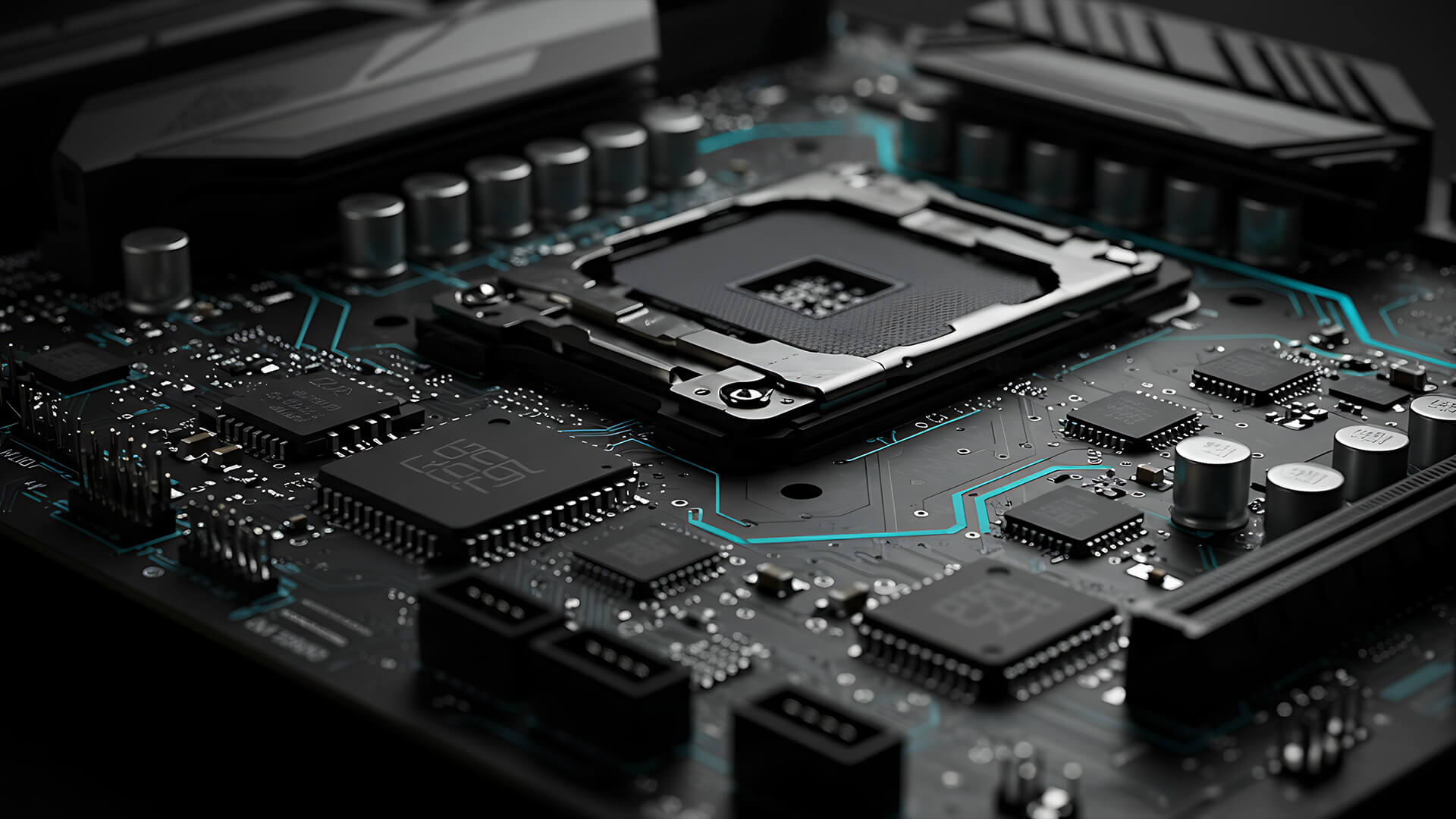
When building your PC, considering motherboard form factors is important. Here's why it matters:
-
Case Compatibility and Physical Fit
This is the most immediate reason motherboard size matters. Your motherboard has to fit your case properly, and not every case supports every board size.
For example, the NZXT H5 Flow supports E-ATX up to 277mm, ATX, Micro-ATX, and Mini-ITX, while a compact Micro-ATX case like the DeepCool CH360 DIGITAL supports Mini-ITX and Micro-ATX only.
That means the motherboard decision affects your whole build layout. If you want a compact PC, you cannot just buy any large motherboard and hope to make it fit. Likewise, if you want a roomy full tower or mid tower with more expansion space, a very small board may work, but it may not make the most sense.
This is why buyers comparing PC motherboard sizes need to think about the case at the same time, not afterwards.
-
Expansion Slots, RAM Capacity, and Storage Options
Larger boards usually give you more room for expansion. A standard consumer ATX board usually features seven expansion slots and four DIMM slots, while Micro-ATX commonly has fewer expansion slots and Mini-ITX typically offers just one full-size PCIe slot and two DIMM slots.
That matters if you want to add:
-
- extra NVMe drives
-
- capture cards
-
- sound cards
-
- network cards
-
- more RAM later on
-
- a second PCIe device beyond the graphics card
For some people, that extra room is unnecessary. For others, especially gamers, streamers, and more enthusiast builders, it is one of the biggest reasons to choose ATX or even E-ATX over something smaller.
-
Airflow, Cable Space, and Cooling Considerations
Motherboard size also affects how easy the system is to cool. A larger case with a larger board usually leaves more room around components, which can help with airflow and cable management. Smaller builds can still run very well, but they are less forgiving and often require more careful planning around cooler size, GPU clearance, fan placement, and PSU layout.
The compact Phanteks XT M3 Micro-ATX case is a good example of how smaller builds can still support high-end parts, but the whole design has to be more deliberate, especially when space is tighter.
So if you are choosing between ATX vs Micro-ATX vs Mini-ITX, cooling and airflow should be part of the decision, not just price.
The Main Motherboard Form Factors Explained
Here are the different motherboard form factors you can choose from based on your build needs:
-
ATX Motherboards
ATX is the standard full-size desktop motherboard and the most familiar option for mainstream gaming and general-purpose desktop builds. ATX comes with the dimensions of 12 x 9.6 inches, with seven expansion slots and usually four memory slots.
ATX motherboards make sense because they balance room, flexibility, and compatibility well. It usually gives you enough space for strong cooling layouts, more headers, more storage options, and easier building than smaller boards.
ATX is often the safest answer if you want:
-
- a straightforward gaming PC
-
- good upgrade potential
-
- strong case compatibility
-
- plenty of room for expansion
That is why it remains one of the easiest best motherboard form factor recommendations for most people.
-
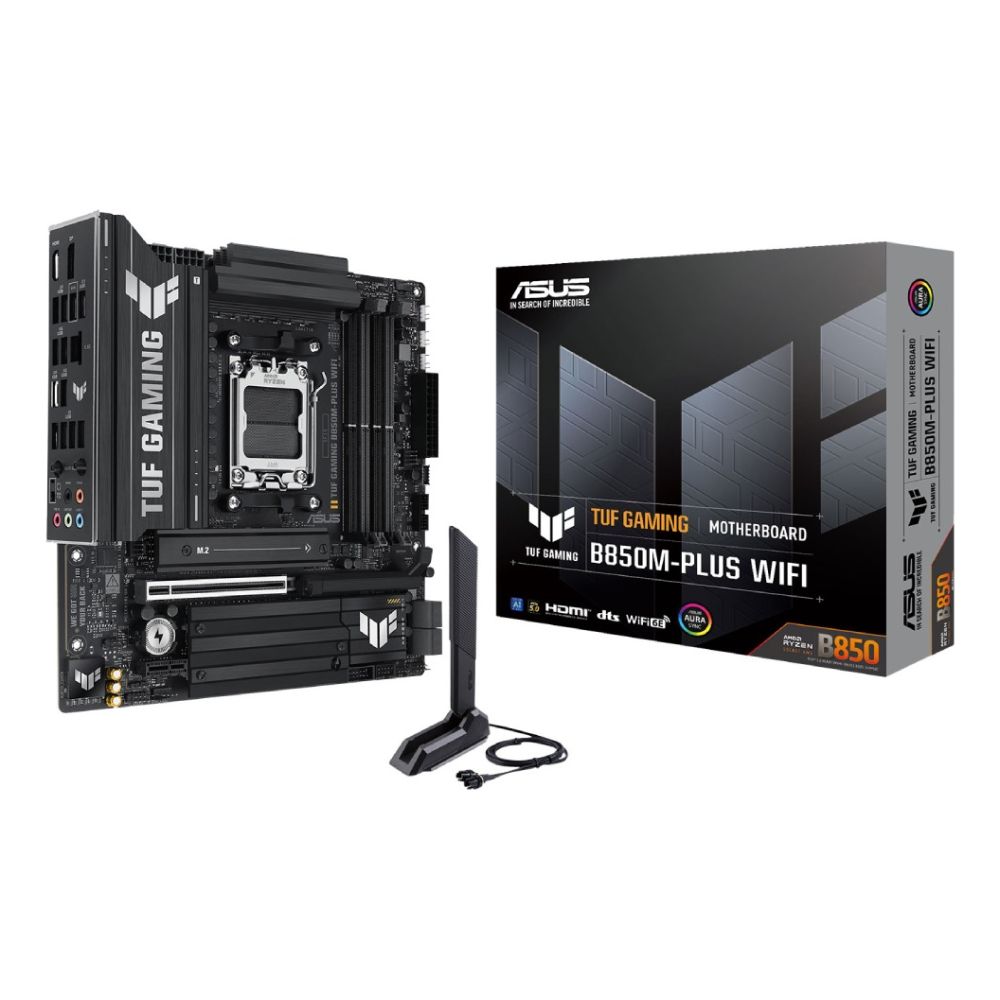
Micro-ATX Motherboards
Micro-ATX keeps a lot of the practicality of ATX but in a more compact footprint. Micro-ATX motherboards come with 9.6 x 9.6 inches dimensions. It often still provides four DIMM slots, but usually fewer expansion slots than full-size ATX.
This is one of the most sensible formats for value-focused builds because it often gives you enough of what matters without forcing you into a larger case or a higher board price. It is a very good middle ground if you want a system that is smaller and often cheaper than ATX, but still more flexible than Mini-ITX.
Micro-ATX makes a lot of sense if you want:
-
- a budget gaming build
-
- a smaller case without going ultra-compact
-
- a practical home PC
-
- good value without giving up too much expandability
-
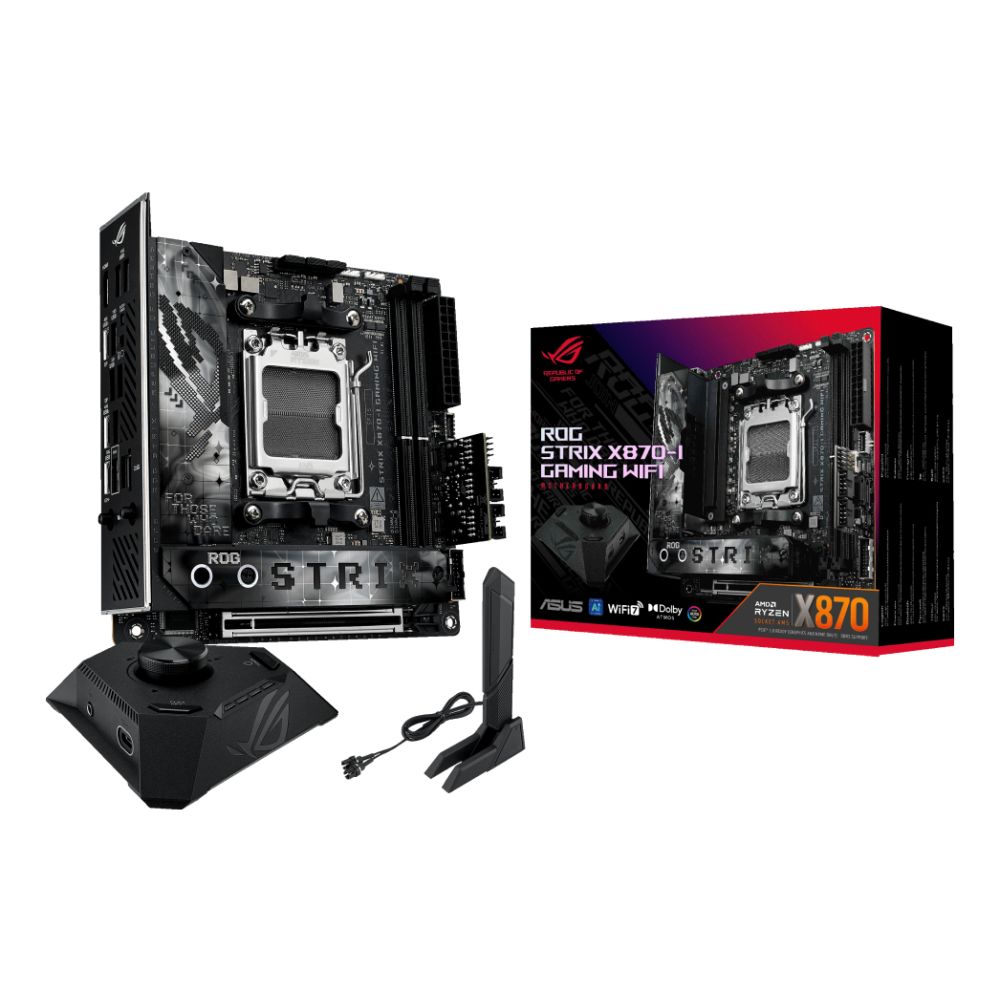
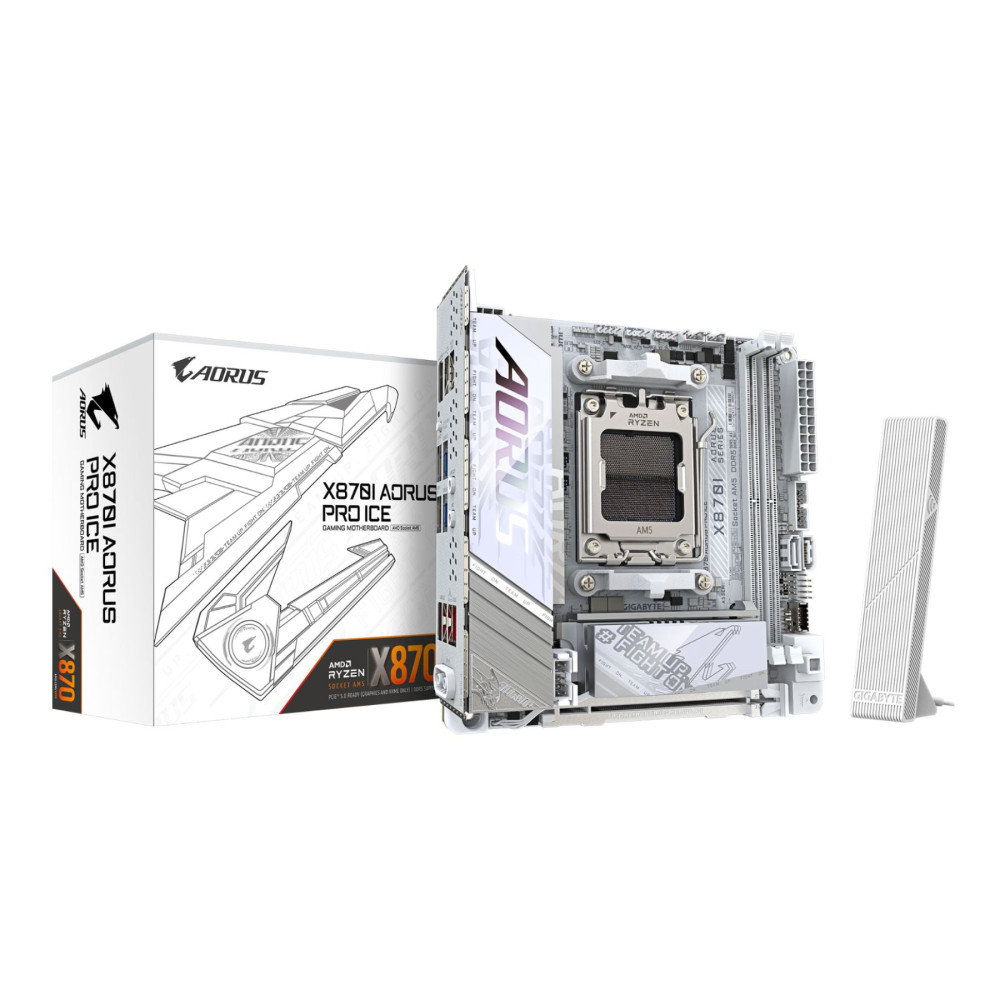
Mini-ITX Motherboards
Mini-ITX is designed for small form factor systems. Mini-ITX motherboards come with 6.7 x 6.7 inches dimensions, typically with one PCIe slot and two memory slots.
This form factor is ideal if your main priorities are portability, desk space, or a compact build. The trade-off is that you get less room for expansion and often a tighter building experience. You need to think more carefully about GPU size, cooler clearance, cable routing, and storage planning.
Mini-ITX works best if you want:
-
- a clean compact PC
-
- a lounge or living-room build
-
- a travel-friendly desktop
-
- a small form factor gaming PC
If your goal is compact, small form factor PCs Mini-ITX is the way to go.
-
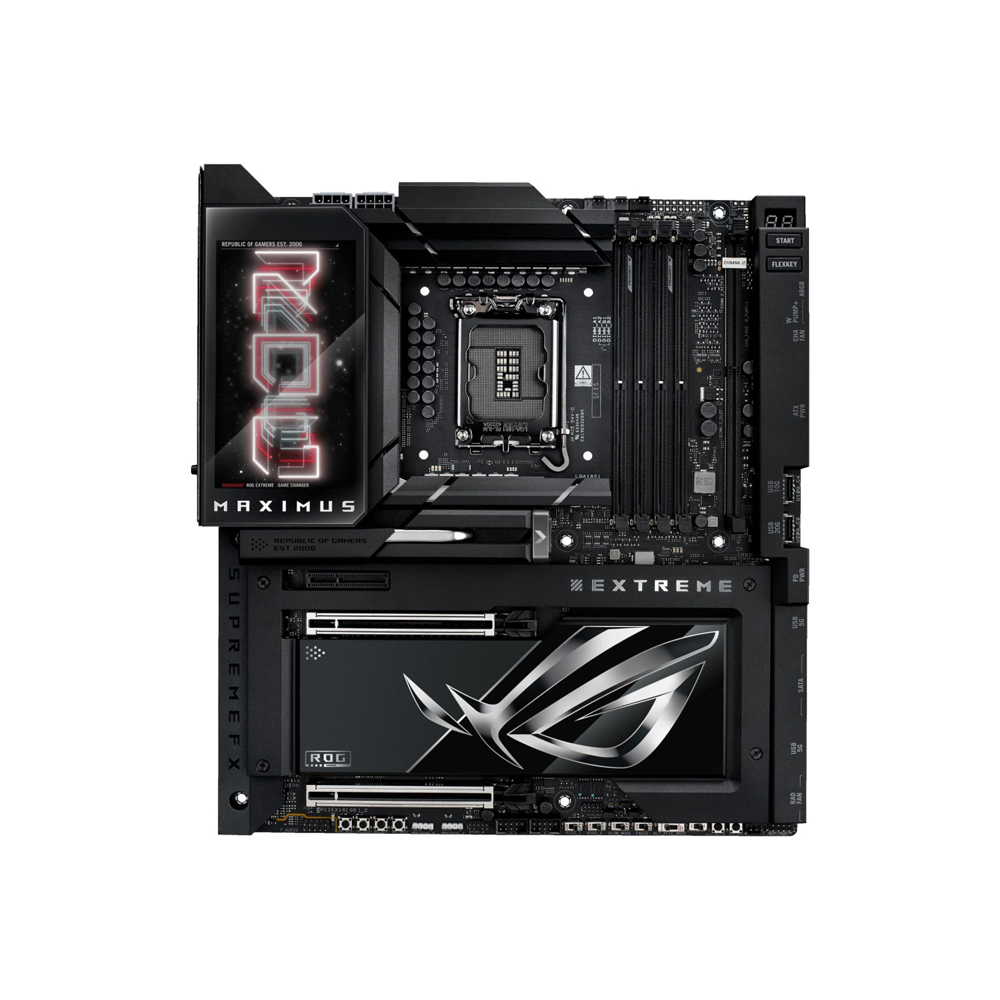
E-ATX Motherboards
E-ATX, or Extended ATX, is larger than standard ATX and usually aimed at enthusiast, workstation, or very high-end builds. It is 12 x 13 inches and offers more real estate for flexible hardware configurations.
This size is most useful if you genuinely need what the extra board area gives you. That may include:
-
- more PCIe slots
-
- more storage
-
- heavier-duty power delivery
-
- more room around components
-
- higher-end workstation or enthusiast features
E-ATX is usually not the right answer for average builders, but it can make a lot of sense in premium systems, creator rigs, or demanding workstations. That is where E-ATX form factor options belong.
ATX vs Micro-ATX vs Mini-ITX vs E-ATX: What's the Difference?
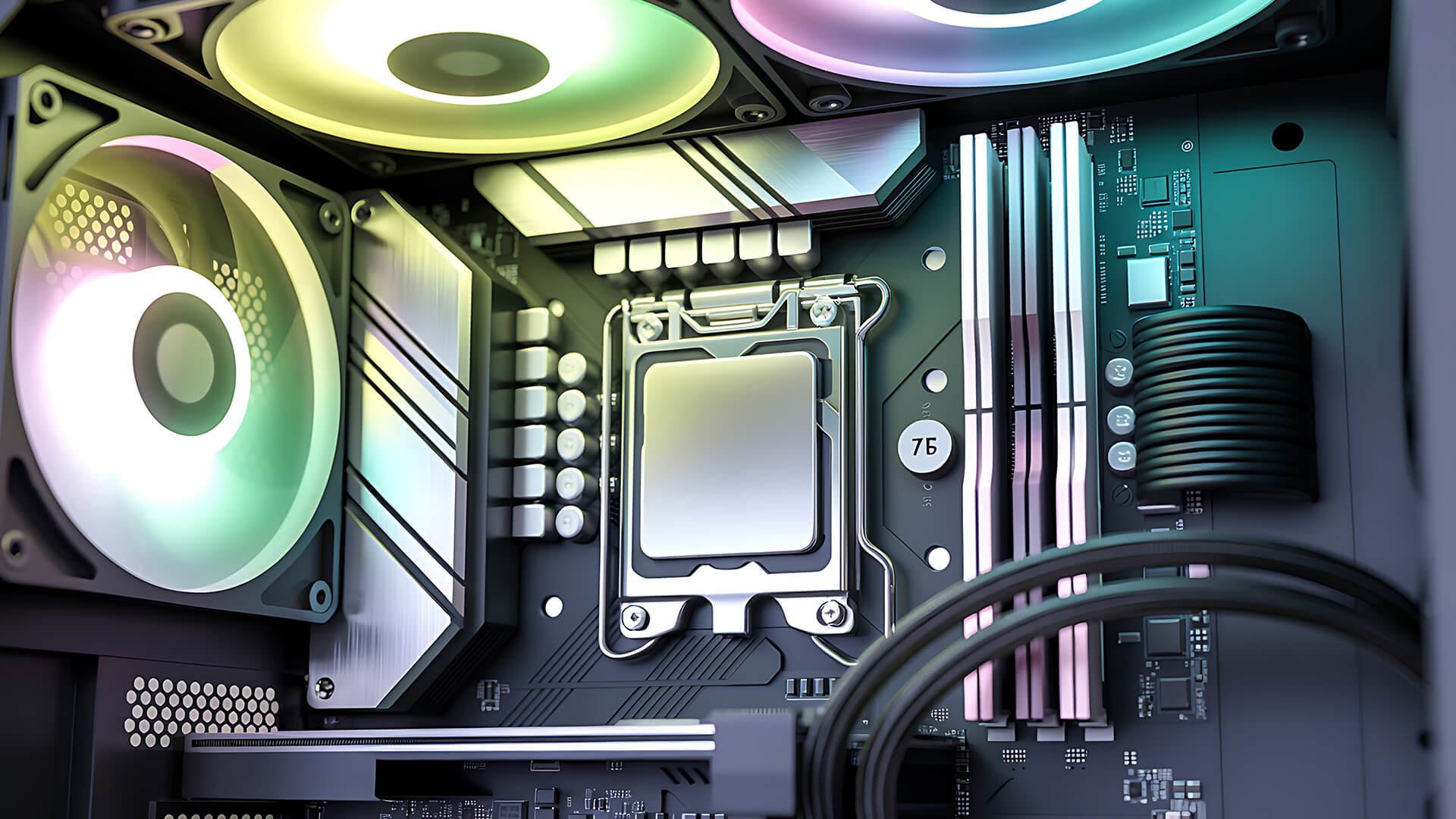
To make the choice easier, it helps to compare the main motherboard form factors directly rather than looking at each one in isolation. Once you put ATX, Micro-ATX, Mini-ITX, and E-ATX side by side, the differences become much clearer, especially around physical size, expansion space, RAM and storage flexibility, and overall value. Those are the details that usually shape the final decision far more than the name of the form factor alone.
-
Size and Dimensions
The size difference is the most obvious part:
-
- Mini-ITX: 6.7 x 6.7 inches
-
- Micro-ATX: 9.6 x 9.6 inches
-
- ATX: 12 x 9.6 inches
-
- E-ATX: 12 x 13 inches
That directly affects case size, cable space, and how much room the build has for airflow and installation.
-
PCIe Slots and Upgrade Potential
This is where the larger boards usually win. Mini-ITX is the most restrictive, Micro-ATX offers a useful middle ground, ATX is strong for most gaming and enthusiast builds, and E-ATX goes further for premium or workstation systems.
If you want lots of future upgrade room, ATX and E-ATX are naturally stronger. If you mainly want one GPU and a simpler system, Micro-ATX or Mini-ITX may be more than enough.
-
RAM Slots and Storage Support
Again, the larger the board, the easier it is to include more memory and storage options. Mini-ITX often stops at two RAM slots. ATX and Micro-ATX commonly offer four. E-ATX can go beyond that depending on the board and target market.
That matters if you want to start smaller now and upgrade later.
-
Price and Value for Different Budgets
In general:
-
- Mini-ITX can be surprisingly expensive because compact boards are specialist products
-
- Micro-ATX is often one of the best value choices
-
- ATX gives strong flexibility at mainstream prices
-
- E-ATX tends to move into enthusiast pricing
So, when people ask which motherboard size should you choose, value often points to Micro-ATX or ATX unless compact size is the priority.
How Your PC Case and Build Goals Affect the Right Form Factor
Your ideal motherboard form factor depends less on the board itself and more on the kind of PC you are trying to build around it. Once you start thinking about case size, upgrade plans, desk space, portability, and budget together, the differences between ATX, Micro-ATX, Mini-ITX, and E-ATX become much easier to apply in a practical way.
-
Choosing Based on Case Size
Your case choice and motherboard choice need to make sense together. A Micro-ATX case will usually not take ATX or E-ATX. A full-size mid tower may support all the common formats, but that does not mean every board size is equally sensible in it.
If you want a compact build, Micro-ATX or Mini-ITX are the natural choices. If you want the least restrictive building experience, ATX is usually the safer route.
-
Choosing Based on Performance and Upgrade Plans
Motherboard size does not directly change CPU or GPU performance by itself, but it does affect how much room you have for the rest of the build. More expansion, more storage, more RAM slots, and easier cooling can all make a system more flexible long term.
If you already know you want future upgrades, ATX is normally the easiest answer.
-
Choosing Based on Portability and Desk Space
Mini-ITX is the standout choice if portability or desk footprint matters most. Micro-ATX can still work well if you want a slightly smaller build without the compromises of true small form factor.
-
Choosing Based on Budget
For a lot of buyers, Micro-ATX is the best-value answer. It is often cheaper than ATX, more practical than Mini-ITX, and still flexible enough for a strong gaming or everyday desktop build. If you want more mainstream upgrade room, ATX is the next logical step.
Which Motherboard Form Factor Should You Choose?
At this point, the question becomes much more practical. Instead of only comparing sizes and specifications, it is about matching each form factor to a real type of build. The best choice depends on whether you are building for gaming, value, compactness, or maximum expansion, because each motherboard size is strongest in a slightly different role.
-
Best Option for Gaming PCs
For most gaming PCs, ATX is still the safest choice. It offers strong expansion, easier airflow planning, enough room for future upgrades, and broad compatibility with modern cases and components. That is why so many best gaming motherboards sit in the ATX category.
-
Best Option for Budget Builds
For budget and value-focused builds, Micro-ATX is often the smartest option. It keeps the system practical and compact without giving up too much, and it often avoids the price premium that can come with Mini-ITX.
-
Best Option for Compact or Small Form Factor PCs
If the whole point of the build is to save space, then Mini-ITX is the right answer. It is the best fit for a clean, compact, desk-friendly system where footprint matters as much as performance.
-
Best Option for High-End or Workstation Builds
If you need lots of expansion, more premium board features, or you are building a very high-end workstation or enthusiast PC, E-ATX becomes more relevant. It is not the mainstream choice, but for the right build it offers more room and flexibility than the other formats.
Common Mistakes to Avoid When Choosing a Motherboard Size
A lot of motherboard mistakes happen because buyers focus on what fits the build today and forget how quickly a PC can change once upgrades, extra storage, or a new case come into the picture. That is why it helps to look at the most common sizing mistakes before you buy, so you can avoid ending up with a board that is either too large, too expensive, or too limiting for what you actually need.
-
Buying a Motherboard that Does Not Fit the Case
This is the classic mistake. Always check the case support list before buying. A board that is technically perfect still fails the build if the chassis cannot take it.
-
Overpaying for Features You Will Not Use
A bigger board is not always a better board. If you do not need lots of PCIe slots, extra M.2 slots, or premium workstation features, paying for E-ATX may be pointless.
-
Ignoring Future Upgrades and Expansion Needs
At the other end, going too small can backfire if you later want more RAM, more storage, or extra expansion. That is why form factor should always be chosen with your next one or two upgrade steps in mind, not just today's parts list.
The Best Motherboard Form Factor for Most Users
After comparing the main sizes, most buyers really want a simpler answer: which motherboard form factor makes the most sense for the kind of PC they are actually building. The right choice usually comes down to priorities such as flexibility, value, compactness, or expansion, which is why each form factor tends to suit a different type of user rather than there being one perfect option for everyone.
-
When ATX Makes the Most Sense
ATX is the best fit if you want a balanced, flexible PC with strong upgrade potential and an easier overall building experience. For most gaming and enthusiast systems, it is still the safest all-round answer.
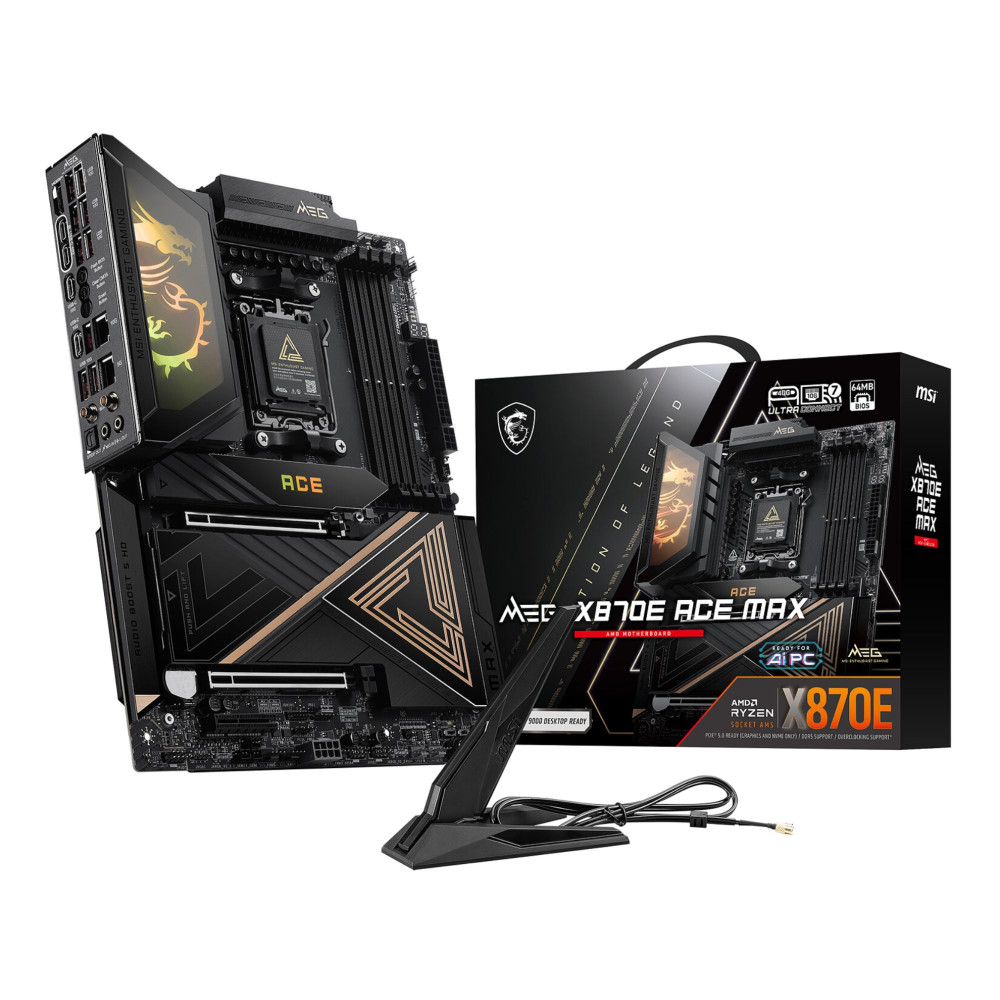

-
When Micro-ATX is the better value
Micro-ATX is the smarter value choice when you want a capable system without paying for a larger board than you really need. It is often the best practical balance between price, size, and features.

-
When Mini-ITX is worth it
Mini-ITX is worth it when compact size is the point of the build. If you want a genuinely small PC and you are comfortable with tighter space and fewer upgrade paths, it is a brilliant option.
-
When E-ATX is the right choice
E-ATX is the right choice when your build genuinely needs more room, more expansion, and more premium board features. For mainstream users it is usually unnecessary, but for high-end builders it can absolutely make sense.
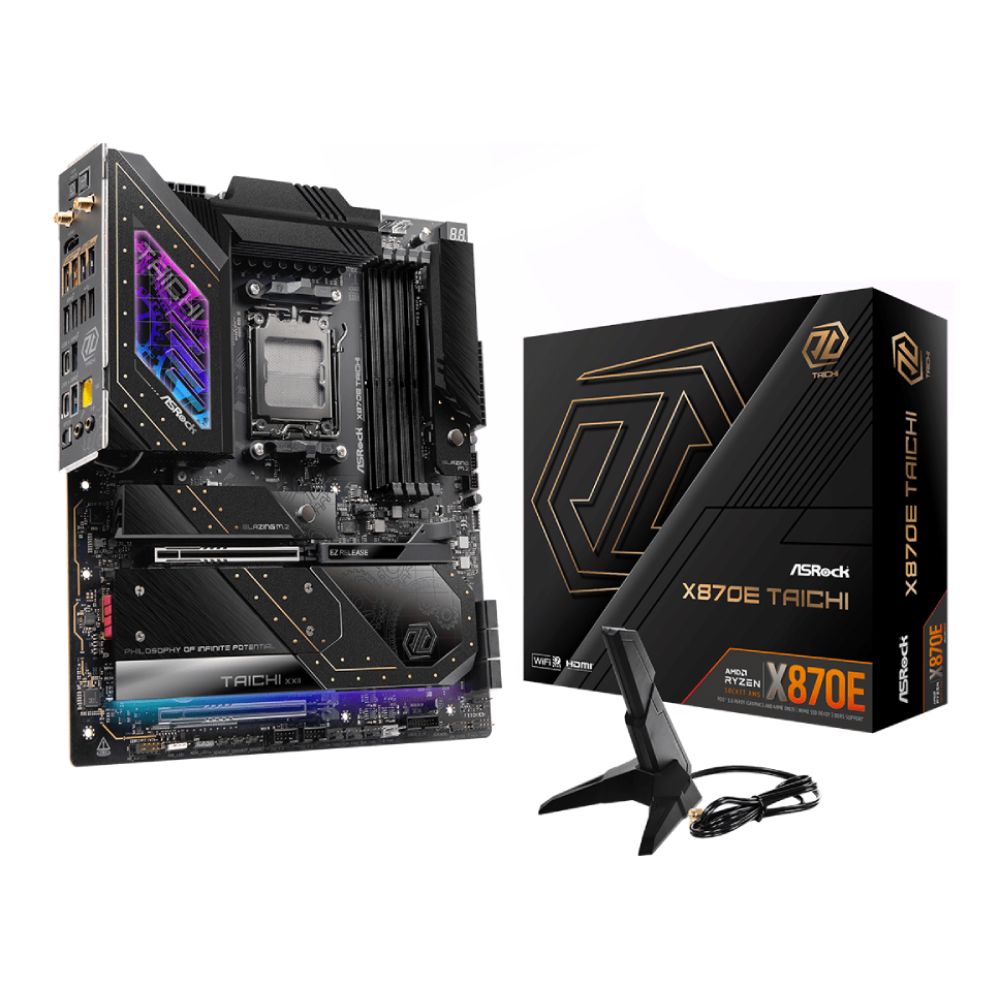
For most people, the cleanest answer is simple: ATX is the best all-round choice, Micro-ATX is the best-value choice, Mini-ITX is the best compact choice, and E-ATX is the specialist high-end choice. So if you are ready to choose the motherboard for your build, check out our range of the latest motherboards and find the perfect option. And if you are planning to fit your new motherboard in a gaming PC, you might also be interesting in our guide on how to build your first gaming PC that walks you through the whole process step by step.
FAQs
-
Does motherboard size affect performance?
Not directly. A larger motherboard does not automatically make the PC faster, but it can improve upgrade options, cooling flexibility, and expansion capacity.
-
Which motherboard form factor is best for gaming?
For most gaming PCs, ATX is the safest and easiest choice. Micro-ATX is also excellent if you want strong value.
-
Is Micro-ATX better than ATX?
Not generally better, just different. Micro-ATX is often better for smaller or more budget-focused builds, while ATX is better for expansion and long-term flexibility.
-
Is Mini-ITX good for a full gaming setup?
Yes, it can be. A Mini-ITX system can still be a proper gaming PC, but you need to plan the parts more carefully because space is tighter and expansion is more limited.
-
How do I know if a motherboard will fit my case?
Check the case's supported motherboard sizes in the specifications before buying. Cases normally list whether they support Mini-ITX, Micro-ATX, ATX, or E-ATX.
You can pay with:
*PayPal Credit Representative Example: Assumed credit limit £1,200, Representative 23.9% APR (variable). Purchase rate 23.9% p.a (variable).Terms & Conditions apply.


PayPal Credit and PayPal Pay in 3 are trading names of PayPal UK Ltd, 5 Fleet Place, London, United Kingdom, EC4M 7RD. Terms and conditions apply. Credit subject to status, UK residents only, Five Tech LTD acts as a broker and offers finance from a restricted range of finance providers. PayPal Pay in 3 is not regulated by the Financial Conduct Authority. Pay in 3 eligibility is subject to status and approval. 18+. UK residents only. Pay in 3 is a form of credit. Check if affordable and how you will repay. May make other borrowing more difficult or expensive. See product terms for more details.
Copyright © 1996-2026 Fivetech LTD | Terms and Conditions
box.co.uk & Box are trading names of Five Tech Limited. Registered office: Box LTD, Unit 10 Woodford Trading Estate, Woodford Green IG8 8HF