


 Menu
MenuMenu


Get Sales Advice from Mon - Fri 9am - 5:00pm:
020 3337 8950LAST UPDATED: May 13, 2026
Are Gigabyte monitors good for PS5 and Xbox Series X?
If you’re planning to upgrade your setup for next-gen console gaming, one of the first questions that comes up is whether Gigabyte monitors are a good fit for PS5 and Xbox Series X.
The short answer is yes, but the full answer depends on choosing the right model.
Modern consoles like the PS5 and Xbox Series X can deliver high-end gaming performance, including 4K resolution, smoother frame rates up to 120Hz and advanced features like VRR (Variable Refresh Rate). However, you can only experience these benefits if your monitor supports them.
This is where Gigabyte stands out. Many of its newer models, especially in the AORUS and high-end Gigabyte monitor range, are designed with these exact features in mind. They include HDMI 2.1, fast refresh rates, low input lag, and gaming-focused settings, all of which are essential for next-gen console gaming.
Are Gigabyte Monitors Good for PS5 and Xbox Series X?
Yes, But Only the Right Models
Gigabyte monitors can be an excellent choice for PS5 and Xbox Series X but the experience you get depends on choosing the right model.
Many modern Gigabyte monitors, especially in the higher-end range, are built to support next-gen console features such as 4K resolution, 120Hz refresh rate, and HDMI 2.1. These features allow your console to run at its full potential, delivering smoother gameplay, sharper visuals and a more responsive experience overall.
However, not all Gigabyte monitors include these capabilities. Some entry-level or older models may be limited in performance, which means you won’t fully benefit from what your console can offer.
What Makes a Gigabyte Monitor Console-Friendly?
A Gigabyte monitor for PS5 or Xbox Series X needs to match the output capabilities of the console. This is where specific features make a real difference in everyday gaming.
Support for HDMI 2.1 is one of the most important factors, as it enables 4K gaming at 120Hz. Alongside this, features like VRR (Variable Refresh Rate) help reduce screen tearing, while ALLM (Auto Low Latency Mode) ensures the monitor automatically switches to a low-lag gaming mode.
Low input lag and fast response times also play a key role, making gameplay feel more immediate and precise especially in fast-paced titles.
Gigabyte’s AORUS monitors are particularly strong in this area, as they are designed with gaming performance in mind and often include these console-friendly features as standard.
When a Gigabyte Monitor May Not Be the Best Choice
While Gigabyte offers many strong options, not every model is ideal for console gaming. Some budget or older monitors only support HDMI 2.0, which limits performance to 4K at 60Hz or forces you to drop resolution to achieve higher refresh rates.
In practical terms, this means you won’t be able to take full advantage of features like 120Hz gameplay or smoother motion. The experience will still be good; but not at the level next-gen consoles are capable of delivering.
For you, this means it’s important to check specifications carefully. If you’re aiming for the best possible experience, choosing a Gigabyte HDMI 2.1 monitor with 4K 120Hz support ensures you get the smooth, high-quality gameplay that PS5 and Xbox Series X are designed for.
What PS5 and Xbox Series X Need from a Monitor
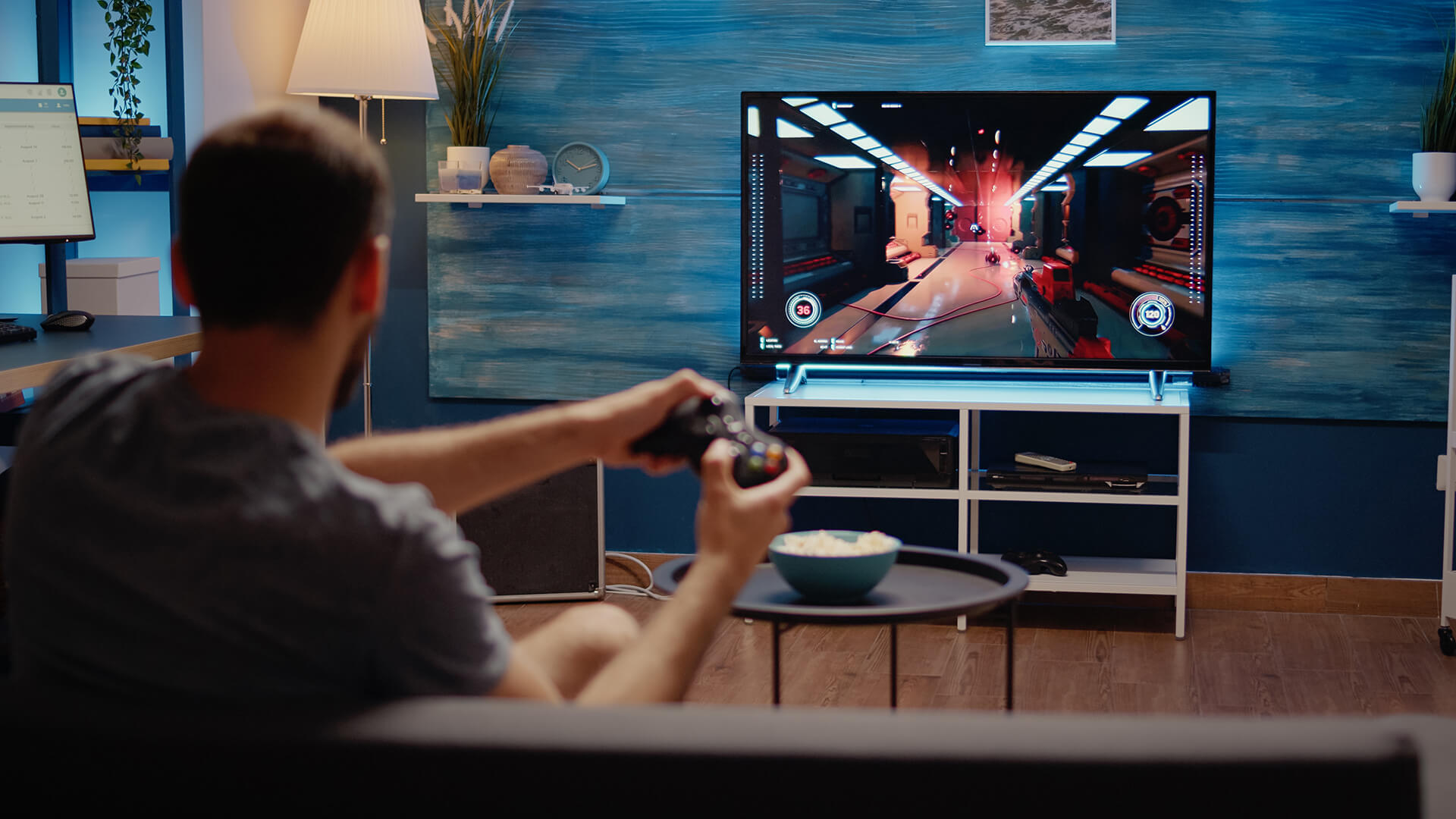
To get the best possible experience from your PS5 or Xbox Series X, your monitor needs to match what these consoles are capable of delivering. Modern consoles are designed for high-resolution, high-frame-rate gaming, so using the right display ensures you don’t miss out on performance or visual quality.
4K Resolution and 120Hz Refresh Rate
One of the biggest upgrades with next-gen consoles is support for 4K resolution at 120Hz. This combination delivers sharper image quality along with smoother motion, which makes games feel more immersive and responsive.
A Gigabyte 4K gaming monitor that supports 120Hz allows you to fully experience this capability. Without it, you may still get good visuals, but you won’t benefit from the smoother gameplay that higher refresh rates provide.
HDMI 2.1 Support
HDMI 2.1 is one of the most important features for console gaming. It acts as the connection that enables 4K at 120Hz, allowing your console and monitor to communicate at higher bandwidth.
If a monitor only supports HDMI 2.0, it will limit performance typically to 4K at 60Hz. This means you won’t be able to access the full potential of your PS5 or Xbox Series X.
In simple terms, if you want next-gen performance, HDMI 2.1 is essential.
VRR, ALLM and Low Input Lag
Beyond resolution and refresh rate, features like VRR (Variable Refresh Rate) and ALLM (Auto Low Latency Mode) play a big role in improving gameplay.
VRR helps eliminate screen tearing by syncing the monitor’s refresh rate with the game’s frame rate. This results in smoother visuals, especially in fast-moving scenes. ALLM automatically switches your monitor into a low-latency mode, reducing delay between your input and what you see on screen.
Combined with low input lag, these features make gameplay feel faster, smoother and more responsive, particularly in competitive or fast-paced games.
HDR Support and Why It Matters More on Xbox
HDR (High Dynamic Range) enhances colour, contrast and brightness, making games look more realistic and visually detailed.
Both PS5 and Xbox Series X support HDR, but Xbox tends to use it more consistently across a wider range of titles. This means HDR can have a more noticeable impact on Xbox gaming, especially if your monitor supports good HDR performance.
Best Gigabyte Monitor Features for Console Gaming
When choosing a Gigabyte monitor for console gaming, certain features make a clear difference in how games look and feel.
HDMI 2.1 for 4K 120Hz Gameplay
A Gigabyte HDMI 2.1 monitor allows you to unlock the full potential of your console, delivering smooth gameplay at high resolution without compromise.
High Refresh Rate Panels for Smoother Motion
Even beyond 120Hz, higher refresh rate panels improve motion clarity. This is particularly noticeable in fast-paced games where smoother visuals can improve tracking and reaction time.
Fast Response Time for Competitive Games
Response time affects how quickly pixels change on screen. Lower response times reduce motion blur, making visuals clearer and more precise during fast gameplay.
For competitive players, this can make a real difference in performance.
Built-In Gaming Features and Console Modes
Many Gigabyte console gaming monitors include built-in features designed to enhance the gaming experience. These can include preset modes, colour tuning and performance optimisations tailored for console use.
These features make it easier to get the best performance without needing to manually adjust settings, allowing you to focus on gameplay instead.
Are Gigabyte 4K Monitors Better Than 1440p Models for PS5 and Xbox?
When choosing a Gigabyte monitor for PS5 or Xbox Series X, one of the most important decisions is resolution. While both 4K and 1440p monitors are popular, they offer slightly different experiences depending on what you prioritise visual quality, performance or budget.
Why 4K Is the Best Match for PS5 and Xbox Series X
PS5 and Xbox Series X are designed with 4K gaming in mind, which means a Gigabyte 4K gaming monitor is the best way to fully experience what these consoles can deliver.
With 4K resolution, you get sharper image quality, more detail and a more immersive gaming experience; especially in visually rich games like open-world titles or story-driven adventures. When paired with 120Hz support and HDMI 2.1, a 4K monitor also allows for smoother gameplay, giving you the best of both visuals and performance.
For most users, this combination offers the most complete next-gen experience.
When a 1440p Gigabyte Monitor Still Makes Sense
A 1440p monitor can still be a strong choice, especially if you’re looking for a more affordable setup or prioritising higher frame rates over maximum resolution.
Xbox Series X supports native 1440p, making it a good match for these displays. PS5 can also output at 1440p through upscaling, so you’ll still get a solid experience.
In practical terms, this means you can enjoy smoother performance and save money, even if you’re not using full 4K resolution.
Should You Avoid 1080p for Next-Gen Consoles?
While 1080p monitors will work with both consoles, they are not ideal for next-gen gaming. These consoles are built to deliver higher resolutions and better visual quality, so using a 1080p display limits what they can do.
You’ll still get playable performance, but you’ll miss out on the improved clarity and detail that make next-gen gaming stand out.
Gigabyte Monitor Compatibility With PS5

Can PS5 Run 4K 120Hz on Gigabyte Monitors?
Yes, the PS5 can run at 4K 120Hz on Gigabyte monitors but only if the monitor supports HDMI 2.1. Without this, the console will be limited to lower refresh rates, usually 60Hz at 4K.
Does PS5 VRR Work on Gigabyte Monitors?
Yes, many newer Gigabyte monitors for PS5 support VRR. This feature helps synchronise the refresh rate with the game’s performance, reducing screen tearing and making gameplay feel smoother.
Best Settings to Check on PS5
To get the best performance from your setup, it’s important to enable the right display settings. Make sure 120Hz output is turned on, VRR is enabled and HDR is activated where supported.
These settings ensure that your monitor and console are working together to deliver the best possible experience.
Gigabyte Monitor Compatibility With Xbox Series X
Can Xbox Series X Run 4K 120Hz on Gigabyte Monitors?
Yes, Xbox Series X fully supports 4K at 120Hz, and many Gigabyte monitors can handle this again, as long as they include HDMI 2.1 support.
Does Xbox VRR Work With Gigabyte Monitors?
Yes, Xbox Series X supports VRR and works well with compatible Gigabyte displays. This results in smoother gameplay and fewer visual interruptions, especially in demanding titles.
Best Xbox Display Settings to Enable
To maximise performance, you should enable 4K resolution, set the refresh rate to 120Hz and turn on VRR and HDR in your Xbox display settings.
Doing this ensures you’re getting the most out of both your console and your monitor.
Which Gigabyte Monitors Are Best for PS5 and Xbox Series X?
Choosing the right Gigabyte monitor for PS5 or Xbox Series X is not just about picking a brand; it’s about matching the monitor’s features with what your console can deliver. The best options combine high resolution, fast refresh rates and HDMI 2.1 support to give you smooth, responsive and visually impressive gameplay.
Let’s look at some of the best types and real models that fit different gaming needs.
Best Overall Gigabyte Monitor Type: 4K HDMI 2.1
If you want the best all-round experience for console gaming, a 4K Gigabyte HDMI 2.1 monitor is the ideal choice. This setup allows you to enjoy sharp visuals alongside smoother gameplay at higher refresh rates.
A great example is the Gigabyte MO32U (MPN: MO32U-EK). This 32-inch QD-OLED display combines 4K resolution with a 165Hz refresh rate and ultra-fast 0.03ms response time, making it perfect for next-gen gaming.
For PS5 and Xbox Series X users, this means:
- Crisp, detailed visuals in story-driven and open-world games
- Smooth motion in fast-paced gameplay
- Extremely low input lag for responsive controls
The OLED panel also improves contrast and colour depth, which enhances HDR performance; something that’s particularly noticeable on Xbox.
Best Value Option: 1440p High Refresh Rate
If you’re looking for a balance between performance and price, a 1440p Gigabyte monitor can still deliver a strong experience, especially if you prioritise speed over resolution.
The Gigabyte AORUS FO27Q5P (MPN: AORUS FO27Q5P-EK) is a standout option here. With a 500Hz refresh rate and 0.03ms response time, it’s built for ultra-smooth motion and competitive gameplay.
While it’s not 4K, this monitor offers:
- Extremely fluid motion for fast-paced games
- Minimal motion blur
- High responsiveness for competitive gaming
For Xbox users, 1440p works particularly well, while PS5 users will still get a smooth experience through upscaling.
Best for Competitive Console Gaming
If your focus is competitive gaming such as shooters or esports-style titles, then refresh rate and response time matter more than resolution.
The AORUS FO27Q5P excels in this area, thanks to its incredibly high refresh rate and near-instant response time. This results in:
- Faster reaction times
- Clearer motion tracking
- A more responsive feel during gameplay
Even though consoles don’t fully utilise 500Hz, the improved motion clarity still enhances the overall experience.
Models and Specs to Check Before Buying
Another strong option worth considering is the Gigabyte M27UA (MPN: M27UA-EK). This 27-inch IPS display offers 4K resolution with a 160Hz refresh rate and 1ms response time, making it a great middle-ground choice.
It provides:
- Sharp 4K visuals
- Smooth performance for both casual and competitive gaming
- Reliable IPS panel colour accuracy
When choosing a monitor, always prioritise:
- HDMI 2.1 for full console performance
- 120Hz or higher refresh rate
- VRR support for smoother gameplay
- Low input lag for responsiveness
You can explore more options by browsing the best Gigabyte monitors or checking out the full range of AORUS monitors to find a setup that matches your gaming style.
Gigabyte Monitor vs Gaming TV for PS5 and Xbox Series X
When setting up your PS5 or Xbox Series X, one of the biggest decisions is whether to go for a gaming monitor or a TV. Both options can deliver a great experience, but they are designed for different types of setups and gaming styles.
Why Choose a Monitor Over a TV?
A Gigabyte monitor is typically the better choice if you play at a desk or prefer a more focused gaming setup. Monitors are designed with performance in mind, offering lower input lag, faster response times, and higher refresh rates.
In real-world use, this means your inputs feel more immediate, and gameplay appears smoother especially in fast-paced games like shooters or competitive titles. If responsiveness and precision matter to you, a monitor gives you a clear advantage.
Monitors also tend to fit better into smaller setups, making them ideal for bedrooms, offices or dedicated gaming desks.
Where Gaming TVs Still Win
Gaming TVs, on the other hand, are built for immersion and larger viewing experiences. With bigger screen sizes, they create a more cinematic feel, which is perfect for story-driven games, open-world adventures, or couch gaming.
They also often offer strong HDR performance, which can make colours appear richer and more dynamic, particularly in visually detailed games.
For users who prefer playing from a distance or sharing experiences with others, a TV can feel more engaging and comfortable.
Final Verdict: Should You Buy a Gigabyte Monitor for PS5 or Xbox Series X?
Gigabyte monitors are a strong choice for console gaming, especially when you pick a model that supports the right features. If you’re looking for 4K resolution, 120Hz gameplay and low input lag, a suitable Gigabyte monitor can deliver a smooth, responsive and visually impressive experience that fully matches what PS5 and Xbox Series X are capable of. However, if your priority is a larger, more cinematic setup for relaxed, sofa-based gaming, a gaming TV may be a better fit. Ultimately, the key is to focus on essential specs like HDMI 2.1, high refresh rate support, VRR and low latency, as these are what truly enhance gameplay. In simple terms, the best Gigabyte monitor is one that aligns with your console’s capabilities ensuring better visuals, smoother performance and a more immersive overall experience.
If you’re ready to upgrade your setup, you can explore the latest range of Gigabyte monitors on Box.co.uk to find the perfect display for your console gaming need.
FAQs
Are Gigabyte monitors compatible with PS5?
Yes, many are compatible, especially newer models with HDMI 2.1 and 120Hz support.
Do Gigabyte monitors support 120Hz on Xbox Series X?
Yes, HDMI 2.1 models support 4K at 120Hz on Xbox Series X.
Is HDMI 2.1 necessary for PS5 and Xbox Series X?
Yes, if you want to play at 4K and 120Hz.
Is a 1440p Gigabyte monitor good for PS5?
Yes, but 4K monitors offer the best overall experience.
Are Gigabyte AORUS monitors good for console gaming?
Yes, especially models designed with HDMI 2.1, VRR, and low input lag.
You can pay with:
*PayPal Credit Representative Example: Assumed credit limit £1,200, Representative 23.9% APR (variable). Purchase rate 23.9% p.a (variable).Terms & Conditions apply.


PayPal Credit and PayPal Pay in 3 are trading names of PayPal UK Ltd, 5 Fleet Place, London, United Kingdom, EC4M 7RD. Terms and conditions apply. Credit subject to status, UK residents only, Five Tech LTD acts as a broker and offers finance from a restricted range of finance providers. PayPal Pay in 3 is not regulated by the Financial Conduct Authority. Pay in 3 eligibility is subject to status and approval. 18+. UK residents only. Pay in 3 is a form of credit. Check if affordable and how you will repay. May make other borrowing more difficult or expensive. See product terms for more details.
Copyright © 1996-2026 Fivetech LTD | Terms and Conditions
box.co.uk & Box are trading names of Five Tech Limited. Registered office: Box LTD, Unit 10 Woodford Trading Estate, Woodford Green IG8 8HF