


 Menu
MenuMenu


Get Sales Advice from Mon - Fri 9am - 5:00pm:
020 3337 8950LAST UPDATED: May 12, 2026
Do Gigabyte monitors support 144Hz or higher refresh rates?
If you’re shopping for a Gigabyte 144Hz monitor, one of the first things you’ll want to know is whether Gigabyte actually supports high refresh rates and how far they go beyond 144Hz.
The good news is that Gigabyte offers a wide range of high refresh rate monitors, making them a strong choice for gaming, whether you’re on PC or console. However, the exact refresh rate you get depends on the model, resolution and how you connect your device.
Do Gigabyte Monitors Support 144Hz or Higher Refresh Rates?
Yes, Many Gigabyte Monitors Do
Gigabyte monitors are widely known for their gaming performance, and one of their key strengths is support for high refresh rates like 144Hz and beyond. Many models in their lineup offer not just 144Hz, but also higher options such as 165Hz, 170Hz, 180Hz and even 240Hz or more.
In practical terms, this means you can expect smoother visuals, faster responsiveness, and a more fluid gaming experience, especially in fast-paced games where every frame matters.
However, it’s important to understand that not every Gigabyte monitor is built for high refresh rate gaming. Some models are designed for general use, productivity, or media consumption, and may only support standard refresh rates like 60Hz.
Which Gigabyte Monitor Series Usually Offer 144Hz+
If you’re specifically looking for a Gigabyte 144Hz monitor or higher, the best place to start is with their gaming-focused range.
Gigabyte’s AORUS monitors are designed with performance in mind and typically offer the highest refresh rates in their lineup. These monitors are built for gamers who want faster response times, lower input lag and smoother motion, making them ideal for competitive gameplay.
Alongside AORUS, many standard Gigabyte gaming monitors also feature 165Hz and higher refresh rates, giving you more options depending on your budget and setup. Whether you’re looking for a balanced mid-range display or a high-performance gaming monitor, Gigabyte provides a wide range of choices.
If you’re unsure where to start, exploring the best Gigabyte monitors can help you compare models and find one that fits your requirements.
Why Refresh Rate Matters for Gaming and Everyday Use
Refresh rate might sound like a technical detail, but it has a direct impact on how your screen feels during use. It refers to how many times your display updates each second and the higher the number, the smoother everything appears.
In gaming, this makes a significant difference. Higher refresh rates allow for smoother motion, clearer visuals during fast movement, and more responsive controls. This can improve your overall experience, especially in competitive games where timing and precision are important.
Even outside of gaming, the benefits are noticeable. Everyday tasks like scrolling through websites, moving windows or navigating your system feel smoother and more responsive on a high refresh rate display.
For you, this means a Gigabyte high refresh rate monitor isn’t just about gaming; it improves the overall feel of your system, making everything more fluid and enjoyable to use.
What Refresh Rates Do Gigabyte Monitors Offer?
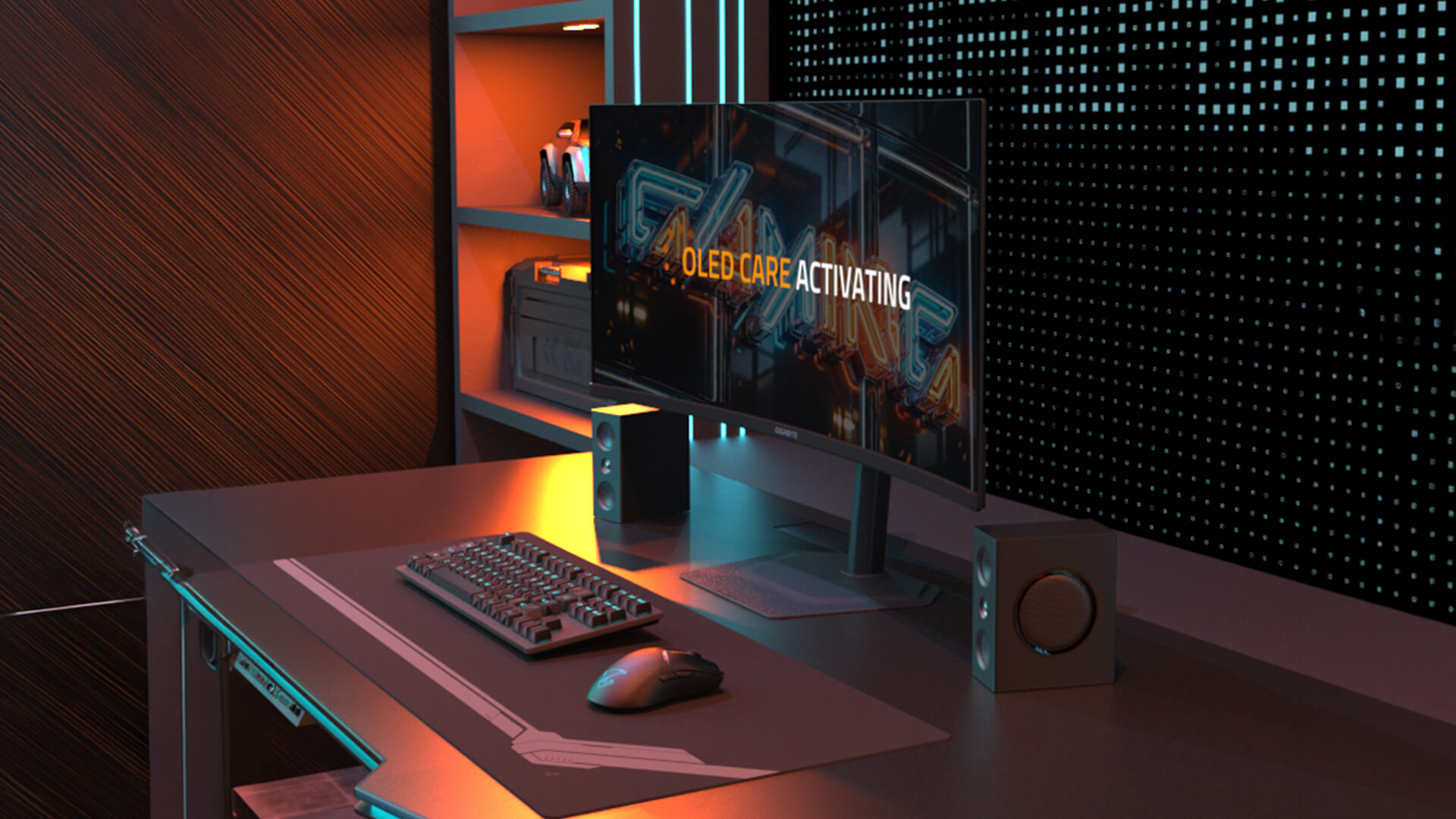
Gigabyte monitors are designed to suit a wide range of users, from casual gamers to competitive players. One of their biggest strengths is the variety of refresh rates available, allowing you to choose a monitor that matches both your performance needs and your budget.
Understanding these refresh rate options helps you make a better decision; so you’re not overpaying for features you won’t use, or missing out on smoother performance where it matters.
144Hz Gigabyte Monitors
A Gigabyte 144Hz monitor is widely considered the entry point for smooth gaming. Compared to standard 60Hz displays, the difference is immediately noticeable. Movement appears much smoother, controls feel more responsive, and overall gameplay becomes more enjoyable.
For most gamers, especially those playing a mix of casual and competitive titles, 144Hz offers an excellent balance between performance and affordability. It doesn’t require extremely powerful hardware, making it accessible for a wide range of setups.
In simple terms, 144Hz is where gaming starts to feel truly fluid rather than just functional.
165Hz, 170Hz and 180Hz Gigabyte Monitors
Many Gigabyte models go a step further by offering refresh rates like 165Hz, 170Hz, or 180Hz. These are often found in mid-range gaming monitors and provide a slightly smoother experience compared to 144Hz.
While the difference may not be as dramatic as the jump from 60Hz to 144Hz, it still adds a level of refinement particularly in fast-paced games where smoother motion can improve tracking and reaction.
240Hz and Higher Gigabyte Monitors
For competitive gamers, Gigabyte also offers 240Hz monitors and beyond. These are designed for users who want the fastest possible performance, where every frame and millisecond counts.
At this level, motion becomes extremely smooth, and input feels almost instantaneous. This is especially useful in esports titles, where quick reactions and precise movements can make a real difference.
However, it’s worth noting that to fully benefit from 240Hz, your system needs to be powerful enough to deliver high frame rates consistently.
How Resolution Affects Refresh Rate Options
One important factor to consider is the relationship between resolution and refresh rate. Higher resolutions, such as 4K, require more processing power, which often limits how high the refresh rate can go.
For example, a Gigabyte 4K gaming monitor may focus more on delivering sharper visuals and better image quality rather than extremely high refresh rates. On the other hand, lower resolutions like 1080p or 1440p are better suited for achieving higher refresh rates such as 165Hz or 240Hz.
For you, this means choosing between visual detail and speed. If you prioritise sharp, detailed images, 4K is the better option. If you prefer smoother motion and competitive performance, a lower resolution with a higher refresh rate may be the smarter choice.
Are 144Hz Gigabyte Monitors Good for Gaming?
When choosing a Gigabyte 144Hz monitor, one of the most important questions is whether 144Hz is good enough for gaming. The answer is yes for most users, it offers a major improvement over standard displays and delivers a noticeably smoother and more responsive experience.
Benefits of 144Hz for Competitive Gaming
A 144Hz refresh rate means your screen updates 144 times per second, which results in much smoother motion compared to traditional 60Hz displays. This is especially important in competitive games where fast reactions and precise movements matter.
With a 144Hz monitor, you’ll notice that motion appears clearer, tracking moving targets becomes easier and inputs feel more immediate. This can give you a real advantage in fast-paced games like shooters or esports titles, where even small improvements in responsiveness can make a difference.
For you, this means gameplay feels more fluid and controlled, helping you stay focused and react faster during intense moments.
Is 144Hz Enough for Casual Gaming?
For casual gamers, 144Hz is more than enough. It provides a significant upgrade in smoothness without requiring extremely powerful hardware to run.
Whether you’re playing story-driven games, open-world titles or occasional multiplayer matches, a 144Hz display ensures everything feels smoother and more enjoyable compared to lower refresh rates.
In practical terms, this means you don’t need to invest in higher refresh rates unless you have very specific performance needs.
144Hz vs 60Hz: What Difference Will You Notice?
The jump from 60Hz to 144Hz is one of the most noticeable upgrades you can make to your setup.
At 60Hz, motion can feel less fluid, especially in fast-moving scenes. Once you switch to 144Hz, everything becomes smootherfrom gameplay to everyday tasks like scrolling or navigating your system.
For you, this means a more responsive and visually pleasing experience across everything you do, not just gaming.
Do Gigabyte Monitors Go Higher Than 144Hz?
While 144Hz is a great starting point, Gigabyte also offers monitors that go beyond this, giving users even more options depending on their needs.
Why Some Gigabyte Models Offer 165Hz or 170Hz
Gigabyte includes refresh rates like 165Hz or 170Hz to provide an extra level of smoothness without requiring extremely high-end hardware.
These slightly higher refresh rates build on the benefits of 144Hz, offering a more refined experience particularly in fast-paced games where smoother motion can improve visual clarity and tracking.
For most users, this feels like a natural upgrade if you want better performance without jumping to extreme levels.
When 240Hz or Higher Makes Sense
Higher refresh rates such as 240Hz and above are designed for competitive gamers who want the absolute fastest performance possible.
At this level, motion becomes extremely fluid and input delay is reduced even further. This can be beneficial in esports titles where every frame counts.
However, it’s important to note that to fully benefit from 240Hz, your system needs to be powerful enough to consistently deliver high frame rates.
Do You Need More Than 144Hz?
For most users, 144Hz is already a significant improvement and provides an excellent gaming experience. Higher refresh rates are beneficial, but they are mainly aimed at competitive players who can take full advantage of the extra performance.
For you, this means that unless you are focused on high-level competitive gaming, a Gigabyte 144Hz monitor will already deliver smooth, responsive and enjoyable gameplay without the need to go higher
Gigabyte 144Hz Monitors for PC Gaming
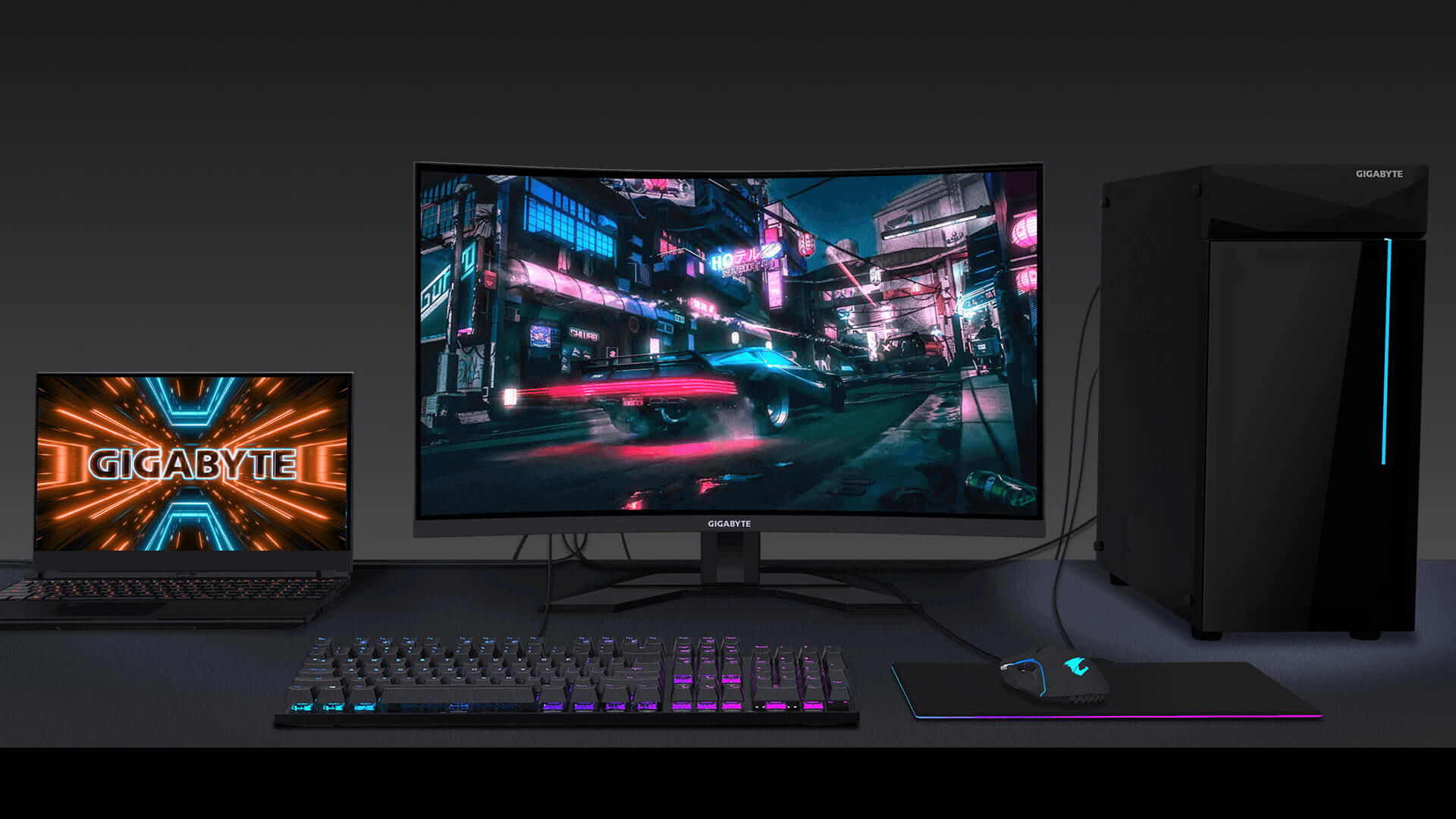
If you’re using a Gigabyte 144Hz monitor for PC gaming, getting the full performance isn’t just about the monitor itself; it also depends on how you connect and configure your system.
Using DisplayPort for Maximum Refresh Rate
To fully unlock higher refresh rates like 144Hz or above, DisplayPort is usually the best option. It supports higher bandwidth compared to older HDMI versions, which allows your monitor to display smoother motion at higher resolutions.
In practical terms, this means that even if your monitor supports 144Hz, you may not actually see that performance unless you’re using the right cable and port.
For you, this ensures you’re getting the smoothest possible experience your monitor is capable of delivering.
HDMI Limitations to Check Before Buying
While HDMI is widely used, not all versions support high refresh rates at higher resolutions. Older HDMI standards may limit your monitor to lower refresh rates, even if it is capable of more.
This is especially important if you’re planning to use your monitor for both gaming and media. Checking the HDMI version ensures you don’t accidentally restrict your performance.
GPU Requirements for 144Hz and Higher
Your graphics card plays a major role in how well you can take advantage of a high refresh rate monitor.
To benefit from 144Hz or higher, your GPU needs to consistently produce high frame rates. Without this, the monitor won’t be able to display its full potential.
For you, this means balancing your monitor's choice with your PC hardware to ensure everything works together efficiently.
Gigabyte 144Hz Monitors for PS5 and Xbox Series X
While high refresh rate monitors are often associated with PC gaming, many users also want to use them with consoles like PS5 and Xbox Series X.
Why Consoles Usually Max Out at 120Hz
Modern consoles are designed to support up to 120Hz, not 144Hz. This means even if your monitor supports 144Hz, the console will typically output at 120Hz.
This isn’t a limitation of the monitor; it’s simply how the consoles are designed.
Is a 144Hz Gigabyte Monitor Good for Console Gaming?
Yes, a Gigabyte 144Hz monitor is still a great choice for console gaming. Even though the console won’t use the full 144Hz, you’ll still benefit from smoother gameplay compared to standard 60Hz displays.
In simple terms, you’re future-proofing your setup while still enjoying improved performance today.
Best Specs to Look for: HDMI 2.1, 4K and VRR
For console gaming, refresh rate is important; but other features matter just as much.
Support for HDMI 2.1 allows for higher resolutions and smoother performance, while VRR (Variable Refresh Rate) helps reduce screen tearing. If you’re using a Gigabyte 4K gaming monitor, these features become even more important for maintaining a smooth experience.
How to Check If Your Gigabyte Monitor Supports 144Hz
If you’re using a Gigabyte 144Hz monitor or planning to buy one, it’s important to know how to confirm whether your display actually supports and is running at 144Hz. Many users have monitors capable of high refresh rates but don’t realise they’re not using them correctly.
Understanding how to check this ensures you’re getting the smooth performance your monitor is designed to deliver.
Check the Model’s Official Specifications
The most reliable way to confirm your monitor’s refresh rate is by checking the official specifications. Every Gigabyte monitor lists its supported refresh rates, including whether it supports 144Hz, 165Hz or higher.
This information is usually available on the product page or user manual. Taking a moment to verify this helps avoid confusion and ensures you know exactly what your monitor is capable of.
Check the Supported Ports and Cable Type
Even if your monitor supports 144Hz, the connection you use plays a crucial role. Not all cables and ports can handle high refresh rates, especially at higher resolutions.
For example, DisplayPort is typically the best option for achieving 144Hz or above, while older HDMI versions may limit performance. Using the correct cable ensures your monitor can operate at its full capability.
For you, this means smoother visuals and no unnecessary limitations caused by the wrong connection.
Enable the Correct Refresh Rate in Display Settings
One of the most common issues is that the monitor supports 144Hz, but it isn’t enabled in your system settings. By default, many systems run at 60Hz unless you manually change the setting.
Checking your display settings and selecting the highest available refresh rate ensures you’re actually using the full performance of your monitor.
Common Reasons You May Not See 144Hz
If 144Hz isn’t showing as an option, there are usually a few simple reasons behind it. It could be due to using the wrong cable, connecting to the incorrect port, outdated graphics settings or limitations from your GPU.
In some cases, the selected resolution may also affect available refresh rates.
Identifying and fixing these issues can quickly restore full performance, ensuring you’re not missing out on the benefits of a Gigabyte high refresh rate monitor.
144Hz vs Higher Refresh Rates on Gigabyte Monitors
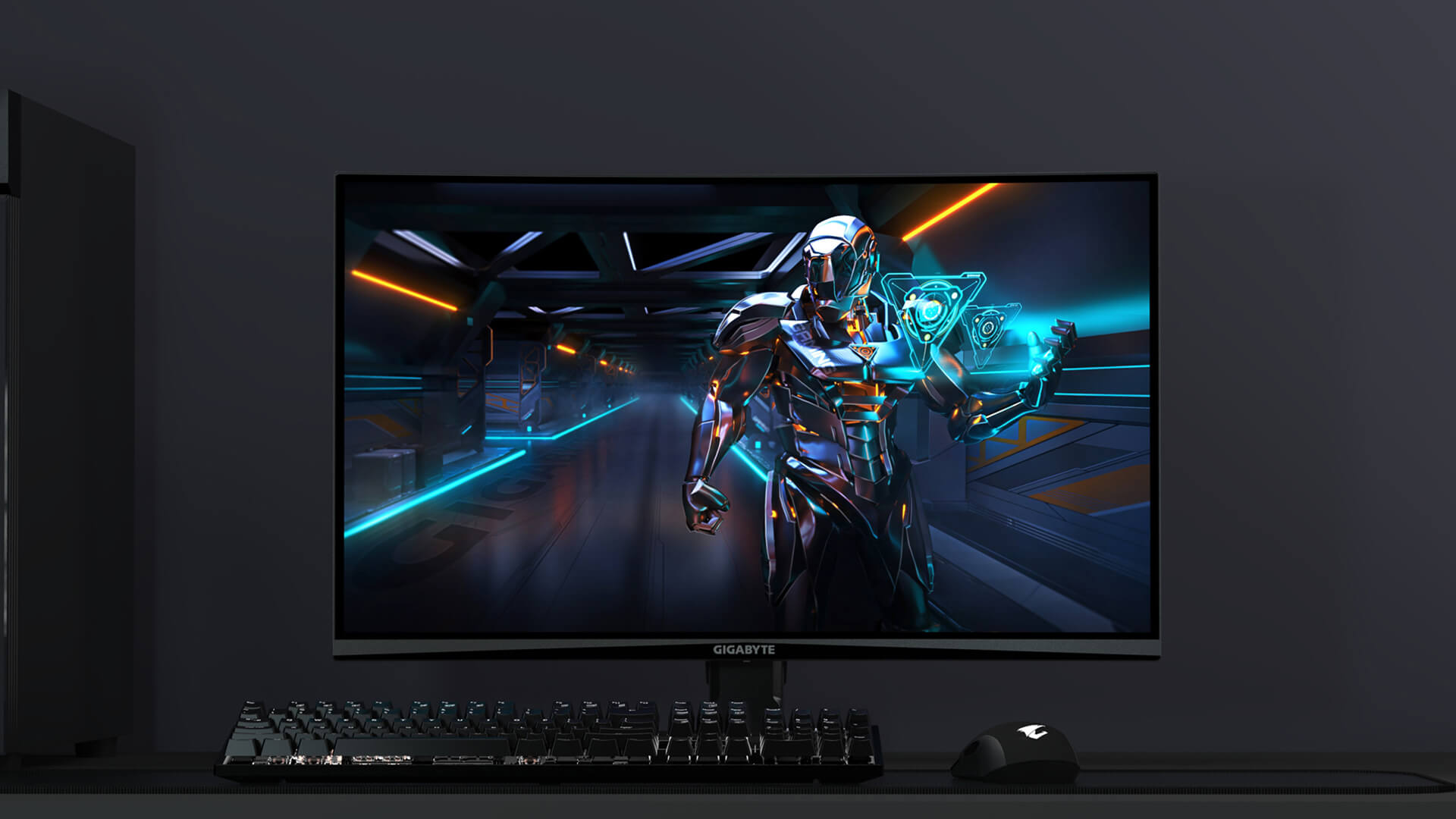
Once you’ve confirmed your monitor supports 144Hz, the next question is whether going higher actually makes a difference. Gigabyte offers a range of refresh rates, so understanding the differences helps you choose what’s right for your setup.
144Hz vs 165Hz
The difference between 144Hz and 165Hz is relatively subtle, but it does provide slightly smoother motion. This can be noticeable in fast-paced games, where smoother transitions make tracking movement easier.
For most users, however, this is more of a refinement than a major upgrade. A 144Hz monitor already delivers a significantly better experience compared to 60Hz.
144Hz vs 240Hz
Moving up to 240Hz is a more noticeable jump, particularly for competitive gaming. At this level, motion becomes even smoother, and input feels more responsive, which can help in fast reaction-based gameplay.
However, to fully benefit from 240Hz, your system needs to consistently produce high frame rates. Without this, the difference may not be as impactful.
Which Refresh Rate Is Best for Your Setup?
Choosing the right refresh rate depends on how you use your system.
If you’re a casual gamer or use your monitor for everyday tasks, 144Hz offers the best balance of performance, smoothness and value. It delivers a noticeable upgrade without requiring high-end hardware.
If you’re more competitive and have a powerful system, higher refresh rates like 240Hz can provide an extra edge but only if your setup can support it.
Final Verdict!
Gigabyte monitors offer a wide range of refresh rates, making them suitable for both casual and competitive users.
For most gamers, a Gigabyte 144Hz monitor provides the perfect balance of performance and value. If you’re more competitive or want the smoothest possible experience, higher refresh rates like 165Hz or 240Hz are worth considering.
If you’re ready to upgrade your setup, you can explore the latest range of Gigabyte displays on Box.co.uk to find the perfect monitor that matches your gaming needs and budget.
FAQs
Do all Gigabyte monitors support 144Hz?
No, not all models do. Always check specifications.
Can Gigabyte monitors run higher than 144Hz?
Yes, many support 165Hz, 170Hz, 180Hz or 240Hz+.
Is 144Hz enough for gaming?
Yes, it offers a smooth and responsive experience.
Can PS5 or Xbox Series X use 144Hz?
No, they typically support up to 120Hz.
Why is my Gigabyte monitor not showing 144Hz?
This is usually due to cables, ports, or settings not being configured correctly.
You can pay with:
*PayPal Credit Representative Example: Assumed credit limit £1,200, Representative 23.9% APR (variable). Purchase rate 23.9% p.a (variable).Terms & Conditions apply.


PayPal Credit and PayPal Pay in 3 are trading names of PayPal UK Ltd, 5 Fleet Place, London, United Kingdom, EC4M 7RD. Terms and conditions apply. Credit subject to status, UK residents only, Five Tech LTD acts as a broker and offers finance from a restricted range of finance providers. PayPal Pay in 3 is not regulated by the Financial Conduct Authority. Pay in 3 eligibility is subject to status and approval. 18+. UK residents only. Pay in 3 is a form of credit. Check if affordable and how you will repay. May make other borrowing more difficult or expensive. See product terms for more details.
Copyright © 1996-2026 Fivetech LTD | Terms and Conditions
box.co.uk & Box are trading names of Five Tech Limited. Registered office: Box LTD, Unit 10 Woodford Trading Estate, Woodford Green IG8 8HF