


 Menu
MenuMenu


Get Sales Advice from Mon - Fri 9am - 5:00pm:
020 3337 8950LAST UPDATED: July 06, 2026
Gaming Laptop vs Desktop PC: Which Is Best for Gaming in 2026?
Choosing between a gaming laptop vs desktop is one of the biggest decisions for gamers in 2026. Both can run modern games well, but they suit different setups, budgets, and lifestyles.
A gaming laptop gives you a portable gaming setup that can move between rooms, university, work, and travel. A desktop gaming PC gives you stronger performance, better cooling, more upgrade options, and usually better price-to-performance over time.
This guide will help you decide between a gaming laptop and a gaming desktop PC by walking you through the differences and features of each.
Quick answer: Choose a gaming laptop if you need portability, one device for gaming and daily use, or a setup that fits a small space. Choose a desktop gaming PC if you want higher frame rates, better cooling, easier upgrades, and stronger long-term value.
Gaming Laptop or Desktop: Quick Answer
If you are asking “should I get a gaming PC or laptop?”, start with how and where you play.
| Buyer Type | Better Choice | Why |
|---|---|---|
| Student or college gamer | Gaming laptop | Portable and space-saving |
| Competitive esports player | Desktop PC | Higher FPS and better cooling |
| Bedroom or small desk setup | Gaming laptop | Less space needed |
| Long-term upgrader | Desktop PC | Easier to upgrade |
| 4K gaming buyer | Desktop PC | Stronger GPU performance |
| Gamer who travels | Gaming laptop | Easy to carry |
| Best value over time | Desktop PC | Better upgrade path |
| One device for work and gaming | Gaming laptop | More flexible |
For a quick starting point, explore the complete PC gaming range at Box, including laptops, gaming desktops, displays, accessories, and components.
Difference Between Gaming Laptop and Gaming PC
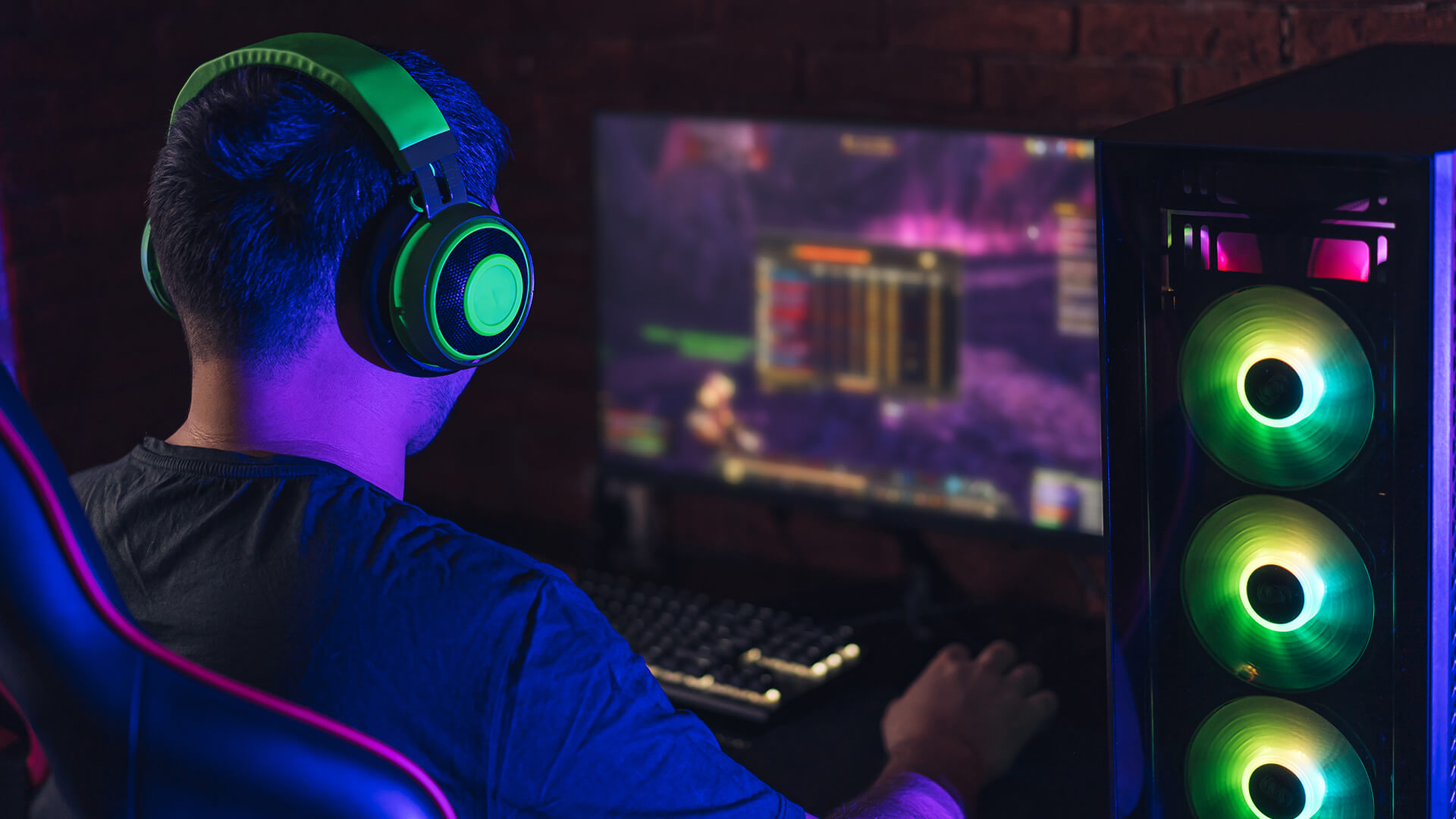
The main difference between gaming laptops and gaming PC setups is how much performance, cooling, and upgrade flexibility you get.
A gaming laptop puts the screen, keyboard, battery, cooling, and components into one portable machine. A desktop gaming PC uses a separate tower, monitor, keyboard, mouse, and accessories.
Gaming Laptop
A gaming laptop is best if you want:
- Portability
- Compact setup
- Built-in screen and keyboard
- One device for work and gaming
- Gaming away from your desk
- Dorm room or shared-space convenience
Modern portable gaming laptops for modern titles can handle 1080p gaming, esports, AAA games, and even 1440p gaming on stronger models.
Gaming Desktop PC
A desktop gaming PC is best if you want:
- Higher Frame Rates
- Stronger Cooling Performance
- Lower Fan Noise in Many Setups
- Better Upgrade Path
- More Storage Flexibility
- Easier Repairs
- Better Long-Term Value
If performance comes first, ready-built desktop systems for high-FPS gaming are usually the stronger choice.
Gaming Laptop vs Desktop Performance Comparison
For pure performance, desktop PCs usually win.
That does not mean gaming laptops are weak. It means a desktop tower has more room for cooling, power delivery, and full-size hardware.
Why Desktops Usually Deliver Higher FPS
A desktop PC can use:
- Full-size desktop GPU
- Stronger cooling
- Higher power limits
- Larger case airflow
- Easier CPU cooling
- More upgradeable parts
This helps with:
- Higher frame rates
- 1440p gaming
- 4K gaming
- Streaming while gaming
- High-refresh esports
- Demanding AAA games
Why Gaming Laptops Are Still Powerful Enough
A good gaming laptop can still be excellent for most players.
It can handle:
- 1080p gaming
- eSports titles
- Many AAA games
- 144Hz external monitor setups
- Streaming and schoolwork
- Content creation
- Everyday productivity
The important point is that laptop GPUs are not always equal to desktop GPUs with a similar name. An RTX laptop GPU is designed for mobile power and cooling limits. Always check the exact GPU, VRAM, cooling design, and Total Graphics Power, often shown as TGP.
Desktop GPU vs Mobile GPU
| Feature | Gaming Laptop | Desktop PC |
|---|---|---|
| GPU type | Mobile GPU | Desktop GPU |
| Power limit | Lower and model-dependent | Higher |
| Cooling | Compact | Larger and stronger |
| Upgradeability | Limited | Much better |
| Performance ceiling | Lower | Higher |
| Best for | Portable gaming | Maximum FPS |
If you want to build or upgrade a desktop, compare desktop GPUs for custom gaming builds, and read our graphics card buying tips for gamers to make the decision easier.
Gaming Laptop vs Desktop Price
The gaming laptop vs desktop price debate is not just about the machine itself. You need to look at the full setup.
Gaming Laptop Costs
A gaming laptop includes:
- Screen
- Keyboard
- Touchpad
- Speakers
- Webcam
- Battery
- Wi-Fi
- Portable design
That makes it convenient, but you are paying for compact engineering.
Desktop PC Costs
A gaming desktop usually needs:
- Tower
- Monitor
- Keyboard
- Mouse
- Headset or speakers
- Desk space
- Cables
- Possibly Wi-Fi adapter
The desktop tower may offer better performance for the money, but the complete setup cost can rise if you need everything from scratch.
Setup Cost Comparison
| Cost Area | Gaming Laptop | Desktop PC |
|---|---|---|
| Main system | Usually higher for same performance | Better price-to-performance |
| Monitor | Built in | Separate cost |
| Keyboard and mouse | Built in, but many gamers upgrade | Separate cost |
| Portability | Included | Not portable |
| Upgrades | Limited | Easier over time |
| Long-term value | Good if you need mobility | Usually better |
For most gamers, desktop PCs offer better long-term value. Gaming laptops make more sense when portability is worth paying for.
Building PC vs Buying Laptop
The building PC vs buying laptop question comes down to control versus convenience.
Building a Gaming PC
Building gives you more control over:
- CPU
- GPU
- RAM
- SSD storage
- Case
- Cooling
- Power supply
- Upgrade path
It can be more rewarding, but it takes planning. If you are new to PC building, start with our beginner-friendly gaming PC build guide for a crash course.
Buying a Gaming Laptop
Buying a gaming laptop is simpler. You get a ready-to-use system with the display, keyboard, and battery included.
It is better if you:
- Do not want to build
- Need portability
- Want one device
- Have limited space
- Need gaming and study/work in one machine
For desktop buyers who are unsure whether to build or buy prebuilt, we have a guide on build-or-buy advice for desktop gamers that can help.
Gaming Laptop vs Desktop for Portability and Space
This is where gaming laptops win.
A gaming laptop is ideal if you:
- Move between rooms
- Travel often
- Study away from home
- Live in halls or shared accommodation
- Want a clean desk
- Need one device for work and gaming
- Do not want a full tower setup
A desktop PC is better if you:
- Have a permanent desk
- Want a larger monitor
- Prefer a full keyboard and mouse
- Care more about performance than mobility
- Want a future-proof gaming PC
- Plan to upgrade over time
Gaming Laptop or PC for College
A gaming laptop or PC for college depends on your space and routine.
Choose a gaming laptop if you need:
- Portability between home and college
- One machine for study and gaming
- Easy setup in a dorm room
- Less desk clutter
- Built-in Wi-Fi, webcam, and screen
Choose a desktop PC if you:
- Have a fixed room setup
- Want better frame rates
- Already own a laptop for classes
- Play mostly at your desk
- Want easier upgrades
For many students, a gaming laptop is the practical option. For students with a fixed desk and a separate study laptop, a desktop can be better value.
Gaming Laptop vs Gaming PC Power Consumption
The gaming laptop vs gaming PC power consumption comparison usually favours laptops.
Gaming laptops are designed to fit performance into a smaller power budget. Desktop PCs often use more electricity because they have larger CPUs, GPUs, fans, and displays.
Power Use Comparison
| Area | Gaming Laptop | Desktop PC |
|---|---|---|
| Power draw | Lower | Higher |
| Performance per watt | Often efficient | Depends on parts |
| Peak gaming power | Lower | Higher |
| Heat output | Concentrated | Spread across case |
| Energy cost | Usually lower | Usually higher |
That said, desktops use more power because they can deliver more performance. If you want the highest frame rates, the extra power draw is part of the trade-off.
Cooling, Fan Noise and Thermal Throttling
Cooling is one of the biggest differences between gaming laptops vs gaming desktops.
Gaming Laptop Cooling
Gaming laptops are compact, so heat builds up faster. This can lead to:
- Louder fans
- Hotter surfaces
- Thermal throttling
- Lower sustained performance
- More noticeable fan noise
A laptop can still perform well, but cooling design matters. Two laptops with similar specs can perform differently if one has a better cooling system or higher GPU TGP.
Desktop PC Cooling
Gaming desktops have more room for:
- Larger fans
- Bigger heatsinks
- Liquid cooling
- Better airflow
- Larger cases
- Quieter cooling setups
That helps desktops sustain higher performance for longer sessions.
If you play for hours at a time, especially in demanding AAA games, a desktop PC will usually stay cooler and quieter.
Gaming Laptop vs Desktop Lifespan
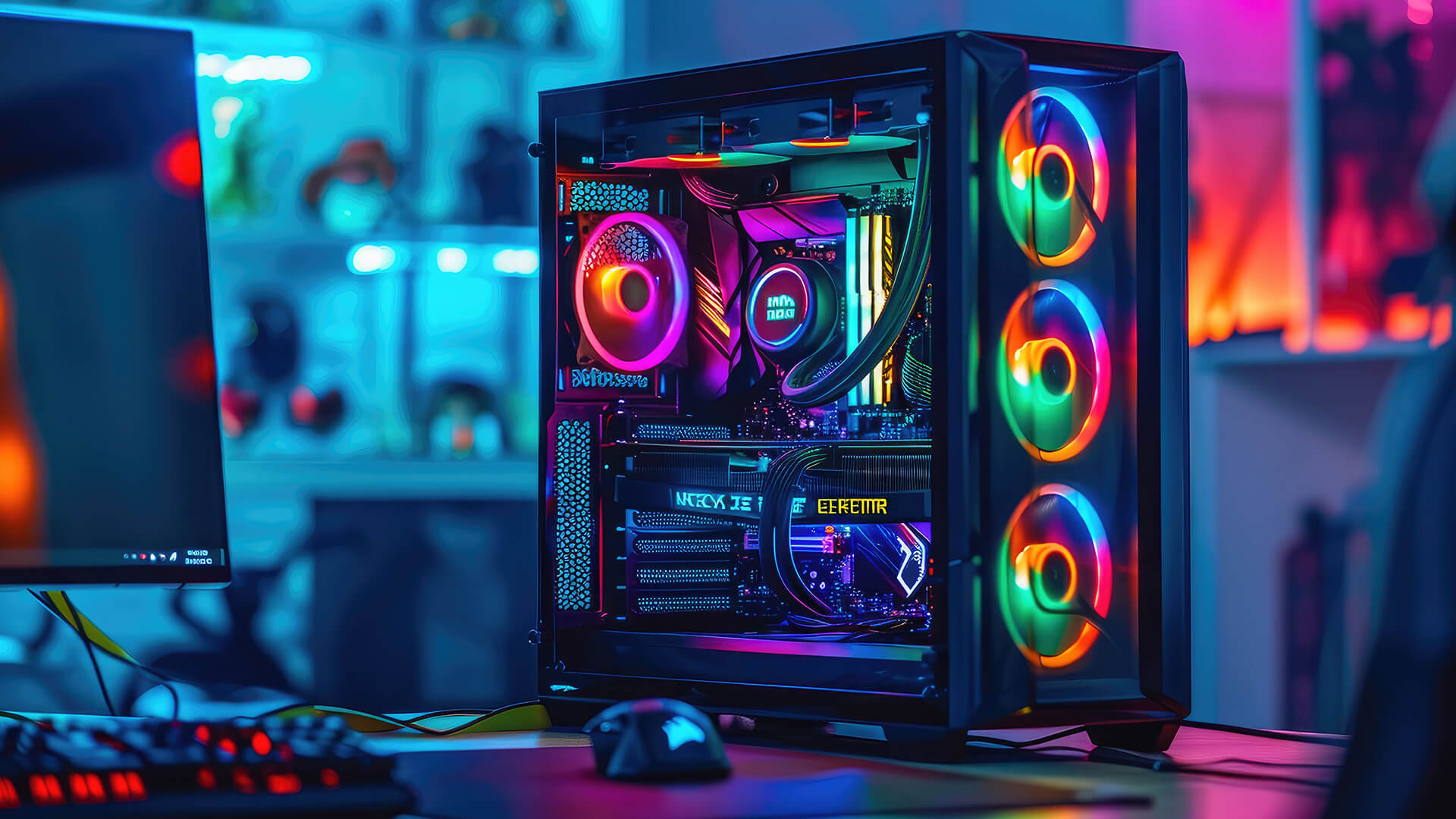
The gaming laptop vs desktop lifespan comparison usually favours desktops.
A gaming laptop can last several years if looked after, but the main parts are harder to replace. Once the GPU or CPU starts to feel outdated, upgrades are limited.
A desktop gaming PC can last longer because you can replace more parts.
Typical Lifespan Comparison
| Setup | Typical Lifespan | Why |
|---|---|---|
| Gaming laptop | Around 3 to 5 years for strong gaming use | Limited upgrades and tighter cooling |
| Gaming desktop | Around 5 to 7+ years with upgrades | Easier to replace GPU, RAM, SSD, and cooling |
These are not fixed rules. A high-end gaming laptop can last well, while a poorly chosen desktop can age quickly. But in general, desktops have the better upgrade path.
What Can You Upgrade?
| Part | Gaming Laptop | Desktop PC |
|---|---|---|
| RAM | Sometimes | Yes |
| SSD | Usually | Yes |
| GPU | Rarely | Yes |
| CPU | Rarely | Sometimes |
| Cooling | Limited | Yes |
| Monitor | External only | Yes |
| Power supply | No | Yes |
For desktop owners, parts for upgrading a gaming desktop can extend the life of the system without replacing everything.
High End Gaming Laptop vs Desktop
A high-end gaming laptop vs desktop comparison is closer than it used to be, but desktops still have the performance edge.
High-end gaming laptops are impressive because they offer strong GPUs, fast displays, SSD storage, and powerful CPUs in one portable machine. They are excellent if you want premium gaming without being tied to one desk.
However, a high-end desktop usually gives you:
- More GPU power
- Better sustained performance
- Quieter cooling
- Easier upgrades
- Stronger 4K gaming
- Better value at the top end
Choose a high-end gaming laptop if portability matters. Choose a high-end desktop if maximum performance matters.
Best Gaming Specs to Look For in 2026
The right specs depend on the games you play, but these are sensible targets.
RAM
- 16GB RAM: Good starting point for gaming in 2026
- 32GB RAM: Better for streaming, heavy multitasking, modded games, and future-proofing
- 64GB RAM: Only needed for heavy content creation or specialist workloads
Is 32GB RAM overkill for a gaming laptop? Not always. For simple 1080p gaming, 16GB is still fine. For AAA games, streaming, Discord, browser tabs, and creative work, 32GB is a better long-term choice.
Storage
Aim for:
- 1TB SSD as a strong starting point
- 2TB SSD if you play lots of large games
- Extra storage if you record gameplay
- NVMe SSD where possible
Graphics
For 1080p gaming, a mid-range dedicated graphics card is usually enough. For 1440p gaming, aim higher. For 4K gaming, desktop GPUs are usually the better choice.
Display
For gaming laptops and desktop monitors, look for:
- 1080p for budget gaming
- 1440p for the best balance
- 4K for premium visuals
- 144Hz or higher for smoother gameplay
- Low response time
- Good colour and brightness
Pairing a strong system with high-refresh screens for smoother gameplay can make a big difference.
Gaming Laptop vs Desktop Pros and Cons
Gaming Laptop Pros
- Portable
- Space-saving
- Built-in screen and keyboard
- Good for students
- Easy to move
- One device for work and gaming
- Lower power use than many desktops
Gaming Laptop Cons
- Limited upgrades
- Louder fans under load
- Higher heat
- Weaker performance than desktops at similar GPU names
- Harder repairs
- Shorter gaming lifespan
- Smaller screen unless using an external monitor
For brand-specific buying help, our HP gaming laptop value guide is useful if you are comparing HP options.
Gaming Desktop Pros
- Better performance
- Stronger cooling
- Easier upgrades
- Better long-term value
- More storage options
- Quieter potential
- Better for 1440p and 4K gaming
Gaming Desktop Cons
- Not portable
- Needs monitor and peripherals
- Takes more space
- Uses more power
- More cables
- Less convenient for students who move often
To finish the setup properly, compare peripherals for a complete gaming setup, including keyboards, mice, headsets, and controllers.
Final Verdict:
The gaming PC vs gaming laptop decision comes down to priorities.
Buy a gaming laptop if you need:
- Portability
- One device for work and gaming
- A compact setup
- College or travel use
- Gaming in different rooms
- Lower power consumption
- Simple setup
Buy a desktop gaming PC if you want:
- Higher FPS
- Better price-to-performance
- Stronger cooling
- Easier upgrades
- Longer lifespan
- Better 1440p or 4K gaming
- A future-proof gaming setup
Best Overall Recommendation
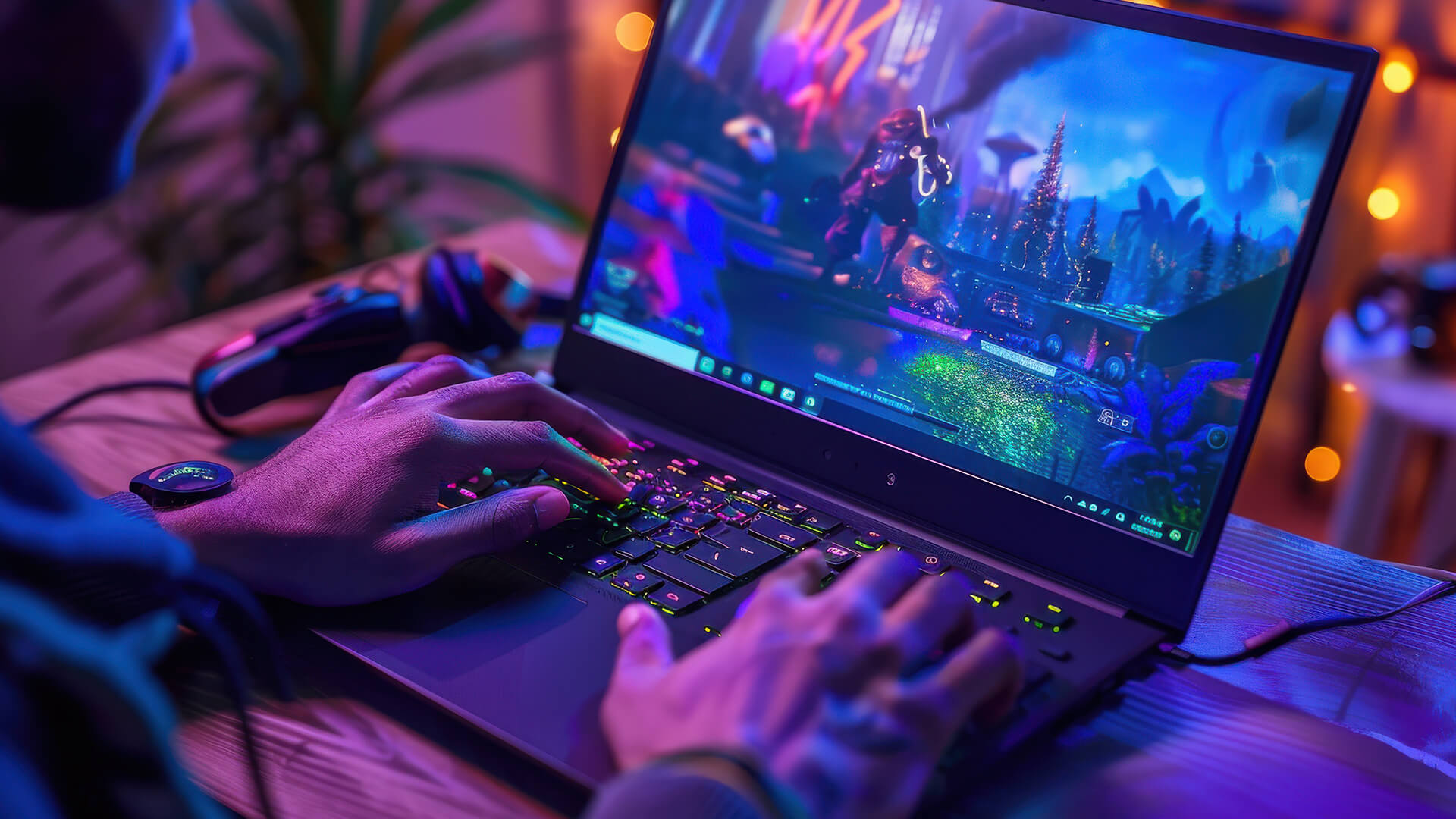
For most performance-focused gamers, a desktop PC is the better choice in 2026.
For most students, travellers, and small-space gamers, a gaming laptop is the better choice.
The simple answer is:
- Best for Portability: Gaming laptop
- Best for performance: Desktop PC
- Best for long-term upgrades: Desktop PC
- Best for college: Gaming laptop
- Best for 4K gaming: Desktop PC
- Best for one-device convenience: Gaming laptop
- Best overall value: Desktop PC
If you still cannot decide, think about where you play. If you always sit at the same desk, choose a desktop. If you need to move, choose a laptop.
FAQs
What are the disadvantages of a gaming laptop?
The main disadvantages of a gaming laptop are limited upgradeability, higher heat, louder fan noise, lower sustained performance than a desktop, and a shorter useful gaming lifespan. They are also harder to repair than desktop PCs.
Can a gaming laptop do everything a PC can do?
A gaming laptop can do most things a desktop PC can do, including gaming, streaming, work, study, and content creation. However, a desktop PC usually offers better performance, easier upgrades, stronger cooling, and more long-term flexibility.
Is a gaming laptop better than a desktop in 2026?
A gaming laptop is better if portability matters. A desktop is better if performance, cooling, upgradeability, and long-term value matter more. Neither is better for everyone.
Is 32GB RAM overkill for a gaming laptop?
32GB RAM is not overkill if you play demanding games, stream, use Discord, keep browser tabs open, or want a more future-ready laptop. For basic 1080p gaming, 16GB RAM is still a sensible starting point.
How much should I spend on a gaming PC in 2026?
It depends on your target resolution. Spend less for 1080p gaming, more for 1440p, and significantly more for 4K. Budget for the full setup too, including monitor, keyboard, mouse, headset, and storage.
Is 16GB RAM enough for gaming in 2026?
Yes, 16GB RAM is still enough for many games in 2026, especially at 1080p. However, 32GB is better for newer AAA games, streaming, multitasking, mods, and longer-term use.
Should I buy a gaming laptop or PC?
Buy a gaming laptop if you need portability, space-saving, and one device for everything. Buy a gaming PC if you want more performance, easier upgrades, and better value over time.
You can pay with:
*PayPal Credit Representative Example: Assumed credit limit £1,200, Representative 23.9% APR (variable). Purchase rate 23.9% p.a (variable).Terms & Conditions apply.


PayPal Credit and PayPal Pay in 3 are trading names of PayPal UK Ltd, 5 Fleet Place, London, United Kingdom, EC4M 7RD. Terms and conditions apply. Credit subject to status, UK residents only, Five Tech LTD acts as a broker and offers finance from a restricted range of finance providers. PayPal Pay in 3 is not regulated by the Financial Conduct Authority. Pay in 3 eligibility is subject to status and approval. 18+. UK residents only. Pay in 3 is a form of credit. Check if affordable and how you will repay. May make other borrowing more difficult or expensive. See product terms for more details.
Copyright © 1996-2026 Fivetech LTD | Terms and Conditions
box.co.uk & Box are trading names of Five Tech Limited. Registered office: Box LTD, Unit 10 Woodford Trading Estate, Woodford Green IG8 8HF